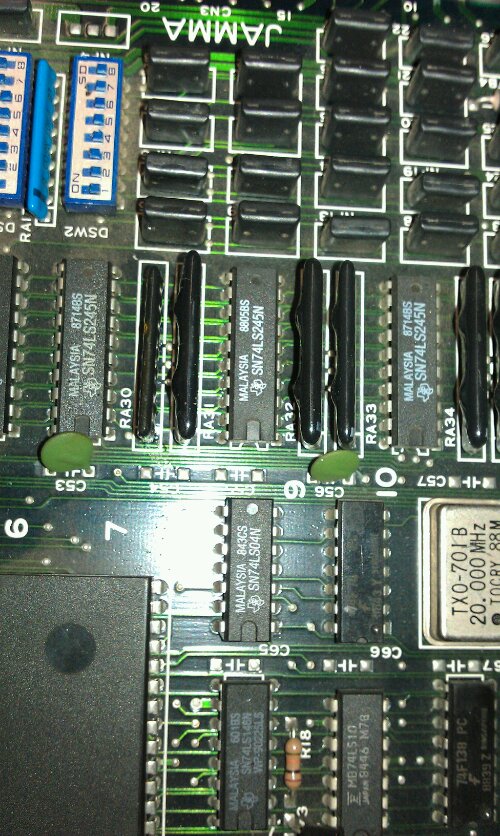
Silent Scope repair log

 PCB Repair Logs, Repair Logs  Comments Off on Silent Scope repair log
Jul 112011
 

Bought a Silent Scope PCB recently.
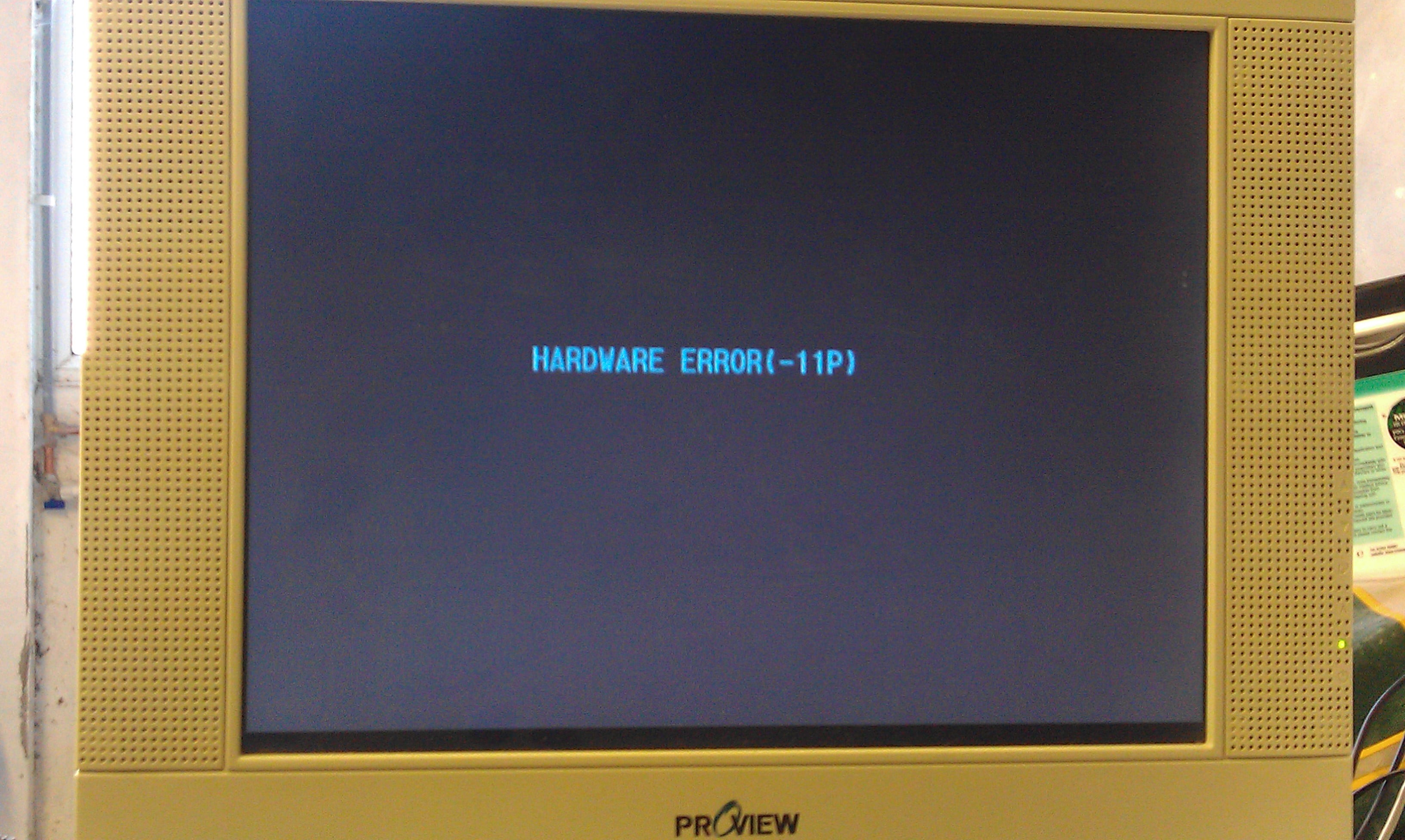
It had the “Hardware Error 11P” fault which is known to be cause by the battery failing in the TimeKeeper RAM.
Since the contents of these RAMs are in MAME I thought id fix one up which was probably a stupid idea as I dont have the setup to actually use it, but at least I know I can fix these now.

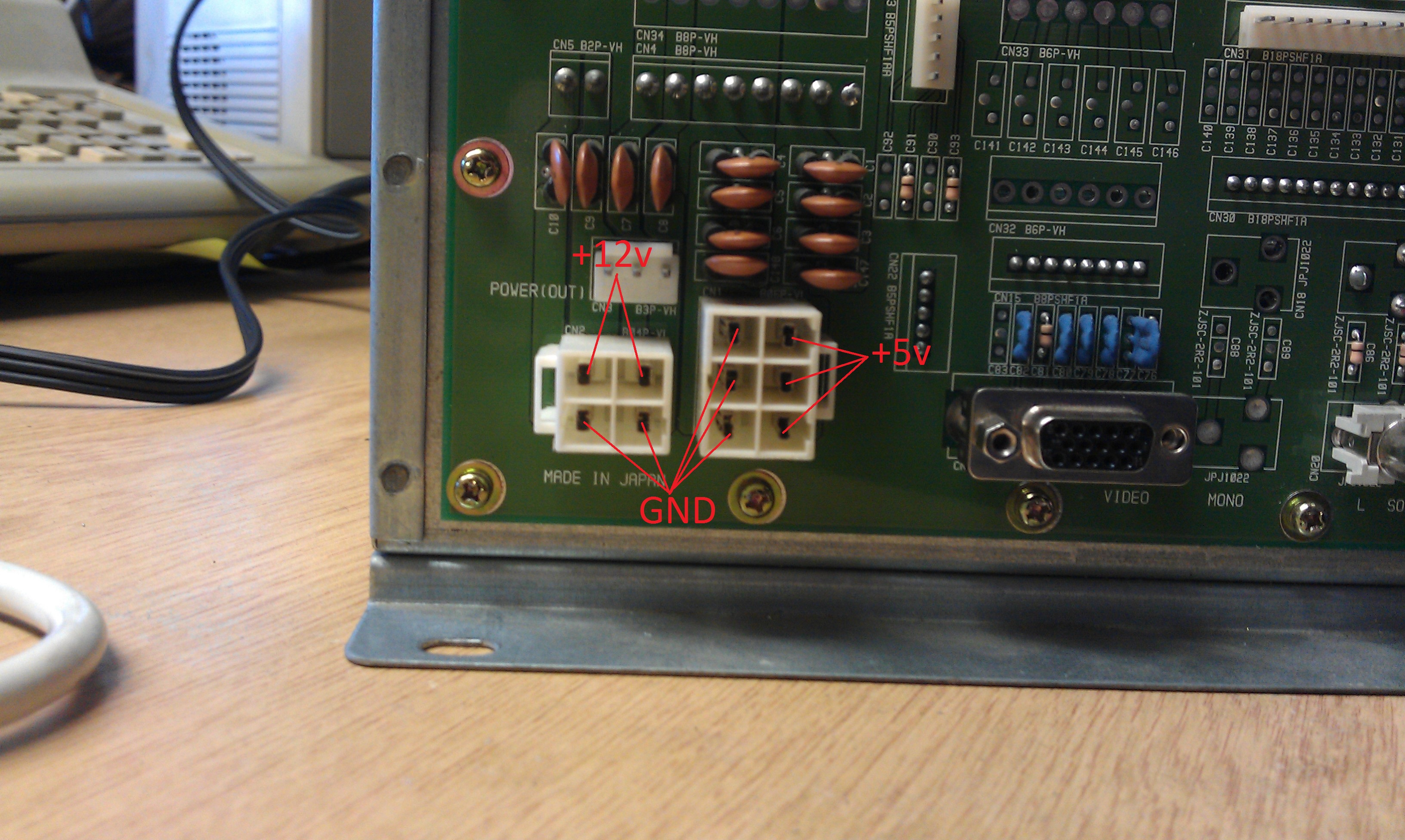
To get this thing booted up I modified my ATX power supply that I had previously modded to run my NAOMI setup. The power connection are labelled in the picture.
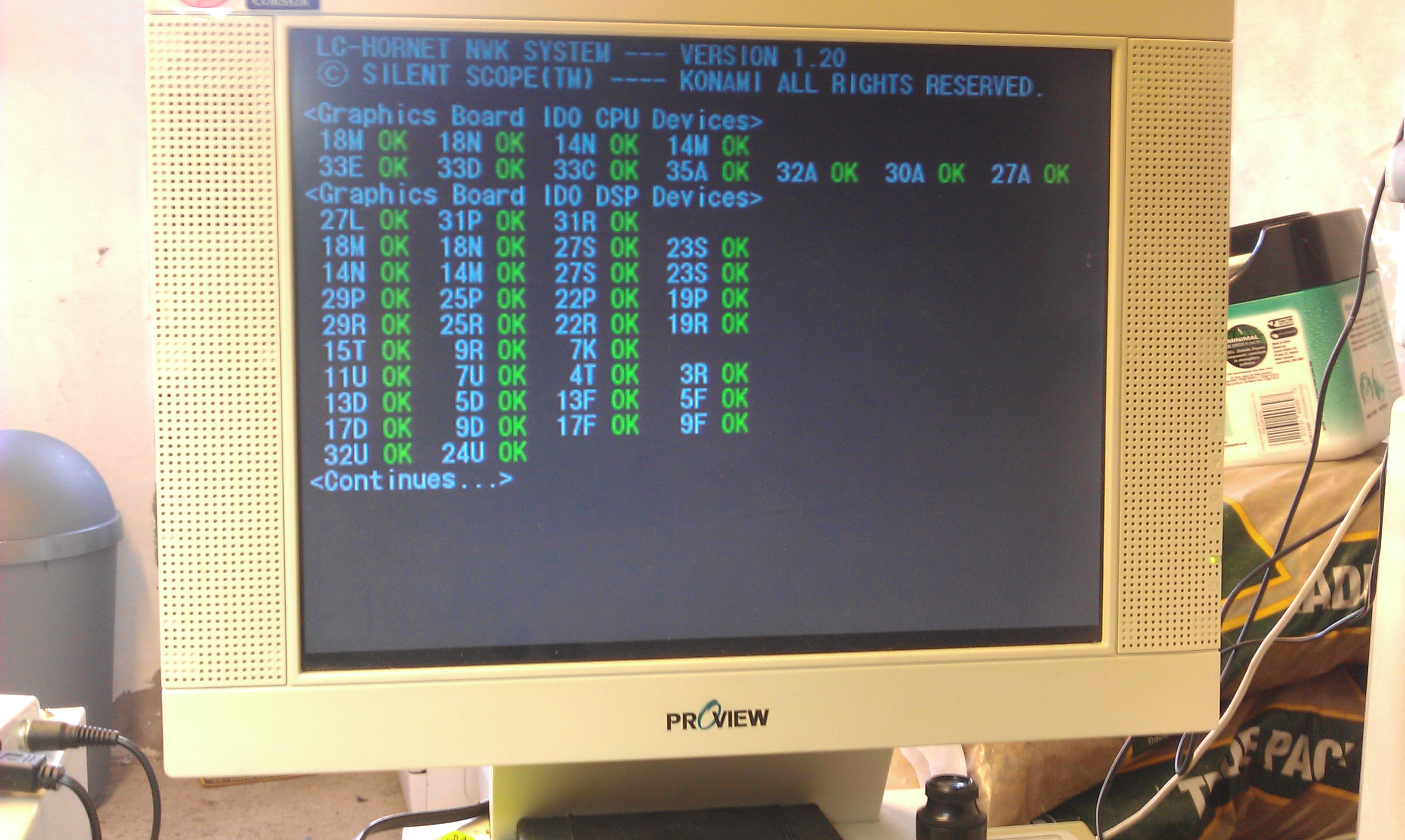
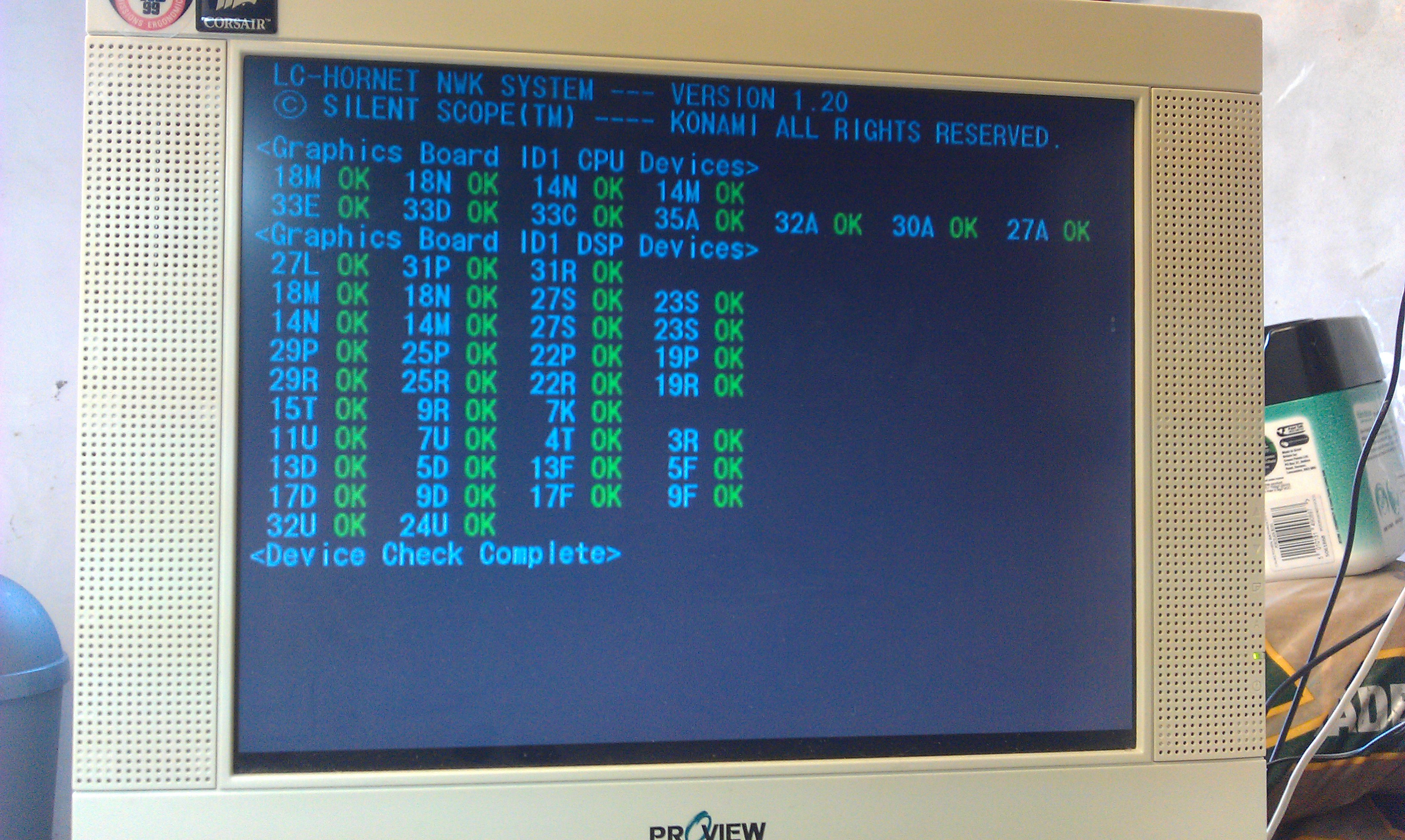
I had to run the VGA output through a standards converter too, it must be 31kHz. Once it was all fired up I was greeted to the startup procedure which consists of what look like RAM/ROM checks. All these passed but then it just hangs on the fault screen for a bit then resets.
The TimeKeeper RAM is located on the top board of a 3 board stack.
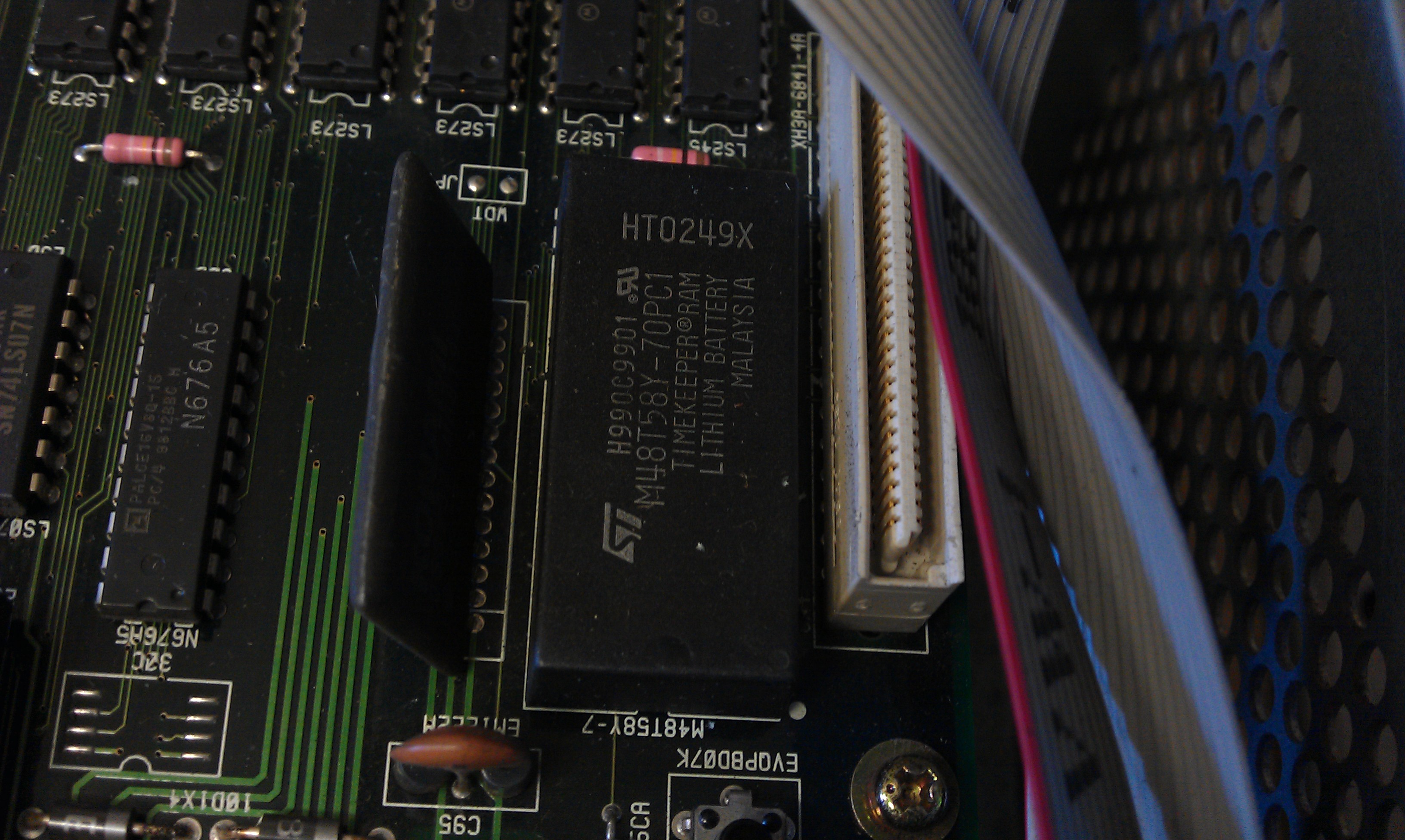
I removed the board and set to work desoldering the old RAM chip. It went smoothly considering it had the signature Konami thin traces and small through holes, the RAM just dropped out.

Thought it best to fit a socket in case of any problems with it in the future.
As this version shows up as v1.20, the RAM dump needed if from set UAB.
I did try reprogramming the original but it didn’t hold the data.
After fitting the new RAM the game booted to the test menu.
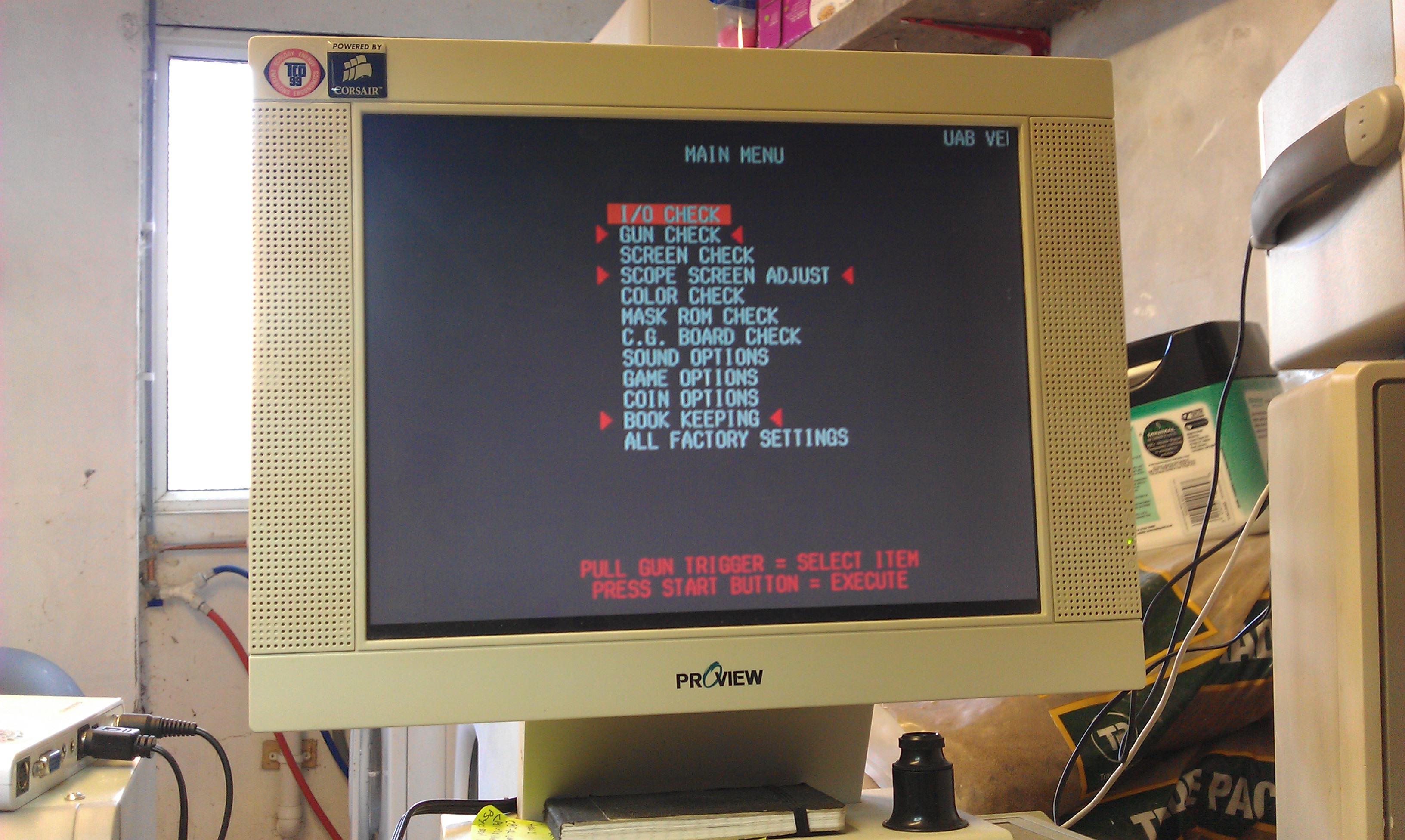

After working my way through the menus using the pins on the I/O board I was able to finally fire the game up.
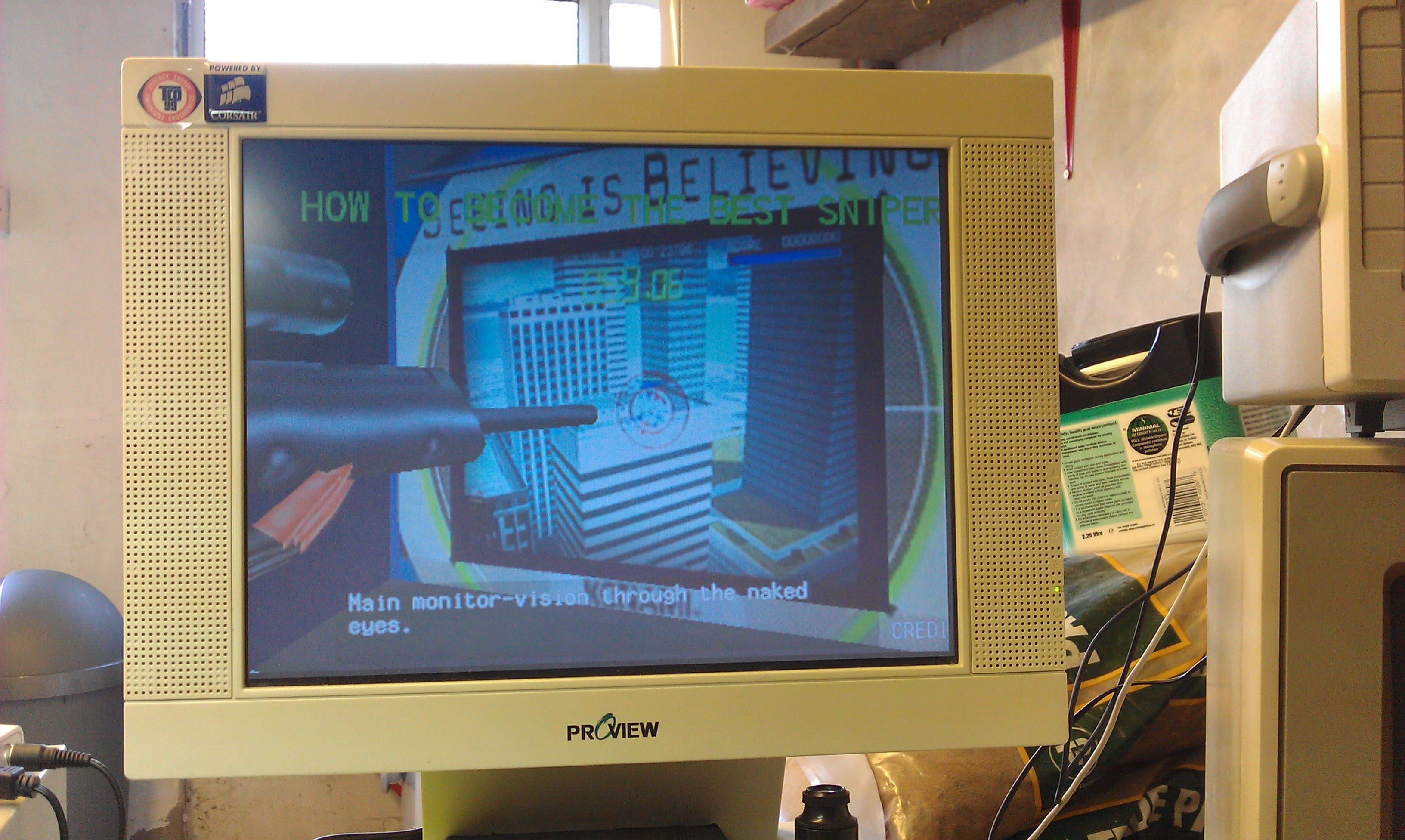
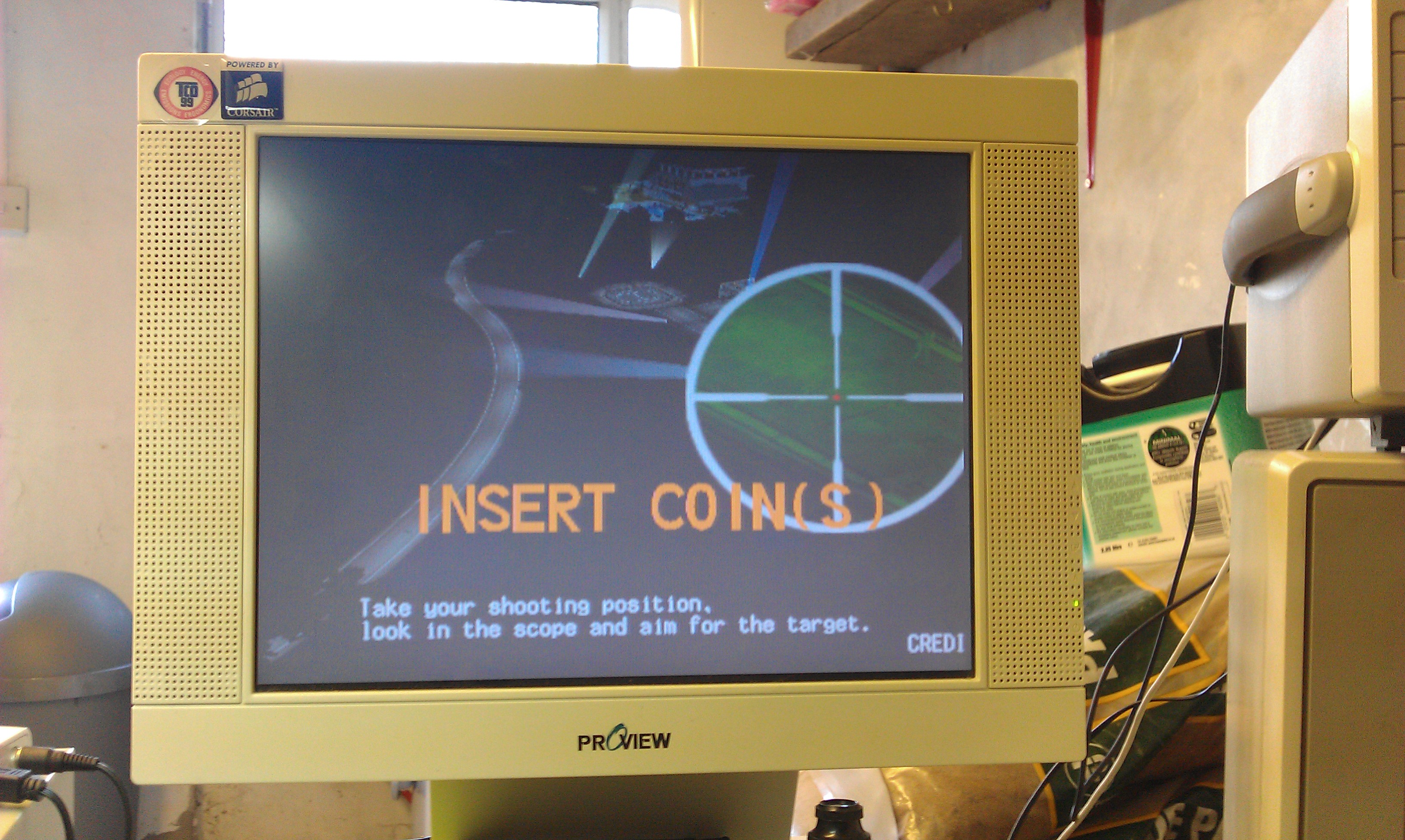
So, I have verified that the sound works, the game boots and the digital inputs are working. I have no reason to believe that the rifle wouldn’t work if connected.

UPDATE (06/07/2015):
If you have an Arduino and fancy testing out my Timekeeper programmer ‘sketch’ then you can download it from the Downloads section.
It worked for me but I make no promises it will work for you. Its a basic proof of concept and could do with being developed.
Nintendo Super System – stereo to mono

 Guides  Comments Off on Nintendo Super System – stereo to mono
Jul 032011
 

Not really a repair but useful information.
My NSS board by default is set to stereo sound output.
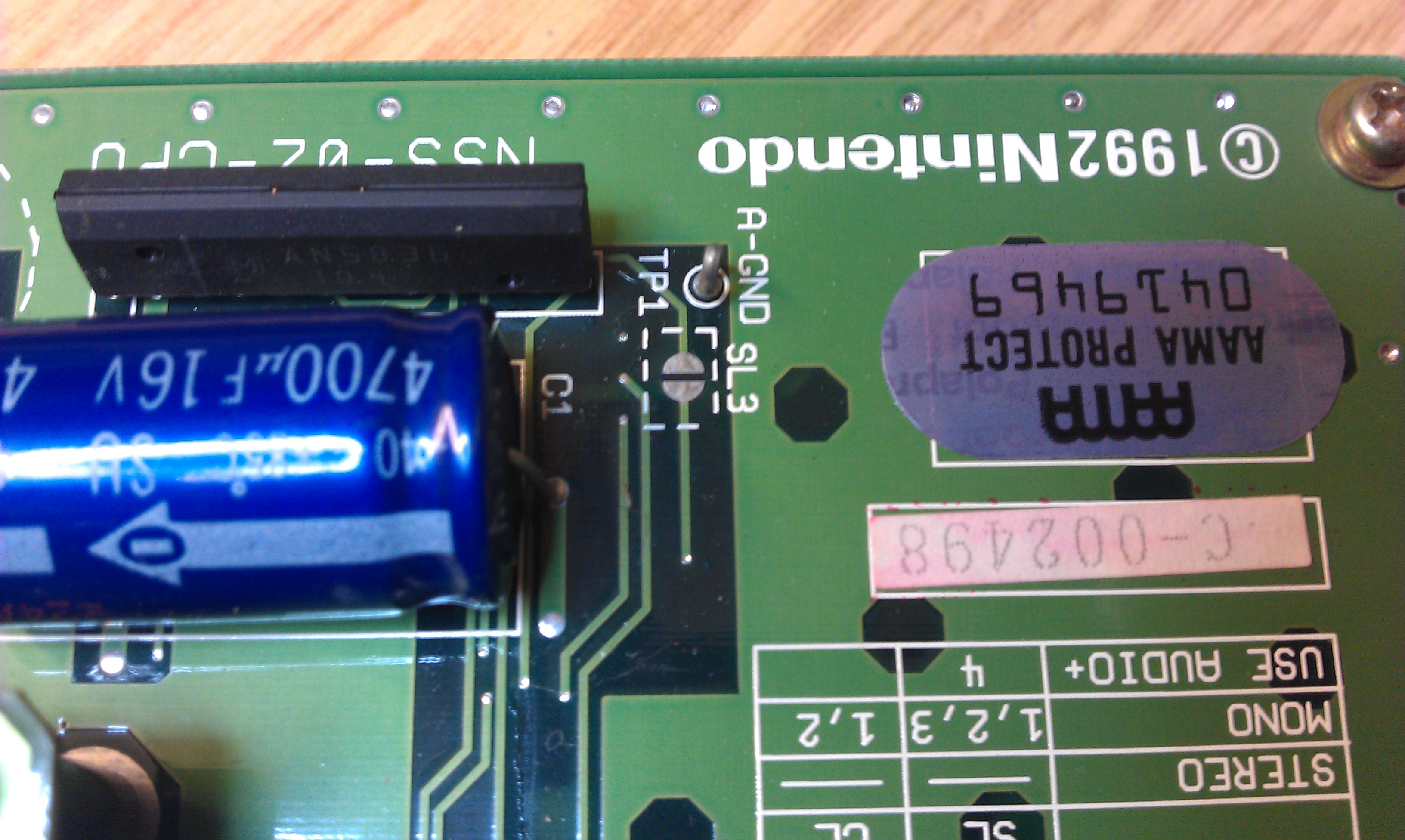
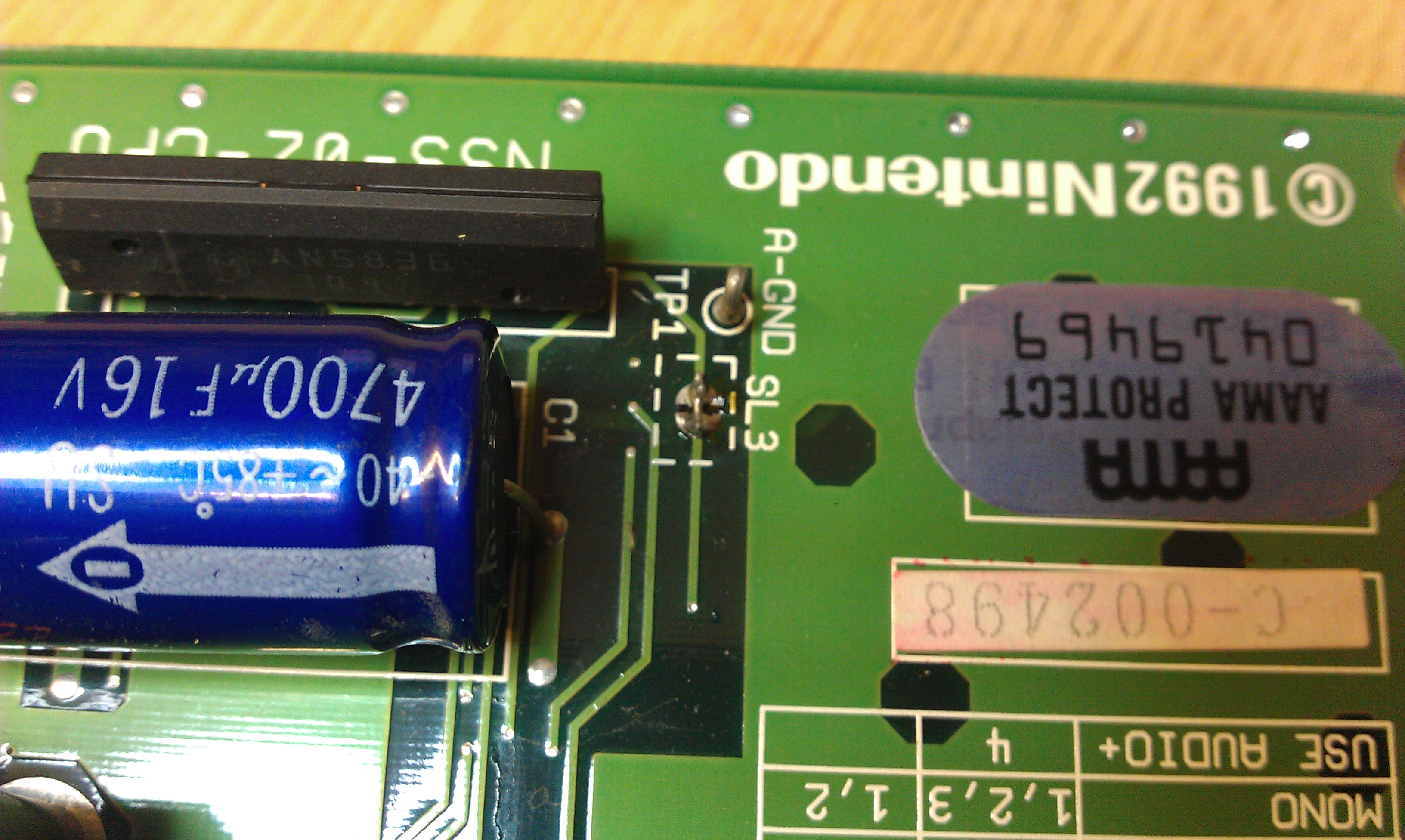
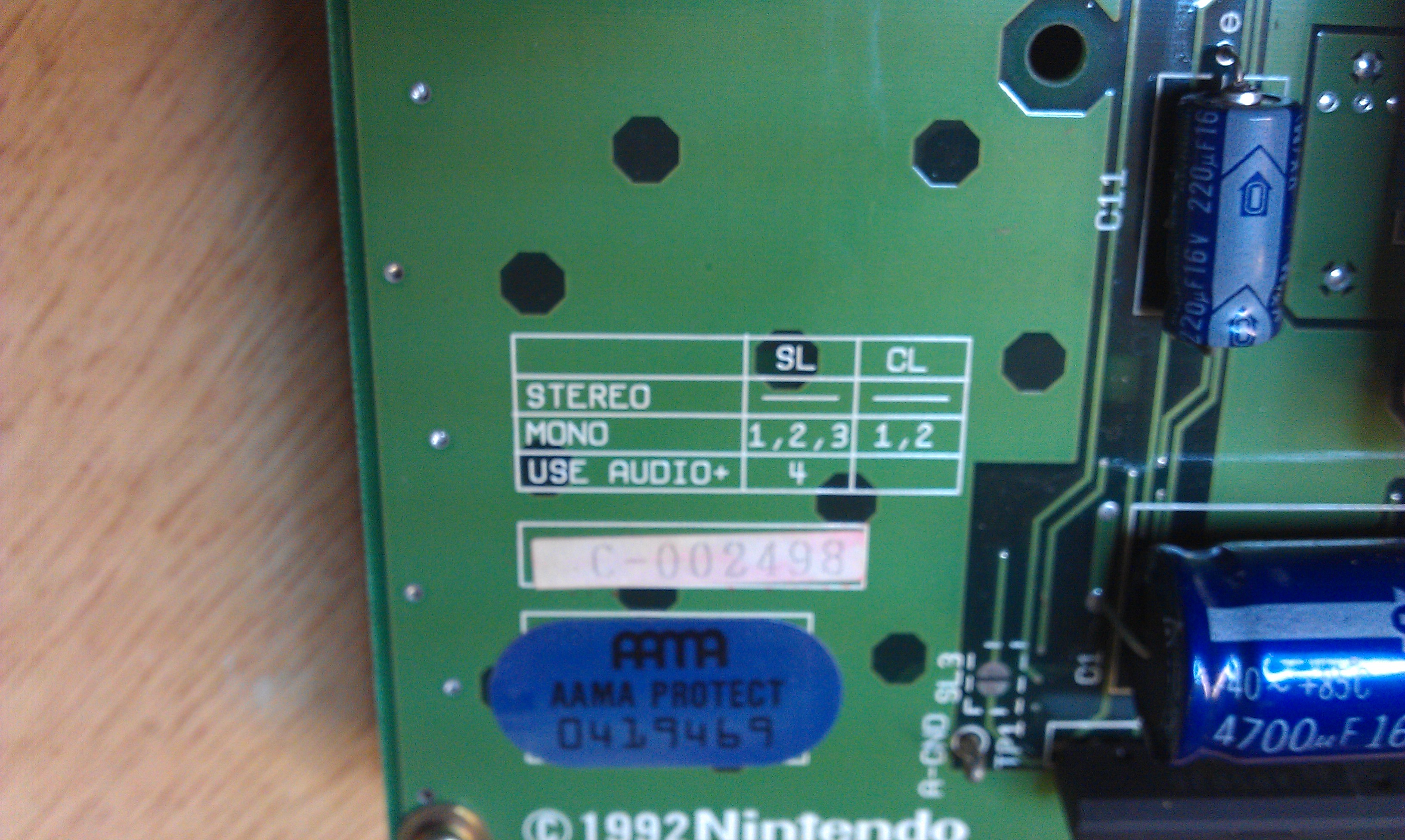
This is no good for me but fortunately it can be switched for mono output via the on board jumper pads and the silk screen clearly states what needs to be done.
Although most people will not need a guide on how to do this, I thought id write it up anyway for just for the sake of it.

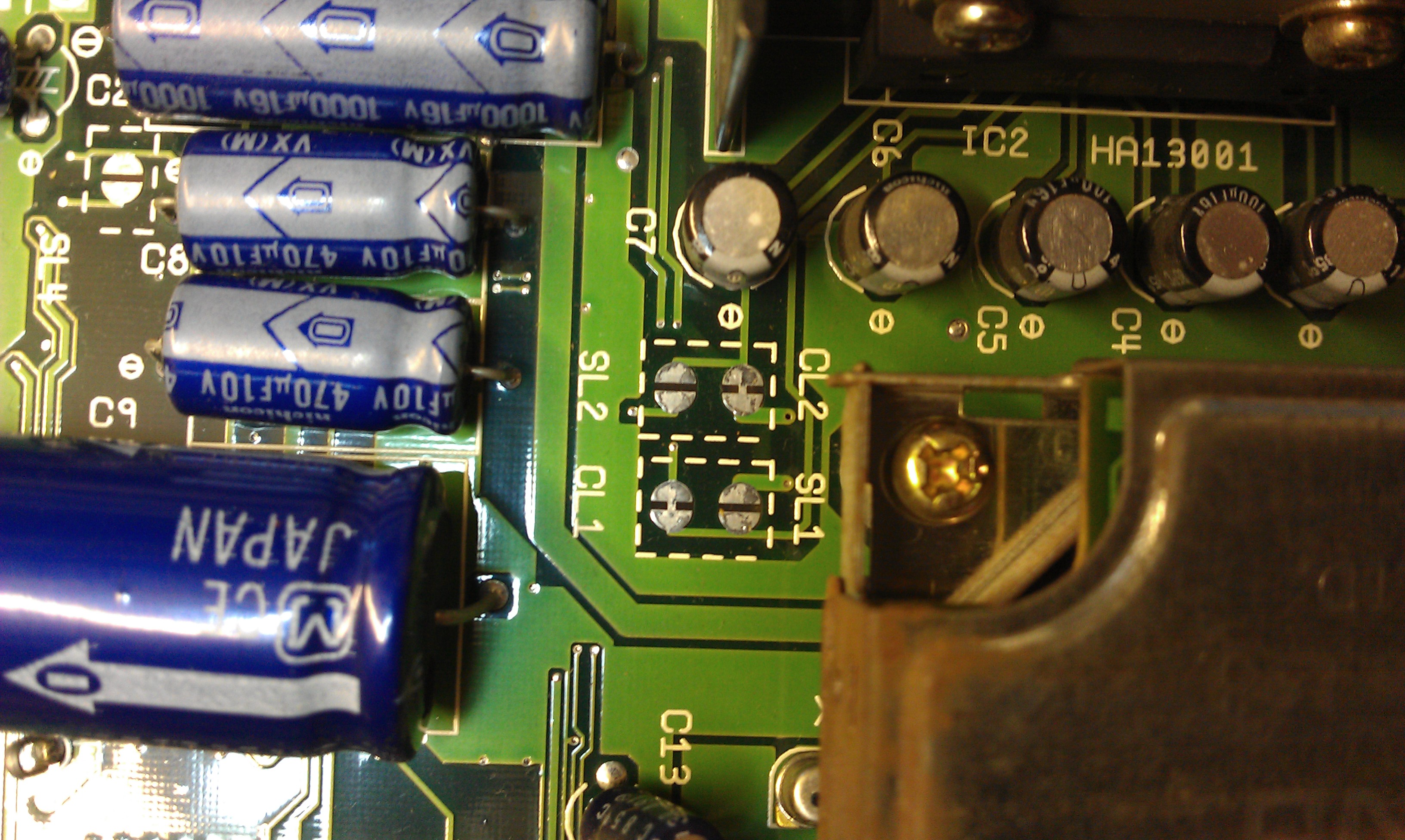
Silk screen instruction clearly show for mono output jumpers SL1, 2 and 3 and CL1 and 2 need to be closed.

On my board the CL jumpers were already shorted but non of the SL ones were.

I used a tiny off cut from a recently soldered capacitor to make up small links to solder in and within a couple of minutes all was complete.

The board now outputs mono sound.
I also noticed my BIOS ROM was labelled up “NSS V3” and I am pretty sure MAME only has V2. I dumped it and sure enough it wasn’t recognised by MAME.
Ill have to get it sent off or you can download it here

Atari ST disk TOS

 Downloads  Comments Off on Atari ST disk TOS
Jul 022011
 

My mate Sophie wanted some EPROMs burning of the early TOS version for the Atari ST.
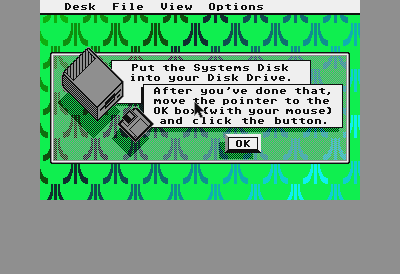
This version boots TOS from a disk rather than being “on-chip”.
I was given a couple of links to atari-forum.com and read how others had done it.
Because the ROM dump is only 16k and we want it on a 27c256 EPROM, we have to byte split the file into HI and LO and copy each file into itself 4 times.
Using the Windows command prompt you can type:
“copy /b disktos.lo+disktos.lo+disktos.lo+disktos.lo disktos256.lo”, and same goes for the HI file.

I originally tried this out on my STe and set the jumpers accordingly which allegedly allow a 27c256 eprom to be used but this now seems incorrect.
To throw me further in confusion, one of the EPROMs must have died somewhere between my house and my mates because it didnt work.

Feeling a bit deflated I sent an email off to user 1632 who originally started the post, asking if he could send me his files. He very kindly dumped his eproms and sent me them but they matched the ones I originally created.
All I could think of doing was burning them again and sending them off. This time they worked so a dodgy EPROM was the cause all along.

You can find the original forum post here

disktos

Thanks go to Mike (1632) for his help with this. I would have spent a lot of time looking in the wrong place without his help.

TAP2WAV program

 Downloads  Comments Off on TAP2WAV program
Jun 192011
 

I needed to convert some Commodore 64 .TAP files to .WAV to test out a new device and found the original TAP2WAV program by Gaia.
The program did not work on newer OS’ so ive recompiled it.

This program is not my own work, all credit goes to the original author Gaia. Ive been in touch with him and he is fine with me hosting this.

TAP2WAV

Robocop repair log #1

 PCB Repair Logs, Repair Logs  Comments Off on Robocop repair log #1
Jun 152011
 

Bought a Robocop board from the AO forums. Seller says the jump button didn’t work.
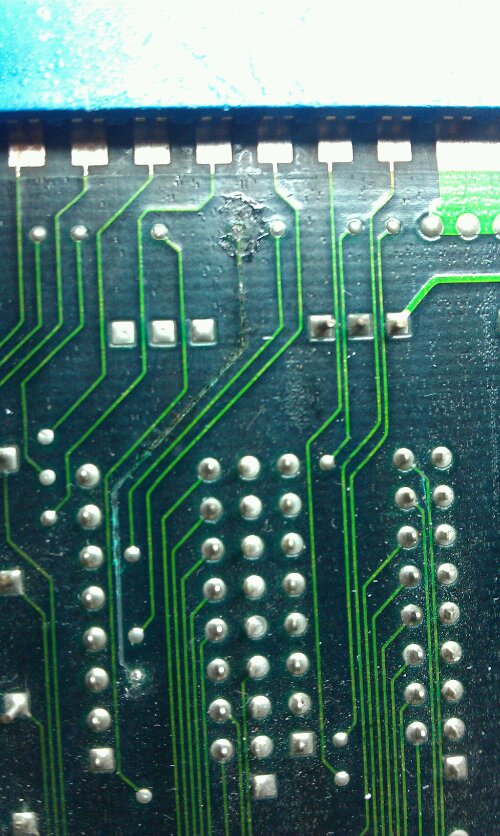
Doing a visual inspection revealed a burnt out track just off pin 23 on the edge connector, which is button 2, in this case, the jump button.

image

I repaired the trace but still no joy with getting the controls back.
Further inspection showed that the custom resistor array had burnt out. This resistor array has some modified characteristics compared a normal array, it passes an input out to a different pin and has a few other differences too. As I don’t have any spares of the custom array I decided to use a standard one pulled from a scrap board.

image

To make this work I had to short pins 6 and 7 together and 8 and 9 together. These are for button 1 and button 2.
The board is now fully working but ill keep an eye out for an original replacement part to fit.