ABI Boardmaster 4000

 General  Comments Off on ABI Boardmaster 4000
Aug 122011
 

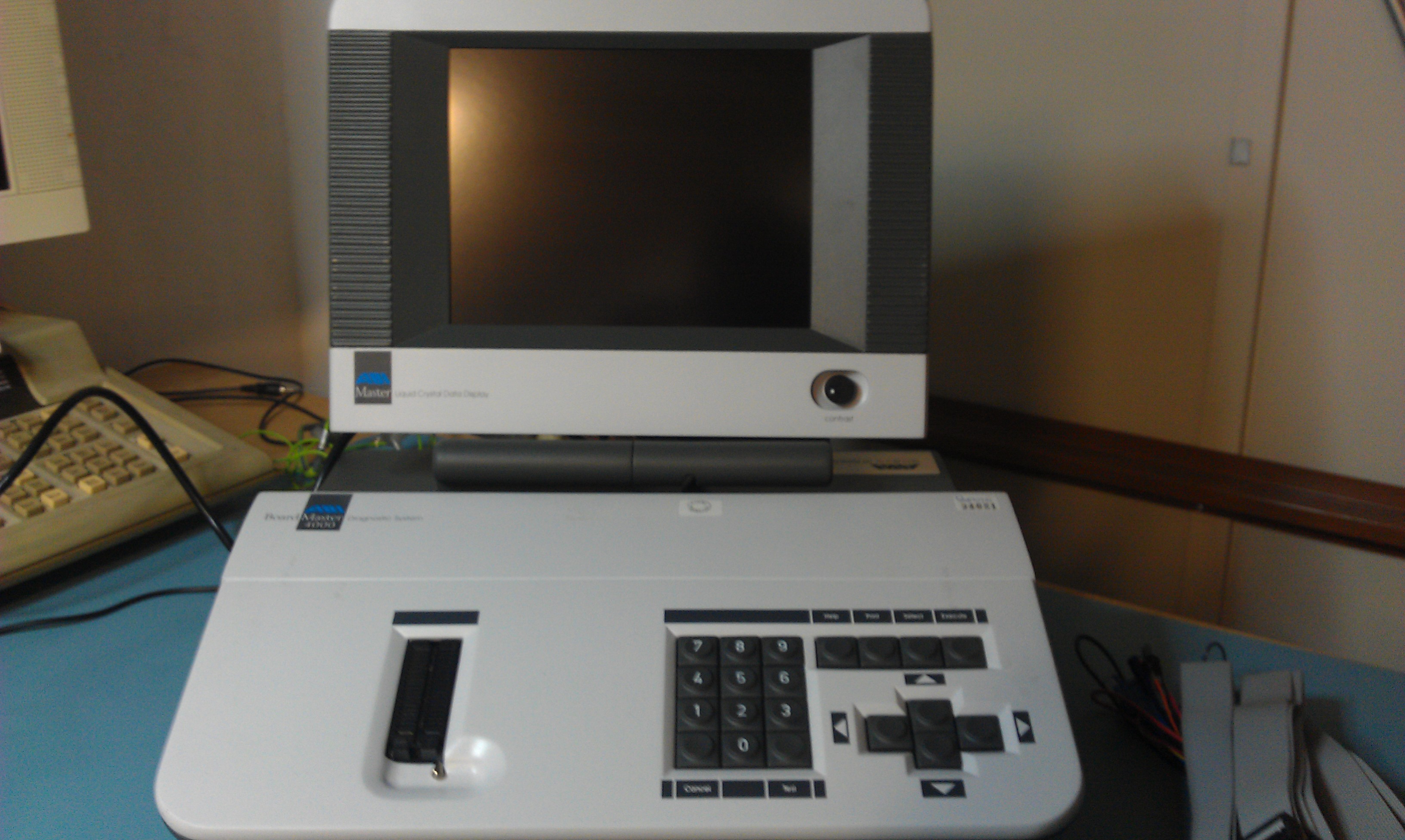
Been looking for one of these for a little while now and finally managed to get my hands on one.
While this is by no means an essential bit of test equipment, it is a massive time saver when it comes to troubleshooting TTL as it can test in-circuit.
Programs can also be written for it using the built in BASIC language and is very simple to use.
Before This got here I started looking for info on the net and to my surprise I found very little. All I found was the programmers manual and the last software revision.
As mine came with the operators manual I have scanned it in and put it up on here.

The software revision in mine was v3.00. The ones I found online were v3.10 and the changelog showed this was most likely the last revision and had several TTL test fixes so I updated mine. The files are burned on to 2 x 27c020 EPROMs. There is also a third file that is a dump of the LCD software. My version (v1.02) was the same as the one in the file.
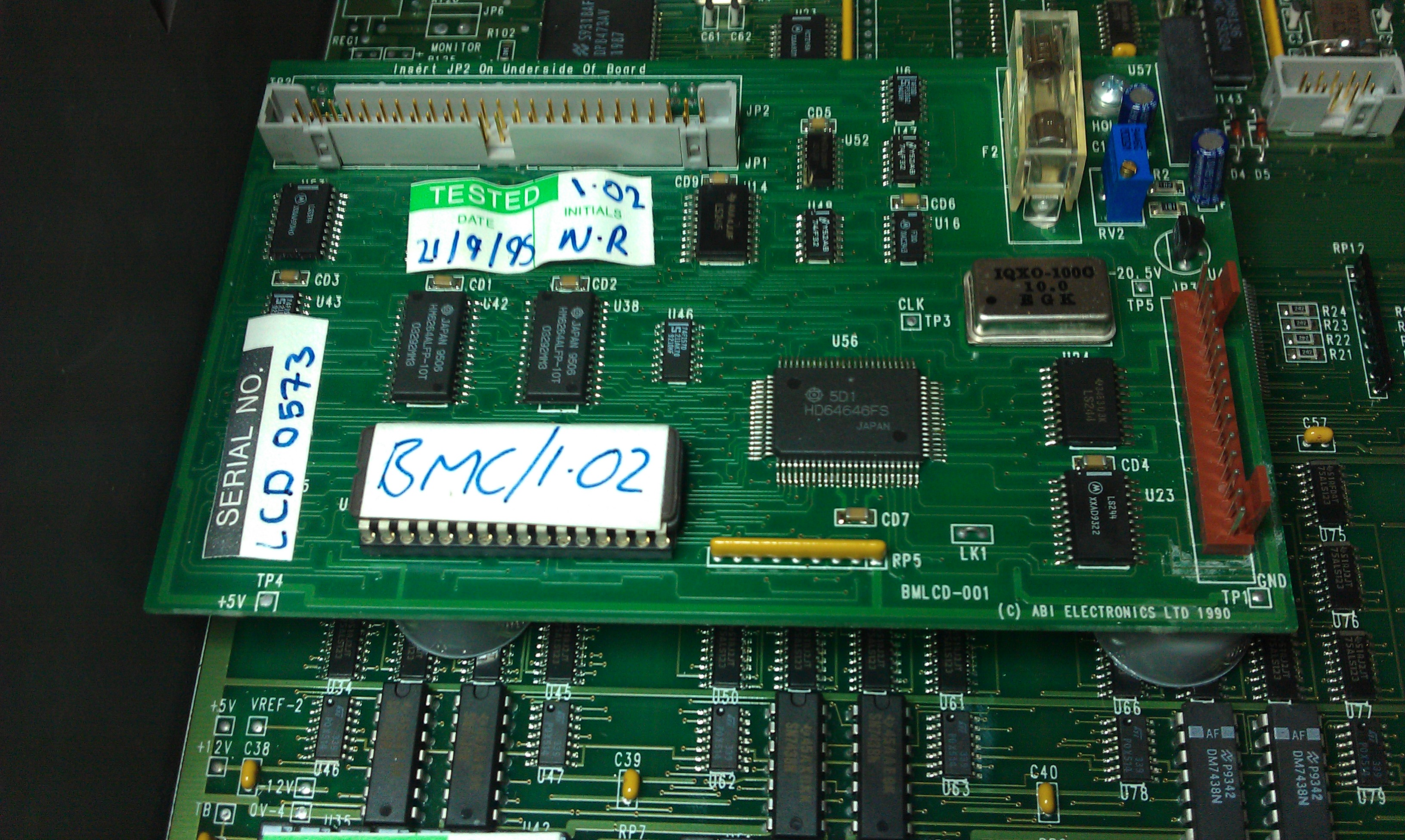
The time and date are stored in a Timekeeper RAM in which the battery has died on mine. There is a replacement alternative but taking a look inside I dont think ill bother. It doesnt really gain me anything and cant be bothered removing the board and performing surgery.

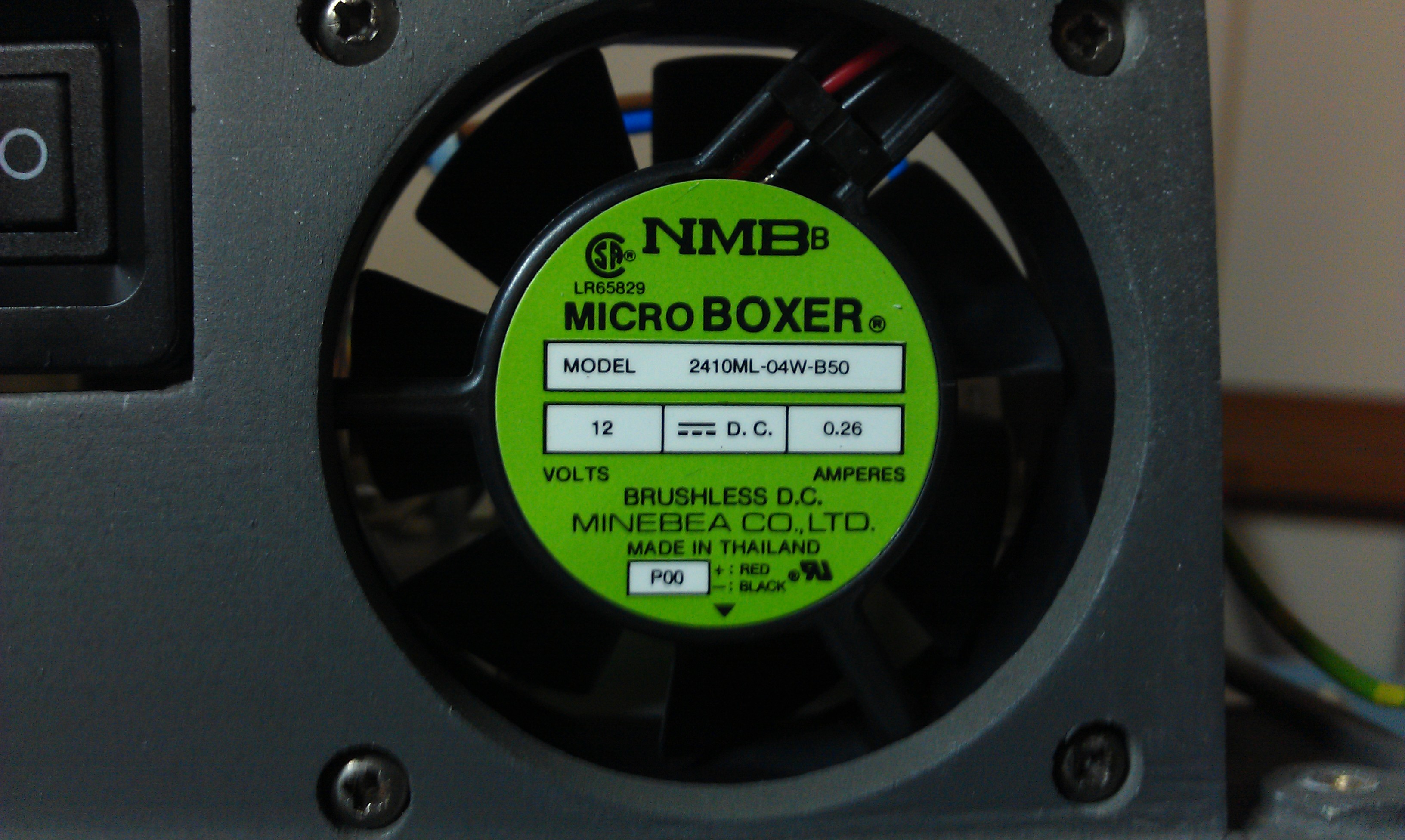
Another little problem is the built in cooling fan. It really really loud. According to the specs of the fan, it runs at about 31dB. I have now ordered a quiet fan that runs at 16dB.
Other than that, this thing is amazing and in really good condition too.
Commodore 64 ‘breadbin’ repair log #3

 Computer Repair Logs, Repair Logs  Comments Off on Commodore 64 ‘breadbin’ repair log #3
Aug 062011
 

Number 3 of the 5 I brought back from RCM.
This one ended up being a bit of a pain.
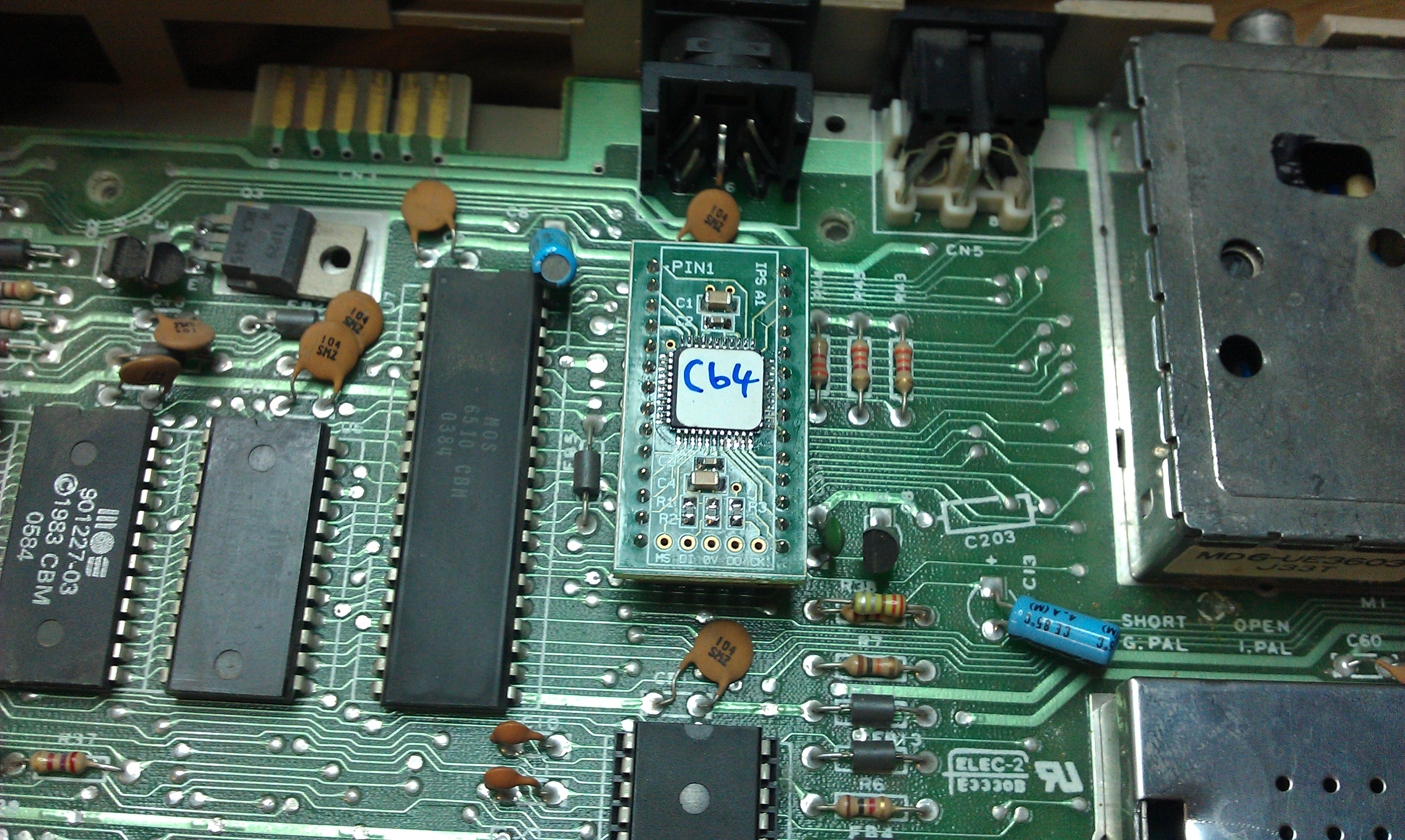
Black screen at power up. Removed PLA but didn’t have an original spare I could swap out so it was time to use the CPLD based replacements I have.

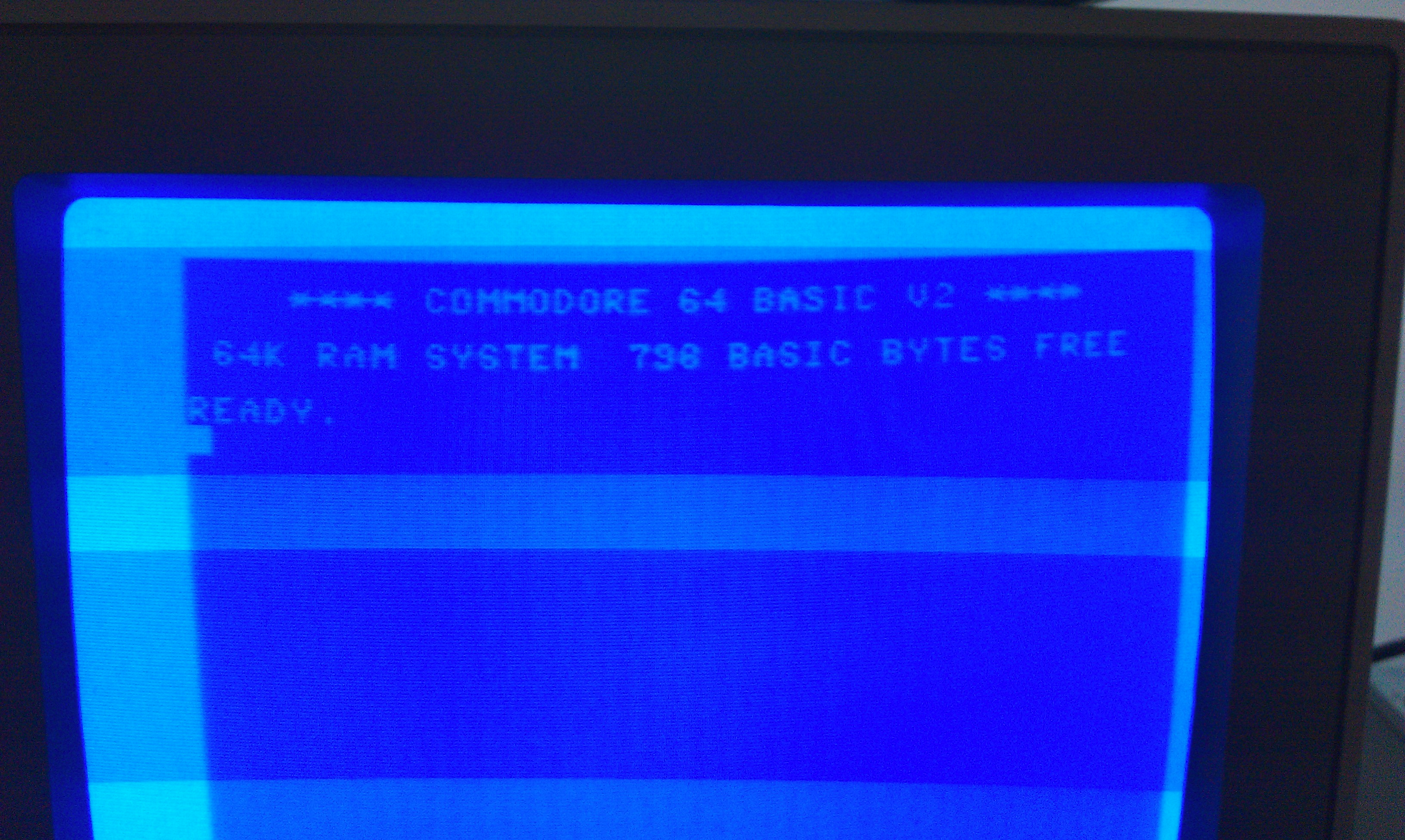
Now the 64 boots up but sometimes gave garbage on the screen and sometimes gave the normal boot screen but with 6336 bytes of RAM.
My initial thinking was a RAM fault so went round all the RAMs and doing a thorough soak test on them but it yielded absolutely nothing.
I plugged in my diagnostic cart and it would flag up a different RAM as being at fault each time. This suggested that the 74LS257 data selector for these RAMs was shot. I removed U13 first and it failed its tests. I replaced this with one from another C64 I had and all is well with this one too.

As Ive been using a couple of these 64’s as donors I now find myself unable to do anything with the remaining 2. Ive got some RAM chips coming but will have to keep an eye out for some VIC replacements.

Commodore 64 ‘breadbin’ repair log #2

 Computer Repair Logs, Repair Logs  Comments Off on Commodore 64 ‘breadbin’ repair log #2
Aug 062011
 

Had black screen on power up.
Tested the PLA, this was fine. The VIC has getting really hot, replaced and system powered up but only showed 796 bytes of RAM free.

Using a homemade diagnostic cartridge, I found that a RAM at U11 was to blame. I pulled this and tested it but it passed. I set the tester to “PASS LOOP” which will rerun the RAM tests as long as the outcome is a PASS. This chip was now showing failures after a few cycles.

I replaced the RAM and retested, all RAM is available once again.

Commodore 64 ‘breadbin’ repair log #1

 Computer Repair Logs, Repair Logs  Comments Off on Commodore 64 ‘breadbin’ repair log #1
Aug 032011
 

Brought 5 broken C64’s back from the RCM to try and ressurect.
This one just booted to a black screen.

On my initial checks I found that the 6510 CPU did not have a clock. The clock for this is outputted from pin 17 on the VIC chip. Although this was getting a clock input, it was dead on the output and was getting very hot. I replaced this with a known good one and fired it up again. Still got a black screen but clocks were now present.

A black screen is commonly associated with a dodgy PLA. I removed the PLA and replaced it with a known good one and the C64 now loaded up.
Next problem, there was no cursor and the keyboard would not type anything. These are handled by IC U1 which is a CIA. Again, I removed this chip and fitted a known good one.

The Commodore now fires up and works fine.
One down, 4 more to go (and a VIC20 but dont have a PSU for it)

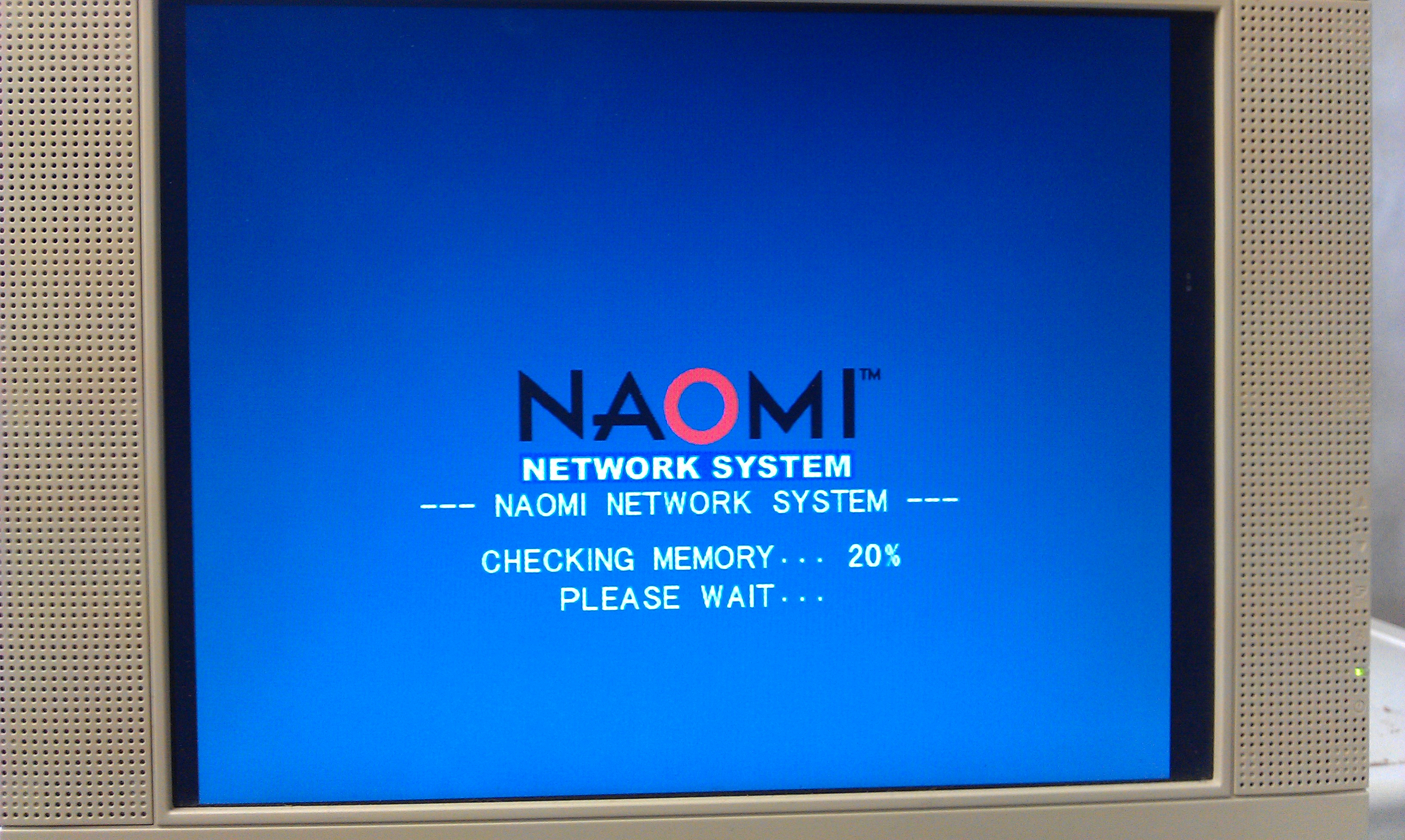
NAOMI Netbooting

 General  Comments Off on NAOMI Netbooting
Jul 232011
 

Was unsure whether or not to post this but here it is anyway but without links to any of the utilities needed. I actually own a fair amount of GD-ROM games and netbooting gives me a more convenient way of loading my games now my GD drive is dead.

As most owners of a Net DIMM will know, it is possible to load code from a PC via ethernet.
To start with there are some jumpers to change on the DIMM board to set it to network mode.
My net DIMM had version 3.03 firmware which is fine for netbooting but as my ultimate goal was to build my own compact flash booting device I need the latest firmware, 4.01.

My first problem came with the DIMM boards I have. They were not recognised by my NAOMI.
My BIOS was 21577D which is too old for network support.
A newer BIOS was needed so I burned a new 27c160 EPROM with the latest available export bios.
This let me access the DIMM module in the test menu.

In the test menu you can setup the network settings.
The device must be set to ETHER
The network IP and subnet need to be correctly set too.

My second problem came with my ethernet cable.
As I wasn’t using a router or similar, I needed a crossover cable and the one I very quickly knocked together ended up being useless.
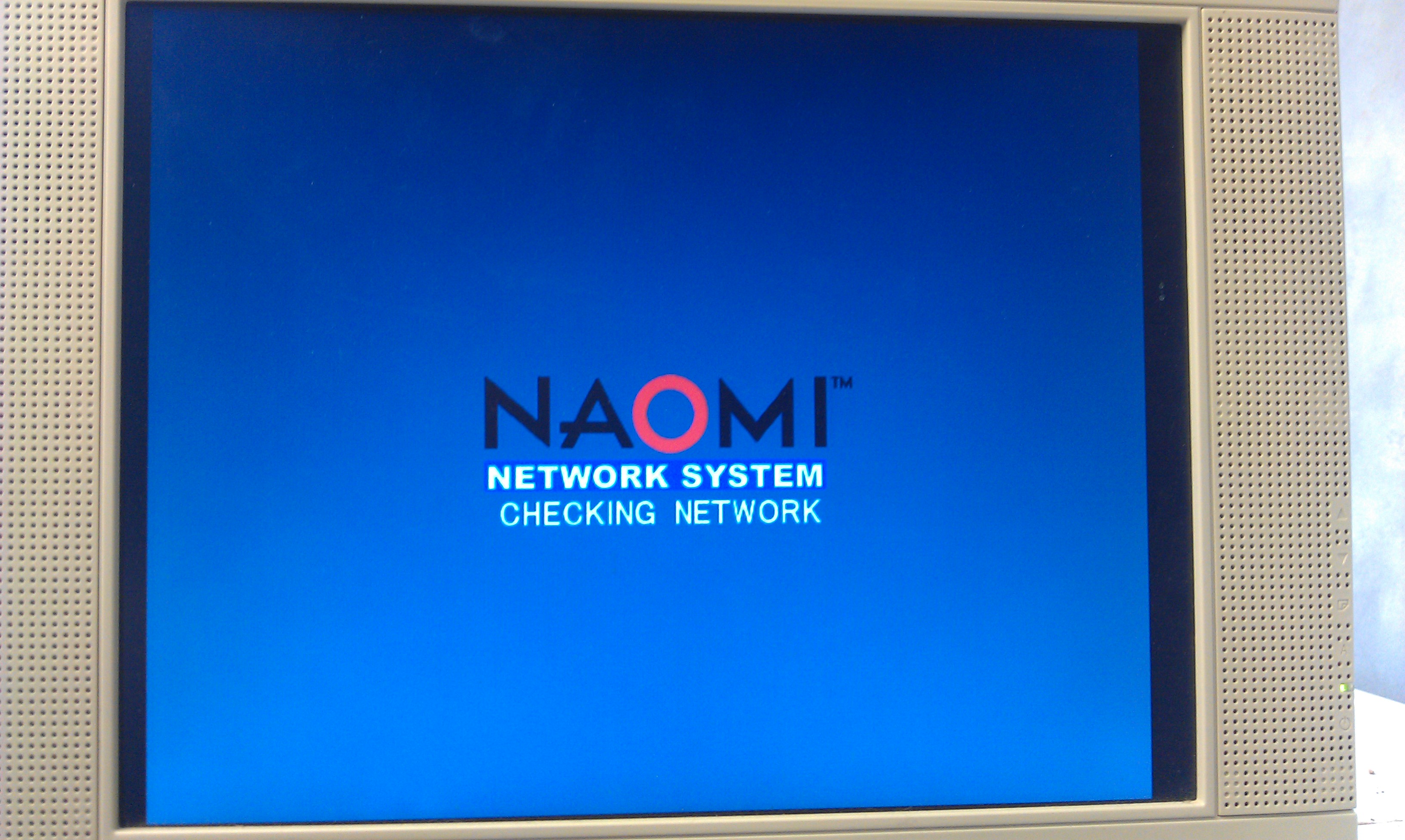
The second one I made up worked a treat and I could then PING the system.

First job was to update that firmware.
There are 2 tools available for uploading to the DIMM.
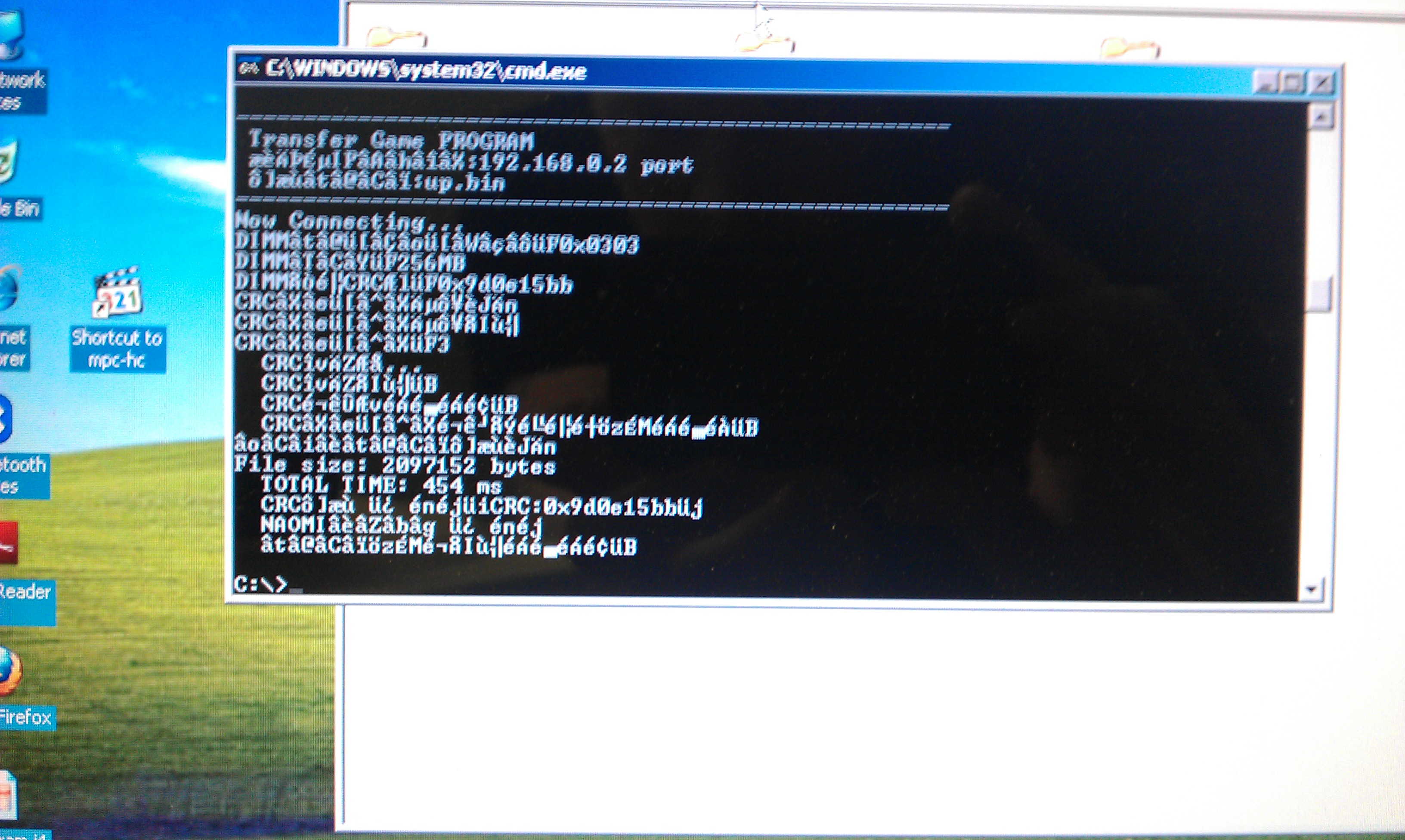
The first one is the official SEGA one called “transfergame.exe”

I had no luck at all with this program, probably because I didnt know what security net pic to use.
I had burned several different replacement pics but none seemed to work correctly.
I gave up with the official software and downloaded the very excellent triforcetools python script.
To use this you need to download all the associated Python files.
This script runs pretty much the same way as transfergame.exe in terms of usage but sets the DES key to zero so any net pic can be used.
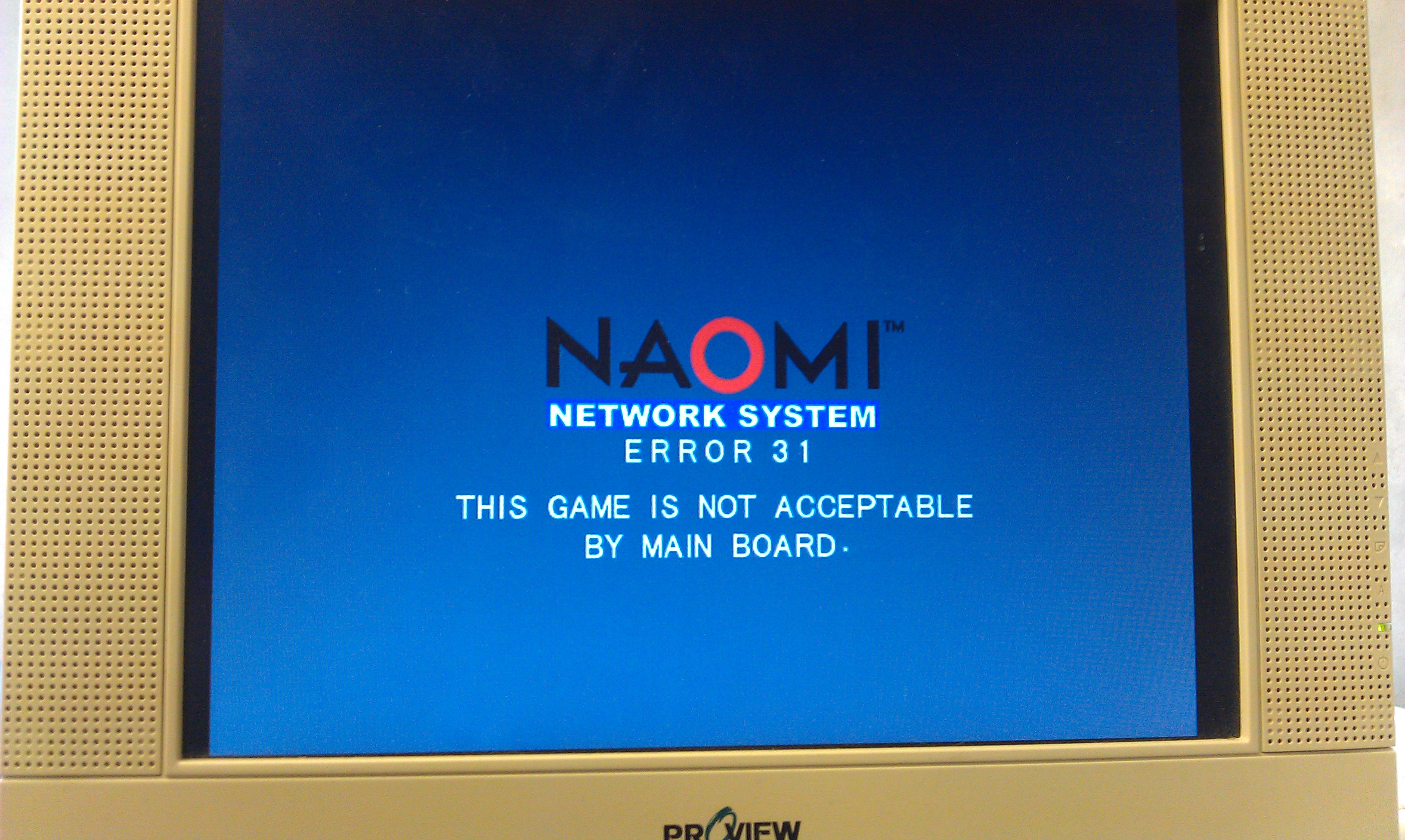
As it happens I didnt get much further with this at first as it kept giving me a Error 31.

With no ideas I gave up for a day.

Whilst doing a lot of searching around the internet I found a modified version of the python script which claimed to remove the need for any security pic to be inserted at all, and it works a treat too.

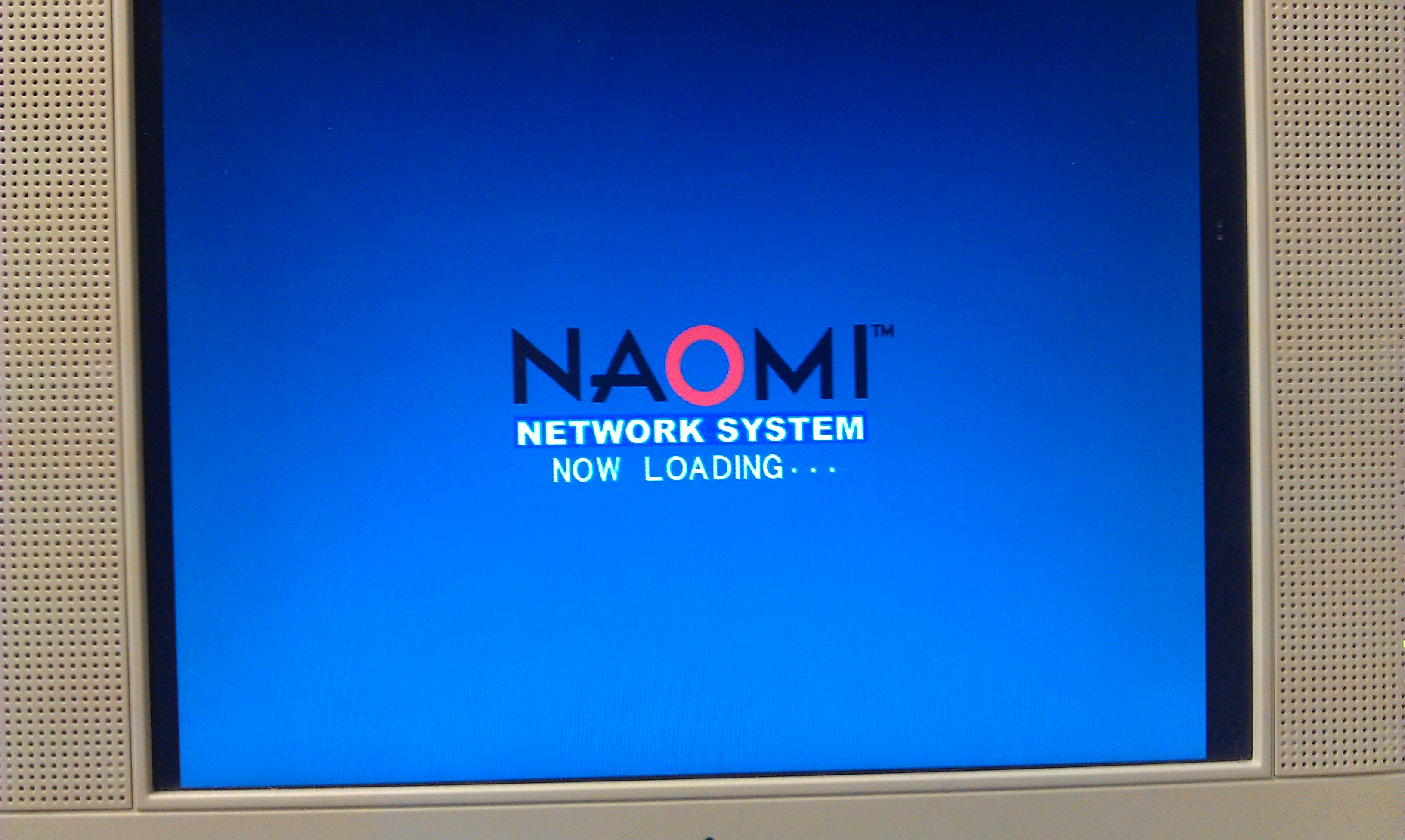
Using this I managed to upload the new firmware and update the DIMM to v4.02 (this version lets a user use any CF card and not just an official SEGA one).

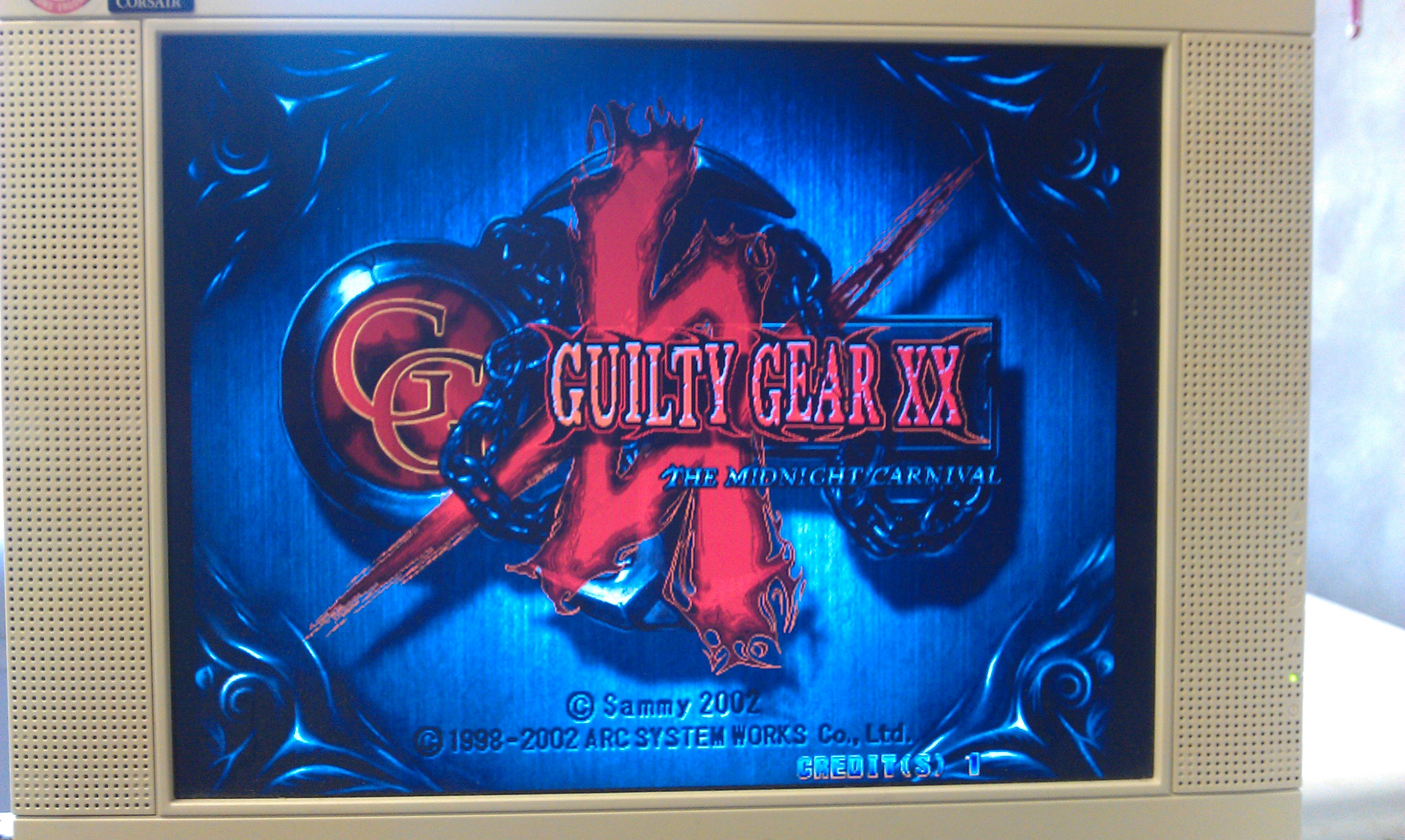
I also managed to boot Guilty Gear XX too. All works fine. Now I have this working I am starting to think I dont need to build the CF adapter but since I have all the parts needed I might as well do it.