
Kudos to Hammy for his expert advice of all things Namco System 11/12 for tutoring me on diagnosing this board.
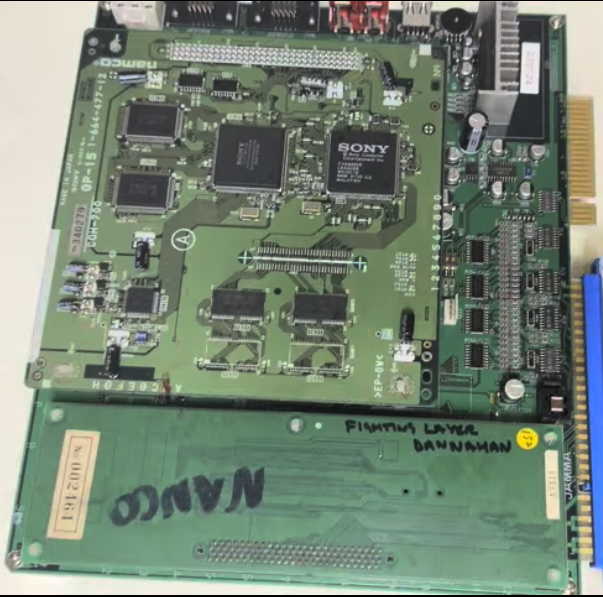
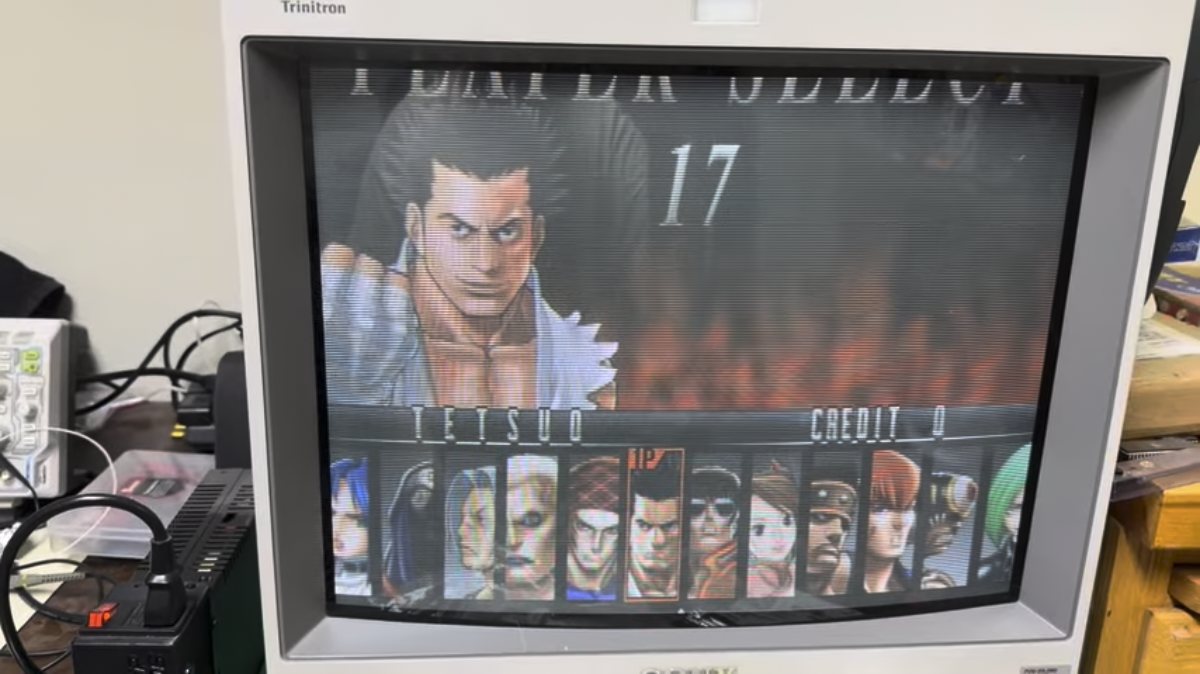
In for repair is a Namco System 12 boardset with the Arika game Fighting Layer.
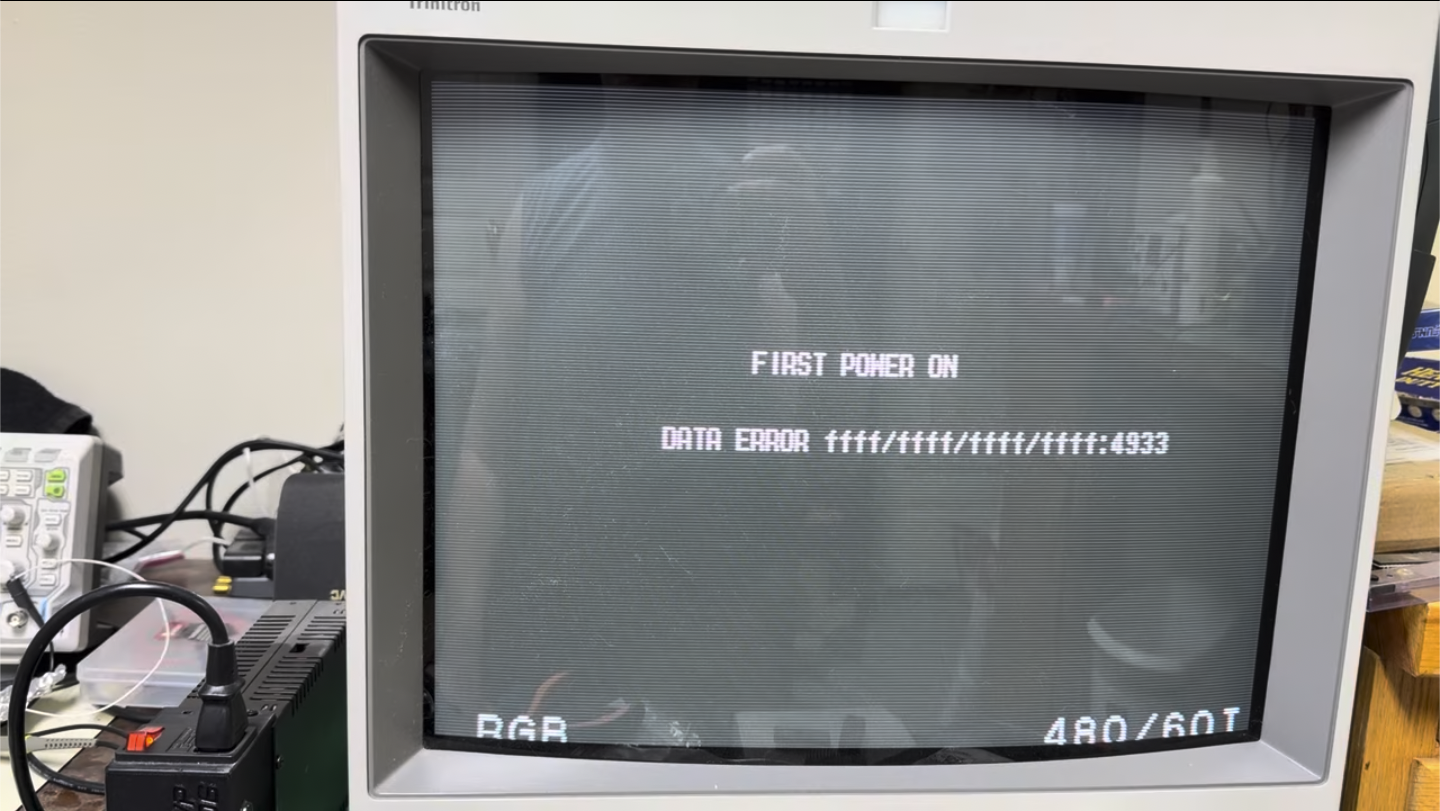
At startup, the board would display the error “FIRST POWER ON – DATA ERROR ffff/ffff/ffff/ffff:4933”.
However, after displaying that error, the game would proceed to the title screen and play normally.
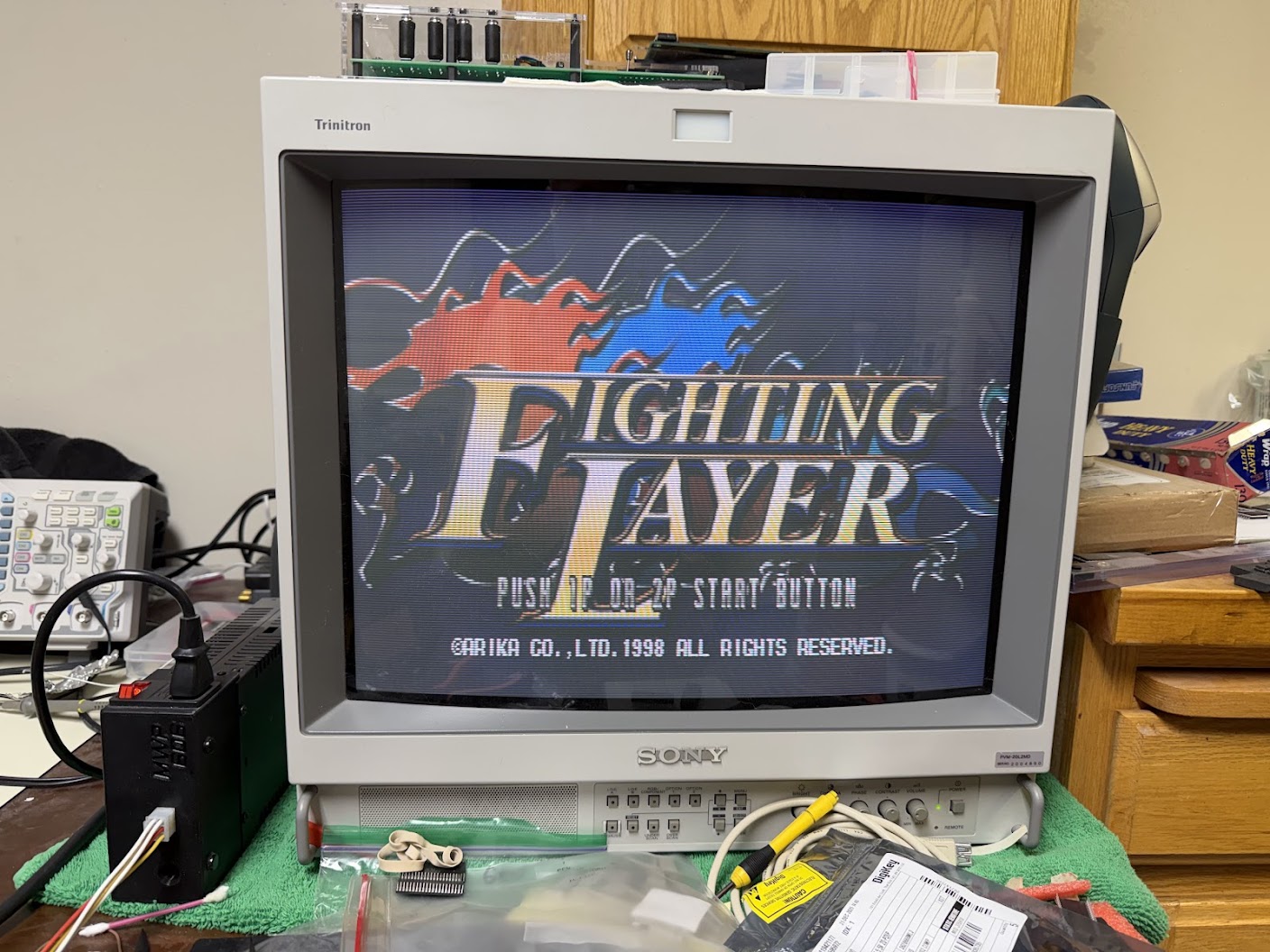
I assumed that the game was attempting to read corrupt bookkeeping info and stats from the onboard Atmel EEPROM chip located in the lower-right corner of the mainboard. Clearing the EEPROM contents in the Service Menu didn’t resolve the error though.
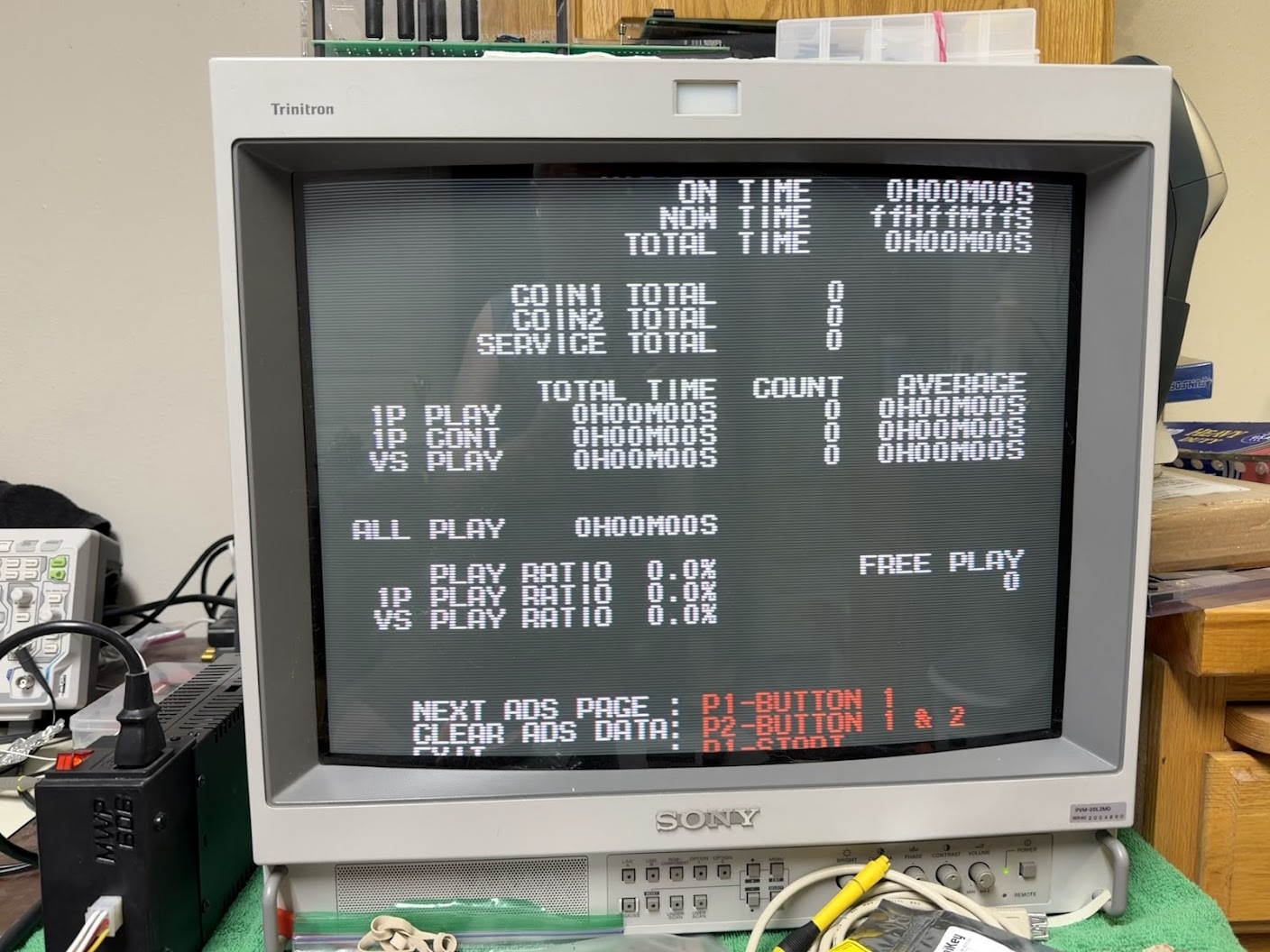
Notice how the “Now Time” counter in the upper-right corner didn’t reset to zeroes and shows all “ff”? We’ll be revisiting that shortly…
I’d been messaging online with Hammy – the resident Namco System 11/12 expert – and on his recommendation I swapped in a replacement Atmel AT28C16-15SC EEPROM.
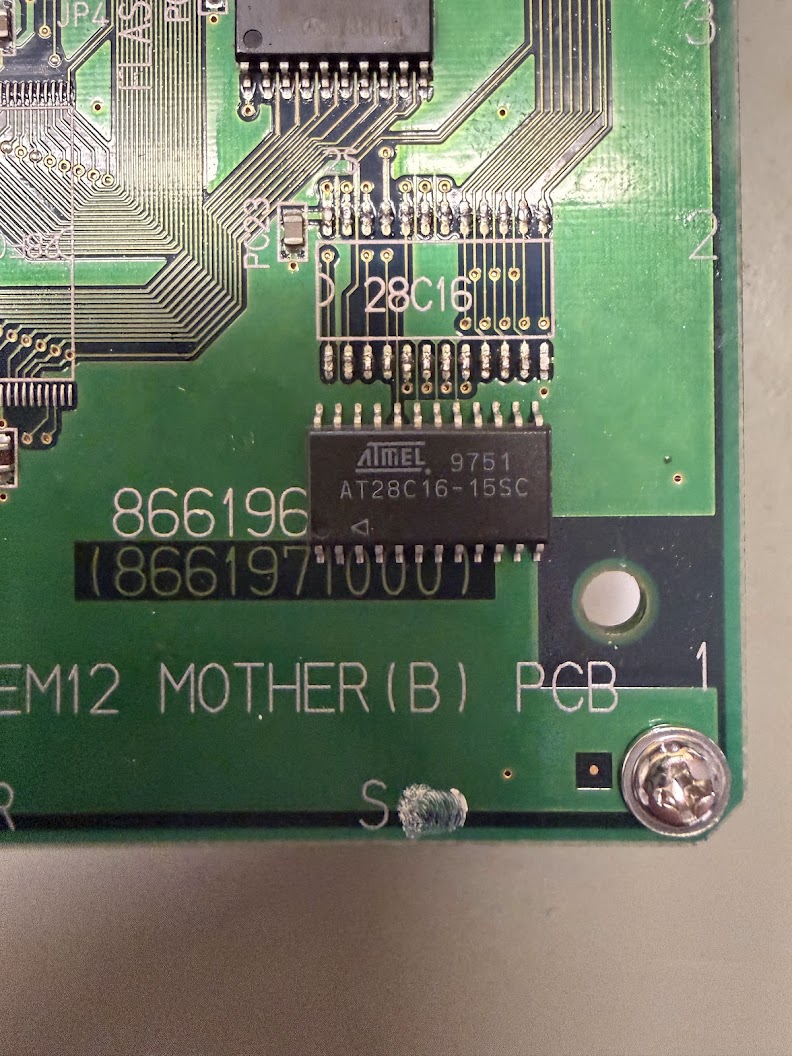
Unfortunately, the startup error and corrupt “Now Time” stayed the same. On Hammy’s recommendation, I next replaced the Epson R4543 RTC chip that’s adjacent to the battery in the lower middle edge of the mainboard.
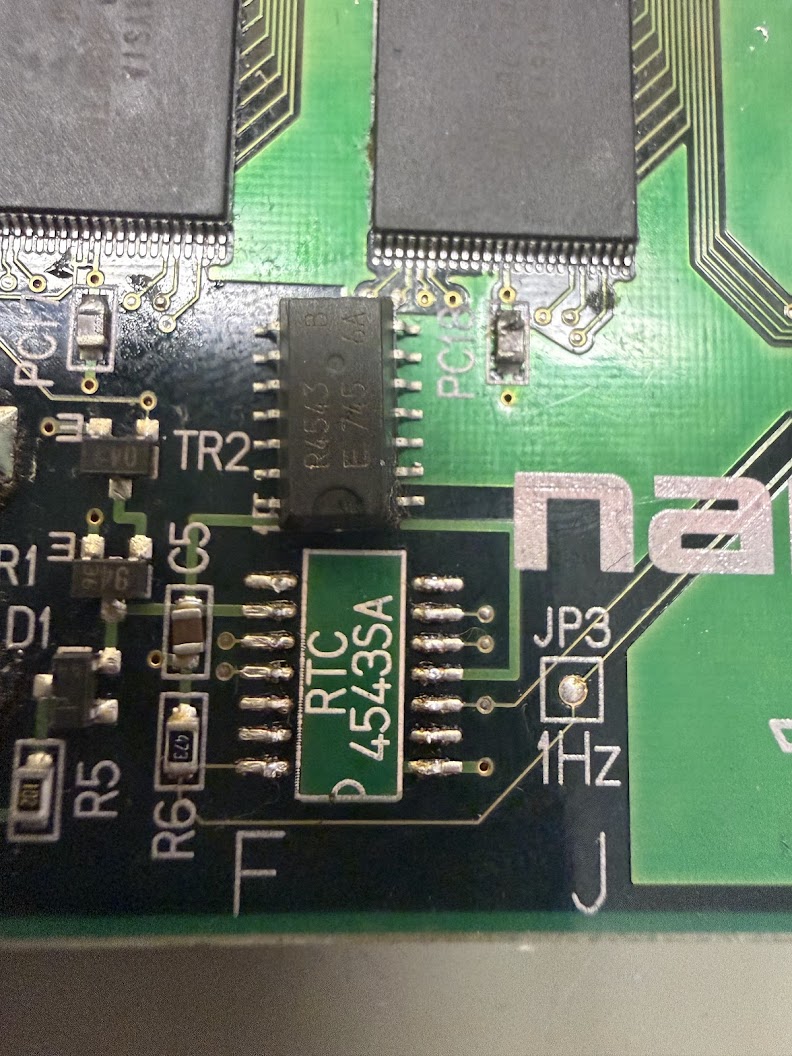
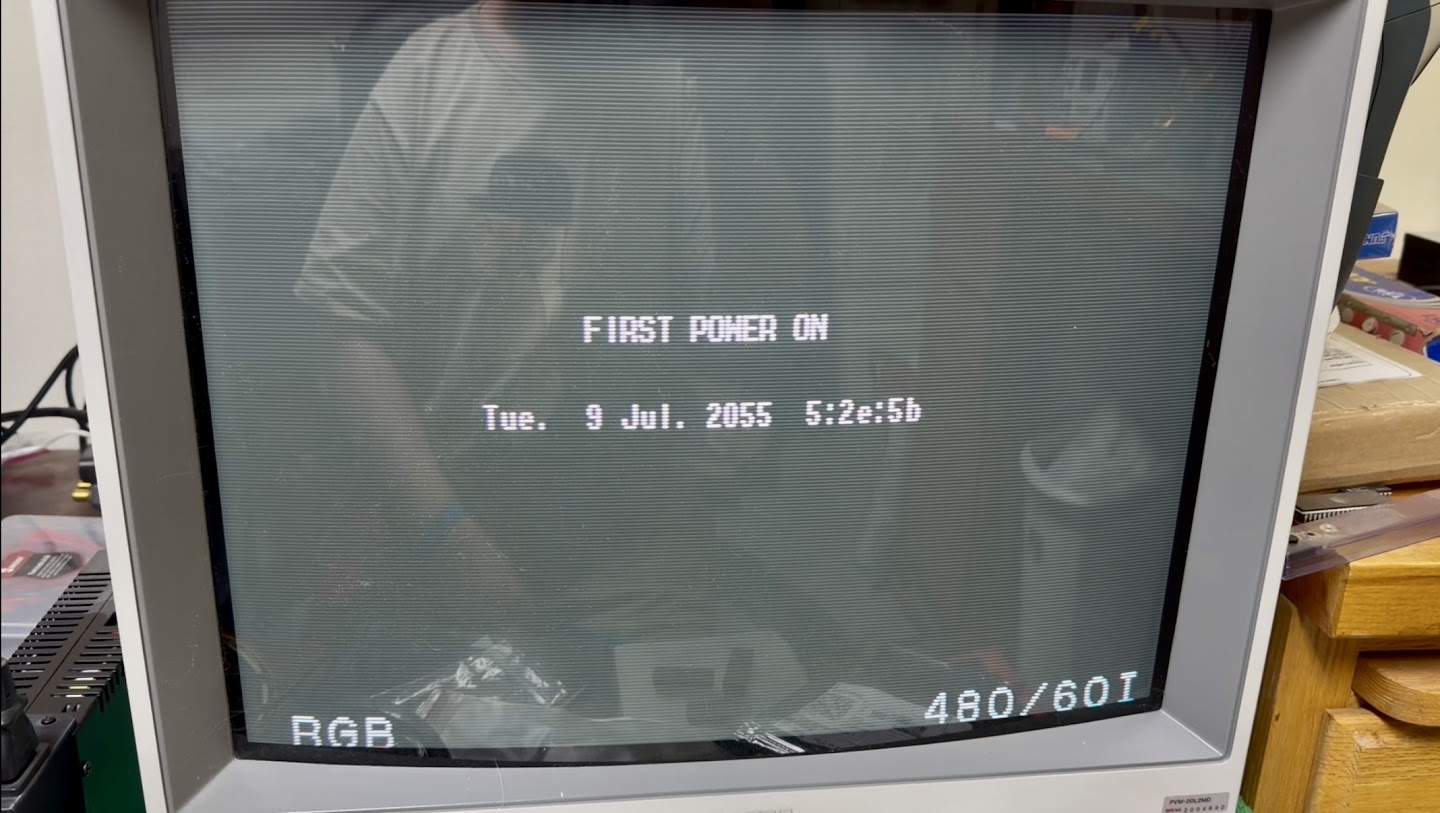
That was the culprit. This time when I powered on the board, it still said “FIRST POWER ON” but with a date far in the future rather than a DATA EROR.
The “Now Time” in the Service Menu was now ticking up from 00H00M00S and when I checked the board again the next day, it was still reading time correctly. The board also booted directly into the game without any error messages. I played a few rounds and confirmed that the bookkeeping info and stats were saving correctly into the EEPROM as well.
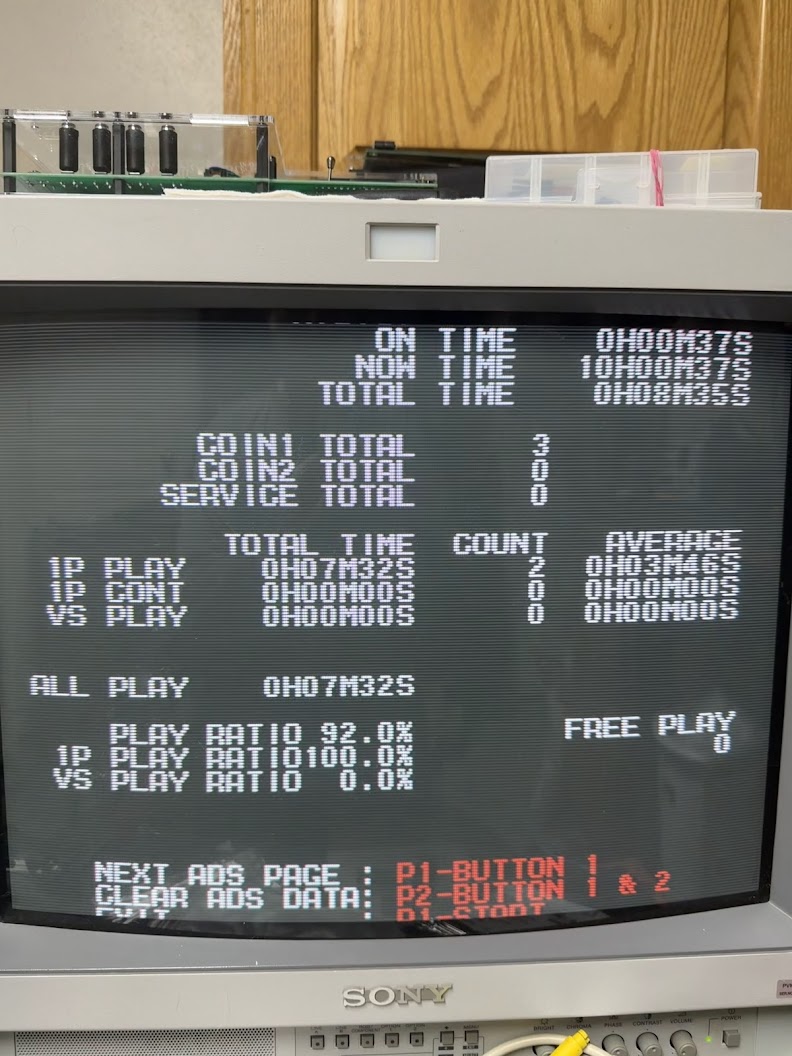
So that’s another successful repair, but with one remaining mystery – how do I set the clock? I checked all through the Service Menus and also checked the written Operating Manual (RTFM!) that was shipped to arcade operators with the board back in the day and could not find the answer. Oh well. Fortunately you don’t need to know the time of day to have a good brawl!
Sorry, the comment form is closed at this time.