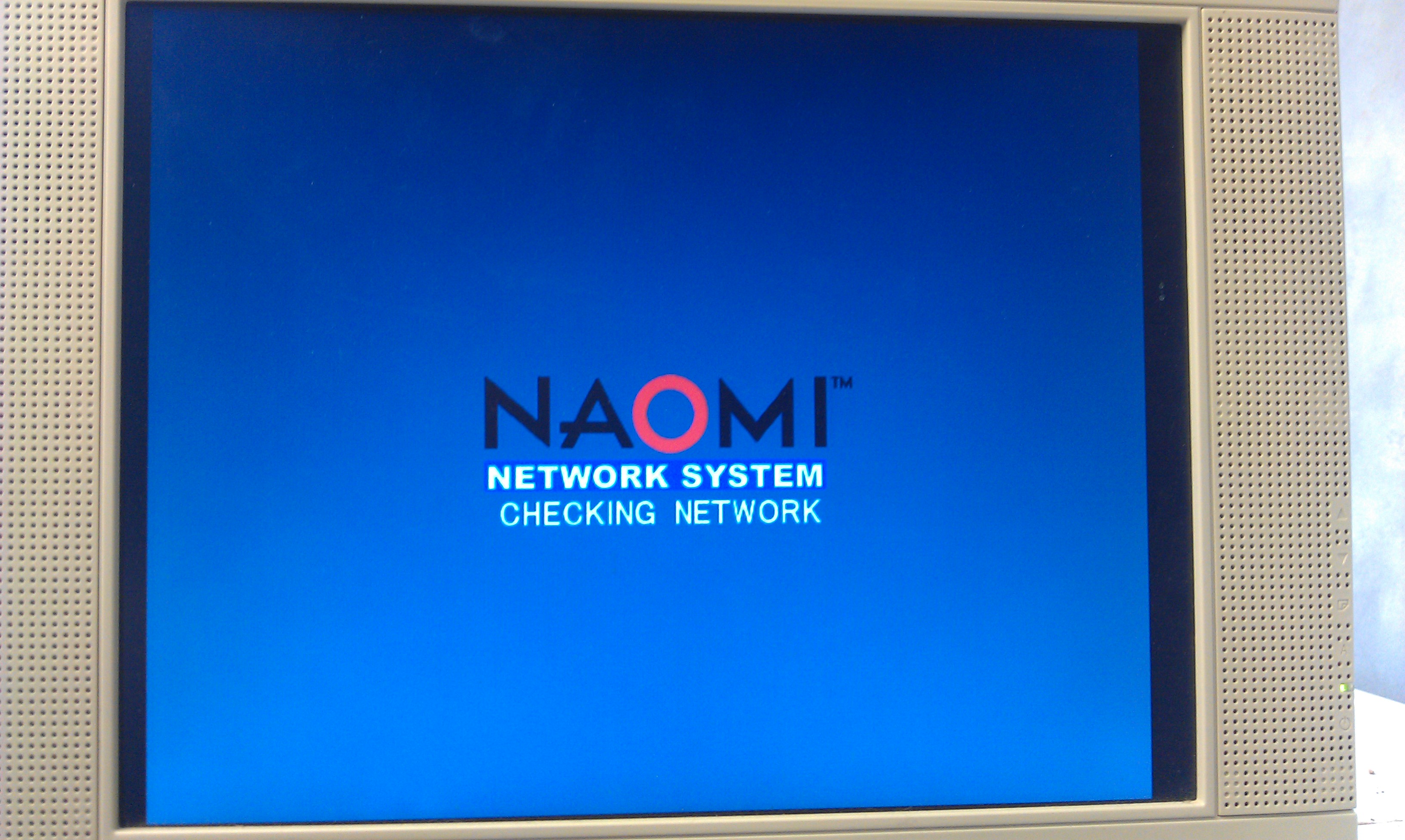
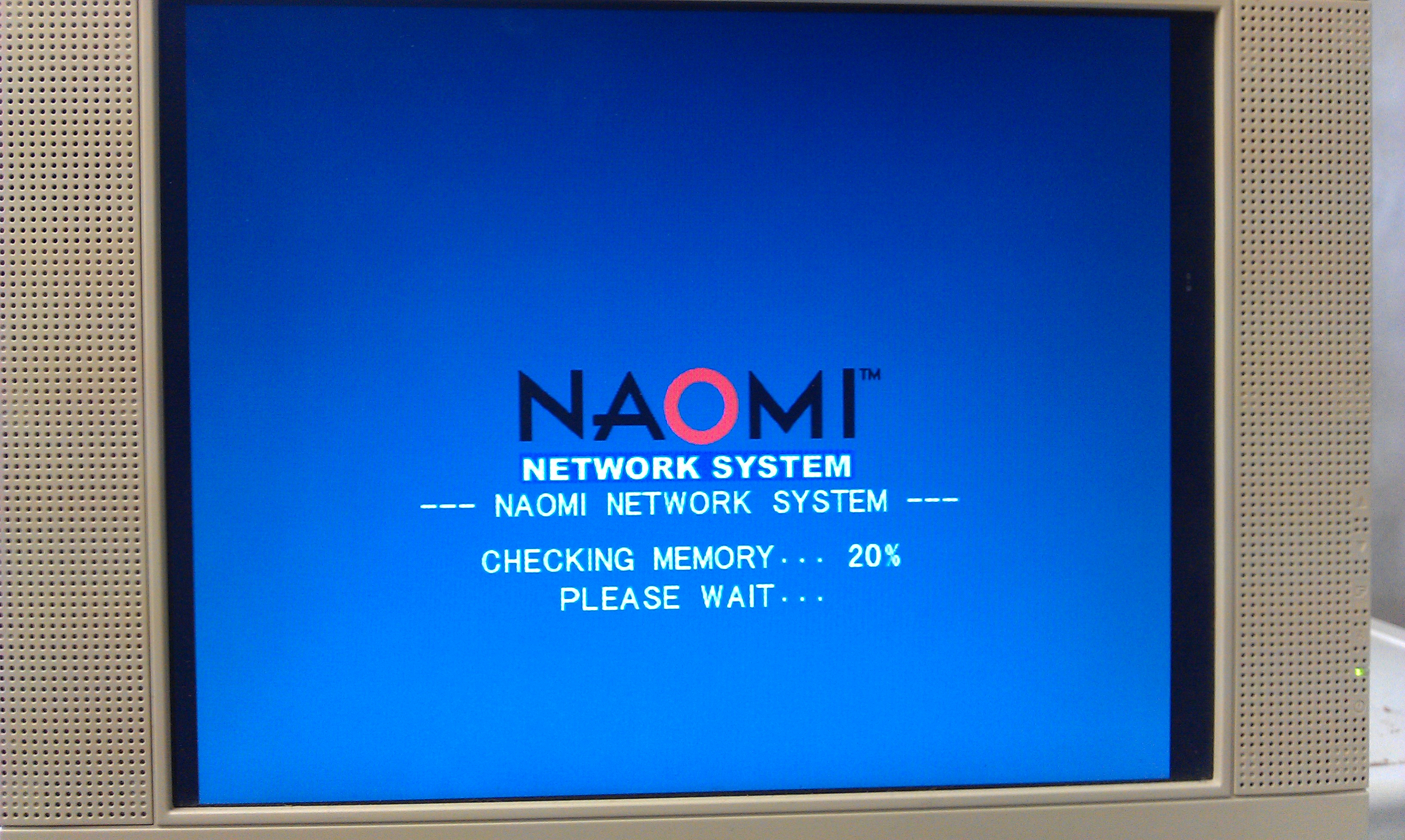
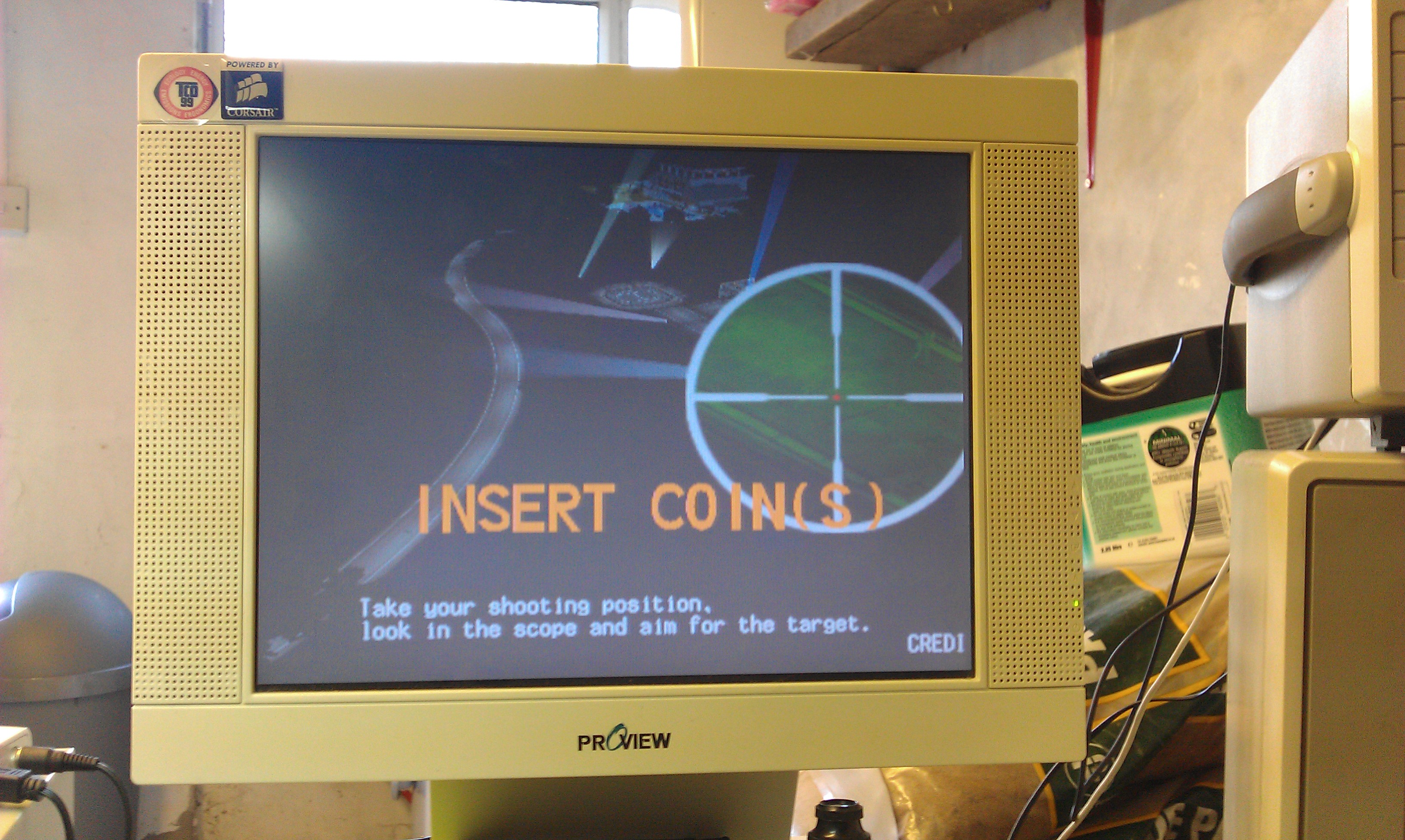
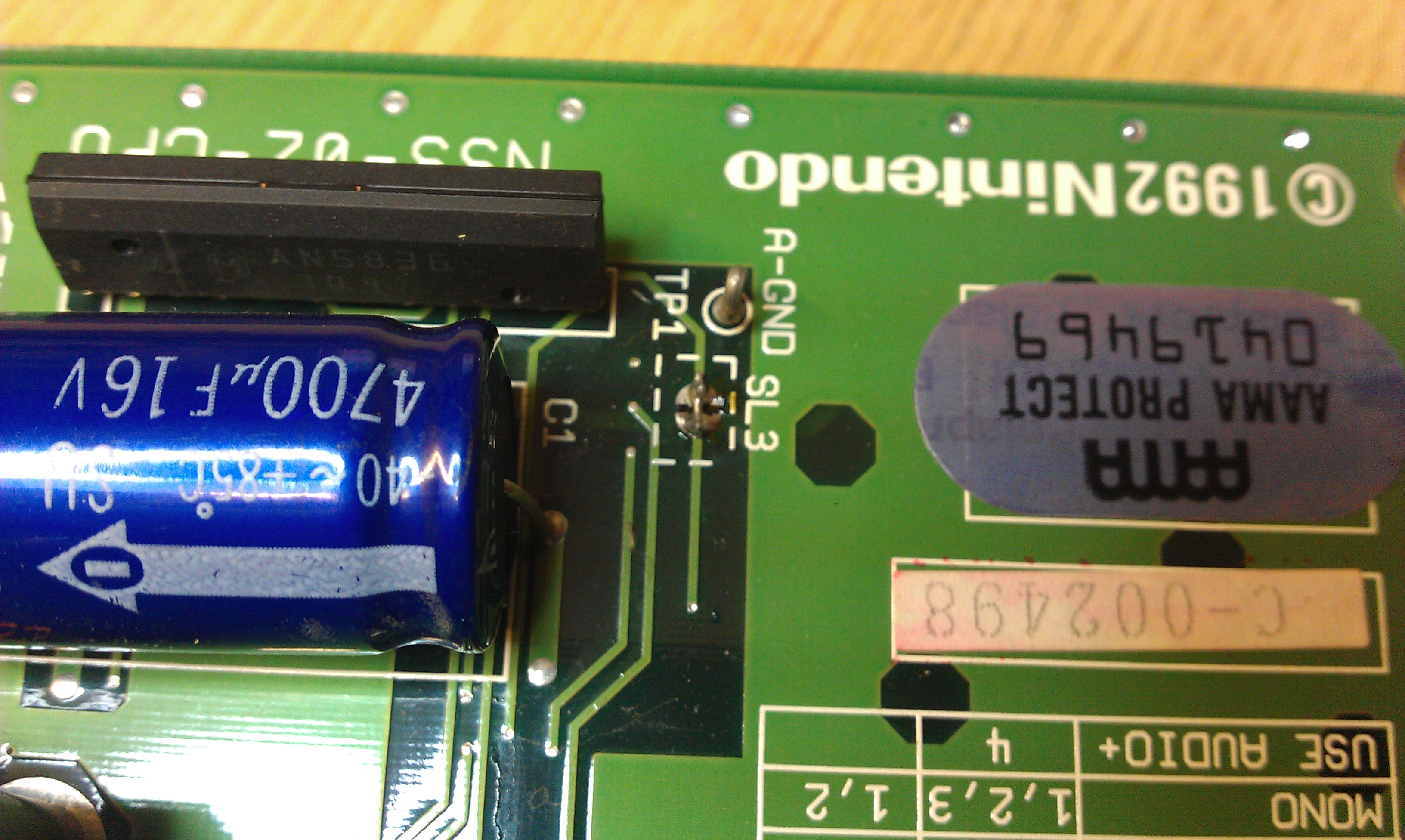
Was unsure whether or not to post this but here it is anyway but without links to any of the utilities needed. I actually own a fair amount of GD-ROM games and netbooting gives me a more convenient way of loading my games now my GD drive is dead.
As most owners of a Net DIMM will know, it is possible to load code from a PC via ethernet.
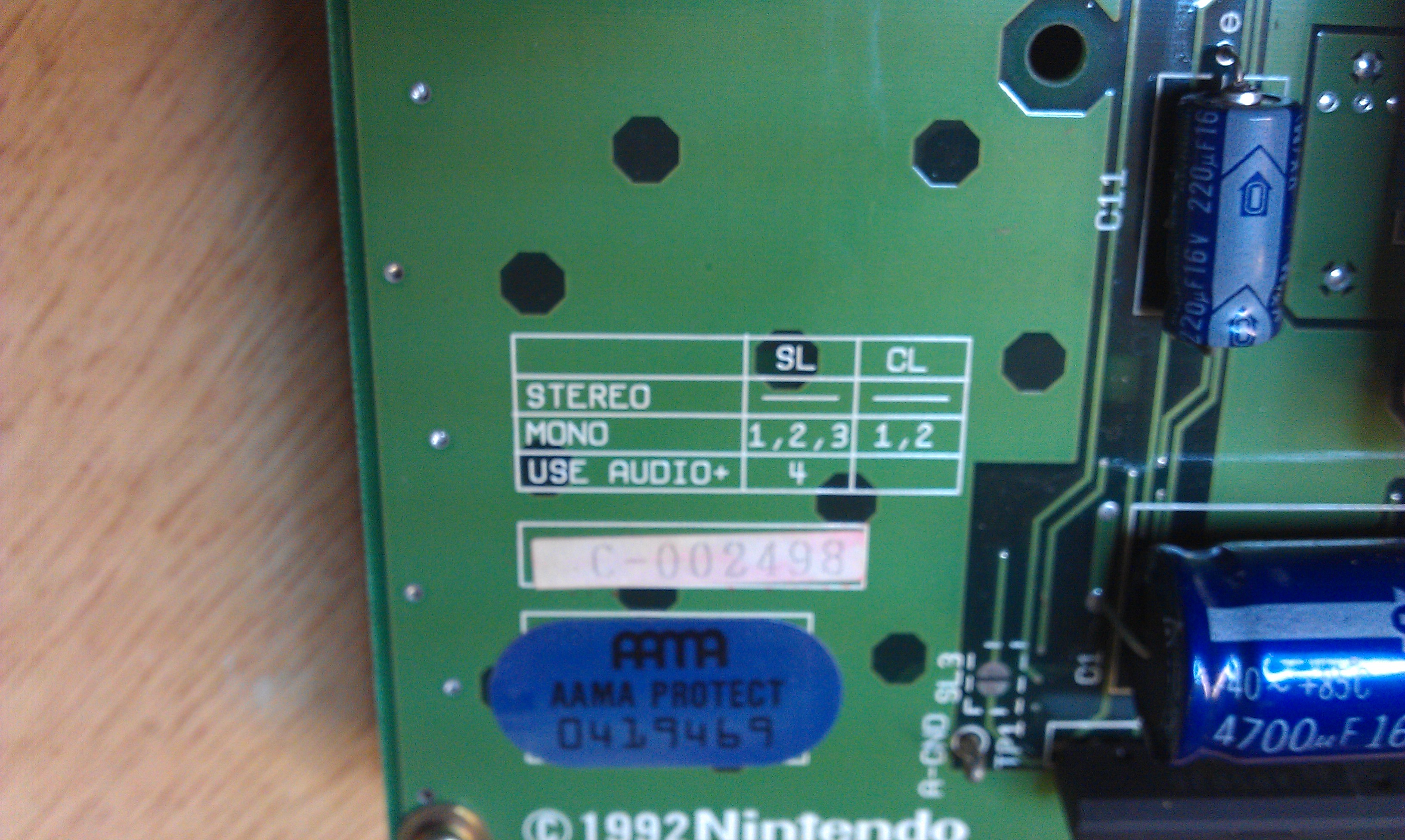
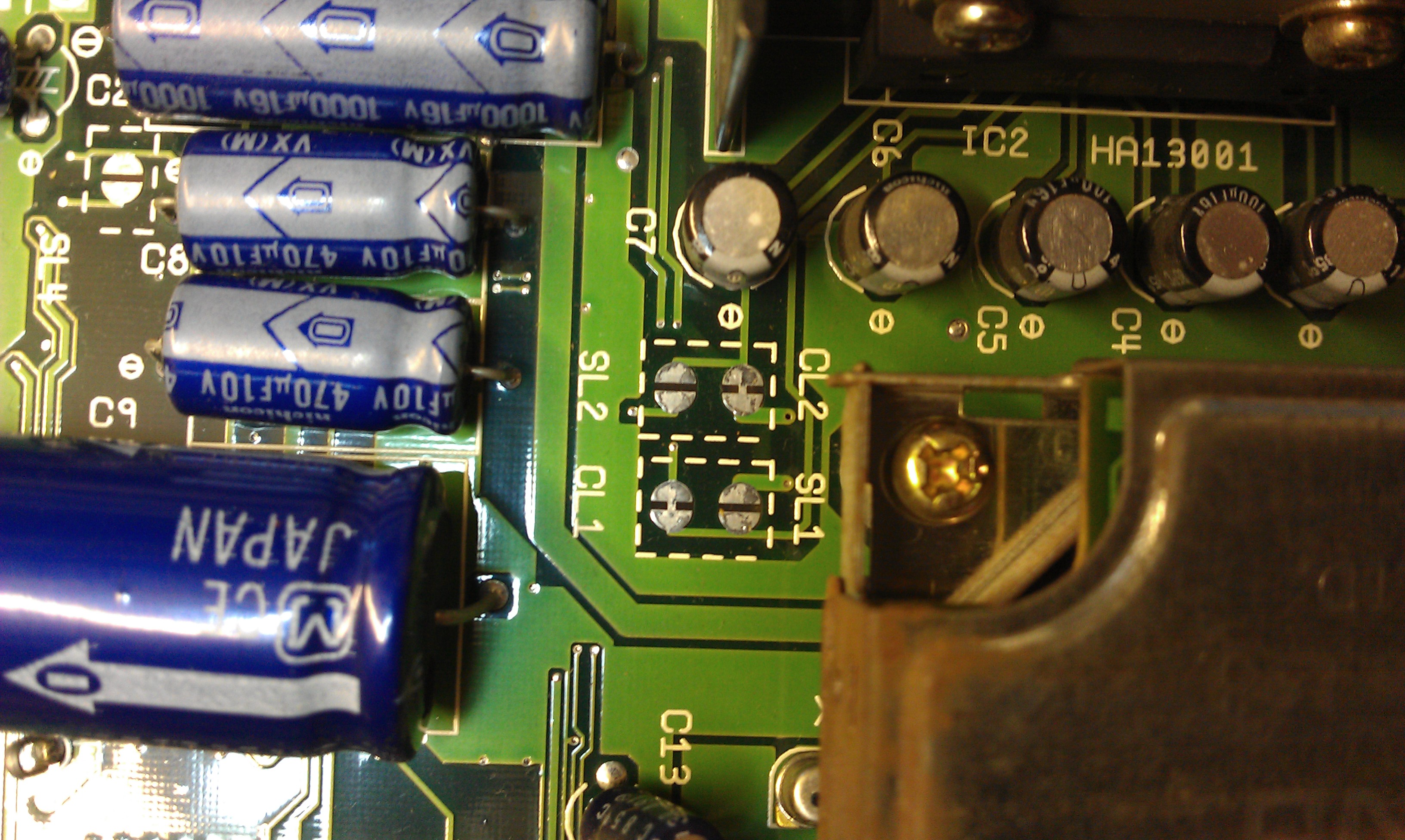
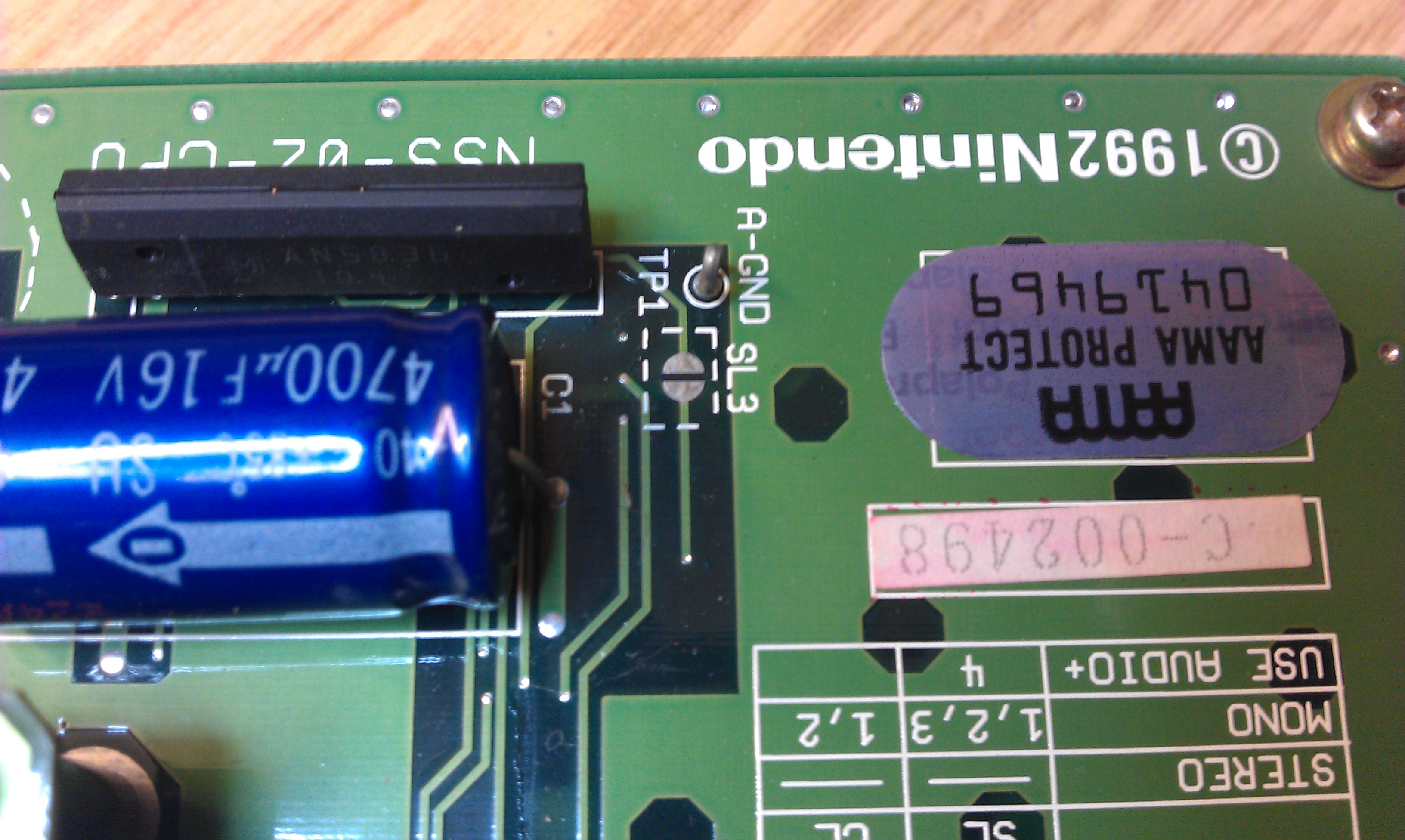
To start with there are some jumpers to change on the DIMM board to set it to network mode.
My net DIMM had version 3.03 firmware which is fine for netbooting but as my ultimate goal was to build my own compact flash booting device I need the latest firmware, 4.01.
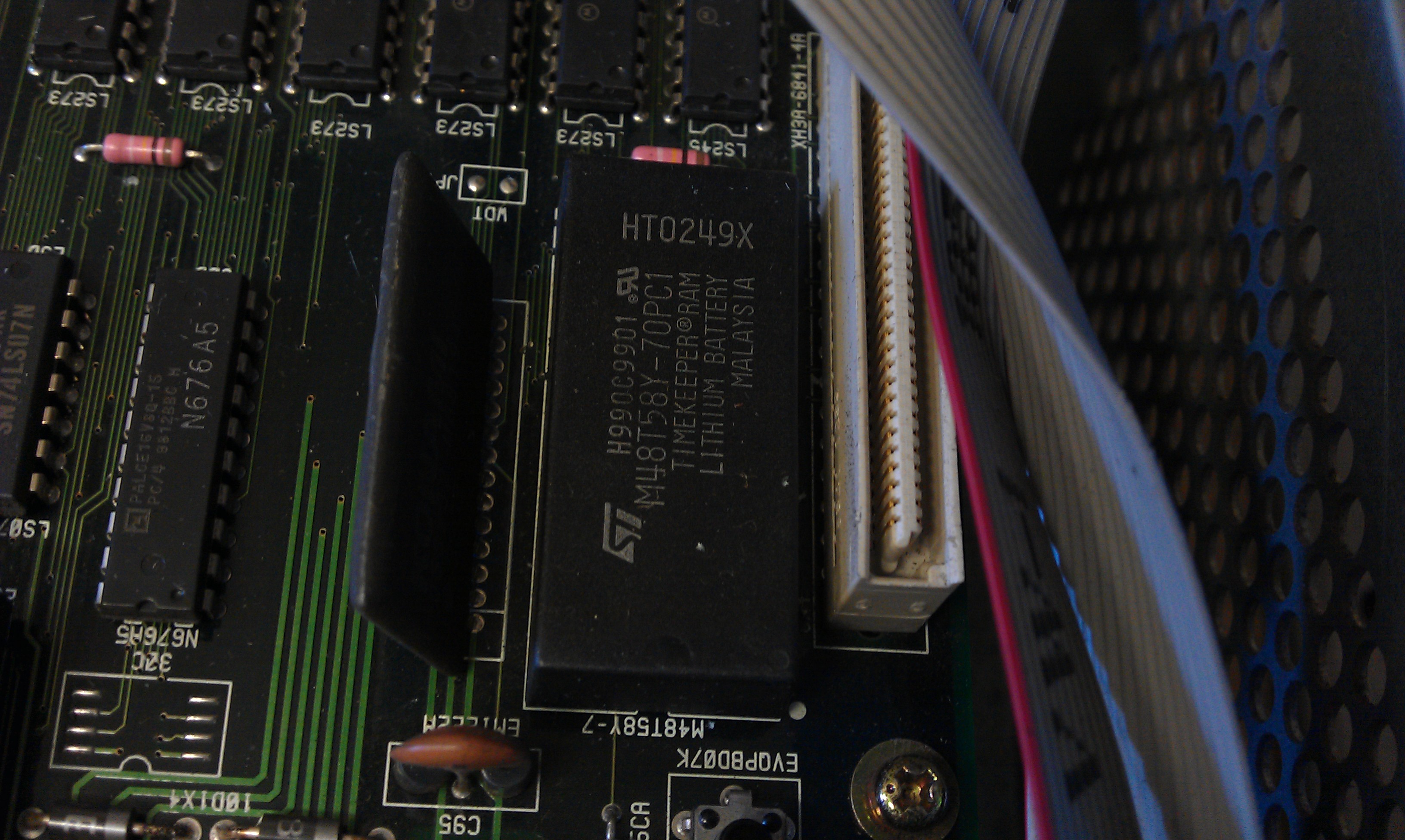
My first problem came with the DIMM boards I have. They were not recognised by my NAOMI.
My BIOS was 21577D which is too old for network support.
A newer BIOS was needed so I burned a new 27c160 EPROM with the latest available export bios.
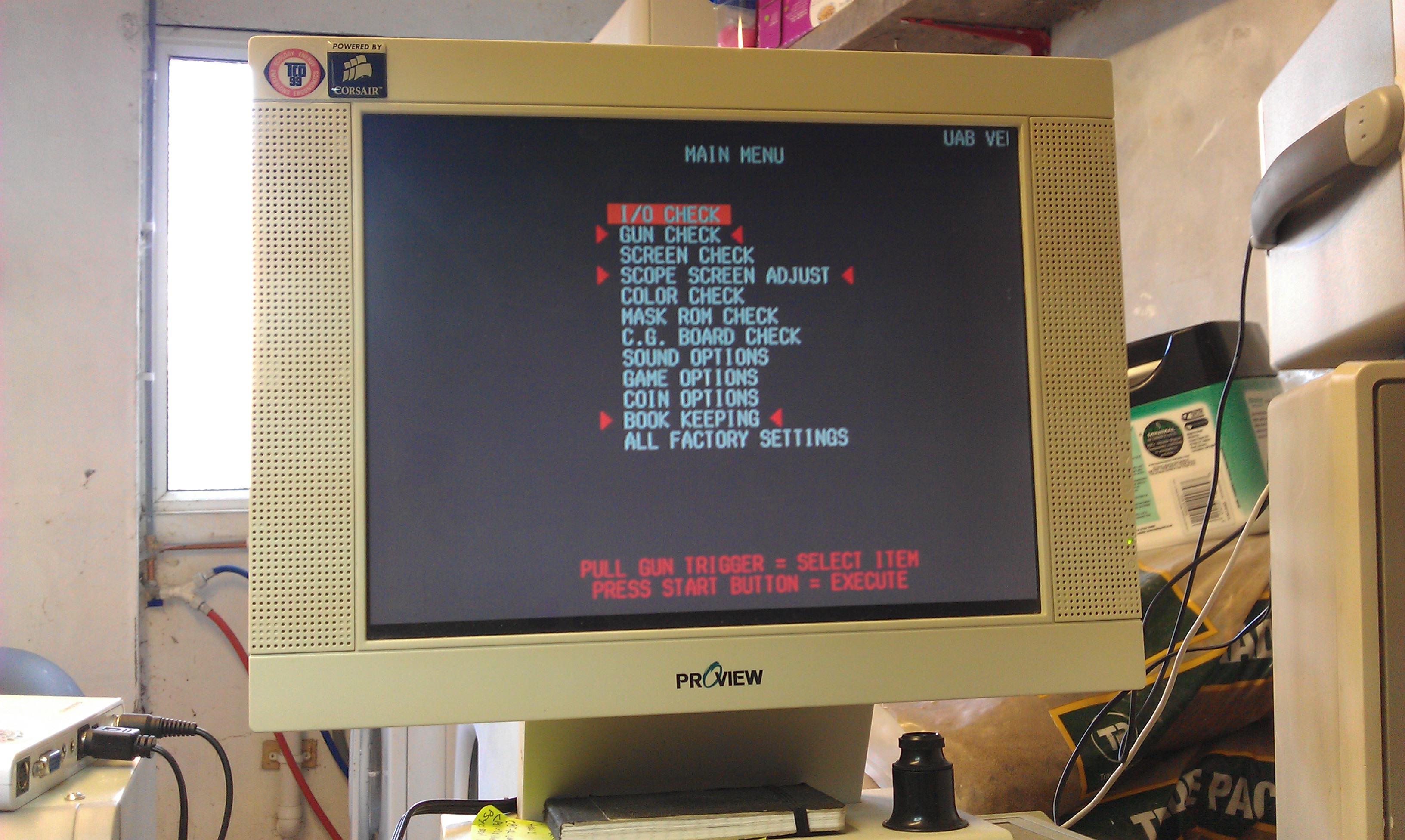
This let me access the DIMM module in the test menu.
In the test menu you can setup the network settings.
The device must be set to ETHER
The network IP and subnet need to be correctly set too.
My second problem came with my ethernet cable.
As I wasn’t using a router or similar, I needed a crossover cable and the one I very quickly knocked together ended up being useless.
The second one I made up worked a treat and I could then PING the system.
First job was to update that firmware.
There are 2 tools available for uploading to the DIMM.
The first one is the official SEGA one called “transfergame.exe”
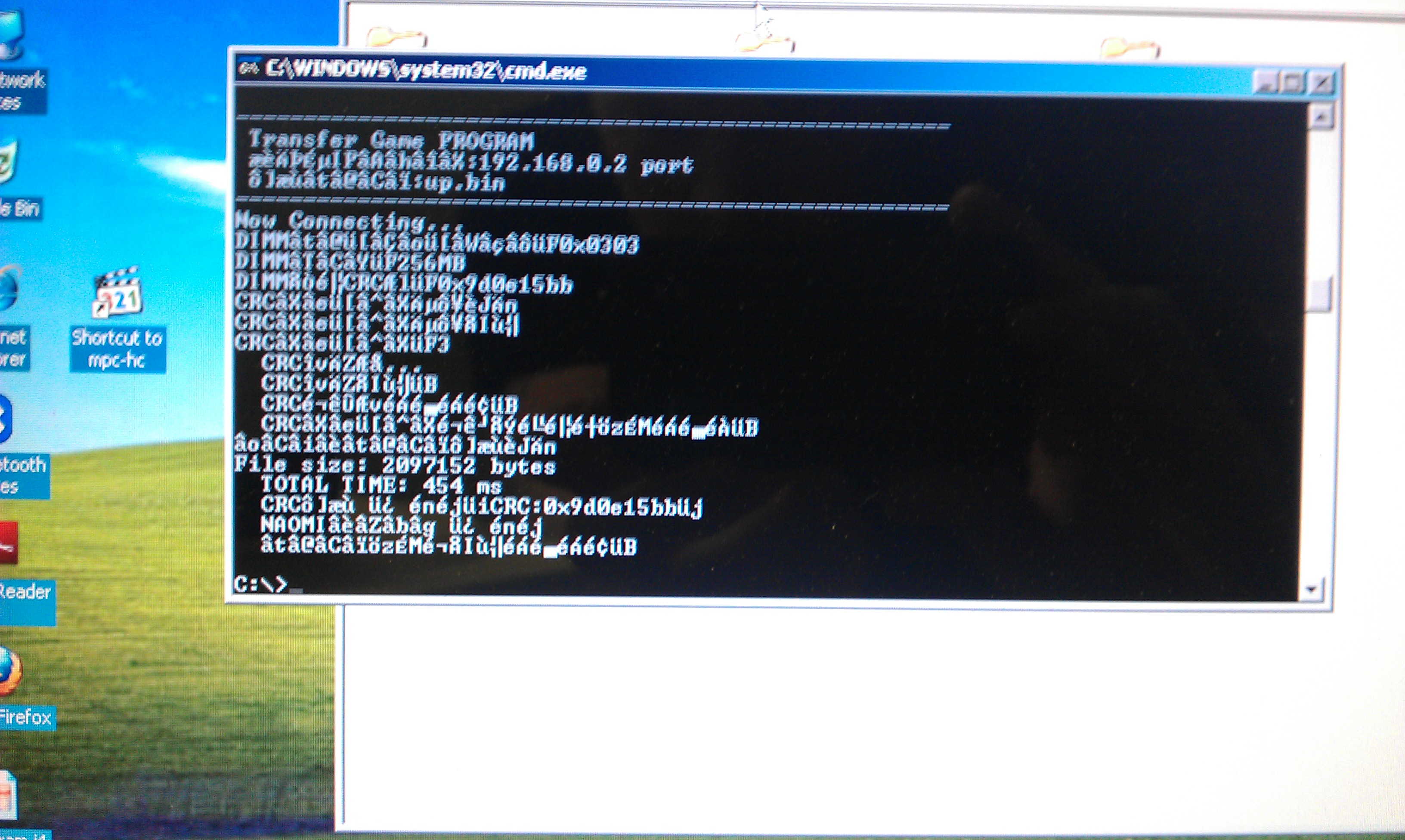
I had no luck at all with this program, probably because I didnt know what security net pic to use.
I had burned several different replacement pics but none seemed to work correctly.
I gave up with the official software and downloaded the very excellent triforcetools python script.
To use this you need to download all the associated Python files.
This script runs pretty much the same way as transfergame.exe in terms of usage but sets the DES key to zero so any net pic can be used.
As it happens I didnt get much further with this at first as it kept giving me a Error 31.
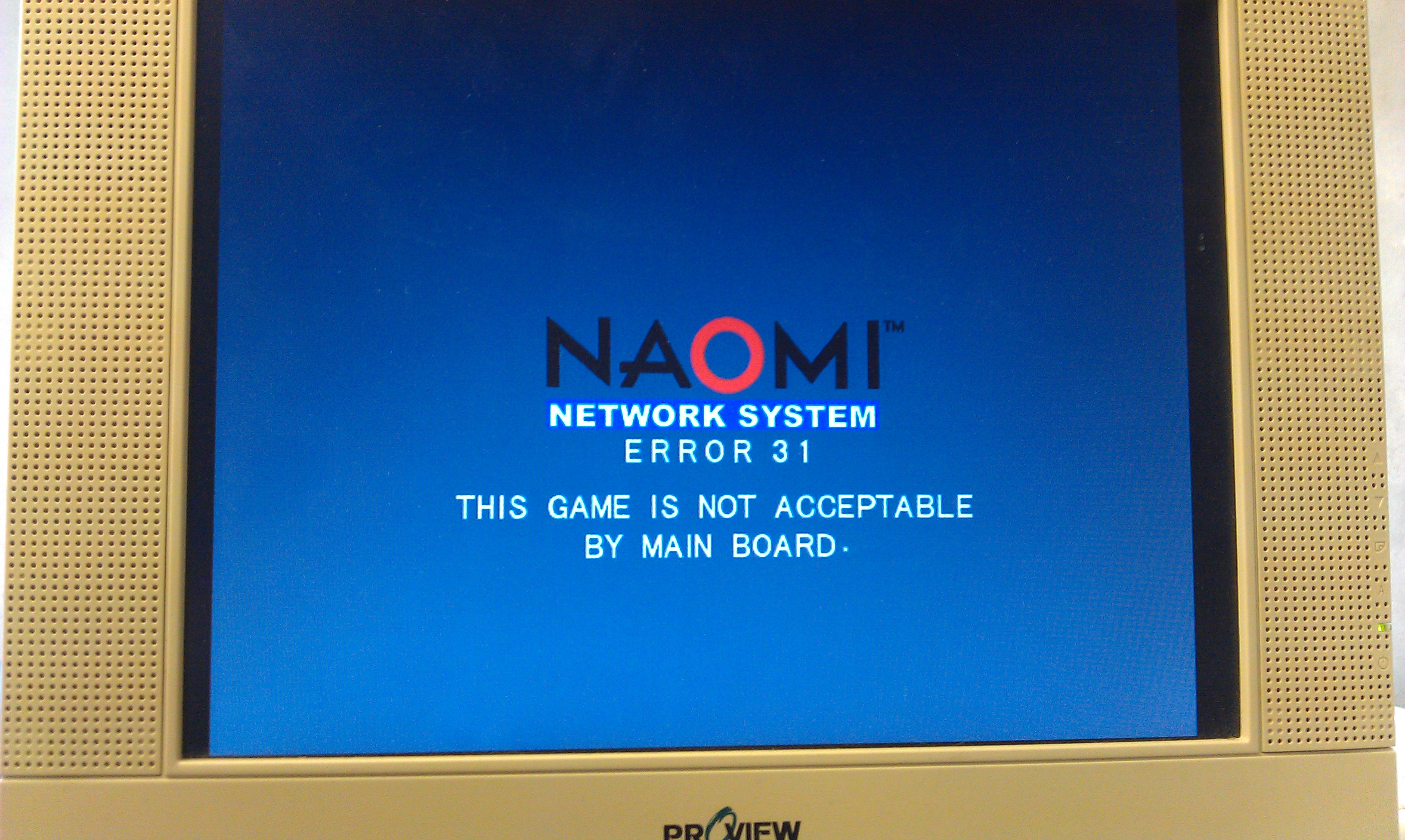
With no ideas I gave up for a day.
Whilst doing a lot of searching around the internet I found a modified version of the python script which claimed to remove the need for any security pic to be inserted at all, and it works a treat too.
Using this I managed to upload the new firmware and update the DIMM to v4.02 (this version lets a user use any CF card and not just an official SEGA one).
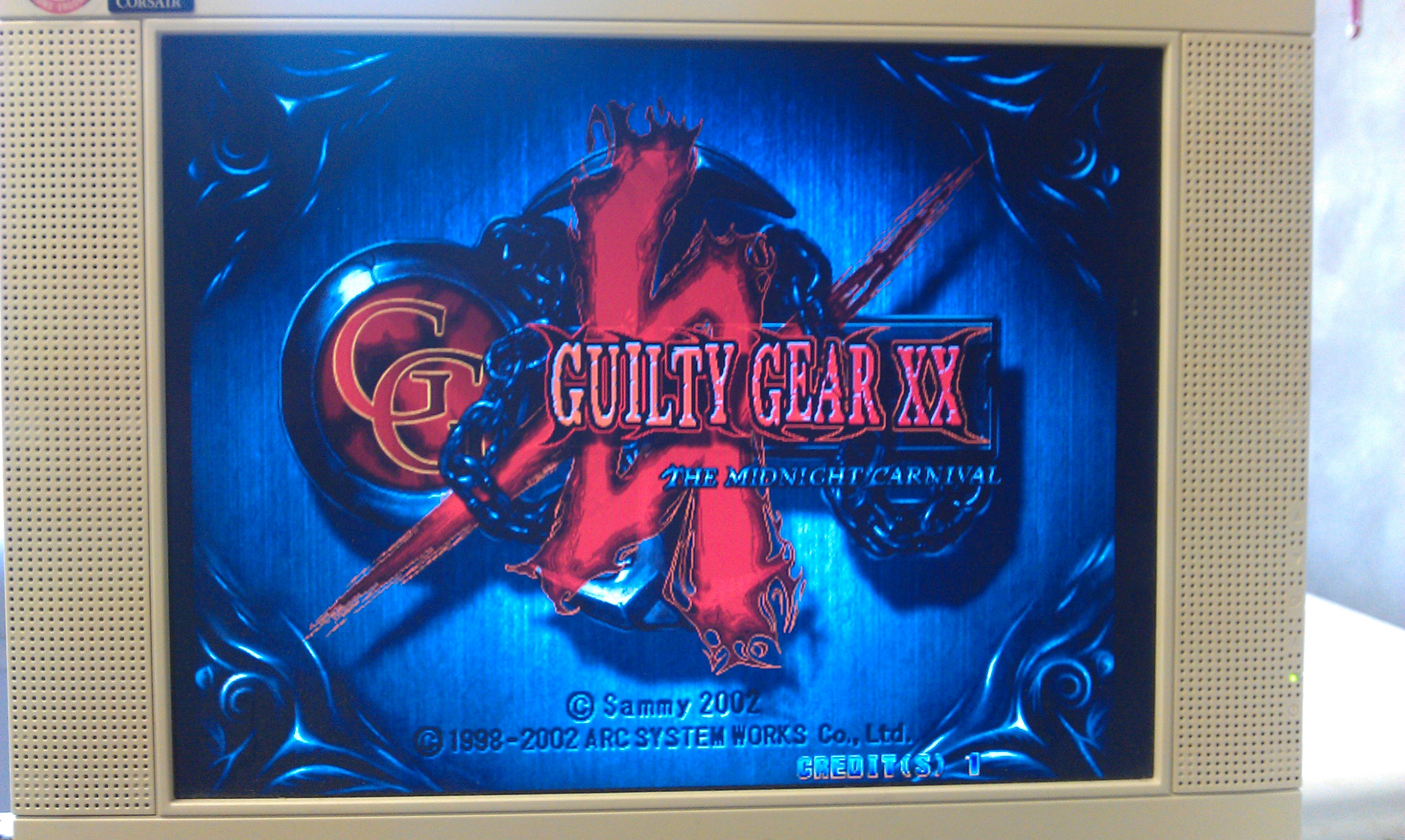
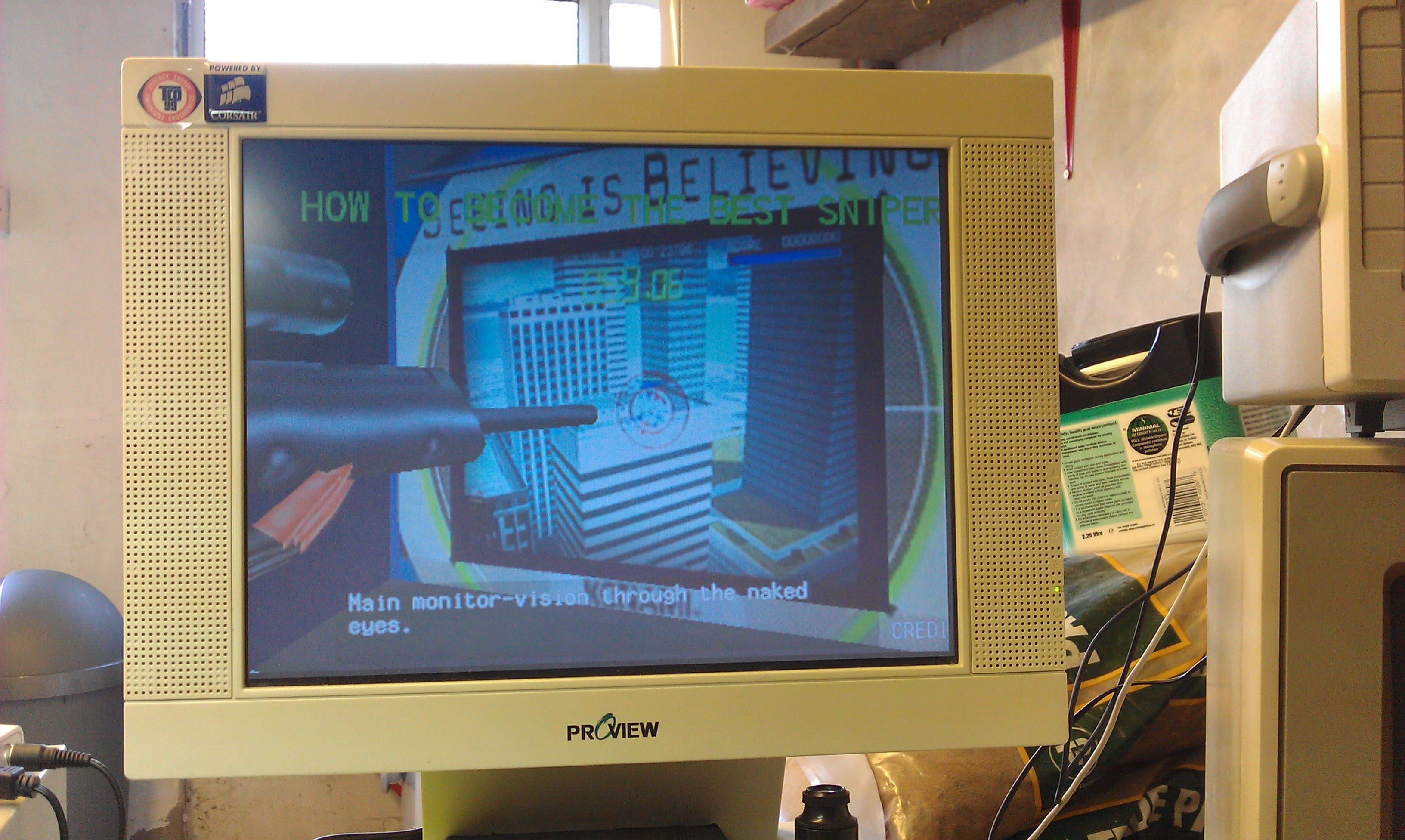
I also managed to boot Guilty Gear XX too. All works fine. Now I have this working I am starting to think I dont need to build the CF adapter but since I have all the parts needed I might as well do it.