Dec 312014
 

today I got a couple of Oric computers.
Ive been after one of these for some time now but prices have shot up of the last 12 months.
I couldn’t resist buying these two, both of them which required repair, as the price was right.
IMAG1141

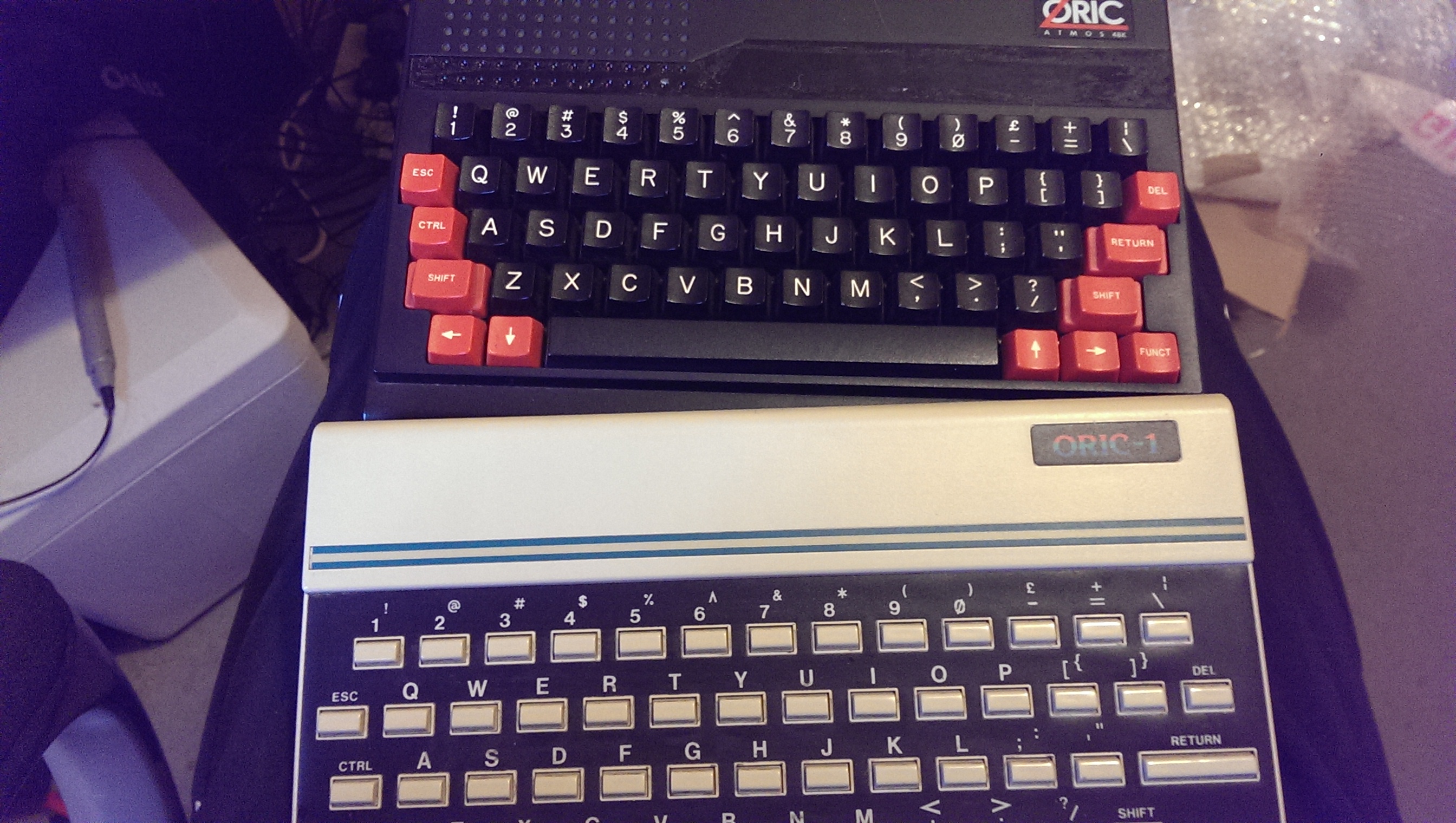
First is red/black one.
I first started by removing the ULA and powering up to check voltages. I do this with Spectrum’s too as these early voltage regulators have a habit of going wrong with disastrous consequences.
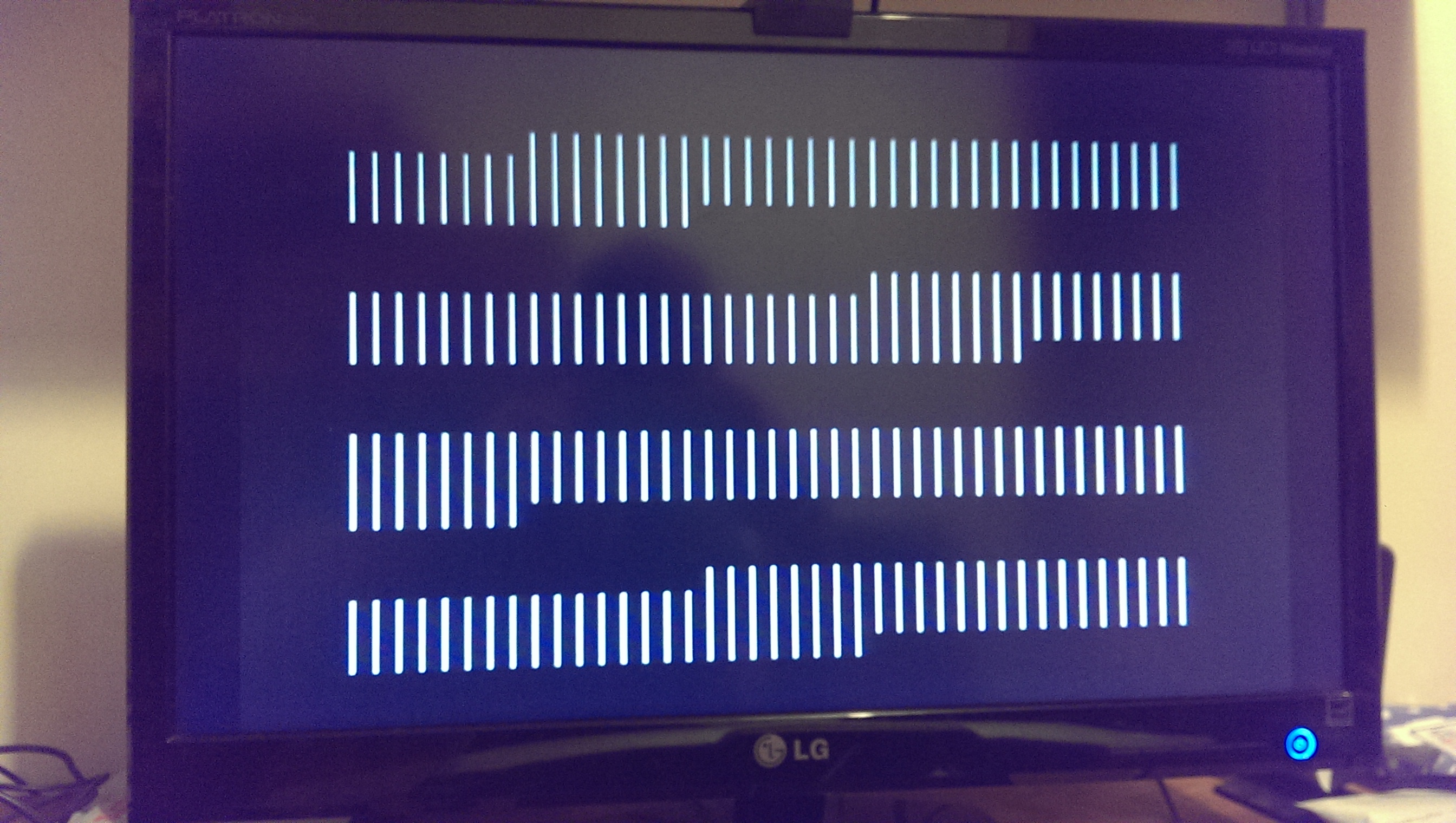
With everything looking OK I refitted the ULA and power up. I was greeted with this screen.
IMAG1145

Ive read enough about the Oric over the years to know that the ULA is very hardy and the RAM is very poor. Ive also read that a fried ULA will usually result in nothing on screen at all.
I opted to desolder the RAM first.
There are 8 x 4164 RAM chips and on testing two of them failed.
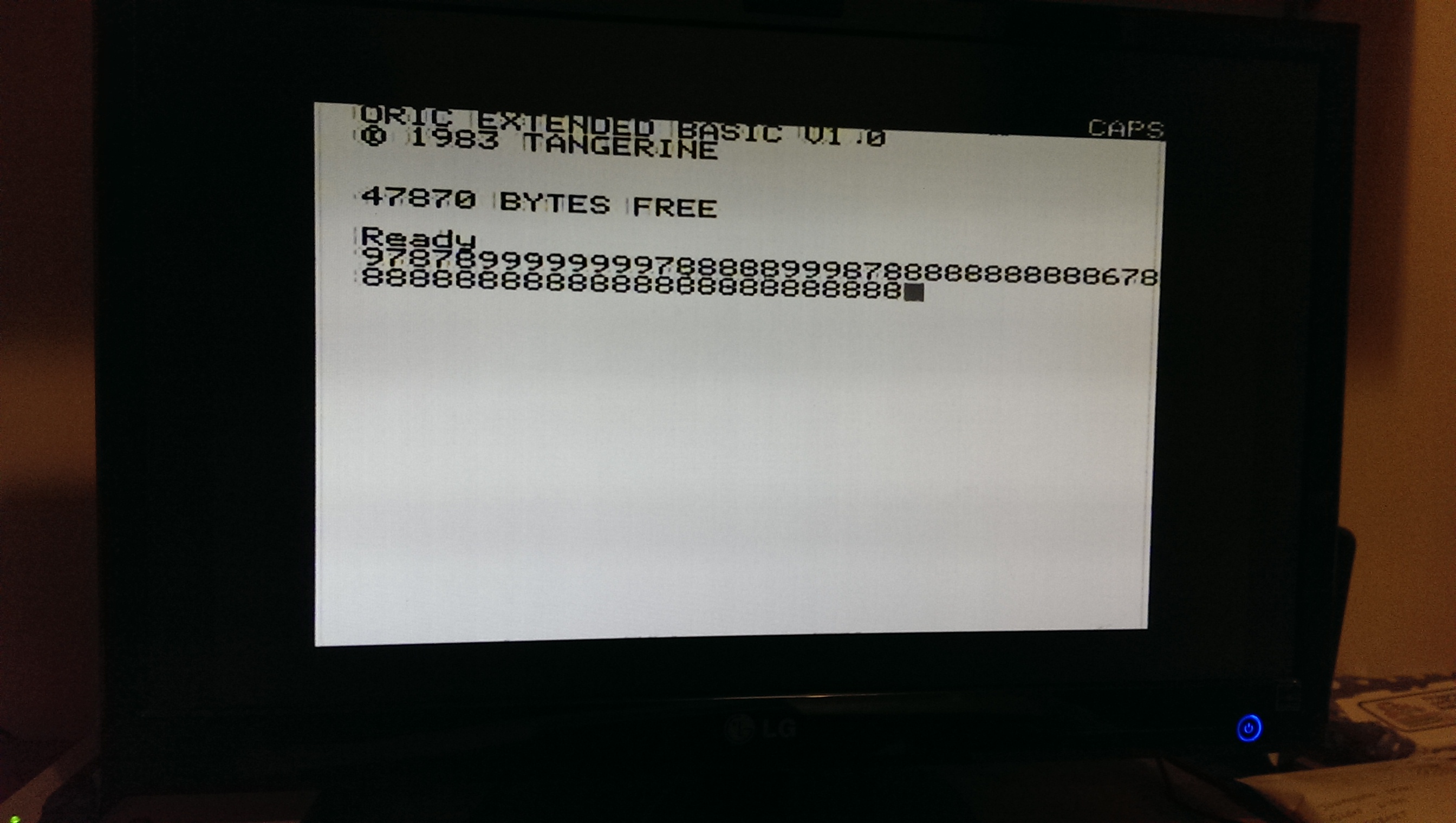
I socketed and replaced the faulty RAM and I now have this
IMAG1147

The random writing is my doing as the keyboard is flat on the bench when testing.
Happy with this. I think the second unit has the same fault too.
Fluke 68000 POD repair log

 Equipment Repair Logs, Repair Logs  Comments Off on Fluke 68000 POD repair log
Dec 292014
 

Whilst doing some testing for Guddler over on the UK-VAC forum I thought it would be a good time to look into why I sometimes get a POD timeout error.
Normally when I get this error pushing down on the black cable that connects it to the 9010 fixes it.
Here is the reason why
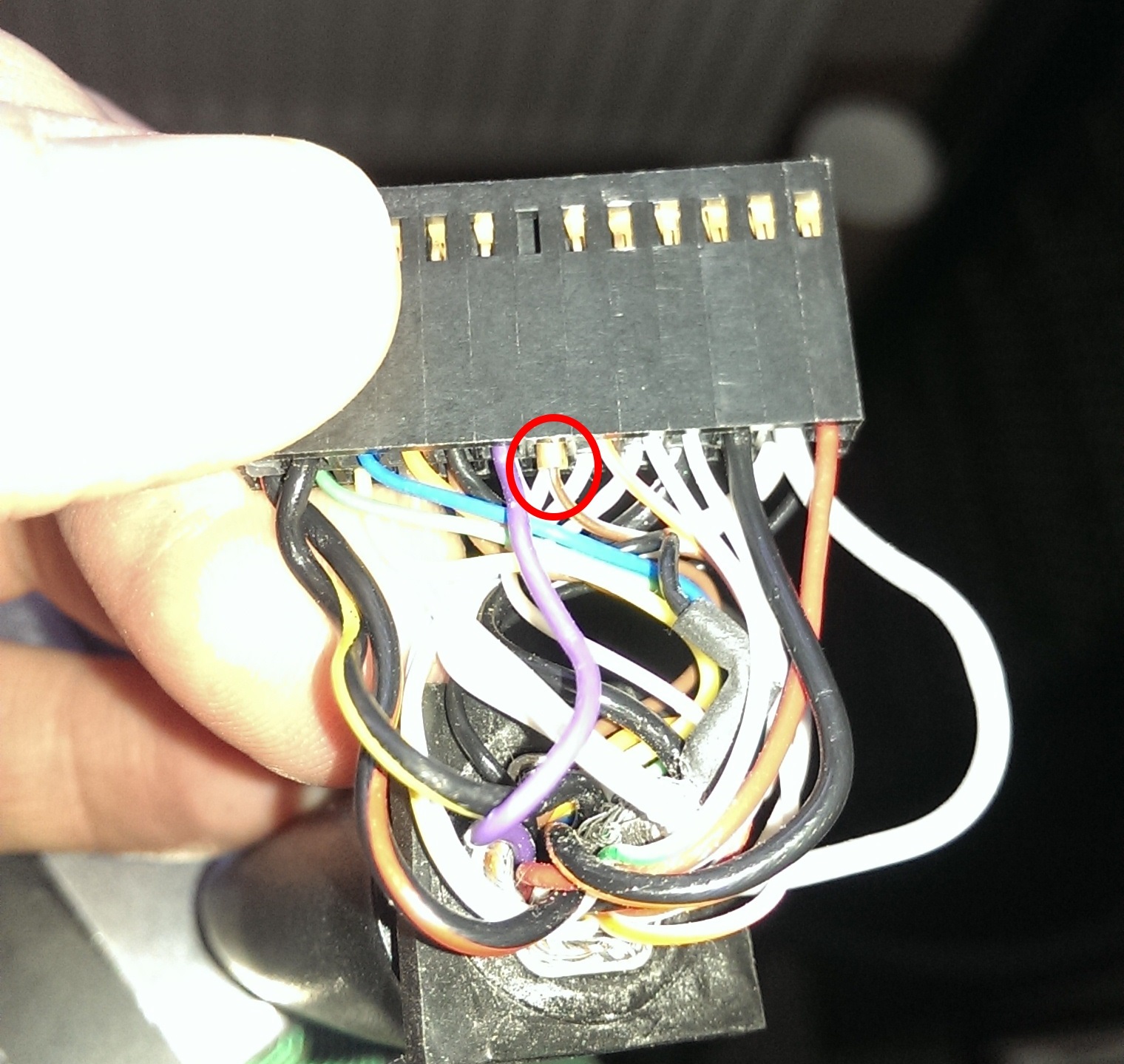
IMAG1127
One of the crimps had worked its way loose.

I carefully bent the small bard out a little and refitted. Now the POD seems to be rock solid.

The Maint Event repair log

 PCB Repair Logs, Repair Logs  Comments Off on The Maint Event repair log
Dec 252014
 

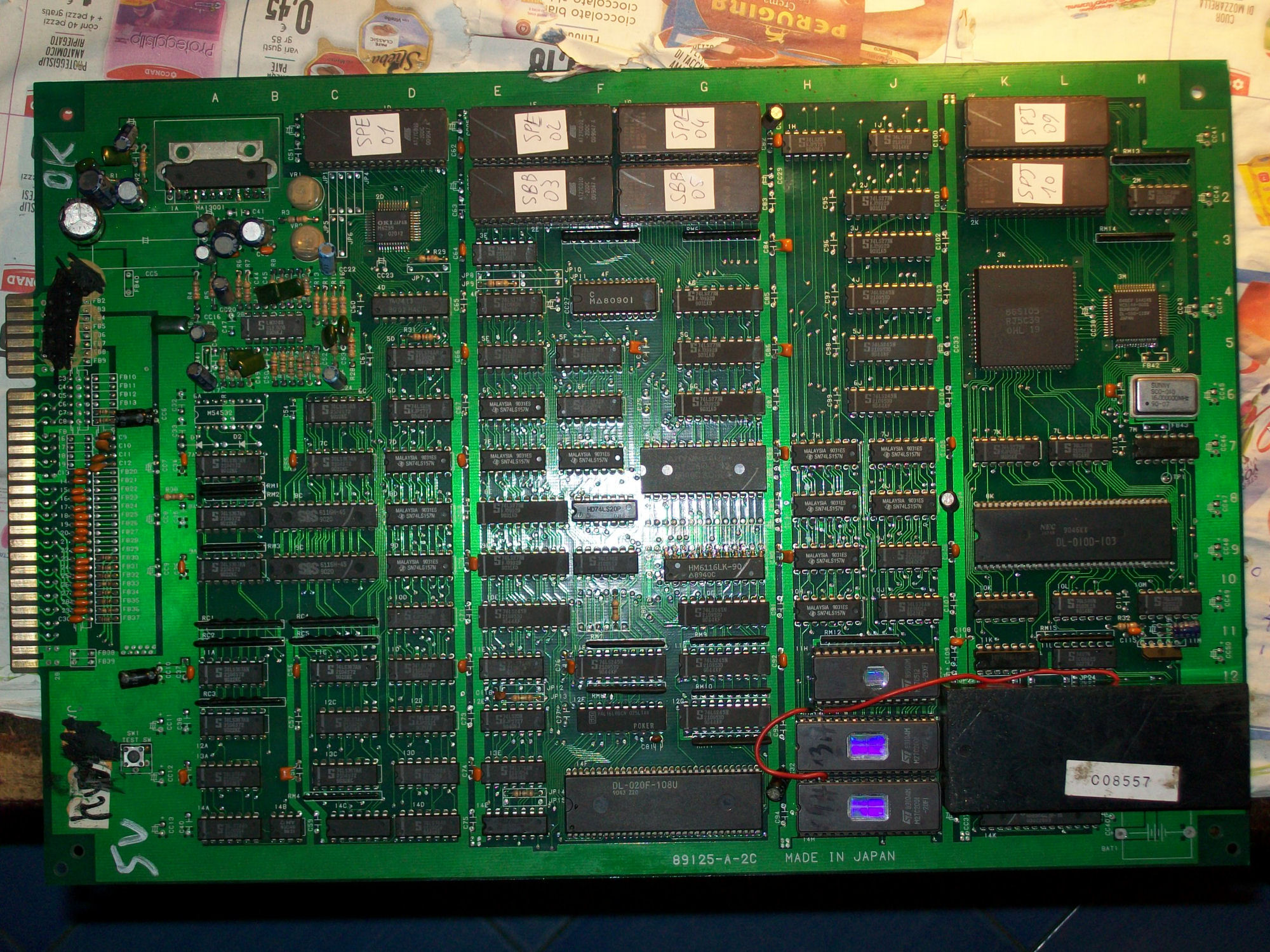
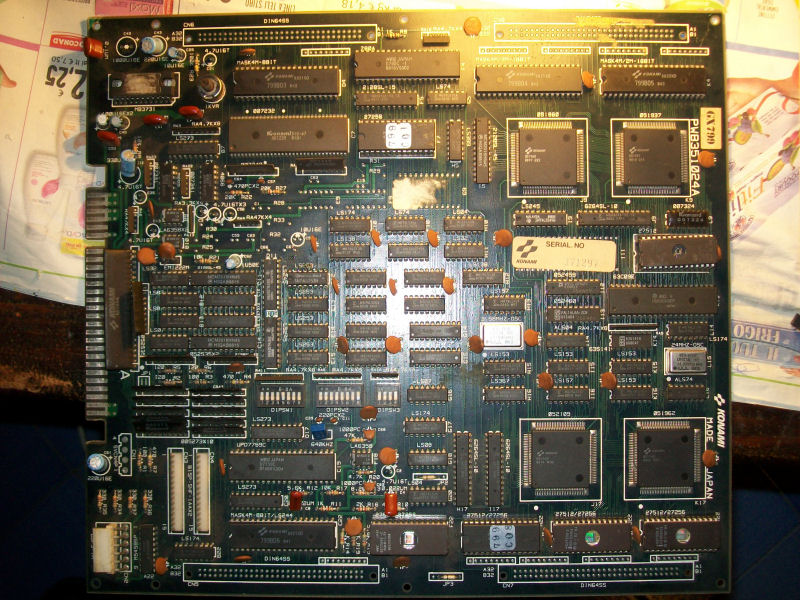
My friend Luca sent me this original Konami The Main Event PCB (a decent wrestling game):

The_Main_Event-PCB

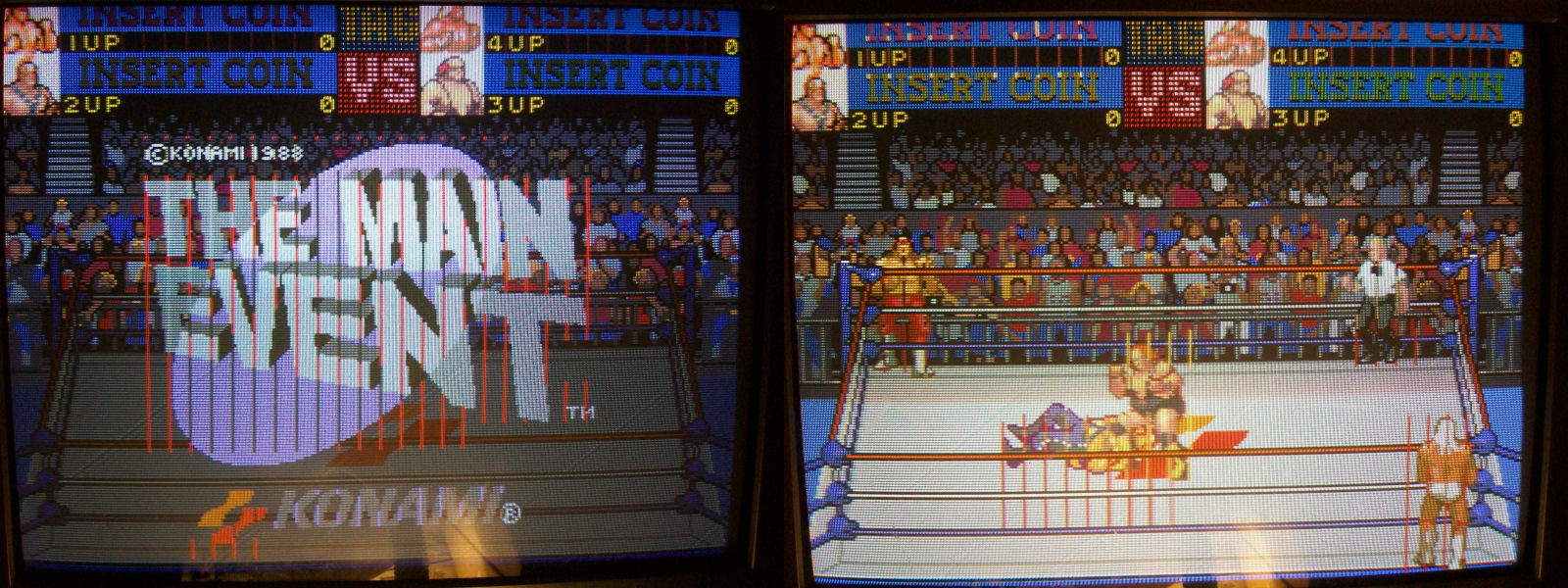
After booted up game showed a clear sprite issue:

TME_sprite_issue

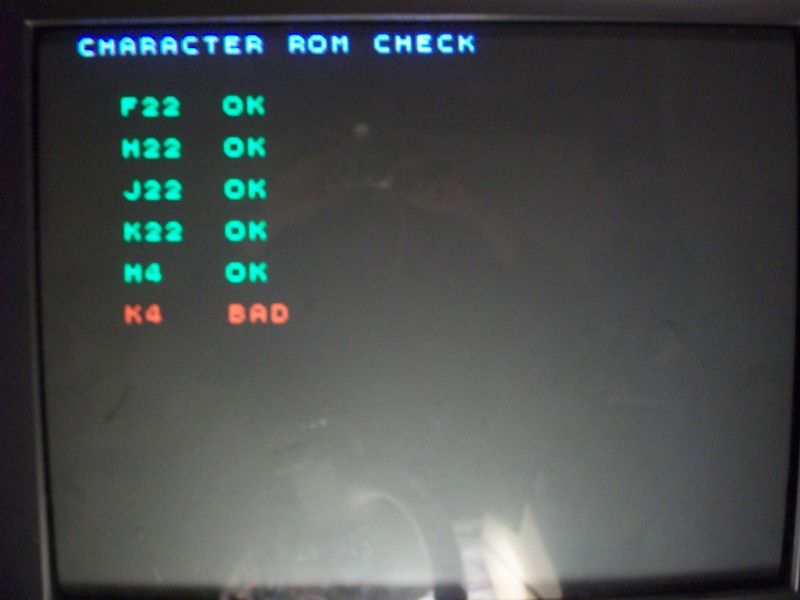
In these Konami boards sprites DATA are stored in 40 PIN 4Mbit MASK ROM so I went with my logic probe on the two ones @K4 and @H4 and found that the one ‘799B05’ @K4 has some DATA lines inactive.This was confirmed also by the MASK ROM test:

MASK_ROM_test

Reprogrammed the DATA into a 27C400 EPROM replacement gave me correct sprites:

sprites_issue_fixed

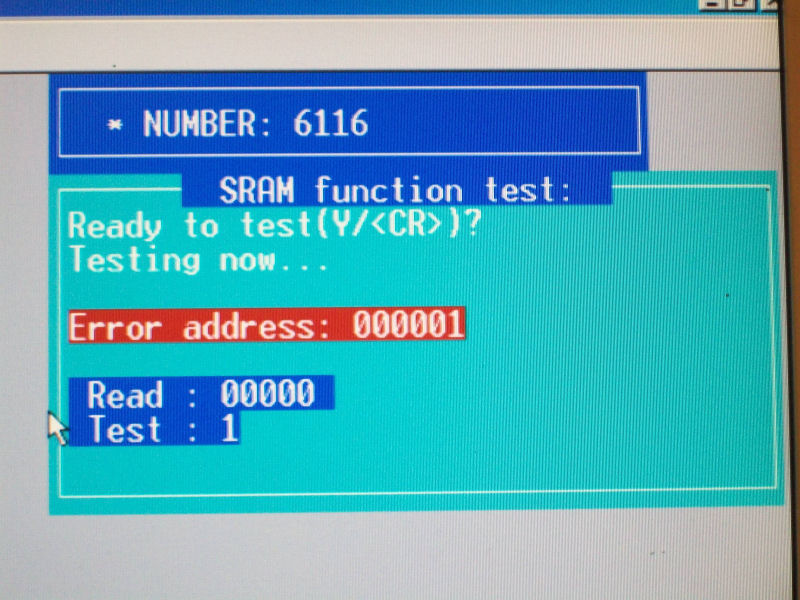
Next issue to troubleshoot was the absolute lack of sound.Using my HP10529A logic comparator I found a 74LS74 @G5 with bad outputs but this was not enough to restore sound.Probing the audio Z80 CPU I found that all the control lines were silent so this convinced me to replace it (I had confirm it was really bad as I tried it in another board).At this point I had sound but only some speech samples randomly played.Analyzed the 2018 SRAM @F5 and found weird activity on DATA/ADDRESS lines.Desoldered and tested it confirmed it as bad:

6116_out_of_circuit_testing

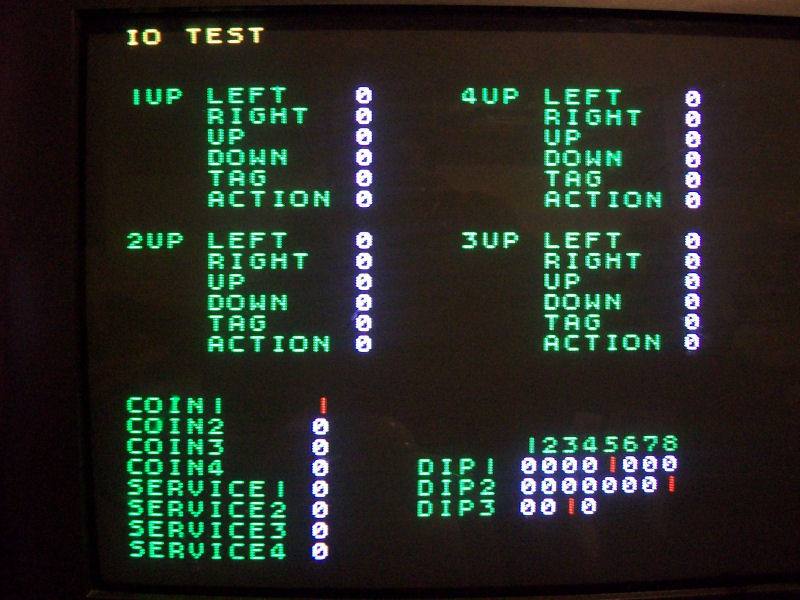
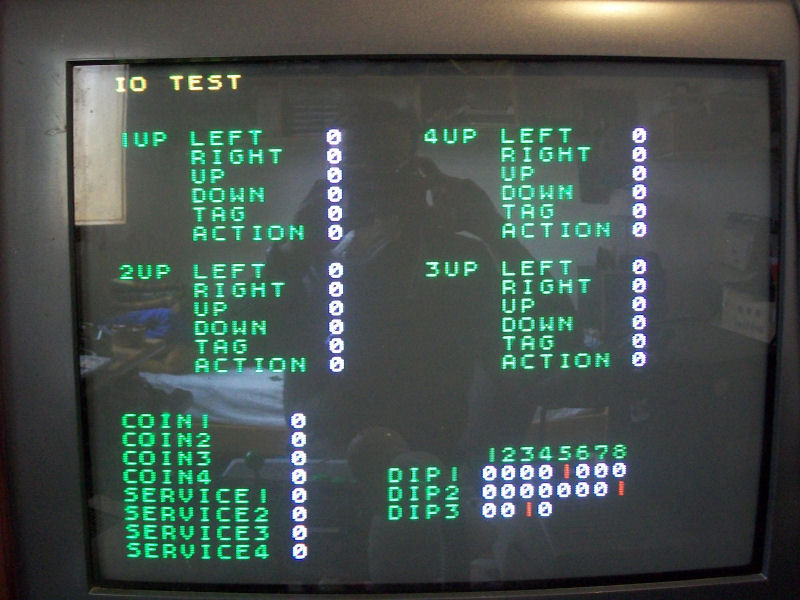
Sound was finally fully restored.Last issue I had to solve was that some Player 1 inputs were not working, for example COIN 1 were stuck LOW as shown in TEST MODE:

COIN1_issue

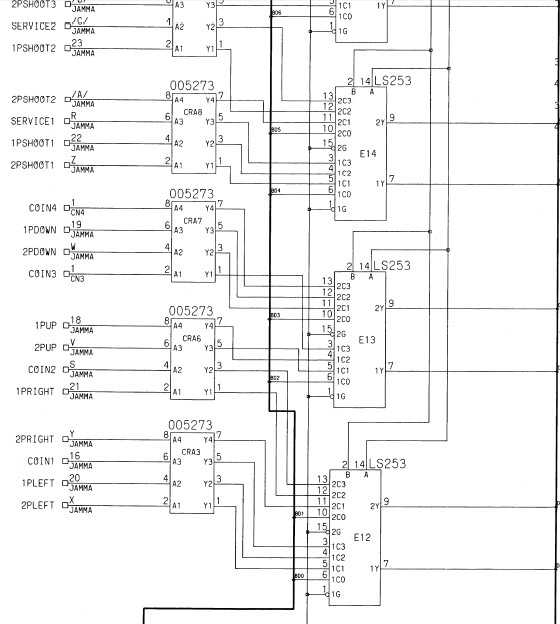
As show in schematics inputs are handled by some 74LS253:

inputs_schematics

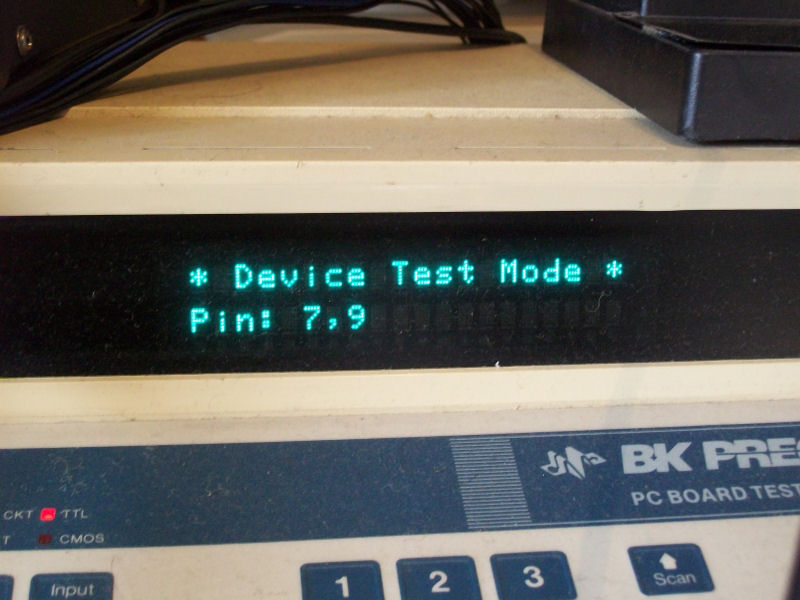
Probing the one @E12 with a logic comparator gave me problem on the two outputs, this was confirmed by out-of-circuit testing:

74LS253_out_of_circuit_testing


After replacing it TEST mode reported all the inputs working again:

inputs_fixed

So the board was 100% fixed.

 Posted by at 10:07 am

Super Pang repair log

 PCB Repair Logs, Repair Logs  Comments Off on Super Pang repair log
Dec 252014
 

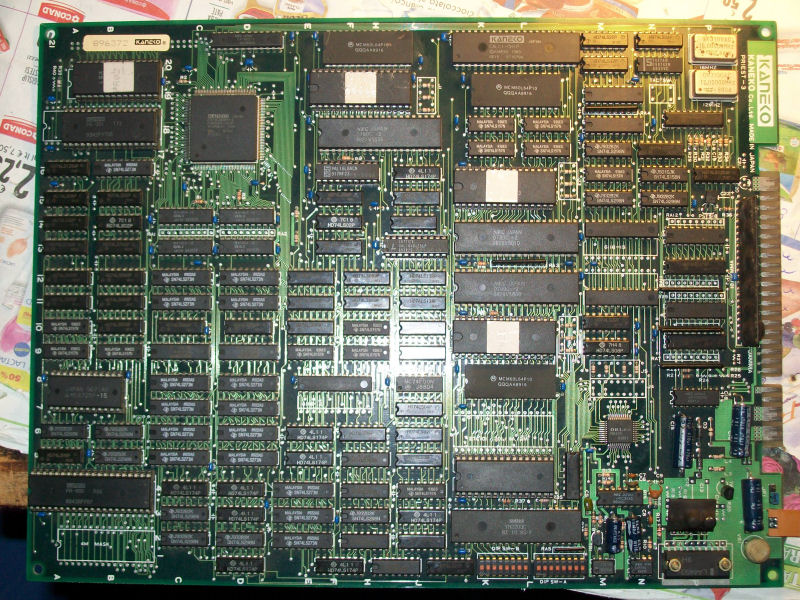
Got this original Super Pang PCB from my friend ‘Mikidaffy1983’

Super_Pang_PCB

He asked me to desuicide it (picture above is actually from the board already desuicided) and, as usual, I followed instruction here:

https://www.arcadecollecting.com/dead/pre-cps.html

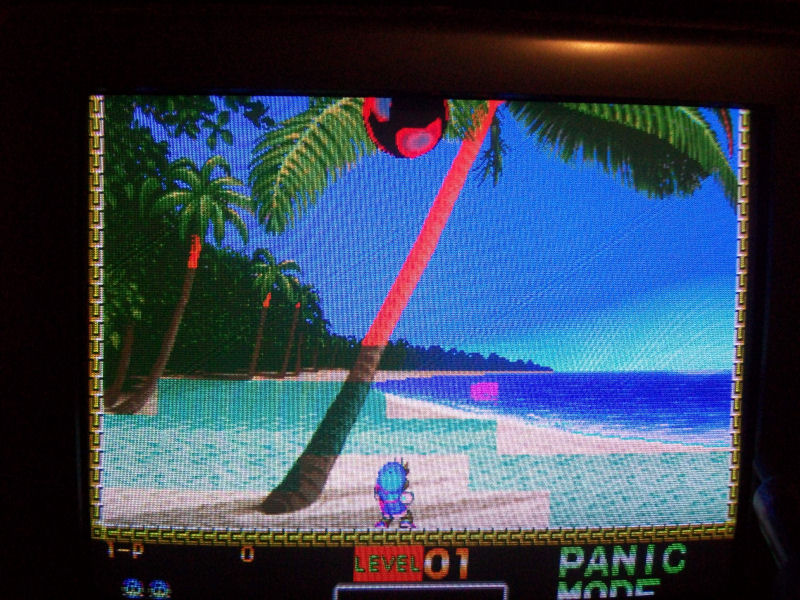
All went good but when I tried the board I noticed wrong colors on some backgrounds/sprites:

Super_Pang_issue

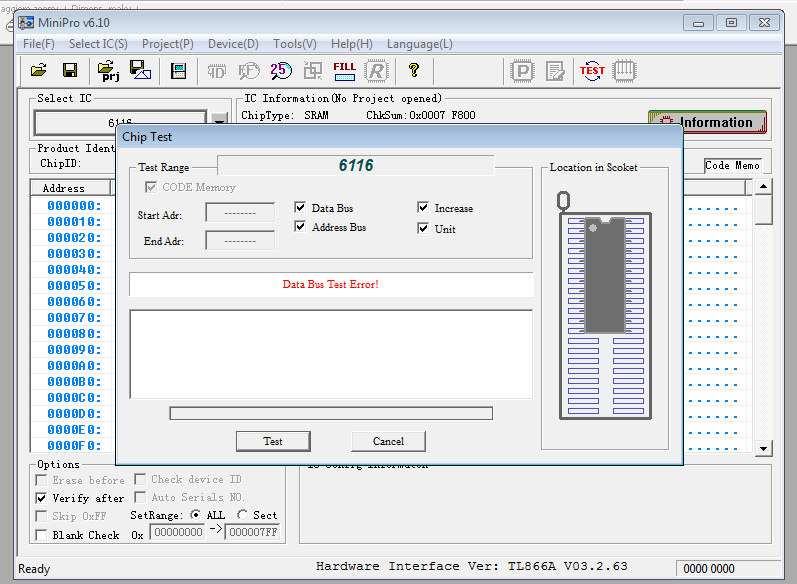
Studying a bit the hardware I found that the color RAMs are located @8C and @9C (two 6116) so I started to analyze them with my logic probe, this revealed that some data lines of 6116 @8C were inactive.Desoldered and tested it out-of-circuit confirmed it was bad:

6116_testing

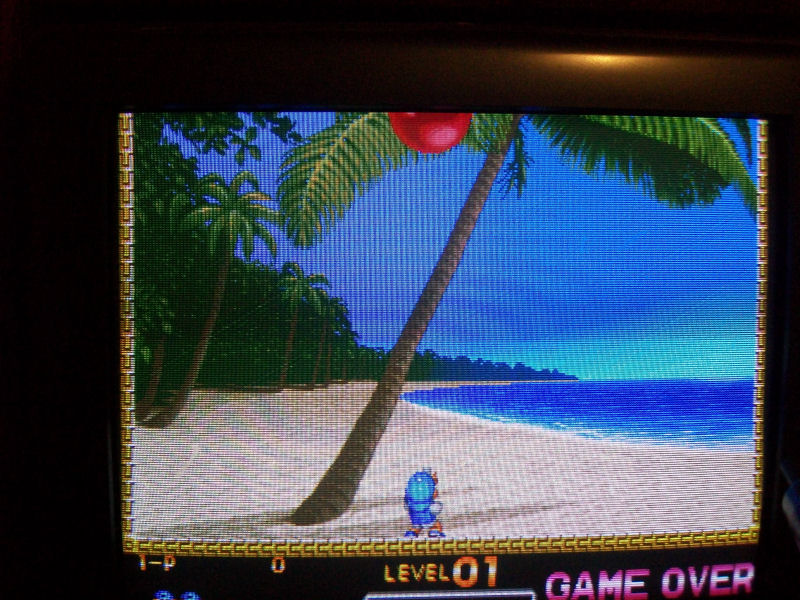
Fitted a good 6116 RAM brought colors to normal.

Super_Pang_fixed

 Posted by at 8:37 am

Air Buster : Trouble Speciality Raid Unit repair log #1

 PCB Repair Logs, Repair Logs  Comments Off on Air Buster : Trouble Speciality Raid Unit repair log #1
Dec 242014
 

Bought this mint original Kaneko Air Buster PCB from my friend Corrado:

Air Buster

PCB was working fine but sound samples (drums, bass line, etc..) were played sometimes randomly other times in a bad way:

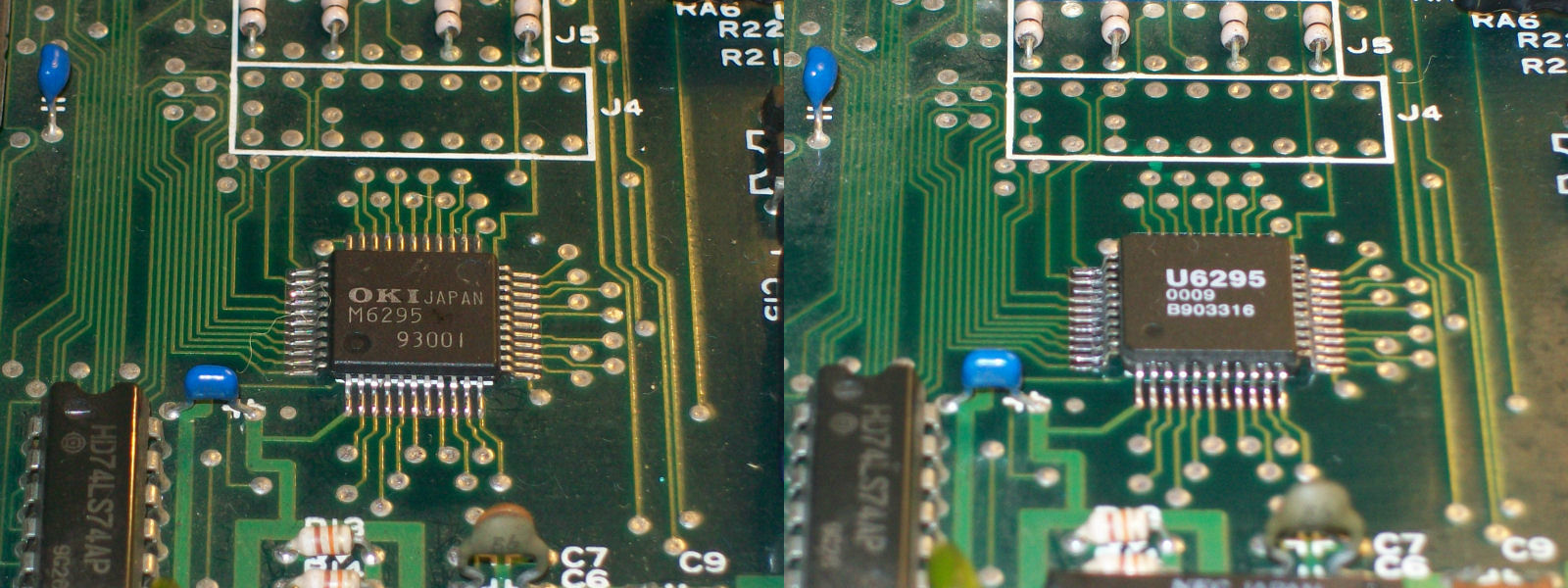
In this PCB (and a lot of other  similar audio hardware) samples are played by the OKI MSM6296 chip which take DATA directly from the ROM that I dumped as good.Connecting an external AMP to pin 36 of the OKI6295 (this pin is the digital-to-analog converted signal fed into the UPC324 OP-AMP, you can download its datasheet here in the downloads section ) I had the same issue so this convinced me to replace the chip (with a rebadged one but it’s the same):

MSM6295_replaced_

This restored fully music/FXs.Job done.

 Posted by at 11:33 am