Feb 252016
 

Another Rainbow Islands PCB to repair.

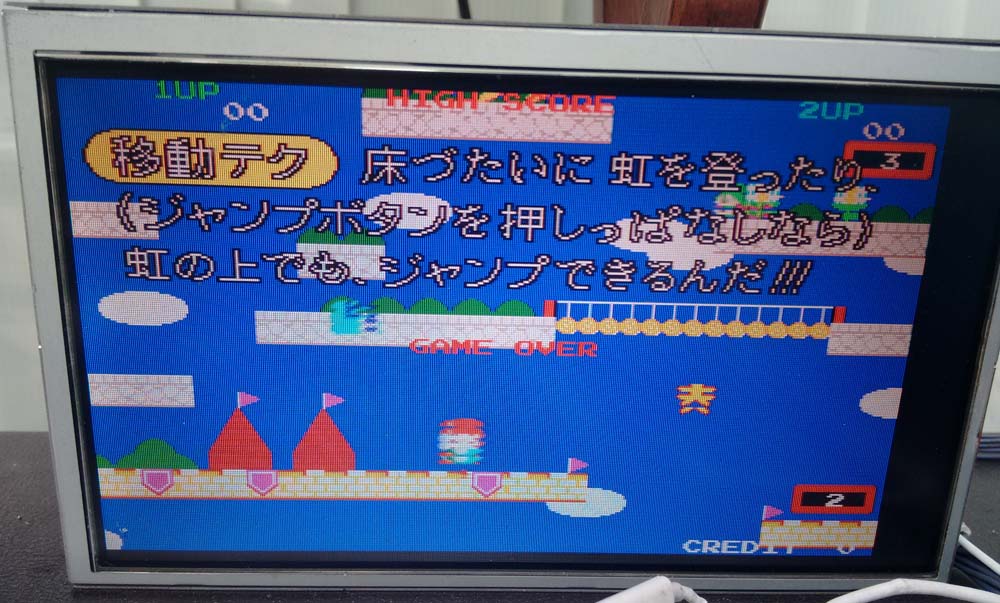
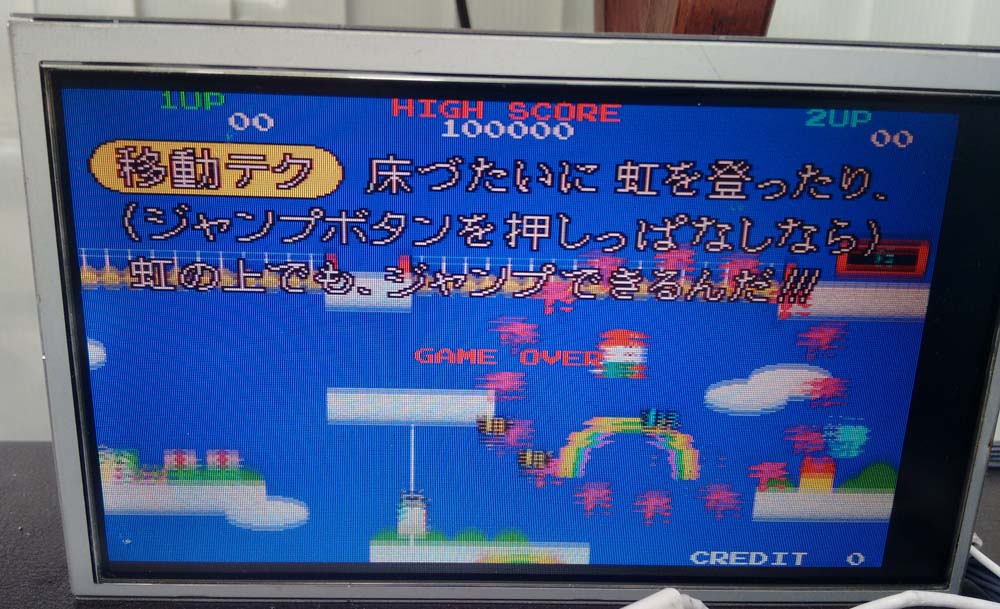
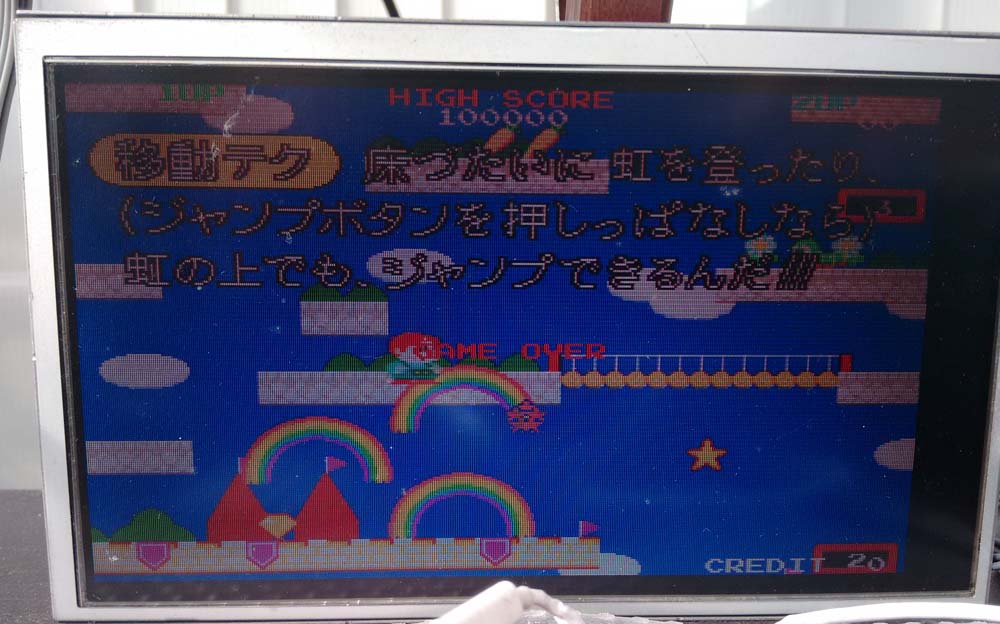
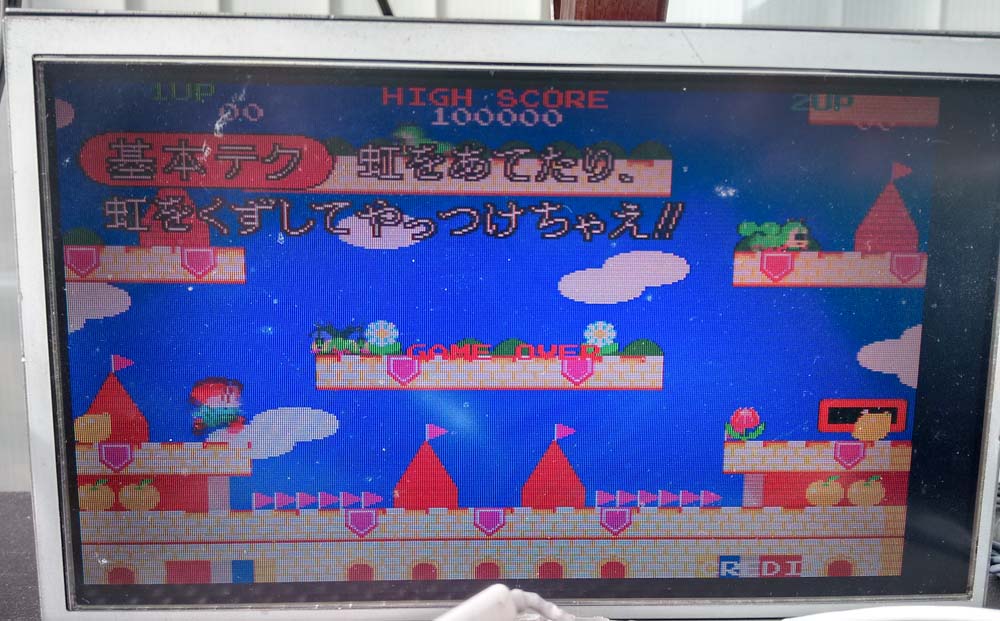
This one had issues with the sprites which were broken up and seemed to be repeating, looked very much like a stuck bit on the sprite addressing;

IMG_20160224_112137583

IMG_20160224_112142174

All tiles and background graphics were fine, so I knew it was something to do with the sprite circuit.

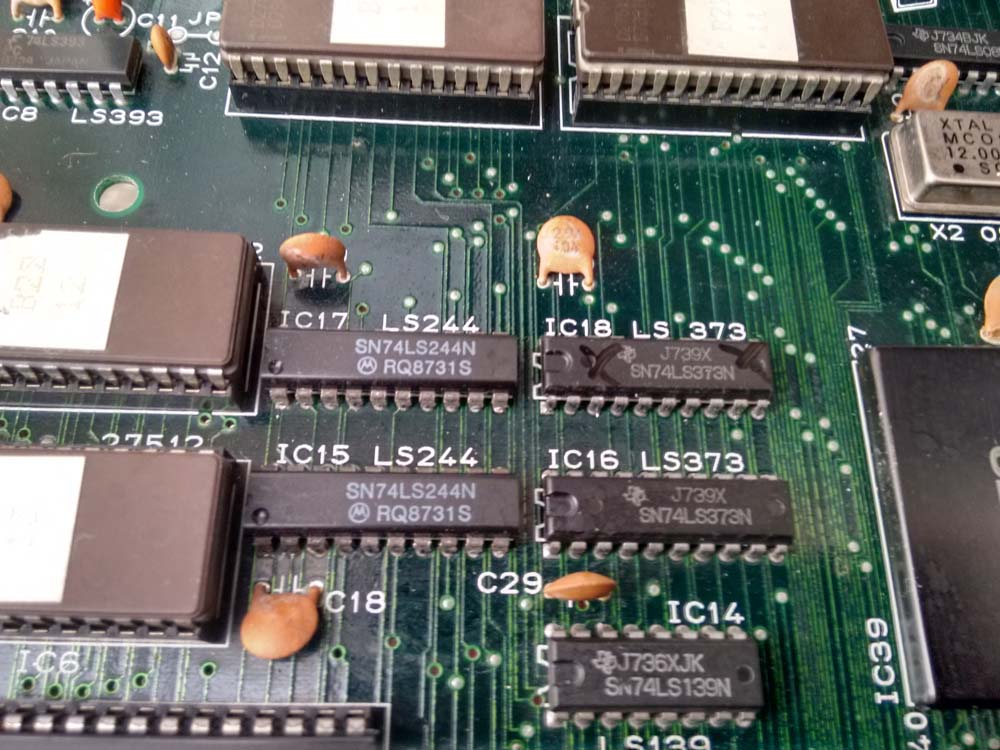
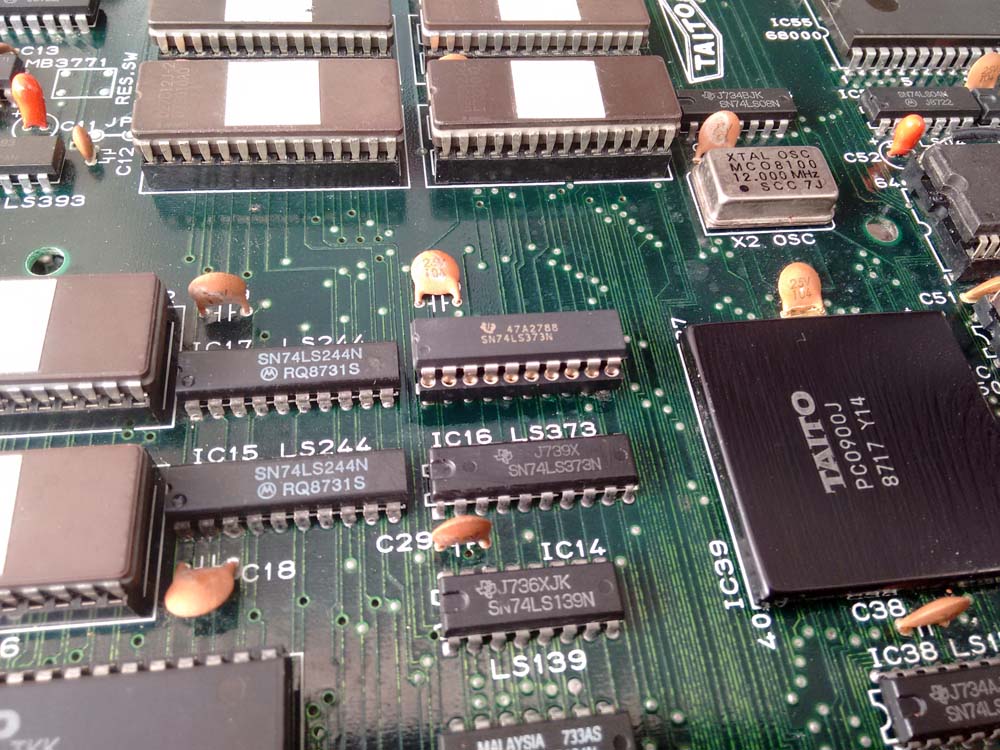
The first thing I did was to look at the area where the sprite data is read from the two eproms.  The two 74LS244 buffers checked out fine, but one of the 74LS373 Octal Latches had an output pin stuck HI (pin 9);

IMG_20160224_112155598_HDR

So I desoldered it;

IMG_20160224_113645345

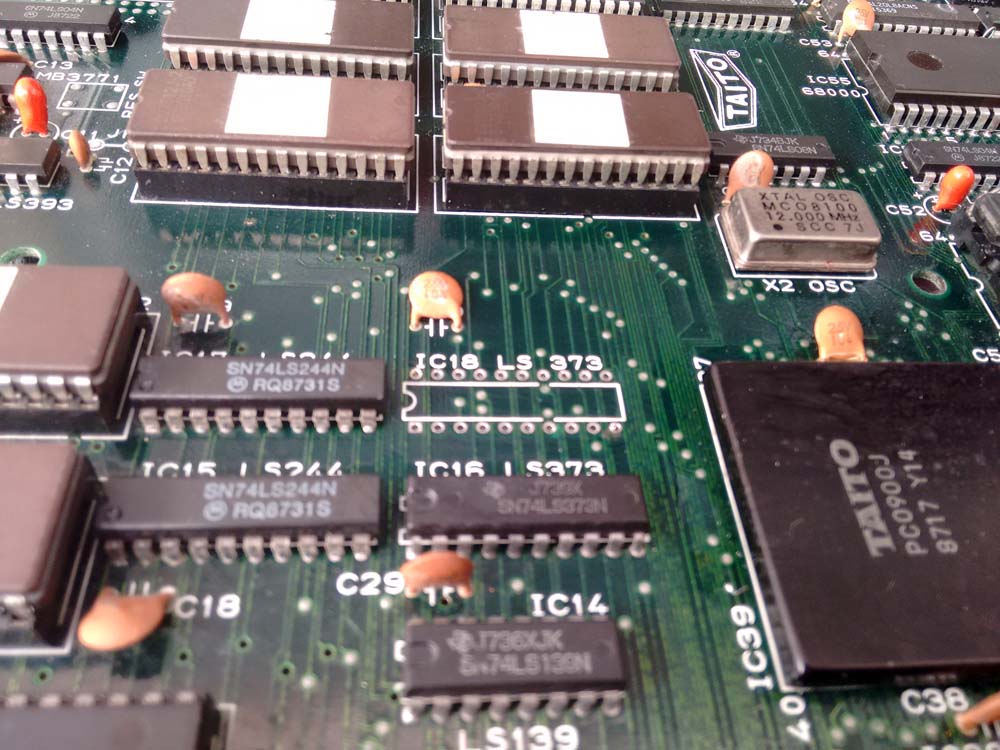
I confirmed the Octal Latch was bad in an IC Tester.  So I soldered in a socket and replaced with a fresh Octal Latch;

IMG_20160224_114050662

PCB sprites now restored;

ri_pcb_2

ri_pcb_3

Cabal and D.D. Crew (bootleg) PAL dumps added

 PAL Updates  Comments Off on Cabal and D.D. Crew (bootleg) PAL dumps added
Feb 242016
 

We have some new PAL dumps.In the last days Porchy dumped PALs from an unemulated D.D. Crew bootleg board (it will be included in next MAME release), devices were two unsecured GAL16V8.Thanks to him.

Today I’ve dumped the PAL from an original Cabal (TAD Corporation) and successfully tested it on a GAL16V8 targeting device.

 Posted by at 10:45 pm

Atari Asteroids Deluxe repair log

 PCB Repair Logs  Comments Off on Atari Asteroids Deluxe repair log
Feb 202016
 

Sometimes lightning does strike twice.

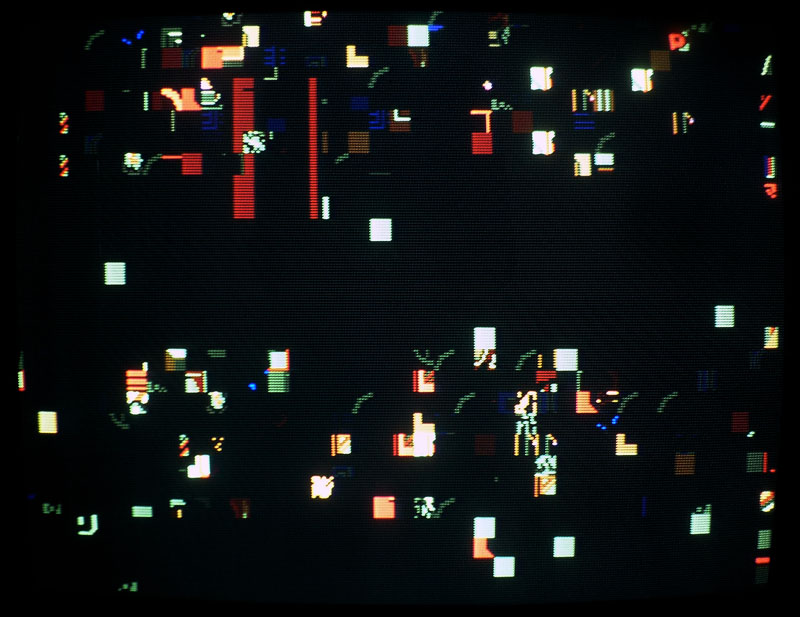
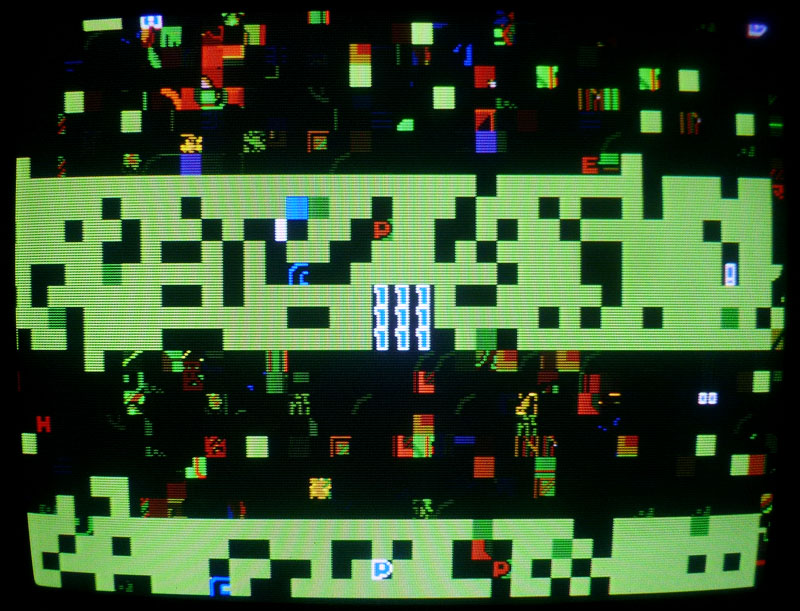
I was recently sent an Asteroids Deluxe PCB which was exhibiting corrupted vectors.

When I got the PCB, I put it on my test rig and was presented with the following in TEST mode;

IMG_20160215_160220667

GAME mode;

IMG_20160215_160158687

The symptoms were pretty much identical to the last Asteroids repair log I posted.  Note however this is an Asteroids Deluxe, however it is pretty much identical hardware to Asteroids except that Asteroids Deluxe has a pure digital sound circuit via a Pokey chip (Asteroids is analogue and no Pokey).

I immediately probed the 74LS42 decoder at E6, which had two outputs stuck HI.

IMG_20160215_160124793

So I desoldered it;

IMG_20160215_161027015

Tested it in my IC tester;

IMG_20160215_181037047

Socketed and replaced it with a fresh decoder;

IMG_20160215_161344449

Fire her up again;

IMG_20160215_160348150

Now working, except that the PCB would sometimes crash or refuse to boot.  I was able to determine that three of the six ROM sockets were worn.  So I replaced all of them for reliability;

IMG_20160215_162641553

IMG_20160215_165025775

IMG_20160215_162807350

Now working 100%.

Poker Ladies repair log #1

 PCB Repair Logs  Comments Off on Poker Ladies repair log #1
Feb 202016
 

I recently received some faulty Capcom pre-CPS PCBs.As most of you know, these board are well known to commit suicide.As you can read from the Dead Battey Society site, “the way suicide work is that the batteries on board supply power to a bit of RAM that holds a decryption table. This table is the key to decrypting the encrypted program stored in the board’s ROMs. When the battery dies, this table goes away and the program code can no longer be decrypted. The CPU no longer has valid code to execute. The board stops working”.

In particular Capcom pre-CPS boards all use a single 3.6V battery and a custom Z80 marked “Kabuki”.The Kabuki has the RAM with the decryption table built right into it.

My Poker Ladies PCB committed suicided and all I got was a static blue screen:

Poker_Ladies_suicided

After reviving it with the use of patched ROMs available from the Dead Battery Society site and doing some modification on PCB (thanks to Corrado for providing me info), the board successfully booted but showed sprites issue:

sprites_issues

EPROMs containing this part of graphics were reafd fine so my first suspicions were on the custom sprites generator marked “86S105” (84 pin PLCC package) which addresses the devices :

86S105_sprite_generator

I played the card of its replacement taking a spare from a shorted Block Block PCB:

86S105_removed

and I won since sprites were fully restored:

sprites_restored

 Posted by at 9:38 pm

Bubble Bobble (bootleg) repair log

 PCB Repair Logs  Comments Off on Bubble Bobble (bootleg) repair log
Feb 202016
 

I never had a Bubble Bobble PCB in my collection so recently I bought this bootleg board (original one is too expensive for my taste) called Super Bobble Bobble :

Bubble_Bobble_bootleg

When I powered it up, at first glance it seemed to play fine except for the lack of sound which I promptly fixed reseating and cleaning the sound CPU ROM.But playing some games I noticed that screen was yellowish :

color_issue

Shorting some data/address lines of various RAM I could identify the ones related to palette circuitry, two TMM2015 (6116 compatible)

palette_RAMsha

Probing the lower one with a logic analyzer revealed that some address lines were stuck low:

TMM2015_DATA_bus

This lead me to remove and testing the chip out of circuit where it failed:

TMM2015_palette_failed

TMM2015_recplacing

With a good RAM chip correct colors were restored:

correct_colors

End of job.

 Posted by at 4:51 pm