Fluke 68000 POD ROM revisions

 General, Technical Info  Comments Off on Fluke 68000 POD ROM revisions
Mar 072015
 

Yesterday I received an email (and it was also posted on the UK-VAC forum) with some information on the 68000 POD firmware version.
Here is the info:

Fluke 68000 pod ROMS

U4.bin : 0x2361d749
U5.bin : 0xa6f59007
version 2.0

U4.bin : 0xa8859970
U5.bin : 0x486343c7
version 5.0 (this version is in https://www.jammarcade.net/fluke-pods/)

The version of a Fluke 68000 pod can be obtained by:

-Put the ribbon cable of the 68000 pod in the self test socket
-Press setup on the 9010a and check the following, changing if necessary:
SET-TRAP BAD POWER SUPPLY? YES
SET-TRAP ILLEGAL ADDRESS? YES
SET-TRAP ACTIVE INTERRUPT? NO
SET-TRAP ACTIVE FORCE LINE? NO
SET-TRAP CTL ERR? YES
SET-TRAP ADDR ERR? YES
SET-TRAP DATA ERR? YES
SET-ENABLE HALT? NO
SET-ENABLE BR/ACK? NO
SET-ENABLE INTR? NO

First disable the self-test performing WRITE @ F000 0028 = BF
and then do a READ of address F0000012, you get the value 0020 for version 2.0
and 0050 for version 5.0, this is explained in the 9000A-68000 Interface Pod manual in chapter 6-7.
If you get version 6.0 please let me know, this version has Quick Ramp, Quick Fill, Quick Verify
and the pattern verification option of Quick RAM.
PAL of version 2.0 pod is the same as of version 5.0 pod

If you want to re-enable the self-test, you can cycle pod power off and then on or do a WRITE @ F000 0028 = FF

Guddler had dumped his ROM’s some time ago when he was troubleshooting his pod and they didn’t match mine.
Based on the above information it would appear he has version 2 of the firmware and I have version 5.
I’ve amended the downloads section accordingly and also added Guddler’s dumps too for completeness.

If anyone has any other versions then it would be nice to get these too, especially the version 6 mentioned in the text above.
Updating a Chipmaster digital IC tester

 General  Comments Off on Updating a Chipmaster digital IC tester
Feb 272015
 

Ive always wanted to update the software on my ABI Chipmaster as it was outdated when I originally got it. The issue is ABI like to try and extract every last penny from people that own any of their equipment and in order to do any updating then you have to buy their software and that costs A LOT!

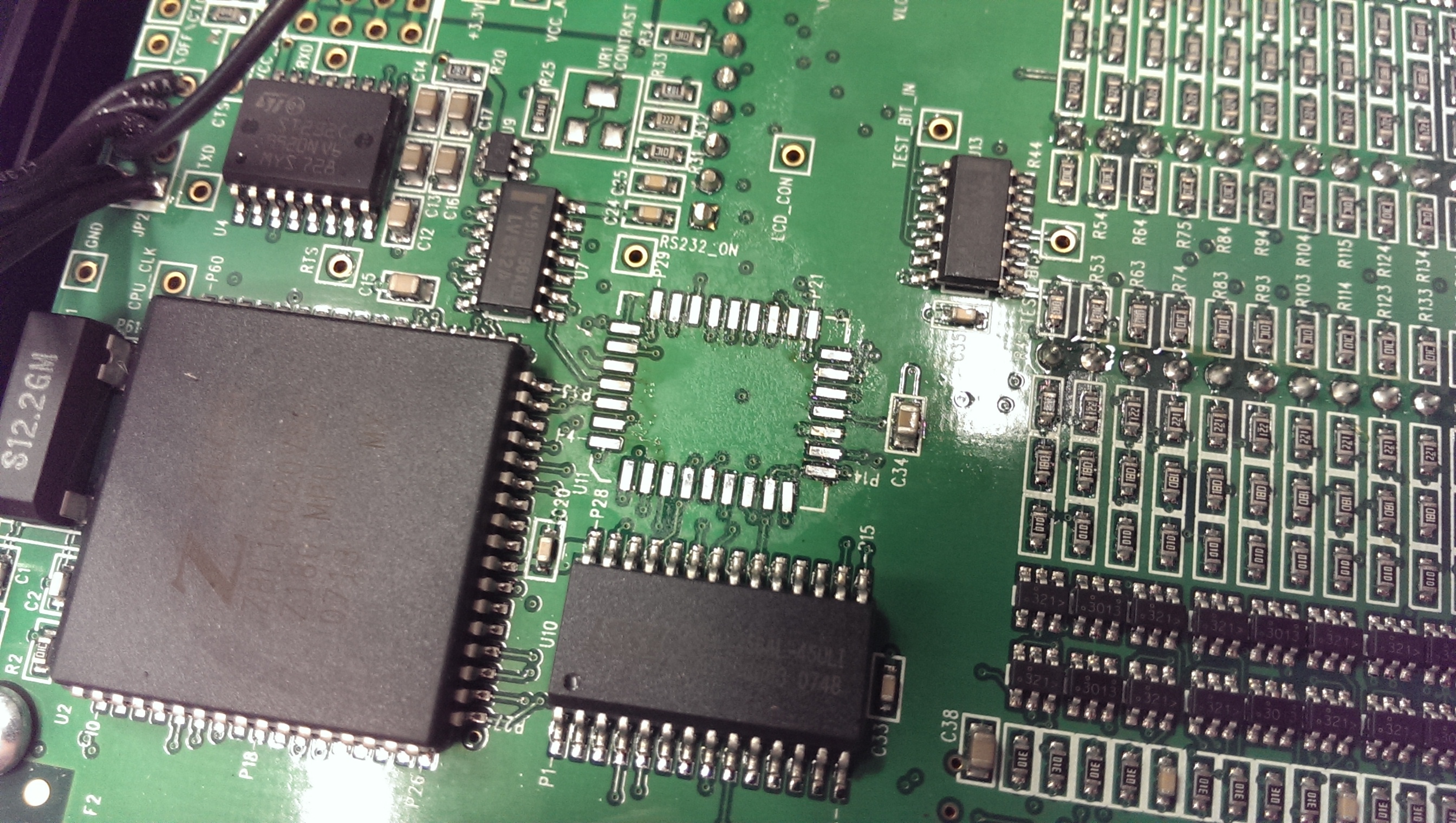
Today I opened this thing up and found a 29LV040 chip in there which I obviously was the thing I was after. The device is in a 32 pin PLCC package and is soldered directly to the PCB.
I fired up the how air rework station and removed that chip.
IMAG1194

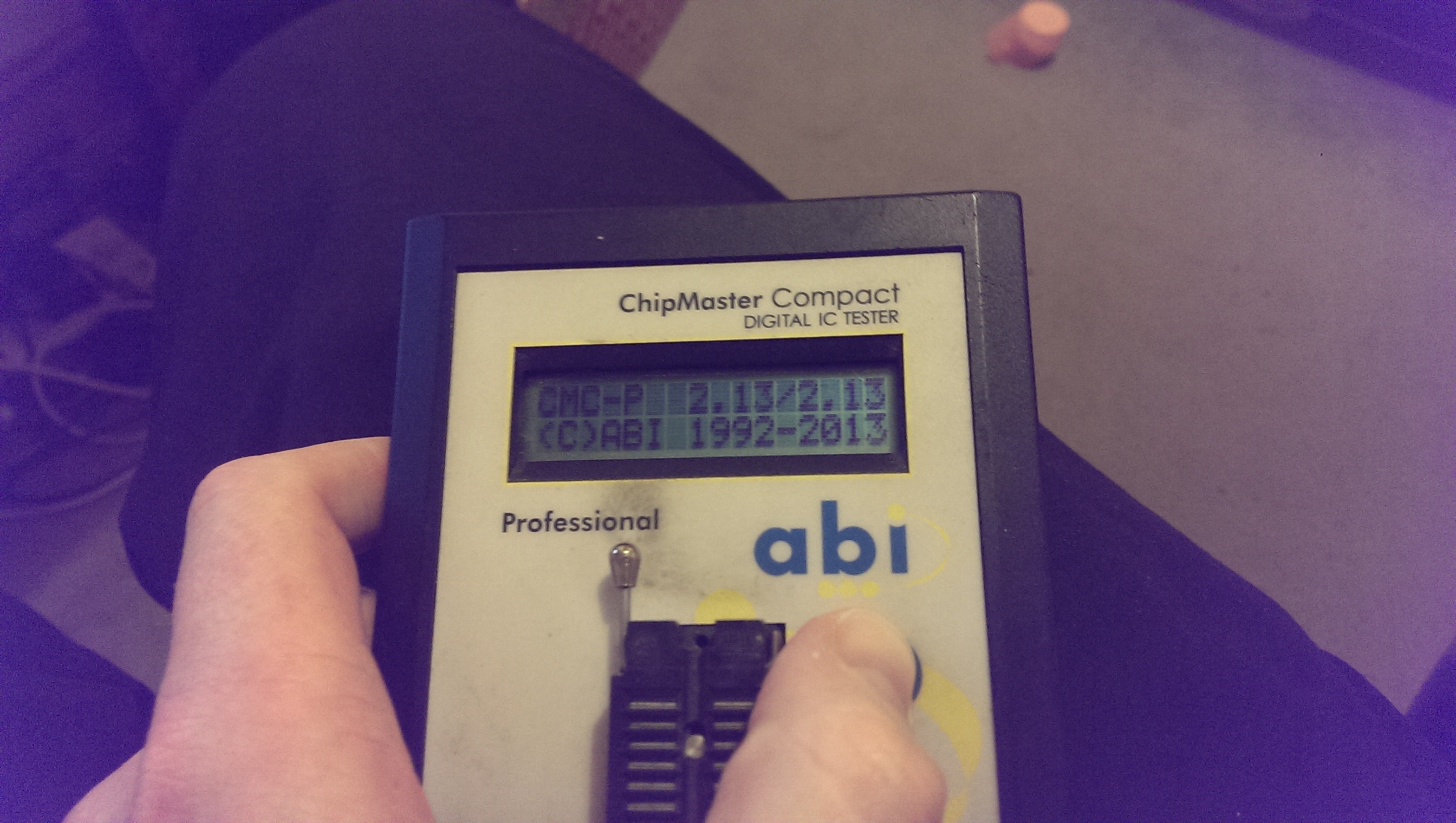
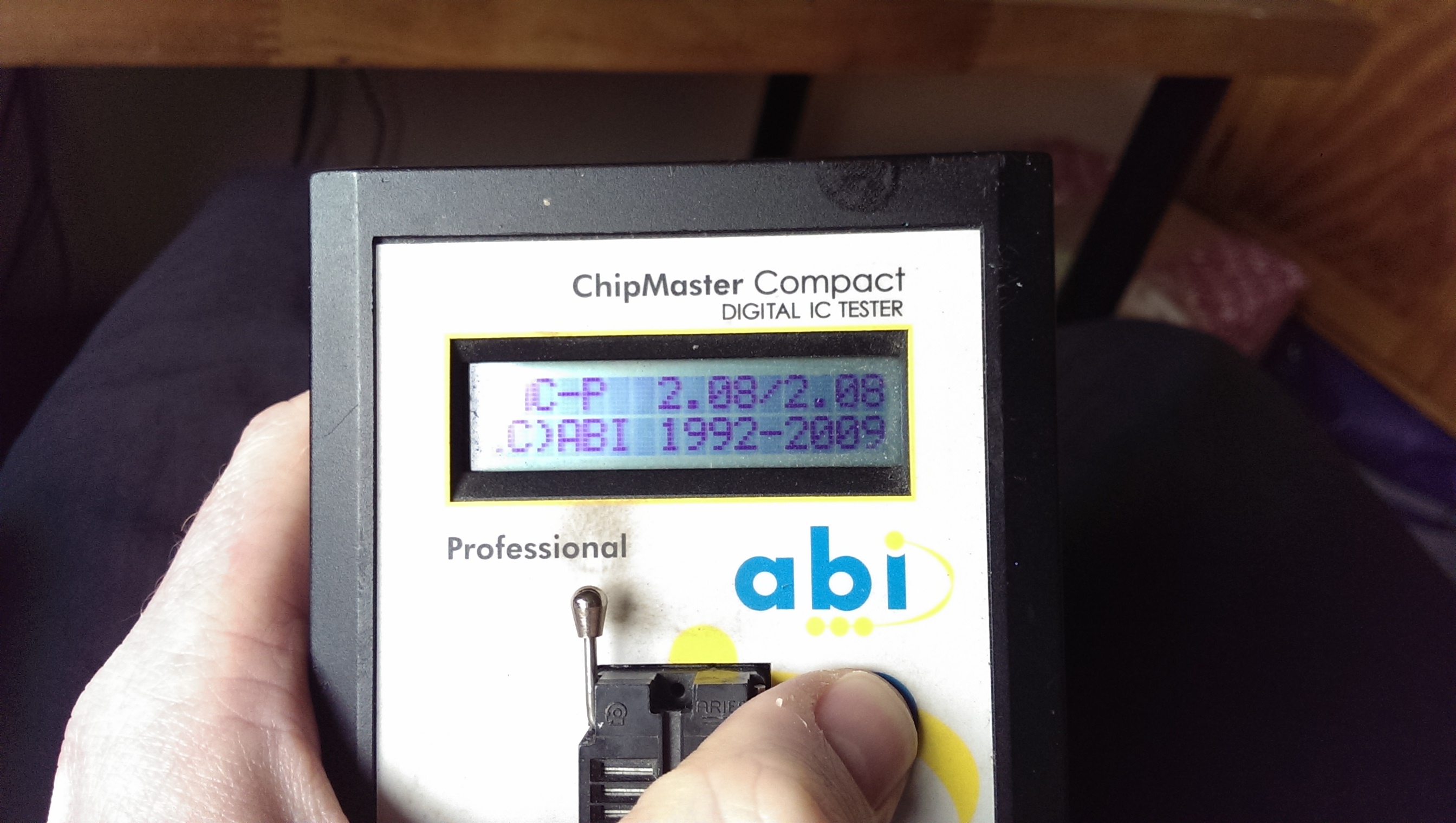
After fitting a socket I downloaded the latest software from the ABI website and reflashed the ROM

BEFORE:
IMAG1196

AFTER:
IMAG1202

Now I have the software file Im going to pull this thing to bits in IDA Pro and see what interesting things I can find, maybe its even possible to fix the Z80 testing function that ABI cant be bothered to fix themselves.

Jan 152015
 

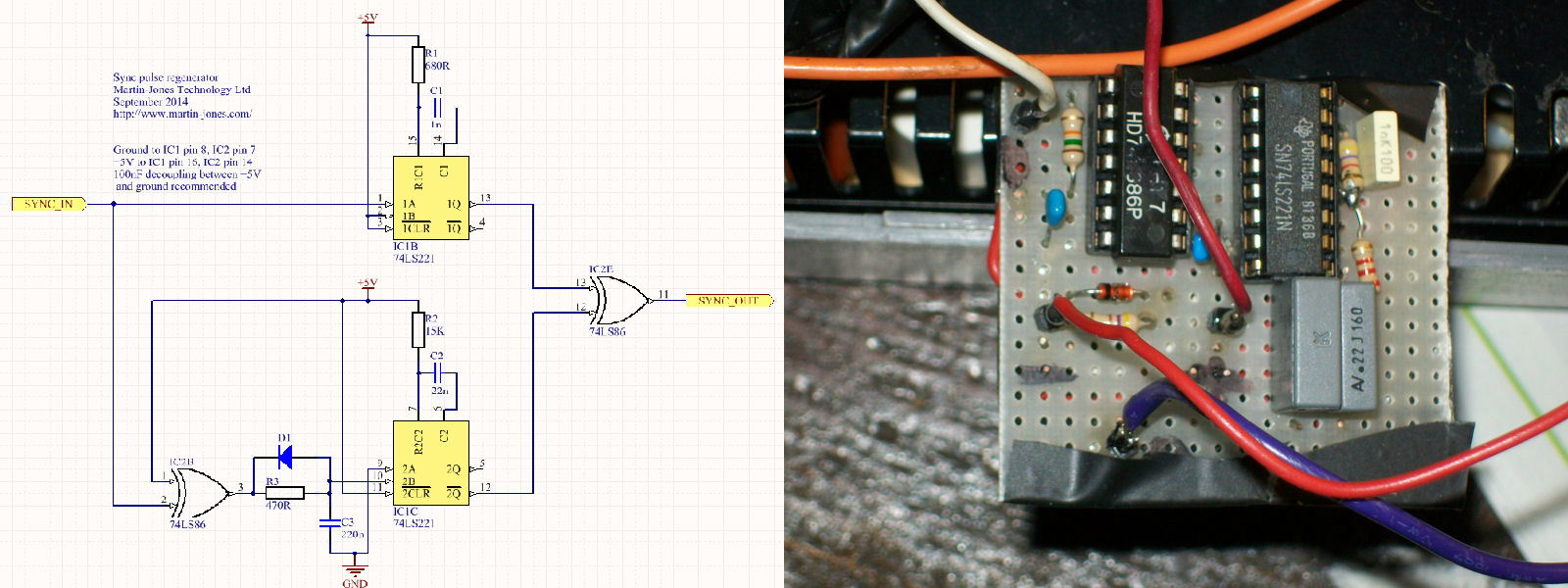
Sync troubles, i.e. rolling/flickering picture,curved sides, etc.., on your beloved arcade PCBs?

Now the “sync stabilizer”, copyright by ‘MARTINJONESTECHNOLOGY’, beats ’em all !

Today I assembled on a stripboard this little circuit and installed it in my supergun.It really fixed all my sync issues with my troublesome boards (mostly bootlegs) which I never been able to solve in other way (trying, for example, the LM1881 sync stripper/cleaner)

Circuit is simple to do (but very effective),it requires only few common components.Technically speaking, it doesn’t modify the sync signal frequency but only the horizontal pulses lenght bringing them back in the broadcast standards.

sync_stabilizer

For bill of materials and other technical explanations, I refer you to the official page of the creator:

https://martin-jones.com/2014/09/16/that-syncing-feeling-classic-arcade-games-that-wont-stay-still/

I highly recommend you to give it a try, you won’t be disappointed.

 Posted by at 9:23 pm

SEGA NAOMI multi BIOS

 General  Comments Off on SEGA NAOMI multi BIOS
Jan 042015
 

P1pkin has released his NAOMI/NAOMI2 multi BIOS for everyone.

By changing the dipswitches you can change the region of your system
DSW2 DSW3
OFF OFF Japan
ON OFF USA
OFF ON Export
ON ON Korea

Original thread can be found here

Thanks very much to P1pkin for this.

 Posted by at 1:50 pm