Sep 112016
 

I recently picked up an Apple //e enhanced computer to repair and to relive some memories. Due to the machine’s age ( especially because of the power supply )  I was mindful not to power up the machine and risk damage to the logic board.

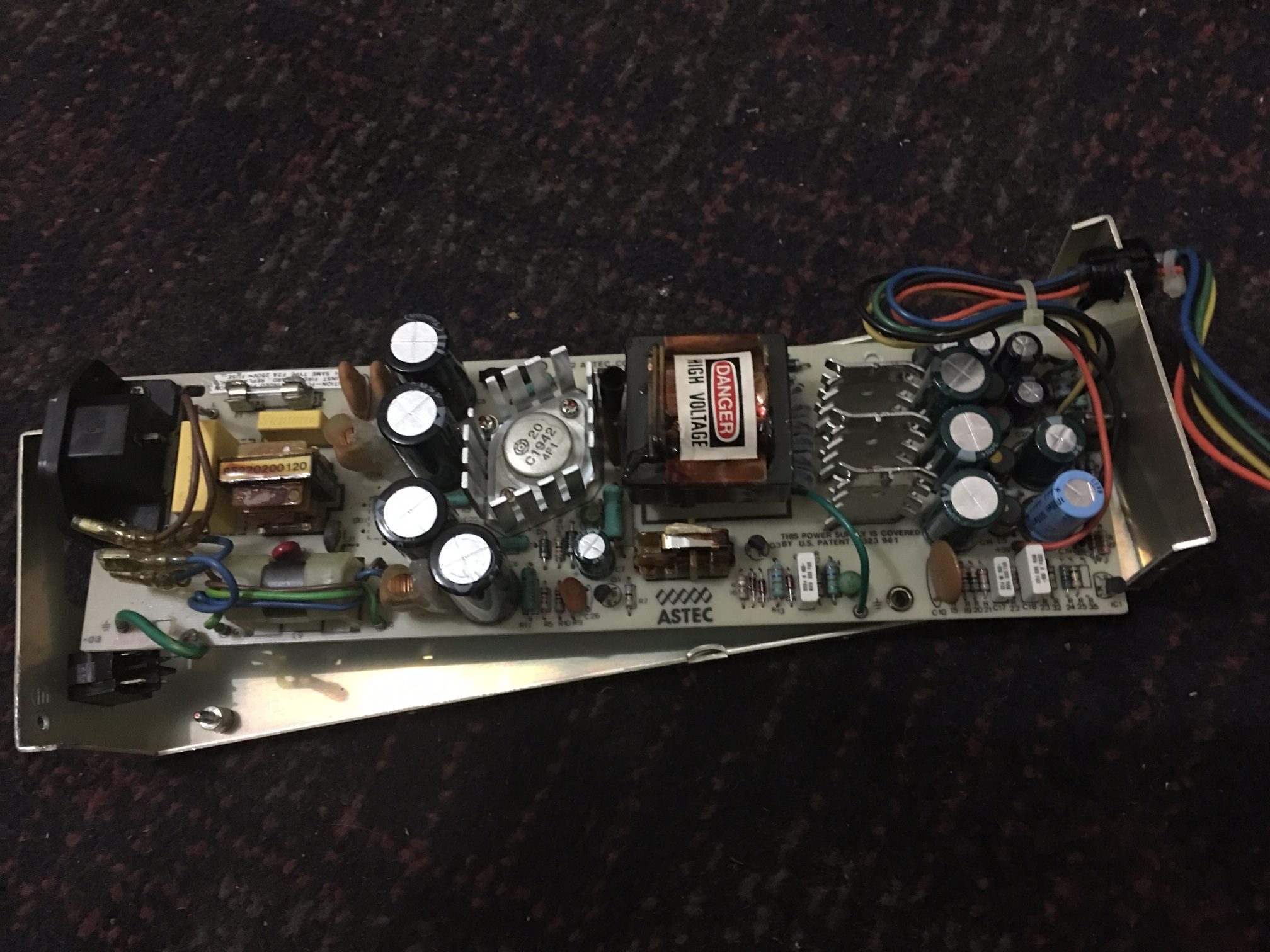
I disassembled the power supply and wasn’t at all surprised at what I saw based on what I’ve read, there was no way I was powering this thing on and taking any chances although this was a very high quality power supply compared to power supplies of the same era. This is an astec AA11042C, this version is rated 240v and there were actually two different types available in the Apple ii line. I checked the fuse which looked fine and tested OK with my DMM.

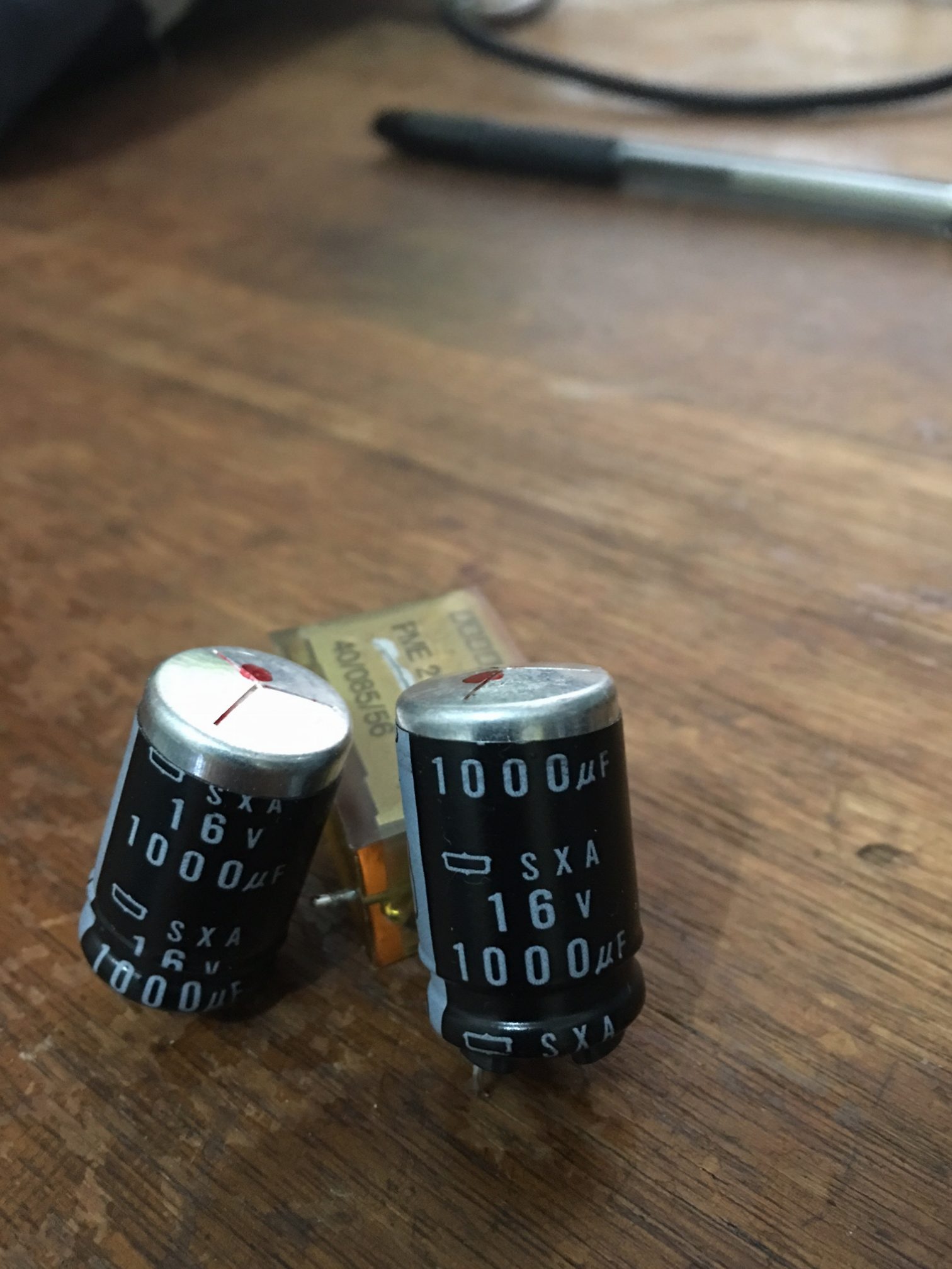
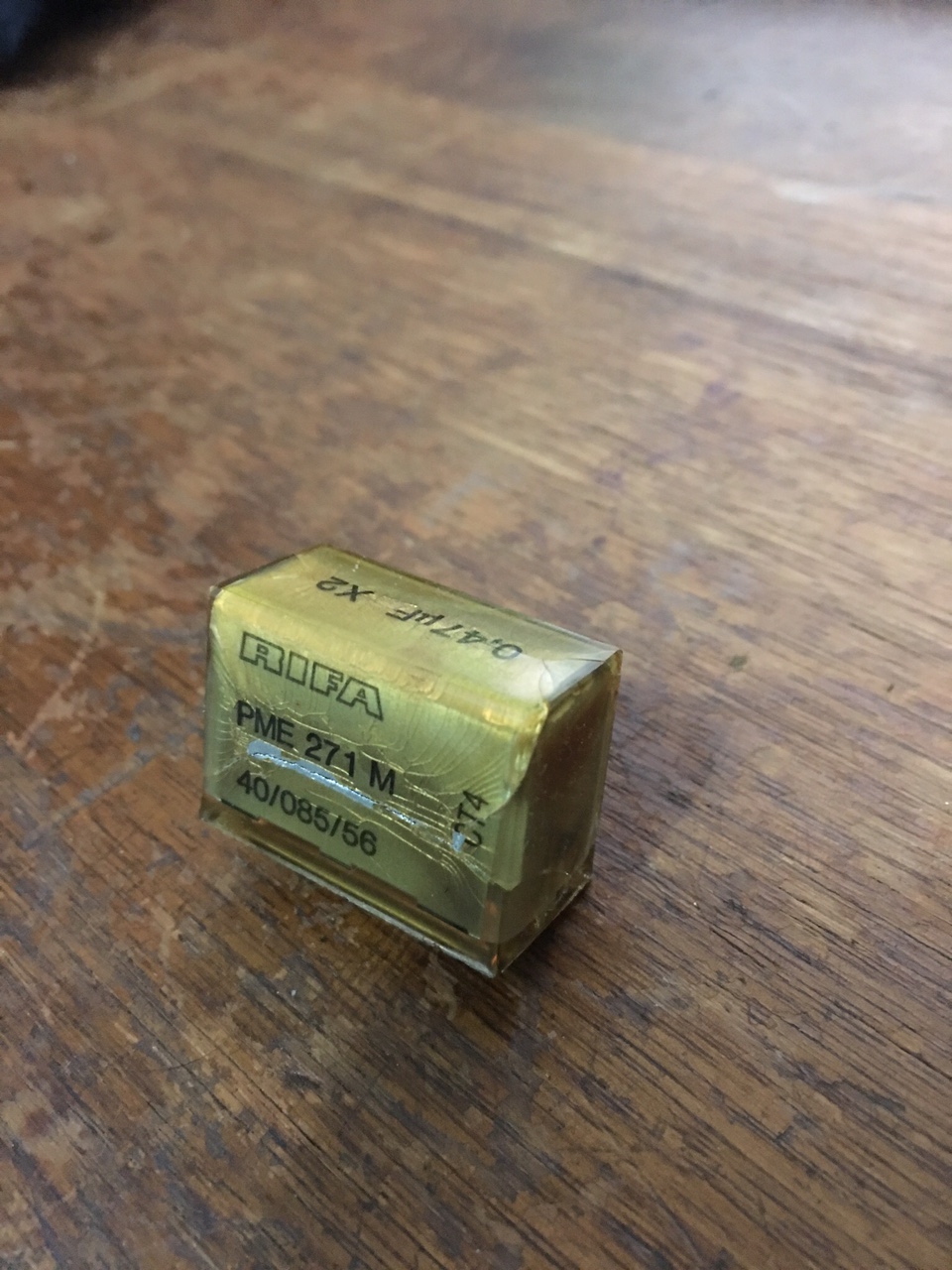
I then removed all electrolytic capacitors and recapped the entire board including the two Rifa filter caps which can fail spectacularly and spill brown coloured goo everywhere. Some capacitors revealed scorch marks on the PCB after removal. The 47uf 250v capacitors from the high voltage side looked fine but were way off spec.

2 bad electrolytic capacitors pulled from the low voltage/output side

image13


A Rifa filter cap. ( Note the cracks! )

Apparently moisture gets inside the cracks and the cap explodes. Not taking any chances, it has to go.

image12

Astec rebuilt with brand new electrolytics & filter caps.

I ended up installing two filter caps made by Suntan, this brand doesn’t have the best reputation in the world but I can swap those for higher quality caps once I get the unit functioning. These were all I could find ( the yellow rectangular looking things near the inductor) and I was so desperate.


image4

I tested the power supply but quickly found out that like all switching supplies, nothing will happen without a proper load or with a short. With the power supply connected to the Apple, nothing happened which was good in a way because I didn’t see any smoke. If I were taking my chances in the same way with an Atari or Commodore power supply then things might have turned out a little different 🙂

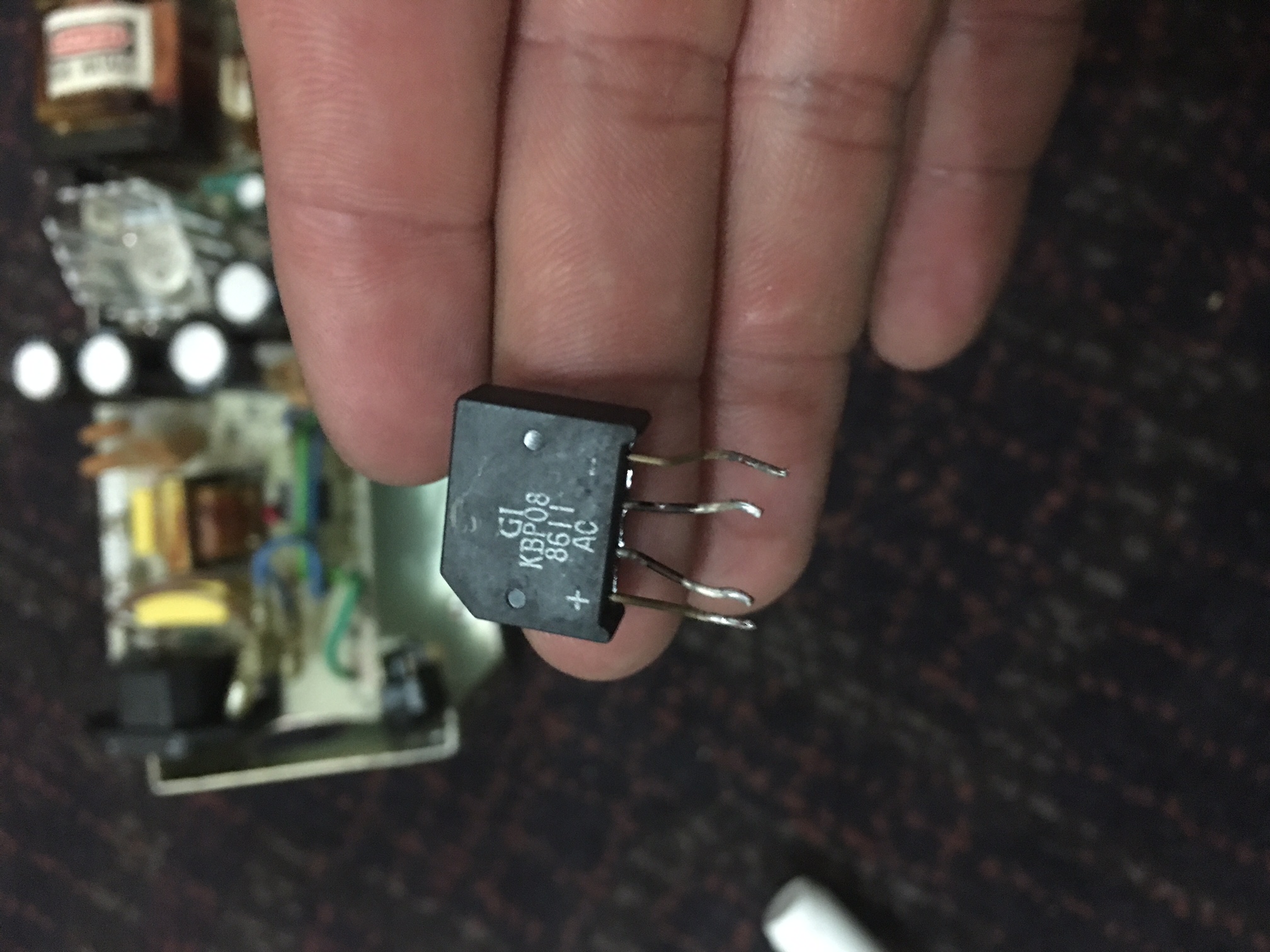
There were no voltages present on the logic board of the Apple //e. This prompted me to look deeper. The bridge rectifier ( @ DB1 ) looked a little cooked or oxidized even though it tested good with my DMM, the issue wasn’t there but I replaced it anyway.

Scorched or oxidized bridge rectifier ?

image5

I then started reading a comprehensive troubleshooting guide in the following PDF document.

https://www.applefritter.com/files/Apple2e_Repair_SAMS1985.pdf

I ended up removing a bunch of small transistors, the large power transistor,diodes and re-installed them after they checked out fine. I replaced the SCR ( silicon controlled rectifier ) at scr1 as I have no means to test it. The scr1 shutdown transistor at Q4 tested good. This area is also known as the crowbar circuit which disables the power supply if there’s an over-voltage or a surge, this protects any downstream components like the sensitive stuff in your computer from damage.

I was stumped at this point as none of the above actions solved my problem.

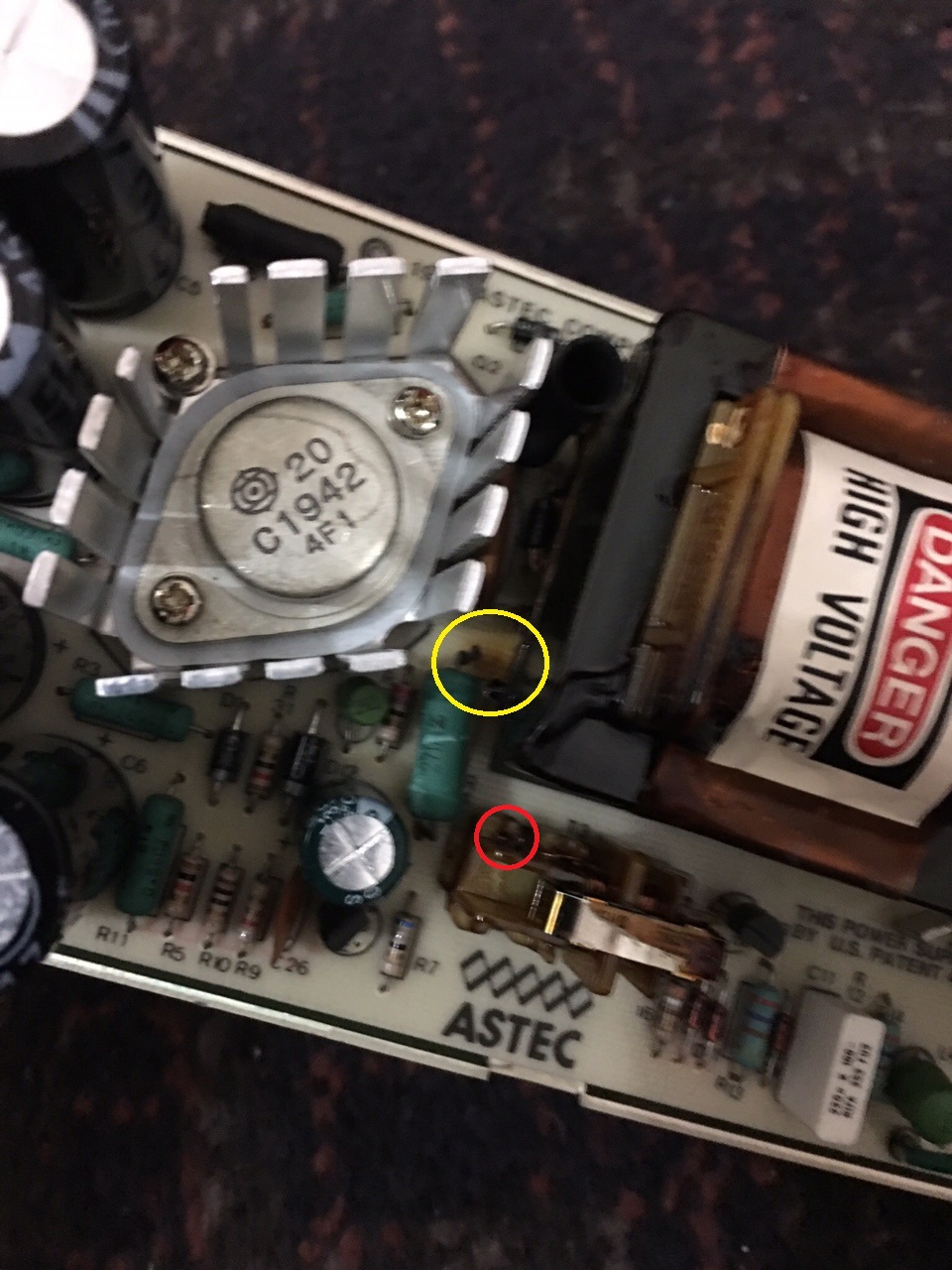
I took another closer look at the PCB and found this burn mark circled in yellow. I removed the 2w resistor which still measured 27 ohms out of the circuit. I re-installed it as it was good.

image15

The above link to the document also mentions to check the windings on transformer T2 and T3 ( PWM control isolator )  for continuity. I remove the smaller transformer ( pictured above, adjacent to the astec silkscreen logo on the pcb ) thinking that I’m wasting my time with this but check for continuity anyway.

There are 6 pins on the bottom of the T3 which are soldered to the PCB. There appears to be 3 separate sets of windings but 1 set of windings had no continuity between two of its associated pins. I found a small break in the winding at the bottom of the transformer ( circled in red ) and soldered it to its corresponding pin. If the break was anywhere else then there would be no way of repairing it, I just got lucky I guess.

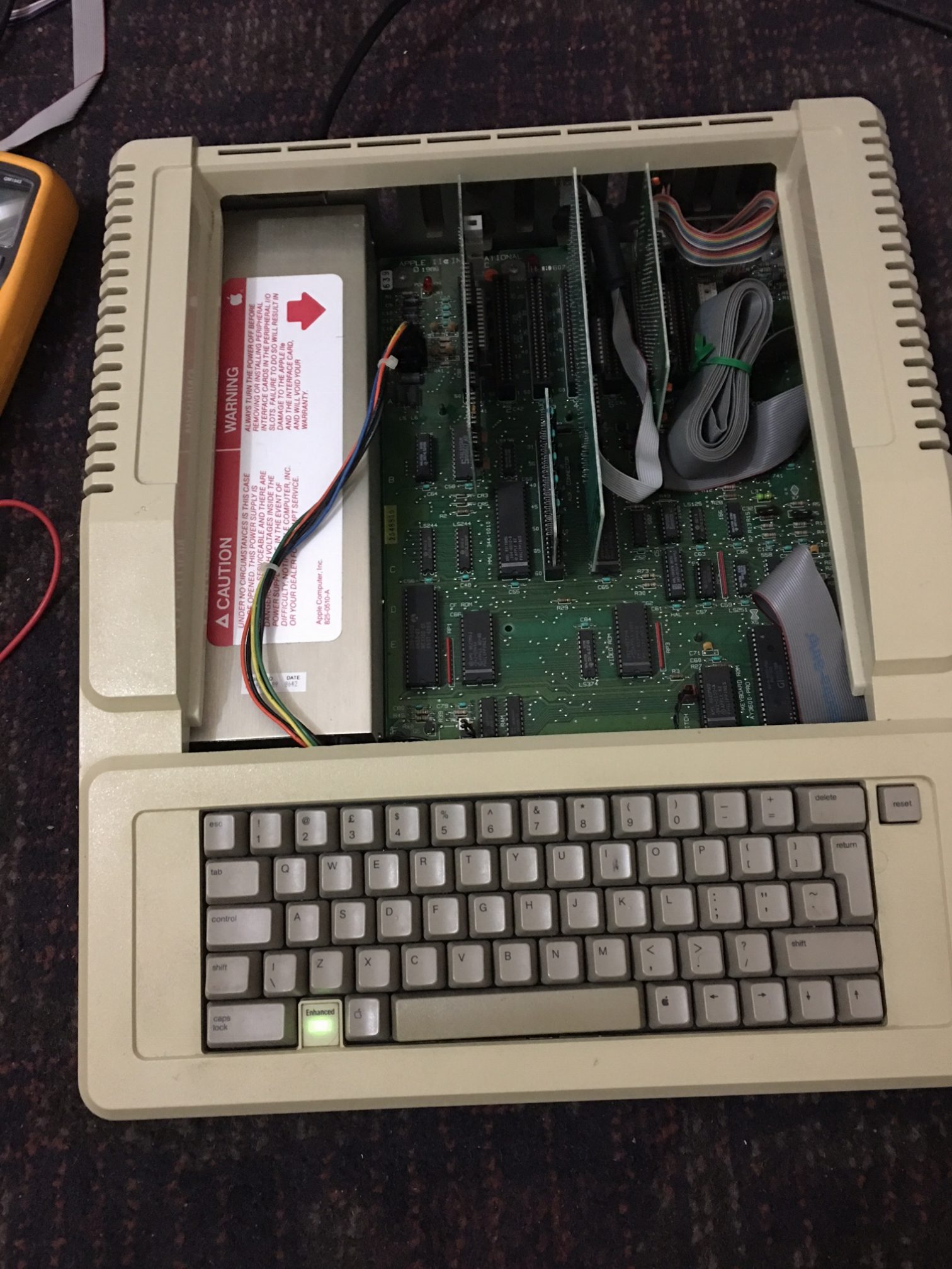
I re-assemble the power supply and apply power to the computer and presto. The internal speaker beeps at me and the kb power led illuminates. Failures within transformers are relatively rare but I have just proven to myself that its more likely to happen than I originally thought.

image1


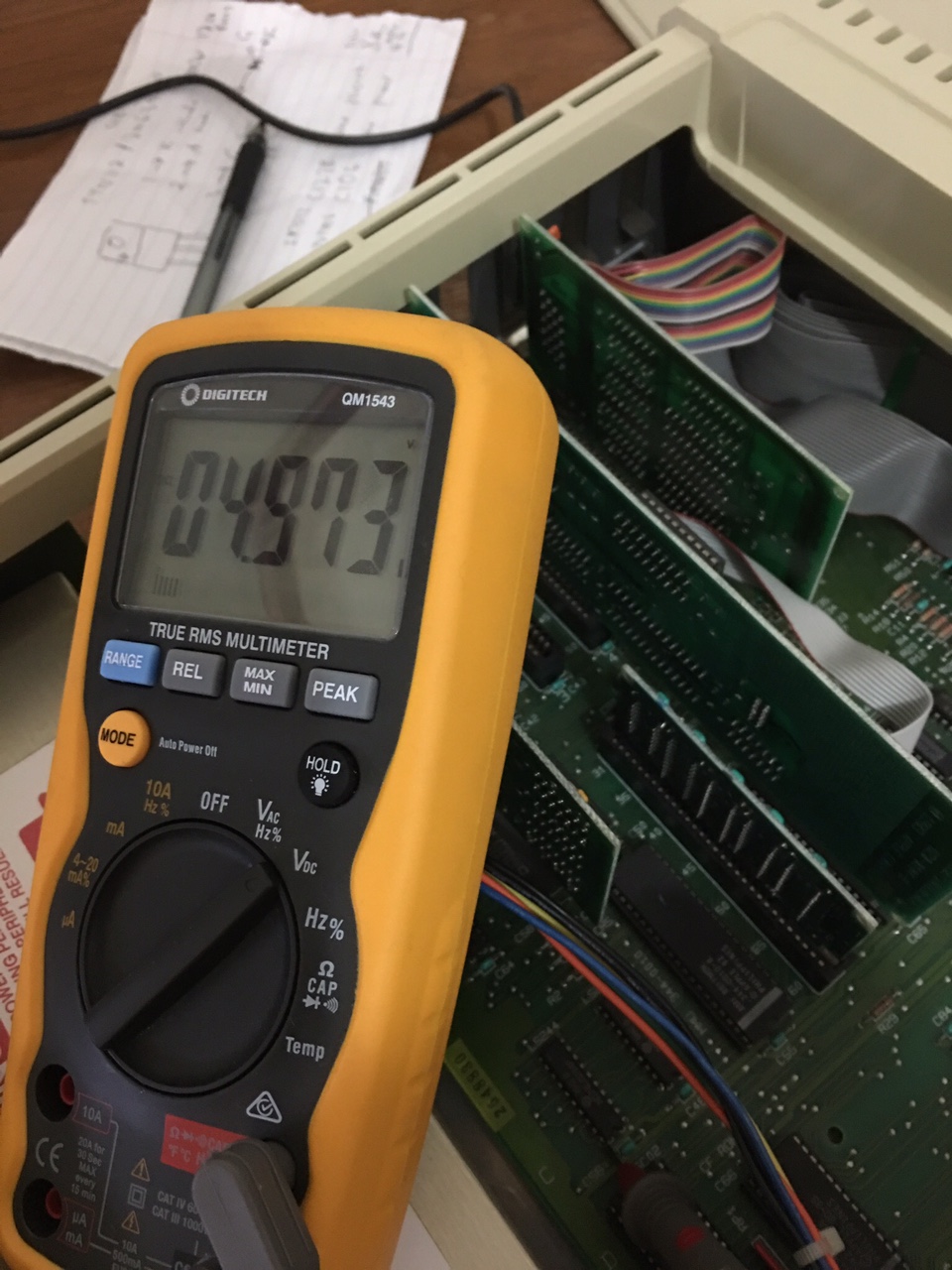
Taking some measurements ( -12v, -5v, 5v & 12v ).

4.97 volts DC, looks good to me!

image2

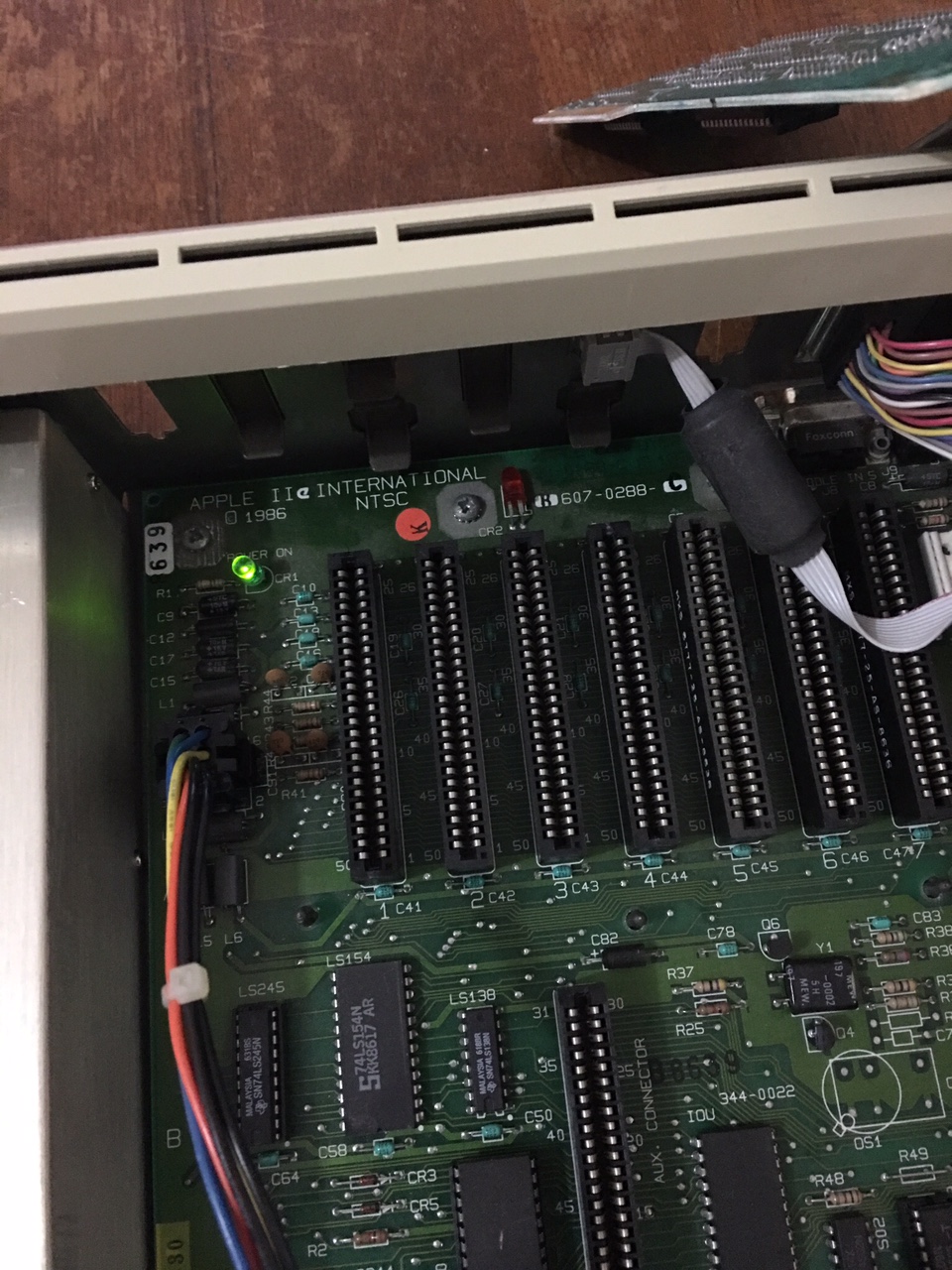
The red led on the logic board is busted, so I replace it with the only one I have on hand and it’s green.

image7


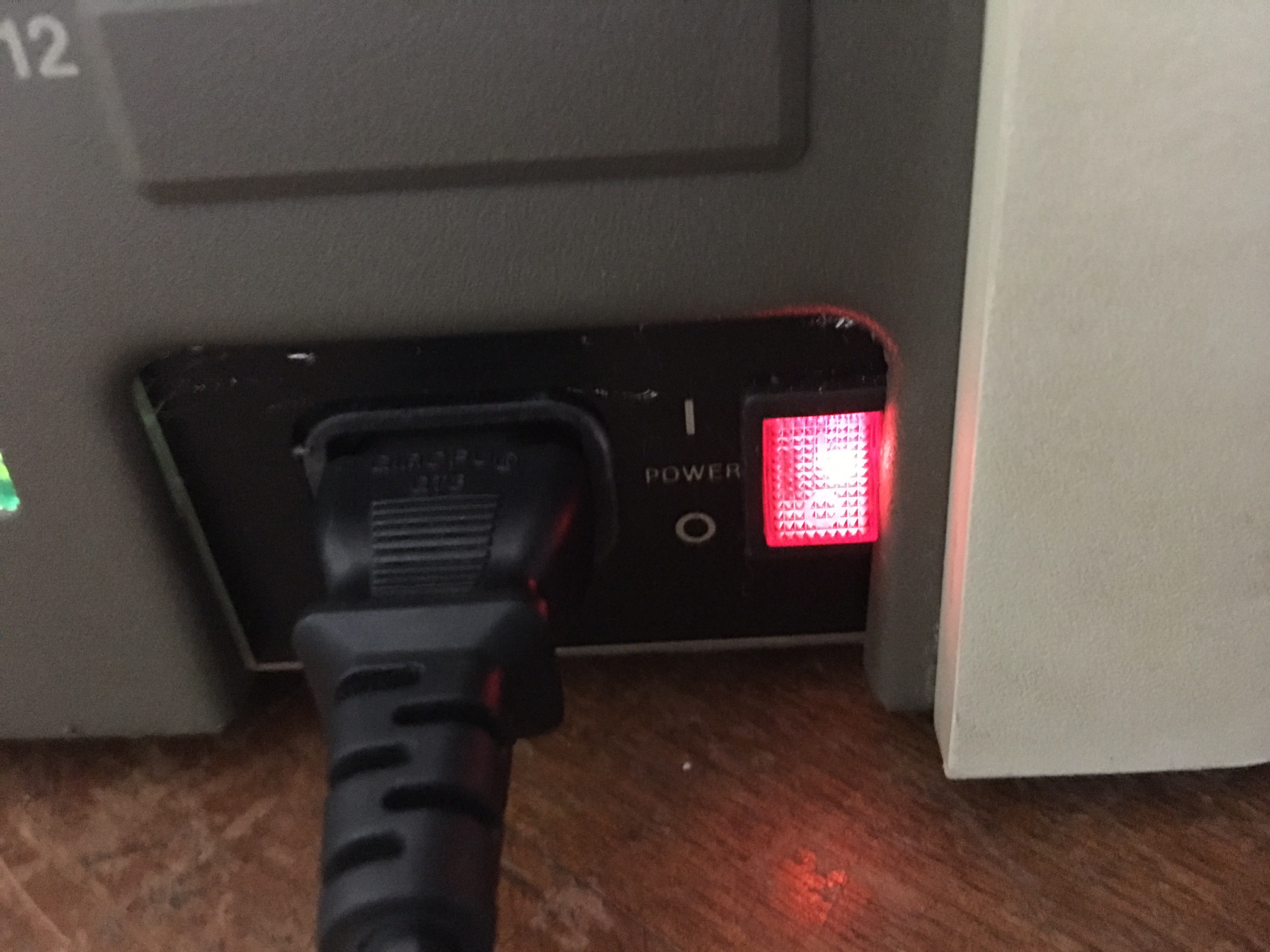
I also accidentally broke off one of the terminals on the a/c switch due to too much tinkering so I replaced it with one that illuminates. I like it better than the old one.

image8

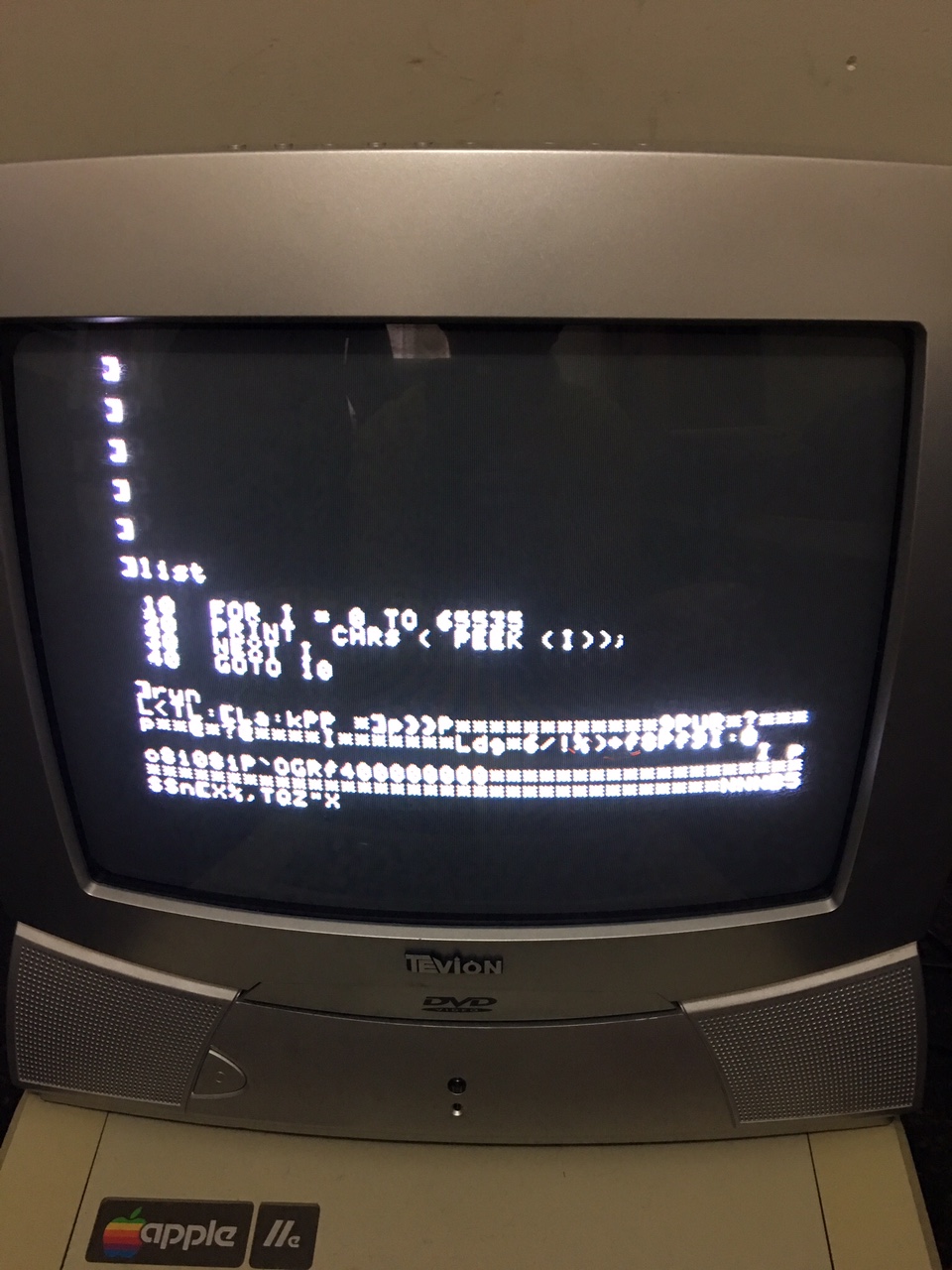
A backup CRT TV hooked up.

image11


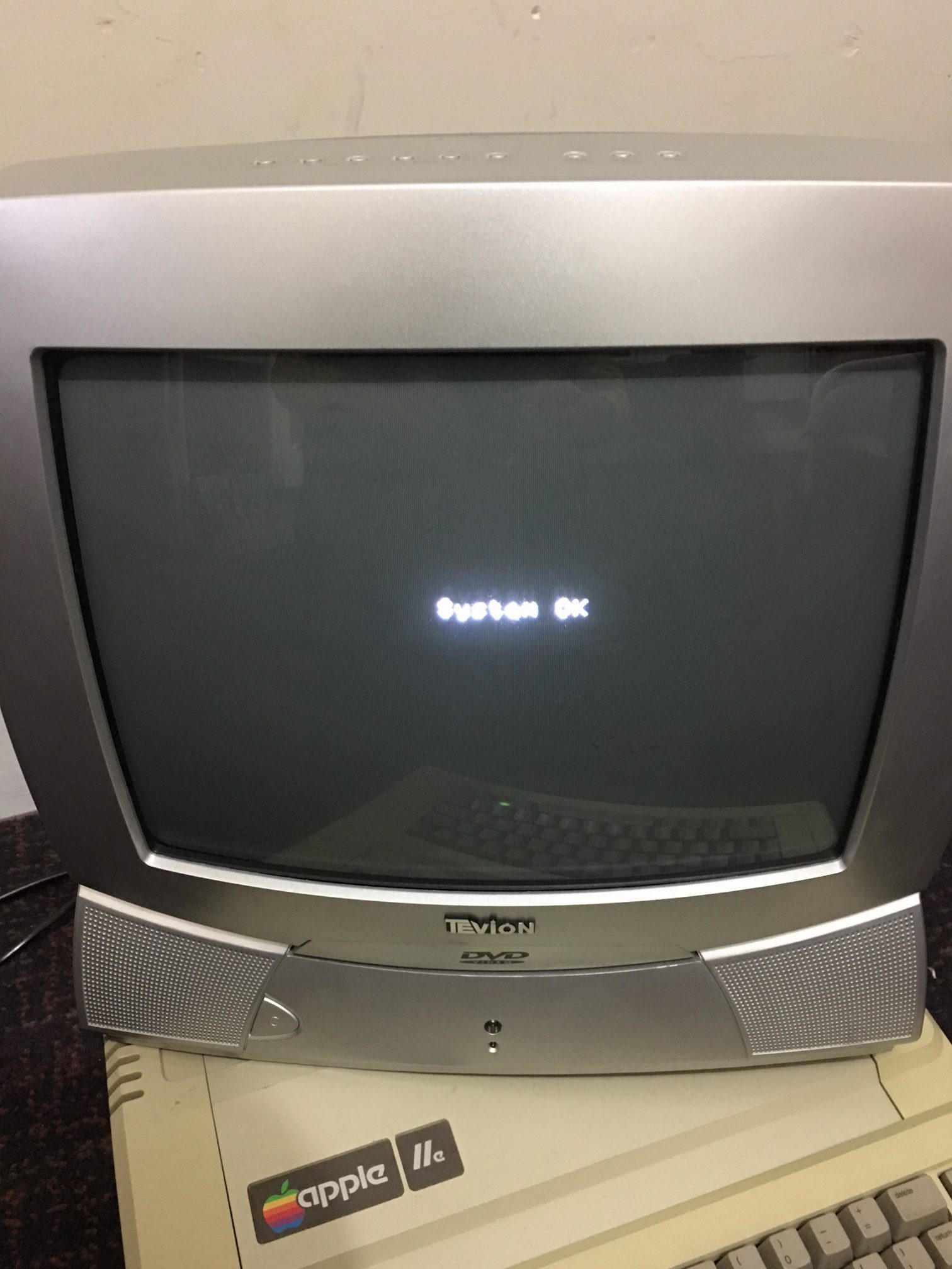
Passes self diagnostic tests

system-ok

That’s pretty much the end of this repair. I do have some issues with the keyboard which are fairly trivial and I’ll address that later when time permits.


References:

1. Apple 2e 6502 Computer Repair Information – SAMS COMPUTERFACTS

https://www.applefritter.com/files/Apple2e_Repair_SAMS1985.pdf

Sep 022016
 

Some time ago Caius made a post regarding a cheap alternative to the very expensive curve tracer equipment called ‘Octopus’.
I’ve always meant too build one of these myself but never did get around to it.
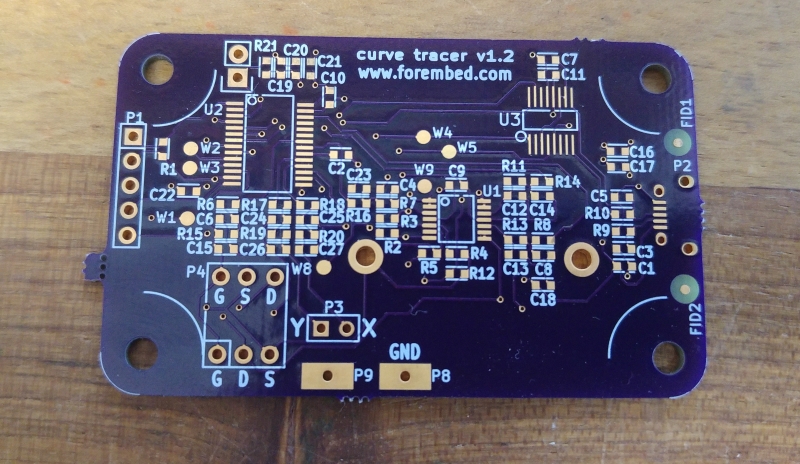
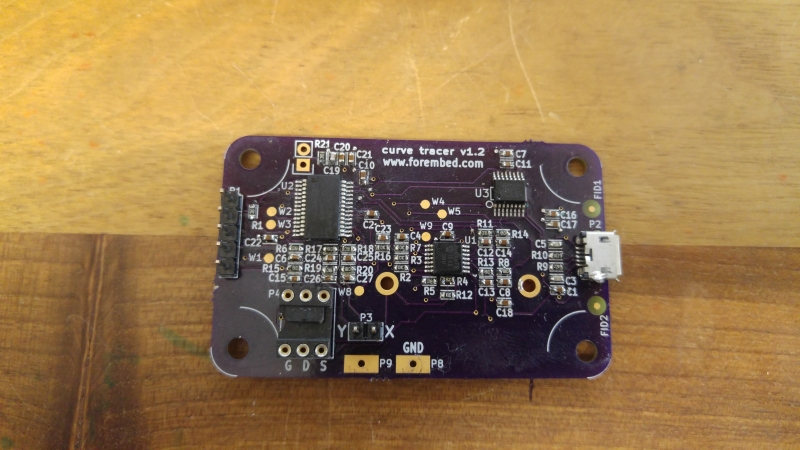
Recently I came across this website where a guy called Jason Jones has designed a USB powered curve tracer circuit.
All the files required to build one yourself have been released on github here
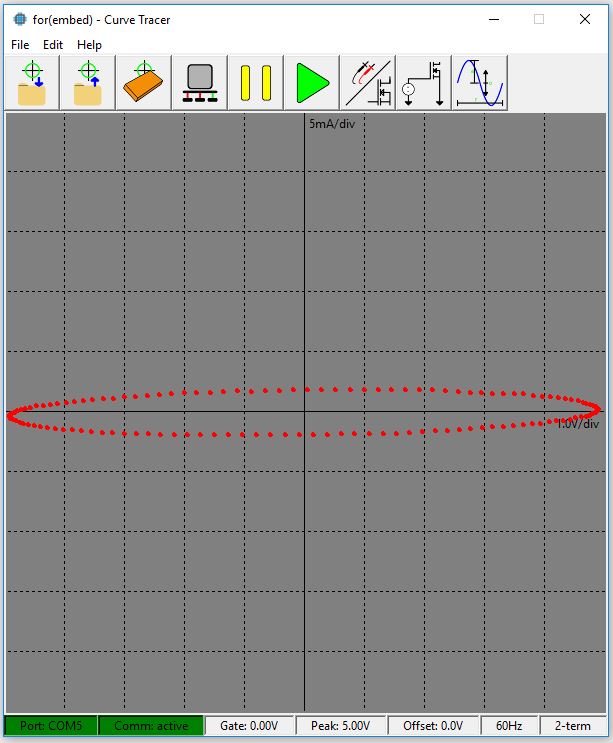
20160902_163336
20160902_163343

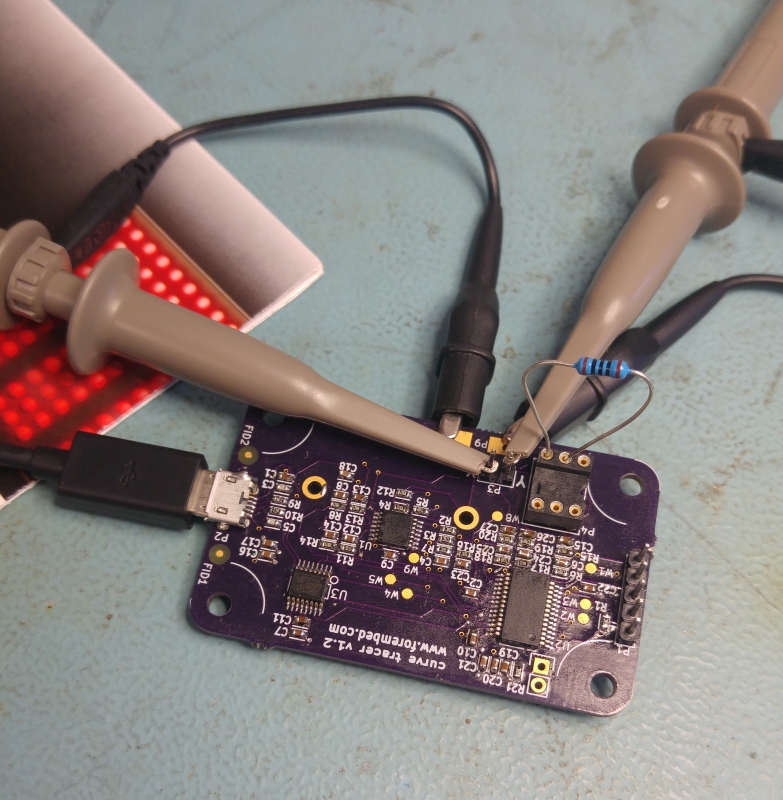
Its easy enough to put together. I used a Pickit 3 to program the PIC in circuit which was painless enough once I had the .hex file sent to me by Jason as I couldnt work my way around the new MPLAB software. The header allows the Pickit 3 to plug straight on. I did have to power the circuit via USB as well while programming as my Pickit complained the voltage was too low if I used the Pickit itself to power it.

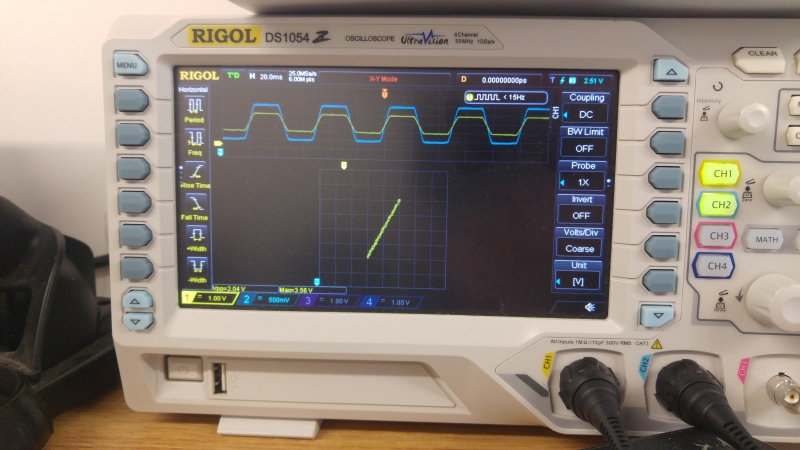
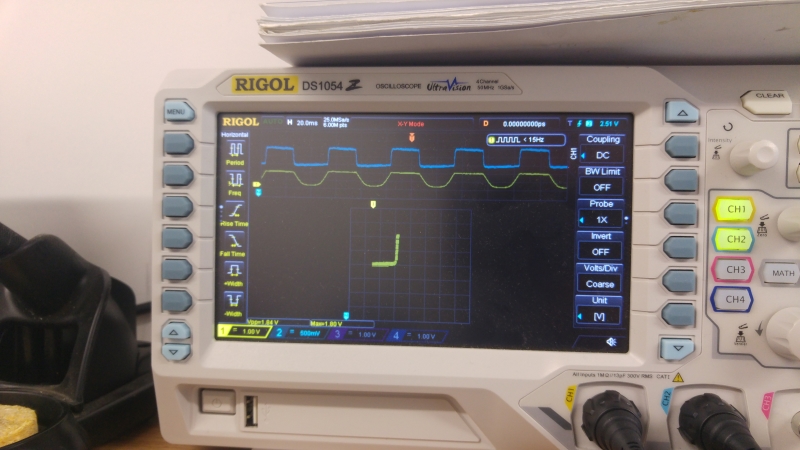
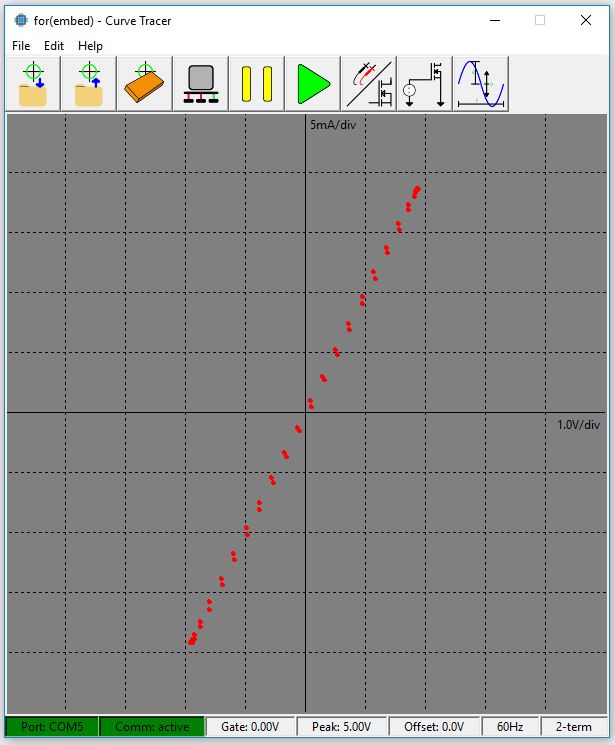
Jason has also made PC software in Python to remove the need to have an oscilloscope which works well enough but you can easily use a scope and works very well using my Rigol DS1054 scope.
20160824_183647
20160824_183754
20160824_184035
curve_gui1
curve_gui2

Im very happy to have this in my ever growing collection of test equipment.
Thanks very much to Jason Jones for the project and for the help with the firmware.

 Posted by at 4:54 pm

Nintendo Entertainment System (NES) repair log

 Console Repair Logs, Repair Logs  Comments Off on Nintendo Entertainment System (NES) repair log
Aug 282016
 

Maybe this isn’t the typical repair log but it has a couple of pictures here showing what can happen.
I was actually given this by a reader of the site and he wanted to donate something by way of thanks. He told me it had some issues playing the cartridges and suspected the ZIF connector that the NES is infamous for.
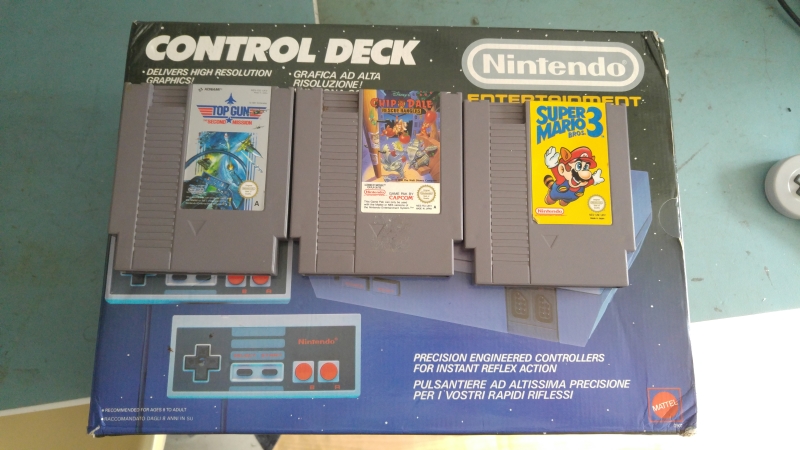
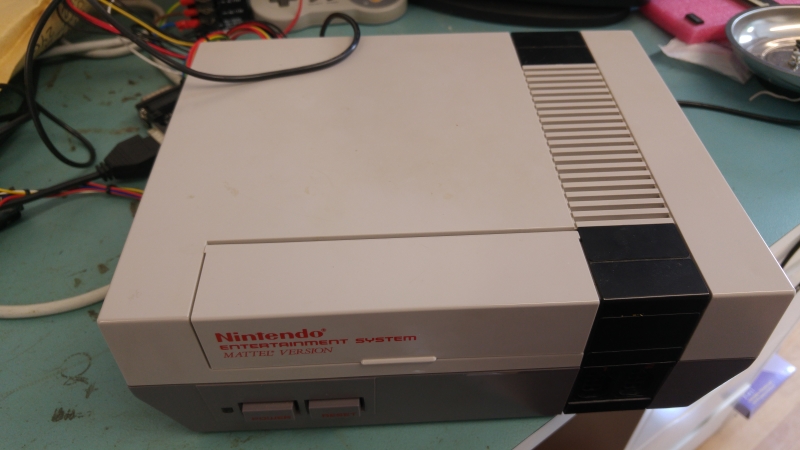
As you can see its boxed and in really nice condition.
nex_box
nes

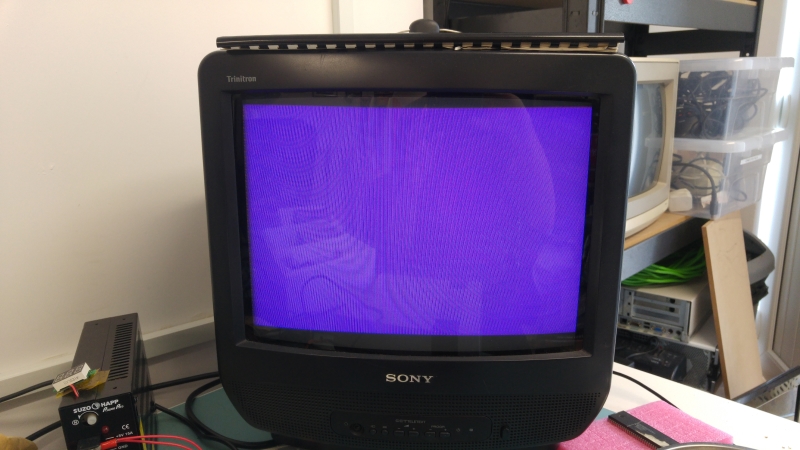
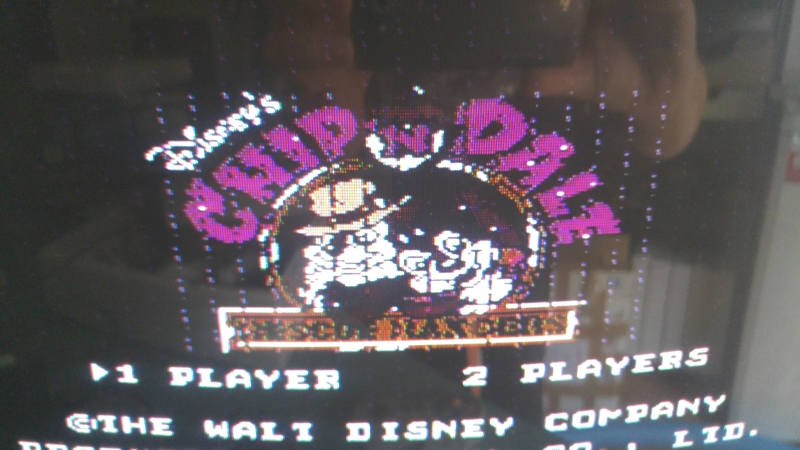
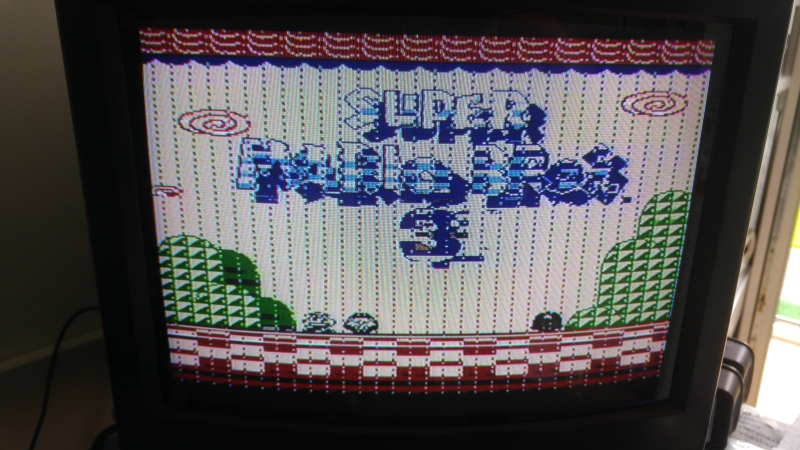
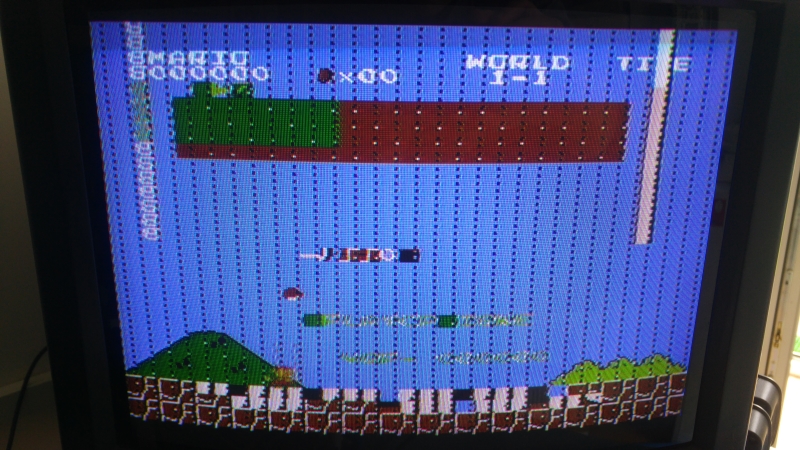
I powered up the console testing the games that came with it.
nex_fault1
cad_fault
smb3_fault
smb_fault

You can see jailbars on most of the pictures. Occasionally the game didn’t boot at all and when they did the sound was a low static noise.

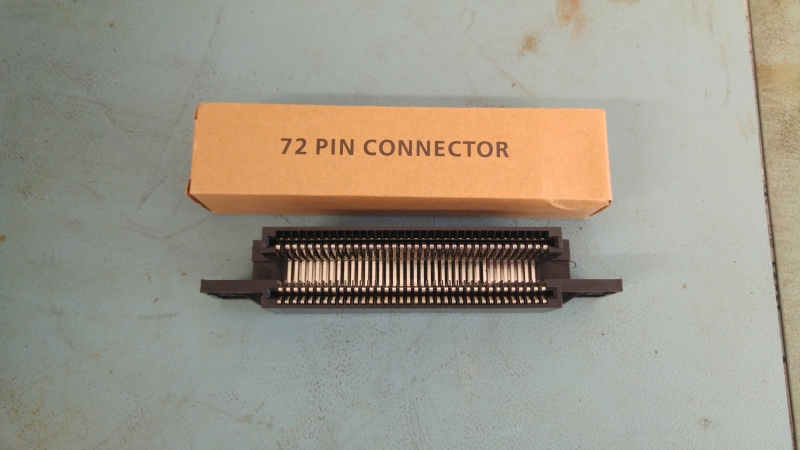
Id already ordered a new connector in anticipation.
nes_connector

I did originally attempt to bend the pins on the original connector back but it made no difference and a couple looked too far gone so it went in the bin.
There are countless guides online for taking apart the NES and replacing the connector so I wont really go into it on here.

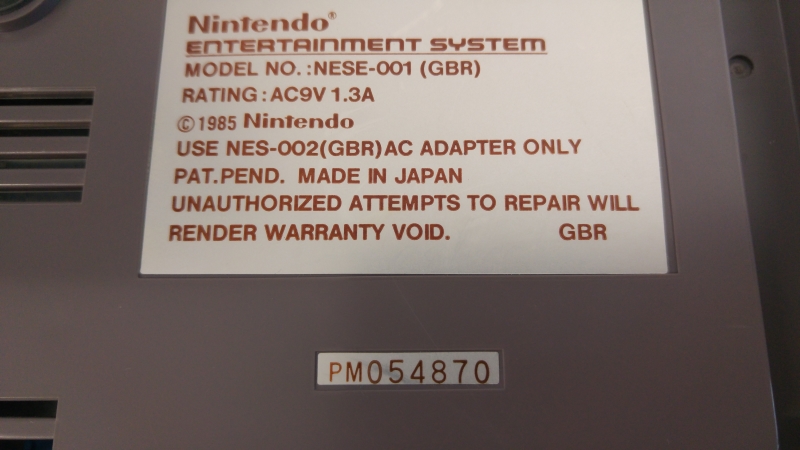
There goes the warranty!
nex_warranty

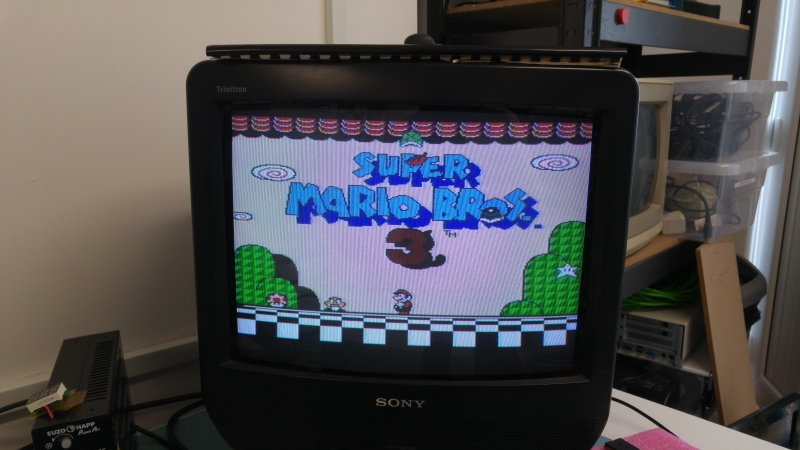
With the connector fitted I now get this. Its currently playing through RF so excuse the poor picture.
smb3_fix

I never really had a NES before so being able to play Mario 3 is going to be a treat.
Thank you very much to Kieron for this wonderful donation.

 Posted by at 11:36 am

Lloyd Research L9000 programmer

 General, PAL Updates  Comments Off on Lloyd Research L9000 programmer
Aug 262016
 

Today I got an interesting programmer unit.
Its made by a UK company called Lloyd Research and doesnt seem to be active anymore although their website is still up and running.

There is very little about these online, only one website came up in my searches with any kind of information and thats Baddinsbits.

I contacted the owner of this site and he kindly scanned in the manual for this programmer and sent it to me (manual can now be found in the downloads).
I dumped my firmware which seems to be one of the later versions, possibly from 2004.
I also went ahead and dumped the PAL’s from inside. There is one located on the EPROM PCB, two located under the LCD screen and one located next to the RAM. The one next to the RAM was locked which makes sense as I believe RAM upgrades were sold as optional extras. Anyway I managed to glitch this PALCE device and read out its contents. This is from the 8Mbit version.


If anyone has any other files, information or dumps they can give me please get in touch.
Big thanks to Baddin for the manual and the conversation.

 Posted by at 7:37 pm

Space Invaders (Taito) 3-Layer repair log #2

 PCB Repair Logs, Repair Logs  Comments Off on Space Invaders (Taito) 3-Layer repair log #2
Aug 252016
 

The hardware of this matches Part II but it has the multigame add-on fitted.
Not worked on a Space Invaders board before and needed to make up a loom so I could properly test.
The owner says the ship is constantly pulling to the left and there is a sound effect playing over and over all the time.

On powering up I did indeed find these problems. Look at the video, the in game play shows me moving the ship to the right but when I release the controls it moves back far left on its own.
You can also hear the constant tone repeating over and over.

First of all I went looking for the control issue.
The schematics are available however they aren’t too great in places. Fortunately they were good enough to save me a lot of time.
Here you can see where the player 1 left comes in. It goes through an inverting buffer and into a 74153 chip at location 5. The output on pin 9 is the one we are concerned with
si-left1-schem

From my logic probe I could see that this output is stuck when it should be active. Testing this out of circuit confirmed it.
This fixed the control issue .
20160825_192615

Now on to the sound fault.
Space Invaders hardware made this quite easy as each sound effect has its own volume control. By turning the pots down I could pinpoint which sound was stuck on and work back from there.
VR7 was the pot associated with this sound and according to the manual this is the sound of the “UFO HIT”.
Looking at the schematics again and working backwards we can see it goes back to buffer chip 7417 at location 18 and before that it comes from a 74174 at location 14.
si-ufohit-schem
si-18schem

The outputs from the 74174 looked good but all the outputs from the 7417 buffer were stuck HIGH.
I removed the chip and once again it failed when testing out of circuit but now I had problem. I dont have any 7417 chips and I no longer have scrap PCB’s lying around.
The sadness was short lived as a quick google search revealed a 74LS07 chip can be used as a replacement and the difference between the two is the 7407 is rated for 30v where the 7417 is rated for 15v.
Anyway, replacing this with a 74LS07 worked and the sounds are all OK.
20160825_192607

The video shows the controls now working and the lack of annoying sound. I did actually test the UFO HIT sound in game and it was working fine.

Job Done.

 Posted by at 8:23 pm