Burnin’ Rubber repair log

 PCB Repair Logs  Comments Off on Burnin’ Rubber repair log
Jun 282017
 

I bought this game for my collection some months ago.


I tested briefly and it was OK. After a few weeks I decided to make a good play but the game developed a strange problem:


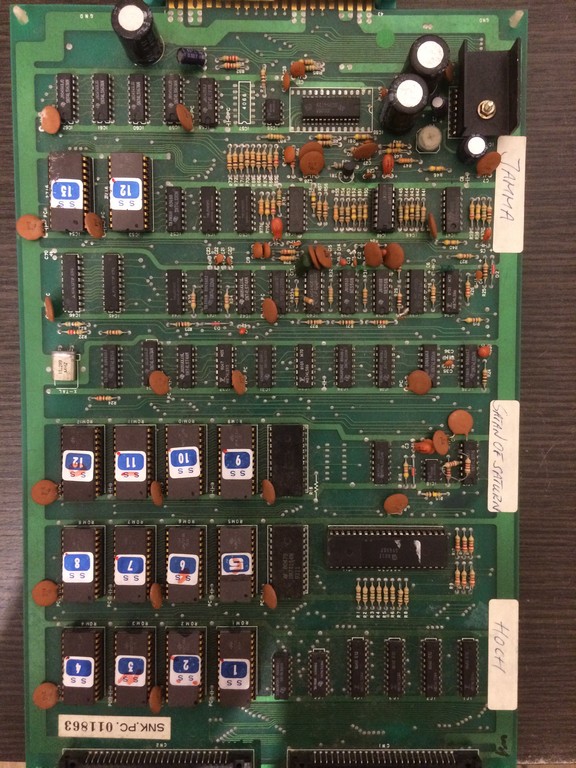
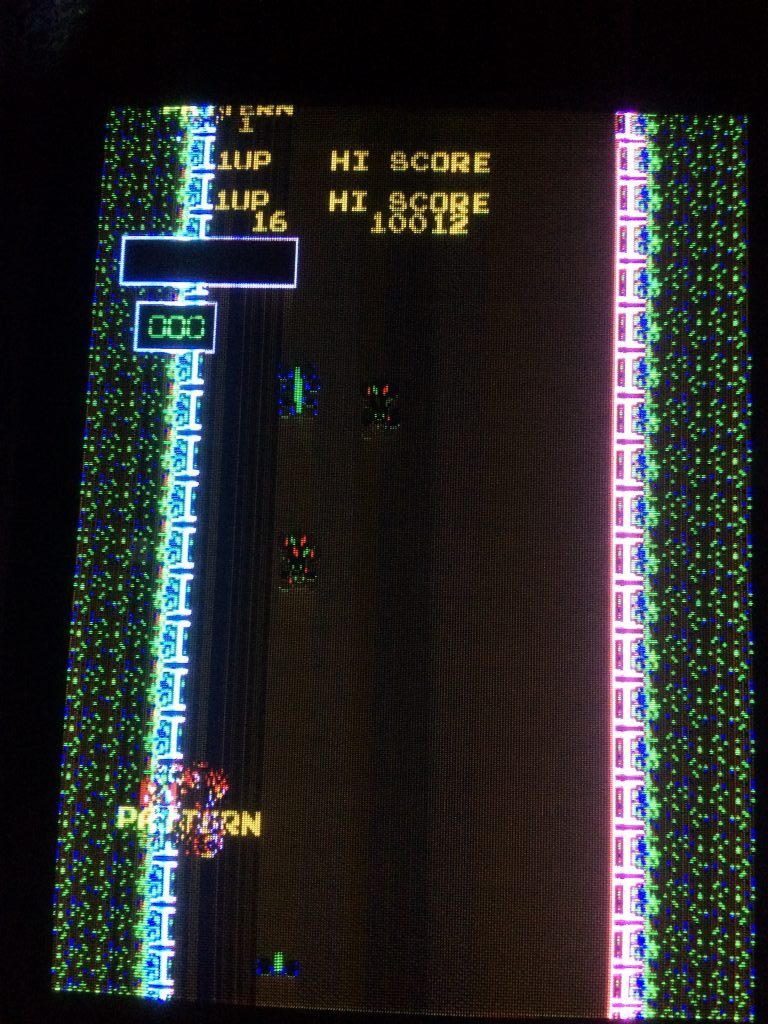
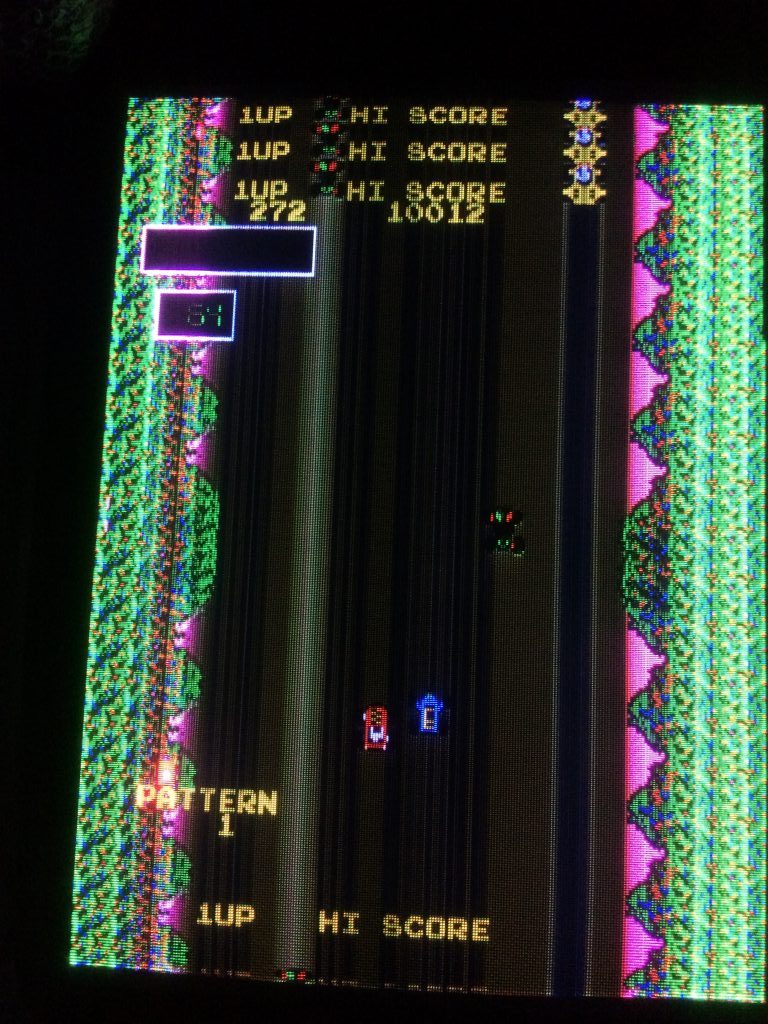
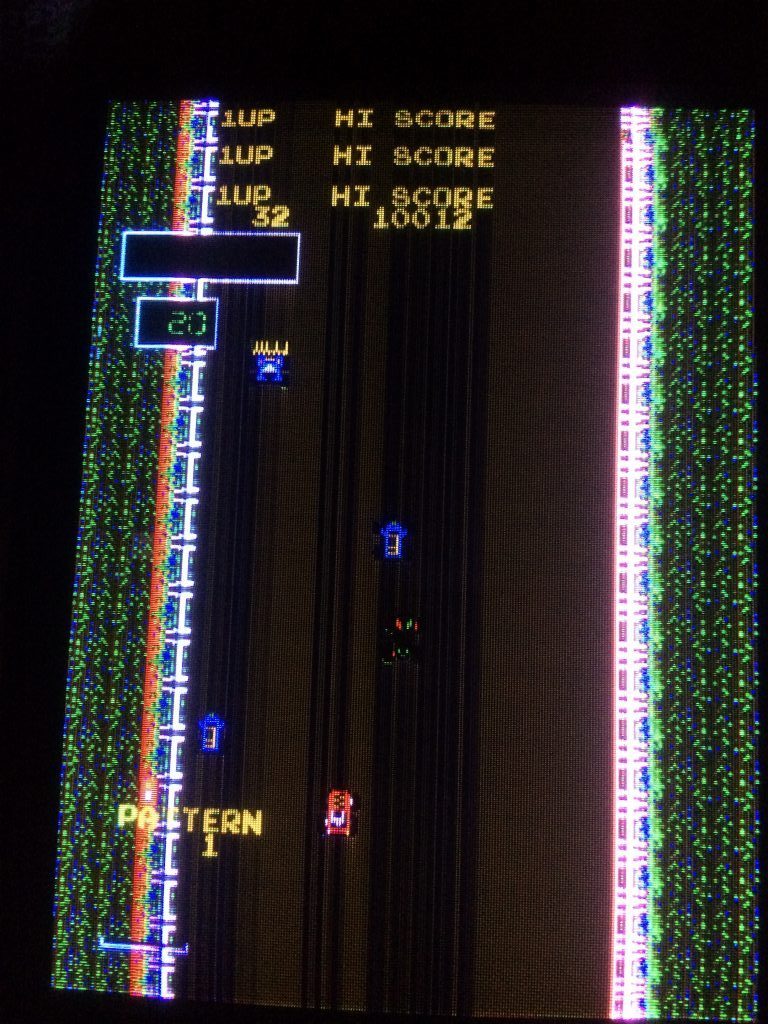
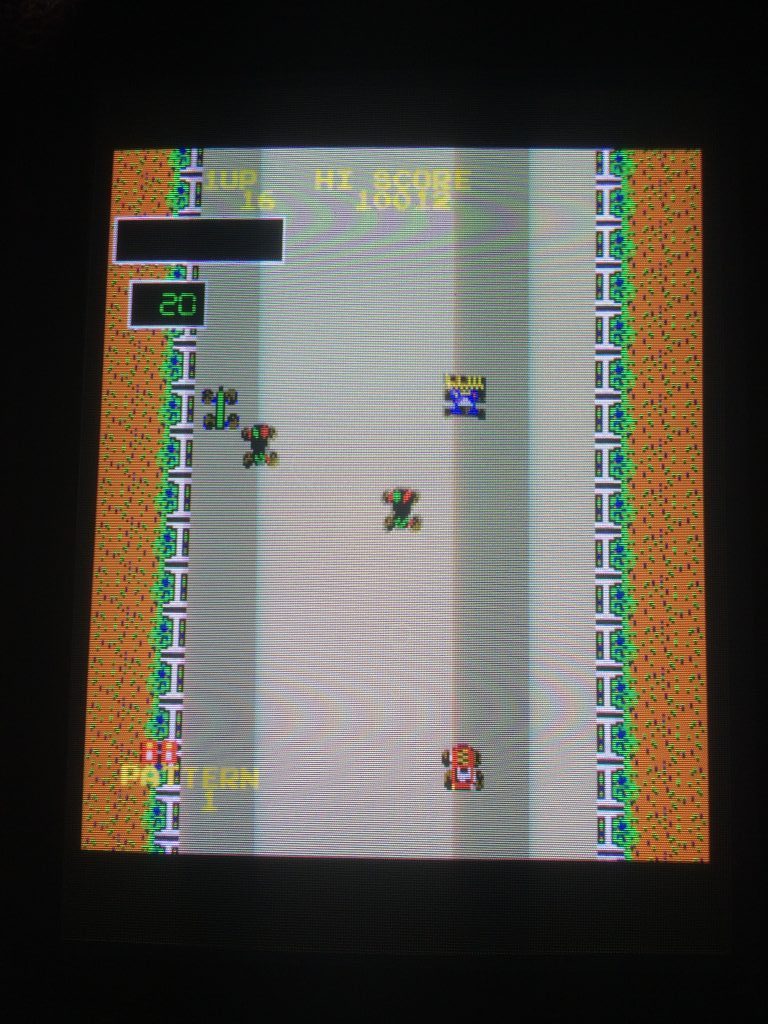
As you can see from the pics above, the screen was very dark and the brightness was not steady.

Also all the objects left trails of different brightness.

The problem was somewhat similar to when you don’t have video GND connected but as you can see

the text HI SCORE was repeated on top and bottom.

Adjusting the horizontal size of the image with the monitor pots ( vertical on the game) I noticed the screen didn’t shrink, it was like it had no borders.

I had immediately remembered that on the CPS1 hardware , on certain screens of some games ( 3 wonders selection screen for example)

the image is very dark and this is due to a flaw in the video circuit of the CPS1 hardware which doesn’t blank properly the video at the edges

leading to some monitor electronics to loose the black reference and behave strangely.

Charles McDonald on his website  https://www.techno-junk.org/ has a fix but right now the link is missing because he is restructuring the page.


Anyway back to the topic, I was convinced that my problem was due to video blanking not working properly, so I downloaded the Bump and Jump

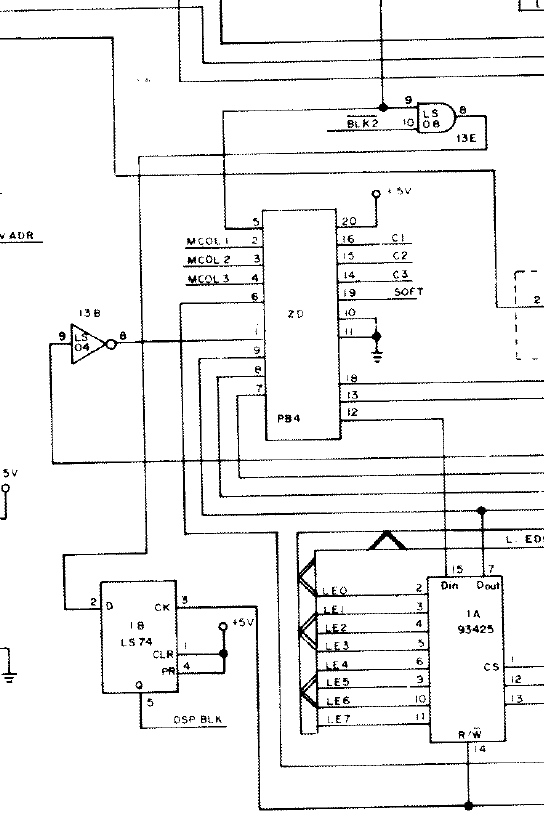
schematics available from Bally (  the japanese ones are impossible to find ) and searched for a video blank signal and tested all the TTLs involved until I found this:


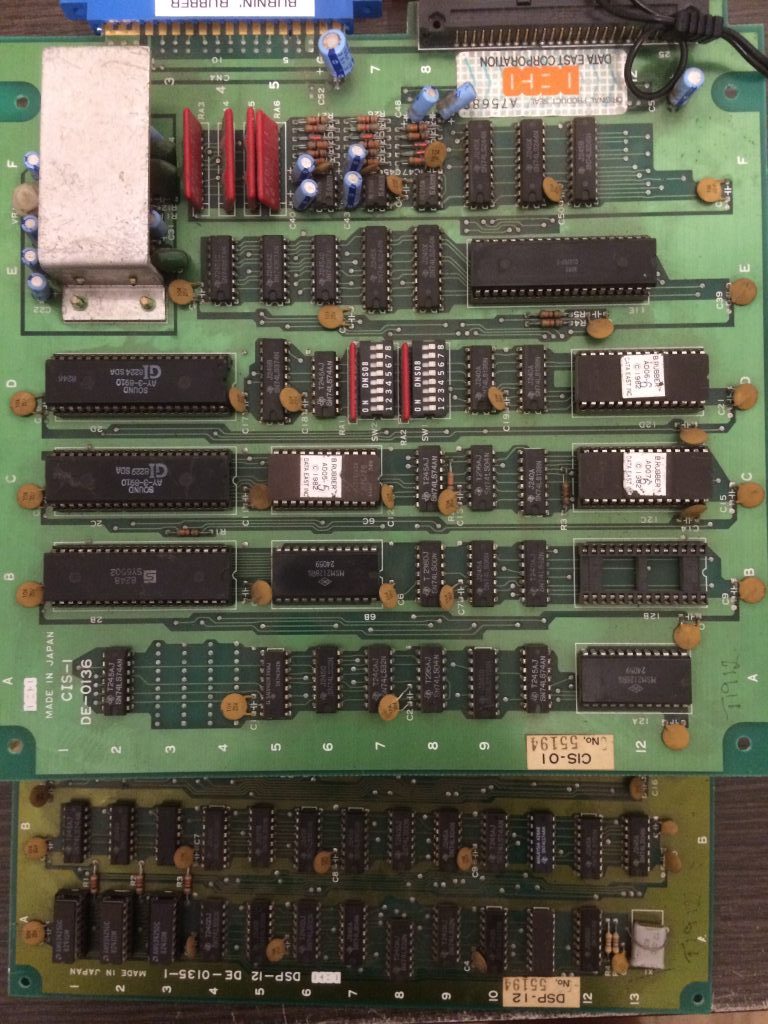
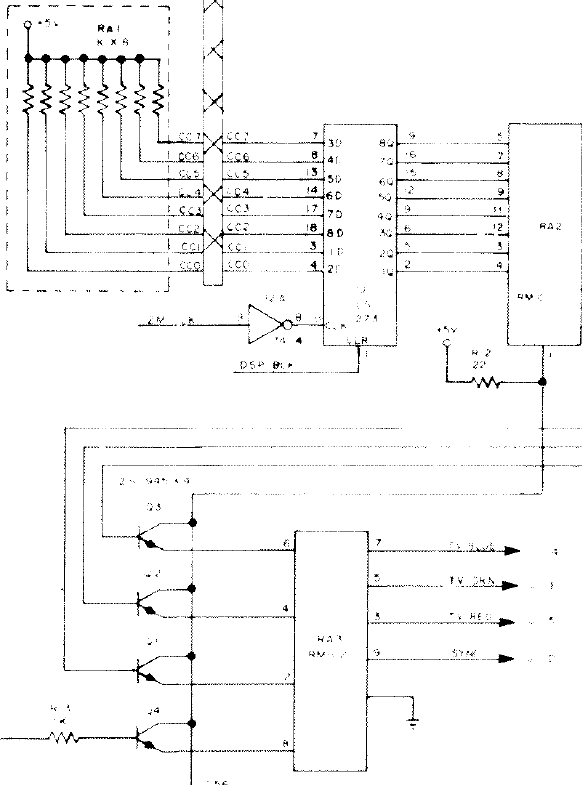
Output pin 5 of 74ls74@1B was floating and didn’t clear the 74LS273 connected to the video DAC


Therefore the video was not blanked properly on the edges.

Changing the TTL@1B  fixed the problem


Unfortunately after a couple of plays,  the pcb developed two other problems:

  1. Car didn’t go left
  2. car crash sound was broken


The first problem was fixed by replacing the 74LS367@4E on the sound board ( directly connected to the left direction pin)

Second problem was fixed by replacing one AY8910.

The game, for the moment, is working nicely 😉

Jun 262017
 

Today I dumped the last PAL from a Dream Soccer ’94 PCB.Device was a registered GAL16V8 with simple logic to reproduce.With this dump, along with ones previously provided by ‘frsj8112’, we have a complete PLD set from Irem M107 hardware (Dream Soccer ’94, Fire Barrel, Air Assault).

 Posted by at 7:14 pm

Irem M92 PAL dumps added and reorganizing

 PAL Updates  Comments Off on Irem M92 PAL dumps added and reorganizing
Jun 182017
 

We have some new Irem M92 PAL dumps.I dumped the registered device from a Gunforce II PCB (on ‘M92-B-G’ ROM board).This is actually present also on Superior Soldiers ROM board at same location and with same label.Then I found that this PAL is found also on In the Hunt/Kaitei Deisensou ‘M92-E-B’ ROM board with different label.I dumped also the two PALs from a genuine R-Type Leo : the one  ‘marked M92-C-2L-‘ @IC7 is found also on Lethal Thunder/Thunder Blaster (same label and same location) and other M92 games too (but with different label and location).The other (labeled ‘M92-C-7H-C’ @IC43)  is specific to R-Type Leo only.These dumps gave me also the chance to reorganize all Irem M92 dumps merging shared dumps and removing unneeded entries.

 Posted by at 9:09 pm

Palamedes (US version) and Alien Storm (bootleg, set 2) PAL dumps added

 PAL Updates  Comments Off on Palamedes (US version) and Alien Storm (bootleg, set 2) PAL dumps added
Jun 152017
 

Today we have some new PAL dumps.Our regular contributor ‘coolmod’ posted on Dumping Union native dump of a PAL20L8 from a Palamedes (US version) PCB.I took care of converting it to GAL20V8 fuse map which he successfully tested on board.Thanks to him.

I dumped two PALs from an Alien Storm (bootleg, set 2 according to MAME).Devices were two secured GAL16V8 , one of them was registered too but with simple logic.A third secured/registered GAL16V8 was present but dumping was not possible due strong feedback used.

 Posted by at 11:27 pm

Data I/O 29A & Unipak2 repair log

 Equipment Repair Logs, Repair Logs  Comments Off on Data I/O 29A & Unipak2 repair log
Jun 072017
 

I bought this setup from a good friend quite a few months ago now. I knew it needed some attention when I bought it.
On power up I got this most of the time
https://youtu.be/tzGoiafa2Wk

No response from any inputs from the keypad.
The keyboard generates an interrupt for the 6802 CPU. Using the scope I could see the /IRQ signal was being asserted.
I checked all of the ROM’s and found no issue and also checked to surrounding logic and found no issue.
Looking around the main PCB I found a couple of problem areas.

As you can see, both of these chips had some corrosion. I replaced them but they made no difference to the problem I had so after a while I came to the conclusion the CPU must be bad.
Searching eBay turned up nothing UK based so I fired off an email to my friend, Purity to see if he had a spare I could buy. He had one and said I could have it.

And now I get this
https://youtu.be/BgGFMV-0hL4

Problem solved.
Next issue was with the Unipak 2 itself.
I could successfully select and read chips but the data being read back was a little wrong.
Reading a few carefully selected addresses of an EPROM I found that bits 2, 3, 4 & 5 were stuck high.
Looking at the schematics I quickly came to a potential problem area.

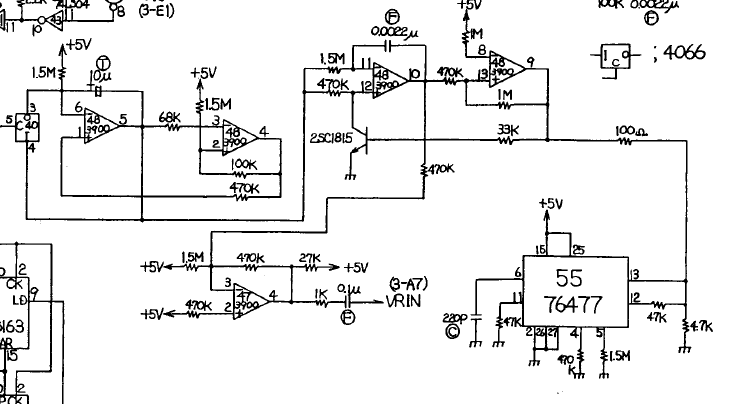
You can see from the schematic above that the LM339 comparator is responsible for those exact bits.
I removed the chip and tested it out of circuit. The chip failed and I ordered some new ones.

With a new one fitted everything was back to working status.

I’m really happy to finally have this in my collection and working.
Massive thank you to Purity for his generosity. He has been very kind to me recently and also a great help. I hope one day to be able to return the favor.

 Posted by at 5:17 pm