A guy has called Zabanitu has contacted me with a PAL dump from with bootleg Commando board, he has also made a nice little schematic of how it connects up.
Many thanks to him for this.
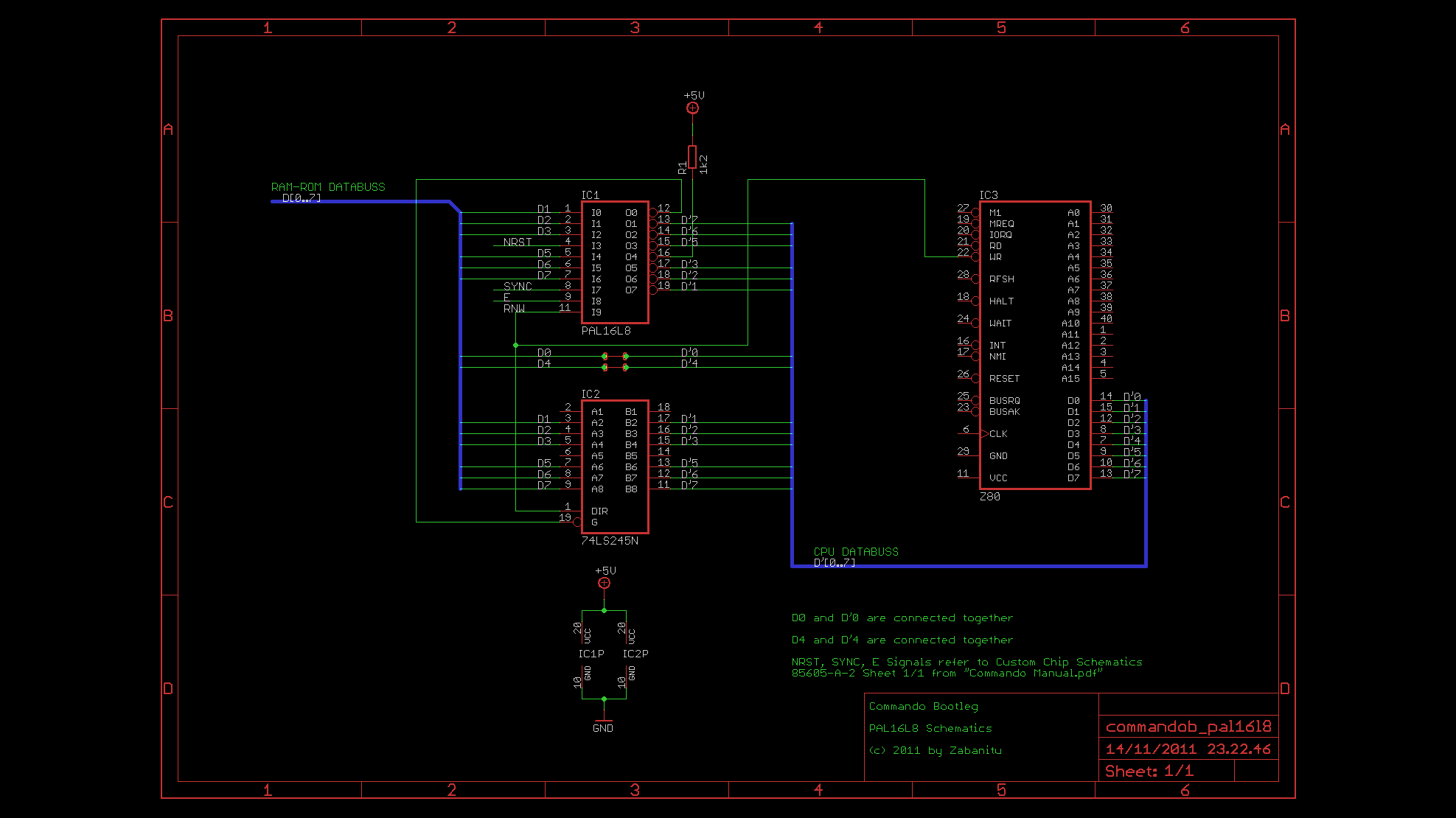

A guy has called Zabanitu has contacted me with a PAL dump from with bootleg Commando board, he has also made a nice little schematic of how it connects up.
Many thanks to him for this.
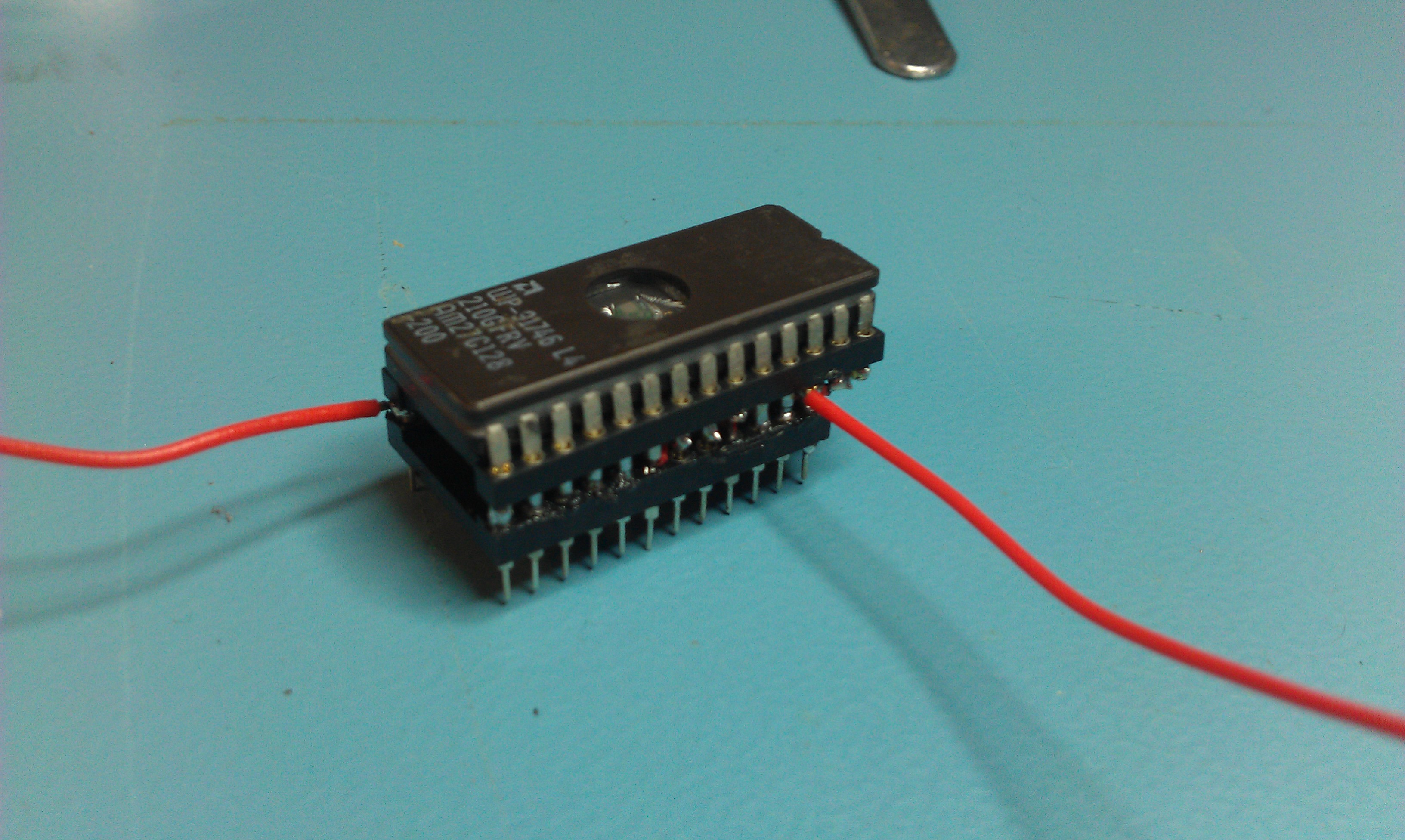
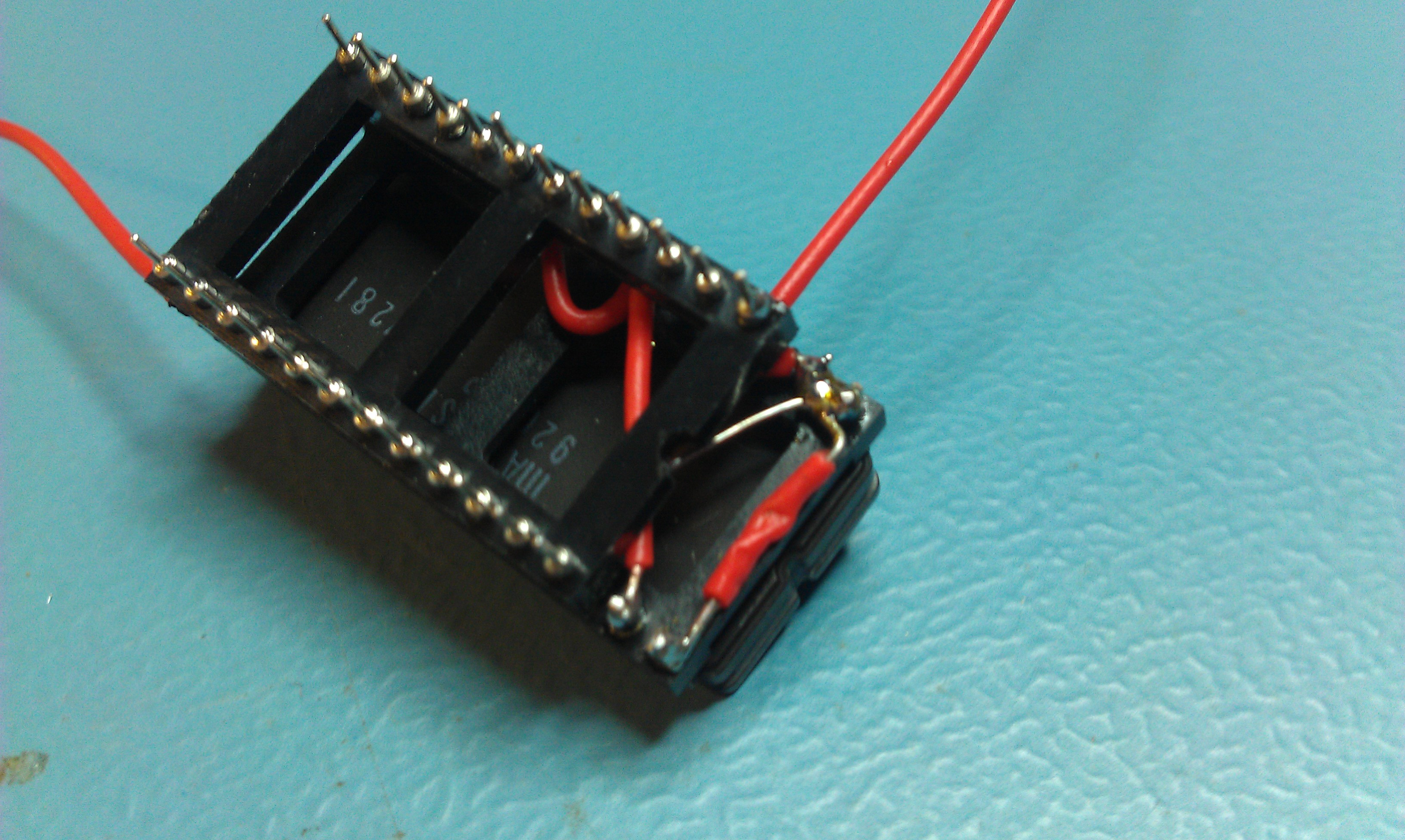
Today I finished my adapter to make a breadbin 64 accept a 27C128 EPROM.
The standard kernel ROM is a 2364 pinout and is 64Kb. To fit both the original kernel and the JiffyDOS kernel on obviously we need a ROM twice the size.
The problem is the 2364 is not compatible with any EPROM pinout unlike the C64c so this adapter is necessary.
I used 2 turned pin sockets, a 24 pin and a 28 pin one.
Get the 24 pin socket
My first attempt works well but isn’t the neatest. If I make another and I almost definitely will, it will be neater.
Got a little free time today to mess with my Easyflash cartridge for the Commodore 64.
The main reason for getting this was to play Prince of Persia but its a fantastic device that ill be using for playing many games.
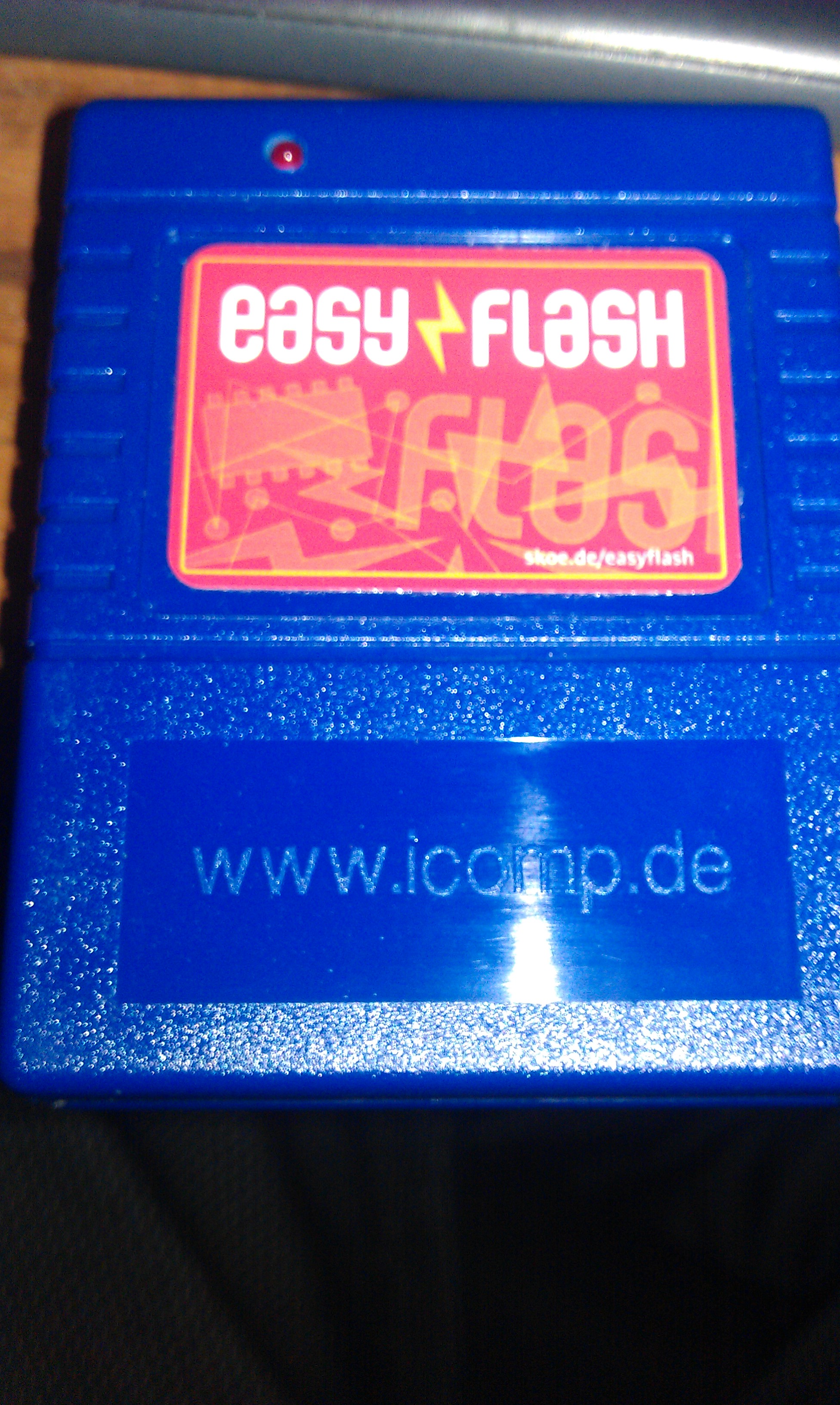
Mine came with the new Prince of Persia game already flashed onto it but wanted to have a play around myself.
The reprogramming is all done via the C64 itself using the Easyprog program so no external programmer is required although an SD device is highly recommended.
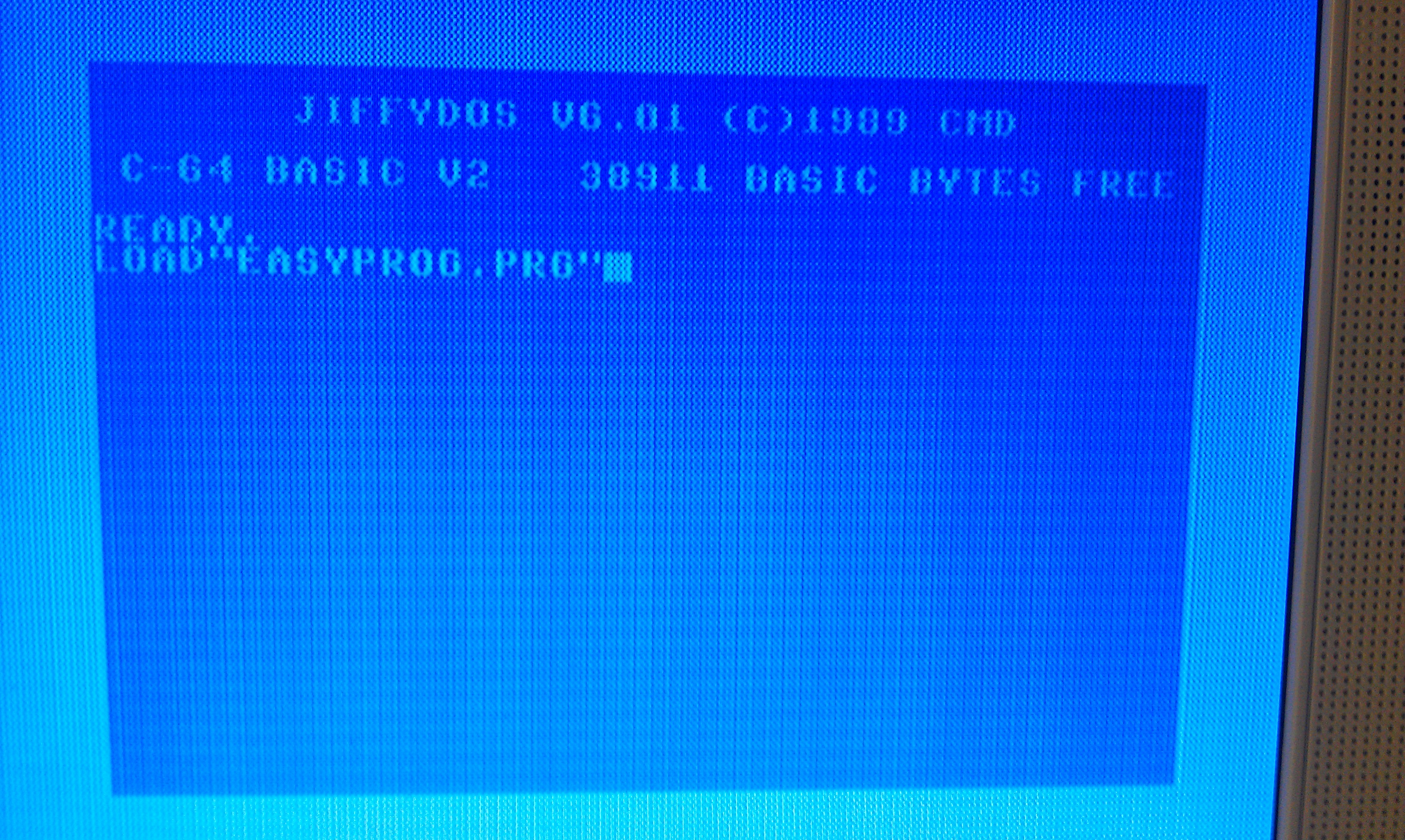
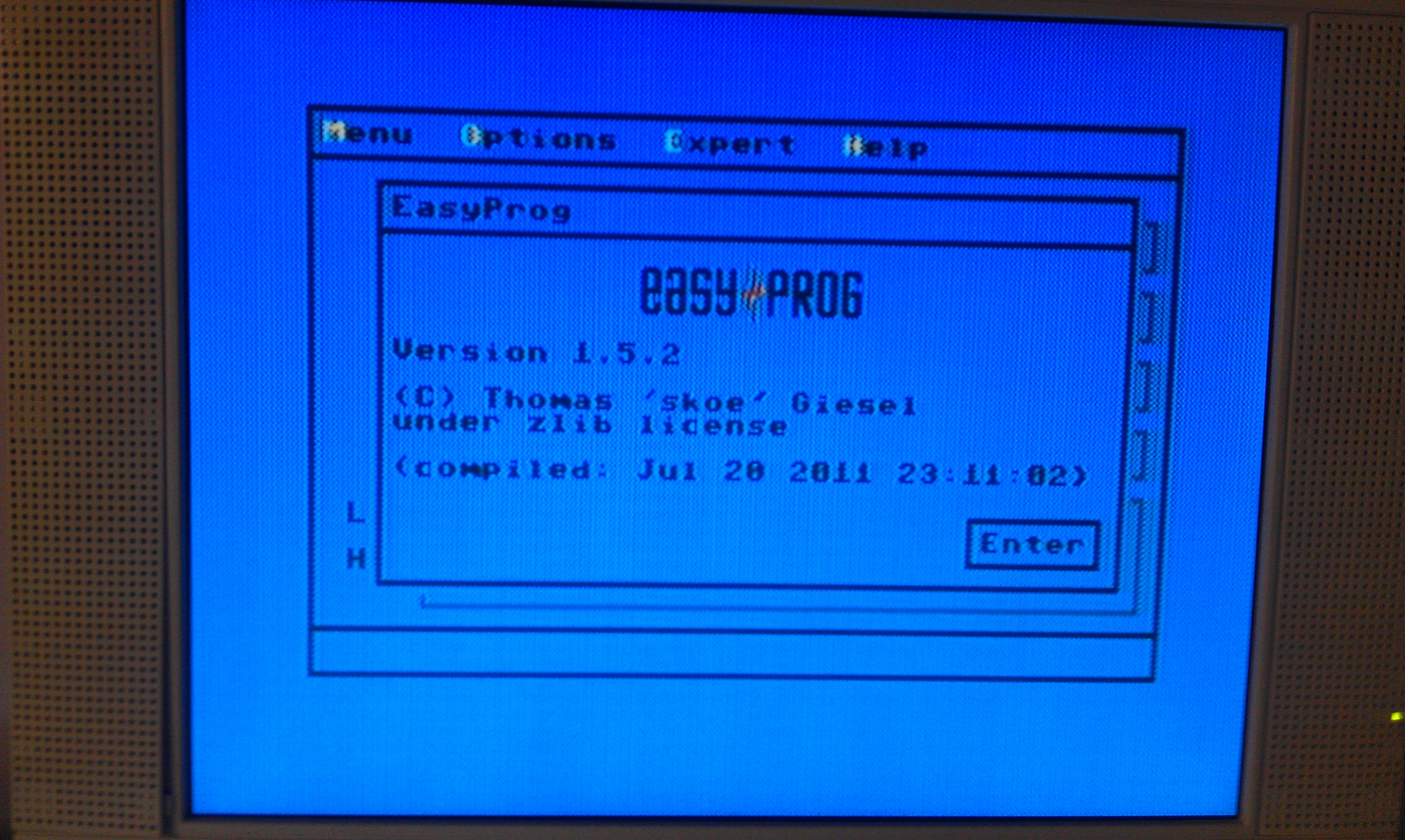
If your using an SD2IEC device then the Fastloader option needs to be disabled in the OPTIONS menu or it will hang at this screen (thanks for the heads up Steve).
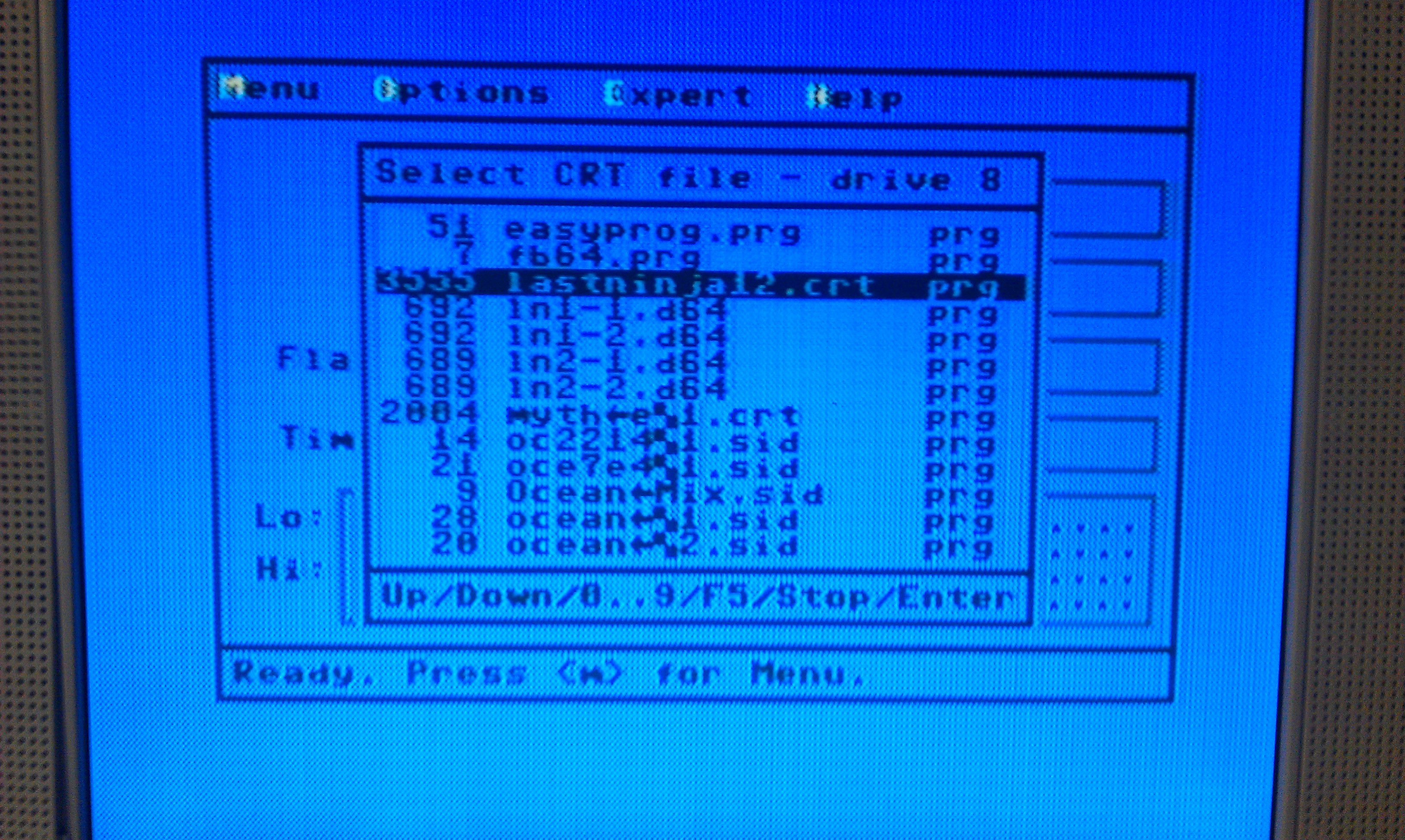
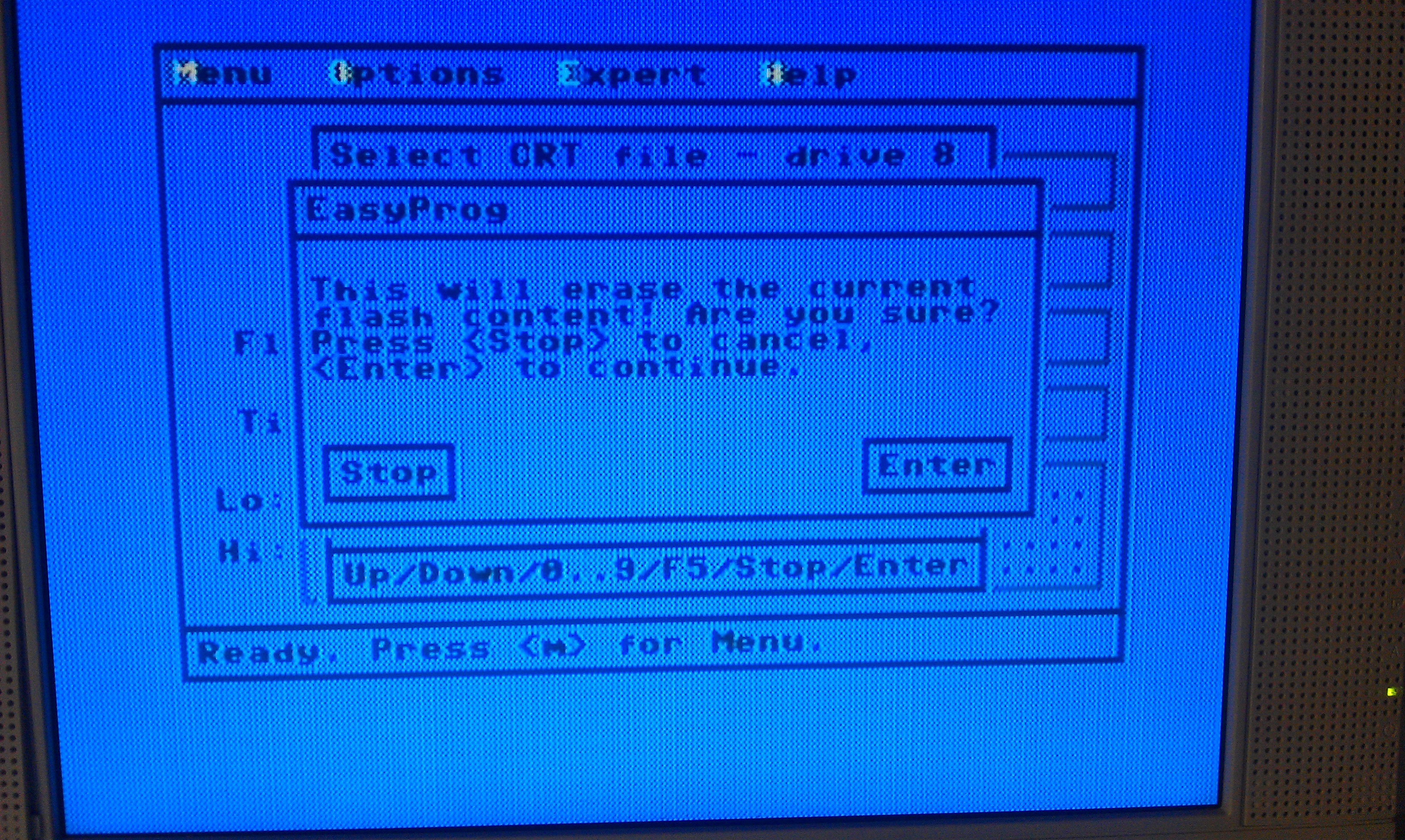
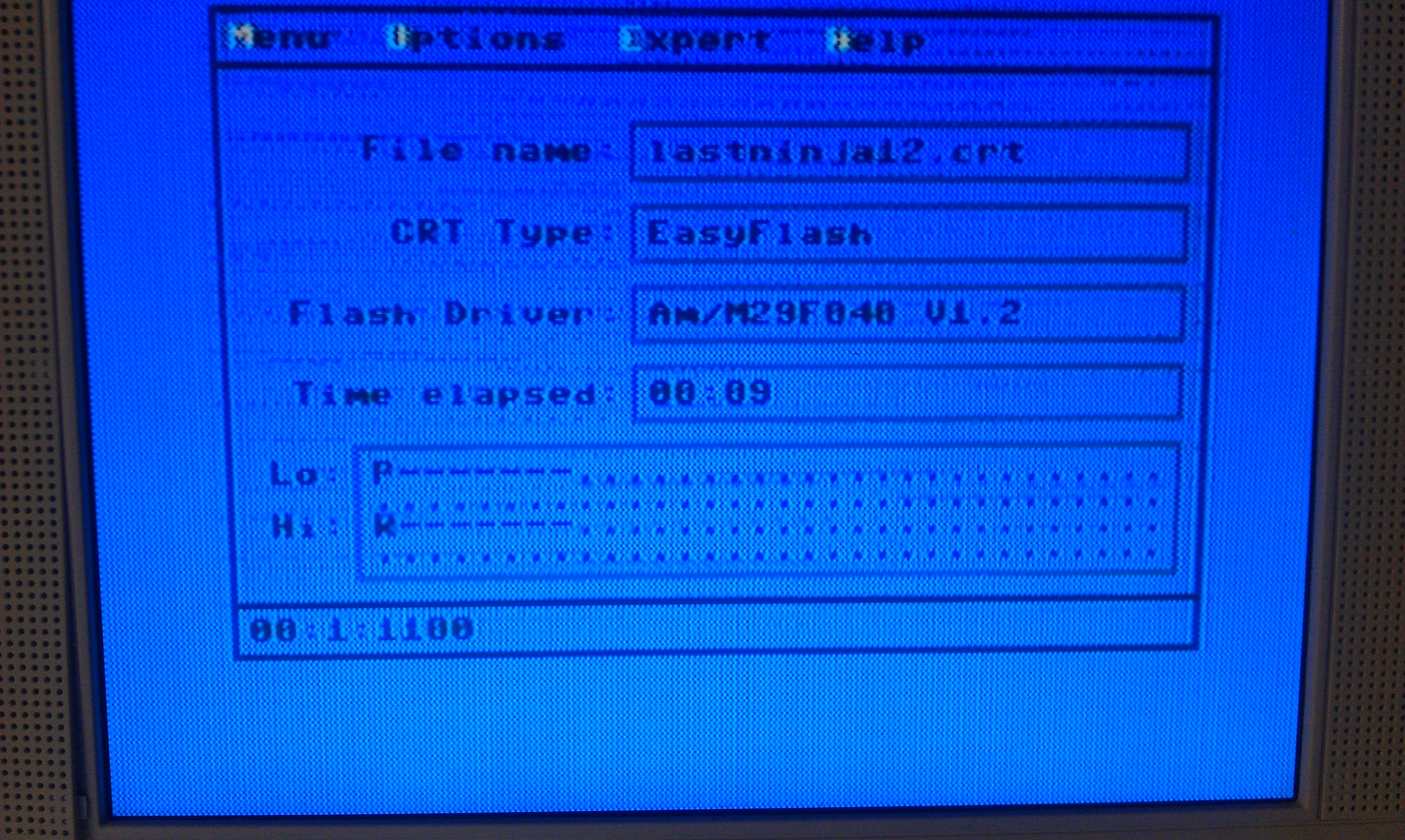
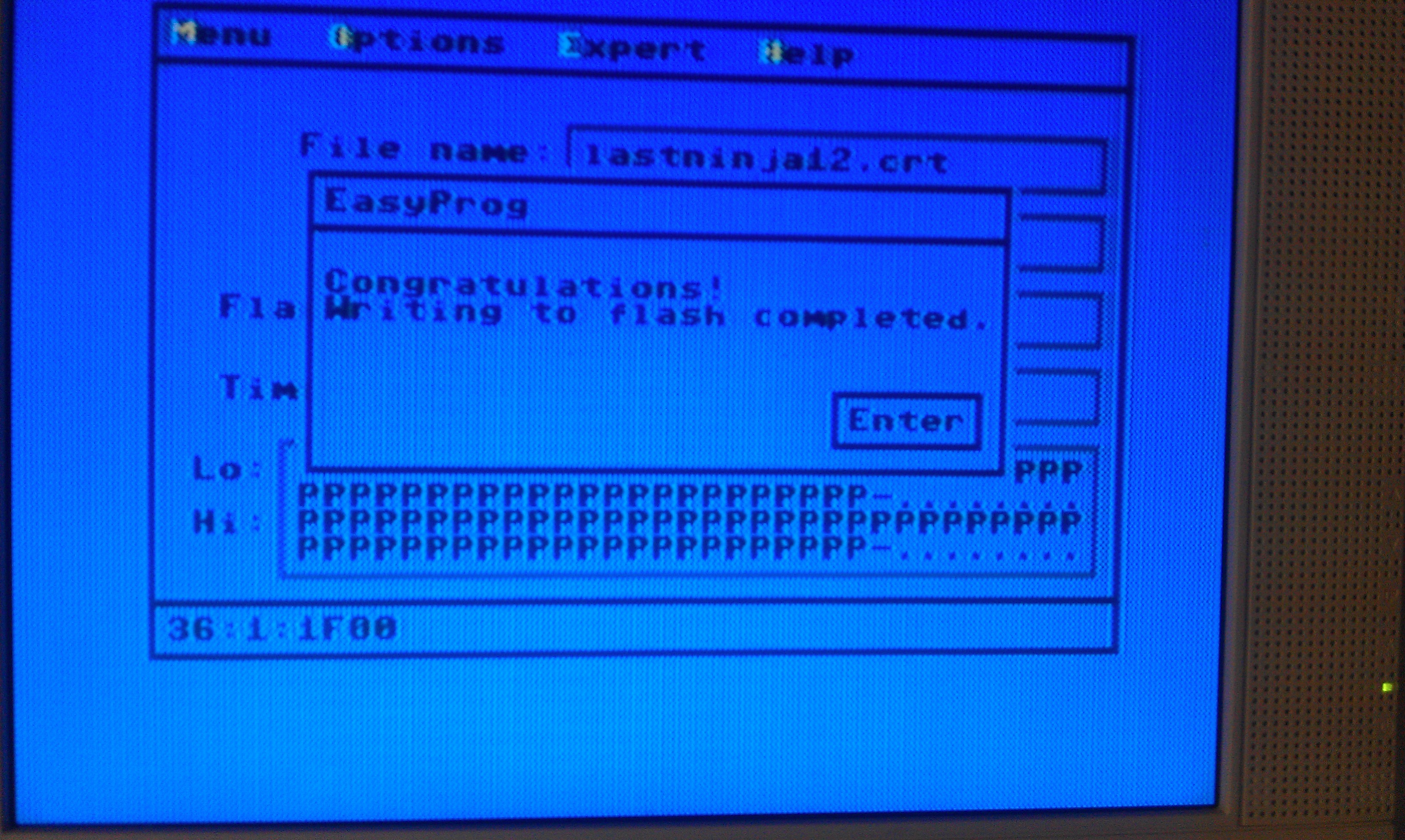
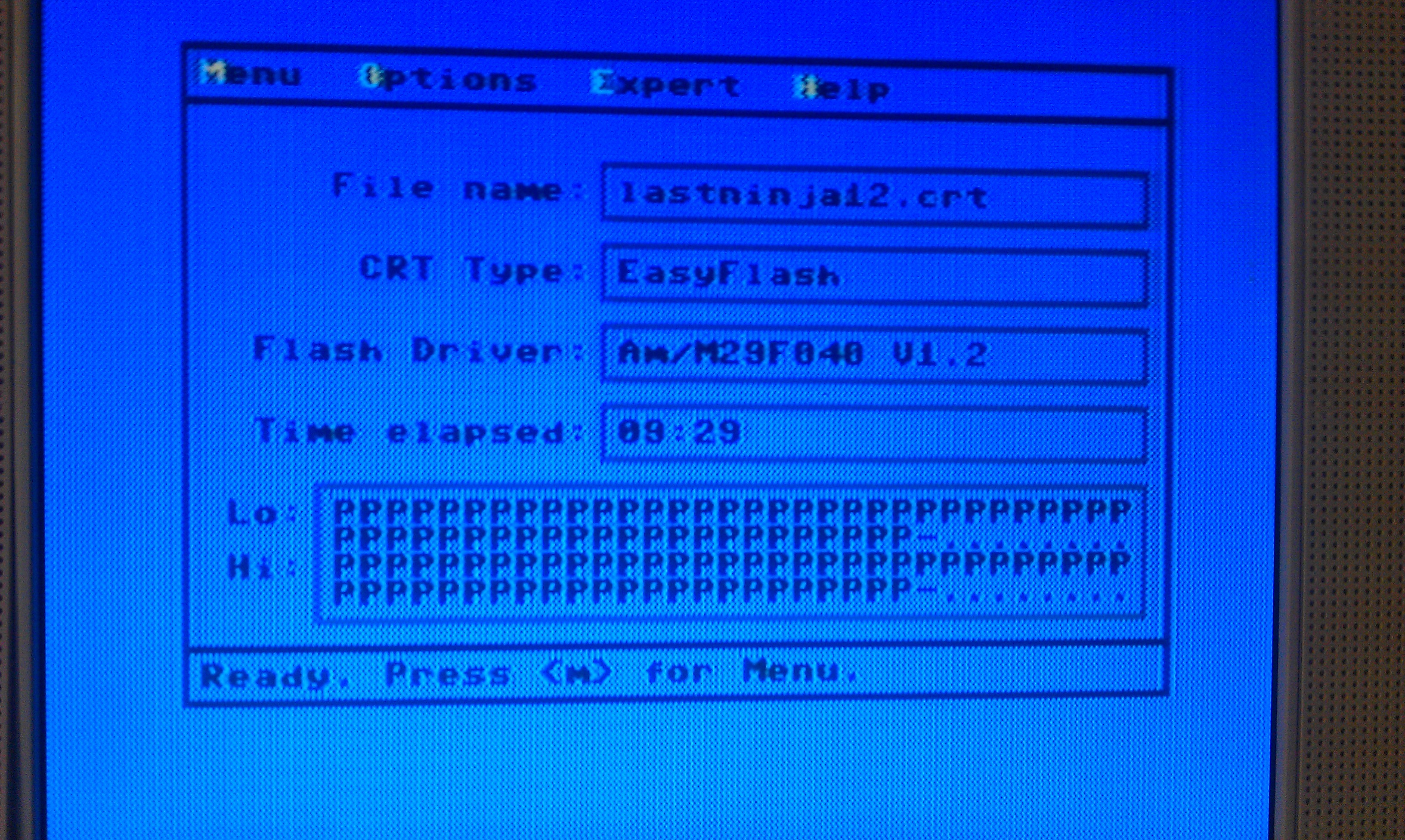
My mate Stiggy has already written a nice little writeup on this device and he stated that flashing a file took him just under 40 minutes. Not totally sure how big the file was but I tried to copy Last Ninja 1 & 2 over which is 882KB and using JiffyDOS took just under 10 minutes.
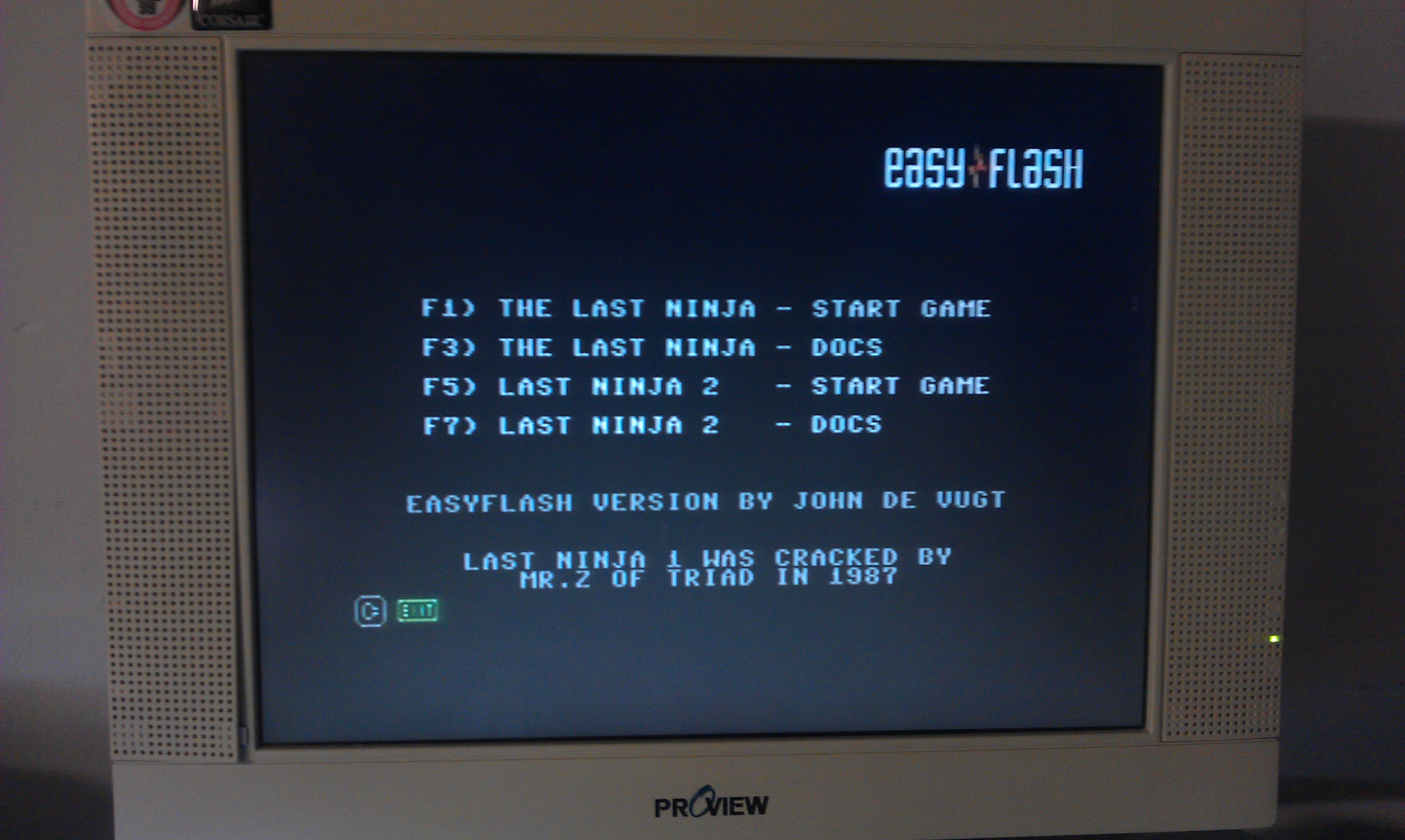
After this the game loads pretty much like you would expect from a normal cartridge. Im very impressed with this thing. Now to find more goodies to try out.
This post is mainly to make Stiggy drool a little.
It shows the loading times difference between the standard C64 kernel and JiffyDOS using the SD2IEC.
The videos show Last Ninja 2 loading from the FB64 program on a C64c. Try to ignore all the crack screens etc and take note of the actual loading screens.
Standard C64 kernal
Using JiffyDOS
Sometime back I modified my C64c with a switch to change between the original kernel and the JiffyDOS kernel. I did this because JiffyDOS is incredible for loading games from the SD2IEC but it doesn’t support loading from tape at all.
I needed to make another one up. Turns out I forgot how to! so here it is mainly for my own sanity.
Place all these files in a directory and open a command prompt (assuming your using Windows).
I renamed my files to something a bit more meaningful, “kernel.bin” “basic.bin” and “jiffy.bin”.
Type the following command:
“copy /b kernel.bin+basic.bin+jiffy.bin new.bin”
This creates a new binary file called “new.bin” and it should be 32KB in size.
This should now give you a fully working switchable C64c.
Note: This only works for the newer C64c version. A 27C256 eprom isn’t pin compatible with a breadbin version without more modifications.
Also, JiffyDOS is still being sold and is not downloadable from my site nor will I provide it to anyone asking.