Outrun PLD added

 General, PAL Updates  Comments Off on Outrun PLD added
Mar 242015
 

cmonkey needed a replacement 315-5224 chip for his Outrun board.
We have a bunch of PLD dumps from an Outrun board but they are untested and are from an unknown source.
The original 315-5224 is a PLS153 and cmonkey needed it in a GAL16V8 in order to replace it.

The equations themselves aren’t too complex and would fit nicely into a GAL16V8 as the extra IO pins on a PLS153 are actually configured as inputs which makes it pin compatible.

Equations:
PIN 13: /ROM_CE = /MREQ & RFSH & RAM_CS & DACS
PIN 14: /RAM_CS = A11 & A12 & A13 & A14 & A15 & /MREQ & RFSH
PIN 15: /YM_CS = /A6 & /A7 & /IOREQ & M1
PIN 16: /DACS = /A11 & A12 & A13 & A14 & A15 & /MREQ & RFSH
PIN 19: /ZCS = A6 & /A7 & /IOREQ & RFSH

The problem came with needing to use the feedback from pin 16 in order for it to work.

When compiling equations for a GAL16V8 you need to specify what mode you want to use it in. There are three modes a GAL can be used in.
1. Simple
2. Complex
3. Registered

The PLS153 cannot be used as a registered device so we cannot use this mode.
‘Complex’ cannot be used as we need to use pin 12 as an input and pin 12 does not provide any feedback in this mode.
‘Simple’ mode is what we need to use but in this mode pins 15 and 16 cannot provide feedback which is exactly what we are wanting.

Looking at the equations and the schematics we can see that pins 17 and 18 are actually unused. These pins can also provide feedback in ‘simple’ mode.
The workaround for a GAL16V8 is to copy the equations for /o16 and add them to /017 then change the equations for /o13 to use feedback from o17 instead of o16, like this:

Equations:
PIN 13: /ROM_CE = /MREQ & RFSH & RAM_CS & DACS2
PIN 14: /RAM_CS = A11 & A12 & A13 & A14 & A15 & /MREQ & RFSH
PIN 15: /YM_CS = /A6 & /A7 & /IOREQ & M1
PIN 16: /DACS1 = /A11 & A12 & A13 & A14 & A15 & /MREQ & RFSH
PIN 17: /DACS2 = /A11 & A12 & A13 & A14 & A15 & /MREQ & RFSH
PIN 19: /ZCS = A6 & /A7 & /IOREQ & RFSH

cmonkey has confirmed this works on his Outrun PCB.
Although this worked well I was not happy with the workaround. The resolution turned out to be simple.
If I took the newly programmed GAL chip and re-dumped it using Charles MacDonald’s hardware I got a list of valid equations that did not rely on the use of feedback at all.
Since the equations were few, it had no problems in fitting into a GAL16V8 and so I ended up with something that left those two unused pins free which is good because cmonkey has a use in mind for them.

 Posted by at 10:41 am
Mar 242015
 

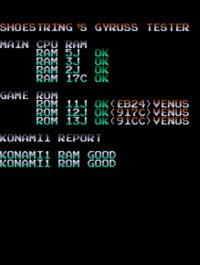
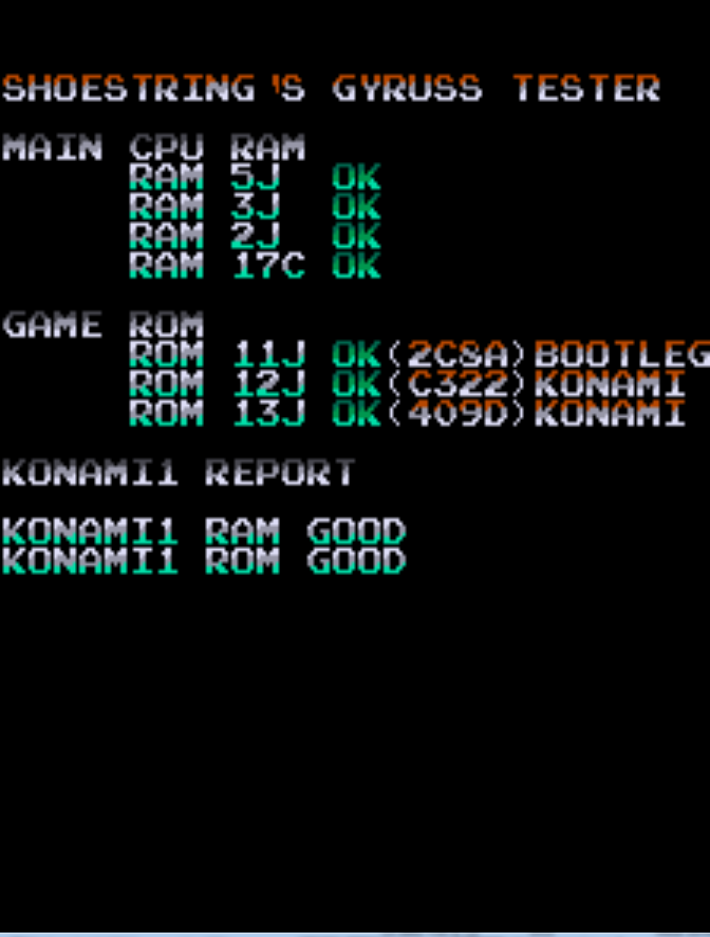
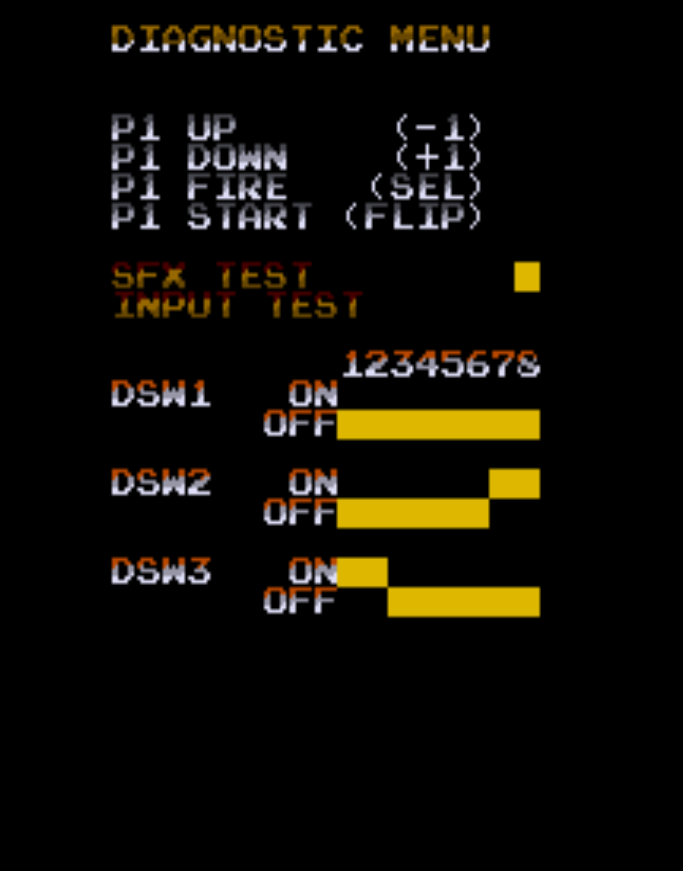
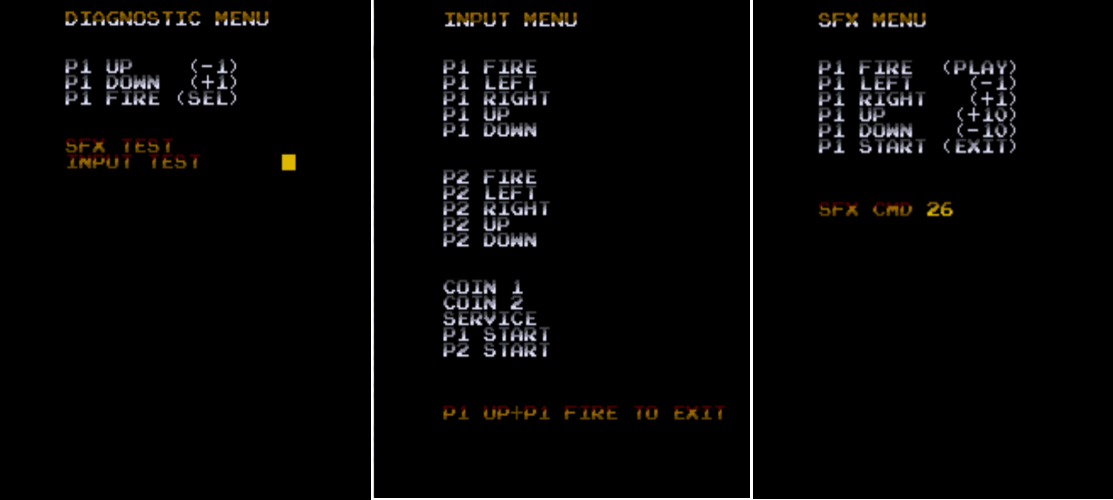
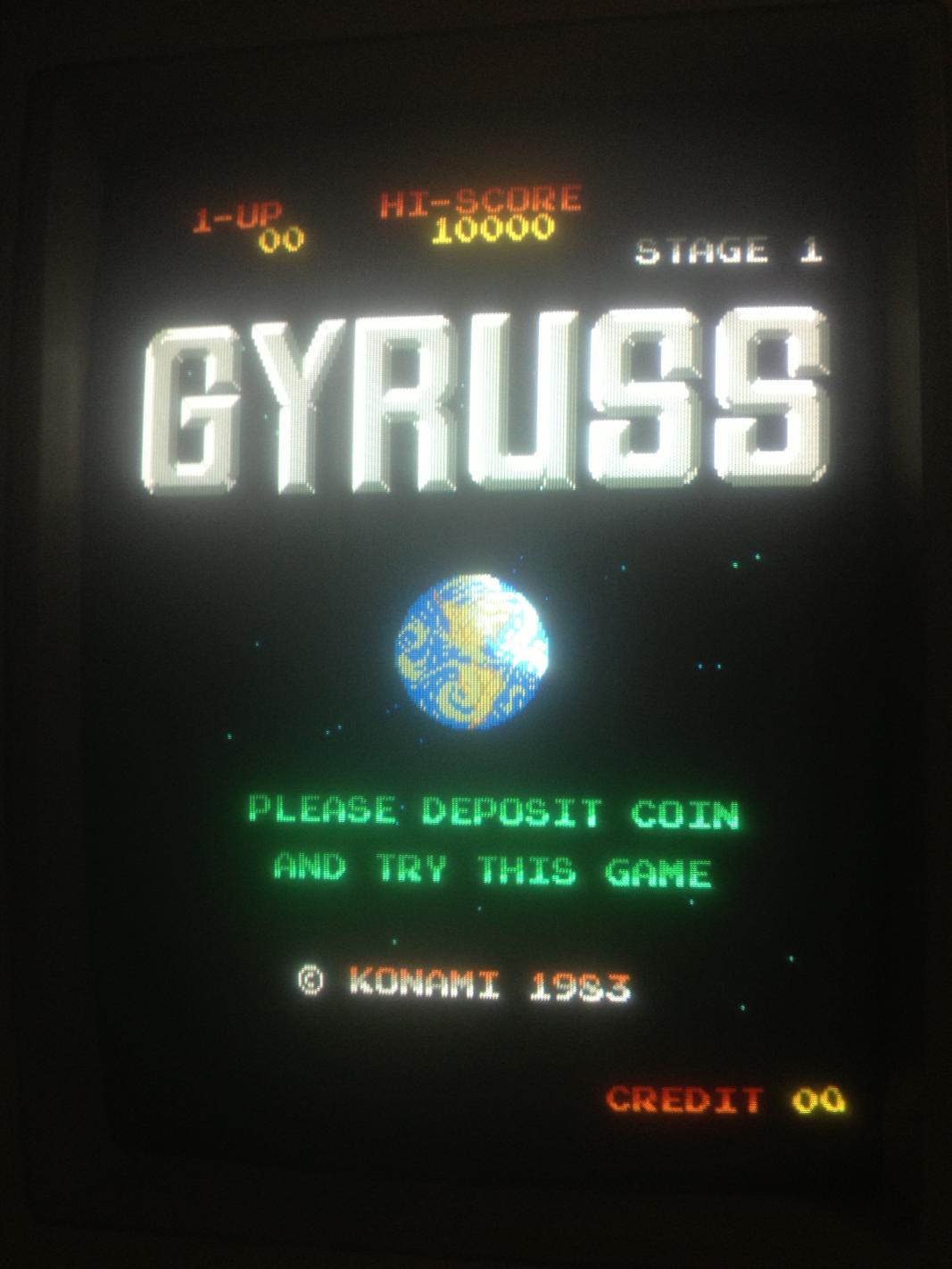
About a month ago I purposely purchased a non working Gyruss off eBay to repair myself for fun. This repair would later inspire me to develop the Gyruss test rom which is currently being developed right now.

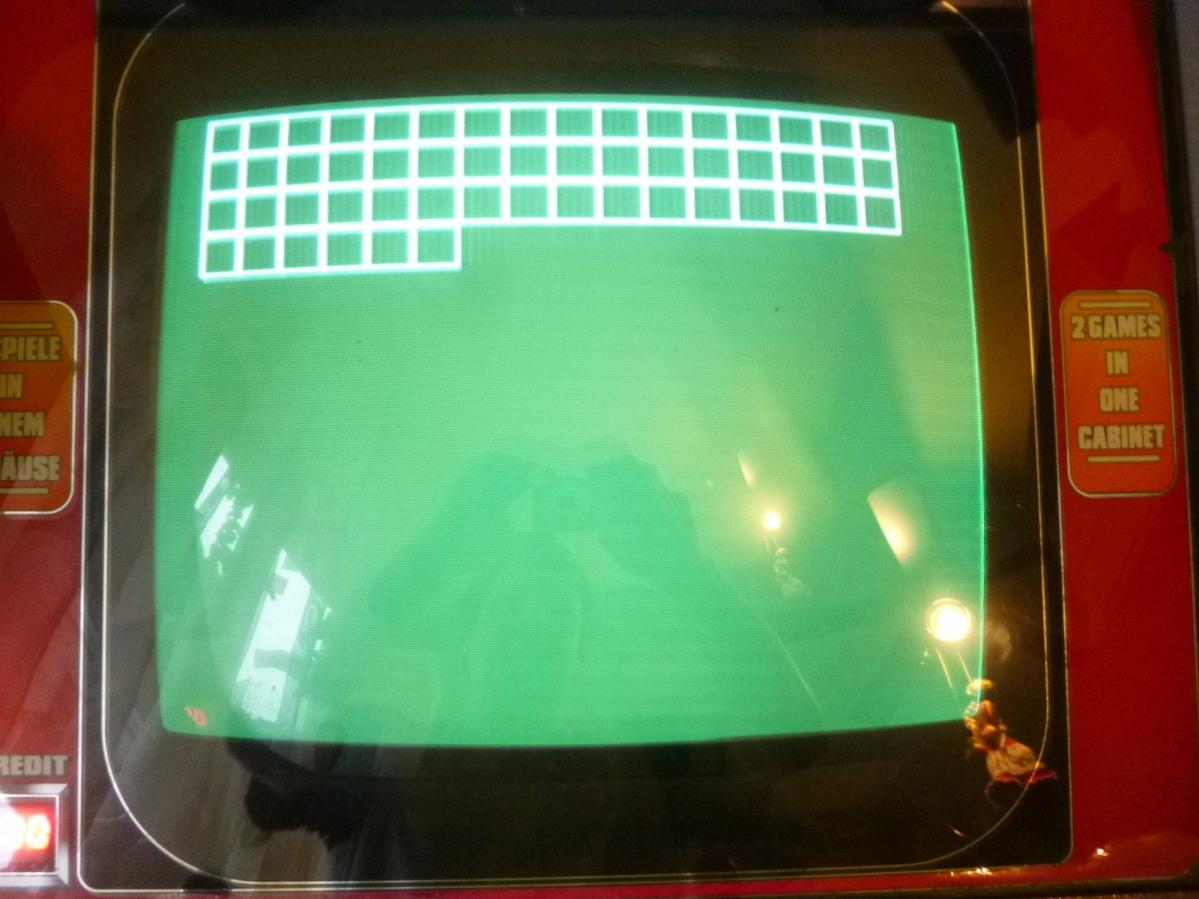
Symptoms: Game watch-dogging. Only gets as far as the grid test pattern, sometimes partial then resets perpetually.

$_57

First thing was to check the voltages from various +5v rails on the bottom board. Voltages were measuring quite low, around 4.7v. I have read that low voltages would also contribute to  this behavior. Adjusting the +5v didn’t help.

Next step was to verify all the game ROMs via romident which checked out good. Cleaned pins on all socketed chips, no change. Probed Z80 main CPU, confirmed barking reset line.

Removed both Z80s which tested good in known working Galaga board. Installed IC sockets and re-installed Z80s.
Began process of purging all Fujitsu branded ttls before troubleshooting with some Fujitsu branded ttls still remaining.

Four 74ls163s that are used for memory addressing the 2149 srams tested bad on my Micromaster LV48 device programmer ( but they turn out to be good after fixing the game and re-substituting the 163s back in. The ls161s that I had lying around seemed to work fine as well ). Caius said that these are difficult to test out of circuit so the result of the tests performed by my not so trusty Micromaster LV48 almost lead me in the wrong direction with this repair.

With the 161s installed the symptoms were exactly the same which prompted me to look at other areas as I didn’t believe these would cause the fault, these chips seem to be associated with the video display.

I checked some non Fujitsu ttl logic around the main CPU & 2kx8bit SRAMs. 13E & 14E ( LS245 ) tested good. 17C,5J,3J ( 2kx8bit SRAM ) tested good, 2J tested BAD ( 2kx8bit SRAM ).

@ 0x00000H expected 01, read 00

I was pretty sure that I found the culprit. Bad work ram would definitely cause this kind of issue.

Socketed 17C,5J,3J & 2J ( SRAMs). Replaced 2J with a Sanyo LC3517.

Retested with good results.

photo(1)

Tube Panic repair log #1

 PCB Repair Logs, Repair Logs  Comments Off on Tube Panic repair log #1
Mar 222015
 

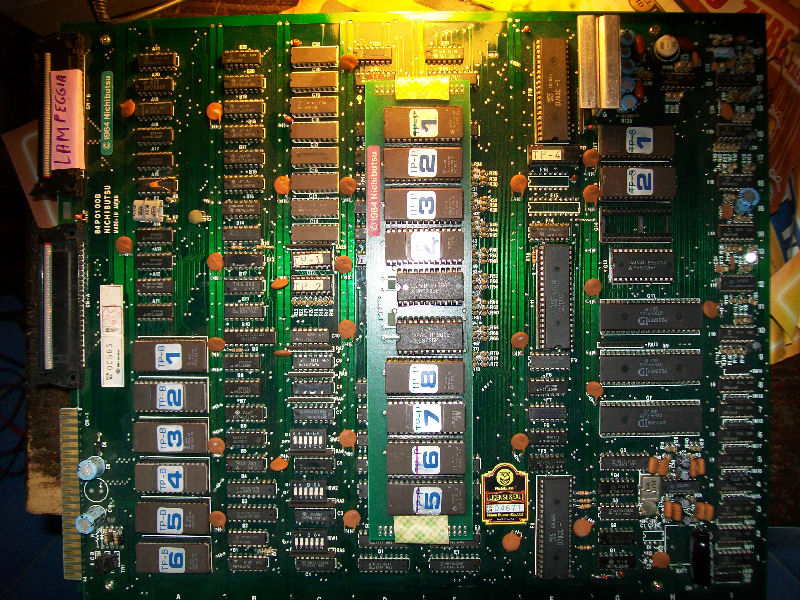
Some days ago I got two Tube Panic PCBs for a repair.I never heard about this game before, it’s a shooting ’em up game with an impressive graphics for its era (produced by Nichibutsu/Fujitek in the far 1984) and an hypnotic music.You fight with your ship through  trippy, intergalactic tubes and periodically, you’ll have to dock with a mothership for bonus points and power.

Anyway, let’s start with the first board repair:

Tube Panic#1

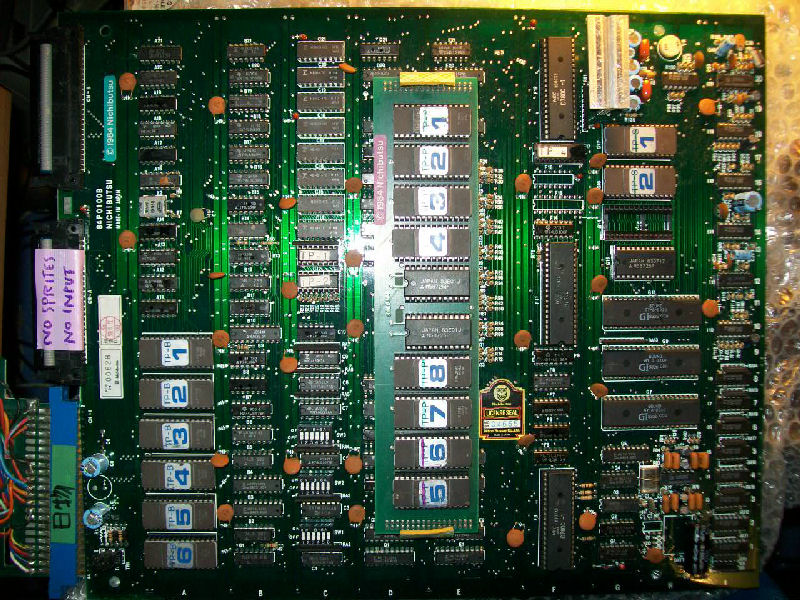
As you can see from picture above, owner labeled this board “NO SPRITES,NO INPUTS” but once I powered it on I got instead  strange behaviours, sometimes the game crashed, sometimes played  accelerated with blocky sprites.Here is a capture video of the issue:

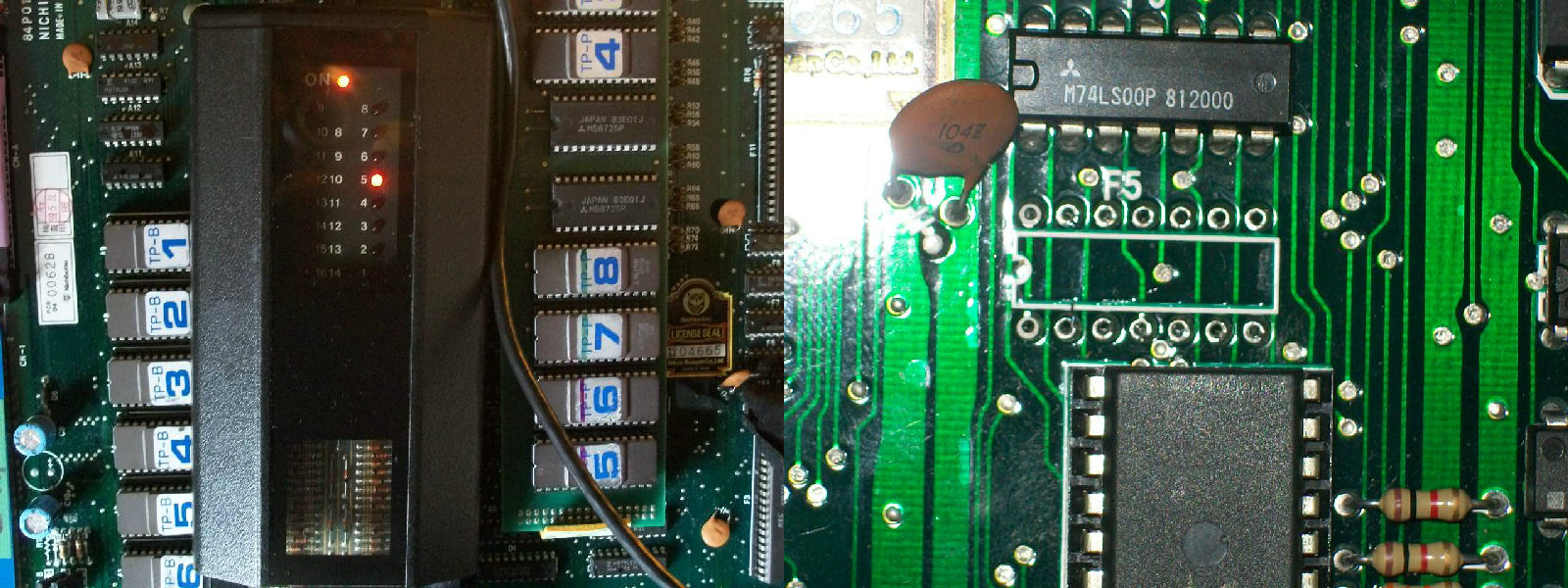
As usual I started my check to CPU/RAM/ROM section.In these hardware there are three Z80 CPU, two of them are the main/slave and the third is the audio one.Probing the slave Z80 with a logic probe I found that its /INT line was silent.Traced it back to a 74LS74 @F5.Testing it with the HP10529A logic comparator revealed that output PIN5 was giving troubles and this output was indeed tied to /INT line.Desoldered and tested out-of-circuit it failed miserably:

74LS74#1

74LS74#2

Replaced this bad 74LS74 restored correct behaviour except for some little sprites issue which I traced to a 74LS298 @G19 (not actually faulty) which multiplexes data from sprites ROMS .So this first board was 100% OK:

Let’s pass to the second one which was labeled as “flashing”:

Tube Panic PCB #2

Actually it played fine except for the screen that was all blurry:

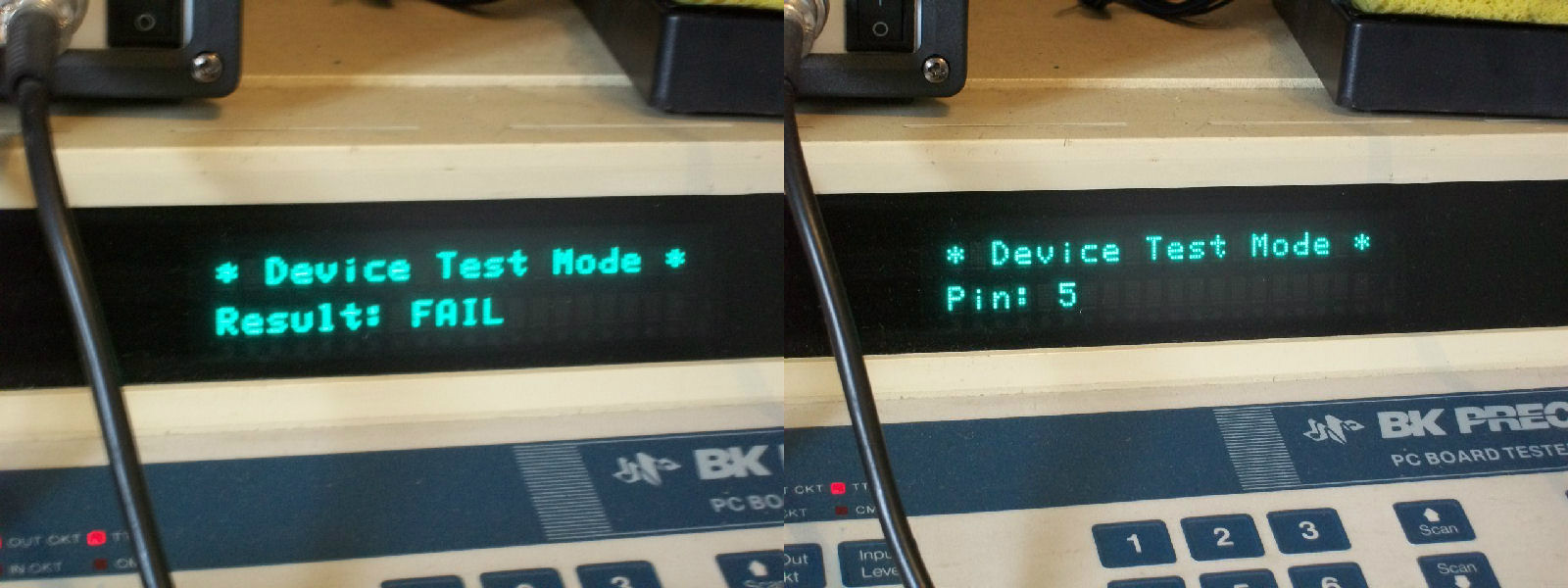
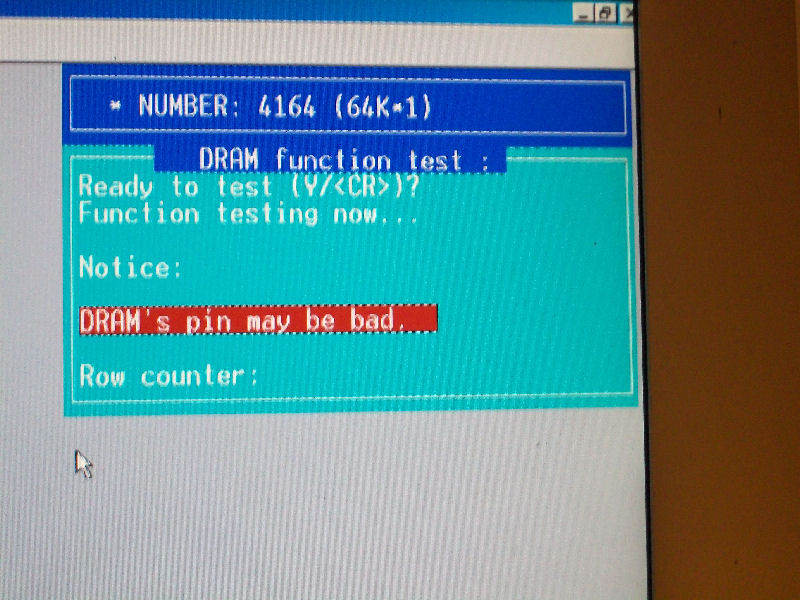
While doing my usual visual inspection I came across a very hot (I’d say ‘burning’) IC @I17, an HM4864 DRAM (64K x 1).Probing it all address lines were active as well the data IN pin but its data OUT pin was stuck LOW so data didn’t came out from device.Piggybacking a pin-to-pin compatible TMS4164 restored the graphics.Infact chip failed its out-of-circuit testing:

HM4864_out_of_circuit_testing

Like the first board also this one suffered from slight sprites issue due the 74LS298 @G19, it seems to be a congenital problem to this kind of hardware.

Double repair in a shot!

 Posted by at 10:09 pm

Castle of Dracula PAL dumps added

 PAL Updates  Comments Off on Castle of Dracula PAL dumps added
Mar 222015
 

In the past days I dumped an unemulated game from Korean Yun Sung (licensed by Escape) called Castle of Dracula:

https://www.mameworld.info/ubbthreads/showthreaded.php?Number=337848

https://www.lucaelia.com/mame.php/2015/Castle-Of-Dracula

It has already been emulated thanks to the work of MAME devs and will be inserted in next MAME 0.160 release.

Today I dumped the two PALs (PAL16L8ACN devices) and reversed them in GAL16V8 replacements.Dumps have been tested as working.

 Posted by at 11:35 am

Star Jacker PAL added

 PAL Updates  Comments Off on Star Jacker PAL added
Mar 212015
 

Star Jacker has two PAL16R4 chips on it. Looking at the schematics for Star Jacker and Choplifter I saw the PALs on both of these boards are very similar. The 315-5138 from my Choplifter board works fine in place of the 315-5024 PAL on the Star Jacker board.
The other one has a couple of differences. Pins 13 and 19 are swapped and pin 17 has a different designation altogether but it looks the same apart from that. I will try and recreate this chip soon.

 Posted by at 9:14 pm