Apr 232012
 

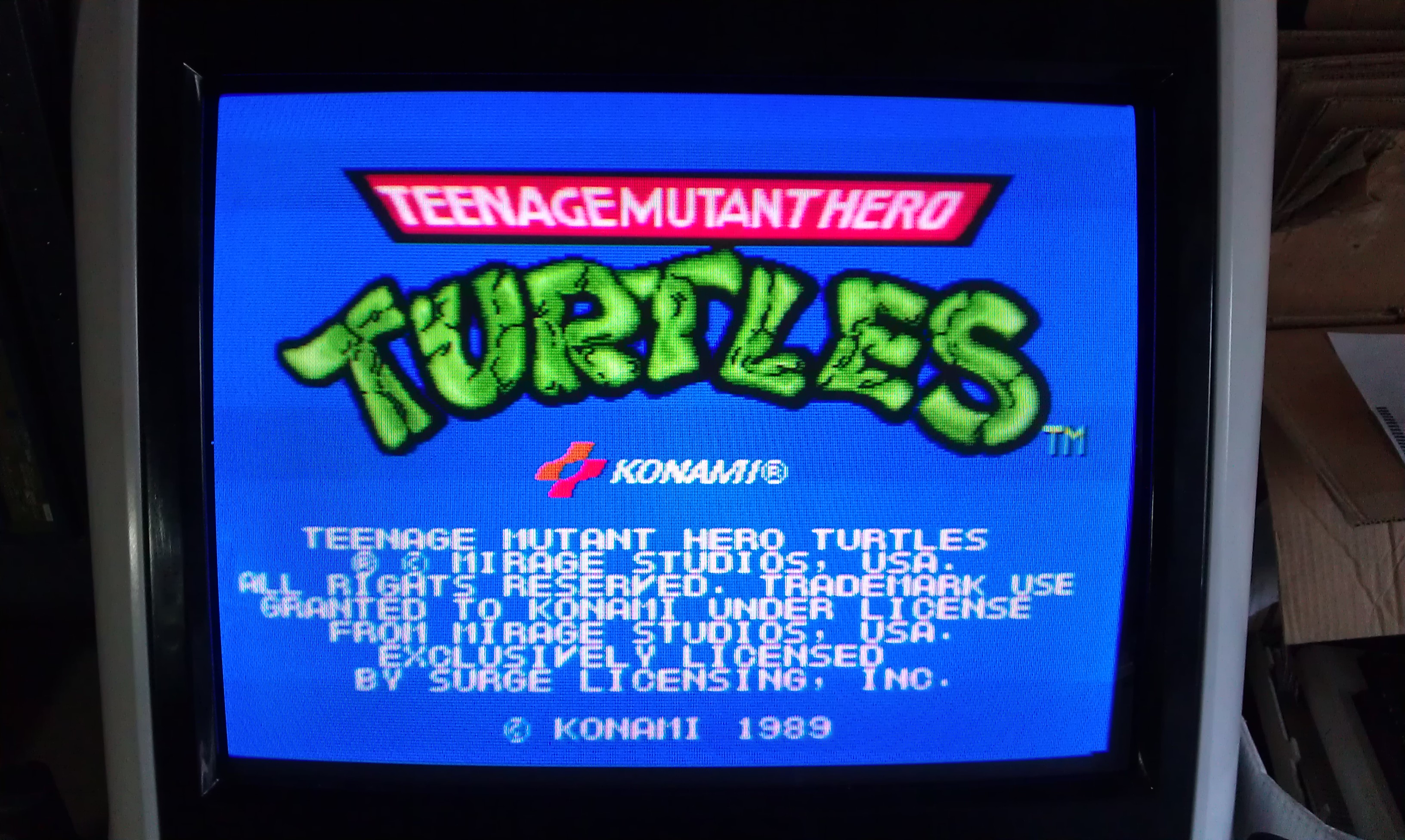
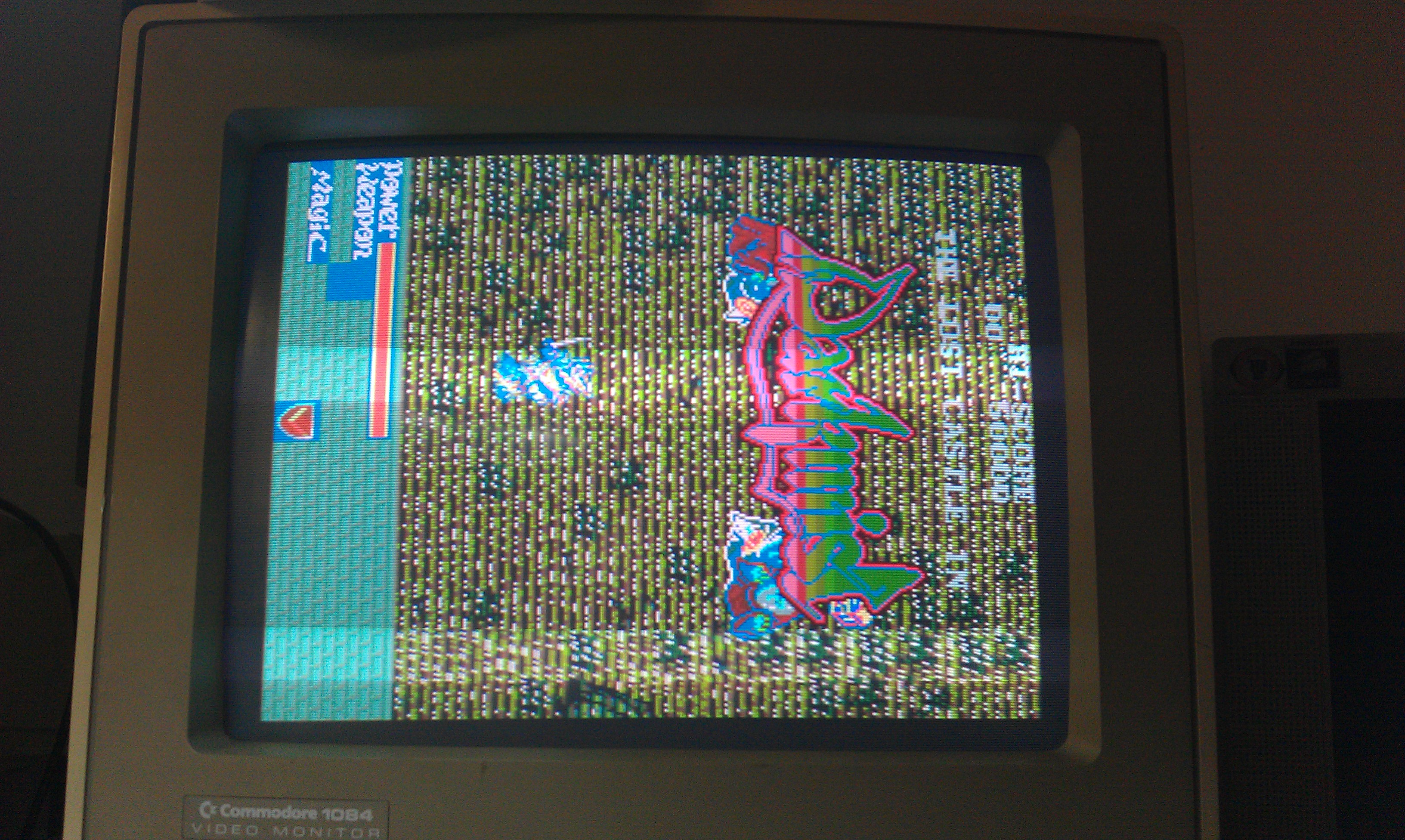
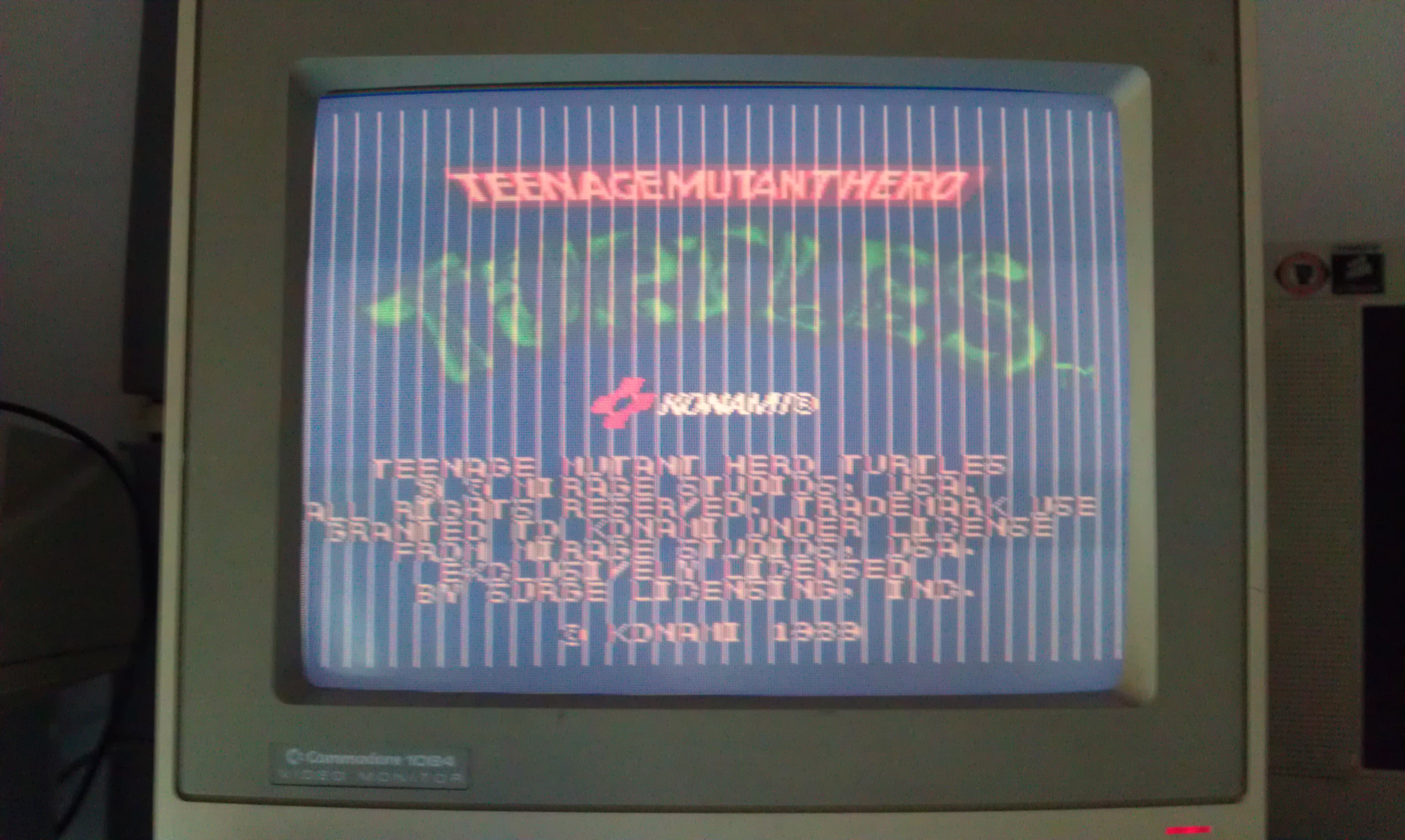
Got this from a Jamma+ forum member.
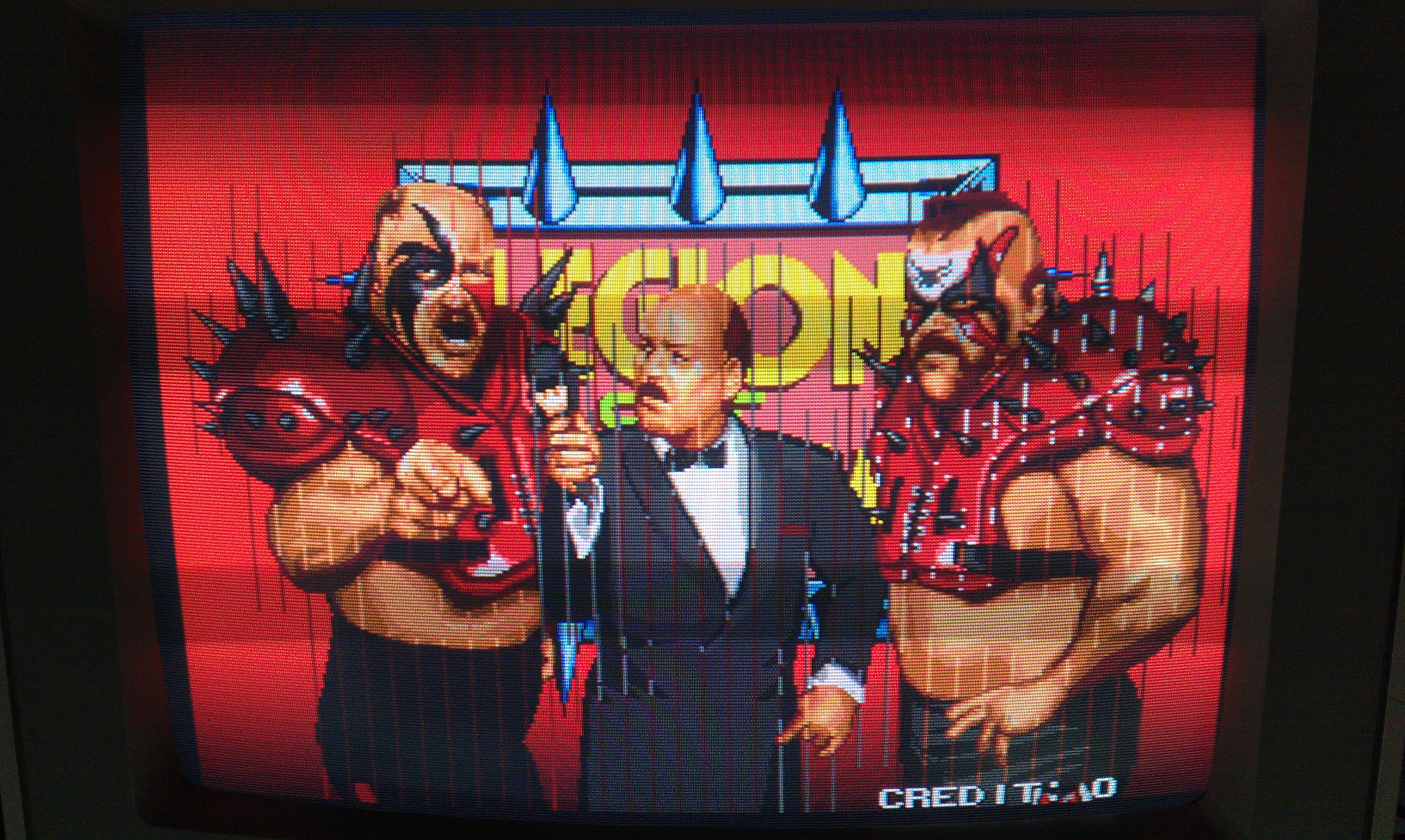
Sold as having graphics problems that went away when touching one of the MASKROMs.
On testing it had lines running vertical down the screen and the fault did appear to go away when touching K27 MASKROM. This however was not dry joint, it was a floating output meaning the MASK was knackered.

I removed the MASKROM and programmed a replacement 27C400 EPROM.
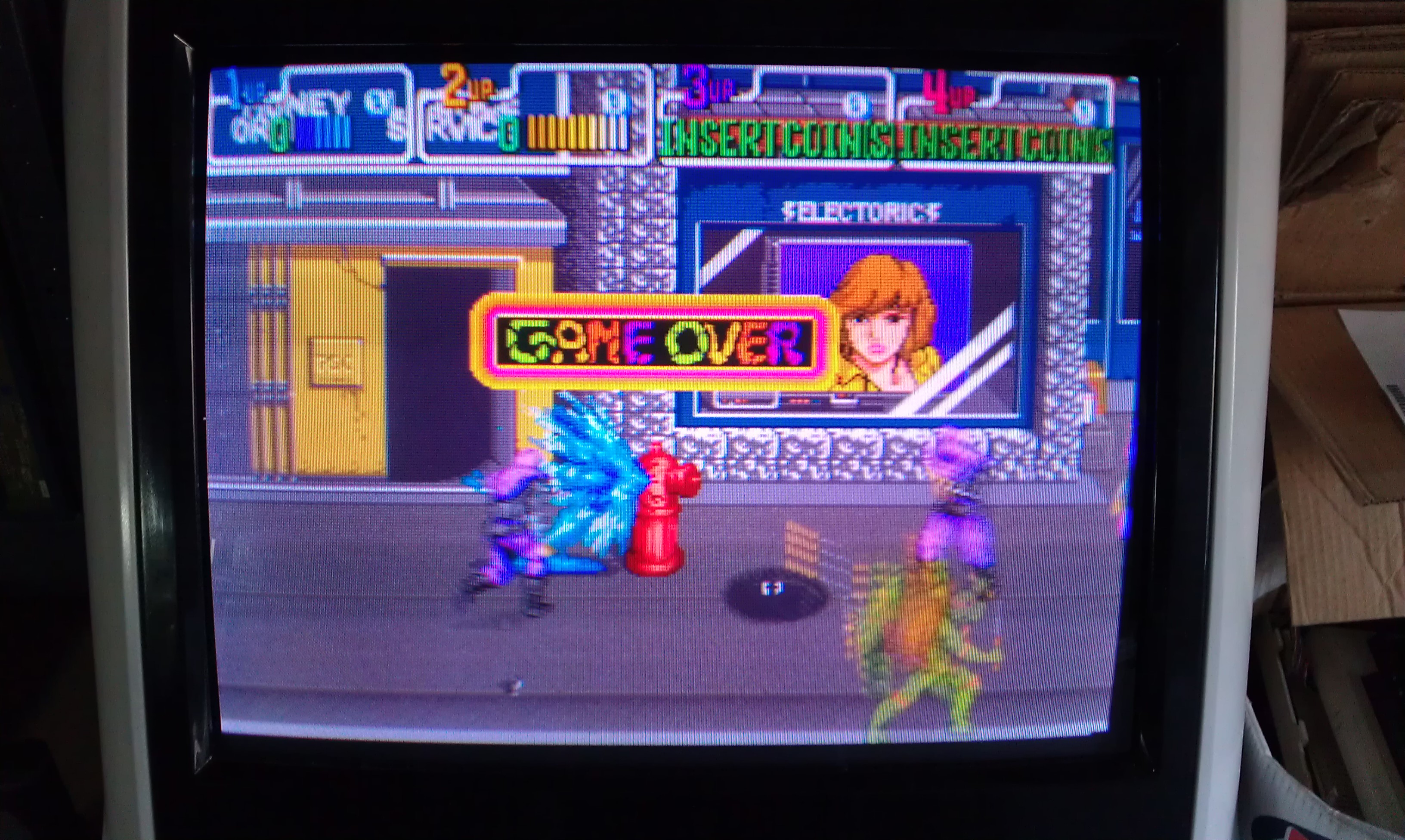
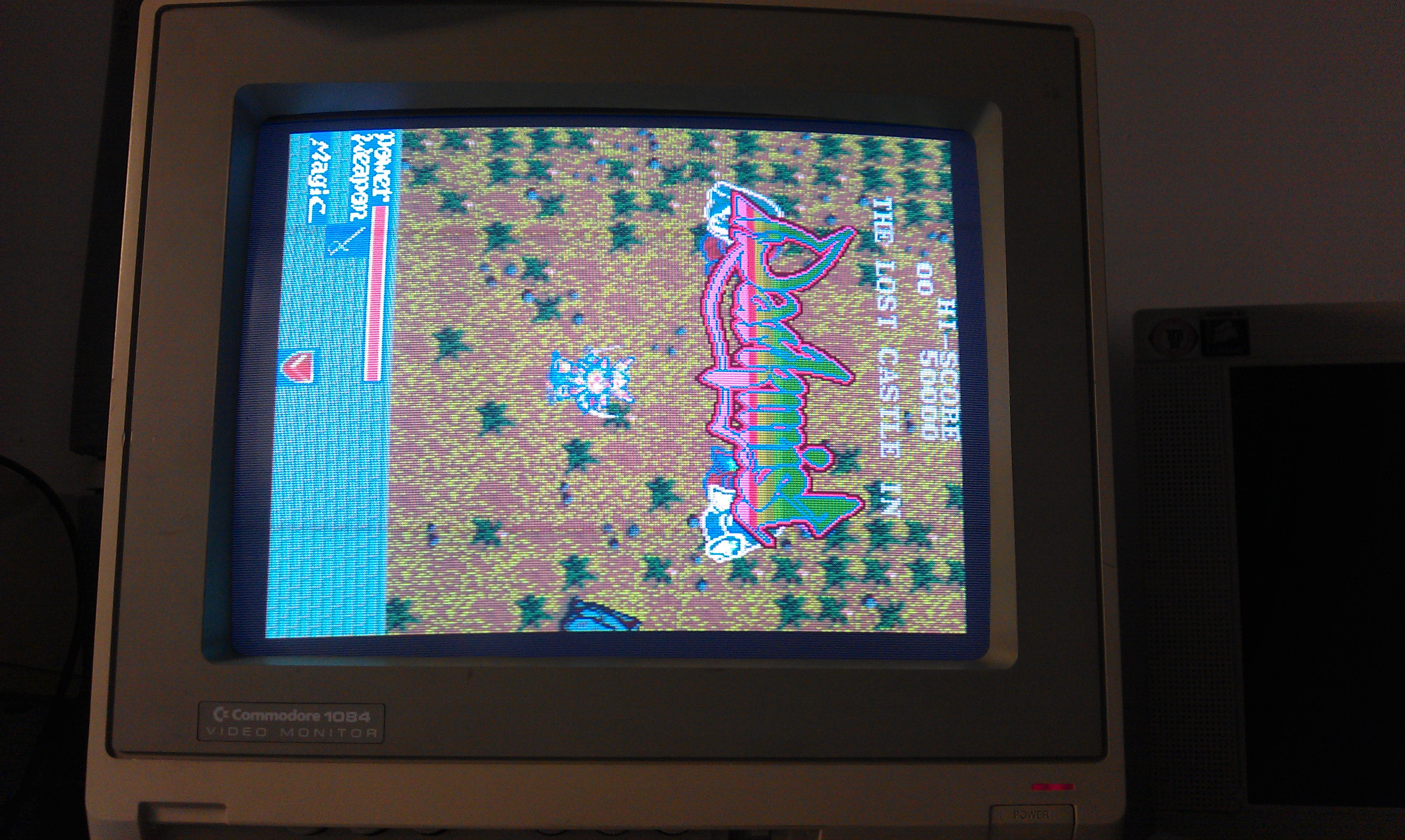
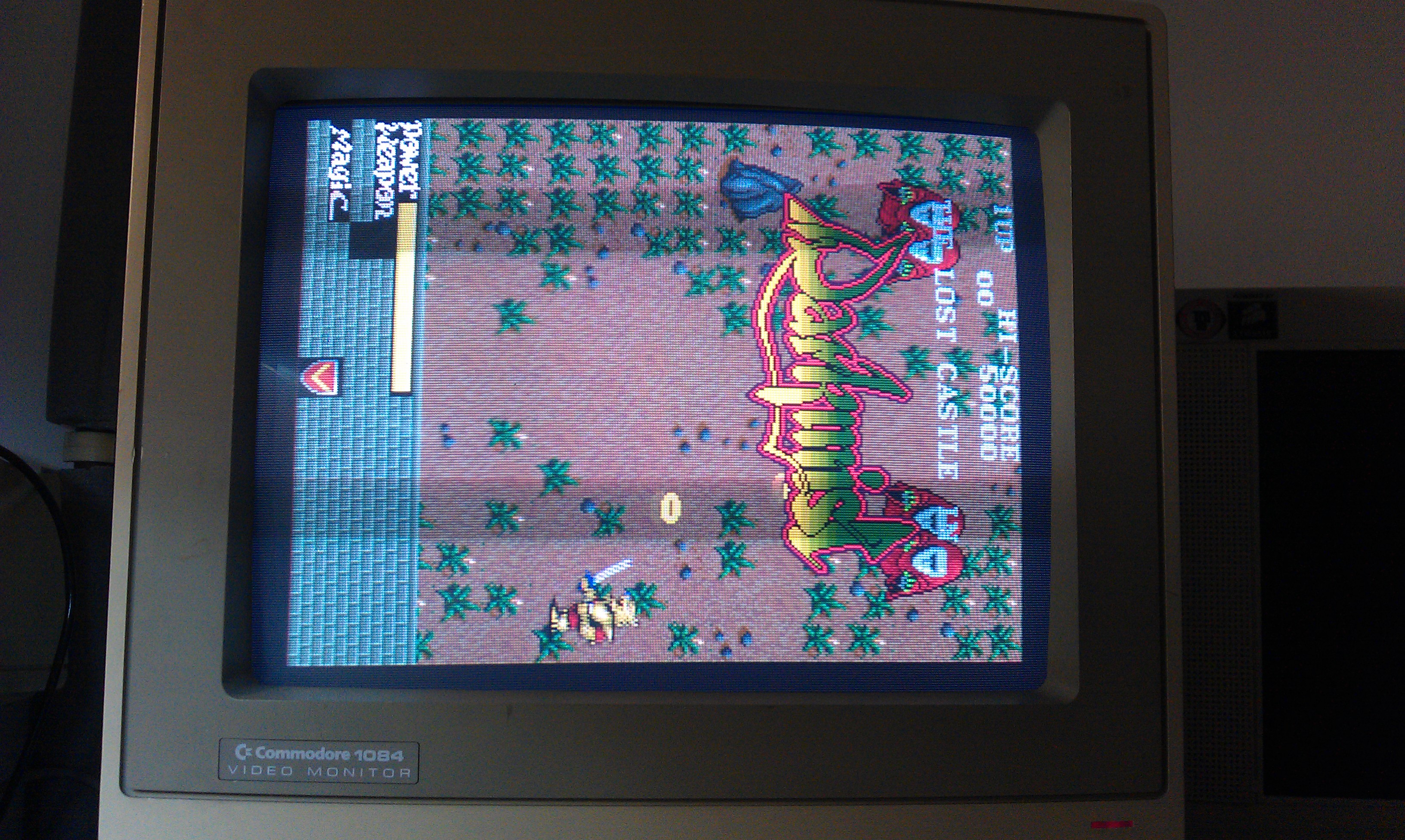
Game now works fine and all self tests pass.

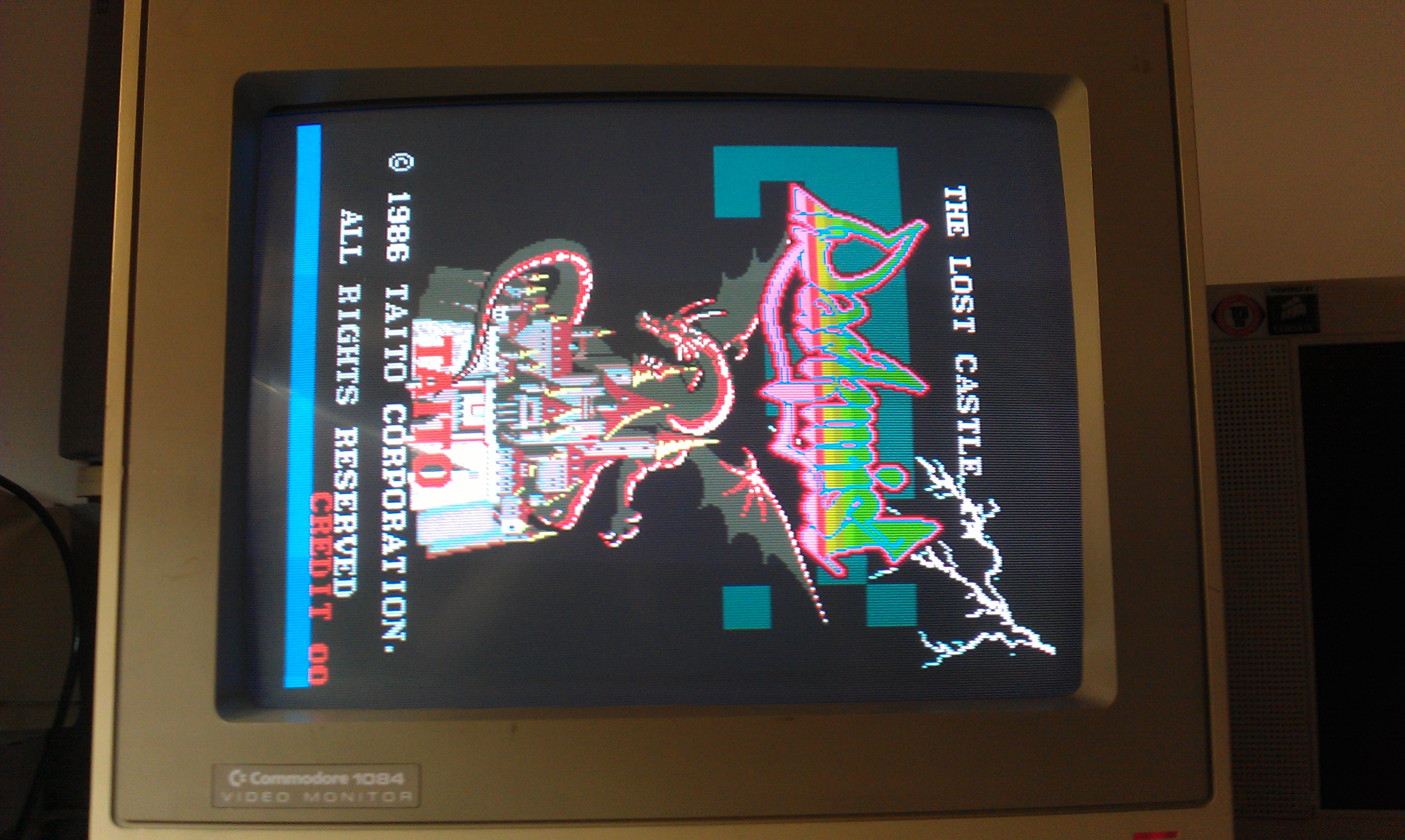
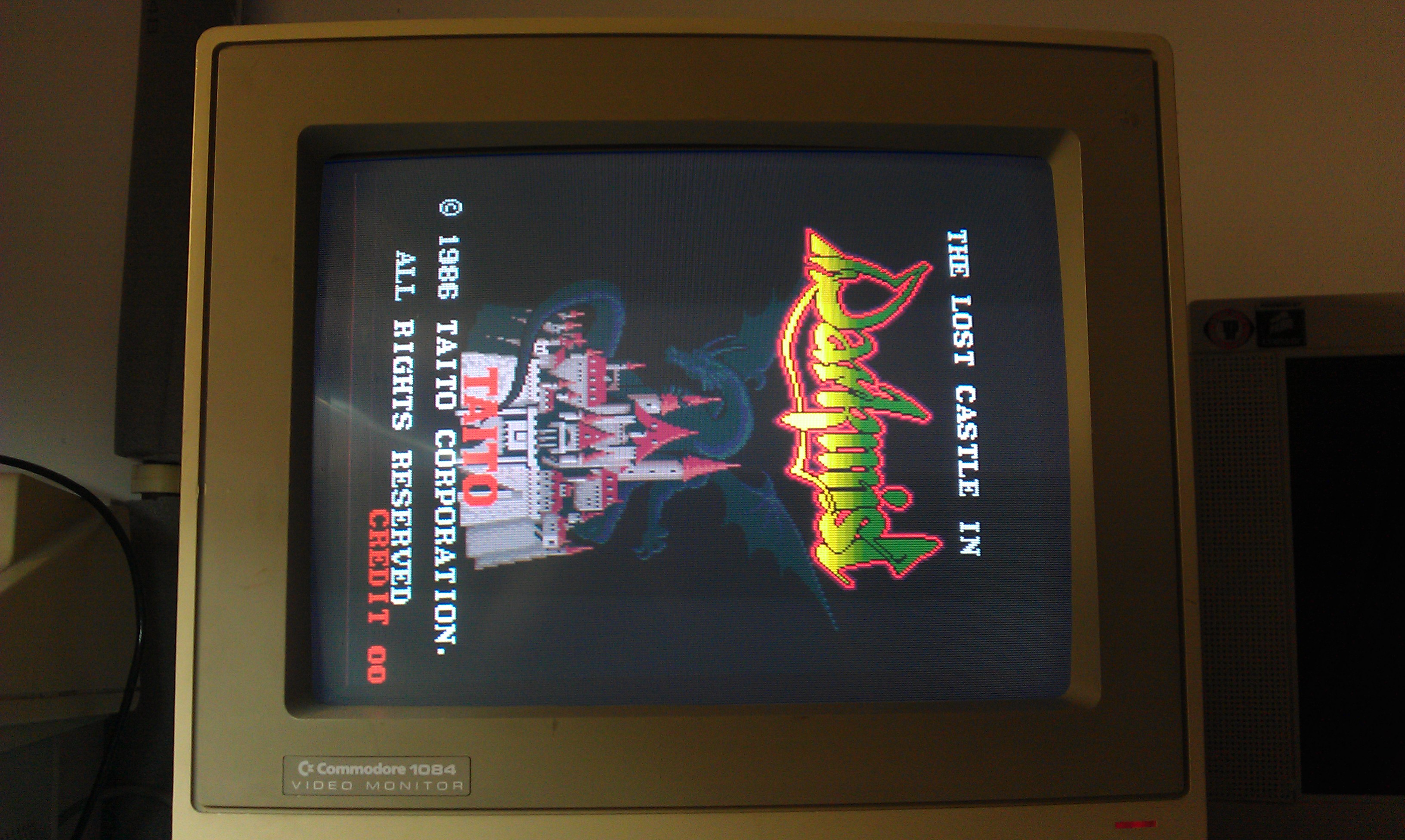
The game does appear really washed out on my test bench but plays fine in a cab. Not sure why this is but I cant actually see anything wrong with the output signals so ill ignore it for now.


UPDATE:
This board also had another fault where button 2 for players 1, 2 and 3 didn’t work.
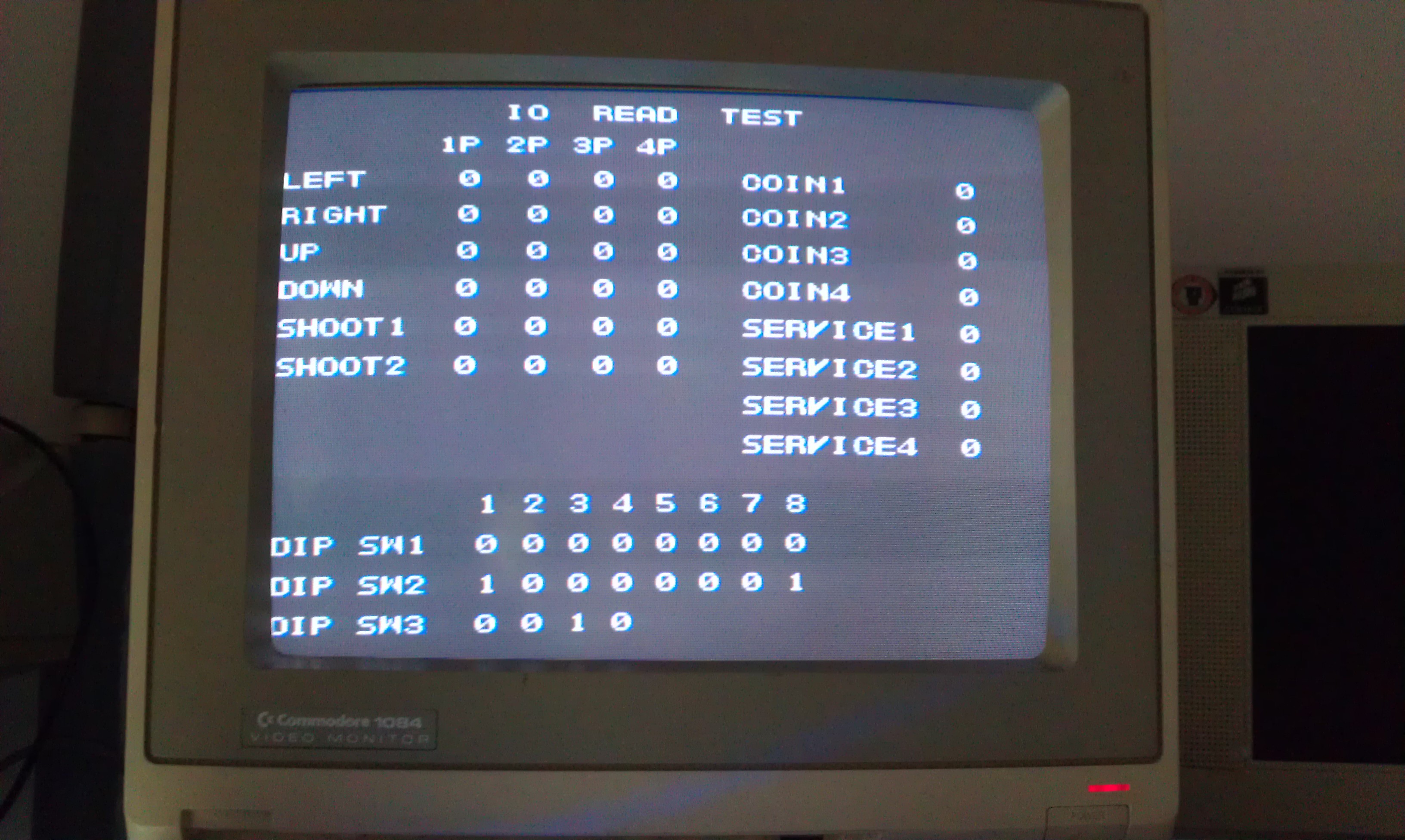
Turtles actually has an IO test within its test menu so it was easy to check all inputs.

I traced the signal through a resistor network and could see the state toggling with a button press. Traced it back a bit further to a 74LS253 chip at location C26. Replaced this chip now all working again.

 Posted by at 5:36 pm
Apr 162012
 

I grabbed this little fella from eBay not too long ago for very nice price although it was sold as having vertical collapse on the screen.
As it happens this was a complete lie but it is eBay so I should have known better.

On powering up I was greeted with nothing. No ‘Vectrex buzz’, no noises of any sort, nothing!
Getting the easy stuff out the way first I checked the plug fuse. All OK in there.

Time to open it up and see what we can see.
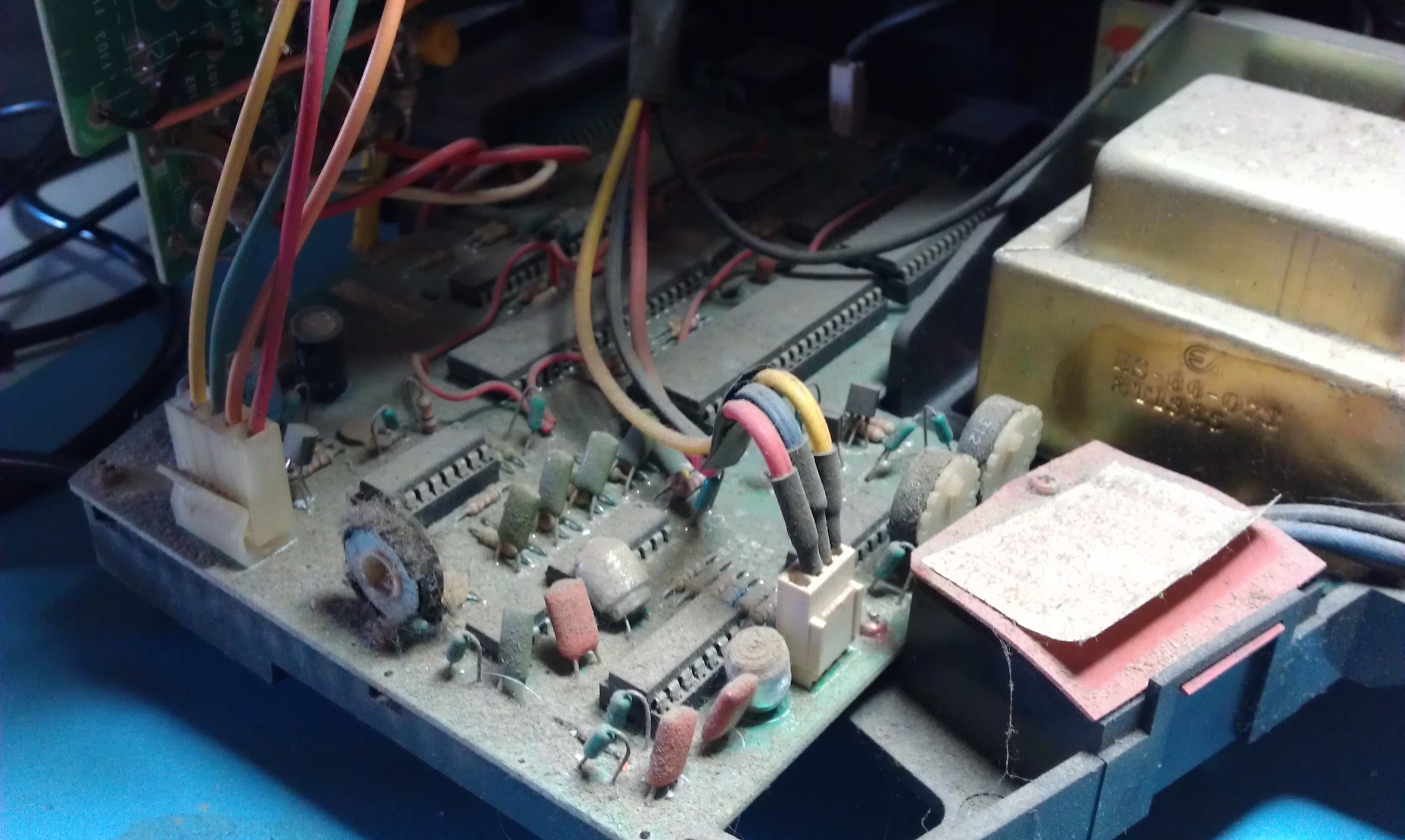
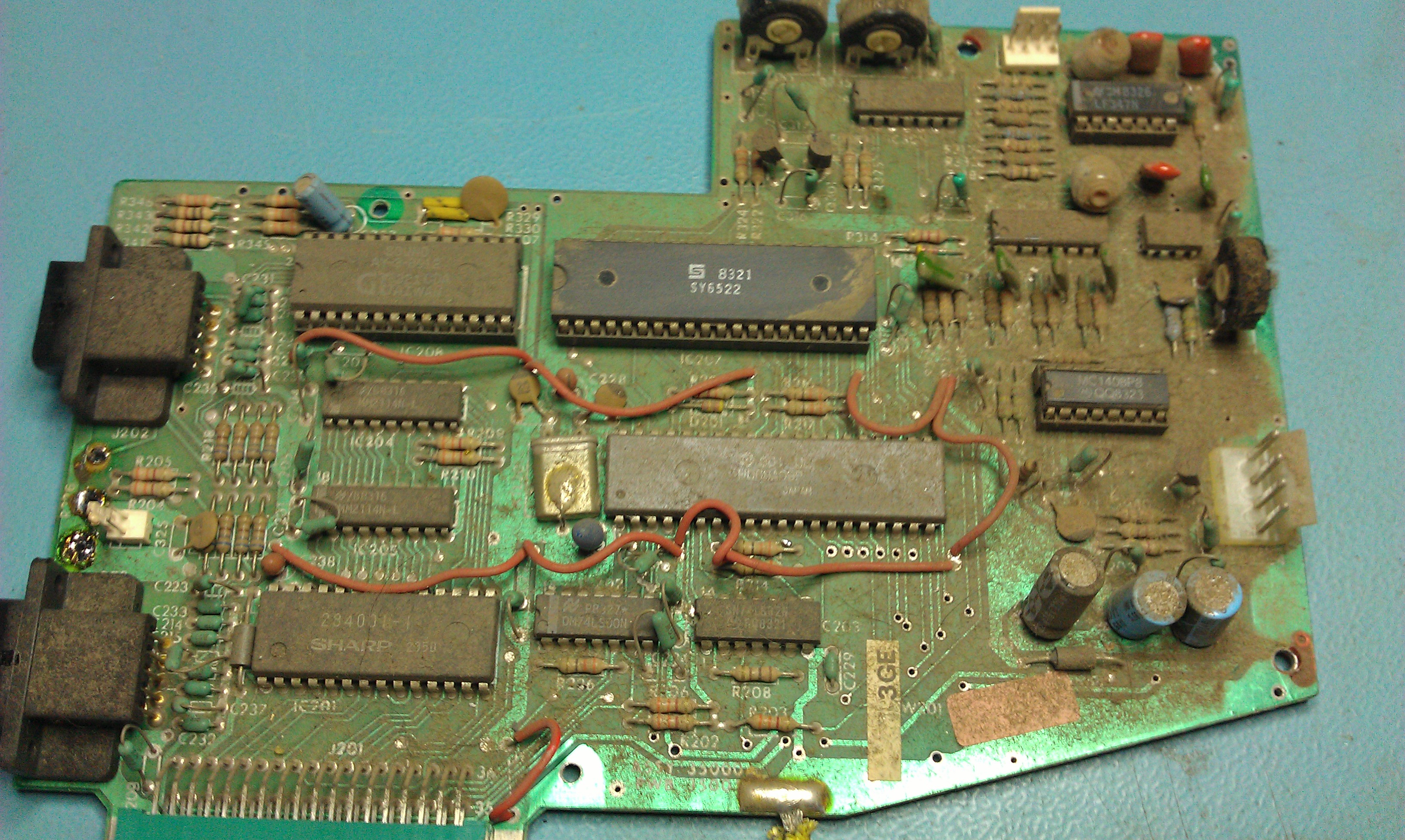
I saw dust, and lots of it.

Let me take a moment to explain a little something about the Vectrex. The picture above shows the logic board in its housing. In the Vectrex it is not just a matter of removing a couple of screws and taking out the board. Everything is connected to everything and sometimes not by means of plugs either, they are soldered in there so removing the logic board took a long time and a lot of pictures were taken of various wire locations and a lot of tiny screws were removed.

I checked voltages at the transformer and got 240v. I checked the output of the transformer and got nothing. Problem #1 found.
The transformer is a standard 9-0-9 VAC type and I bought a replacement from Maplin (thanks to Mesmeric_G from UKVAC for pointing me in the right direction).

In the mean time I set about cleaning this logic board down.

Whilst the board was out I tested the on/off/volume pot, this checked out OK (but more on that later).

So a few days later the transformer arrived and I went about fitting it. Once everything was in position to test I fired it up and…….nothing!
Turns out my on/off/volume pot is a little temperamental on one of the power lines and will occasionally give a poor connection causing the voltage to drop to around 4v. As a temporary fix Ive hardwired the line in the ON position and am using the plug as a means of turning it on and off. As Im unable to find a suitable replacement for this switch I will probably add a DTSP switch at some point in the future to control the ON/OFF function.

So now Ive got a booting Vectrex with sound.
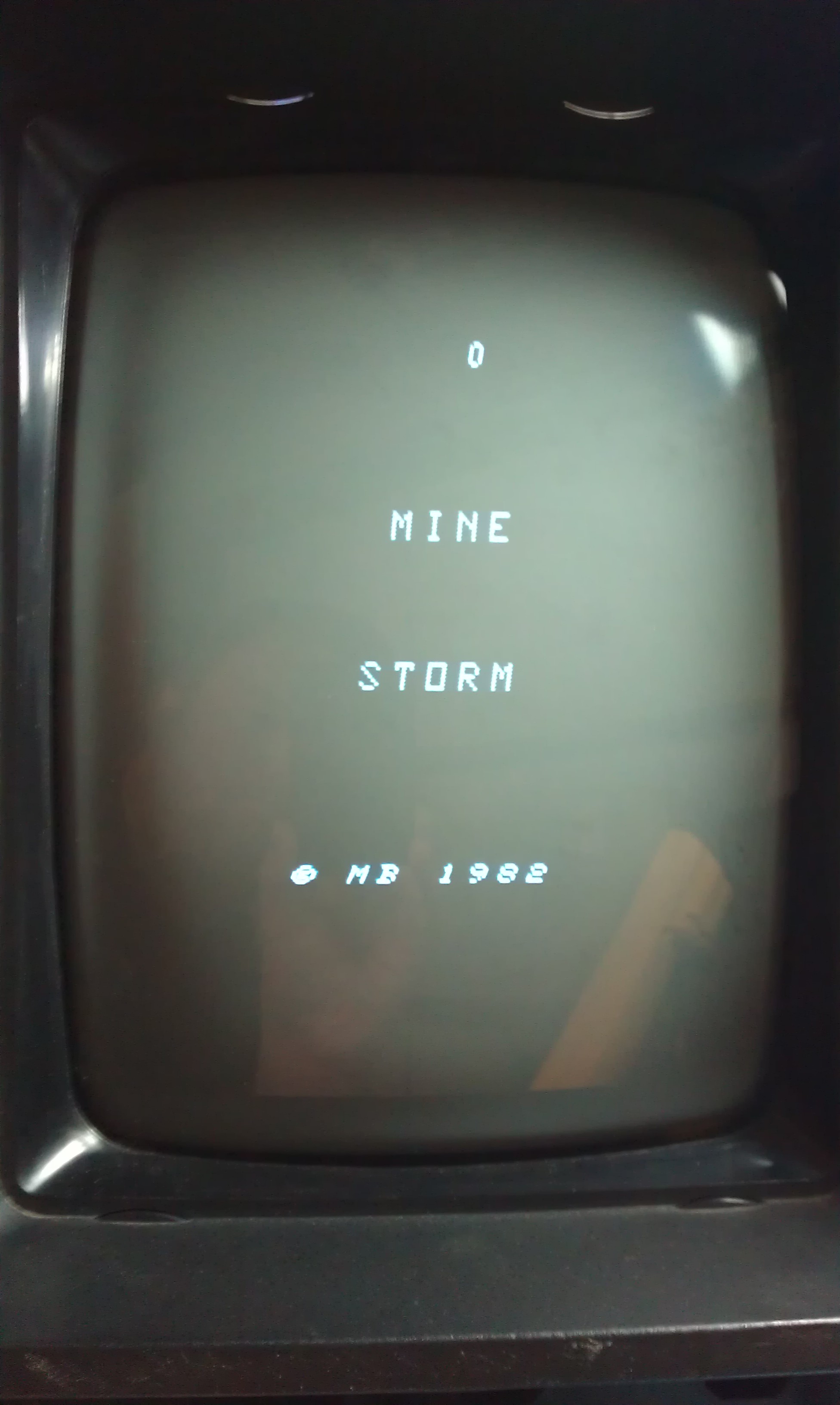
Another problem now. It boots straight into the Mine Storm game that’s built in.

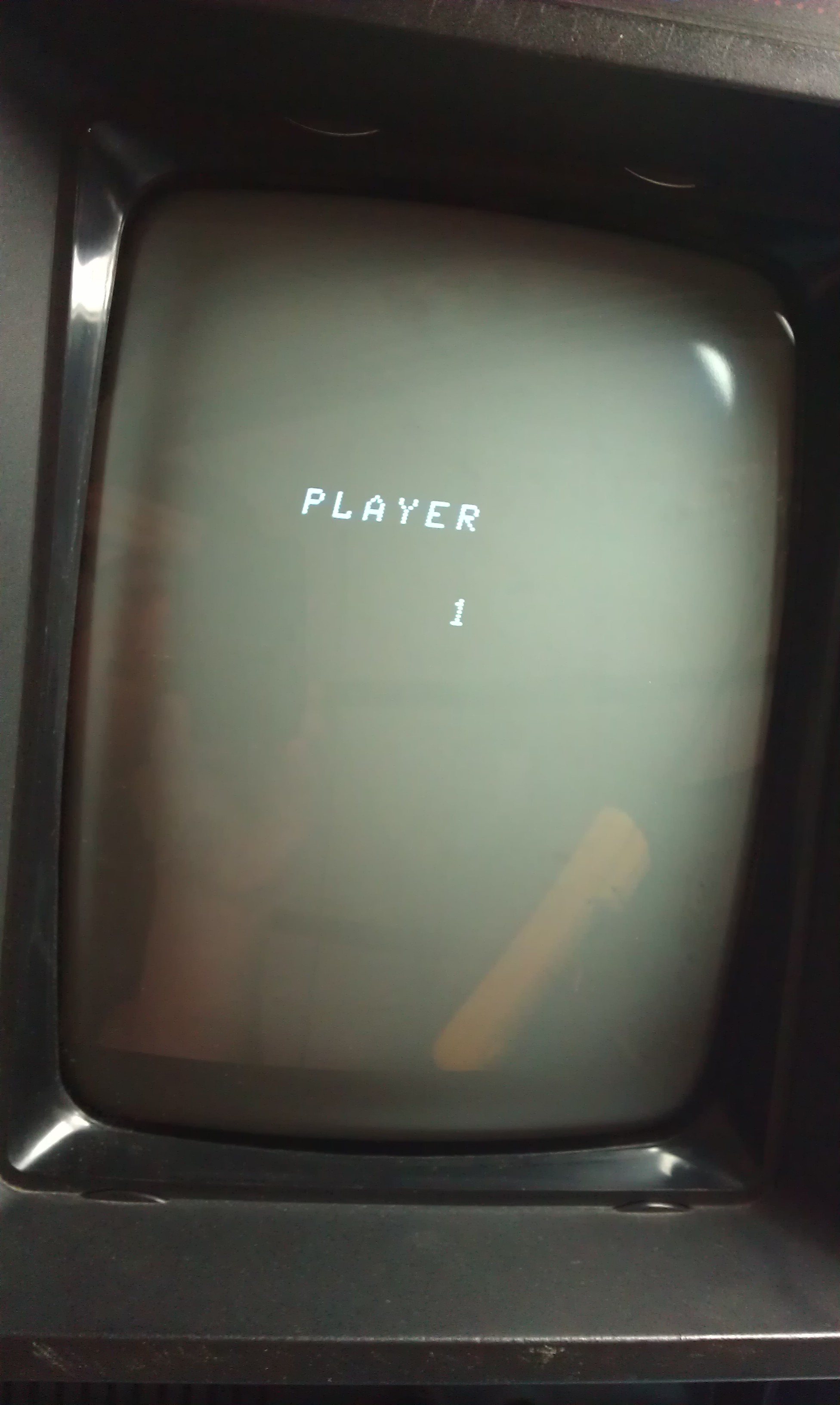
I know for a fact that there is a Vectrex boot screen that should appear first. The game also doesn’t respond to any of the controls and it locks up when it displays “PLAYER 1”

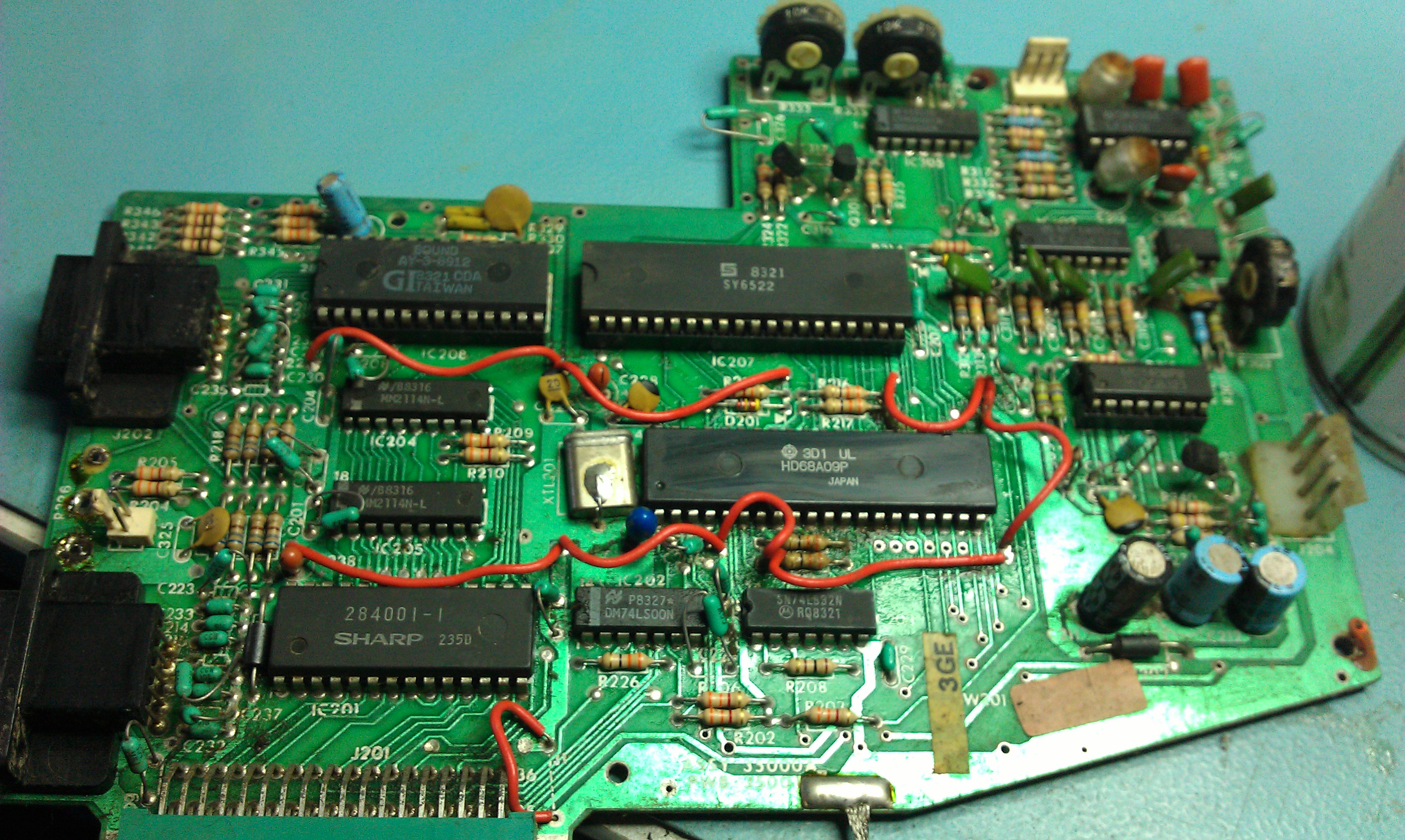
Looking at the schematics that are floating around it looked like the sound chip is also responsible for dealing with the controls.
The chip in question is an AY-3-8912. This chip is socketed so removed it and fired it up.

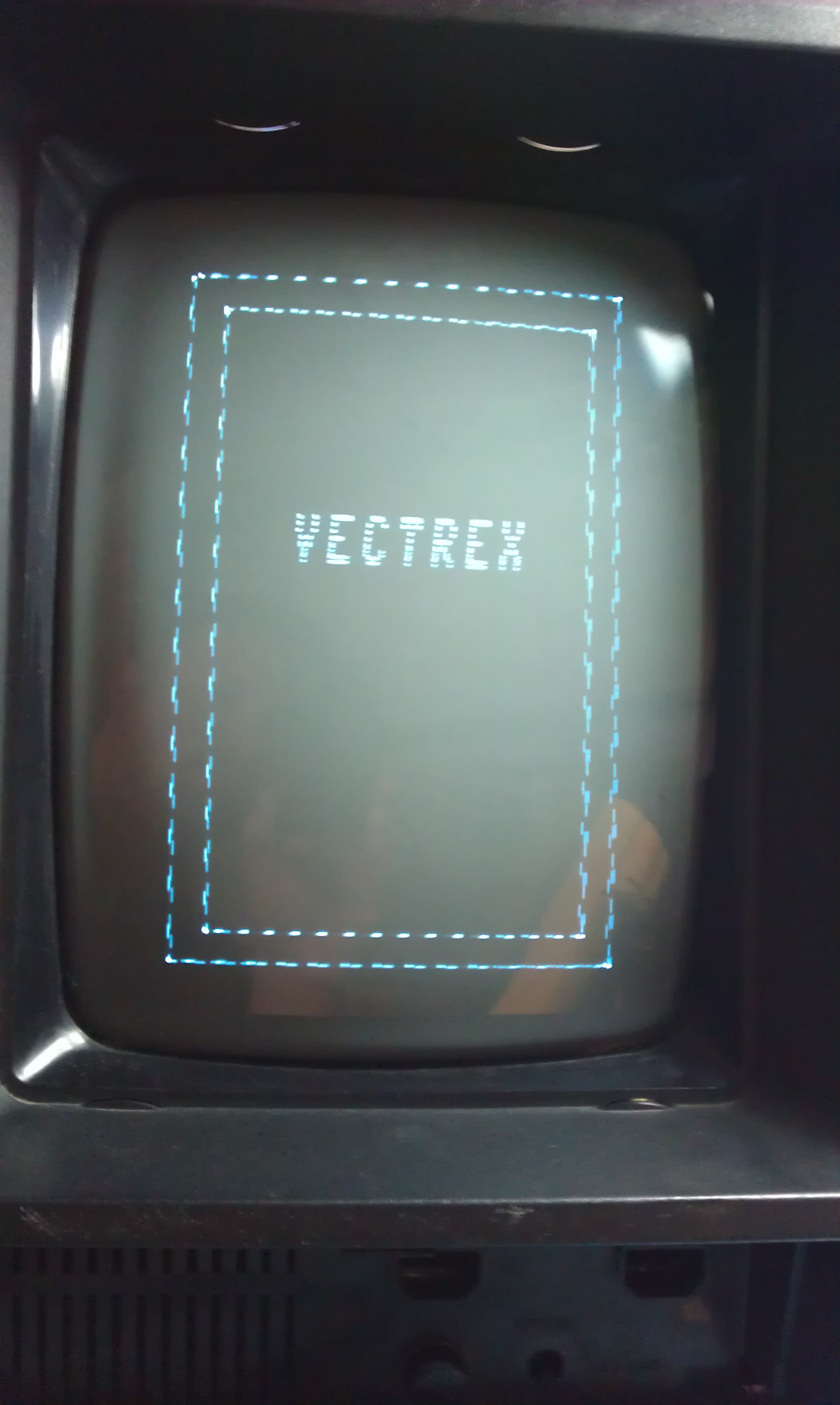
The Vectrex logo is back but I have no replacement chip to use in this yet so that’s where this log will end for now.
I’m positive that’s the only problem left now so will try find a replacement chip somewhere.

Thanks to Phu from the RetroComputerMuseum for his advice. His knowledge on the Vectrex is unsurpassed.

 Posted by at 1:11 pm
Apr 122012
 

Ive had this board for absolutely ages and originally never bothered trying to repair it as the game is rubbish(IMO).
Since then I forgot all about it until yesterday when I was having a clear out of old boards. So today I thought id have a go at fixing it up.

It had a few issues.
First, the graphics had jailbar lines through them
Second, the colour palette was wrong
Third, the pad at the edge connector for Speaker+ was completely missing

I removed the smaller sound board from the top and started looking into the jailbars.

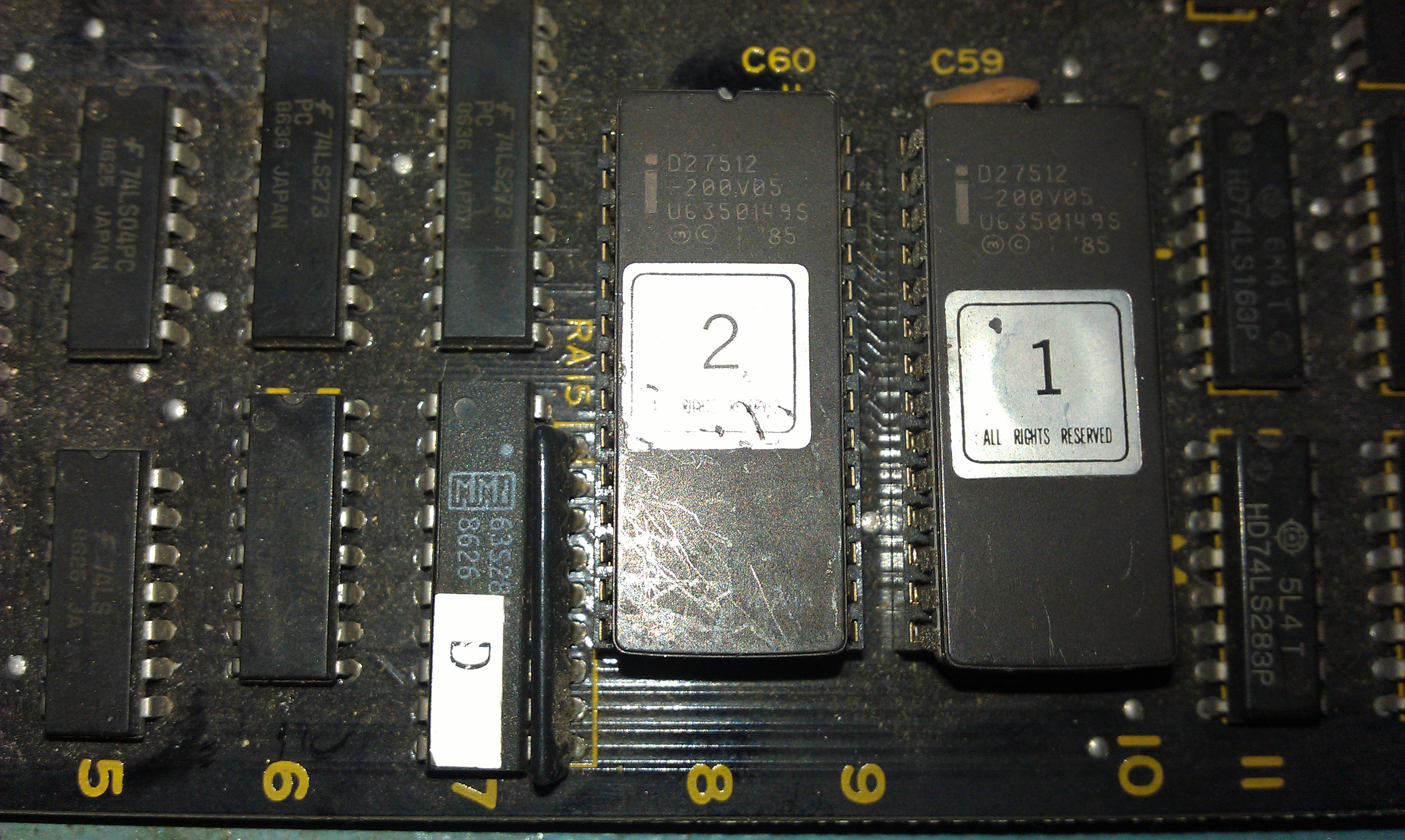
Jailbars are quite often a sign of a dodgy ROM. These disappeared when I touched the back end of the board. I narrowed it down to a ROM marked “2”.

Simply pulling it and reseating fixed this problem.

On to the palette issue.

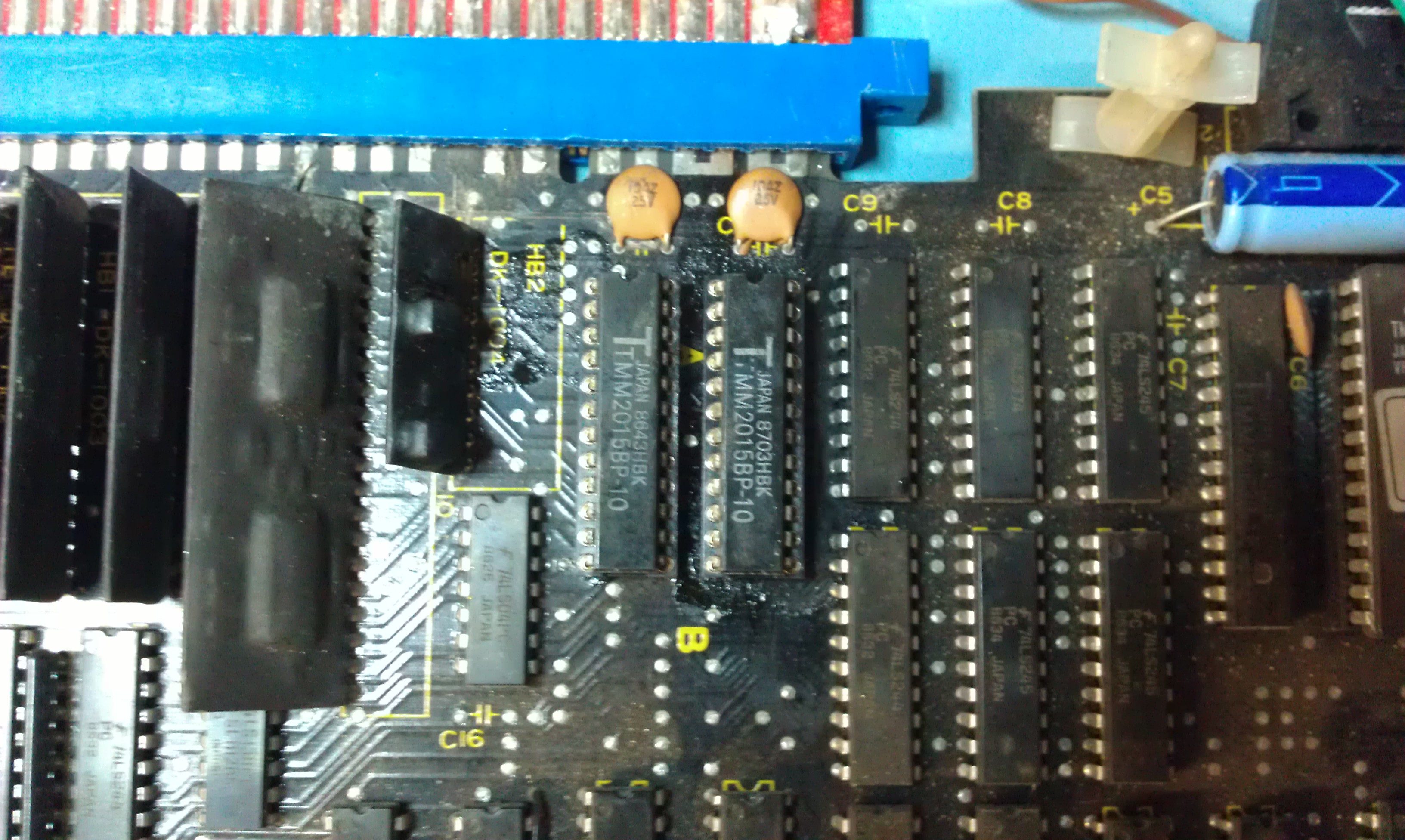
There are quite a few PROM’s on this board that are responsible for the colour tables, if one of these was gone I probably wouldn’t have bothered fixing it as they are becoming super rare and expensive. As it happens I traced the fault back to the two TMM2015 palette RAM chips.

The both looked fine on the scope so I had to pull the pair of them. Sure enough one was faulty. Replacing this fixed all the graphics problems.

There isn’t a great deal I can do about the missing pad at the edge connector. I’ve currently got a flying lead soldered onto my test rig connector.
I will probably end up soldering a 2×28 way connector onto the original edge, run a wire from the sound output to the new connector and fit one of those small finger boards.

The game is still rubbish though!

 Posted by at 6:04 pm
Mar 242012
 

Been after a genuine board of this for a bit now and this one came along. I thought it might be in full working order but once again eBay lets me down.
This one had jailbars through all the main sprites.

More often than not this is a bad ROM and this was ended up being just that.

In the corner of this board there is a bank of 8 MASKROMs that contain the graphics. Unfortunately none of these are in sockets and as I couldn’t really see anything hugely wrong on the scope.
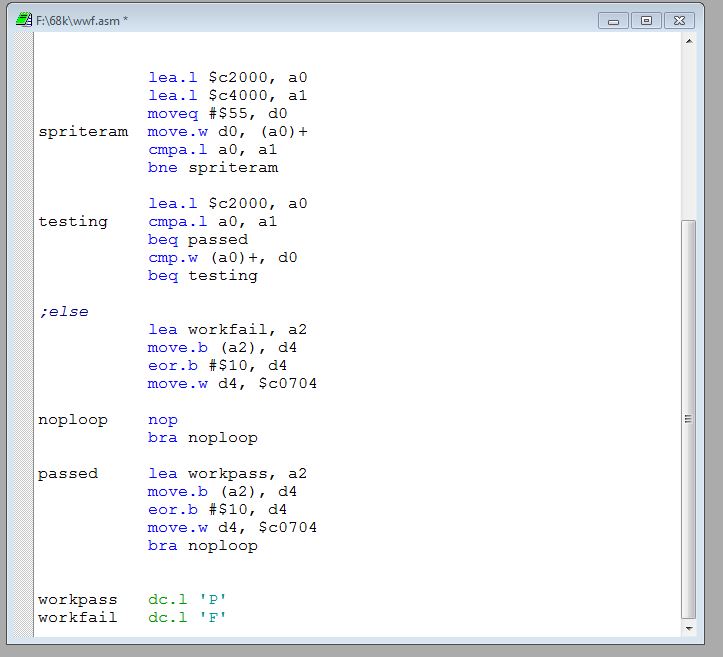
This game doesn’t have a test mode nor does it carry out any RAM/ROM tests on start up so I wrote a little self test program myself in assembly that tested the sprite RAM at location 0x0c2000 – 0x0c3fff in the address map and simply would display a “P” for a pass or “F” for a fail.

This passed no problem so my hope is for one of the ROM’s to be dodgy as opposed to one of those custom chips.
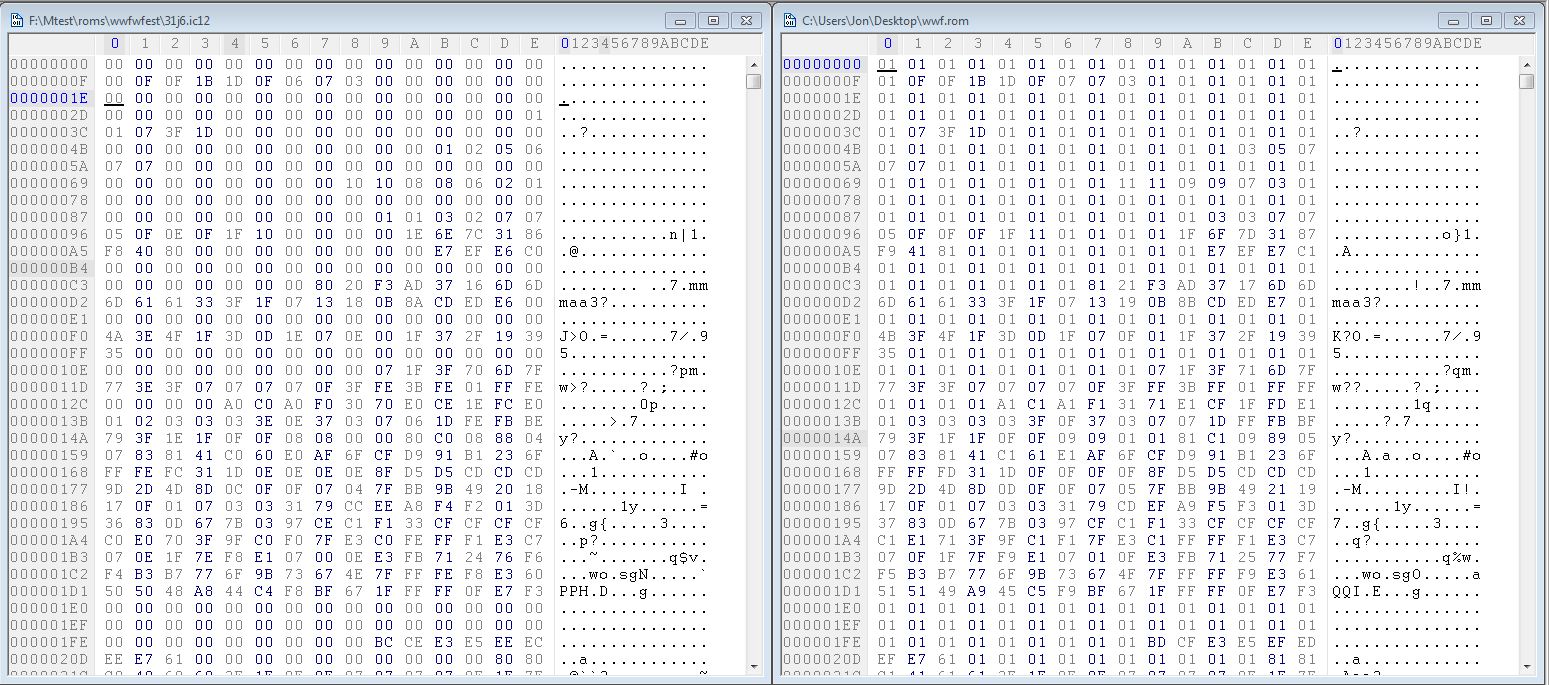
I set about desoldering them one at a time and checking along the way. After the fourth one I found my problem with a bad ROM dump.

My dump is on the right and the MAME set dump is on the left. As you can see, bit 0 is stuck on.
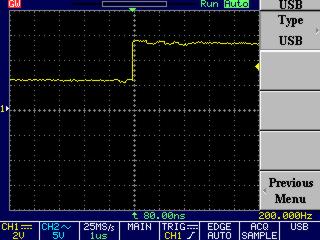
I fitted a socket and reinstalled the ROM but with data line D0 lifted and checked it out with the scope.

On a closer inspection it shows that the logic level isnt dropping below 2v.
The MASKROMs are pin compatible with 27C080 EPROMs of which I have none. I have ordered some so will hopefully receive it early next week

EDIT: EPROM came today, the game is now fully working

 Posted by at 5:41 pm

Virtual Boy repair log #2

 Console Repair Logs, Repair Logs  Comments Off on Virtual Boy repair log #2
Mar 112012
 

As with all VB’s and in my previous repair, one of the screens goes a little strange, in my case it was the left screen.
I initially used the oven fix method which worked well but only for a short amount of time.

I fired it up today and was greeted with the same left screen showing garbage.
Rather than use the oven trick again I decided it was time to try one of the more adventurous methods out there.
Turns out there is a nice video on YouTube of how to fix it using a soldering method.

Instead of dropping a load of solder onto it I used some liquid flux and a small amount of solder. You can see it working quite easily and no braid was needed to mop up the excess.

The whole thing only took a few minutes and worked perfectly when I put it back together.
Time will tell how long this lasts but I don’t see why it should cause issues again.

 Posted by at 4:28 pm