CPS2 Suicide battery replacement

 General  Comments Off on CPS2 Suicide battery replacement
Nov 132010
 

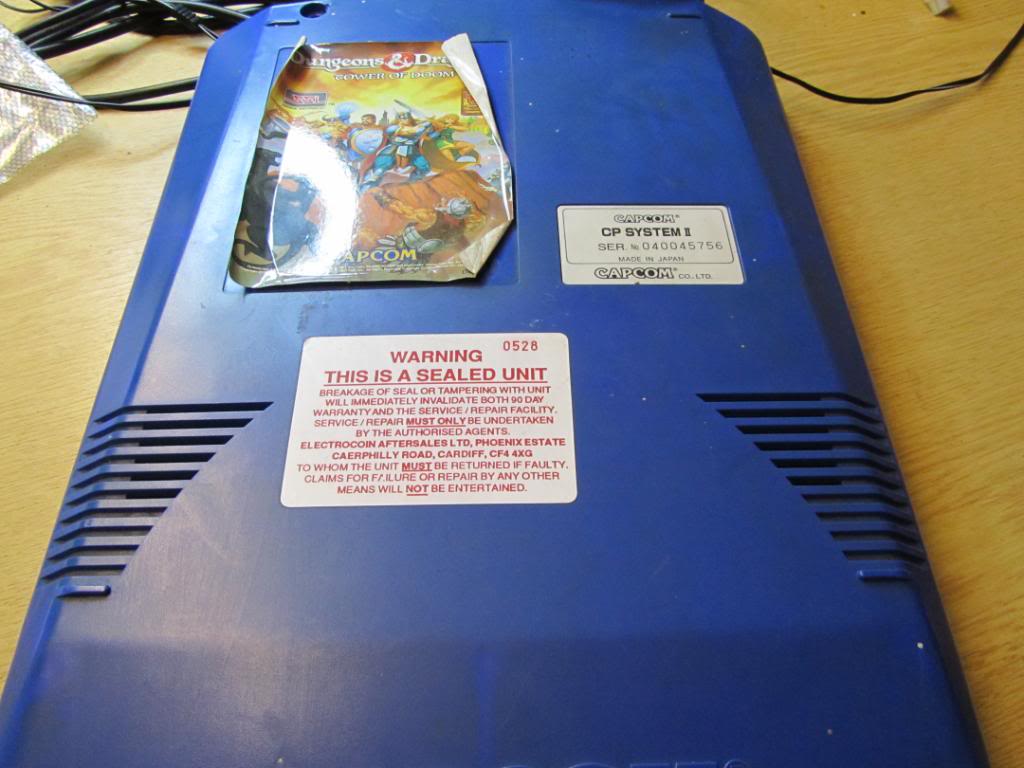
I recently bought the Dungeons & Dragons game, mainly because I wanted the Europe motherboard but its another CPS2 game to add to my collection. As I like to replace the battery on all my CPS2 games when I get them I thought it best to document it. Its a very easy process.
Open up the B board, this is the top board with the game sticker on it. It is held together with 4 x security torx screws, a screwdriver bit for these is available very cheaply.
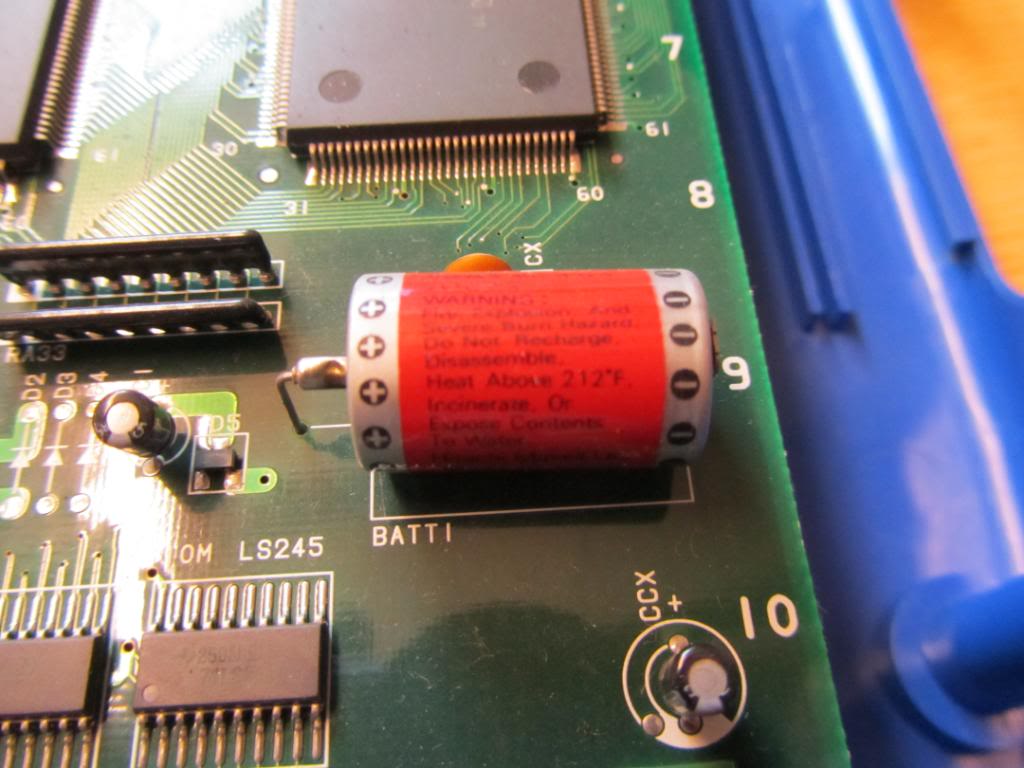
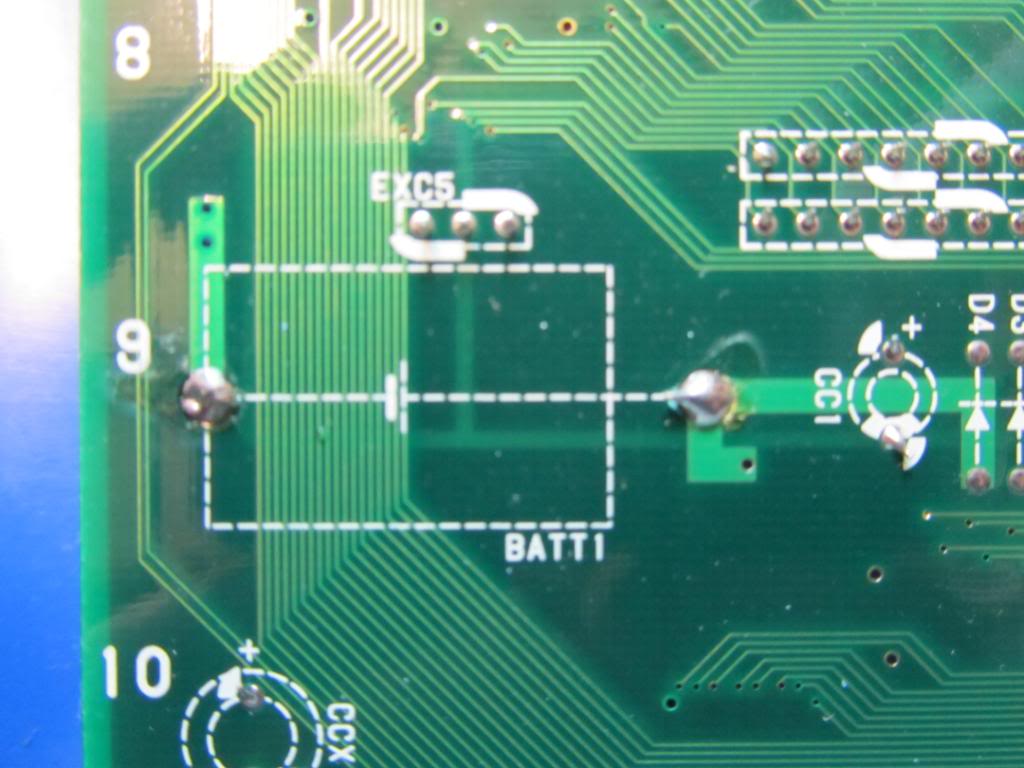
The battery is located in the bottom right hand corner of the PCB.
Remove the solder holding the battery in from the underside and remove the battery. Dont worry about the board suiciding, apparently the capacitor next to it stores enough charge for round about an hour and ive never had one fail yet.
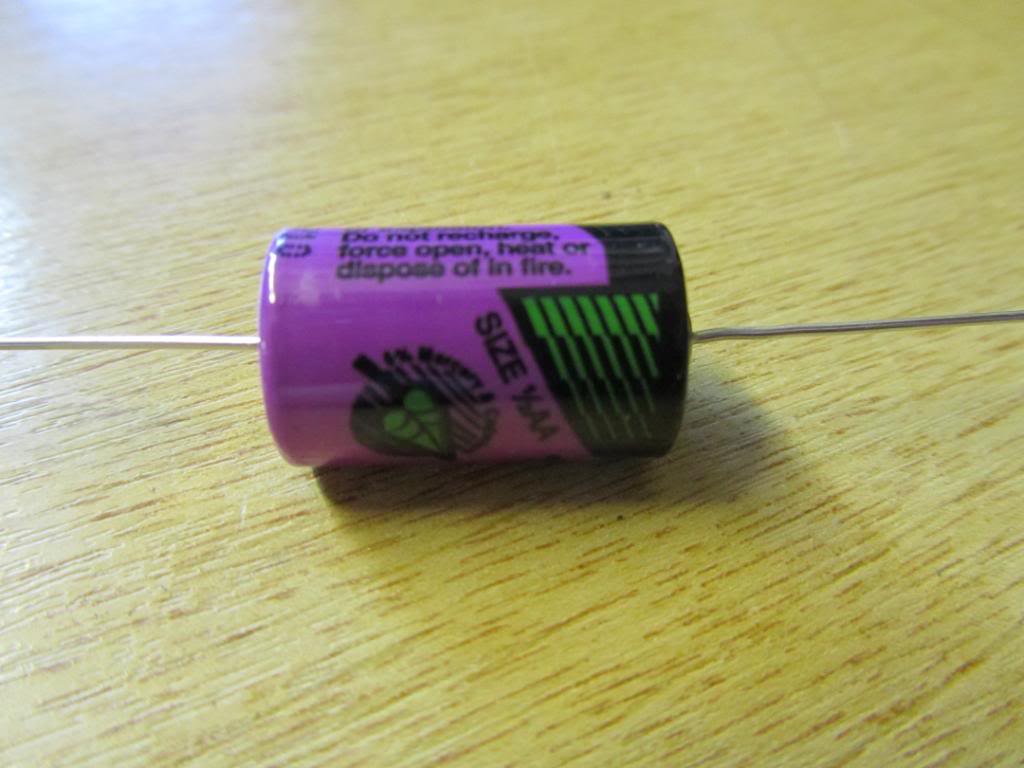
You will need a new battery to put in its place. These are half size AA axial lithium batteries and are 3.6v. They cost around £3 or £4 each. I get mine from Cell Pack Solutions or CPC.
Make sure all the solder has been removed from the through holes as it makes is so much easier to fit a new battery and limits the risk of damage to the PCB.

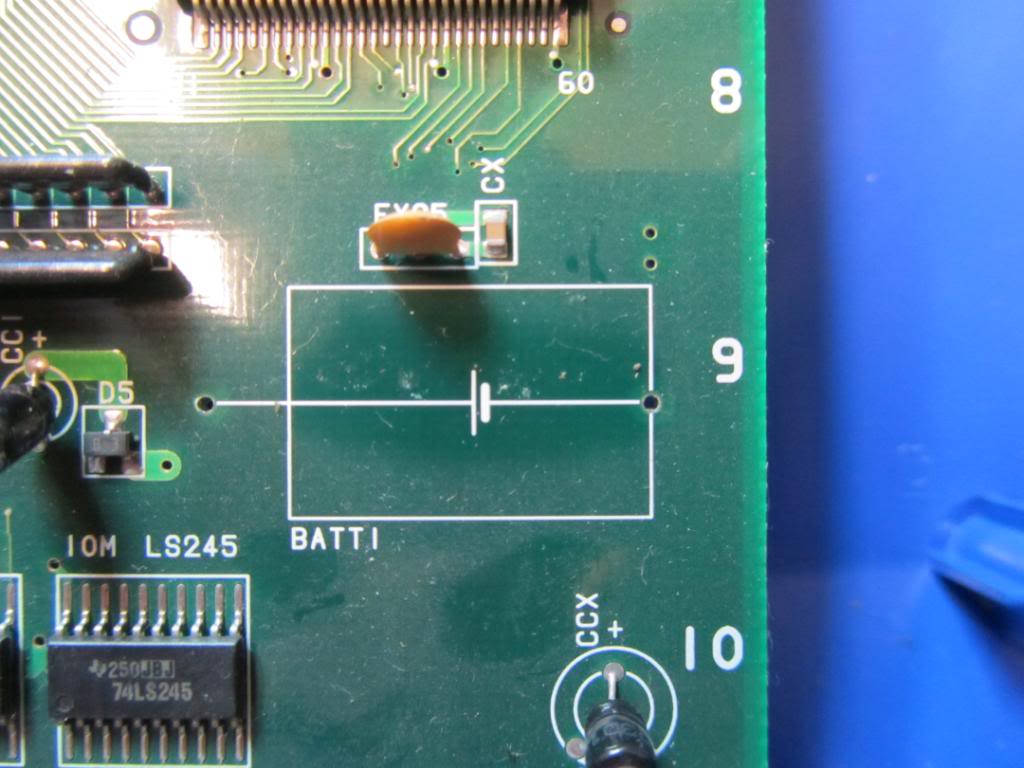
Bend the legs into shape on the new battery and feed through the holes. Note that the positive (+) side of the battery goes to the left away from the nearest edge of the PCB. Solder the legs on the underside and snip the excess length off so it is flush with the solder. Make completely sure that the battery is soldered in properly and securely.

Thats pretty much it, all that’s left to do is test the board.
Its best to leave the board a couple of hours as the capacitor holding a charge from the battery will keep the board alive for an hour or so. If you have incorrectly installed the battery then the board WILL suicide soon after.
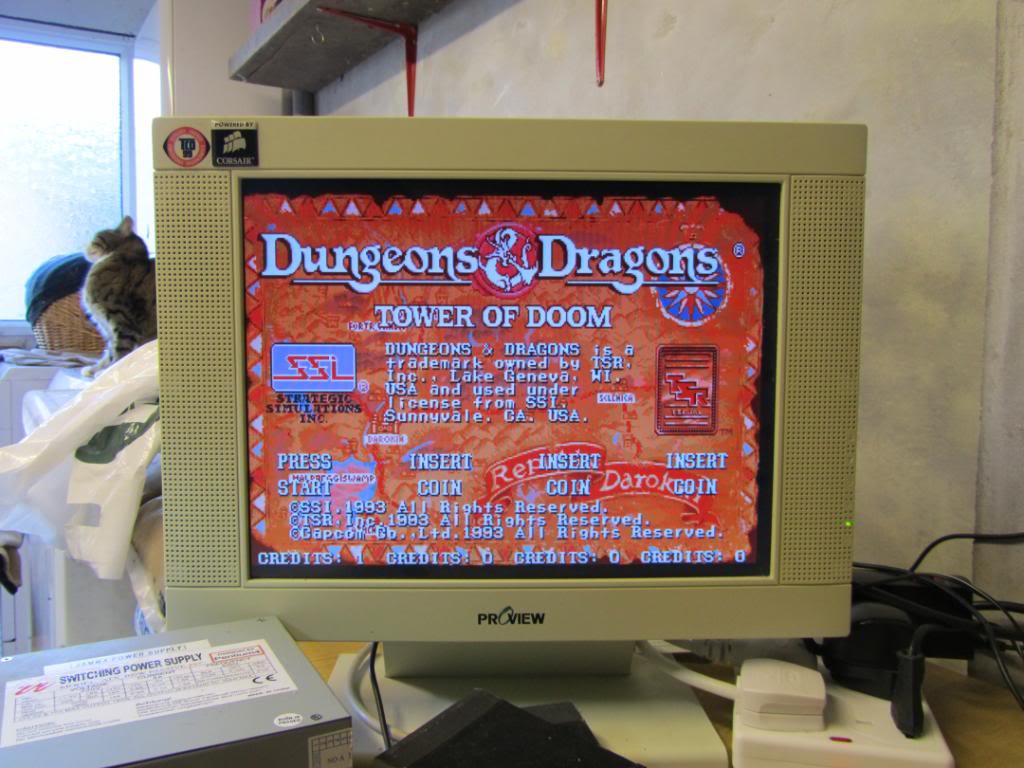
If all went well, the battery should be good for at least another 5 years. These batteries do last a lot longer but for the sake of a few quid every 5 years its not worth it IMO.
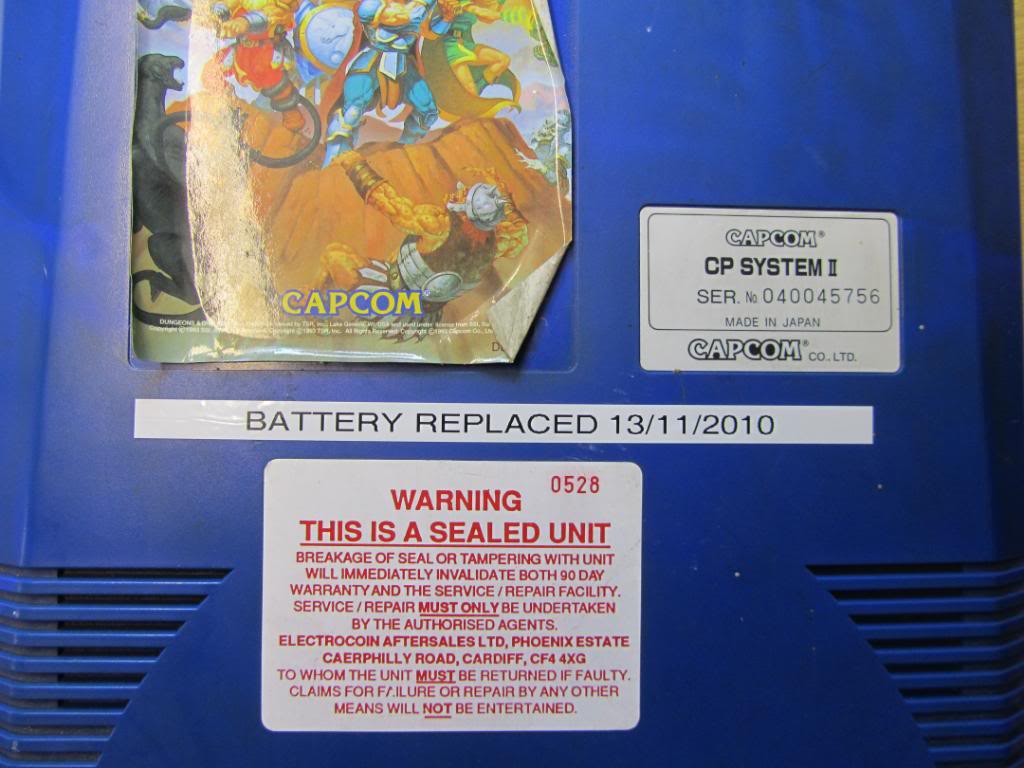
Finally, I put a label on to keep track of when the battery was replaced or to let the next owner know when it was replaced.
 Posted by at 12:42 pm

Kryoflux device

 General  Comments Off on Kryoflux device
Nov 052010
 

I’m a big supporter of the preservation of old software and hardware and have been following the development of the Kryoflux device for quite some time. For anyone that is not aware of the Kryoflux device:

KryoFlux is an advanced software-programmable FDC (Floppy Disk Controller) system that runs on small and cheap ARM7-based devices and connects to a host PC over the ubiquitous USB connector. It reads (and in the future, will write) flux transitions from floppy disks at a very fine resolution. KryoFlux can read data with no regard for what disk format or copy protection a disk may contain, and it can also read disks originally written with different (and even varying) bit cell widths and drive speeds, with a normal fixed-speed drive.

Last week they finally released the first batch of devices for order and ordered one 5 minutes later.
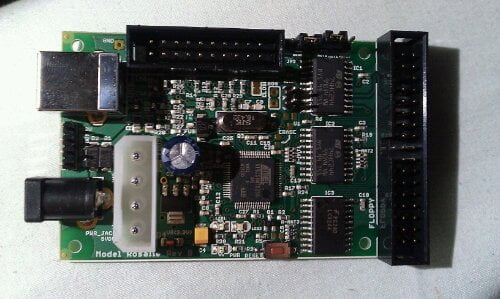
It came today and its a very neat piece of hardware.

image

Ive not used this on anything exciting just yet, only a PC floppy disk. Im off to R3PLAY in Blackpool tomorrow so wont have much time to experiment but I shall post more info when Ive learnt how to use it properly.

 Posted by at 6:38 pm

Neo Geo Hyper 64 Rev B DIP switches

 General  Comments Off on Neo Geo Hyper 64 Rev B DIP switches
Oct 172010
 

There is a bank of DIP switches on the motherboard which are not labelled up on the silkscreen and that are not the ones that switch between MVS and JAMMA. I am unable to find a manual that is in english for the Rev 2 boards so after a bit of asking about I have been reliably informed that the manual states these do absolutely nothing and are not used at all.

 Posted by at 12:29 pm

My first cab

 General  Comments Off on My first cab
Jul 112010
 

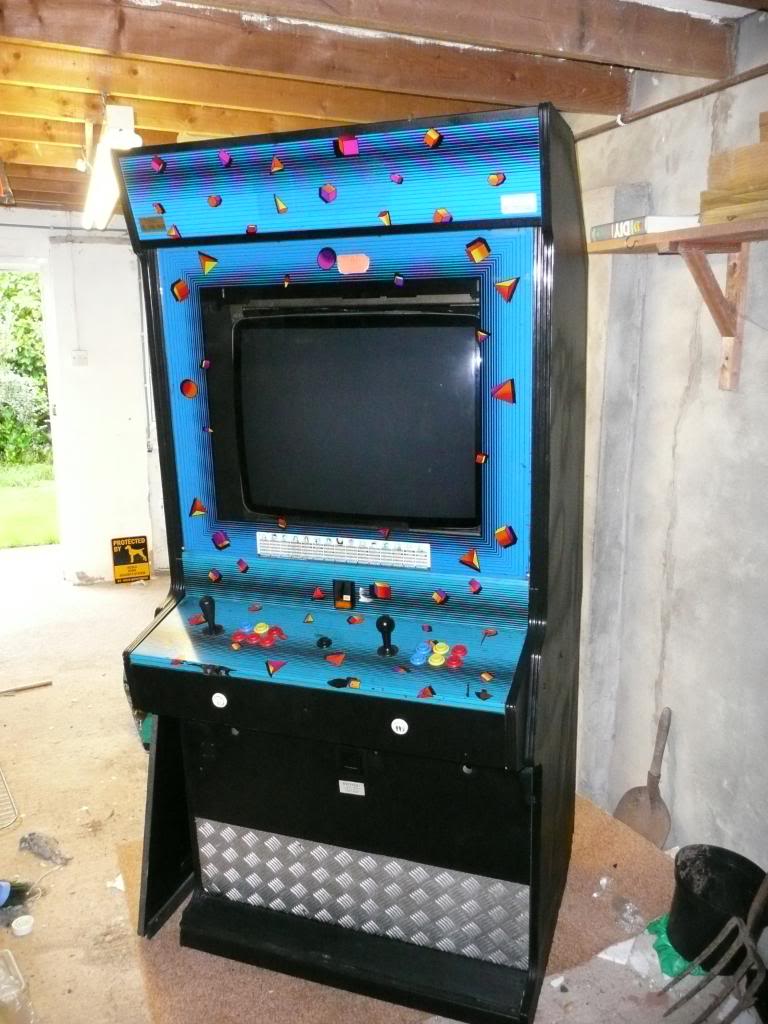
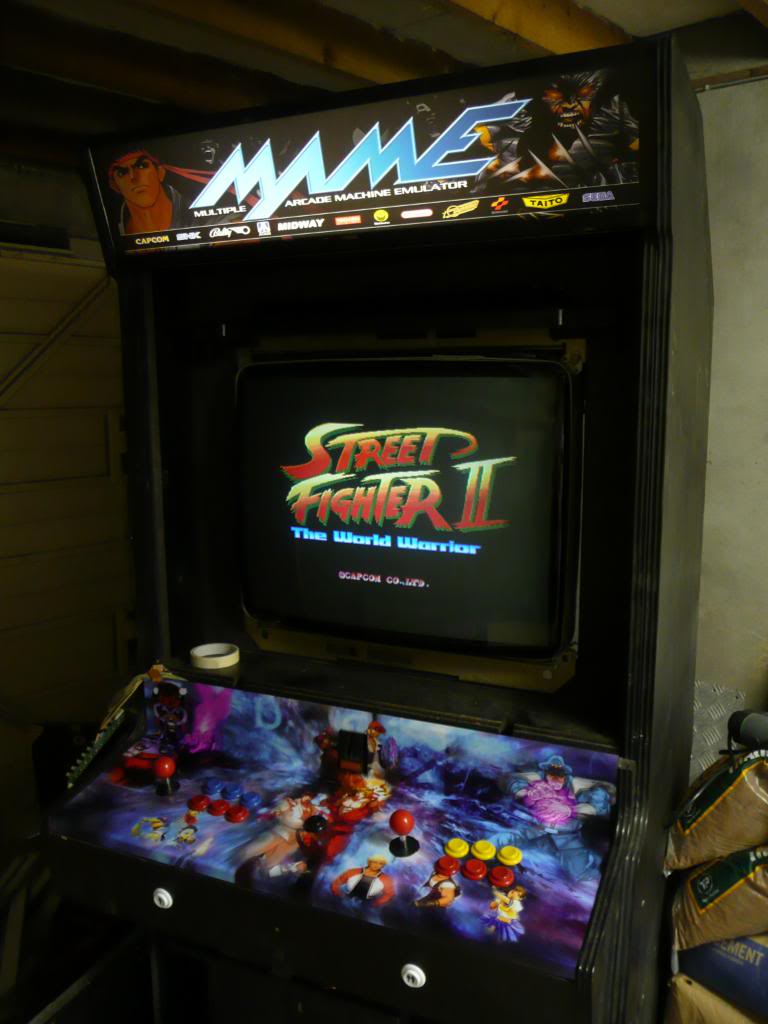
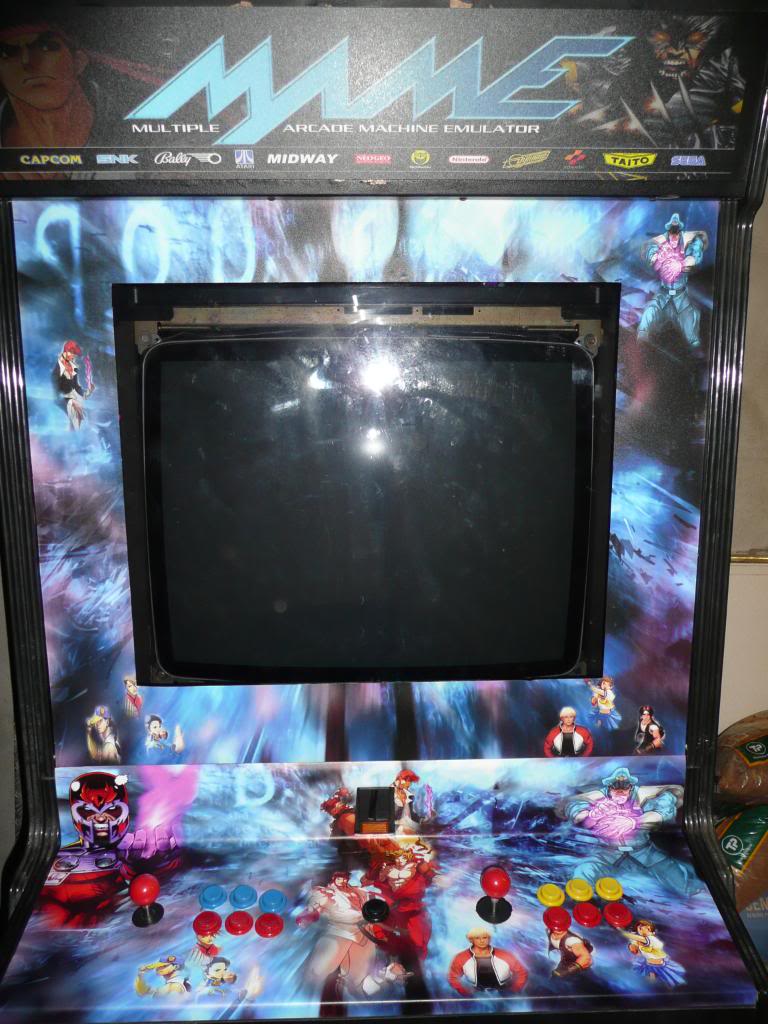
So, this is my first and so far only cabinet.

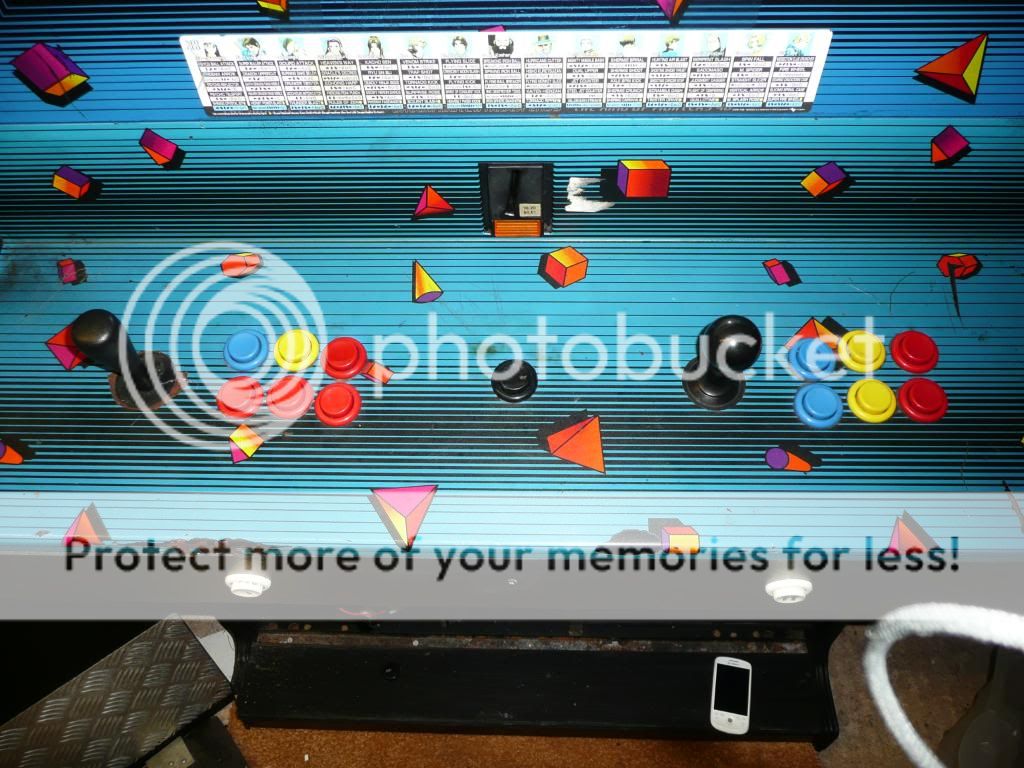
Its a big ass Leisure 2000 cab housing a 29″ Nanao monitor and stands about 7′ tall.

Ive had this titan sitting in my garage for over a year now and for one reason and another, Ive never quite got around to doing much with it, until now.

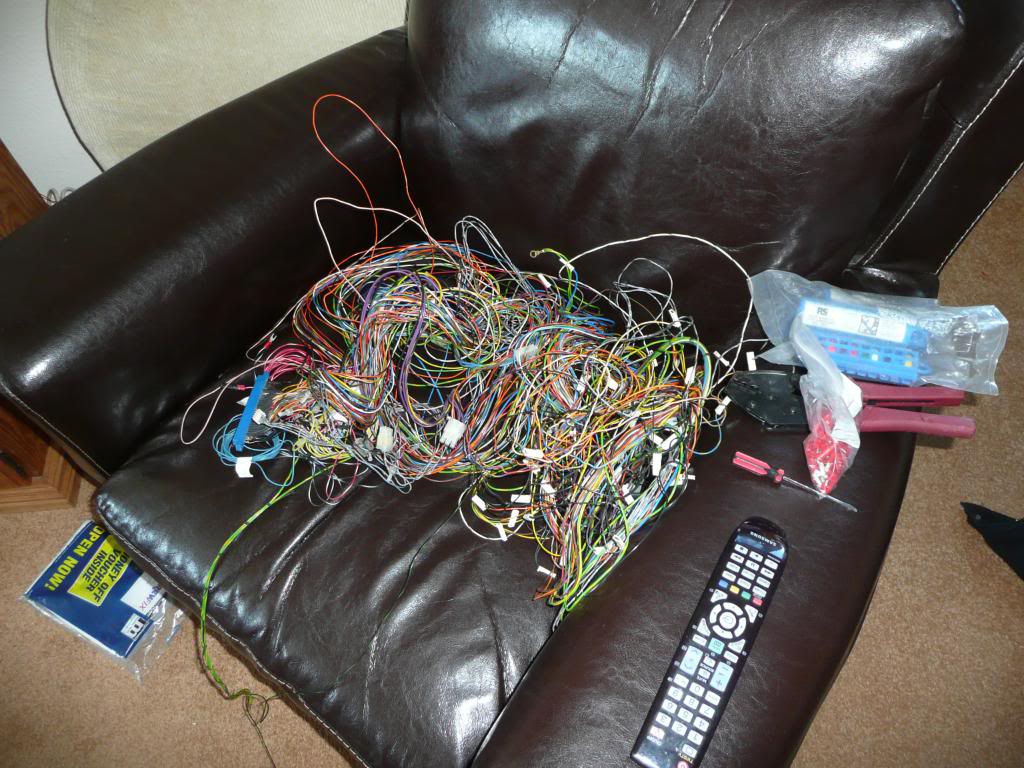
First job was to take that rats nest of a JAMMA loom out and neaten it up a little.
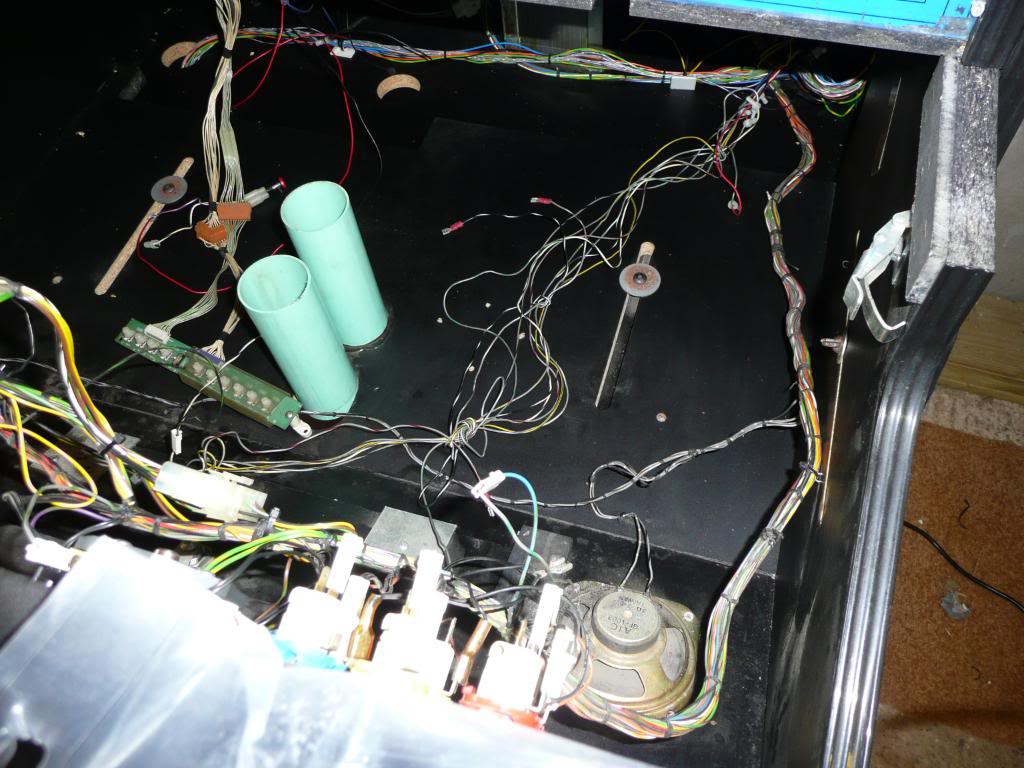
Besides the kick harness wires in the middle, the neater loom makes everything so much easier to work around


Next job, those god awful decals on the CPO, marquee and glass. First the CPO.

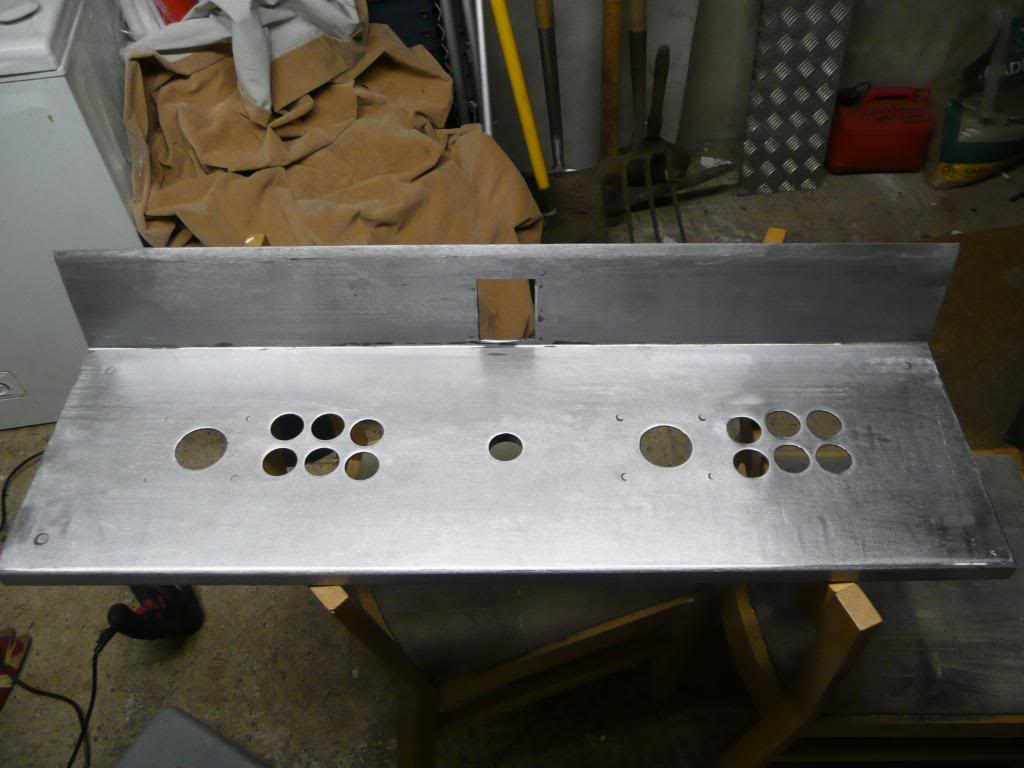
A few hours with a drill and sanding bit just about got all this crap off
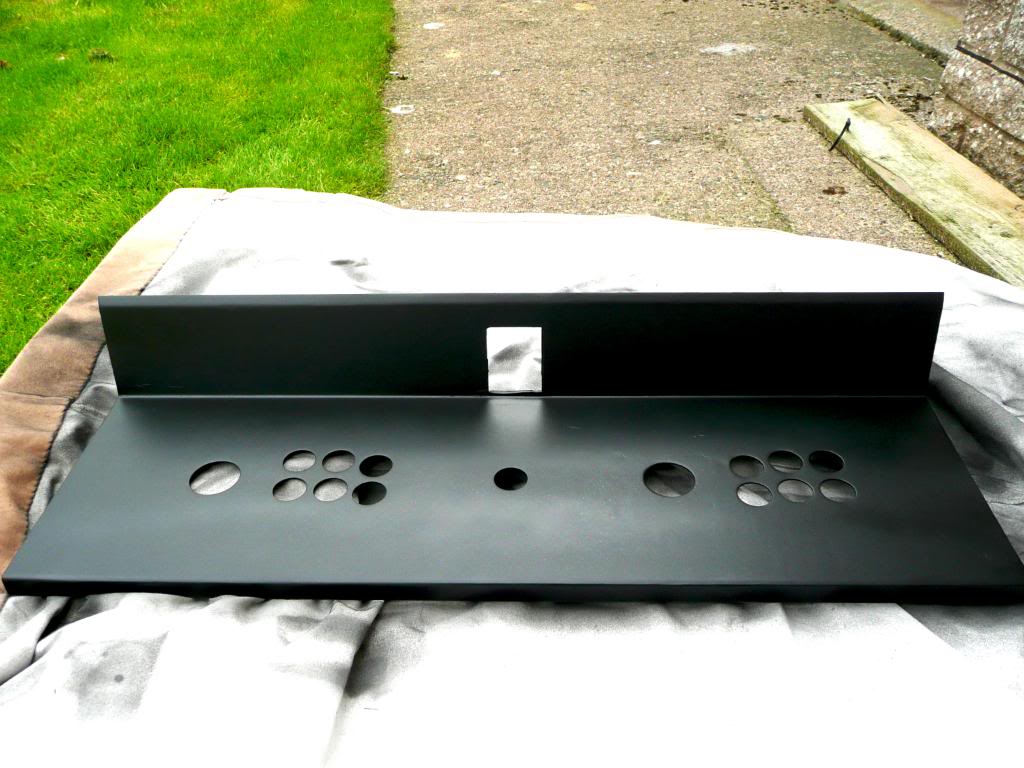
In the absence of any new decals to go on, I opted to just spray the thing black.


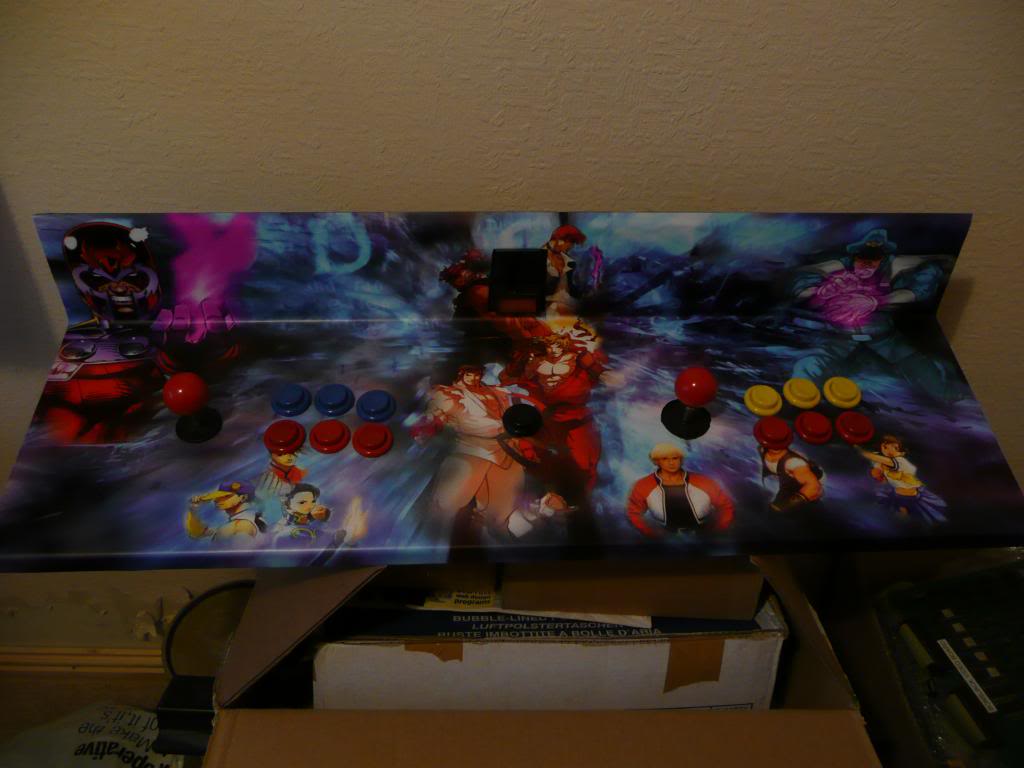
It was quite a few months before I got around to choosing some new graphics.

Due to the fact that this cab is not going to be dedicated to just one game, I had a tough task deciding what graphics to have on it. After much looking around and due to my bizarre fascination to fighting games, I chose the fighting theme from GameOnGrafix (formerly MameMarquees). My order was placed and in just over a week my graphics were here. A pretty good turn around from the USA i think.

Although my cab is not “MAMEed” I do like the MAME logo and when I find an Astro City cab or similar this one will most likely end up a MAME cab.


This was my first attempt at doing anything at all with a cabinet and am very happy with what Ive achieved. When I first got this I knew very little about anything arcade other than the fact that I had grew up loving them and always wondered what magical things were inside them.
Ive learnt a LOT of new things along the way and have even learnt (and still learning all the time) to diagnose and repair my own PCB’s.
There are several forums out there that have a massive user base between them and although I am signed up to them all I settled on Aussie Arcade. A very nice bunch of people all willing to help and I thoroughly recommend people to pay them a visit if you want to know more about this addictive hobby.

 Posted by at 6:59 pm