PAL UpdatesComments Off on Sega Model 2 CRX drive board PAL dump added
Aug122016
In the past days I’ve dumped the PLD ( a secured GAL16V8 marked ‘315-5915’) from the drive board of Sega Model 2 CRX games.Chip has been kindly provided by ‘krb’ who also successfully tested the dump on his Sega Touring Car cabinet.Thanks again to him.
PCB Repair LogsComments Off on Irem M92 double repair log #1
Aug112016
For the uninitiated the Irem M92 is an arcade platform introduced in 1991 by Irem.Technically speaking the system is made from a top and bottom board, the top (main) board is common across the games, but the bottom (game) board can vary game to game.Each game has an encrypted sound cpu.Here are hardware specs:
Ninja Baseball Batman / Yakyuu Kakutou League-Man (1993)
Perfect Soldiers / Superior Soldiers (1993)
R-Type Leo (1992)
Undercover Cops (1992)
With these premises I begun my troubleshooting on an Undercover Cops and GunForce PCBs.
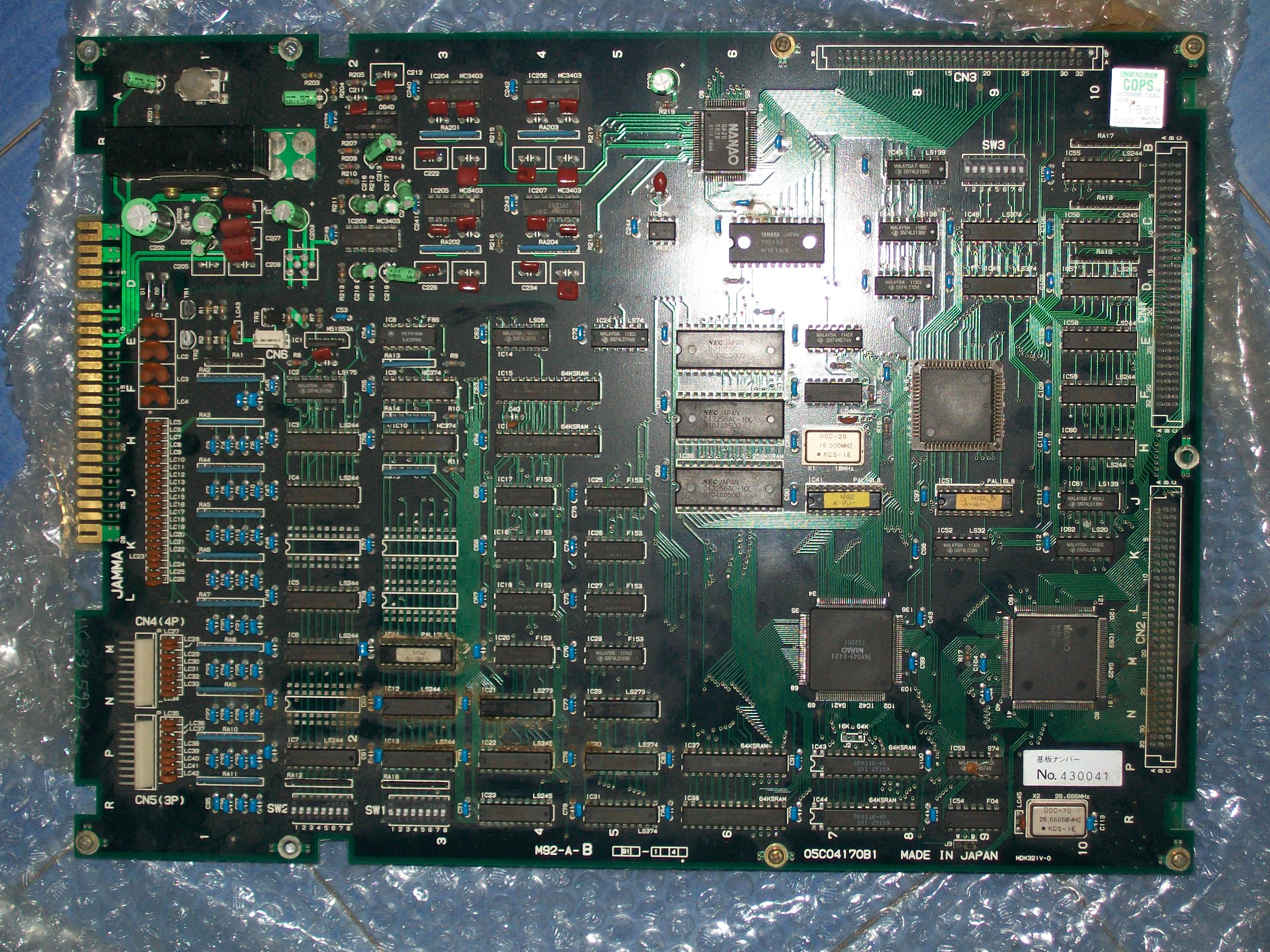
I bought the first as faulty:
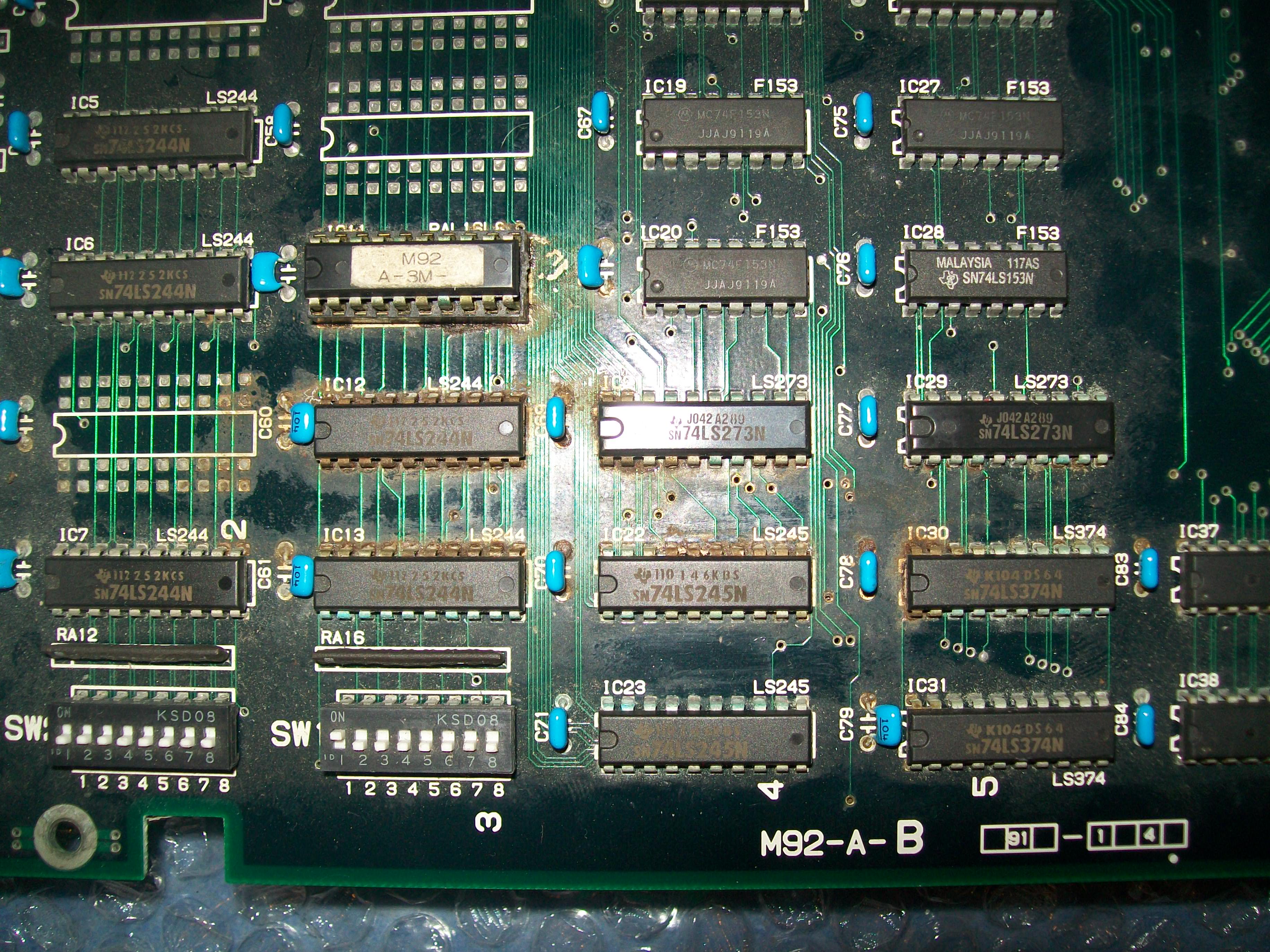
Seller warned me about severe corrosion in some area of PCB, this was confimed once received the board, it seems like the board has been stored in a very humid place :
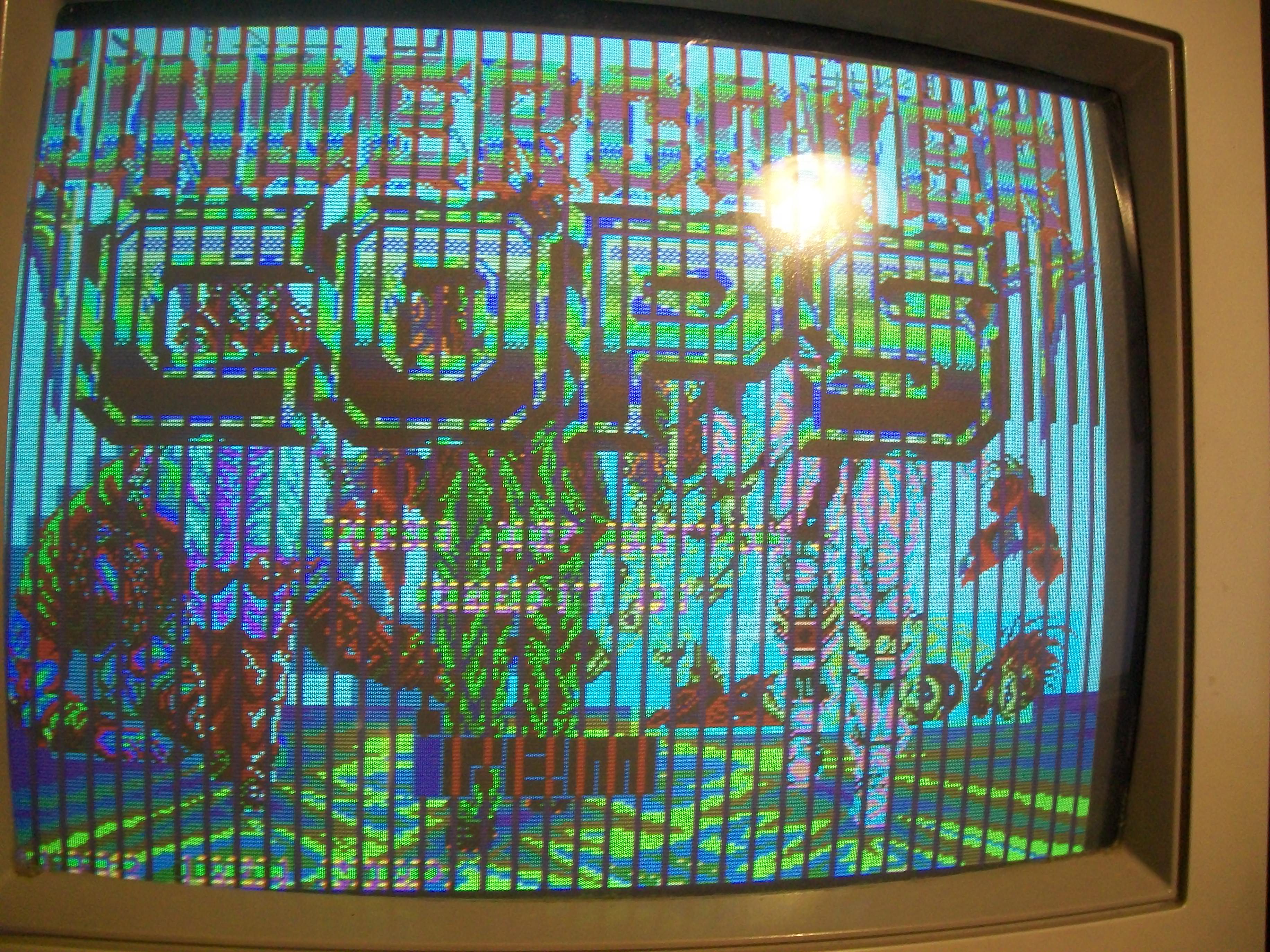
Anyway, once powered it up I got this:
Game actually played blind.I noticed that if I pressed the PAL marked “M92-A3-M” @IC11 graphics were restored in a bad way though:
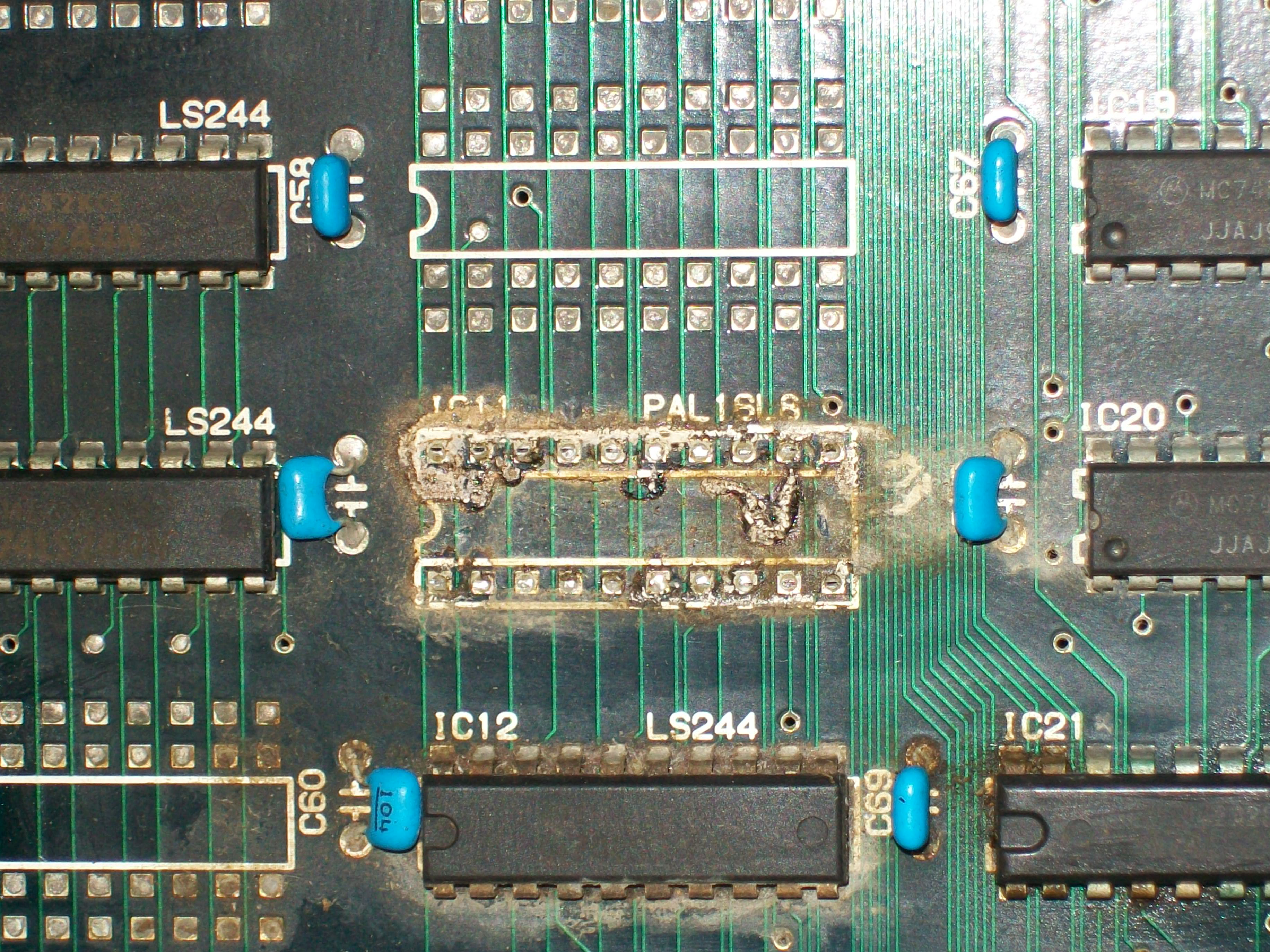
This was not a case since this PAL was located in the corroded area so I decided to remove the socket.Underneath I found this scenario:
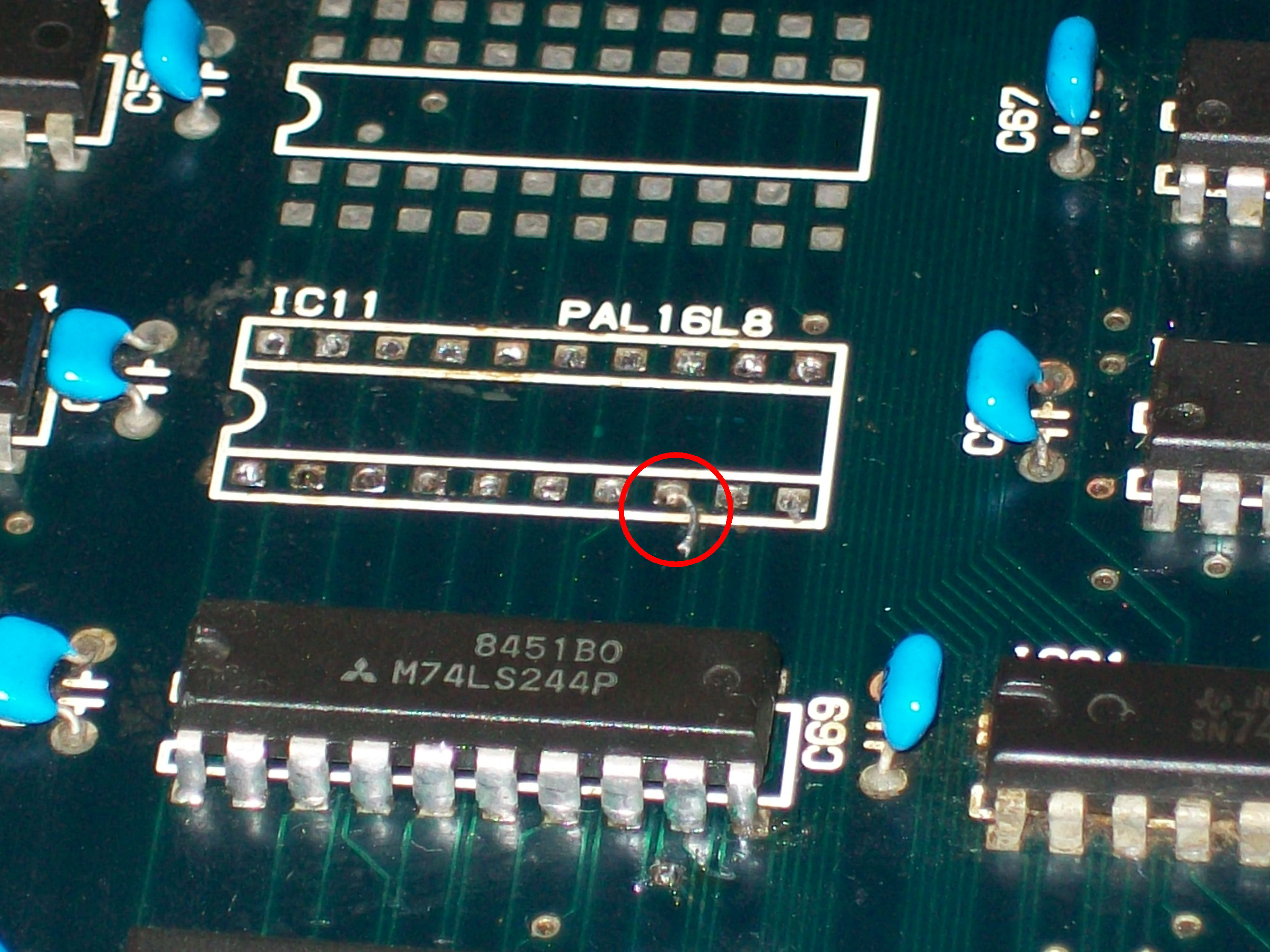
After cleaning from corrosion, I checked all the connections and found a missing contact bewteen pad of pin 8 (an input of the PAL) and its trace which I promptly patched with some kynar wire:
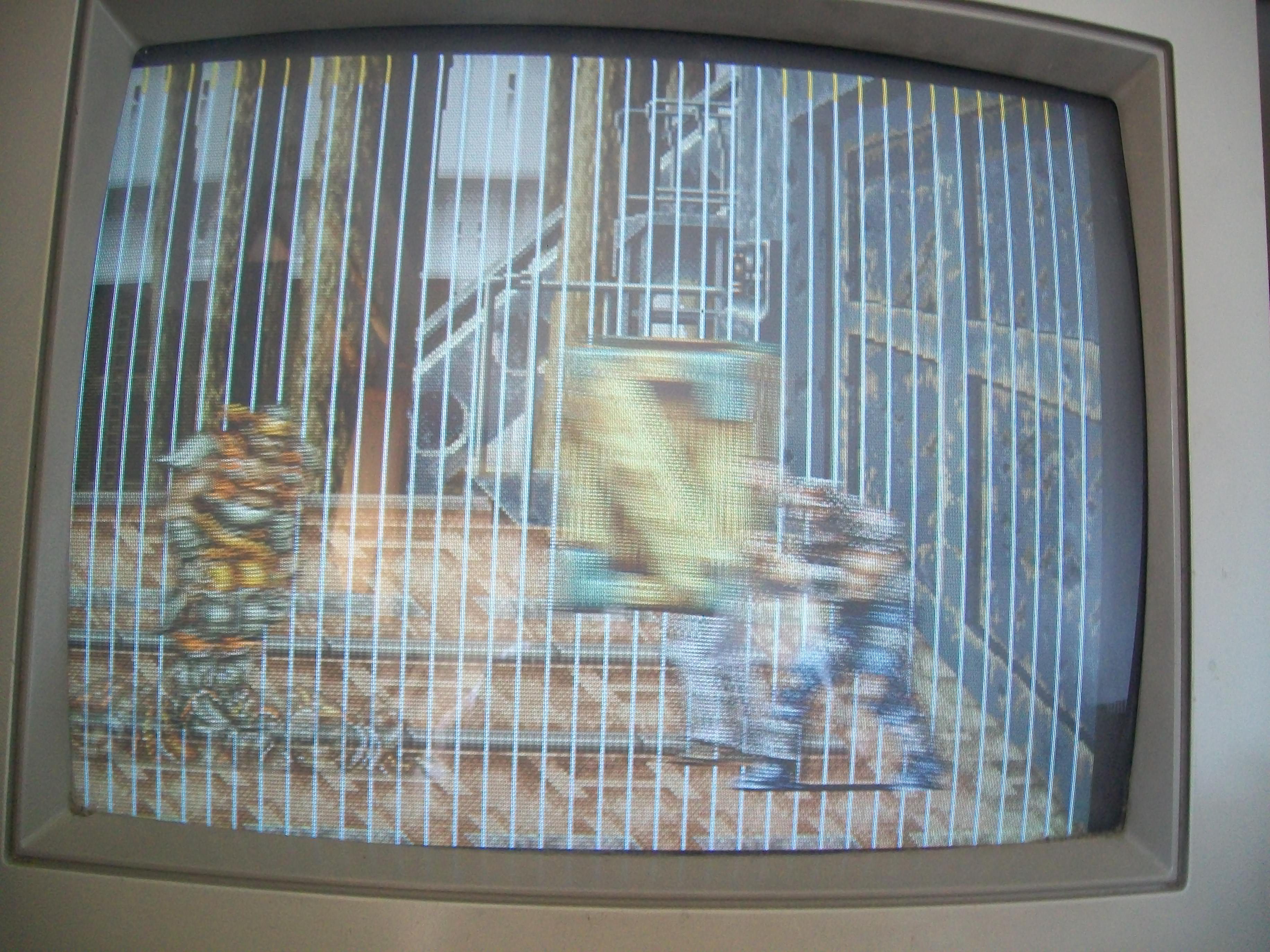
With this fix graphics were almost good but there were jailbars all over the screen:
Again, pressing a specific area of the PCB restored graphics temporarily so I started to look around until I was able to locate the cause of that issue:
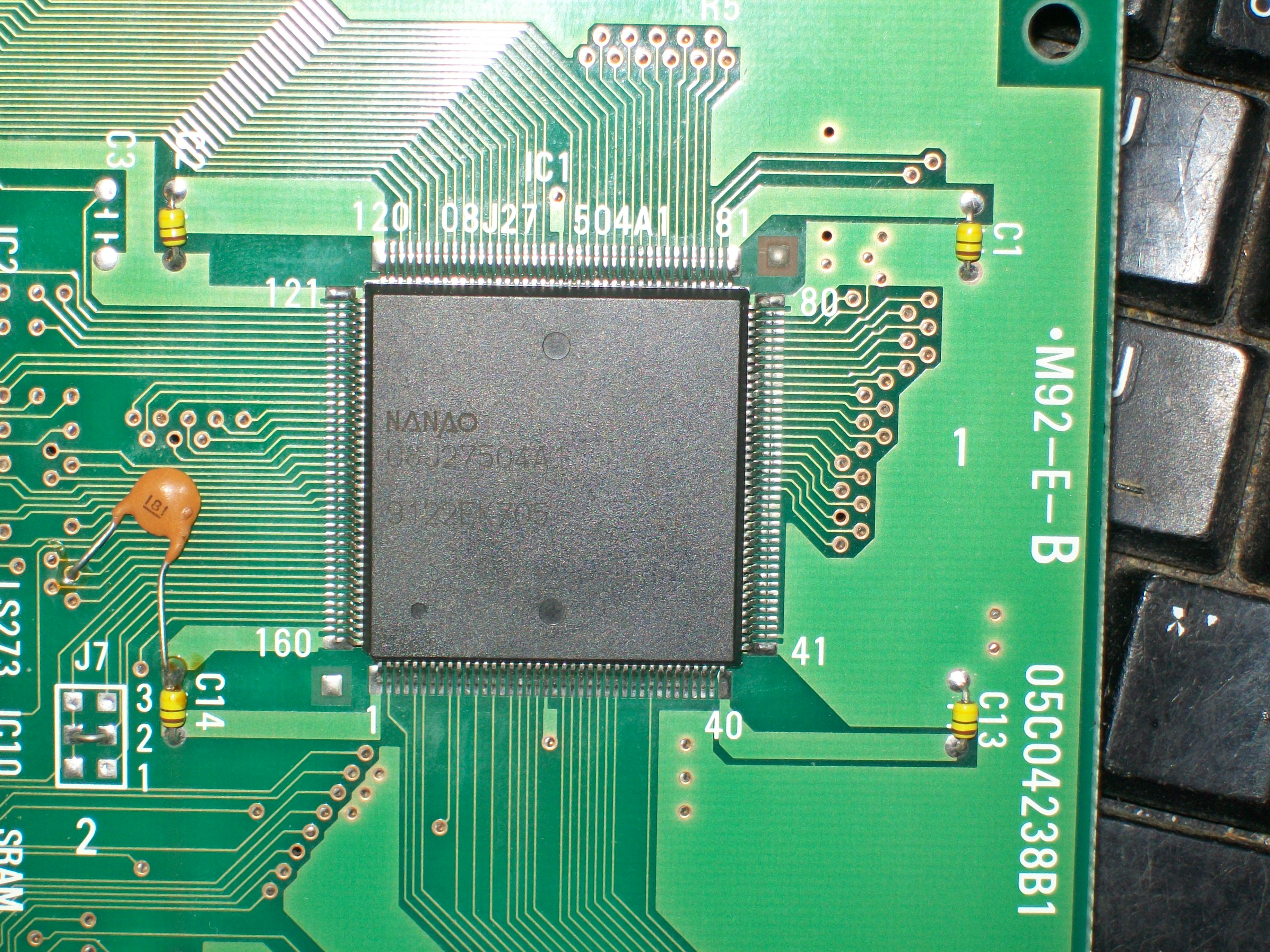
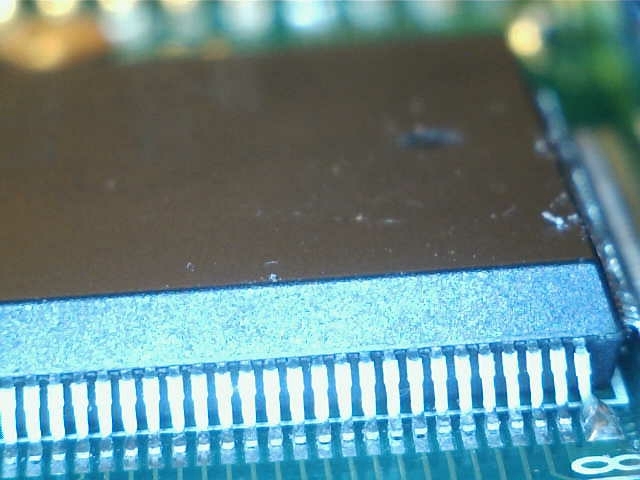
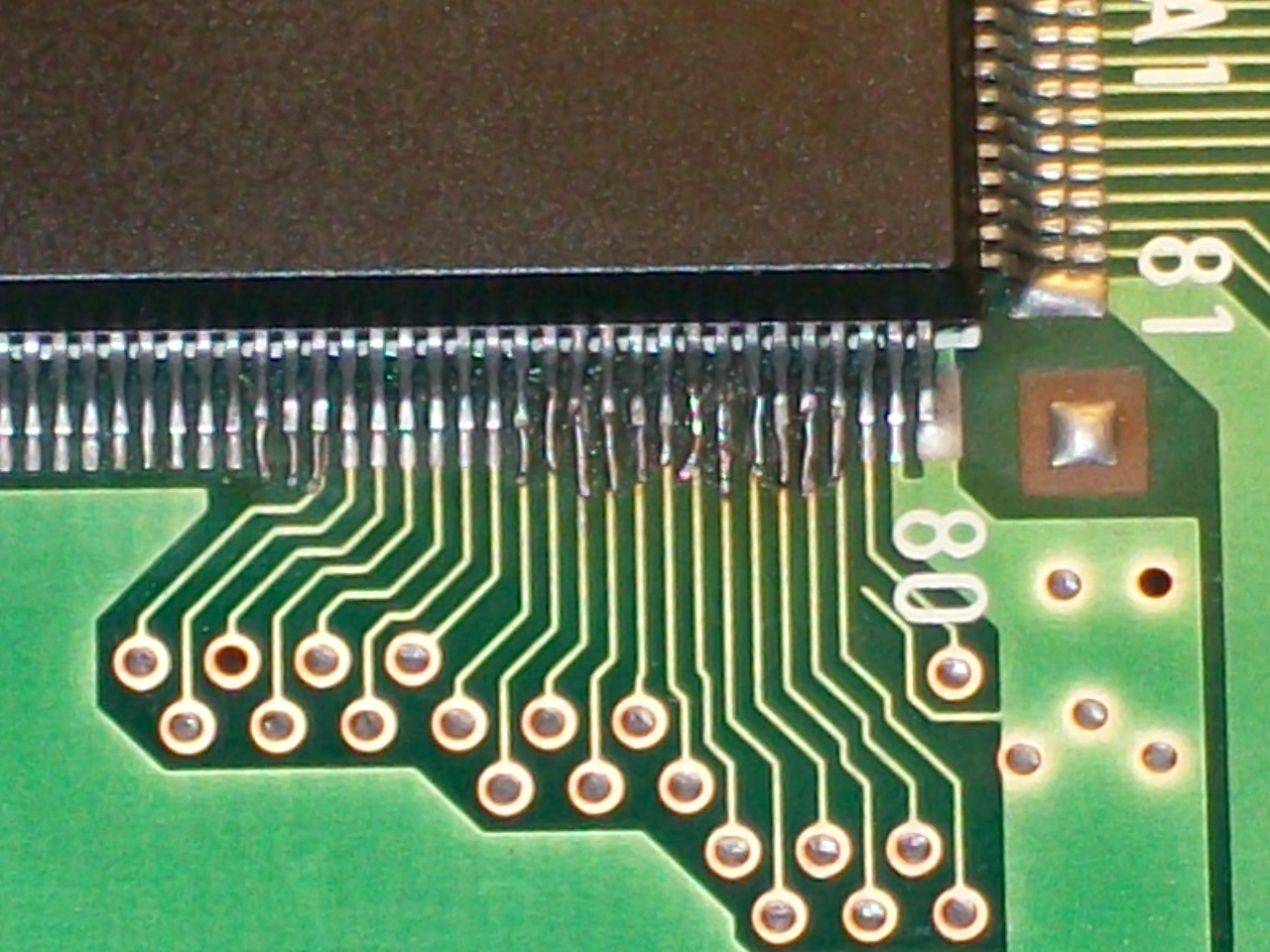
Several pins of a custom ASIC on the video board were lifted.Since the pads were corroded too,a reflow was not enough to ensure a good soldering so I decided to reinforce it using some pieces of AWG3o wire :
This fixed this first M92 board completely:
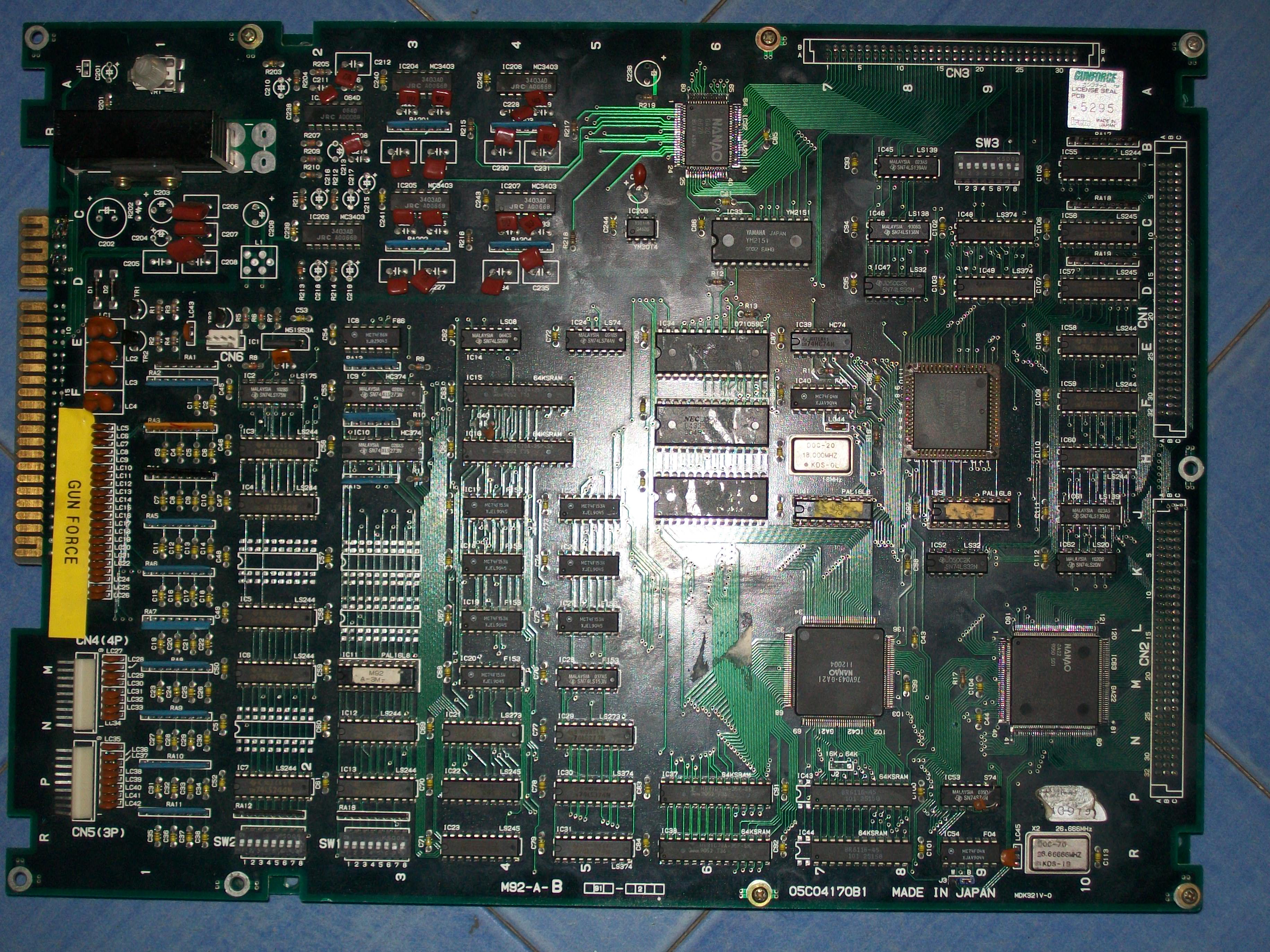
So I moved on the GunForce PCB:
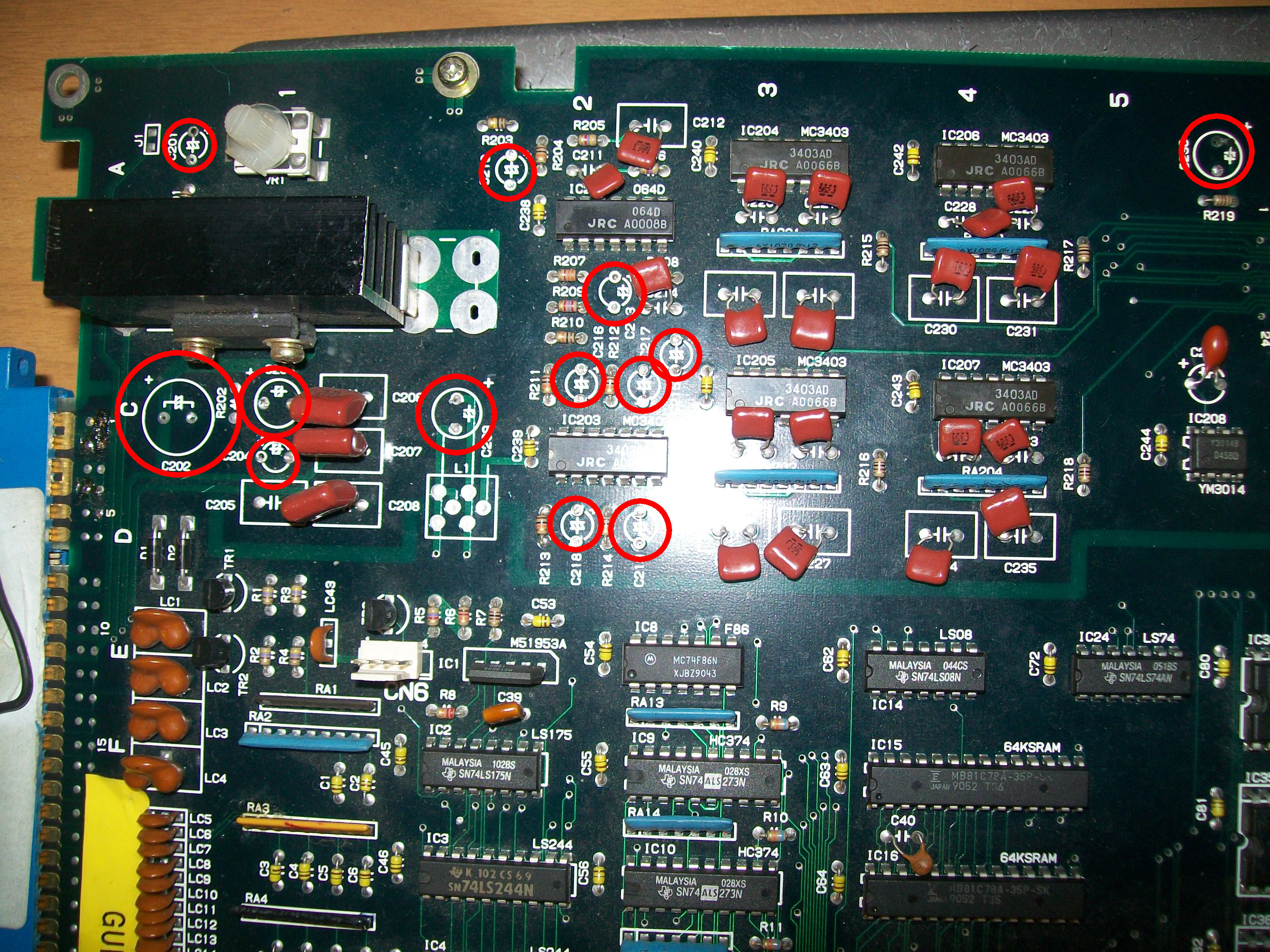
First thing I noticed after my visual inspection was the lack on many electrolytic capacitors in the audio circuit:
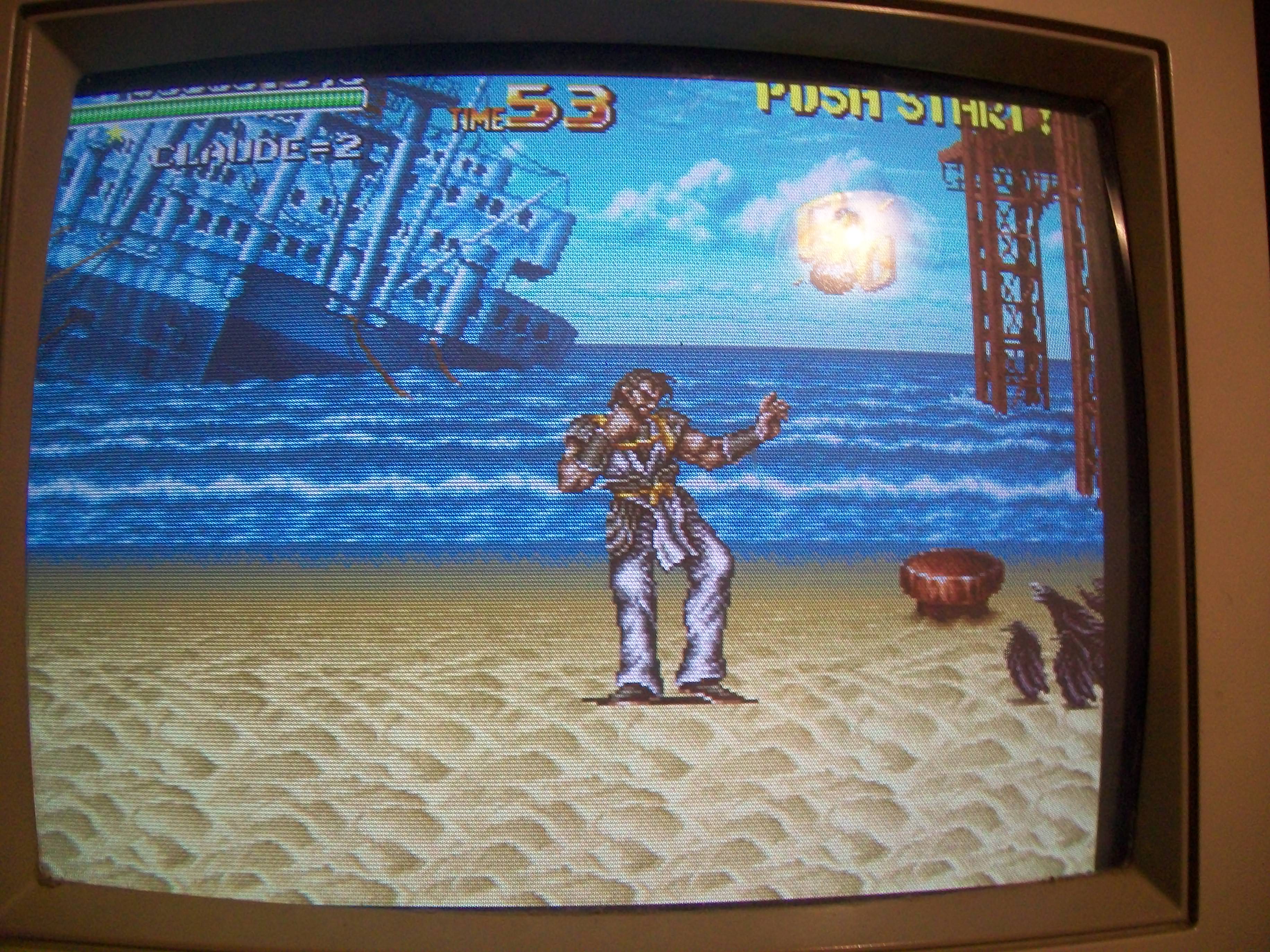
Board booted up but video as disturbed and a rustling sound was present on backgorund :
Usually this issues are caused by increased ESR of elecrolytic capacitors which inject disturbs on video circuit as well.The previous repairer thought about this and therefore removed all the electrolytic capacitors but this didn’t cure the problem.But He forgot to check the main amplifier:
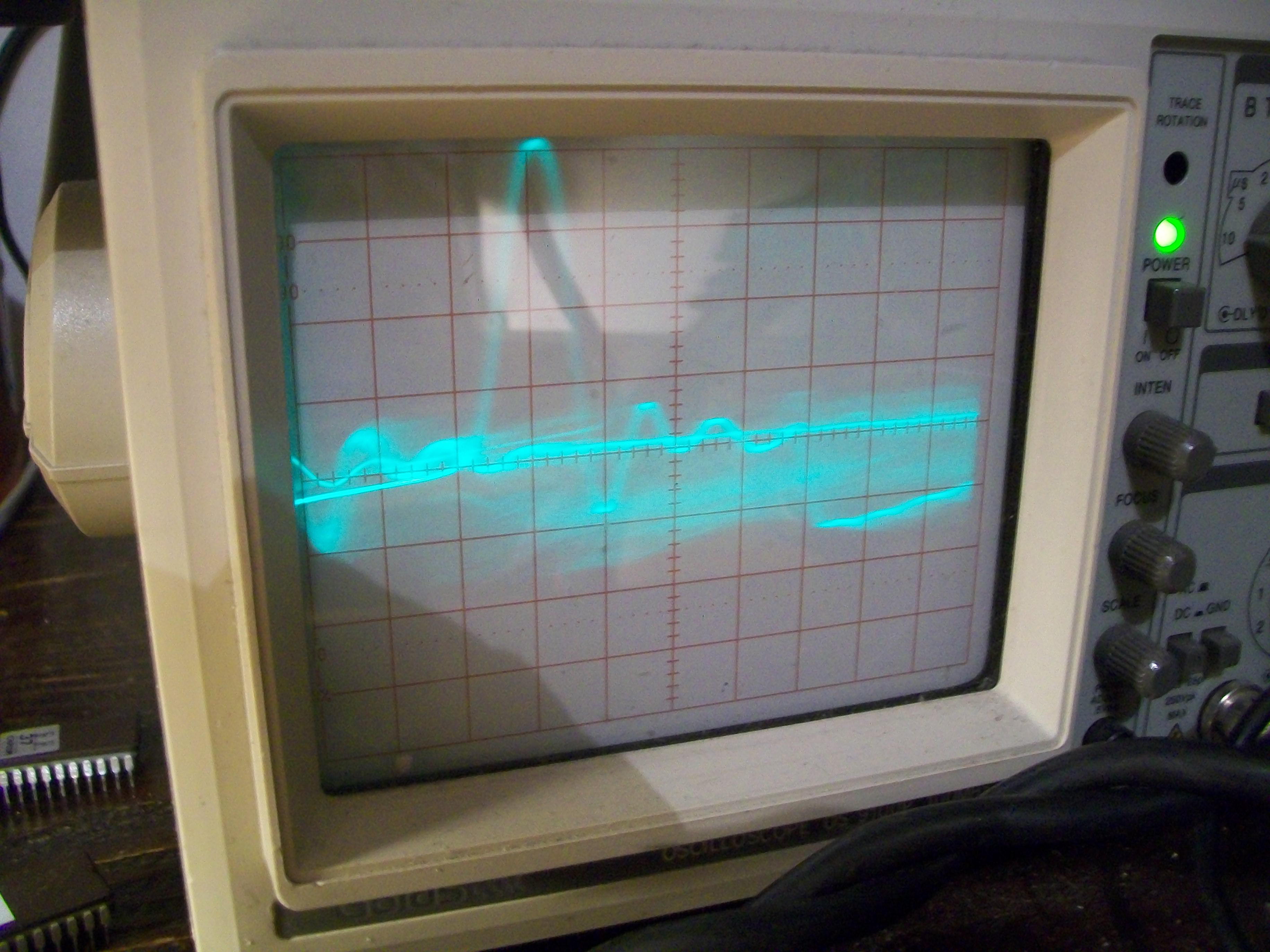
Probing in AC the +12V line with my scope confirmed that ripple was present:
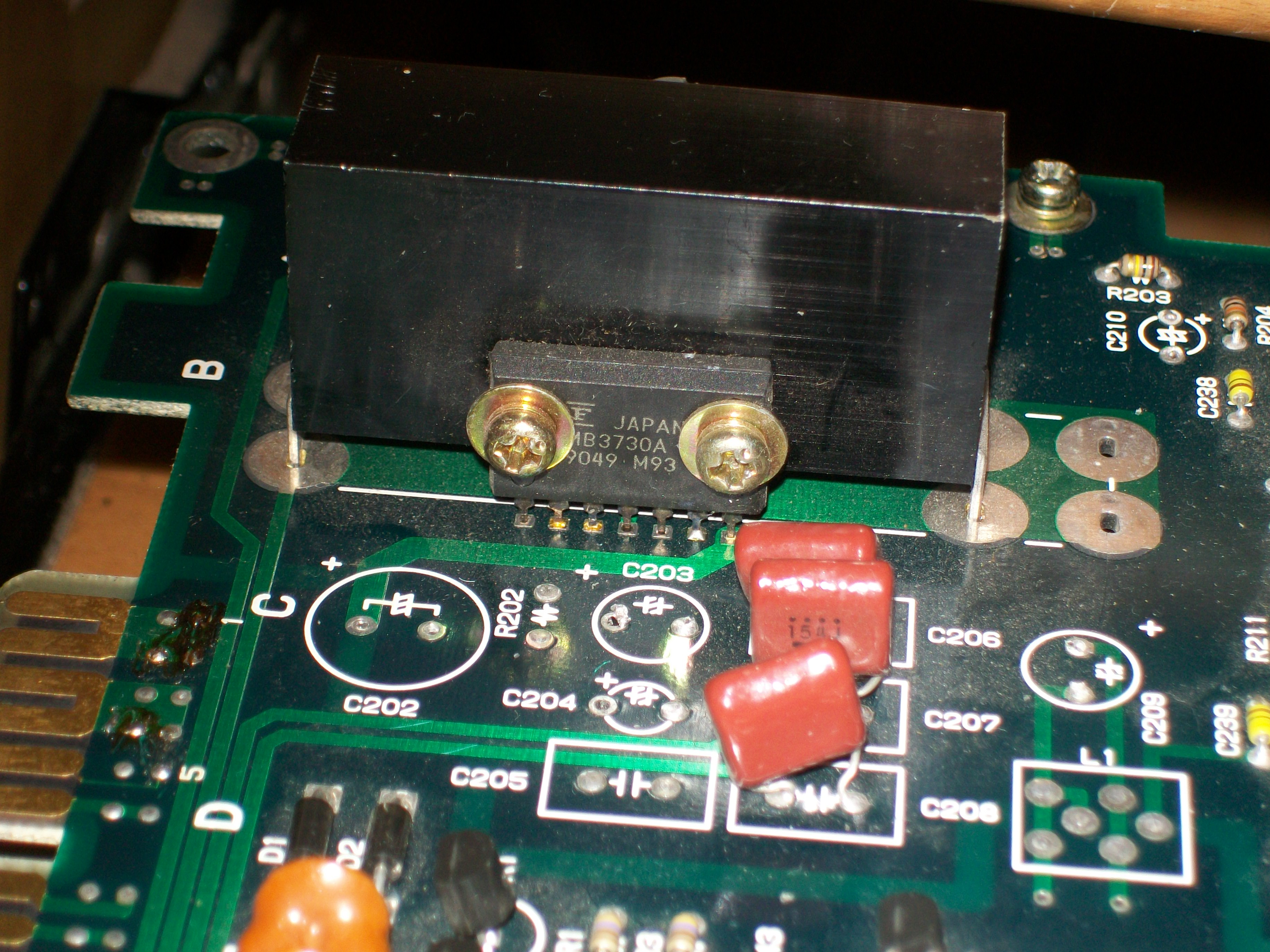
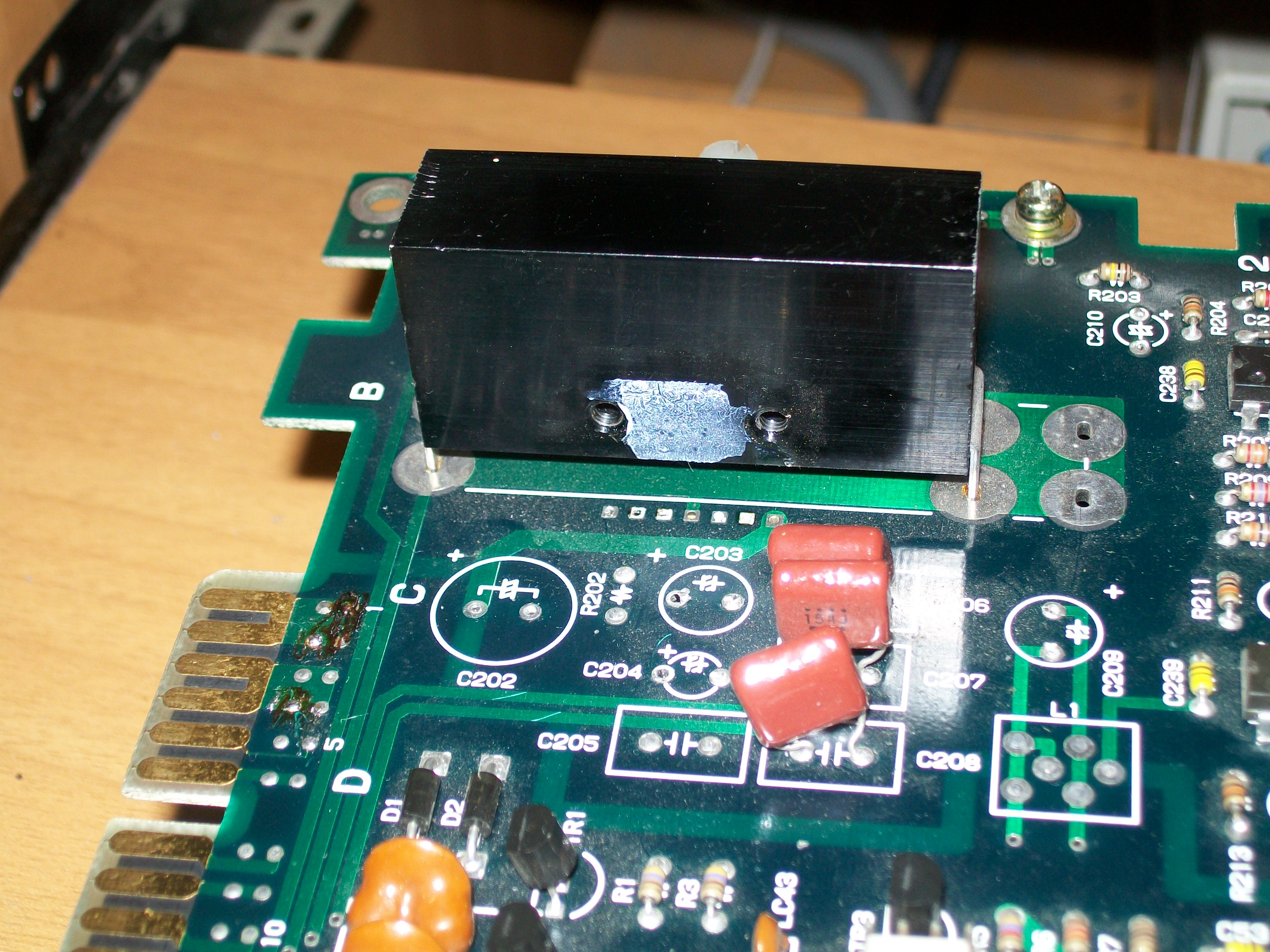
If I excluded the +12V from my supergun the video became normal and no more rustling sound.So, since on PCB there was no other component connected to this supply line, the amplifier was most likely the culprit.I removed it :
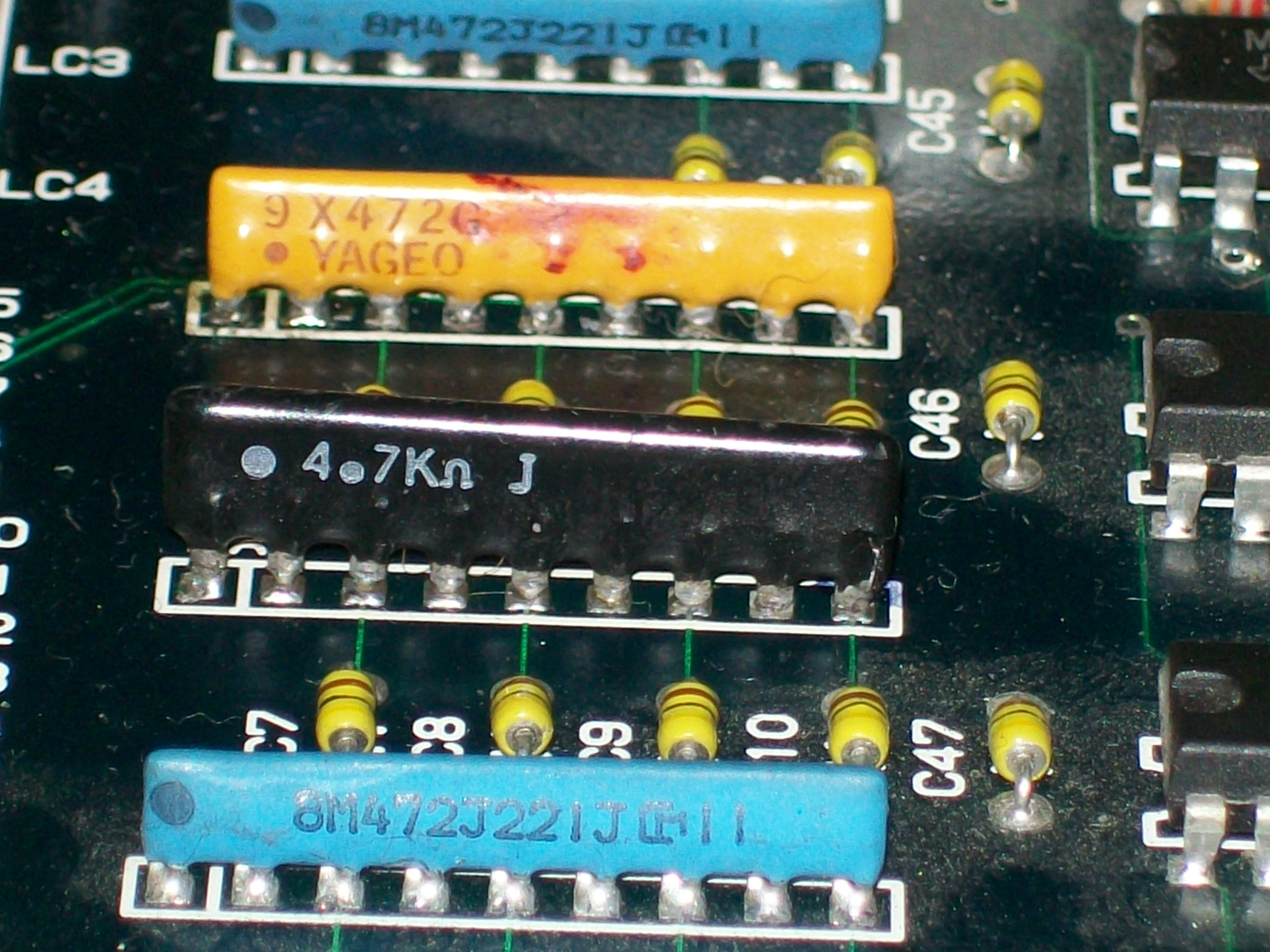
After fitting a good amplifier and all the missing capacitors, the video and sound were perfect but other two issues were present : the controls didn’t work and sprites were glitched.As for first issue, it was due the fact someone replaced a couple of custom resistor arrays with normal 4.7Kohm ones:
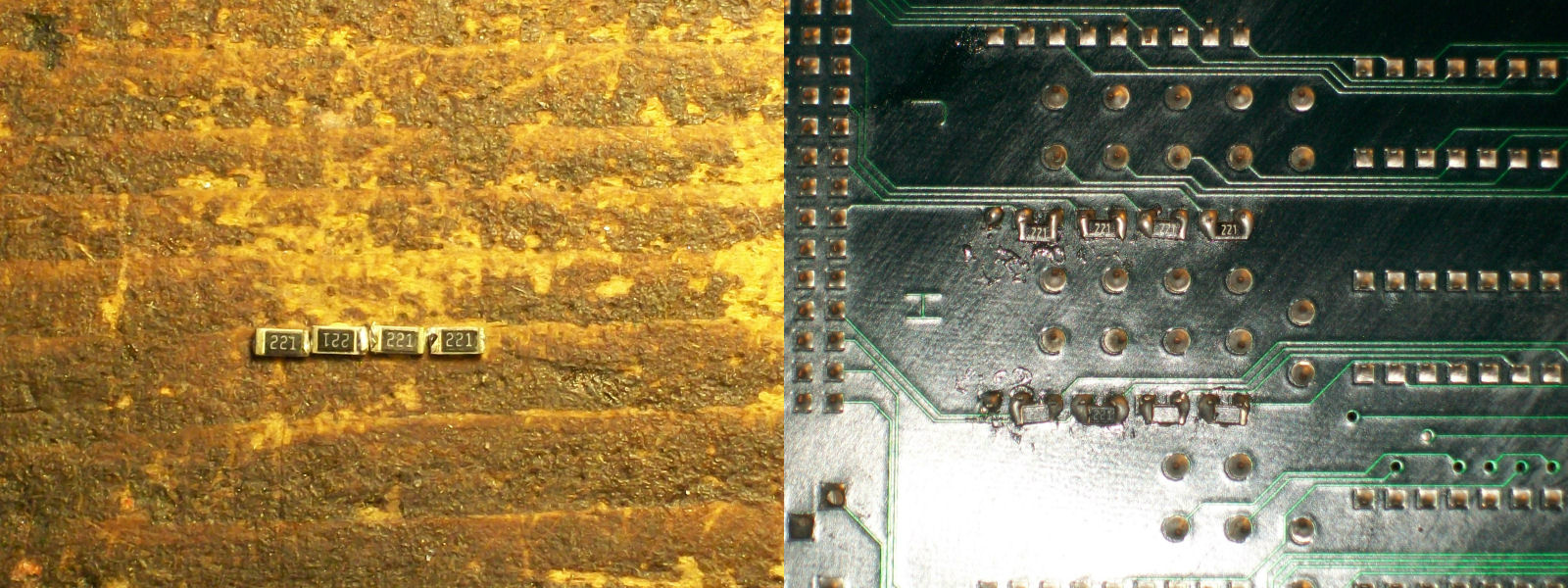
Like the ‘8M472J221J’ part name said, the original array is a mix of 4.7KOhm and 220 Ohm resistors.Not having other spare parts, I opted for a custom solution keeping the 4.7Kohm array and mounting some SMT 220 Ohm resistors on solder side:
This worked perfectly, controls were responding so I moved on to troubleshoot the sprites issue:
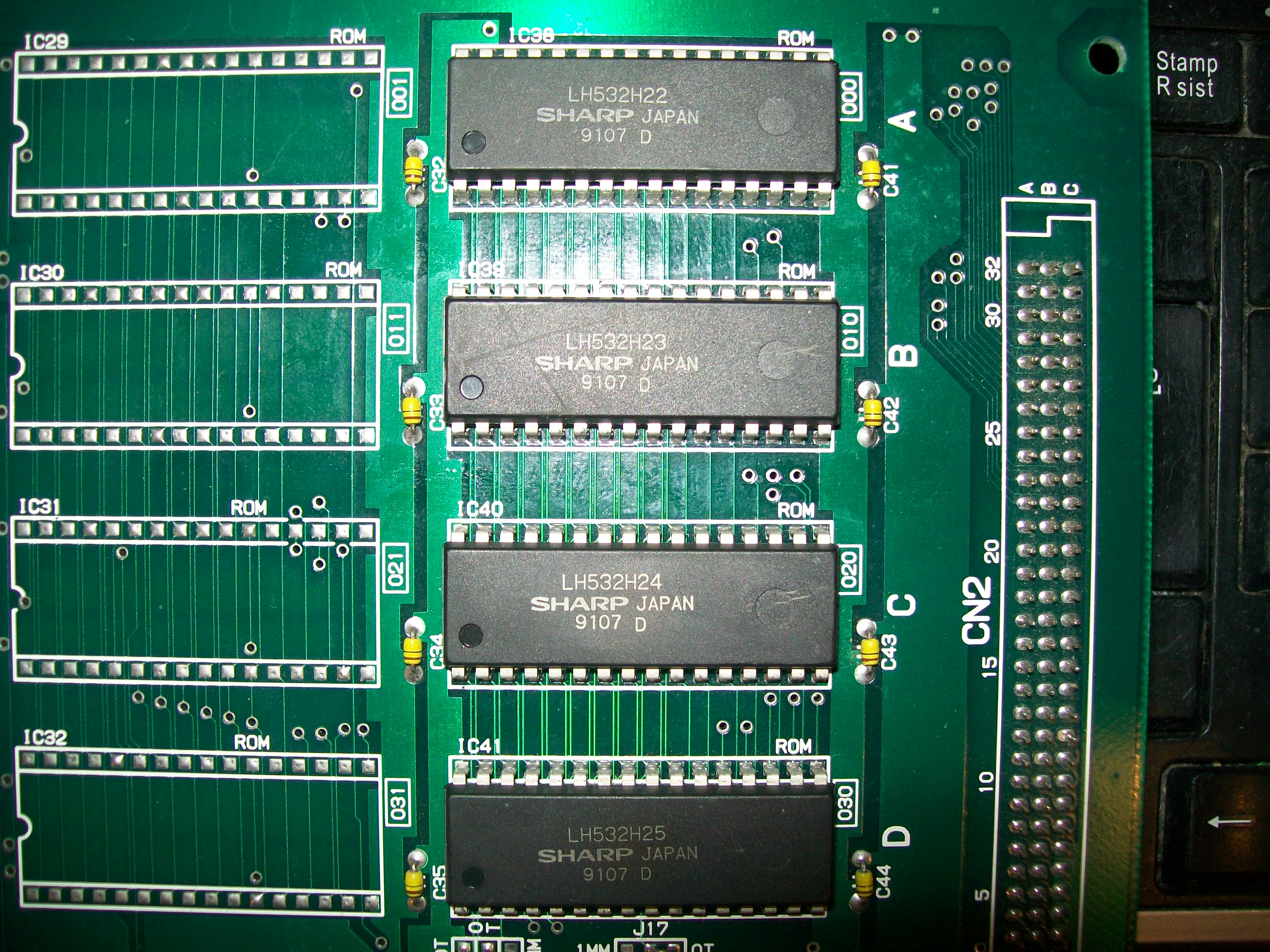
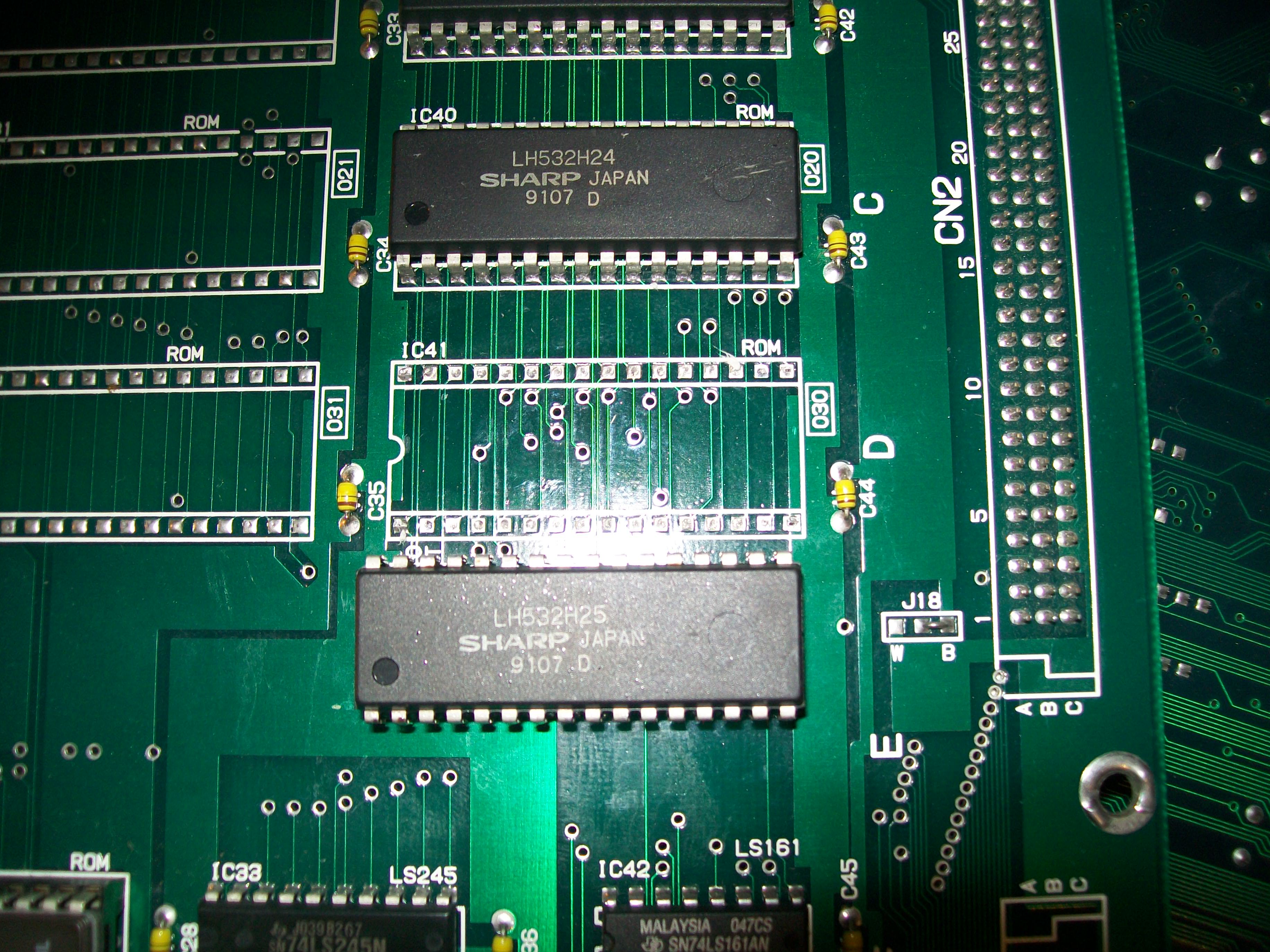
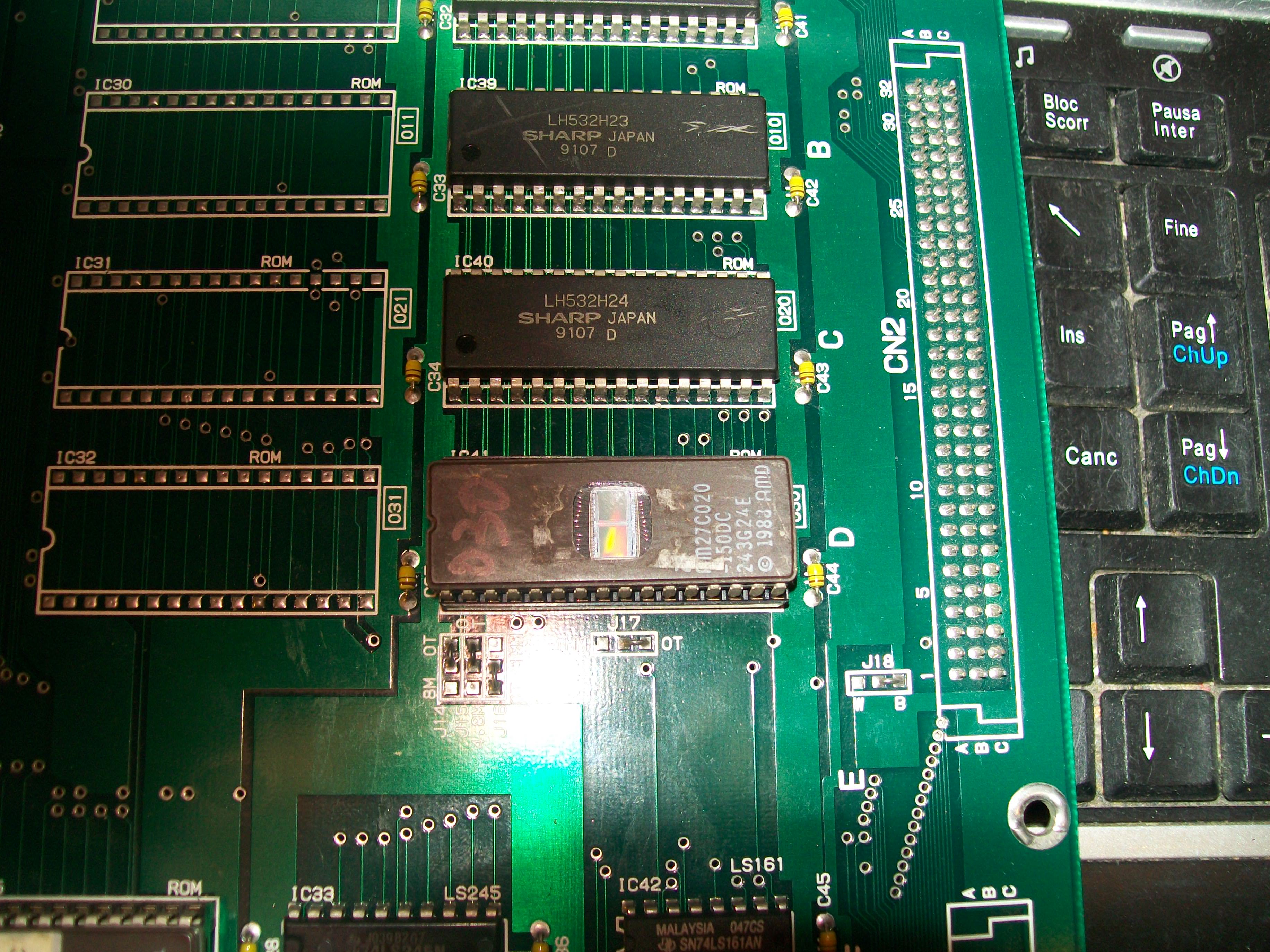
Sprite devices were four 2Mbit MASK ROMs (compatible with 27C020 EPROM) on video board:
I reprogrammed a 27C020 for each ROM file in order to do piggybacking.When I did it on the one @IC41 glitches vanished.I removed the device:
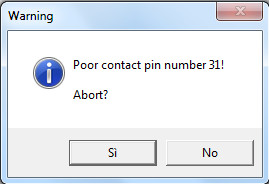
My programmed warned me about a bad contact on pin 31 while I was reading it:
PCB Repair LogsComments Off on Operation Thunderbolt repair log
Aug092016
Another one of Muddymusic’s boards.
He actually sent me 3 of them in various states but I chose the cleanest and most complete to focus my attention on.
Game booted to a screen of garbage and the watchdog was constantly resetting the machine.
I initially checked all of the ROM’s and they all checked out fine so I guessed the issue was going to be RAM.
I desoldered the 68000 CPU anyway so I could use the Fluke 9010 and see what was going on.
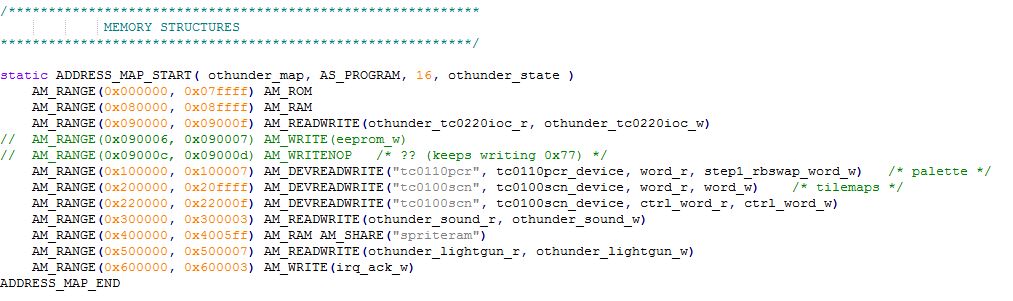
Looking at the memory map in the MAME source code in othunder.cpp we can easily see where various things sit.
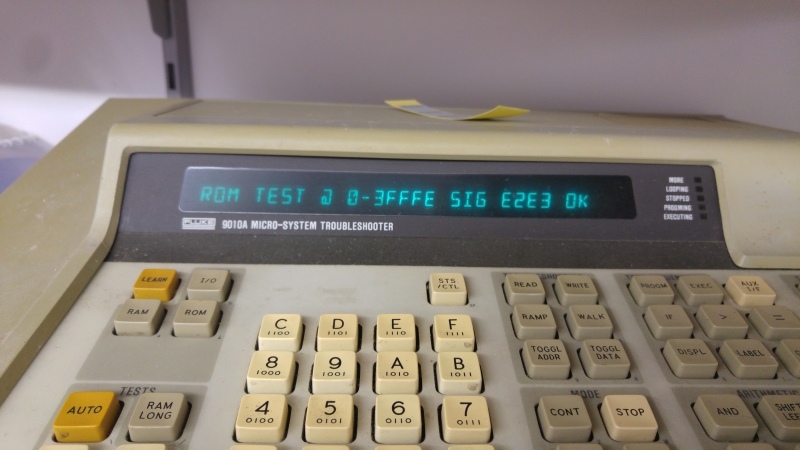
First off I checked the CPU is able to actually read the ROM’s properly. I calculated the ROM signatures for this version and ran ROM checks.
Everything is good here, on to the RAM.
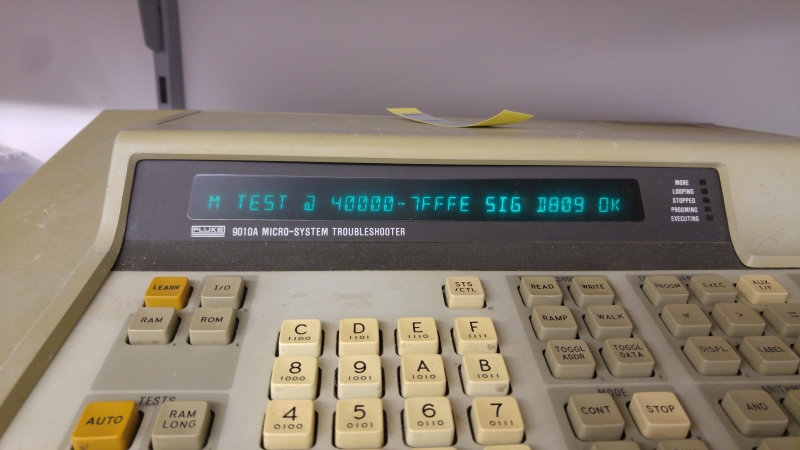
First is the main RAM at 0x80000 – 0x8ffff
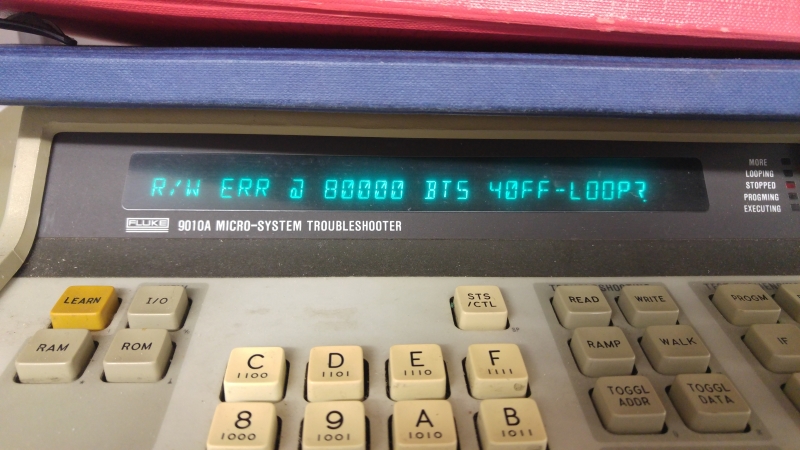
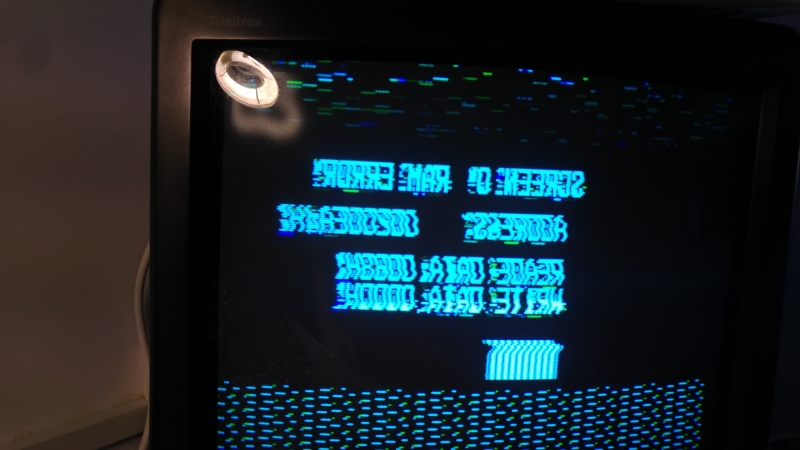
So we have an issue straight away. At this point I did a few manual read/write tests.
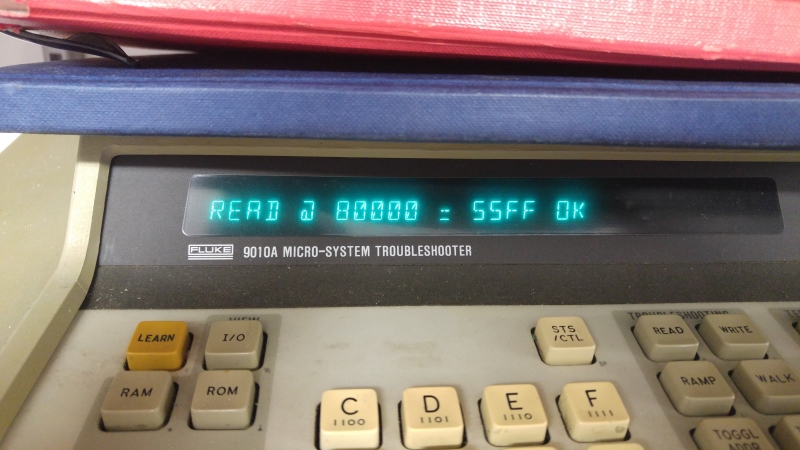
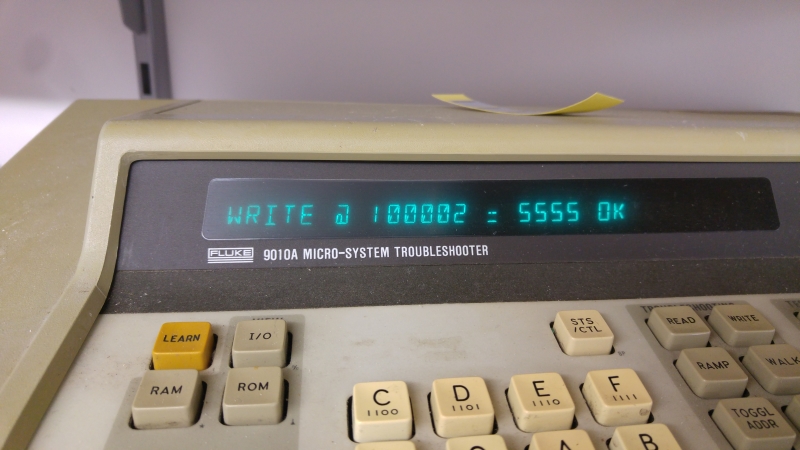
First I wrote 0x5555 and reading it back gave me this
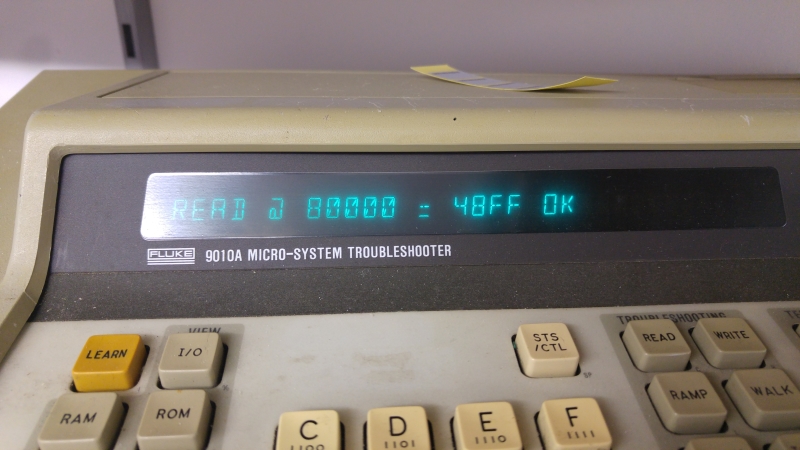
So it looks like half the RAM is working but needed to confirm by writing 0xAAAA.
So what we have tested here is the ability of the RAM data pins to be able to toggle HIGH and LOW.
0x5555 in binary = 0101010101010101
0xAAAA in binary = 1010101010101010
By testing both of these values separately instead of testing 0x0 and 0xFFFF we also test none of the adjacent pins are tied together.
So I removed both of these RAM chips and they both failed tests out of circuit.
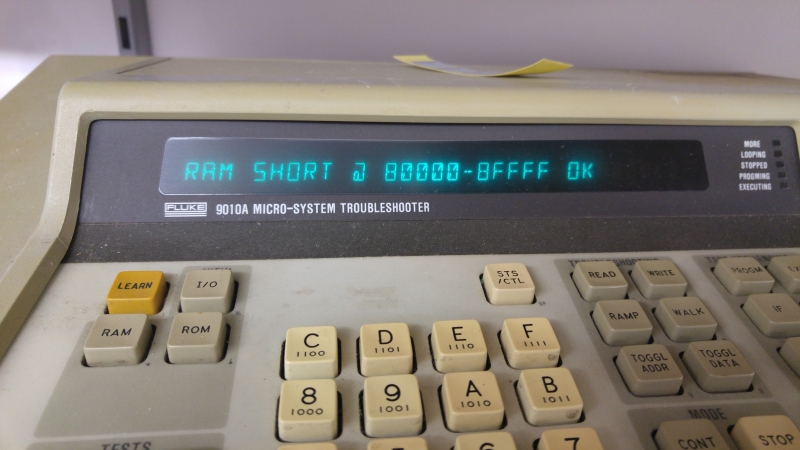
Replacing them let the Fluke test pass and gave me the following screen
At this point it looked like the the game was trying to boot but kept resetting still.
Looking into the program code I could see that after the main RAM is tested the palette RAM is tested.
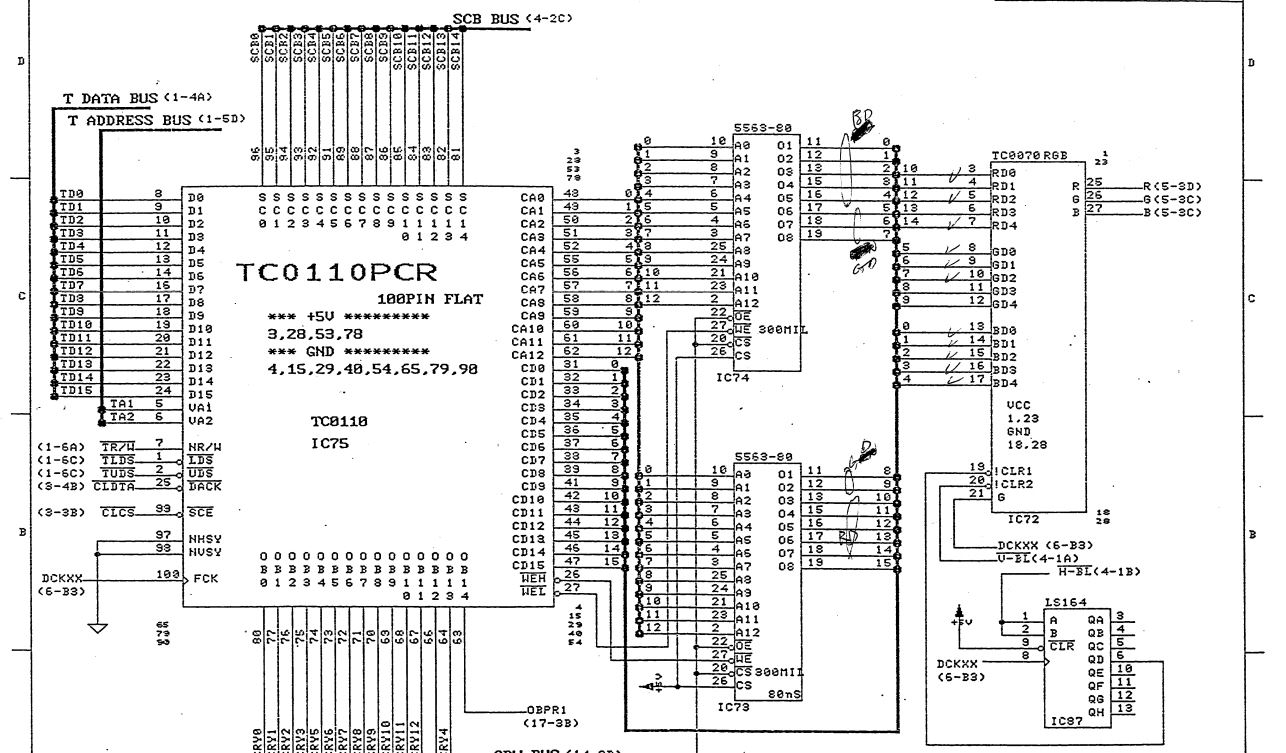
The palette RAM hides behind custom chip TC0110PCR which uses address 0x100000 – 0x100007 to deal with all of the RAM. Again following the code I could see the address is set by writing a byte between 0x0 and 0xFF to address 0x100004 and the data is set by writing a word value to 0x100002.
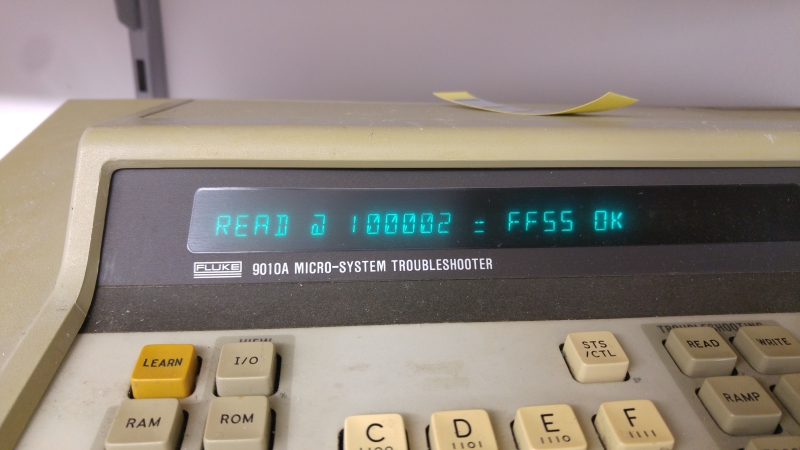
Here is what I got from my tests
Again it looks like one of the RAM chips is faulty.
Looking at the schematics I could see that RAM chips IC75 and IC79 are the ones im after and that IC79 is my problem RAM.
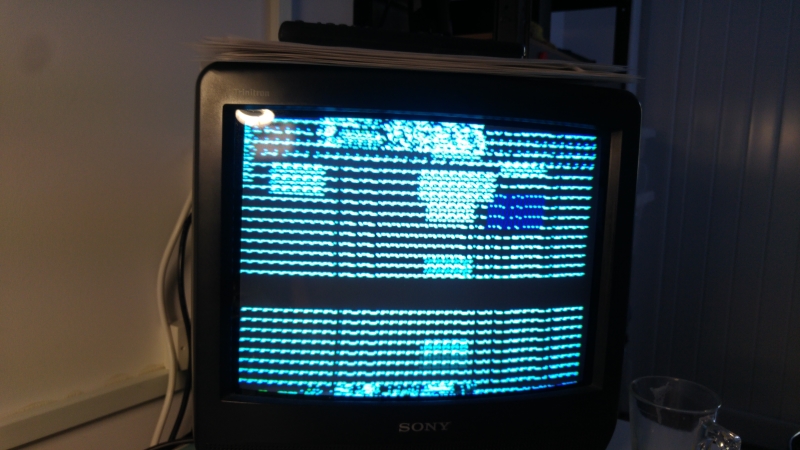
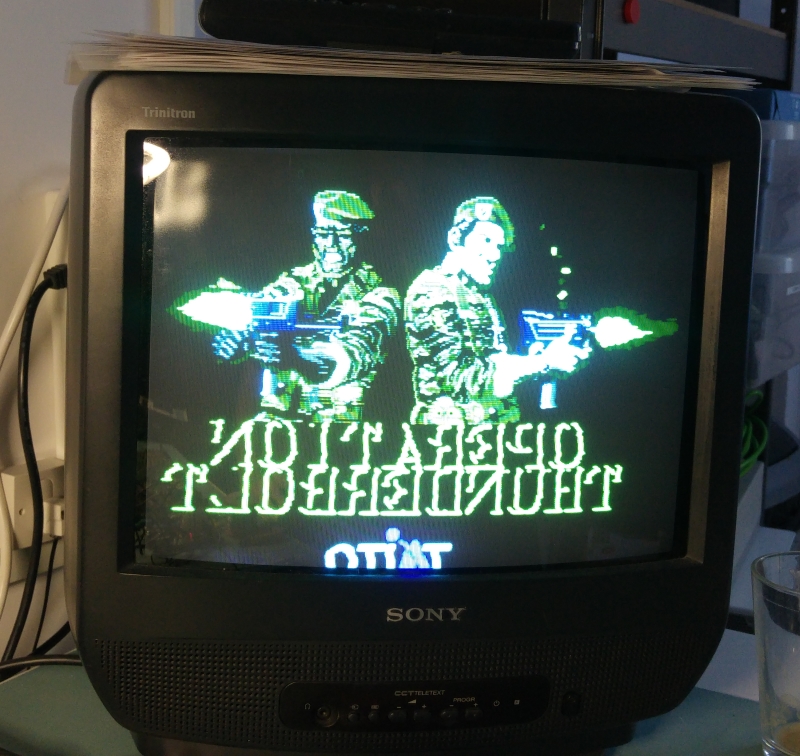
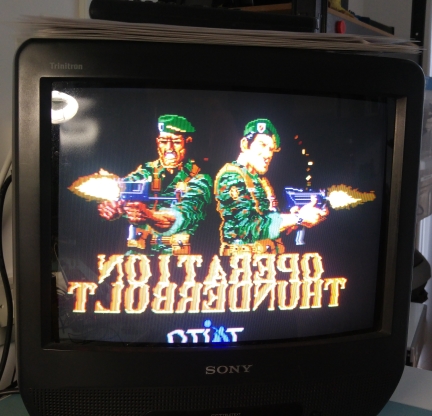
Replacing this RAM now gave me this screen
The image is reversed as this game normally uses a mirror to invert the picture.
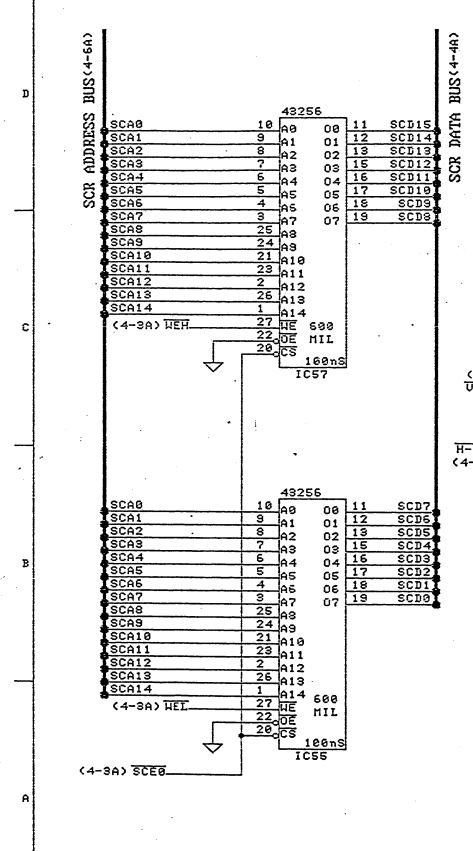
Having identified the screen RAM from the schematics
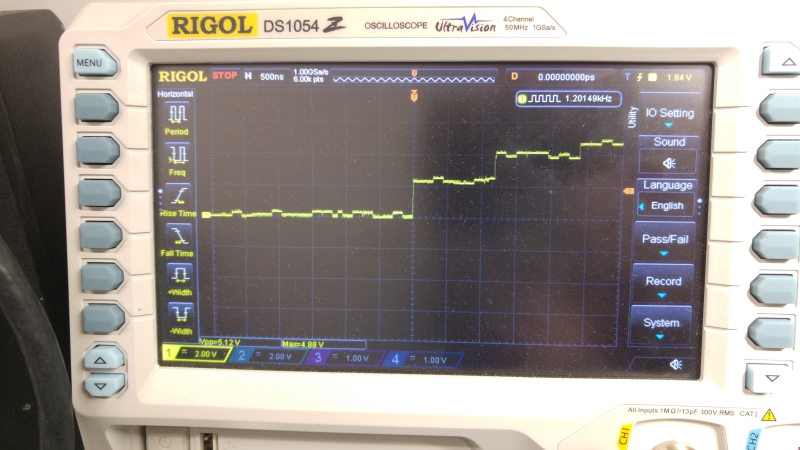
I carried out a quick check using the scope and found something like this on some of the data pins
So out both of these came and then we got this
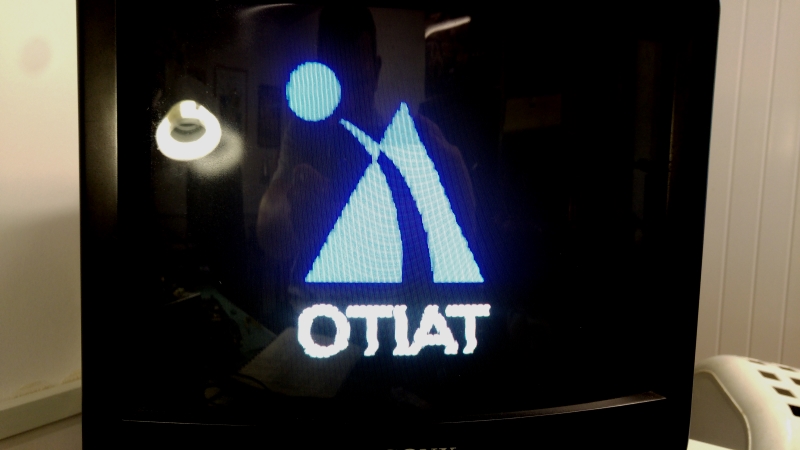
So whats up with the colours? I confirmed the RAM was good using the Fluke. Turns out I was 1 off when making up my adapter so this fault wasn’t actually a fault at all, just human error.
Fixing my mistake gave me this
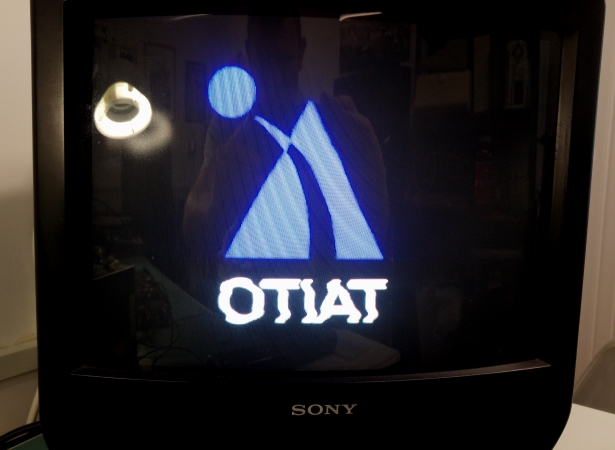
This is good but there were some jailbars in the sprites.
I couldn’t get a clear picture of this as the RGB levels on my supergun are currently fixed and too bright but you can make out there are some differences between these two pictures.
The ripple is also caused by my RGB levels so ignore that
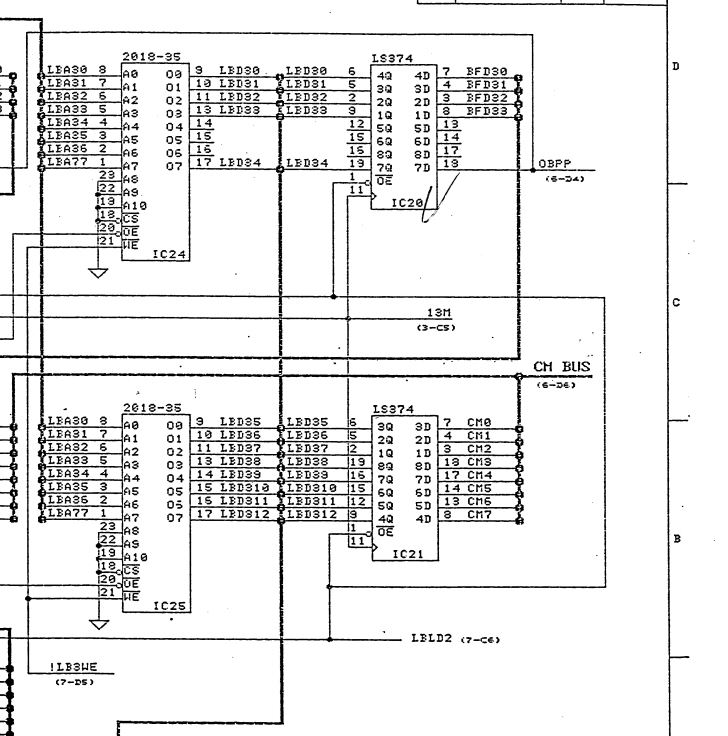
Finding this fault was quite easy. I knew the MASKROM’s were good as id dumped them out. The associated RAM looked good on the scope. The next bit in line were 2 x 74LS374 chips.
Looking with the scope I could see the inputs were present on IC20 but the outputs were stuck LOW.
I hooked the logic analyser up to prove this point. You can see that the inputs are changing state but the outputs are always 0x0
I replaced this and the graphics were restored.
Next onto the sound.
Hooking up the sound surprised me as the sound was present but there was an issue.
As there was some sound I was confident the CPU and ROM/RAM were good.
I had 2 other board sets so I opted to swap MASKROM’s one by one. Swapping B67-07 fixed the issue.
That’s as far as I can test this board now so will send it back.
Recently dumped a few PALs from Terminator 2, Mortal Kombat 2 and Operation Thunderbolt.
3 of the Operation Thunderbolt ones are from unsecured devices, the last one wasnt supported by my programmer so is a recreation.
All the Mortal Kombat 2 devices were sent to me by Jon Hughes for dumping, thanks to him for that and to RGP for testing one of them. One of these was a PAL20L8 and have recreated it in both GAL20V8 and GAL22V10 formats.
The last one comes from the sound PCB of Terminator 2. It might yet be the same as the other dump we have from a T-Unit hardware but its a different ID and ive not reversed them both yet to check.
The user ‘frsj8112′ sent in dumps from Hammerin’ Harry (M84 hardware) and Pound for Pound (M85 hardware).The two from Hammerin’ Harry are specific to this game and located on M84-C-B board (the middle one) while The Pound for Pound ones are two on CPU board (the middle one) and one on video board (the top one with scratched off customs).All dumps have been successfully tested on GAL16V8 targeting devices.
Besides, he tested on his Hammerin’ Harry PCB the PALs from our archive ‘m84.zip’ we got from unknown source and found that the one named ‘m84-c-3a_ic8.jed’ is the correct one for this board and it’s unique to this game while the one name ‘m84-a-2h_ic5.jed’ is the same over all the different M84 games.The ones @5L and 7D should be different from game to game.
He also reported feedback on BPROMs.According his tests the bipolar PROM @C37 on M82-B-A VIDEO board can be found also on M84 and M85 hardware although at different location and with different labels.Here’s a reference table fo this BPROM: