PAL UpdatesComments Off on EspGaluda and Dream Soccer ’94 PAL dumps added
Oct172016
Today we have some new PLD dumps.
‘robotype’ dumped the third PLD on an EspGaluda PCB, it’s marked ‘0315’ at location U33.He also confirmed that the EspGaluda dumps of the devices @U31 and U32 work also on DoDonPachi Dai Ou Jou (both ‘vanilla’ and ‘black’ version) providing the correct labelling too.
‘frsj8112 sent in dumps from a Dream Soccer ’94 PCB (on Irem M107 hardware).
All dumps have been tested as working in a GAL16V8 targeting device.Thanks to them for the contribution.
Lastly, we found that Street Smart and Prisoners of War (P.O.W.) share the same PLDs, they are in same location since hardware is identical.
This Thunder Cross II board was stuck in a watchdog cycle.
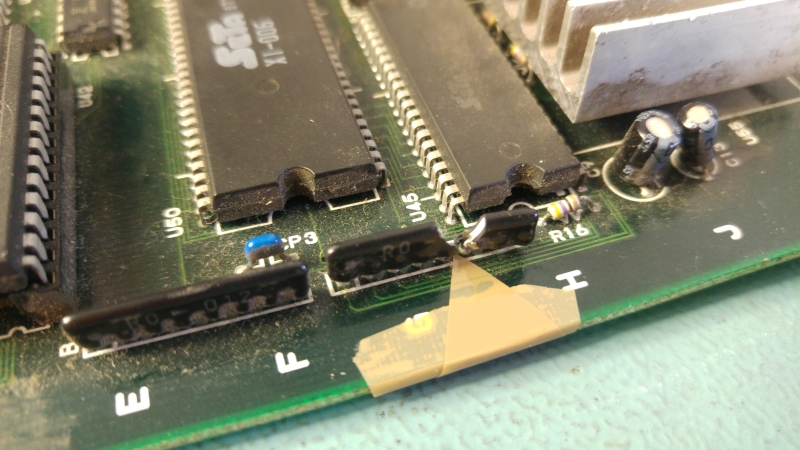
A quick visual inspection showed this
It was easy enough to bend this back a little without causing any damage.
Powering up the game, it would sometimes show the RAM/ROM test screen from the POST with failures reported and sometimes it would just reset straight away showing nothing.
Using a logic probe I quickly found the RAM at 1H and 16E were bad both of which had completely dead output pins.
I piggy backed a known good working 6116 RAM chip on top of both of these and while it didn’t cure all my problems, on the time it booted to the test screen these RAM’s now showed clear.
I replaced them and moved onto the resetting issue.
The reset on this board is handled by a custom SIP package. I was fairly sure this wasn’t to blame as on the occasions it booted up, if I held the TEST button down to reinitialise the EEPROM the game did not reset throughout the initialisation.
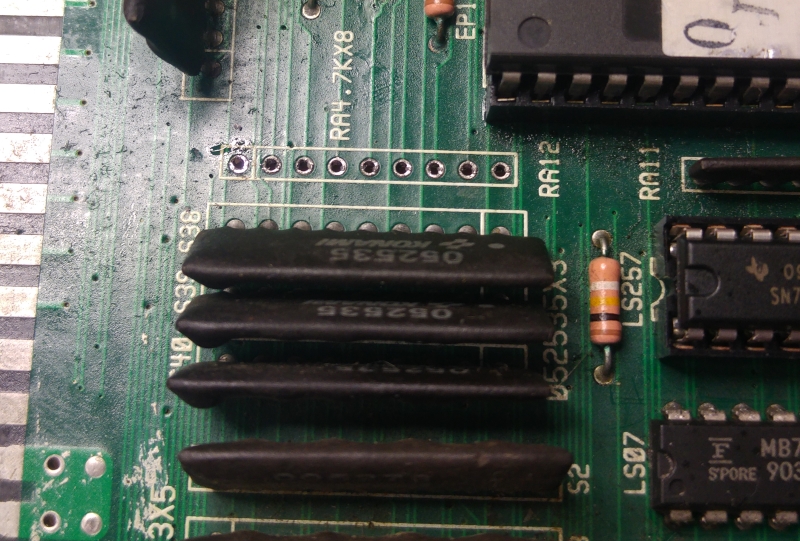
I did notice a 4.7k resistor array was missing.
I replaced this but it made no difference.
Next I noticed the game booted up more regular if my hand was on the 68000 CPU. Things like this are a good indication that there is a floating pin somewhere. Probing the CPU pins revealed that pin 21 of the 68000 (/VPA).
Chasing this proved difficult as there was a broken trace somewhere but these Konami boards have really small thin traces and vias. I eventually traced it back to pin 6 of a 74LS20 at 5E1.
Jumpering this gave me a booting game.
Everything initially looked good, the attract mode played and the sound effects were present. The problem came when some music played. To start with it sounded terrible but once the music stopped all the sound effects were either messed up too or were missing altogether.
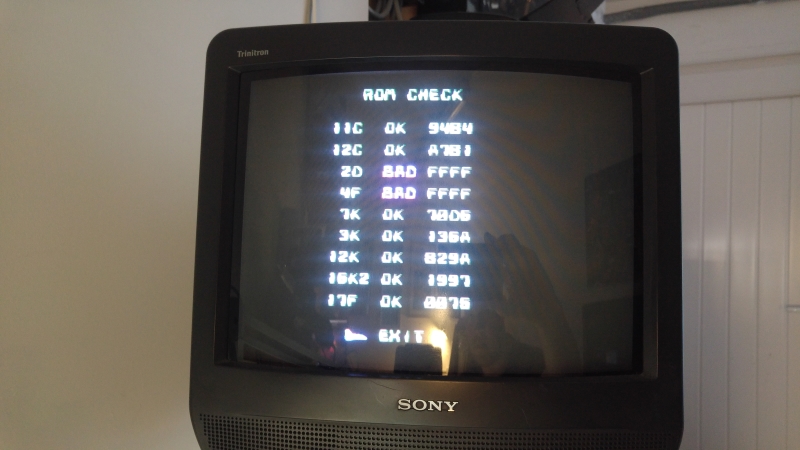
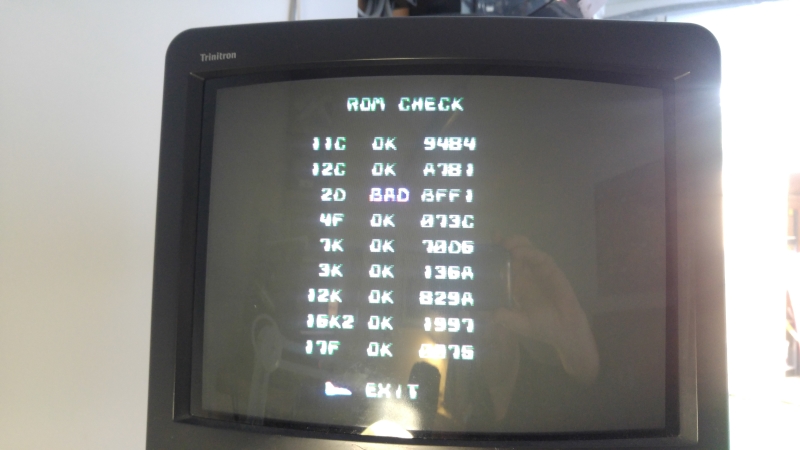
I fired up the test mode and did a ROM check which game me this
or sometimes this
I had verified the ROM which checked out OK and sound effects were present. The music also attempted to play so I was fairly sure the CPU and ROM were good.
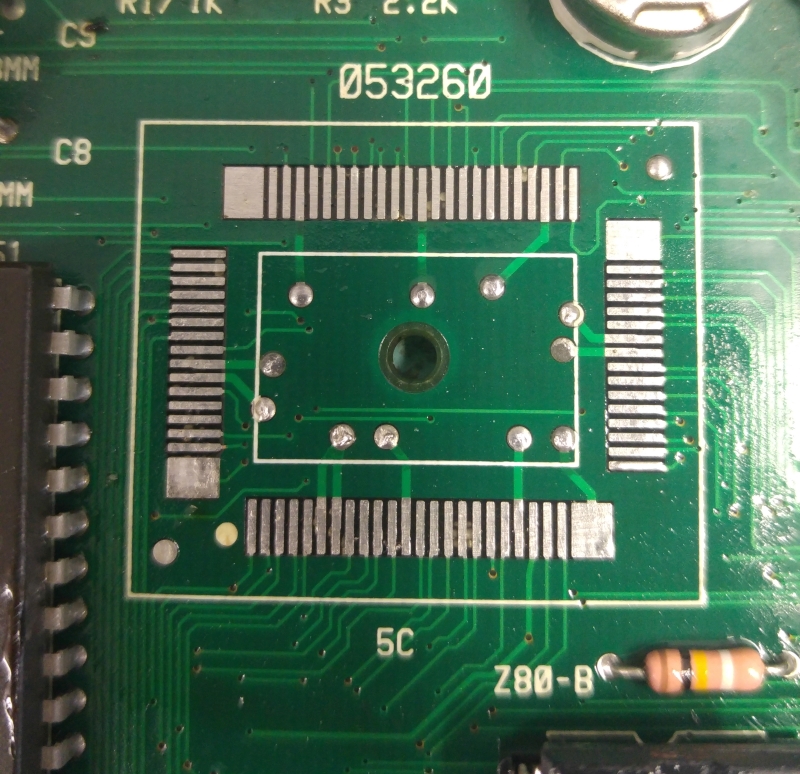
I started looking at how the MASKROM was addressed and how the PASS/FAIL data was send back to the main CPU. This all led me to the 053260 custom chip at location 5E
I mapped out all the address and data line to the MASKROM and noticed that anything after address line A10 was dead. Looks like we have a dead custom.
As it happens I found a scrap Konami PCB in the loft from which I could harvest this chip from.
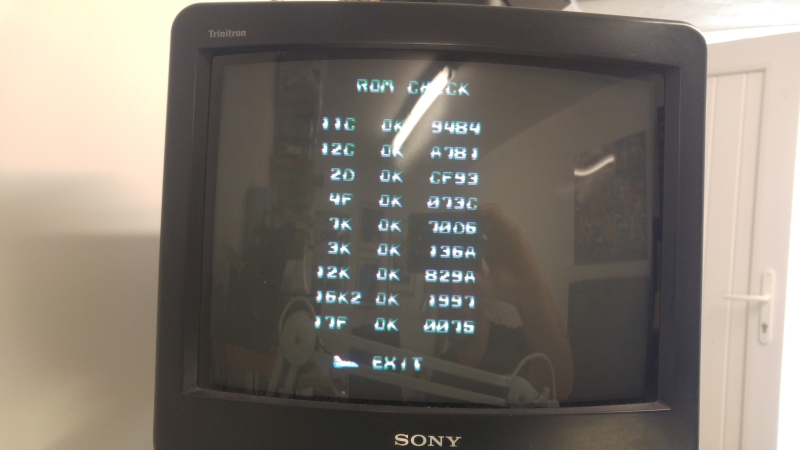
Replacing this gave me my sound back and the ROM tests now all pass.
Got a bunch of boards from Olly to attempt to repair. One of them is a tiny New Zealand Story PCB.
There is a broken custom resistor array on this PCB. Turns out this SIP is for DAC for the green colours.
Not really sure how this could have happened. Caius is sending me a replacement for it but it plays no further part of this repair.
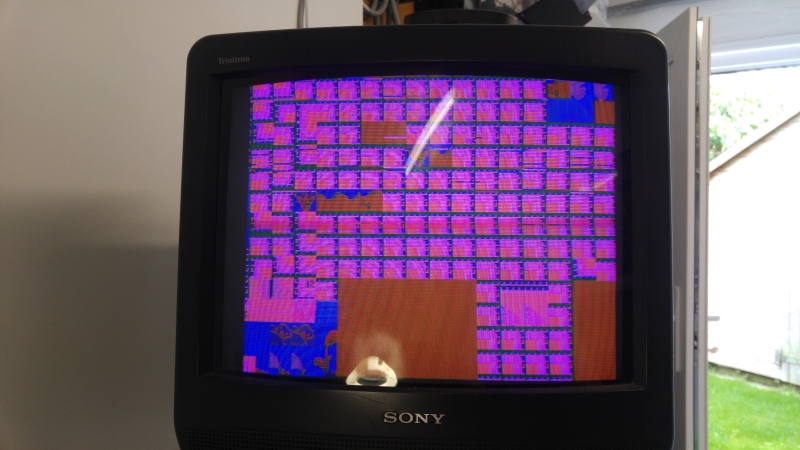
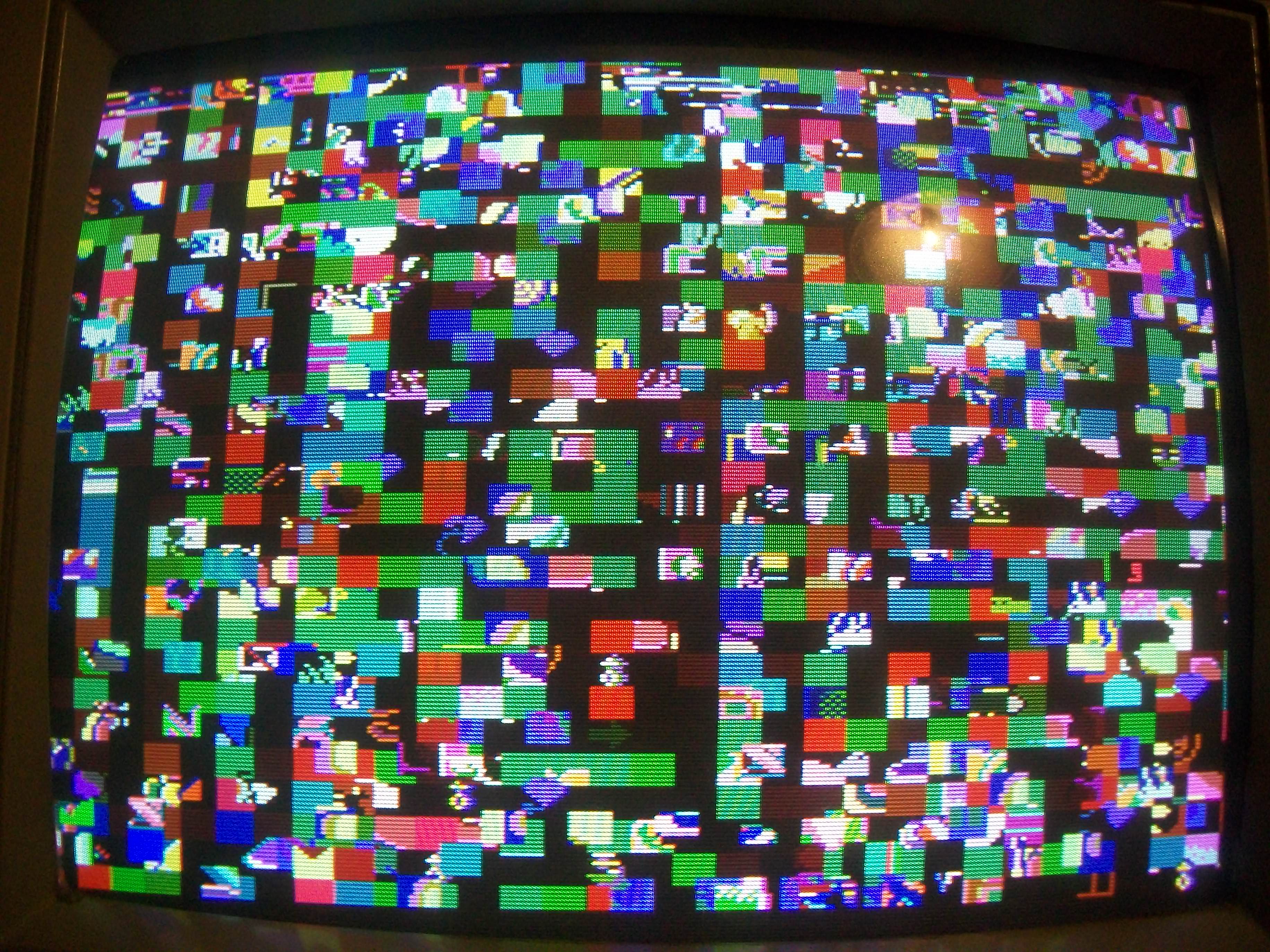
I powered up the PCB and this is what we get
The game plays blind behind this wall of garbage so we know the CPU is doing its job.
The board has quite a few Fujitsu TTL chips on it so my first bets were on failed TTL. The PCB is also tiny which makes this job pretty quick.
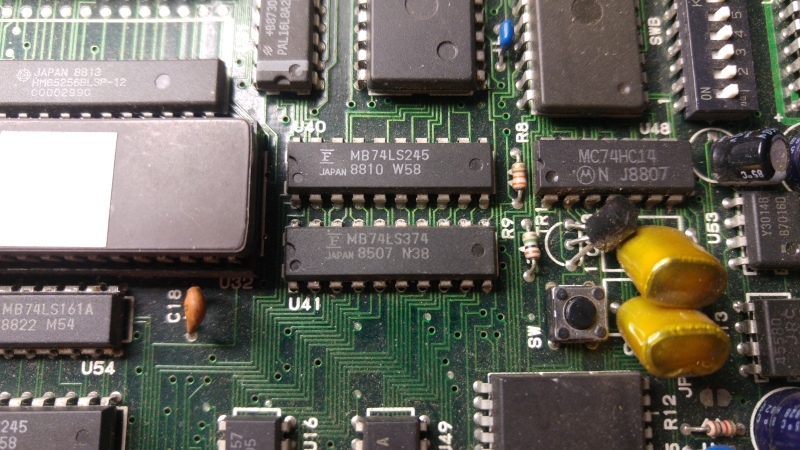
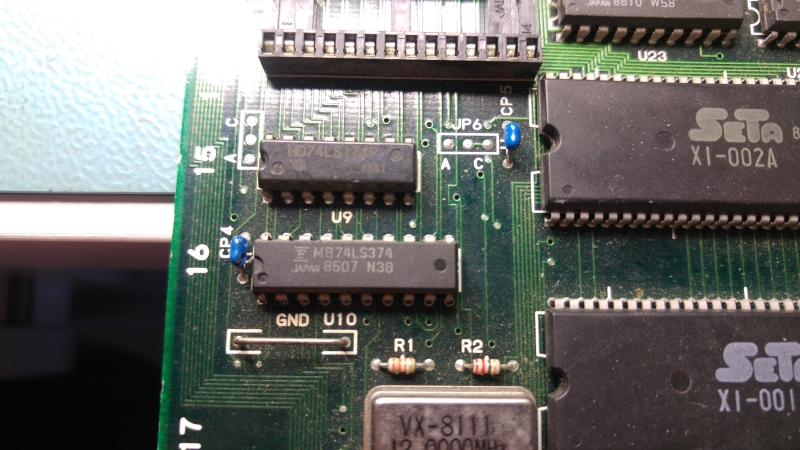
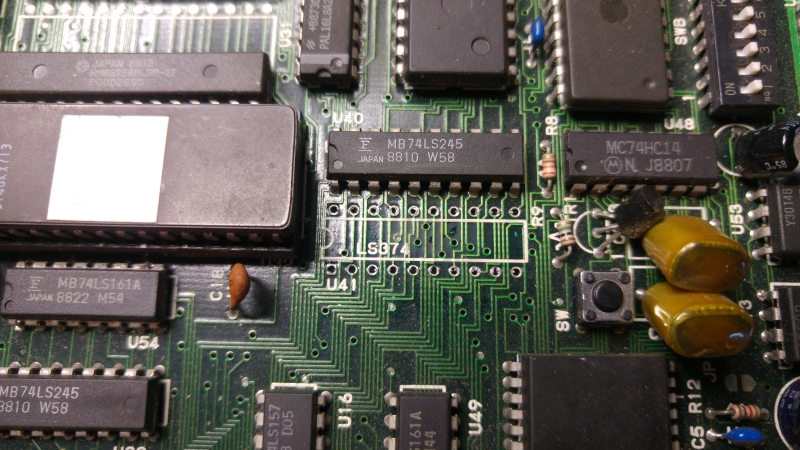
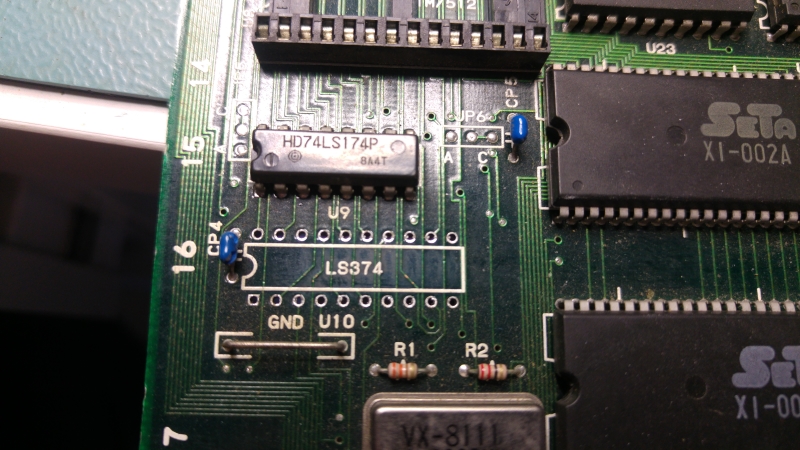
In my experience of failed Fujitsu chips I found that pins go completely dead and this PCB was on different. I found a couple of 74LS374 chips at U41 and U10 with dead outputs and these are easy to spot with a logic probe.
As the outputs were dead I could quickly test by ‘piggybacking’ a known good chip on top of it. The changes were good enough to confirm.
I replaced these two chips.
Replacing them did give a big difference and I could now see all the outputs from those two chips were once again active. The graphics were all messed up still.
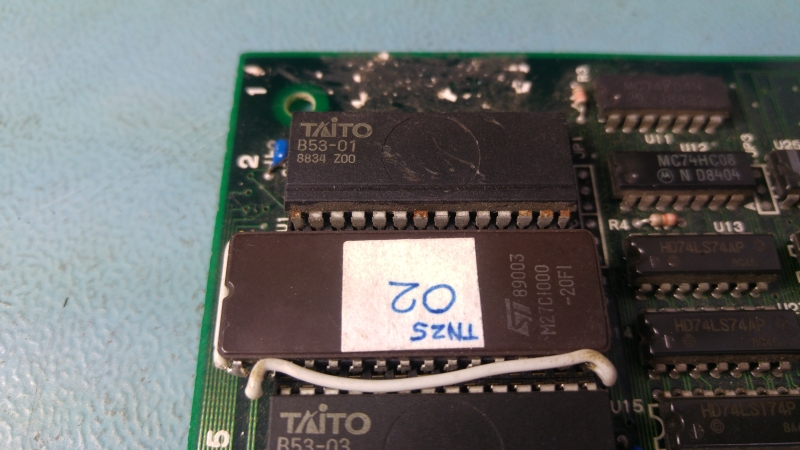
Next I see that one of the MASKROM’s has been replaced. They are 23C1000 compatible and therefore there is no 28 pin EPROM replacement available. It has been replaced with modified a 27C1000 chip.
This mod is not part of the problem.
I pulled all the other MASKROM’s and dumped them. 4 of them actually failed so in the short term I replaced them with modified 27C301 EPROM’s.
All the graphics came back good.
There is a 128×8 ROM replacement PCB available from OSHpark shared projects made by system11 so I downloaded the Eagle board file, added a little TNZS graphic to it and ordered some up. The A298010AV chips however are really quite hard to source so Ive got to wait until February before these come in from back order!
As it stands now the game is fully playable with only the green colour issue. I will replace the resistor array SIP once it gets here.
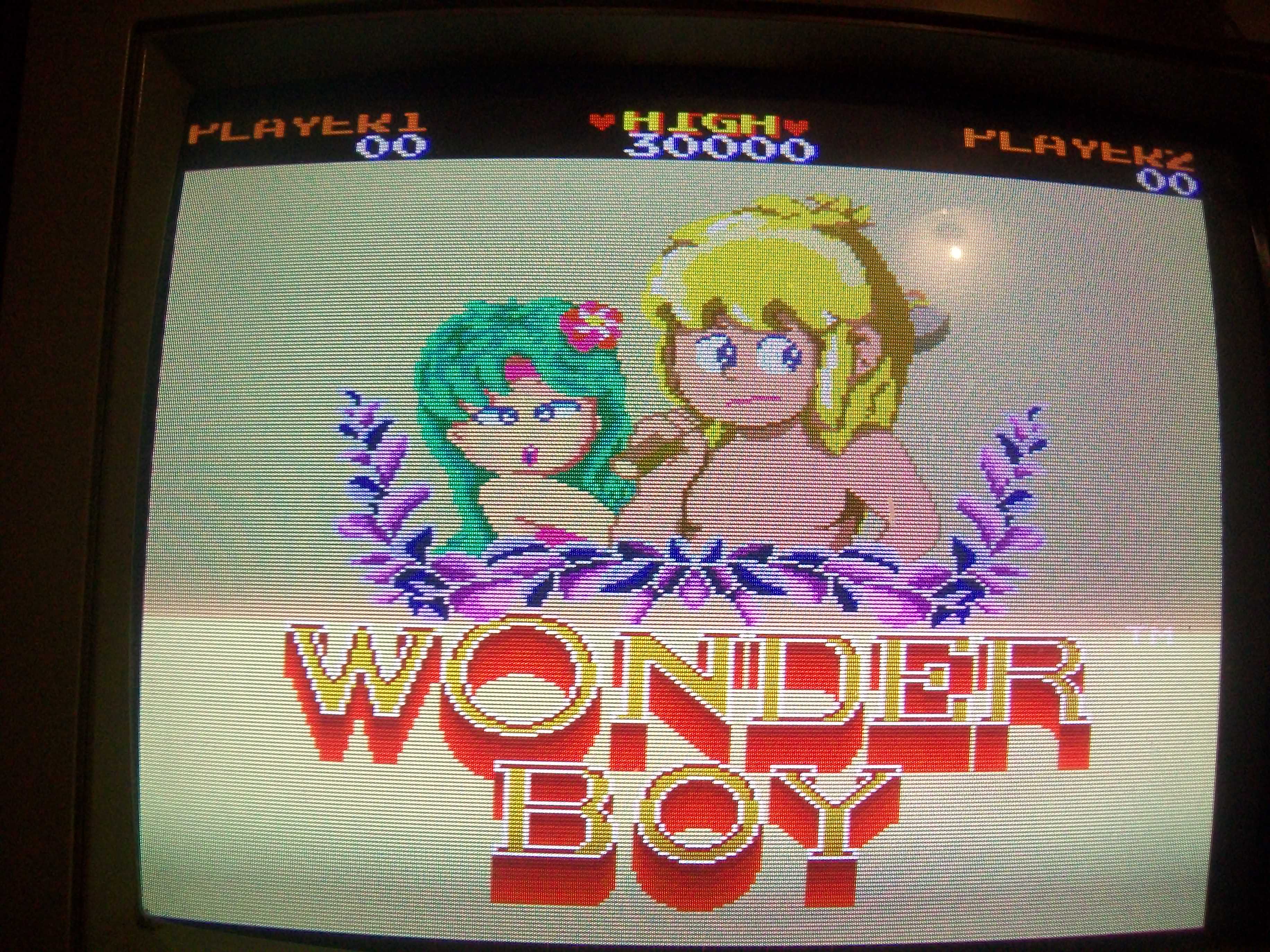
Got this Wonder Boy (on Sega System 1A board revision) for a repair:
On boot I was greeted by this static garbage screen:
Main Z80 CPU had /HALT line asserted and no activity on data bus.I dumped the program ROMs and they were good.So I thought this was a good chance to use my Fluke 901A troubleshooter.According to memory map in MAME source the WORK RAM lies from 0xc000 to 0xcfff of the Z80 address space:
AM_RANGE(0xc000,0xcfff)AM_RAMAM_SHARE("ram")
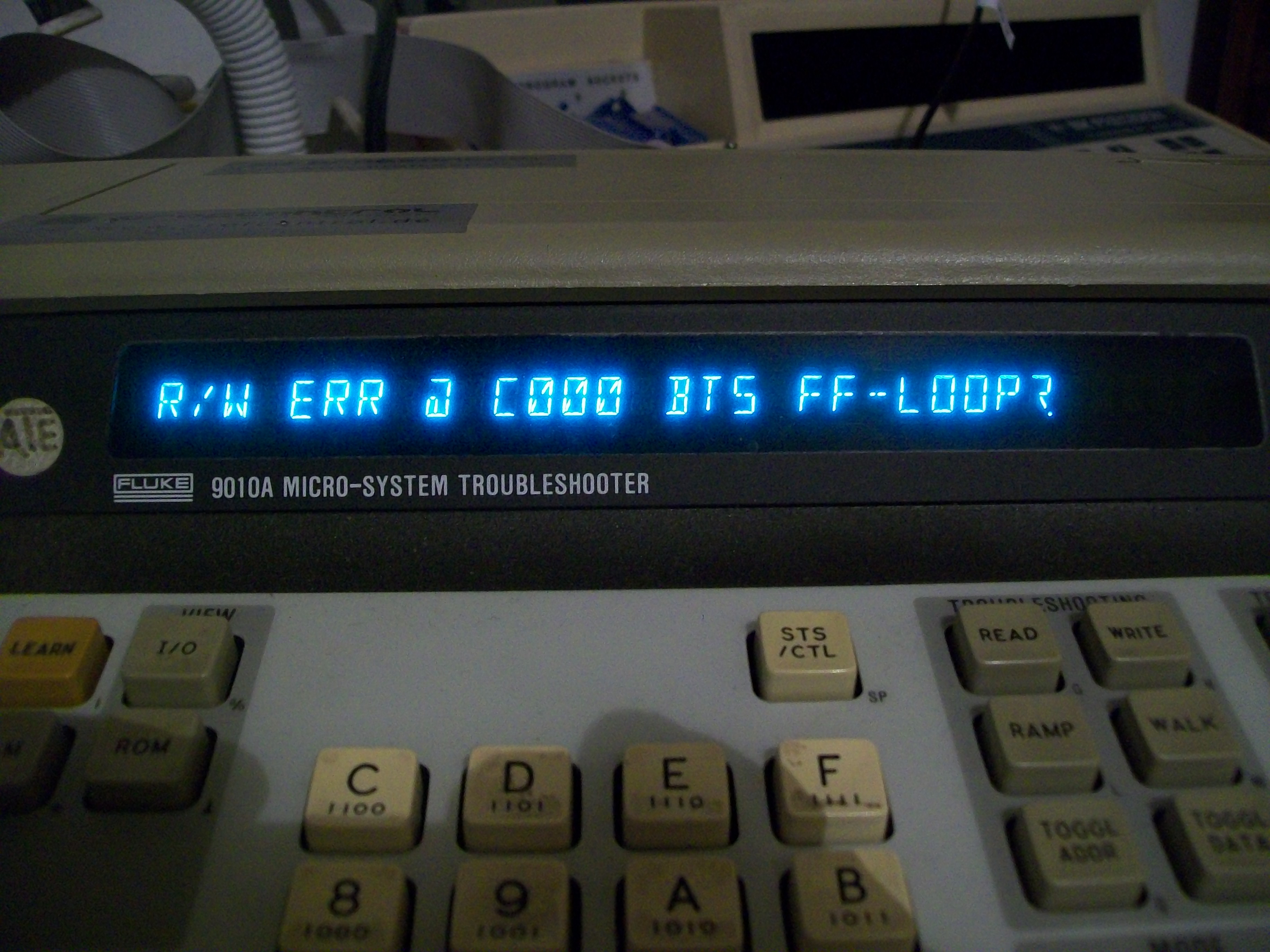
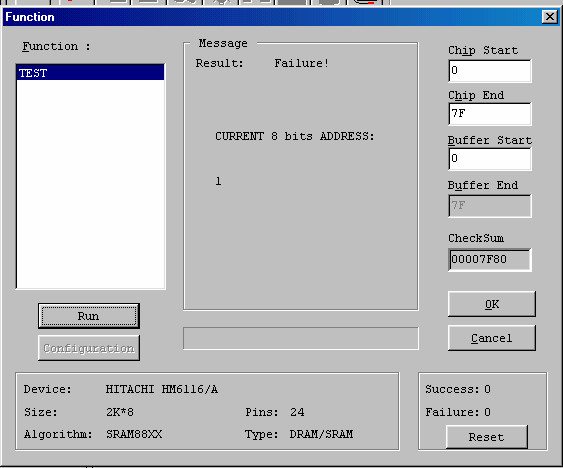
When I ran a long RAM test I got an R/W error at the beginning :
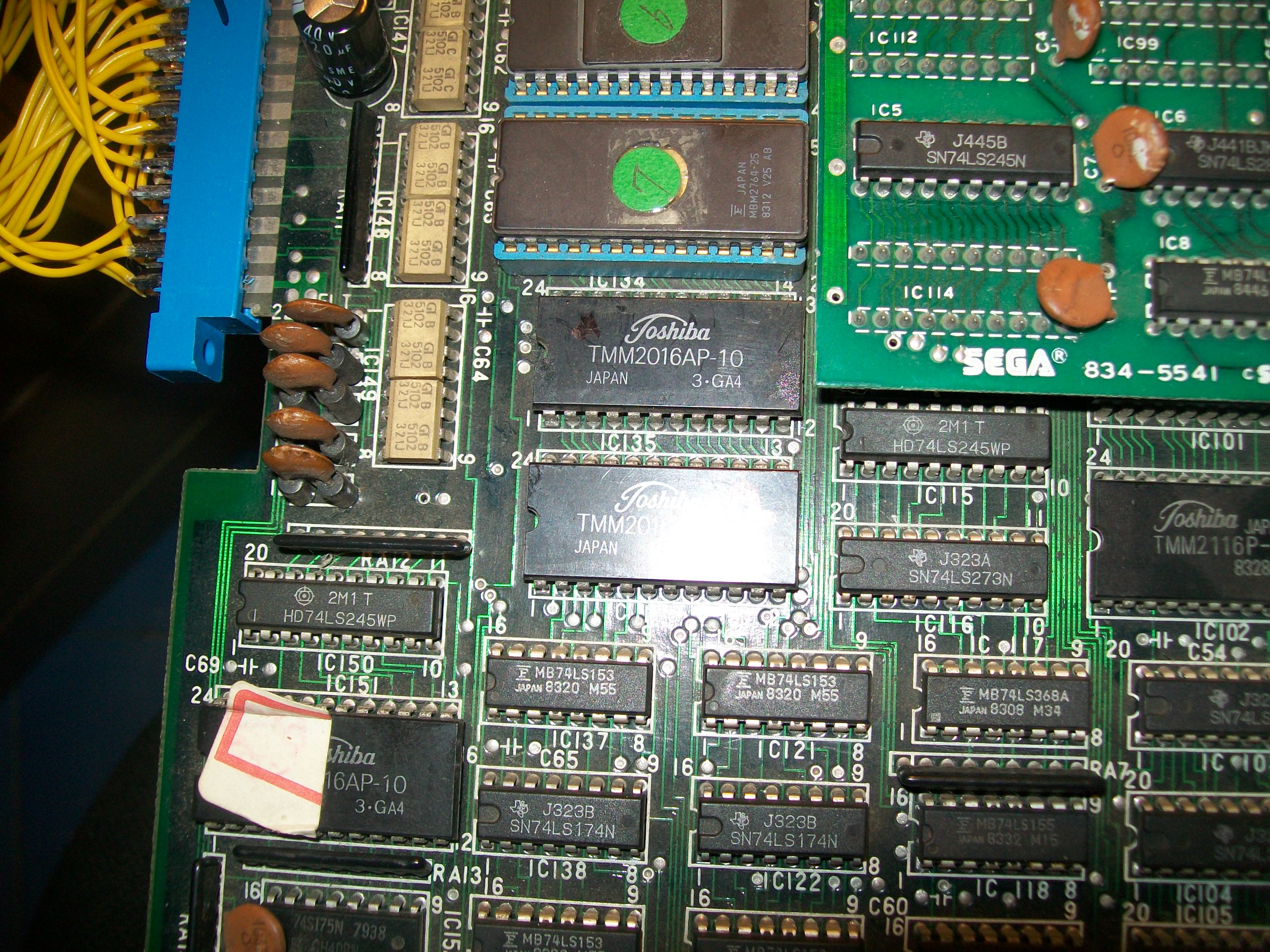
The WORK RAM is in form of two 2016 chips @IC135 and IC136 (so each one is 2K or 0x7ff in hex) :
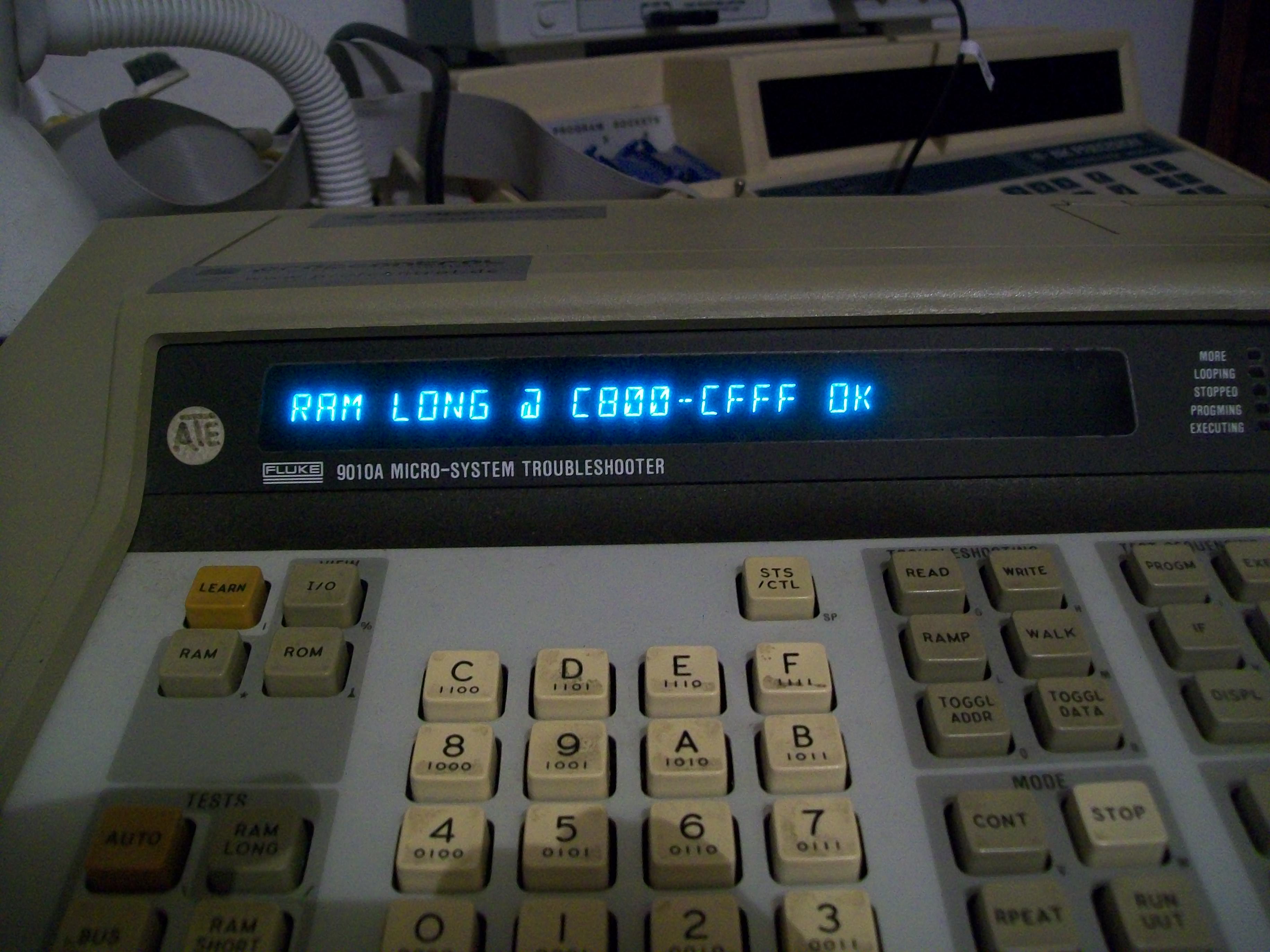
So I performed a test from 0xc800 to 0xcff which was successfully accomplished:
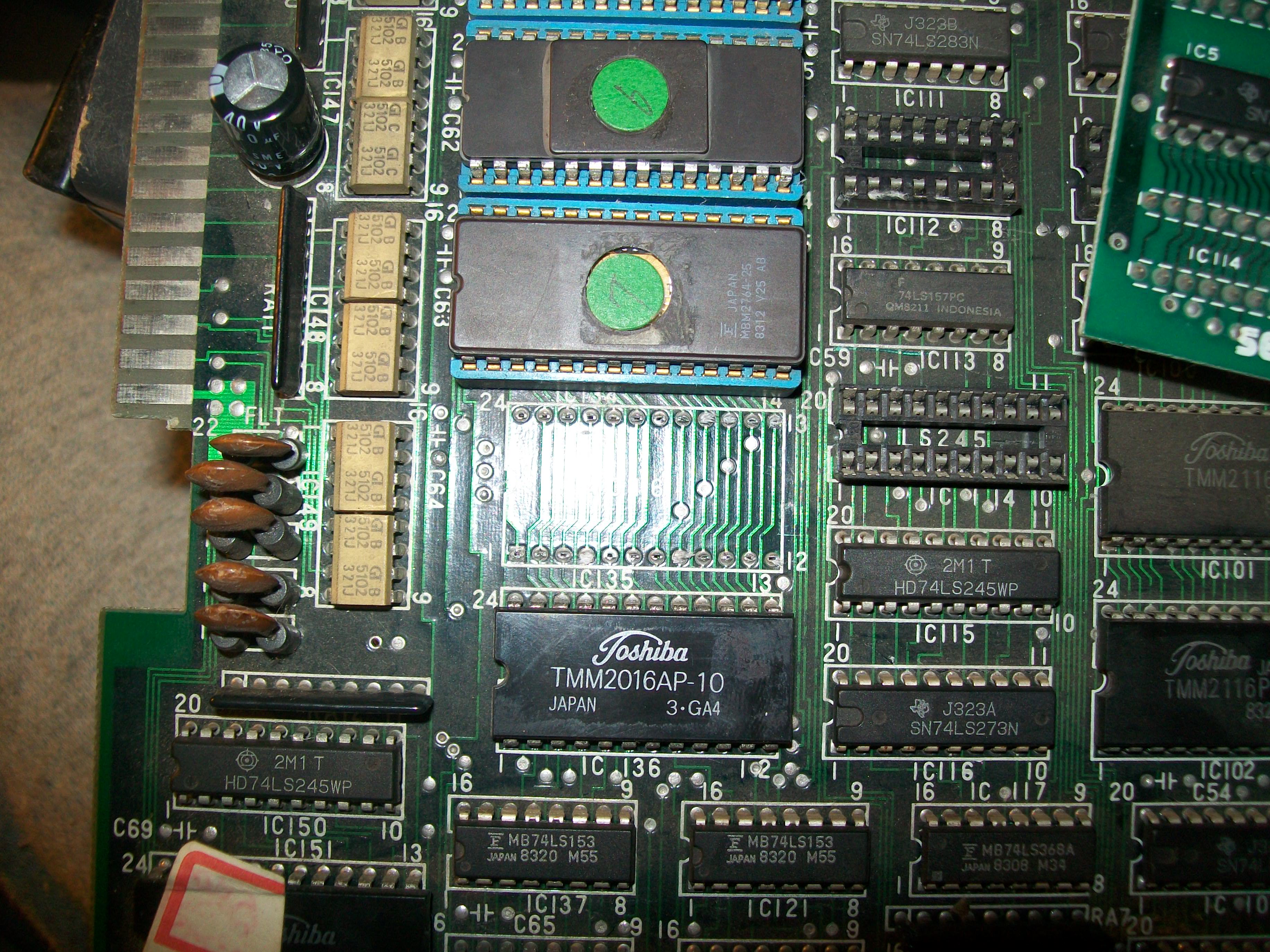
This meant the chip lying from 0xc000 to 0xc7ff had to be bad (the 74LS245 between the data bus of Z80 and RAMs were good since bus is shared among the two RAMs).I hooked up the Fluke probe and looping a write of some values I could identify which RAM chip lies in which address range.The one @IC135 lies from 0xc000 to 0xc7ff while IC136 from 0xc800 to 0xcff.As further proof, I wrote random values in some memory locations from 0xc000 to 0xc7ff and reading them back they didn’t match the written ones meaning the memory locations were faulty.So confident I removed the RAM @IC135:
It failed miserably when tested out-of-circuit:
Fitted a socket and a good chip and board sprang to life with no issue.Another classic game preserved.
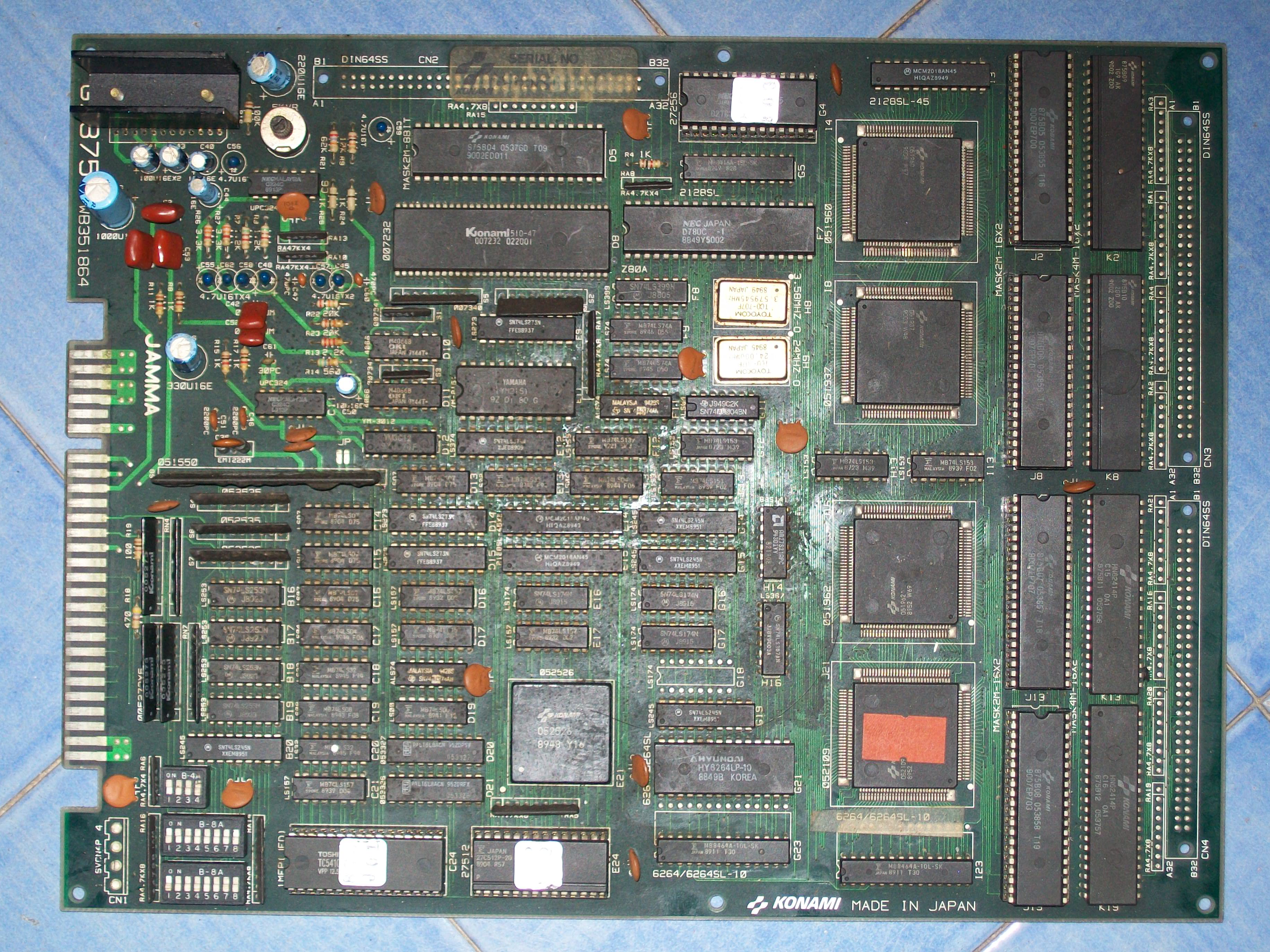
Got this Aliens PCB for a repair.Board was not in great shape, quite dirty :
When I powered it up I was greeted from this screen repeating in an endless loop sign that board was watchdogging:
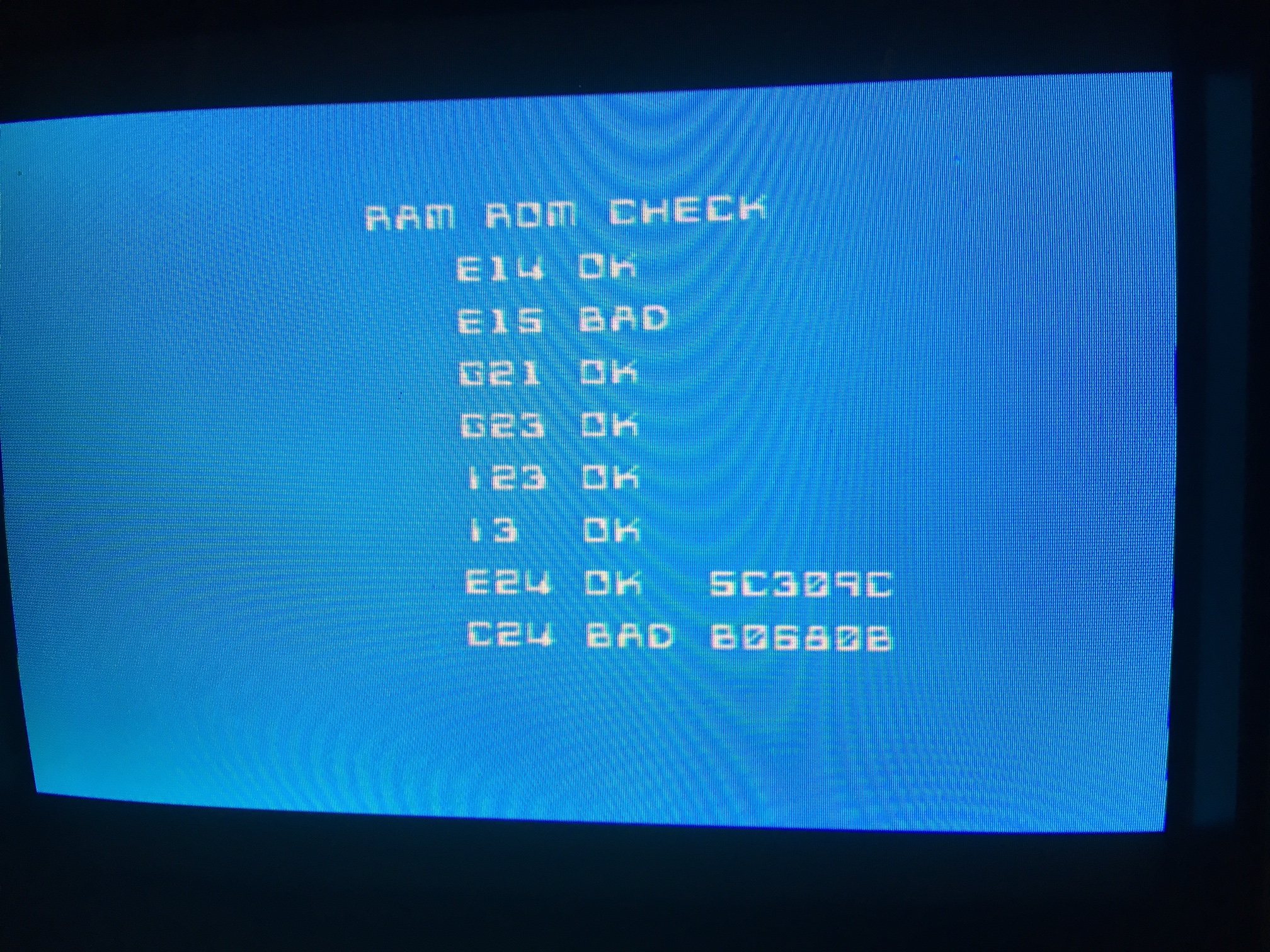
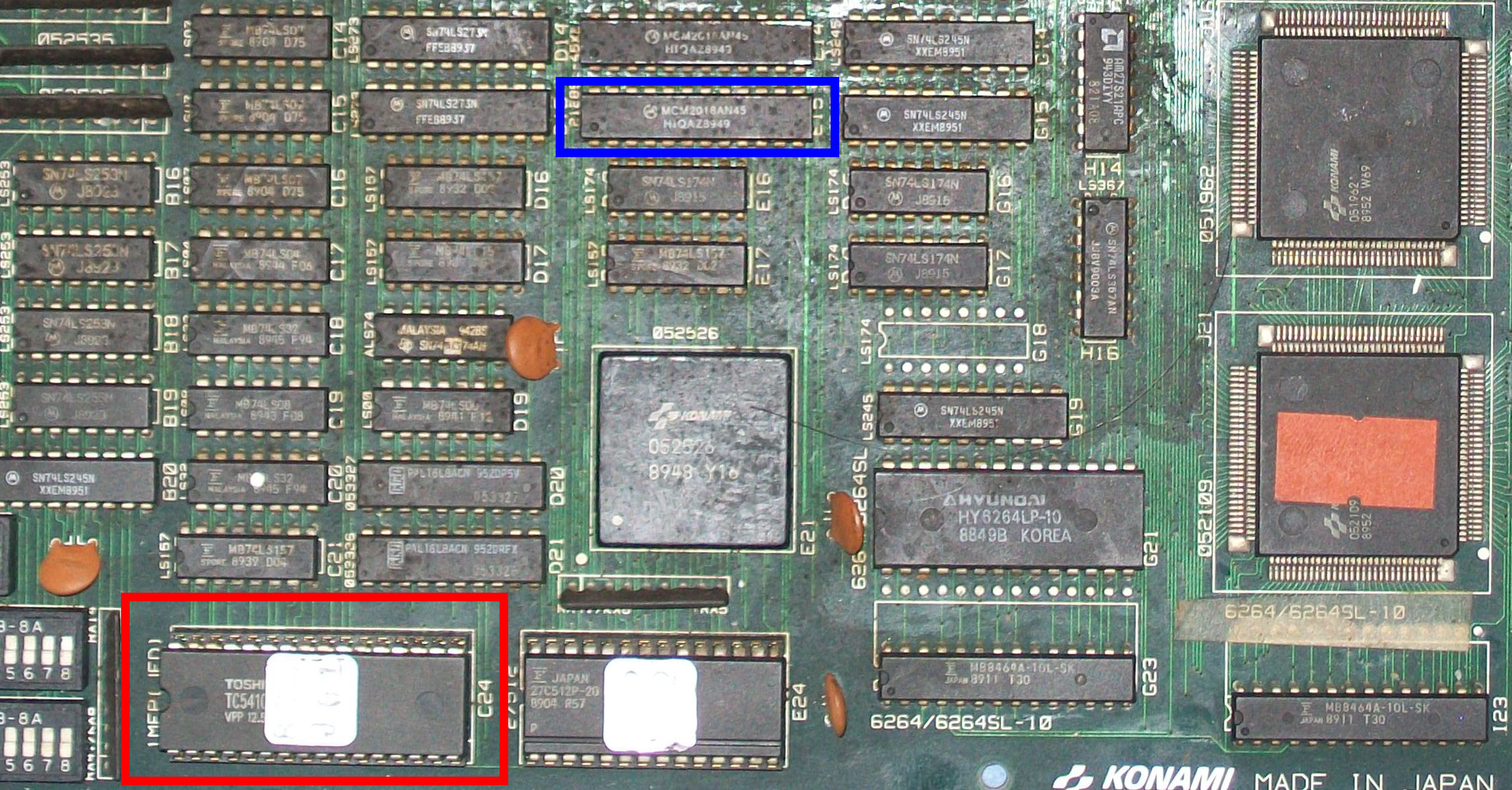
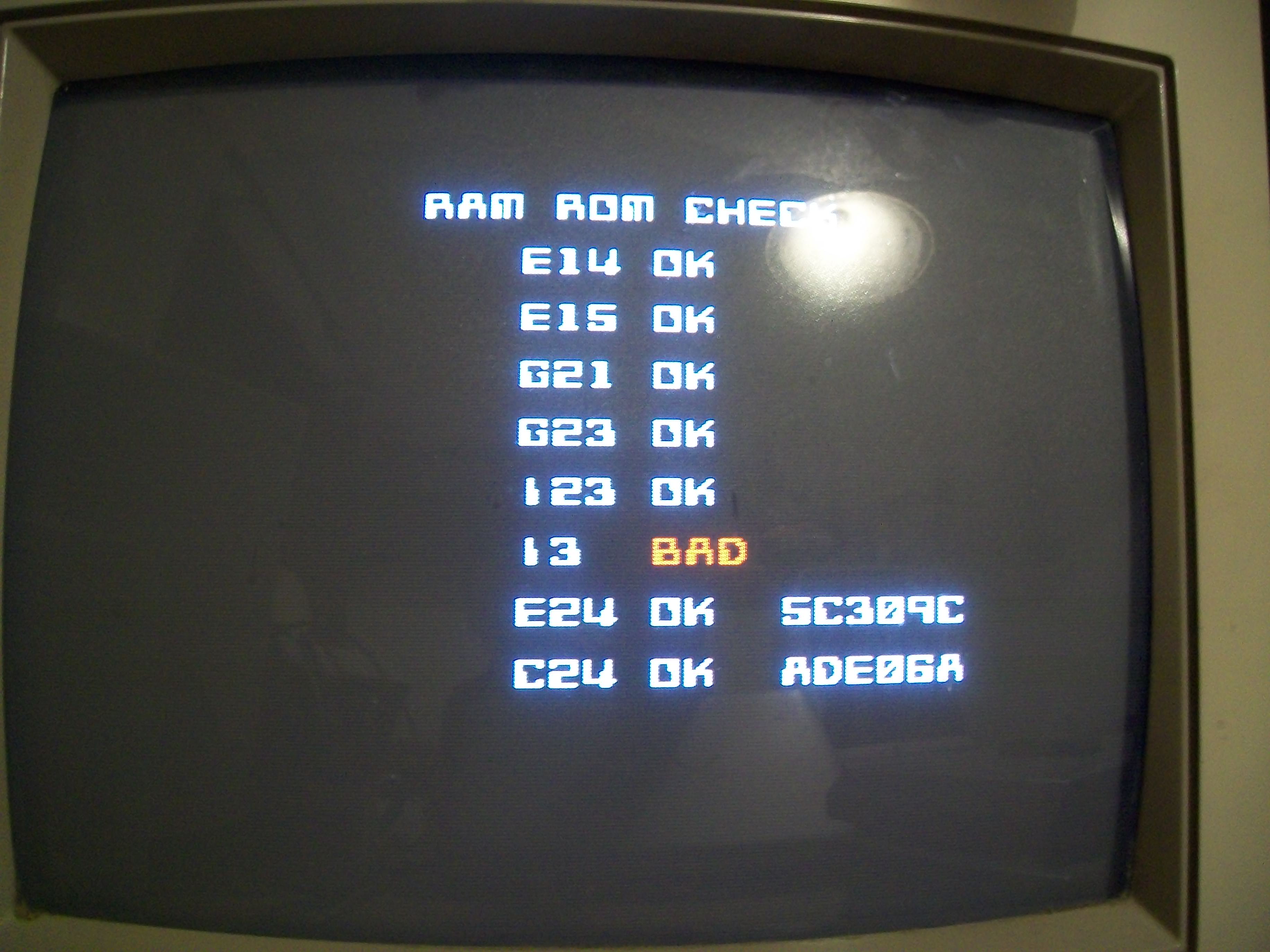
The self-test reported two bad devices, in the case a 1Mbit MASK ROM @C24 contaning program code and a 2018 palette SRAM @E15 :
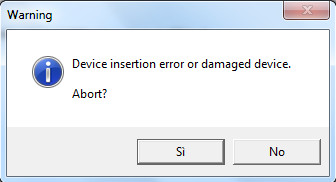
I dumped the MASK ROM and my programmer warned about a possible damage of the device:
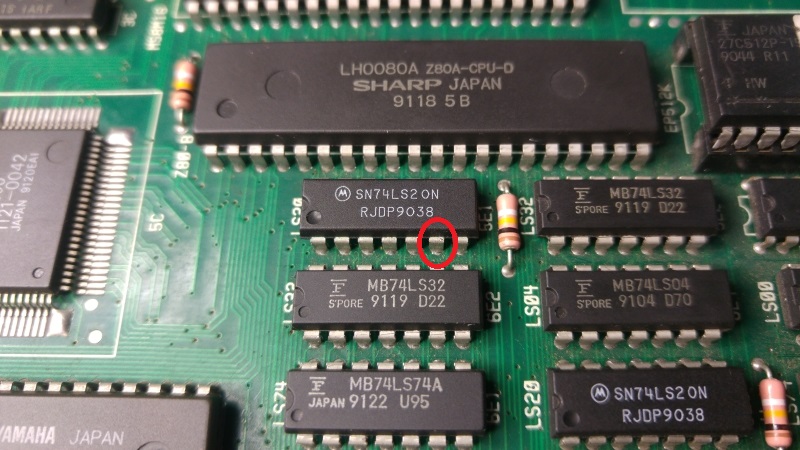
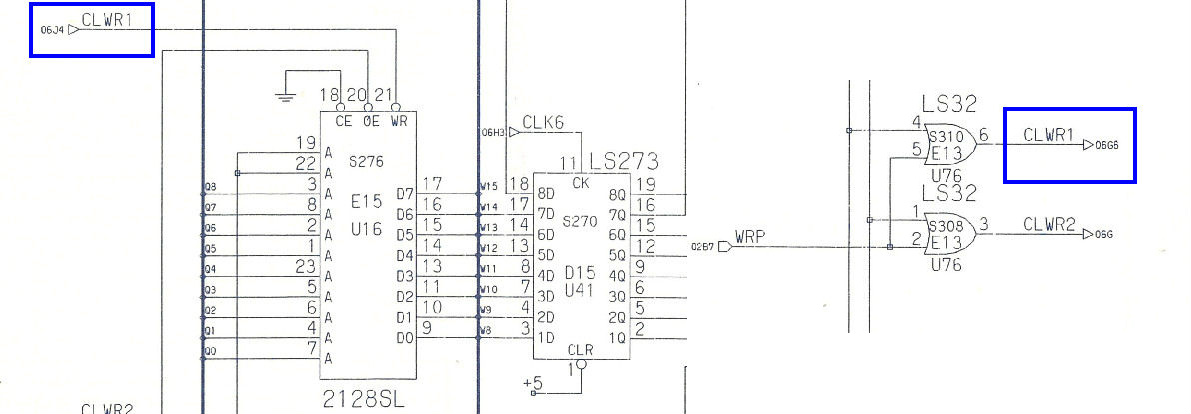
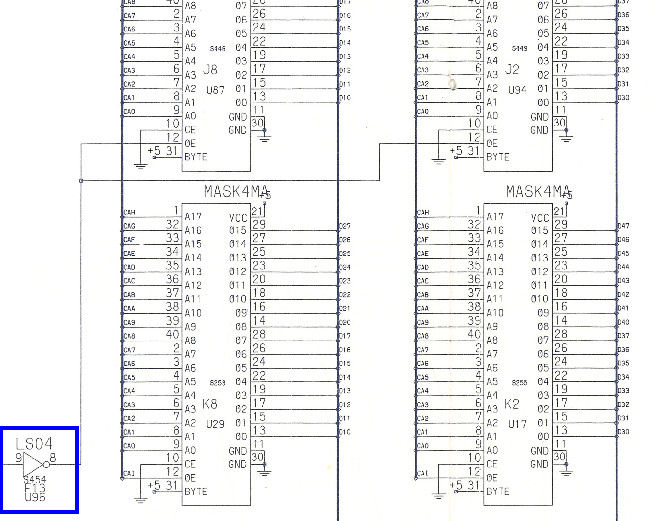
I programmed an EPROM replacement and at same time replaced the palette SRAM @E15.The error @C24 was cleared but the SRAM was still reported as bad.Probing it revealed its PIN 21 (/OE) was stuck high.I could trace this signal back to pin 6 of a 74LS32 @E13, this was also confirmed by schematics (thanks again to ‘frsj8112’ for providing them)
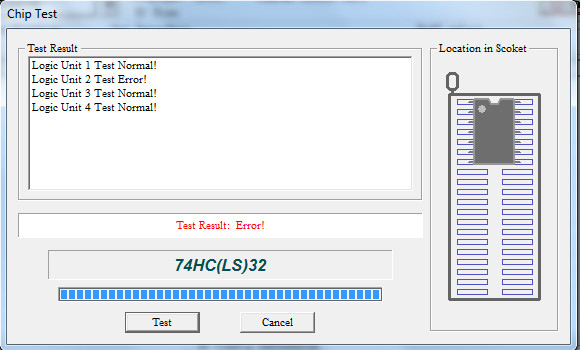
I desoldered the 74LS32 and it failed when tested out-of-circuit (in gate n°2/pin 6, indeed):
In this way I could succesfully pass the self-test and enter in game:
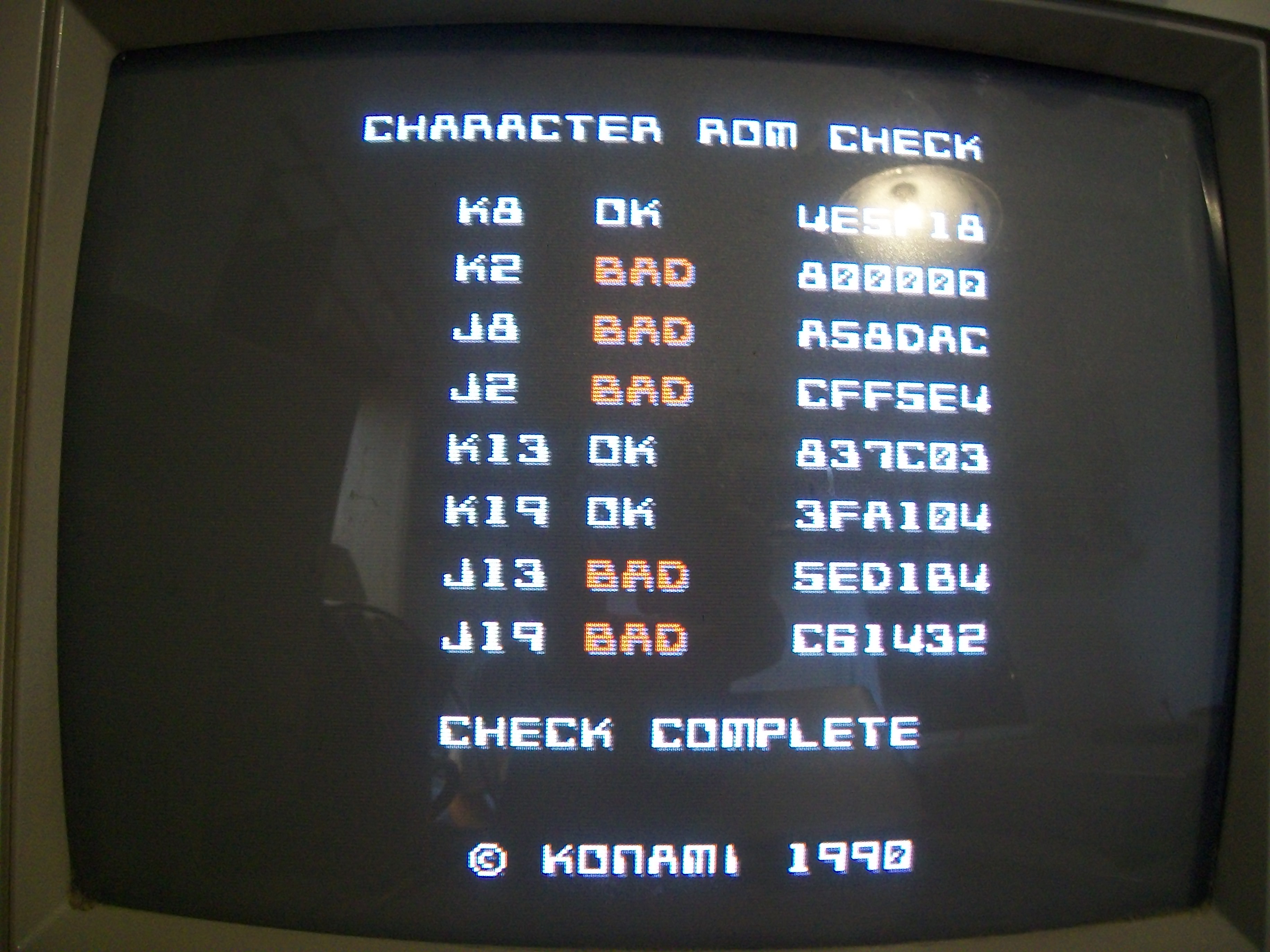
Some backgrounds and sprites were corrupted so I launched a MASK ROM check which reported bad devices:
Dumping them revealed they were really bad except for the ones @J2 and J8 which were good.I replaced them with 27C400 EPROMs.While I was doing my tests another RAM suddenly failed :
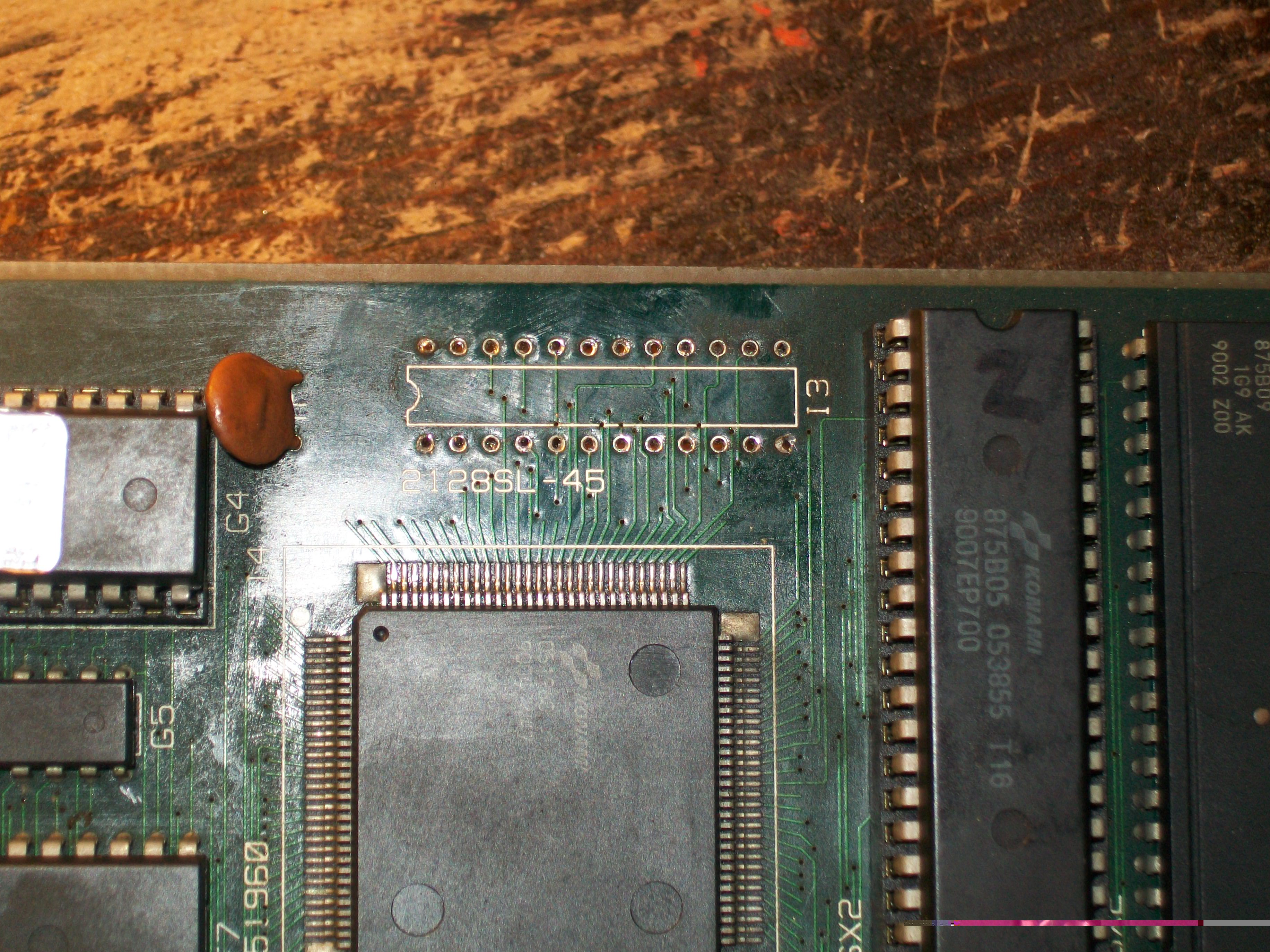
I promptly replaced it:
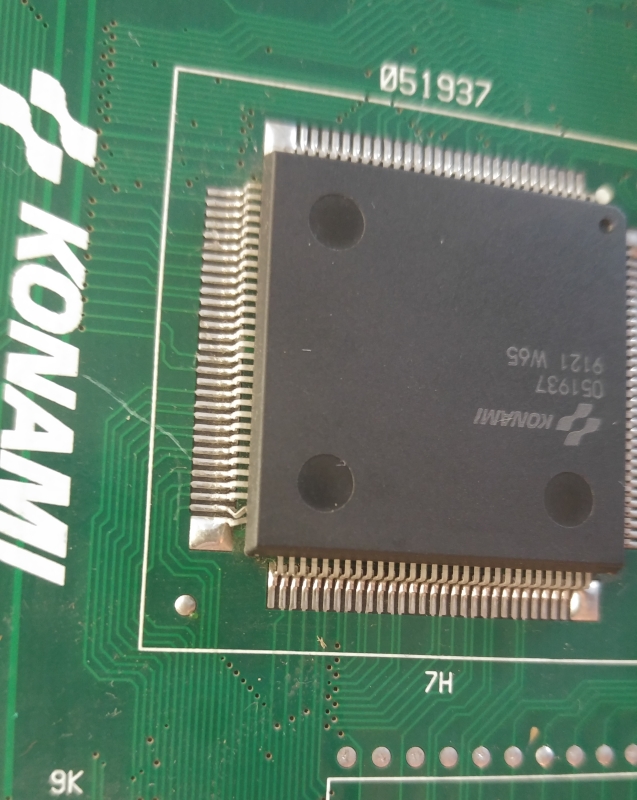
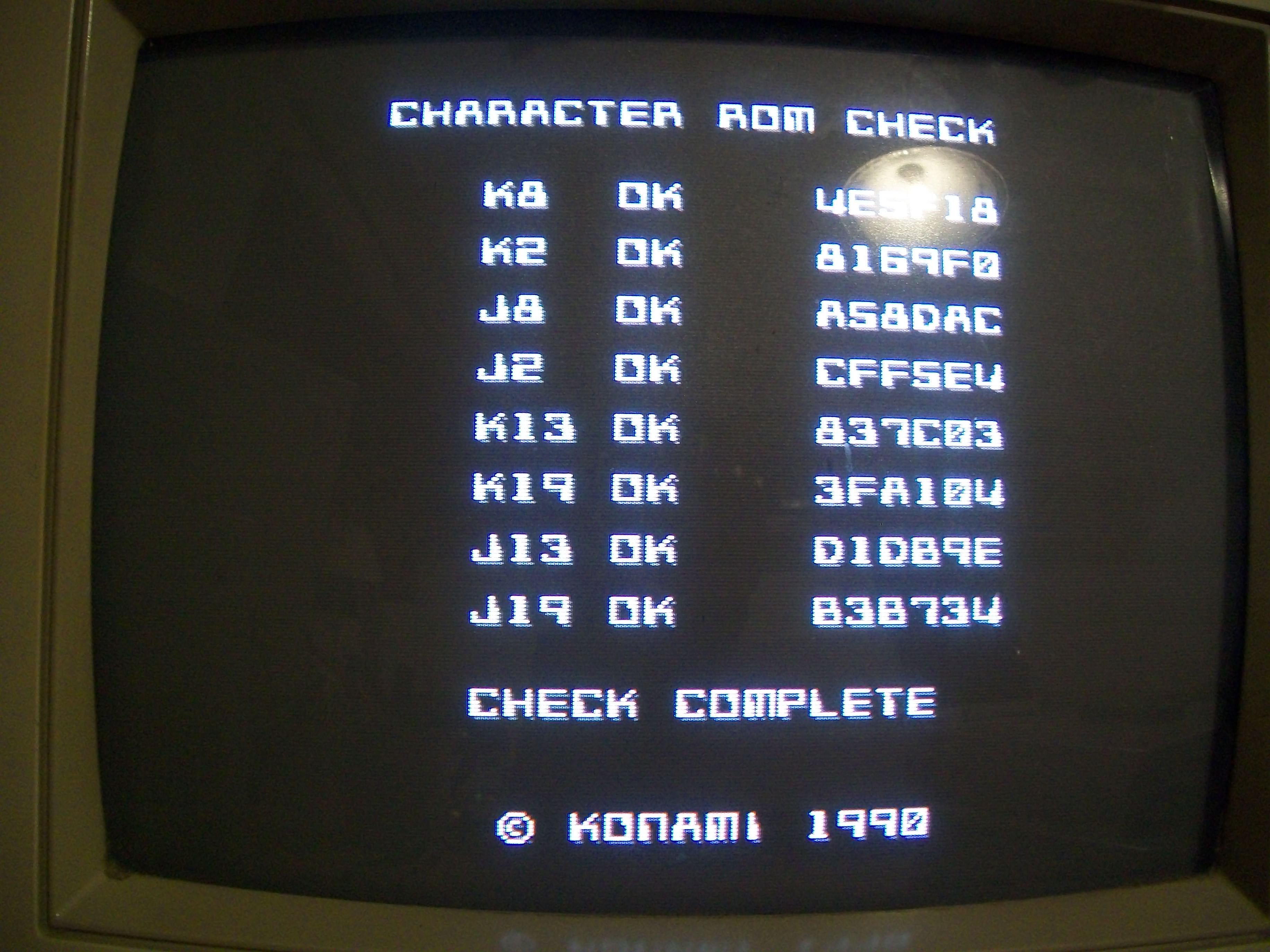
After reflowed the two custom ASIC sprites generator ‘051960’ and ‘051937’, MASK ROM check reported all devices as good:
Backgrounds were perfect but some sprites were still garbled
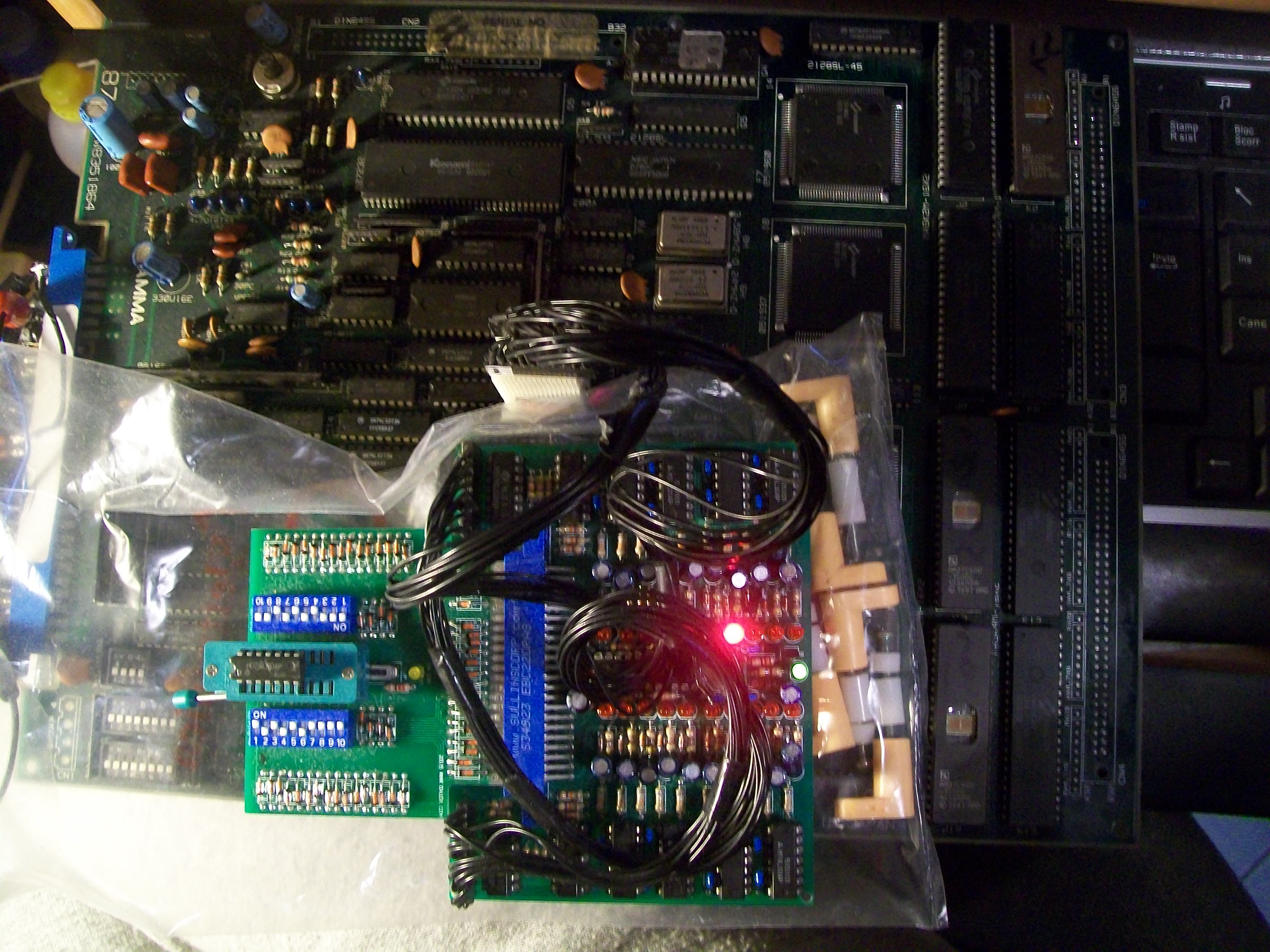
Since the sprites MASK ROMs were all good and ruled out the two sprites custom generators as well as connections among them, I went to check the control lines of the MASK ROMs.When I probed the 74LS04 @F13 which generates the /OE signal for the devices @J2 and J8 :
my logic compator warned me about a trouble on pin 8:
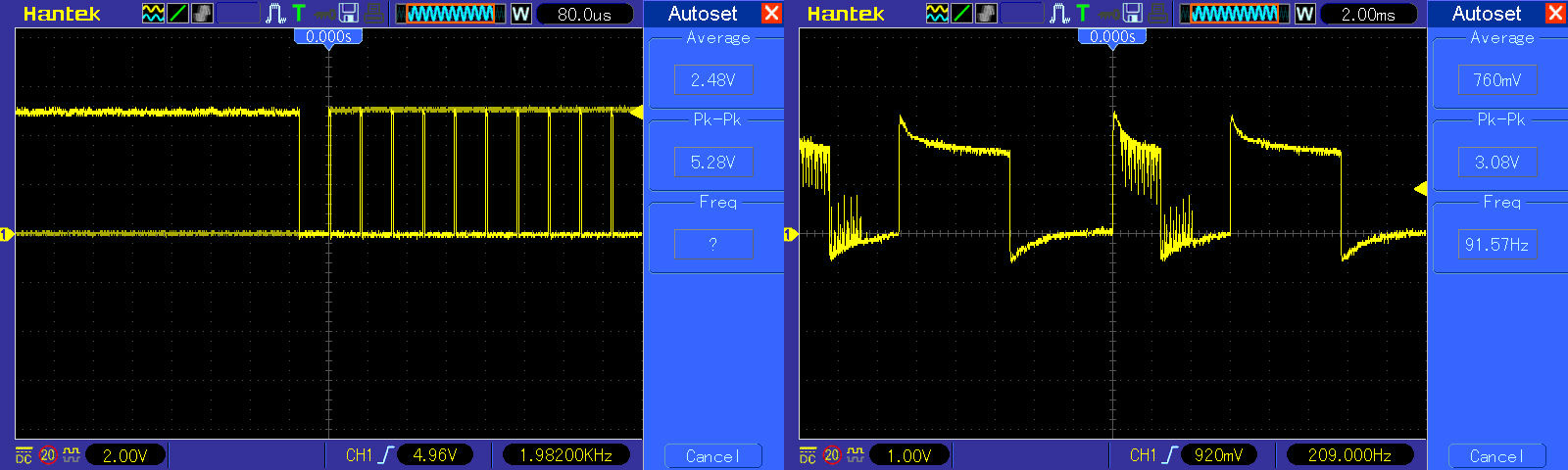
The problem was confimed by the scope (input pin 9 on the left, output pin 8 on the right of the below picture)
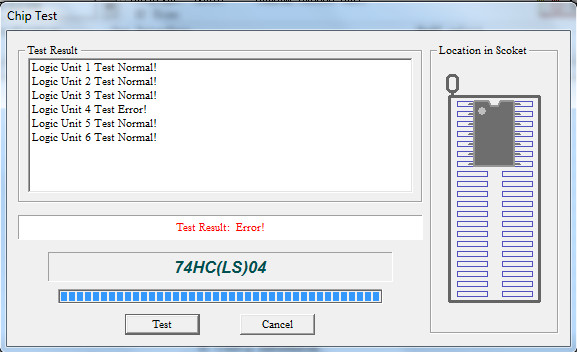
I removed the IC and it failed exactly in the pin 8 (the output of gate n°4)
Fitted a good IC and success!Board completely fixed!It was a long job but it was worth it to save this great classic.Ah, I forgot, obviously the two bad TTLs were from Fujitsu…