SEGA GD-ROM dumping

 Guides  Comments Off on SEGA GD-ROM dumping
Nov 222010
 

I got hold of a Dreamcast broadband adapter and thought id try my hand at dumping some GD-ROM’s.
The process is fairly straight forward but was hampered somewhat by the broadband passport software being in Japanese. There is an English one doing the rounds but I couldn’t source it.
Here is how I managed to get it working:
Load up the Passport software that comes with the adapter
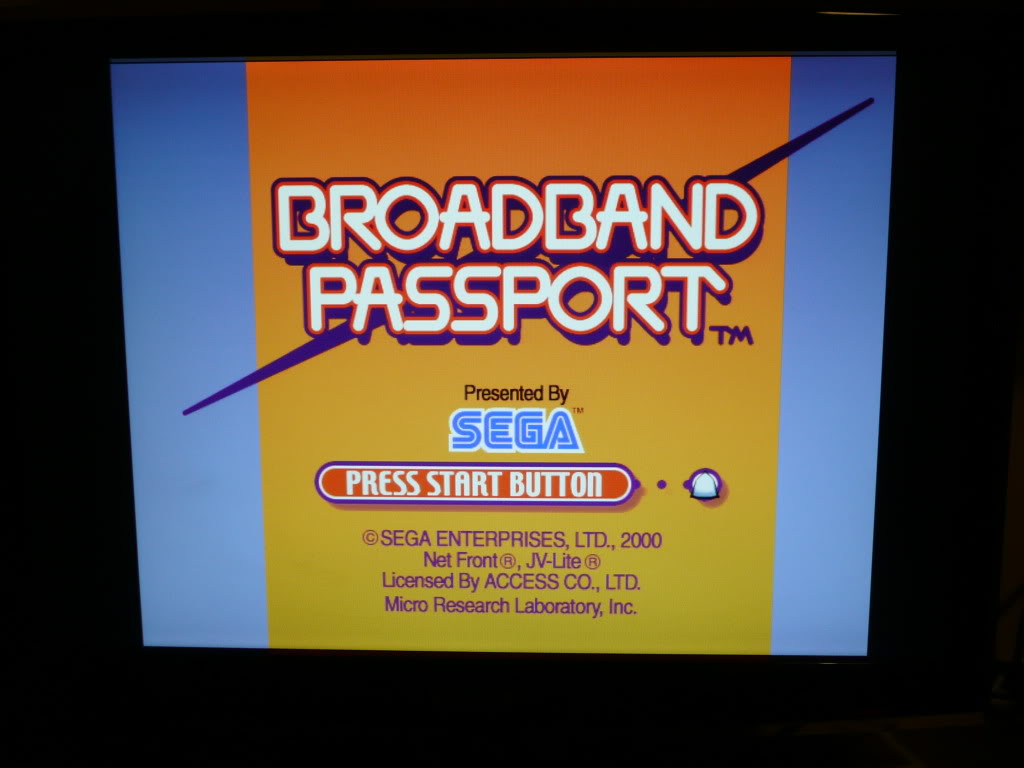
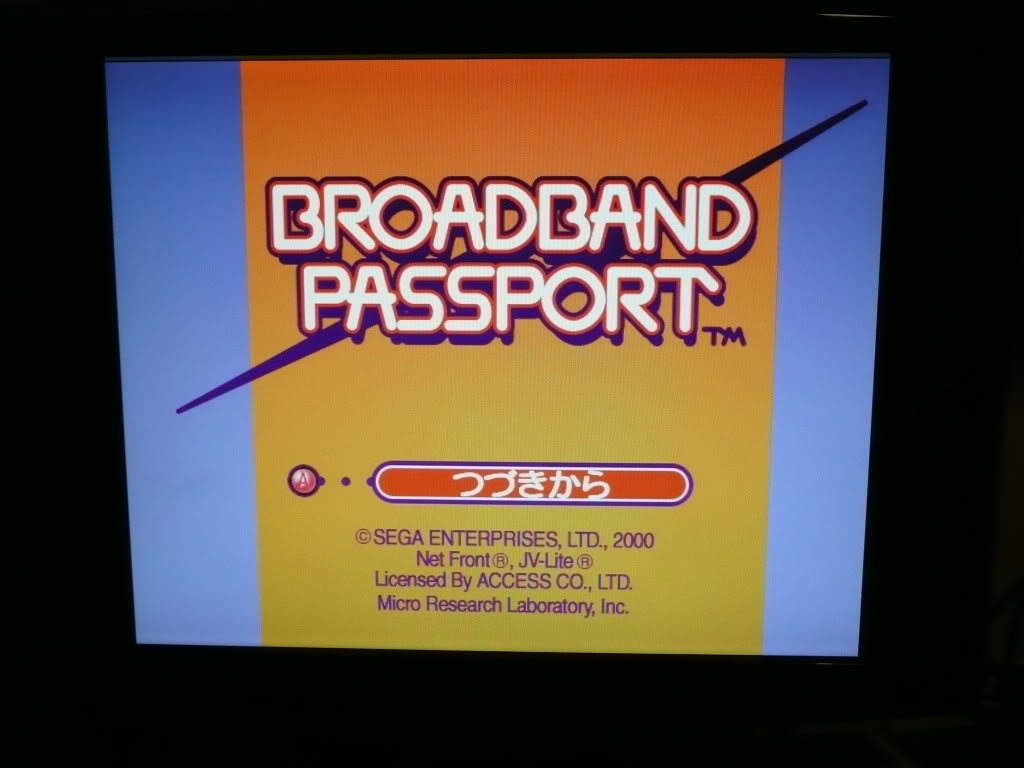
Choose the option second up from the bottom, the picture displayed should be of the DC controller buttons.
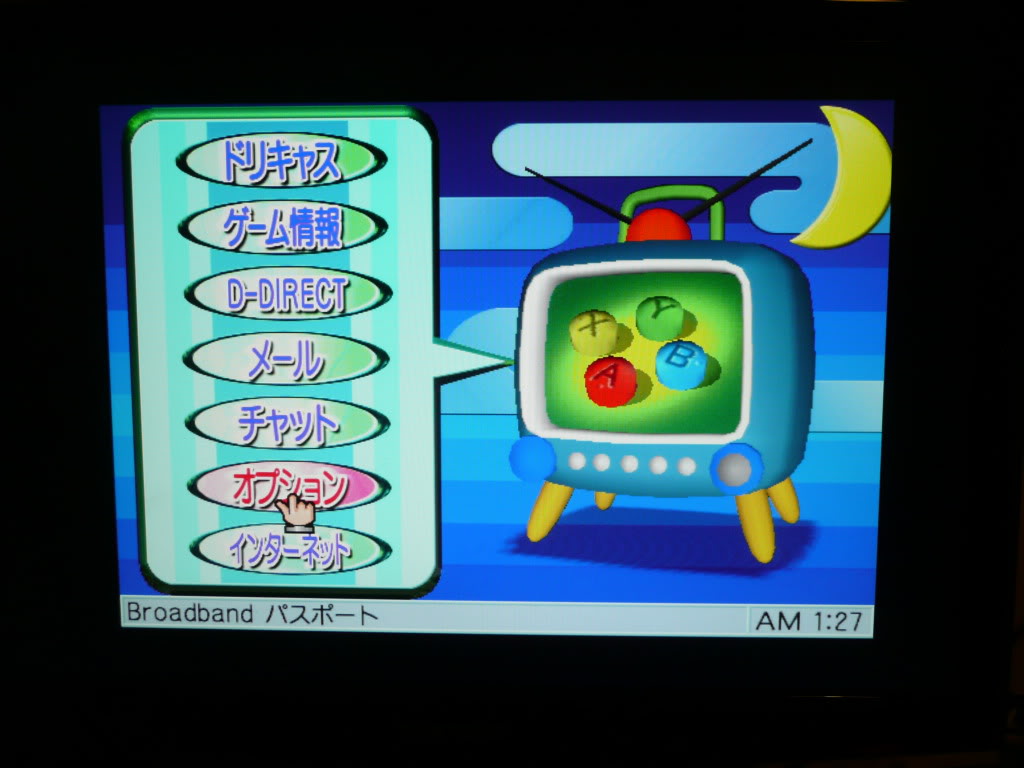
Next, choose the option third up from the bottom. This is the adapter settings page.
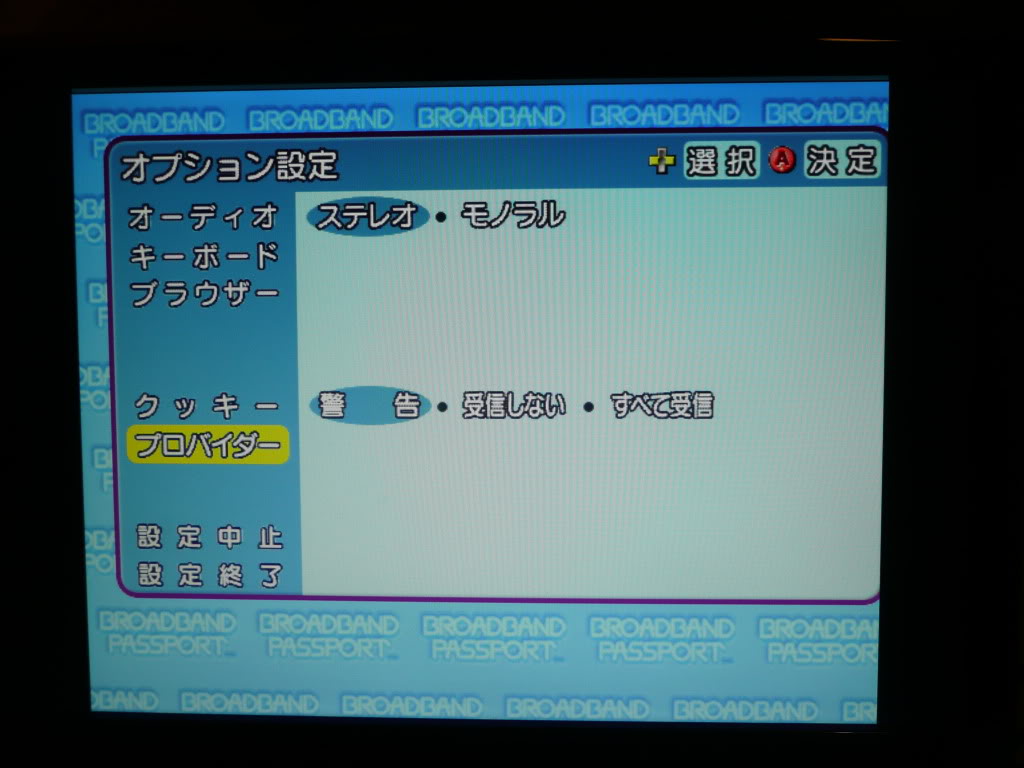
This page you have:
1. The IP address of the Dreamcast
2. The default gateway IP address
3. The subnet mask
4. DHCP address
Fill in the first 3 and leave the last one alone. I am running my setup through a router and it works fine regardless what anyone else may claim.
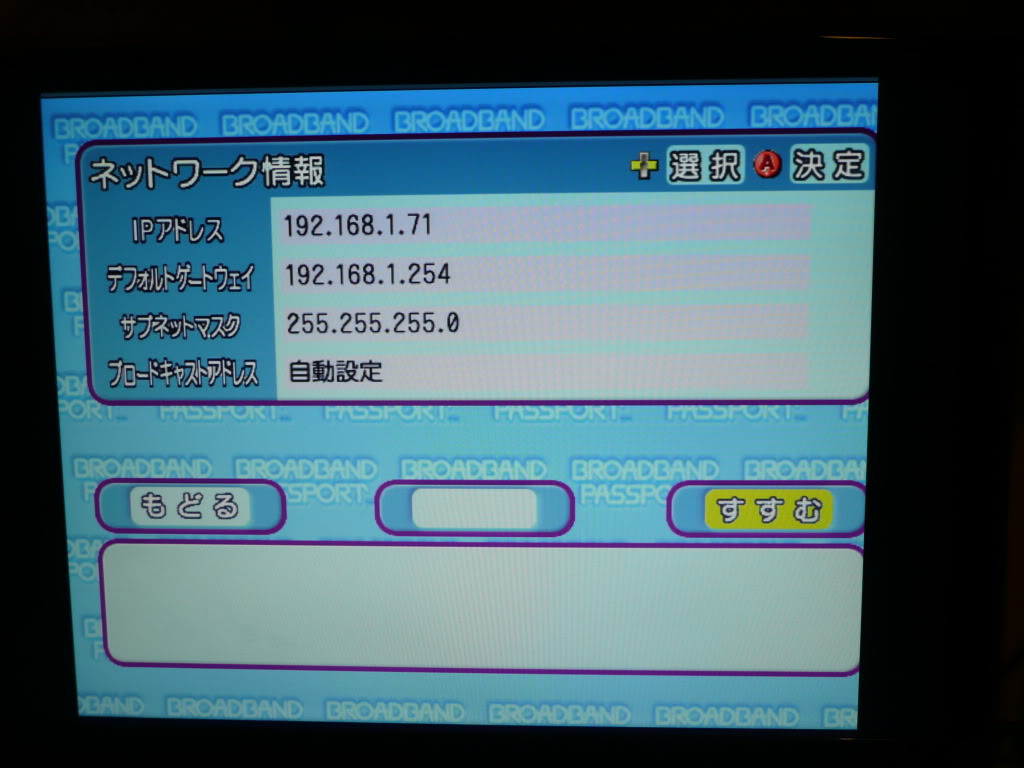
Skip through the next 5 screens using the button on the lower right.
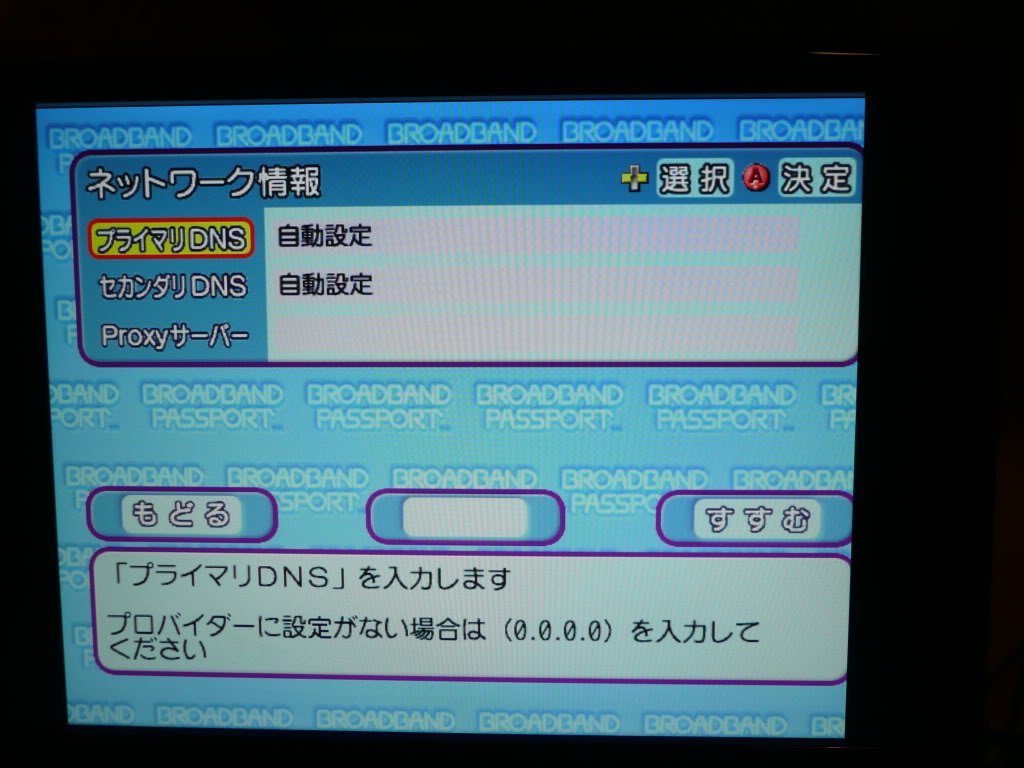
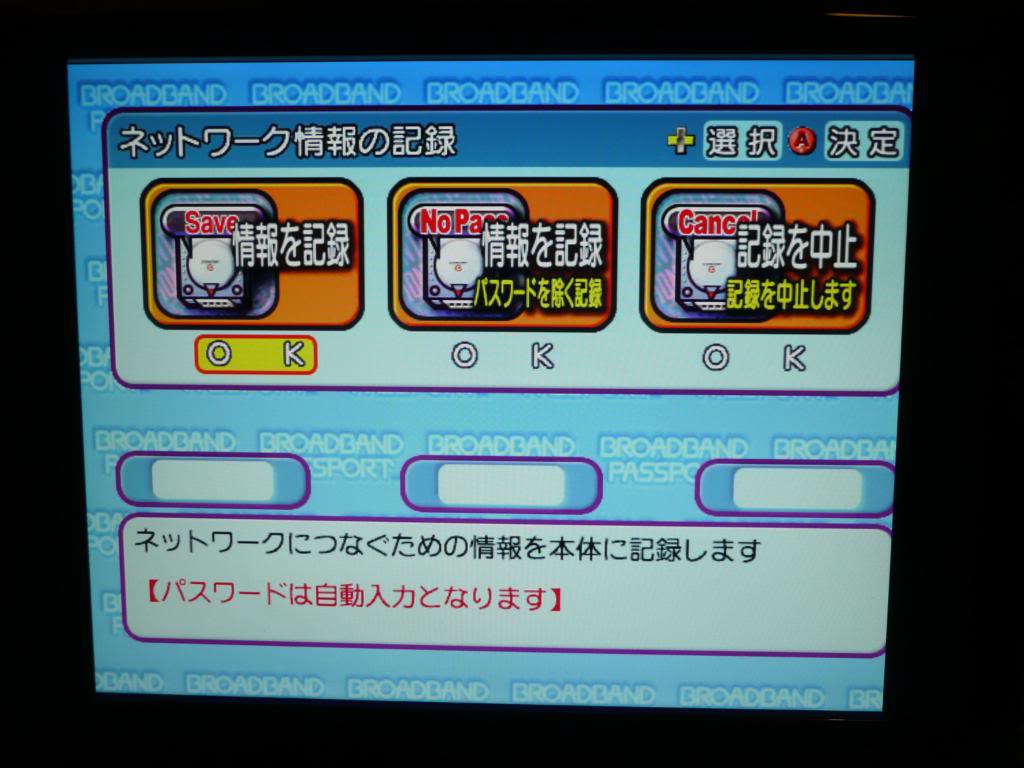
On this screen you are just choosing where to save the BBA settings to. A VM device is not required to save these settings.
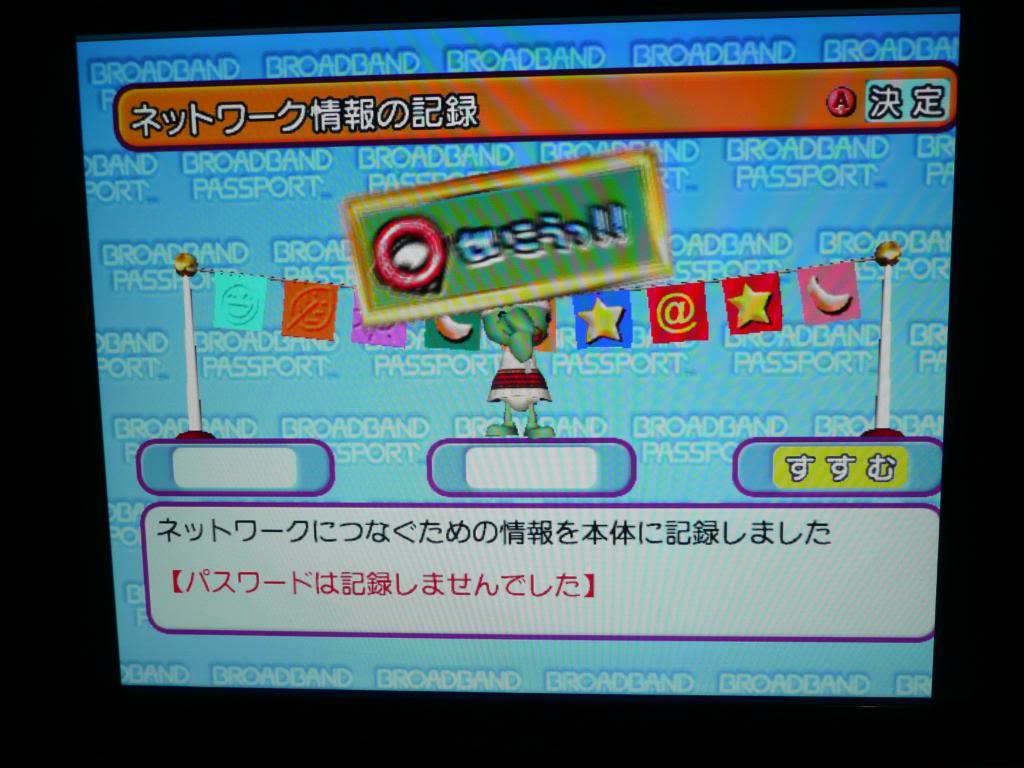
Once that is done you should get this screen telling you everything is completed. You can now eject the disc.
You now need to find a Dreamcast program called “httpd-ack”. Its easily found on the net if you look. Burn this to a CD-R, I use DiscJuggler as it seems to be the standard when burning DC discs. Load it up and you should see a screen like this:
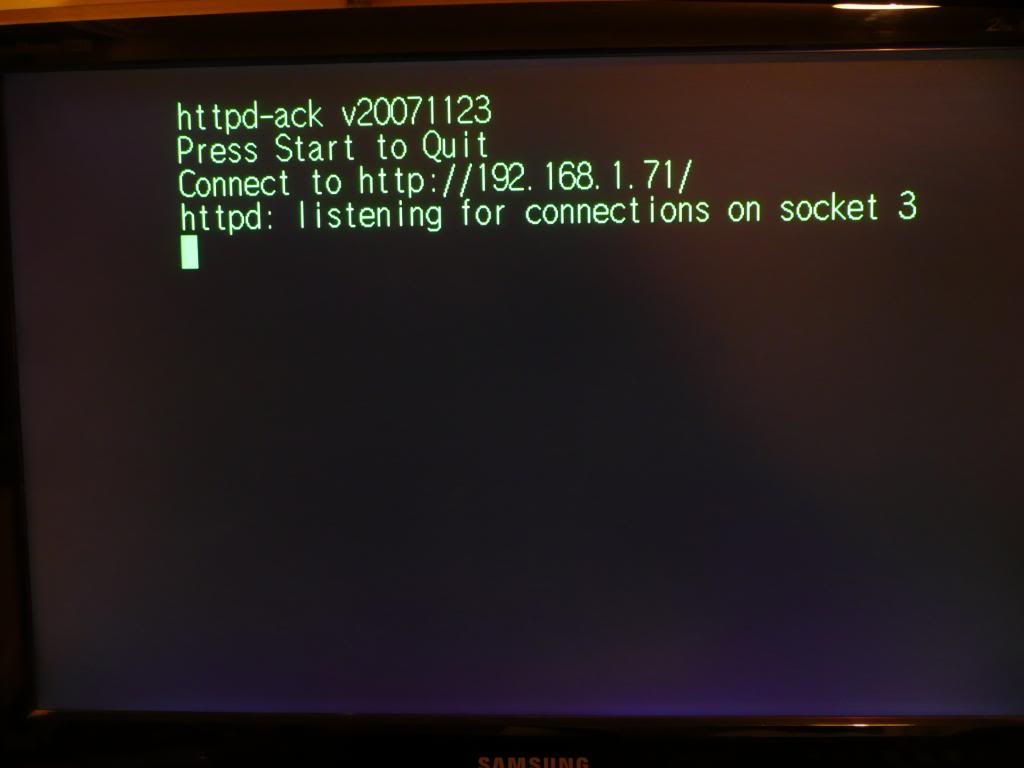
Now what you need to do is load up your browser software on your PC and type in the address you set your DC up to in the previous settings. You should end up with this page:
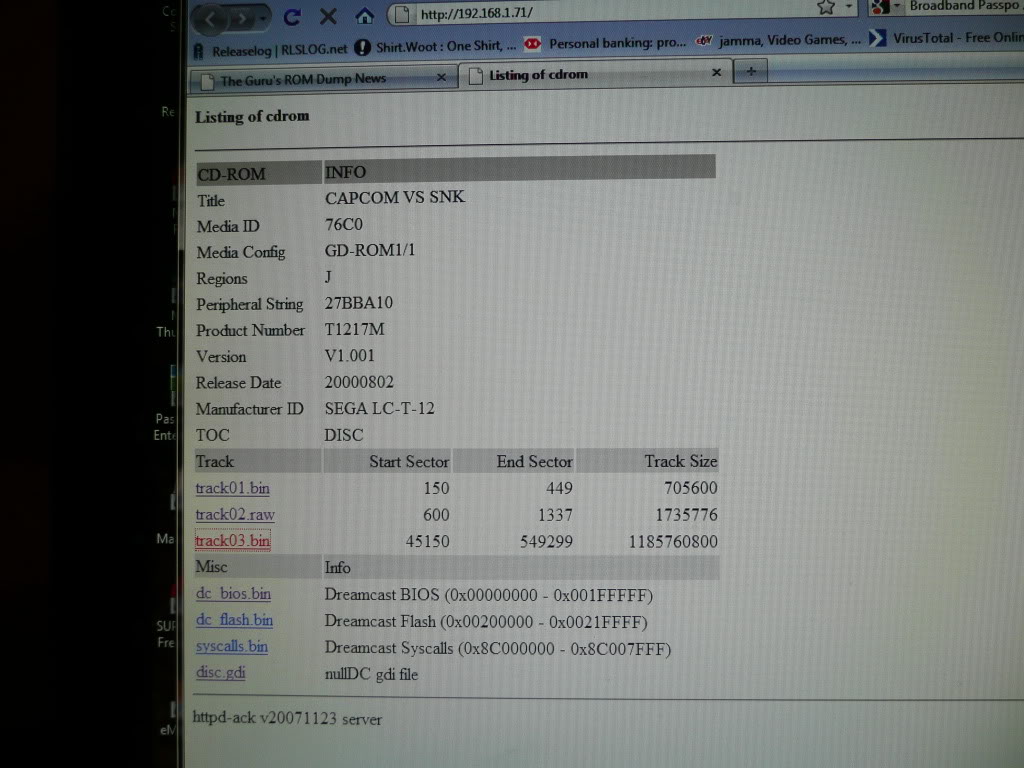
From this point you want to save all the tracks to a directory, this will take approx 20 mins.
I also save the .gdi file too as this is a requirement for MAME Naomi dumps and running in nullDC emulator.

Im guessing this also applies to dumping Triforce games and other GD-ROM based systems too.
 Posted by at 8:47 pm

Mission 660 repair log

 PCB Repair Logs, Repair Logs  Comments Off on Mission 660 repair log
Nov 212010
 

The game was dead on startup but had SYNC.
I checked the primary Z80 on the second board and found the RESET line was totally dead. Traced it back to pin 4 of a 74LS02 @ location 7B. This is a NOR gate and even though both the inputs (pins 5 and 6) were at logic low, the output (pin 4) was dead. Replaced this IC and the game booted

 Posted by at 6:07 pm

CPS2 replacement game labels

 General  Comments Off on CPS2 replacement game labels
Nov 172010
 

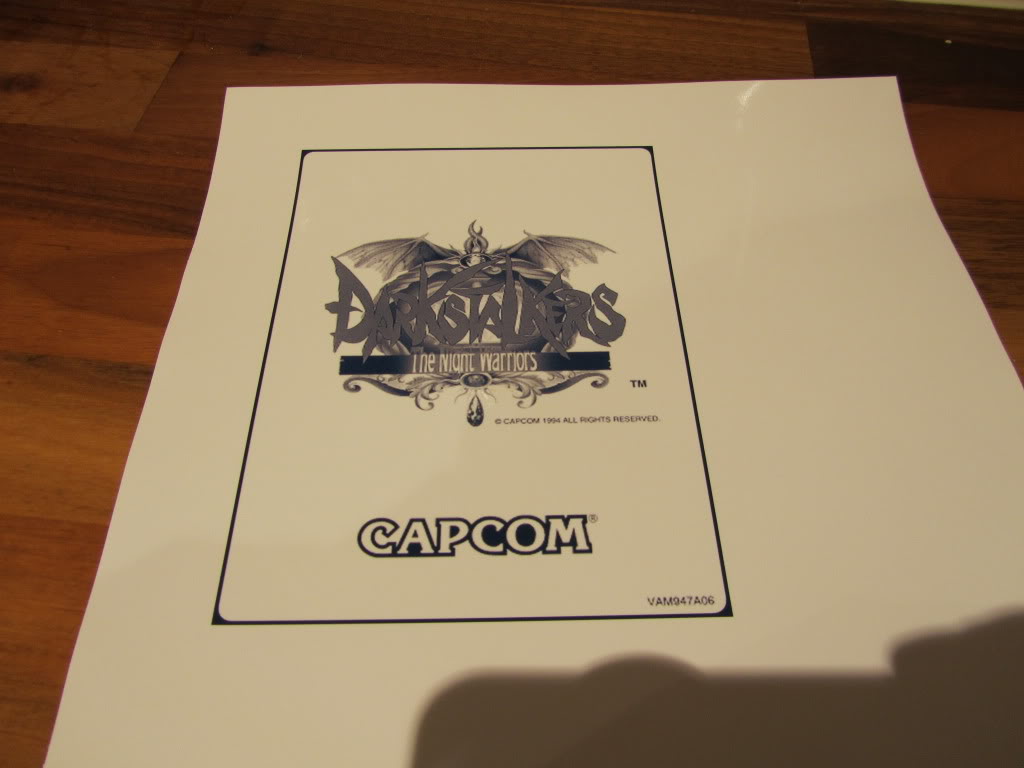
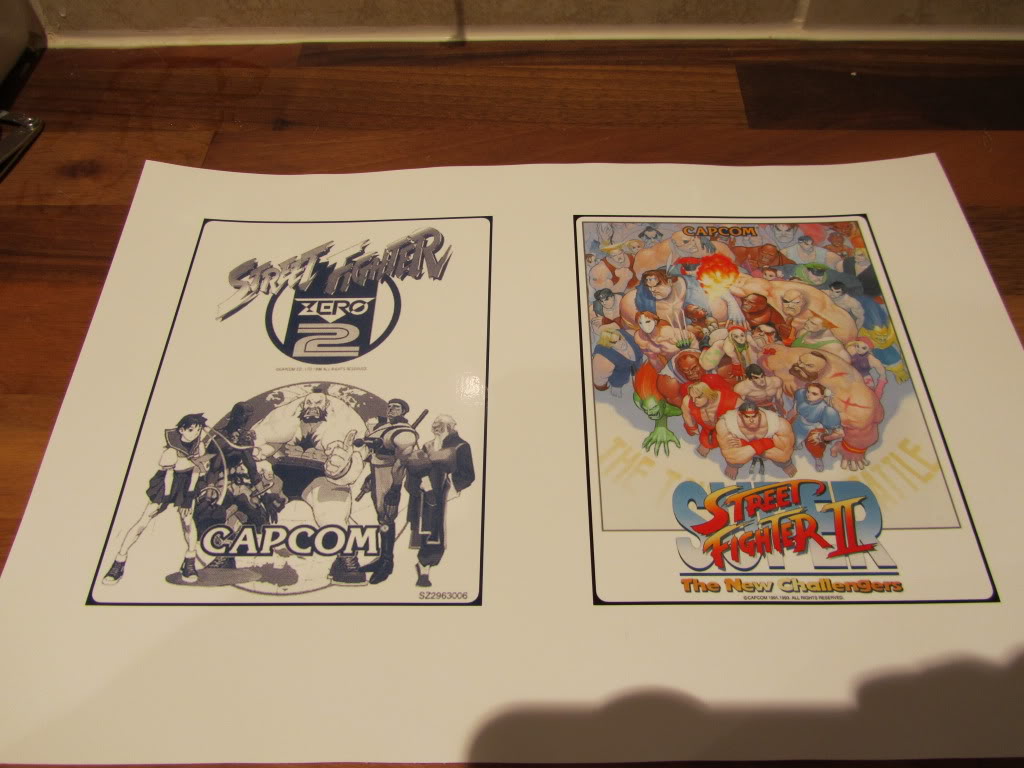
Some time ago I found a collection of CPS2 labels for download. I ordered some sticky backed gloss paper and printed a few off to see what I could do as most of the labels on my games are in a poor state.
The non colour labels on the CPS2 games are usually blue on a white background where as the labels I downloaded were black/grey on a white background. In order to make these look a bit more authentic I ran them through Photoshop and changed the colour for something more suited.
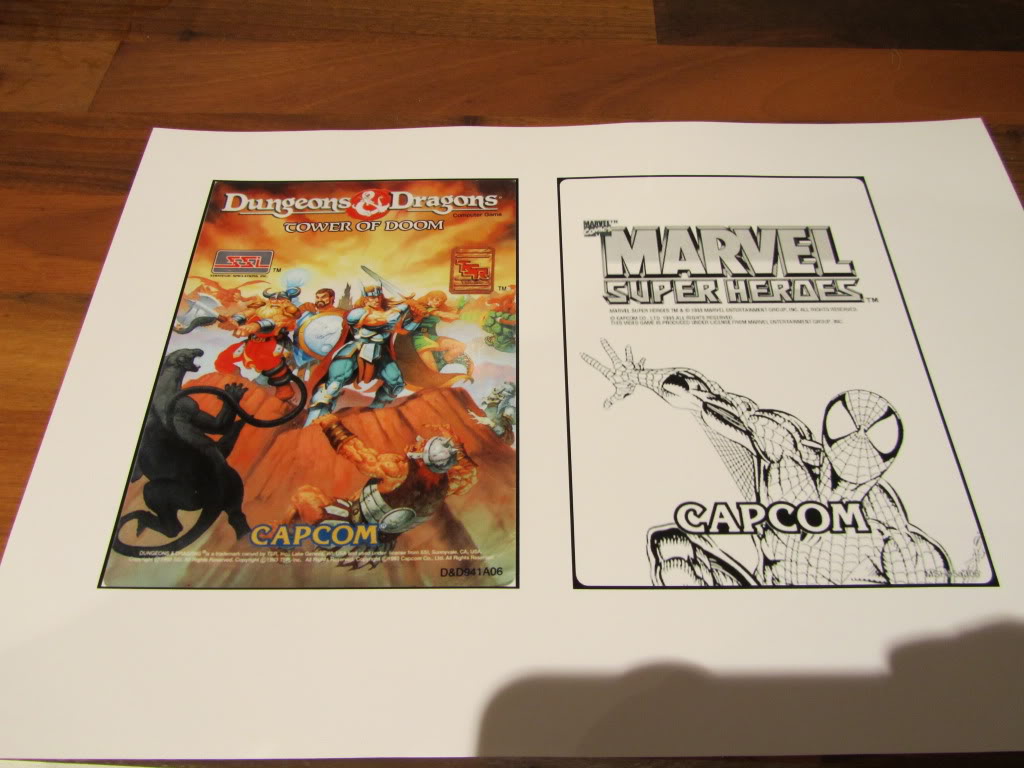
I printed a couple of test subjects out on normal paper just to make certain the sizes were all correct which they were and set off my first print on the gloss paper. The result was very impressive but I had the blue too dark compared to the original. The first picture is the original on the game board, the second is the print out. I struggled with lighting on all these pictures so they arent too good.


The colour labels I have also came out very good.

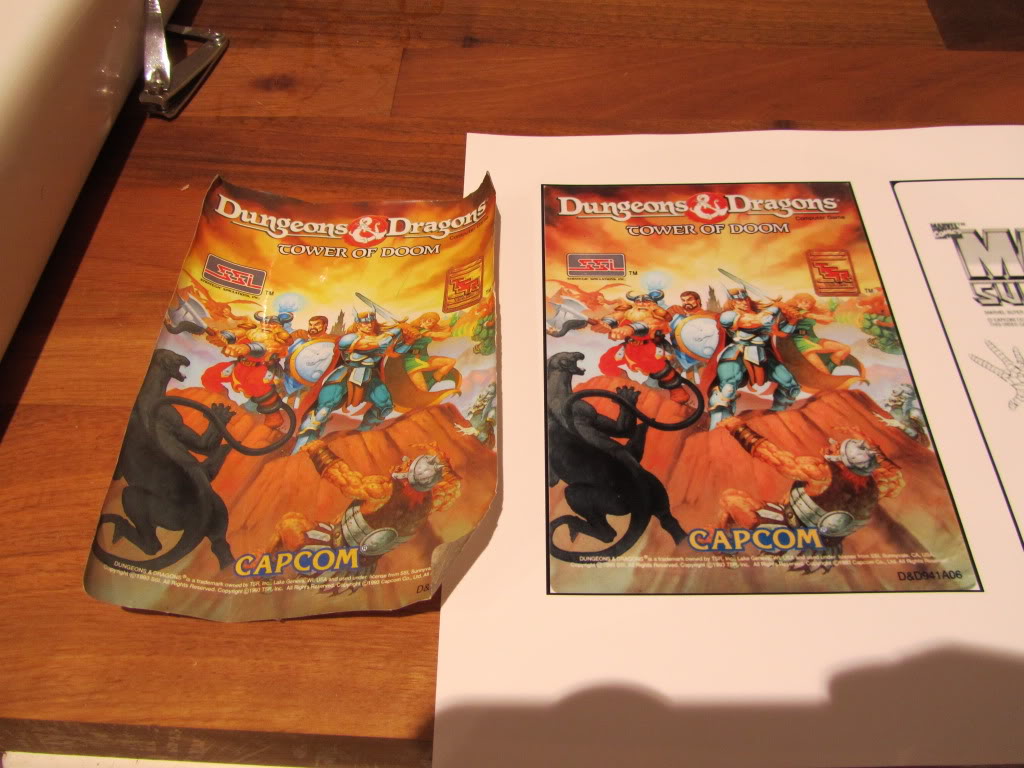
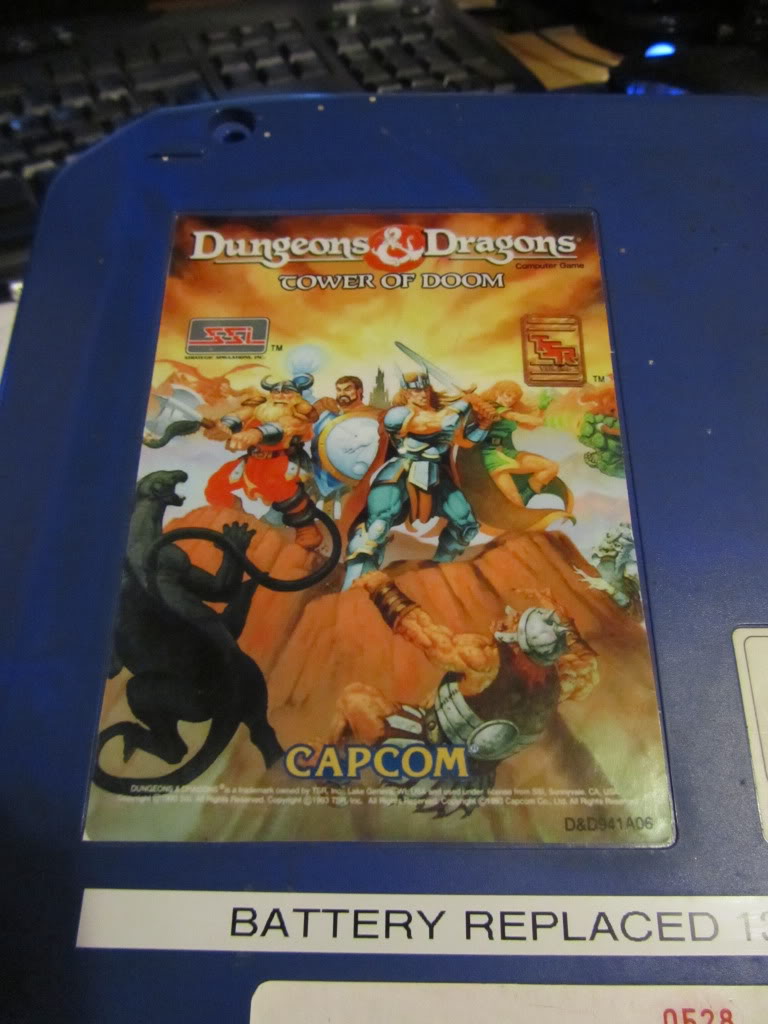
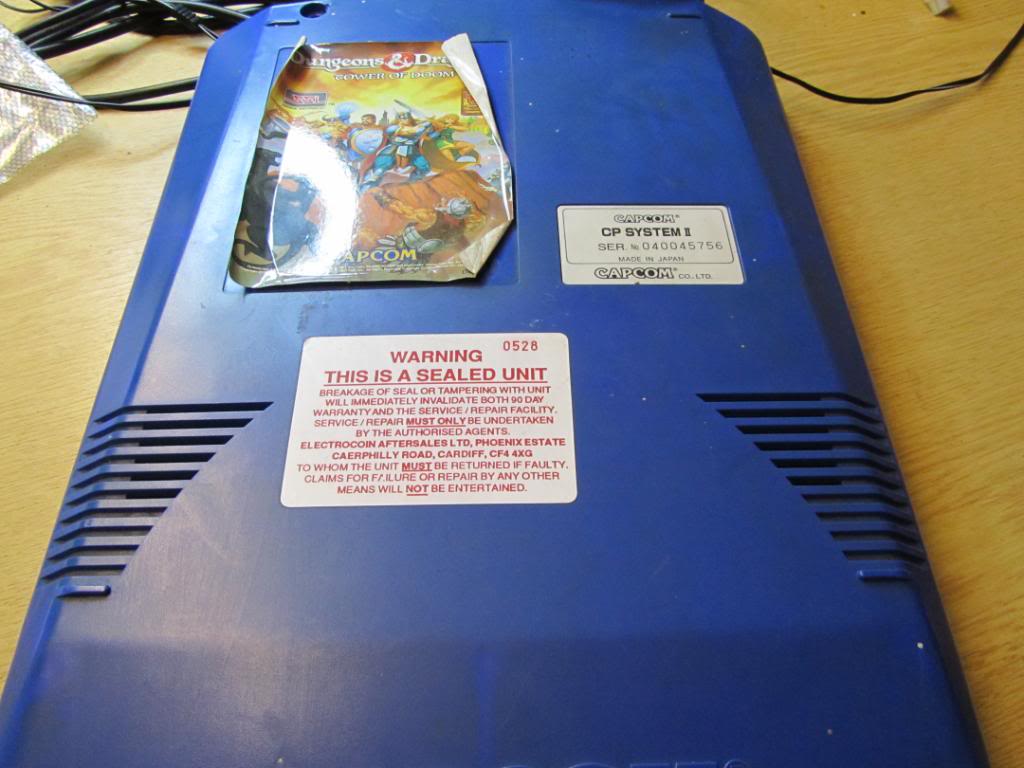
The Dungeons & Dragons label was not in the collection of labels I had downloaded so I carefully removed the label that was on mine (it was hanging off anyway) and scanned it in at a high DPI. As the colours were a little washed out on the original I adjusted them a little in Photoshop. The results were much better than I could have hoped for.


Overall im very happy with the outcome of these labels.

If you need replacement labels contact Spectre over on the Arcade Otaku forums. The quality is superb.

 Posted by at 6:47 pm

CPS2 replacement serial number label

 General  Comments Off on CPS2 replacement serial number label
Nov 142010
 

I finally got around to copying the serial number label from the front of a CPS2 board.
This is from the green unit, the others have the Capcom logo at the bottom instead of some crazy writing, I will get around to making that up too.
Its as accurate as im going to get it at this point without spending ages doing fine tuning.

If you need replacement labels contact Spectre over on the Arcade Otaku forums. The quality is superb.

 Posted by at 3:47 pm

CPS2 Suicide battery replacement

 General  Comments Off on CPS2 Suicide battery replacement
Nov 132010
 

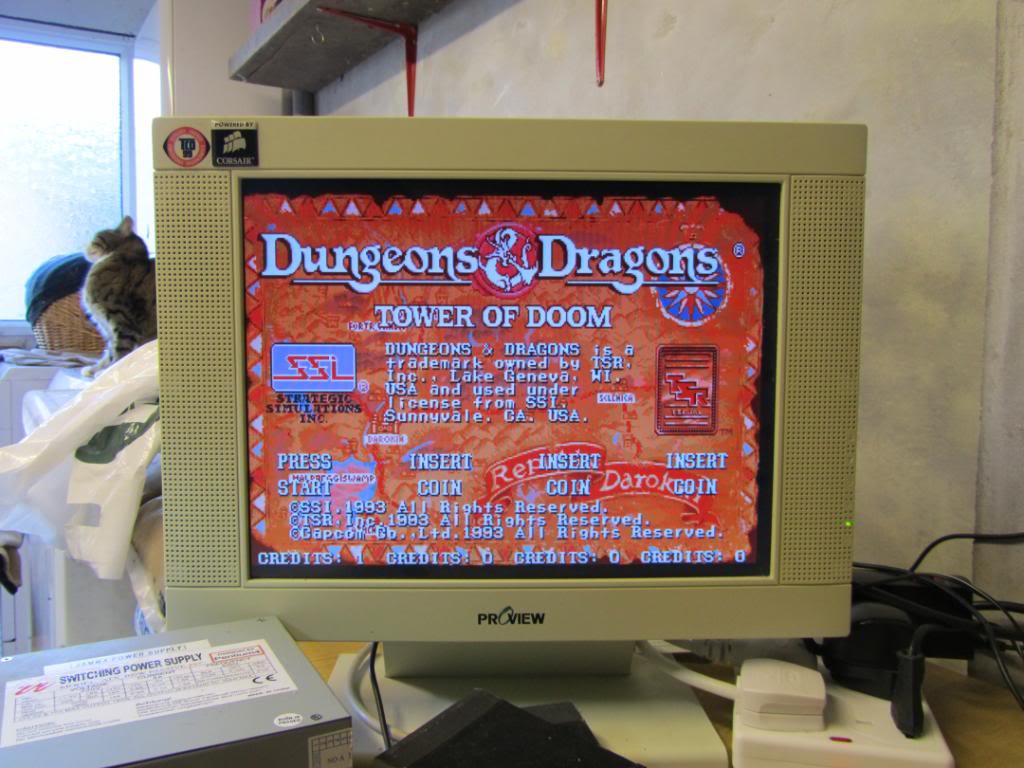
I recently bought the Dungeons & Dragons game, mainly because I wanted the Europe motherboard but its another CPS2 game to add to my collection. As I like to replace the battery on all my CPS2 games when I get them I thought it best to document it. Its a very easy process.
Open up the B board, this is the top board with the game sticker on it. It is held together with 4 x security torx screws, a screwdriver bit for these is available very cheaply.


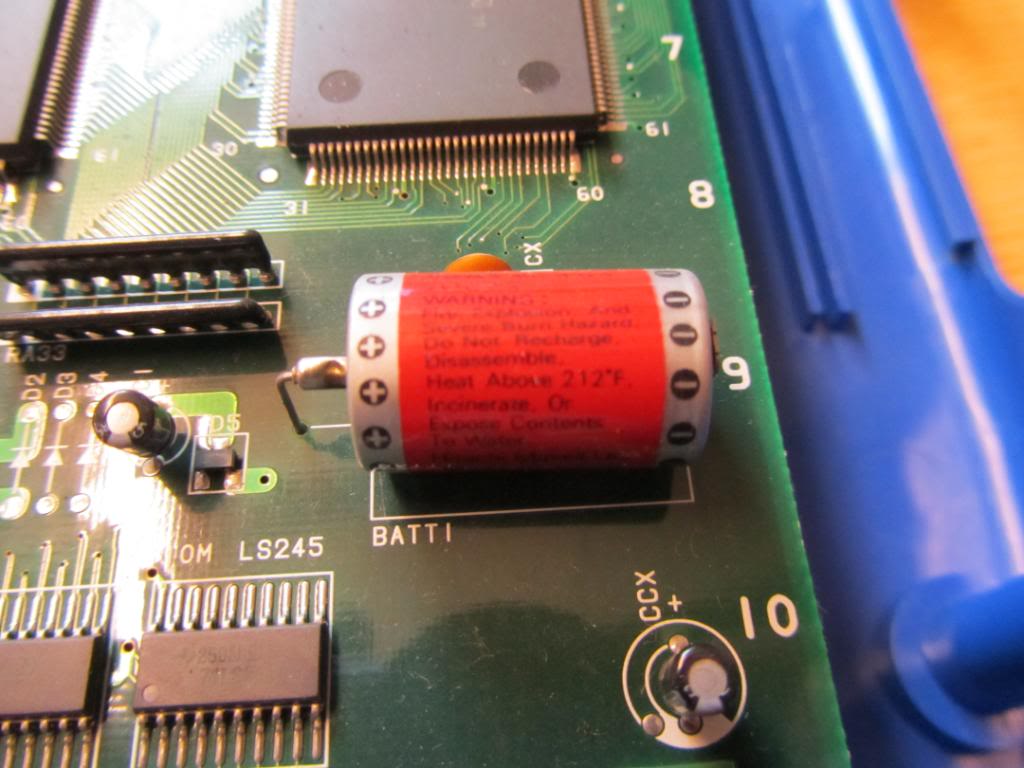
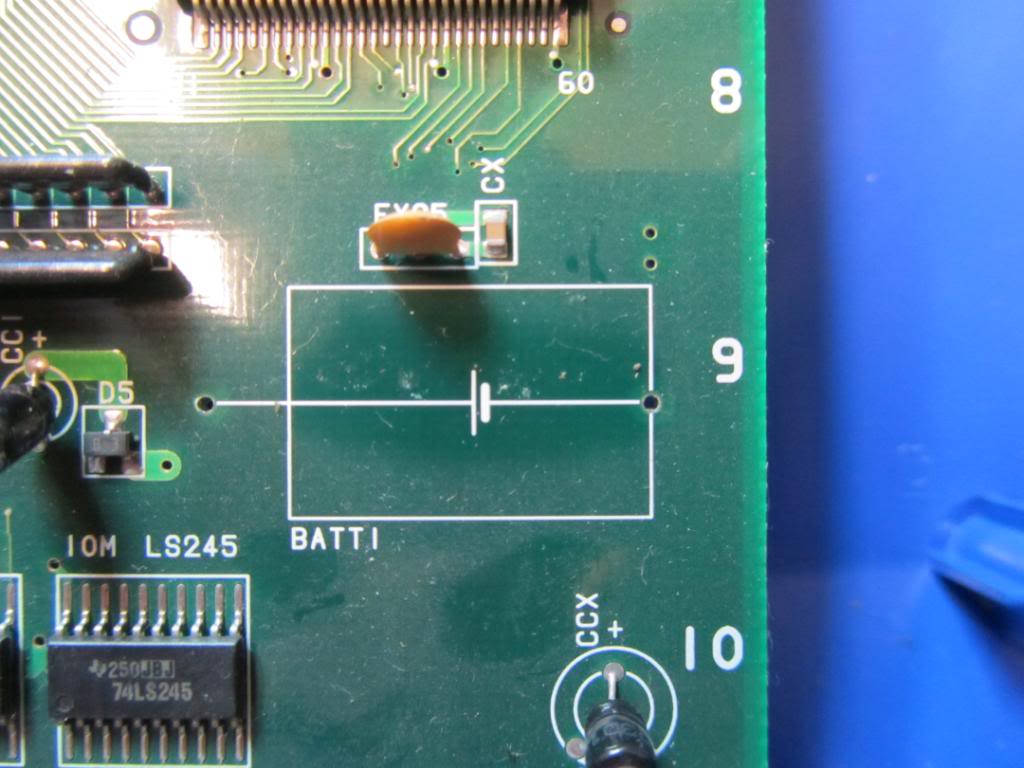
The battery is located in the bottom right hand corner of the PCB.
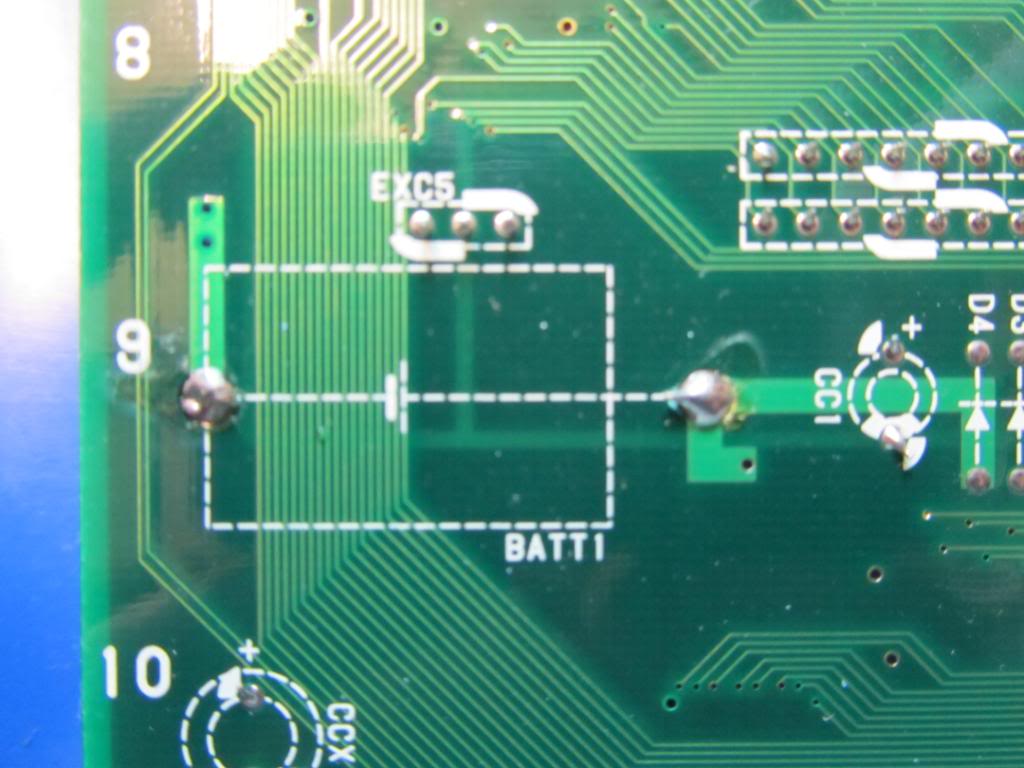
Remove the solder holding the battery in from the underside and remove the battery. Dont worry about the board suiciding, apparently the capacitor next to it stores enough charge for round about an hour and ive never had one fail yet.


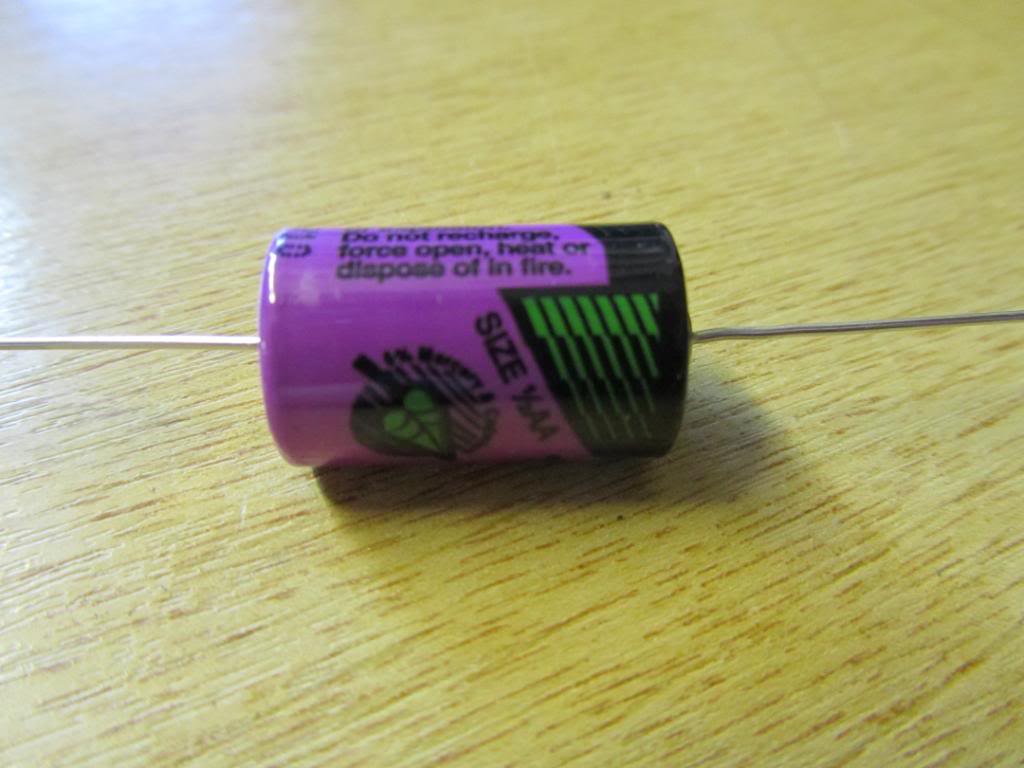
You will need a new battery to put in its place. These are half size AA axial lithium batteries and are 3.6v. They cost around £3 or £4 each. I get mine from Cell Pack Solutions or CPC.
Make sure all the solder has been removed from the through holes as it makes is so much easier to fit a new battery and limits the risk of damage to the PCB.


Bend the legs into shape on the new battery and feed through the holes. Note that the positive (+) side of the battery goes to the left away from the nearest edge of the PCB. Solder the legs on the underside and snip the excess length off so it is flush with the solder. Make completely sure that the battery is soldered in properly and securely.

Thats pretty much it, all that’s left to do is test the board.
Its best to leave the board a couple of hours as the capacitor holding a charge from the battery will keep the board alive for an hour or so. If you have incorrectly installed the battery then the board WILL suicide soon after.

If all went well, the battery should be good for at least another 5 years. These batteries do last a lot longer but for the sake of a few quid every 5 years its not worth it IMO.
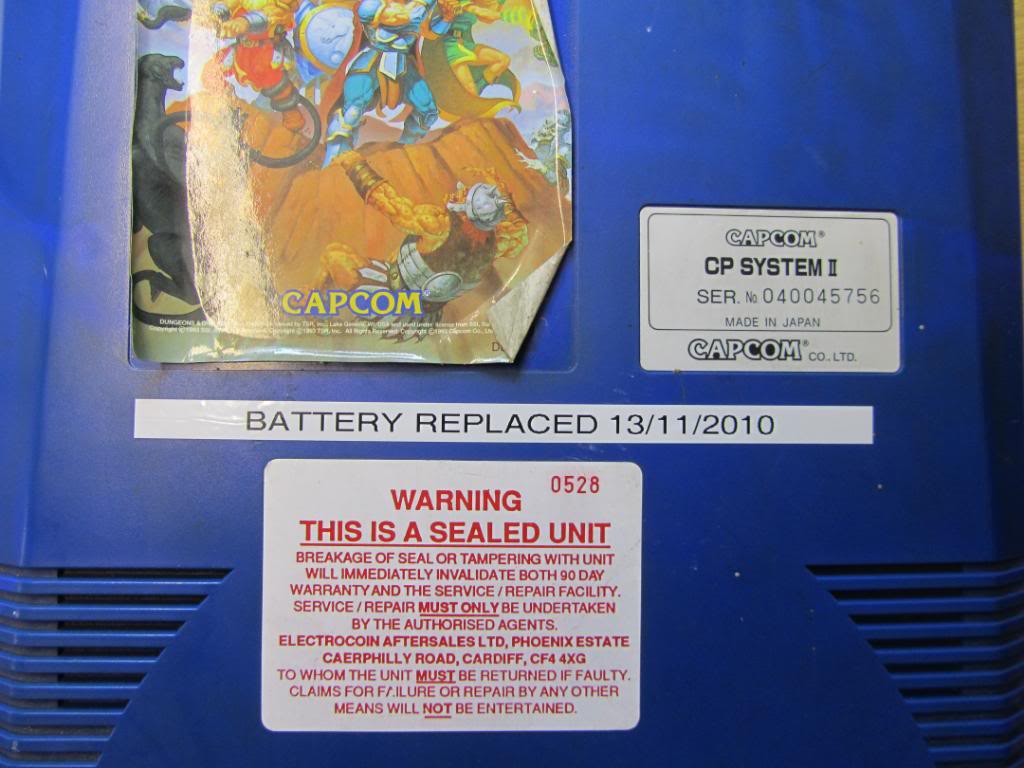
Finally, I put a label on to keep track of when the battery was replaced or to let the next owner know when it was replaced.

 Posted by at 12:42 pm