PAL UpdatesComments Off on SEGA System 2 PLD update
Feb062015
Today I had the chance to try the existing PAL dump of the PAL16R4 marked ‘315-5138’ @IC11 on a Sega System 2 Shooting Master PCB and I can confirm it’s working also on this board (so it’s not exclusive to Choplifter).Besides, I converted in GAL16V8 format the MAME dump of the other PAL16R4 ‘315-5137’ @IC10 and tested it as good.Finally, I converted the ‘315-5139’ PLS153 dump made by Porchy into CK2605 original device fusemap using the Charles MacDonald PLAD utility and then successfully reversed it to GAL16V8 format.Database has been updated.
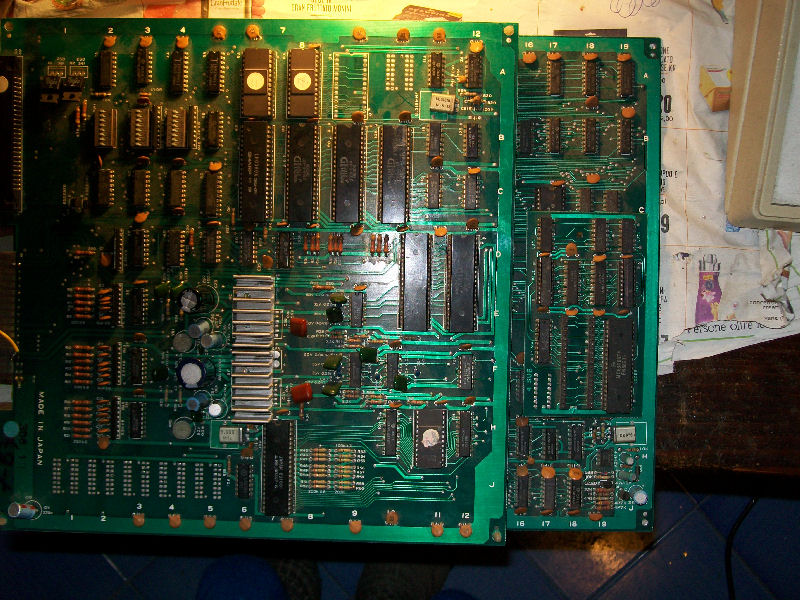
Bought this Gyruss bootleg PCB as faulty some time ago:
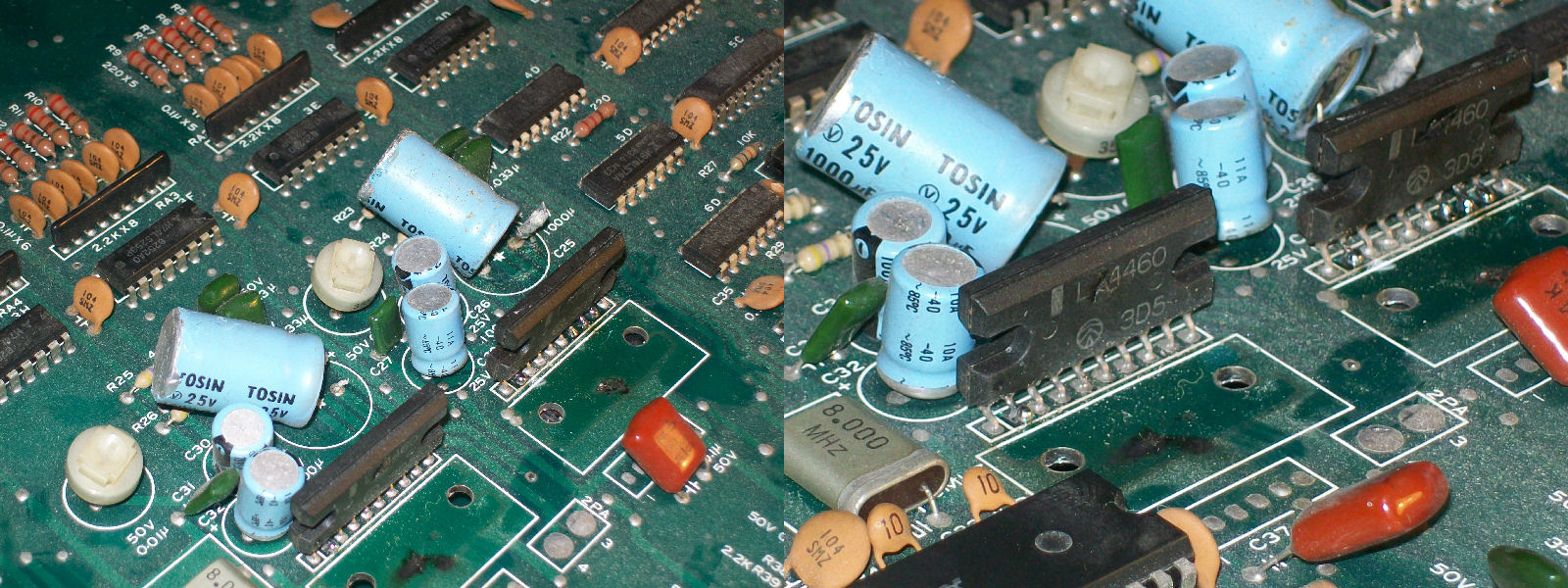
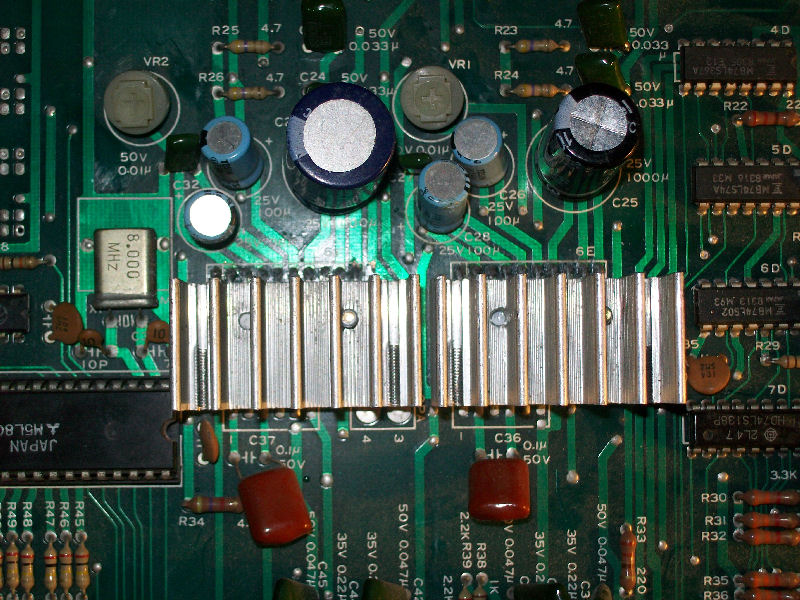
The game worked fine but without any sound output.As we know Gyruss has some kind of simulated stereo sound produced by two LA4460 amps and five AY-3-8910 chips.At visual inspection both amps on my PCB were missing the heatsink (picture above has been taken after repair).In particular one amplifier was cracked in the middle and both had sign of burning.Besides, +12V filter capacitors had positive leg removed:
So, to be sure of my work, I connected the output of each LA4460 to an external amplifier and I got no sound at all while, connecting the inputs, I was able to hear both channels (sorry for bad audio quality recording):
So was time to replace both amps and +12V filter capacitors and fit proper heatsinks.
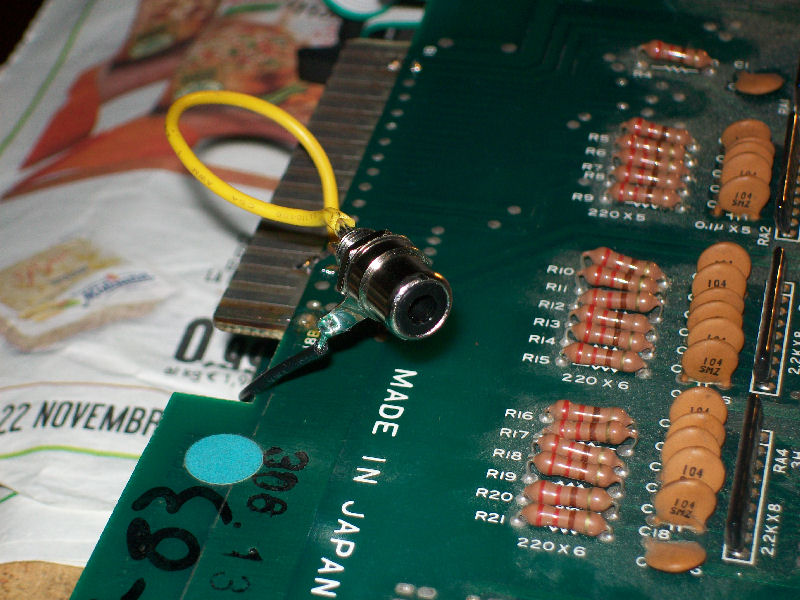
But when I powered it on again I could hear only one sound channel while I have been able to hear both before through an external amplifier.So, tracing the two outputs of both amplfier (LA4460 has one inverting and one non-inverting output) I realized that they all ended to the edge connector so my JAMMA adapter was missing the signals + and – of the other channel (PIN15 of parts and solder side).So I fitted an RCA female socket connected to another speaker:
And finally I could enjoy its full (pseudo) stereo sound!
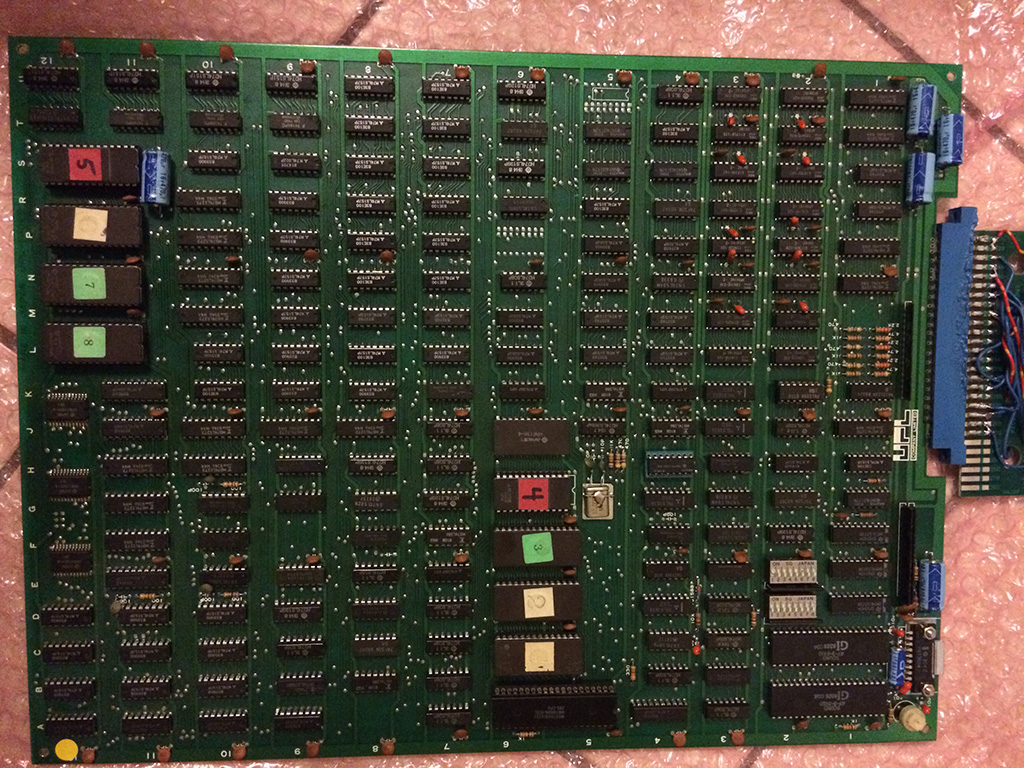
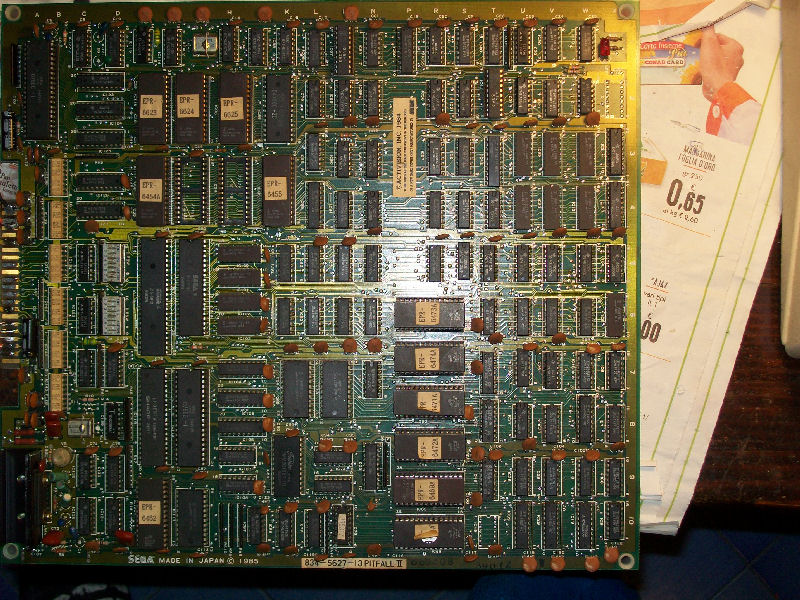
I got this pcb in December 2014 from Smitdogg of Mameworld as not working:
It was in good condition but it had already some TTLs replaced (socketed)
After firing it up I got a static coloured screen.
The Z80 was socketed so I first tried to replace it and to my surprise the game started apparently without any major faults with correct colours.
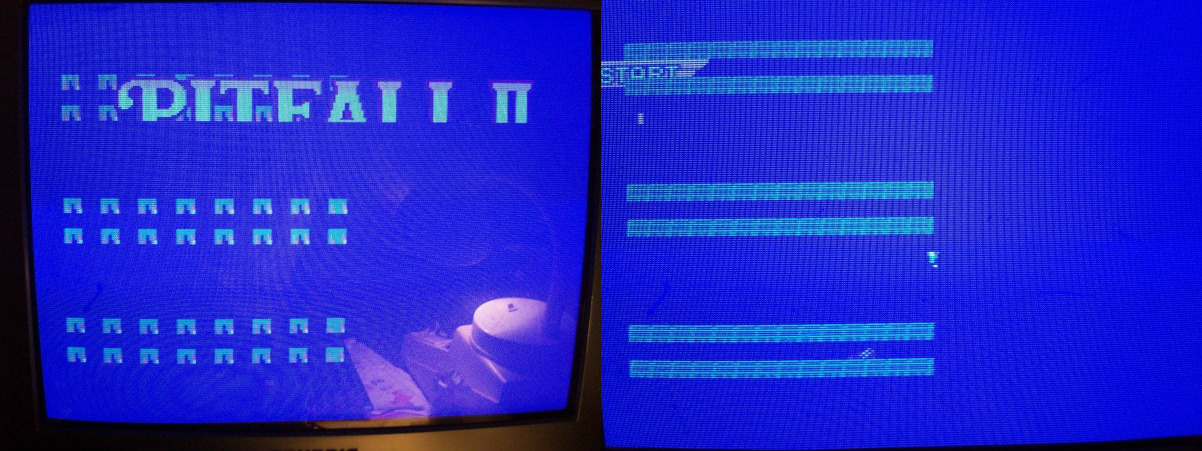
It was too good to be true and infact when the demo play started I got a very peculiar fault:
The background colours changed alternating between correct and not only during horizontal scrolling. During vertical scrolling the colour of the background was fixed in the last state (being good or bad).
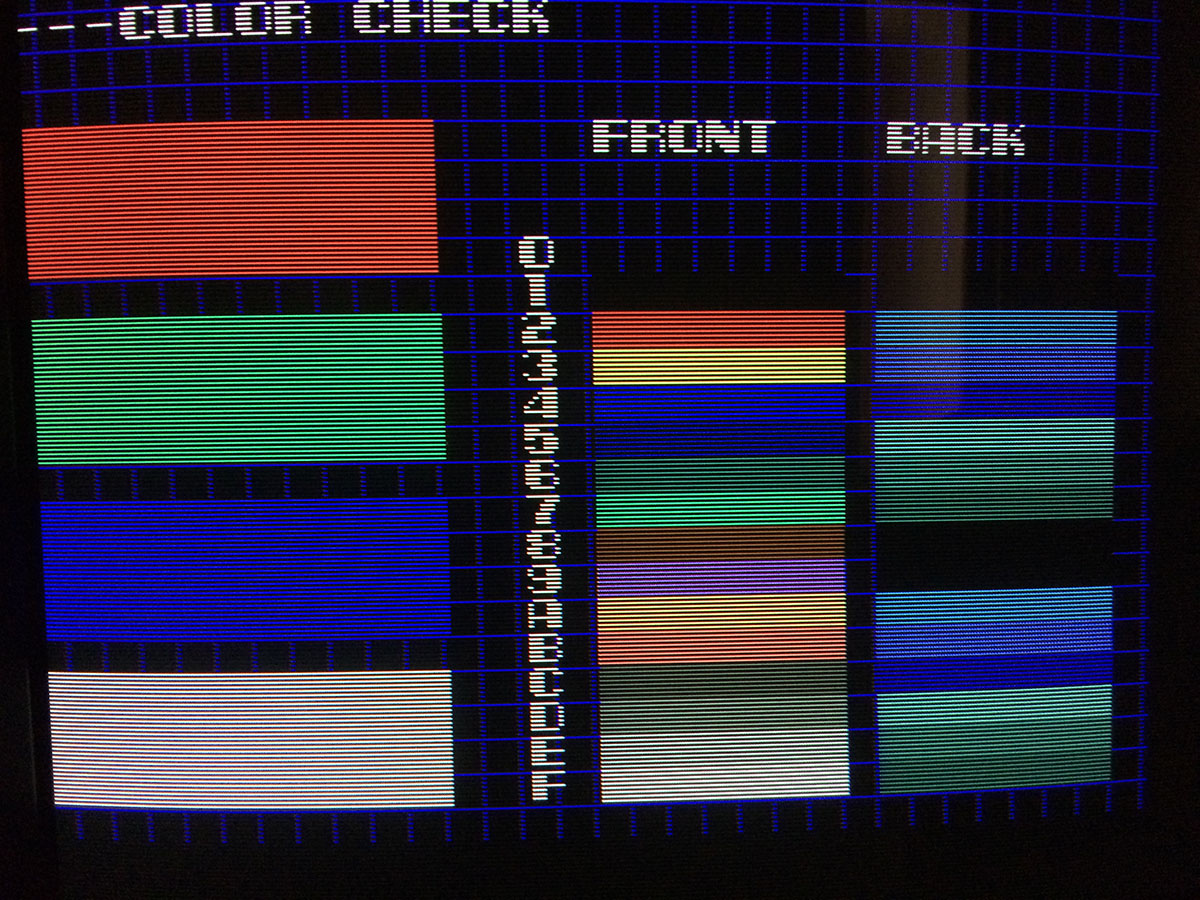
I started the test of the pcb and everything looked good except the color check.
The “Back” had some strange colours which didn’t look correct
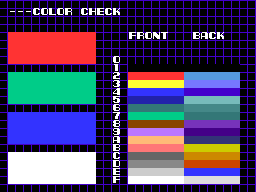
I decided to start Mame and see the same screen on the emulated game and I got this:
it seemed that there were some fixed bits on the background colours but that didn’t explain the alternating colours.
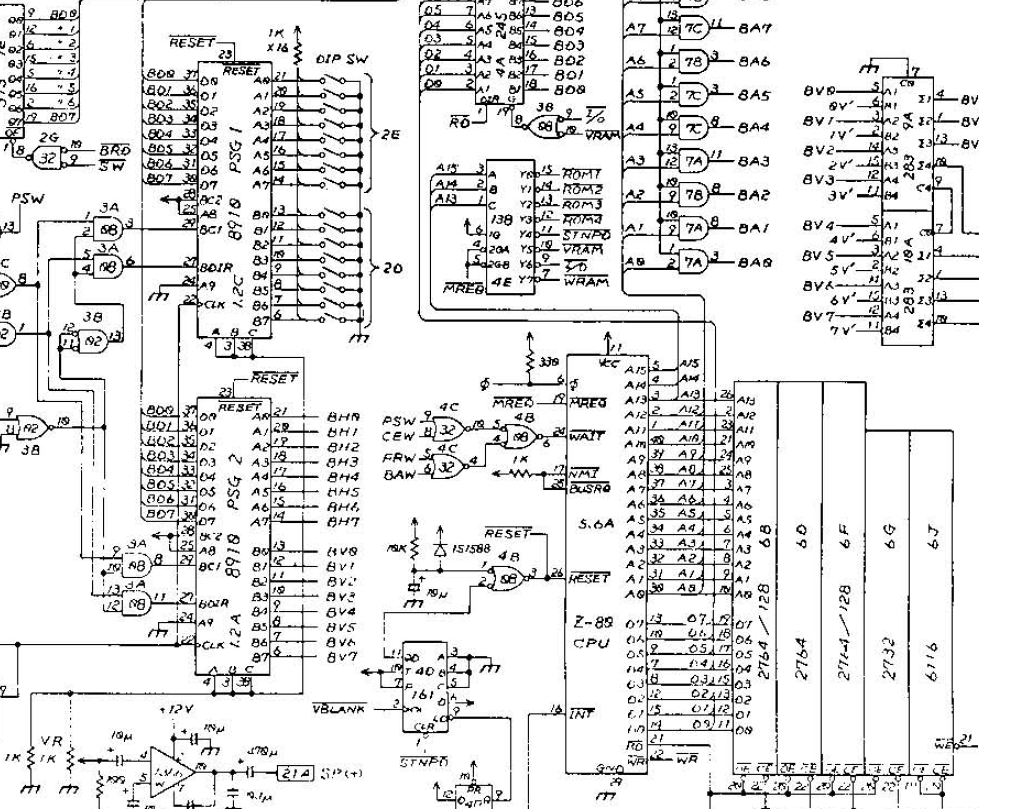
I looked for Nova 2001 schematics which luckily were available.
This game has plenty of 4116 drams which are prone to fault normally but they weren’t related to the fault I had.
I probed also the 3x 6116 SMD rams responsible for the background colors and the related 74LS273 buffers and they were all good.
At this point I had no clue where to probe, the schematics were really bad scanned and difficult to read.
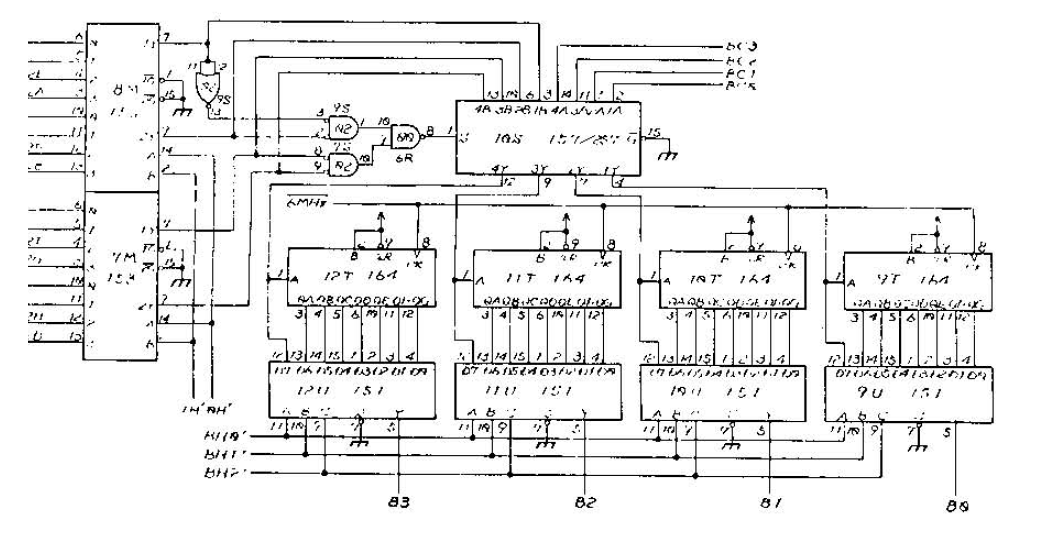
I asked an advice to Charles MacDonald which pointed me to look on the AY8910 sound chips whose I/O are responsible for the horizontal and vertical scrolling.
The first 3 bits BH0, BH1 and BH2 of AY8910@1,2A are negated and sent to a series of 74LS151 @12U, @11U, @10U and @9U.
All the signals going to these 74LS151 were good.
I probed the outputs of all the 74LS151 and noticed that the TTL @12U was oscillating in sync with the alternating background colors.
After checking the inputs of this chip, I noticed 3 stuck signals which were back traced to the 74LS164@12T whose inputs CLK and CLR were correct.
Changing this TTL restored the correct colour of the background during scrolling.
This could be a perfect title for this repair log but let’s start from the beginning
Got this faulty PCB from a friend:
It had sever issues, only most parts of graphics were missing and colors were clearly wrong while sprites barely visible
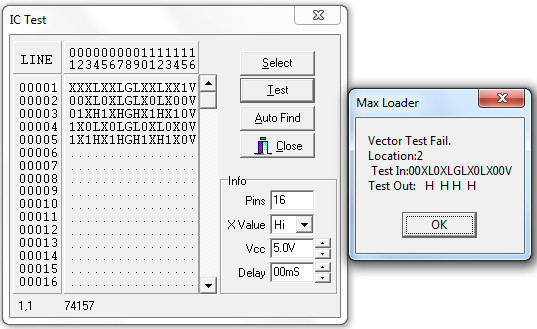
After studying the hardware I could identify the tile RAM in two MB8128 (2018/6161 compatible) chips @IC73 and @84.Probing them revealed irregular actitvity on some address lines.Piggybacking them with a good chip didn’t change anything.I could trace these address line back to the outputs of some 74LS157 multiplexers.Testing them with my HP10529A logic comparator gave me faults on three of them which I promptly desoldered and tested out-of-circuit having confirm they were all bad:
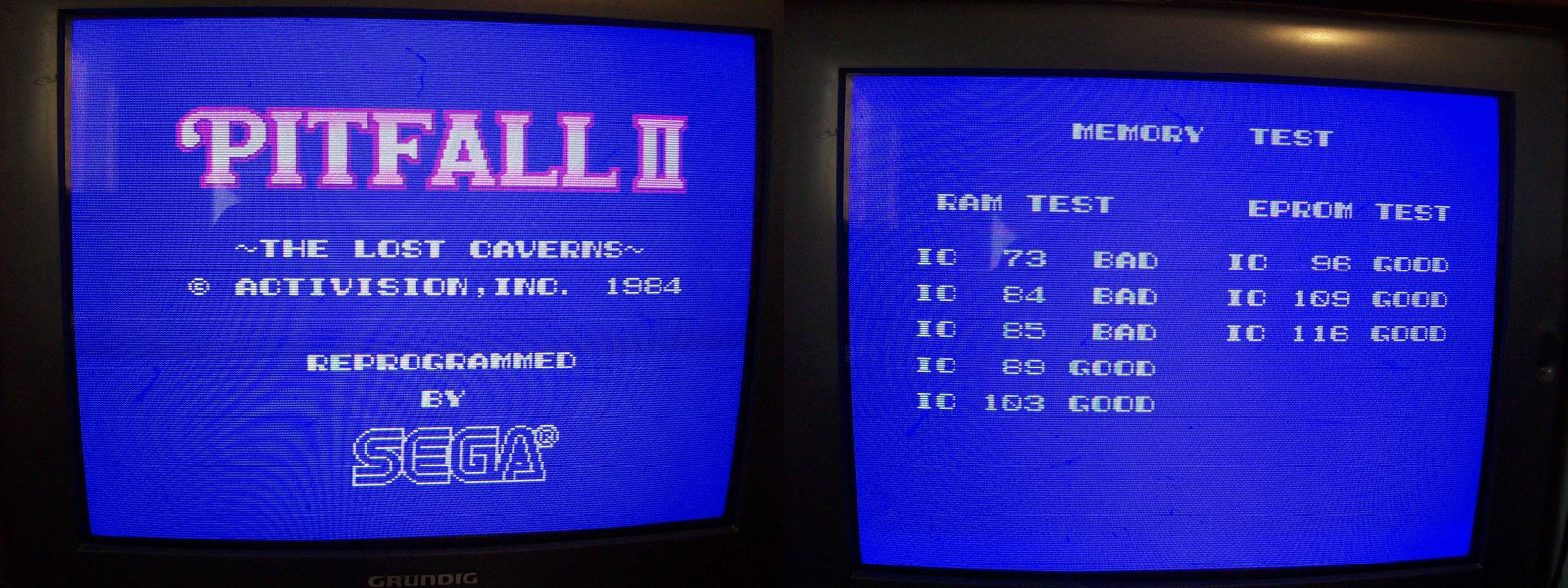
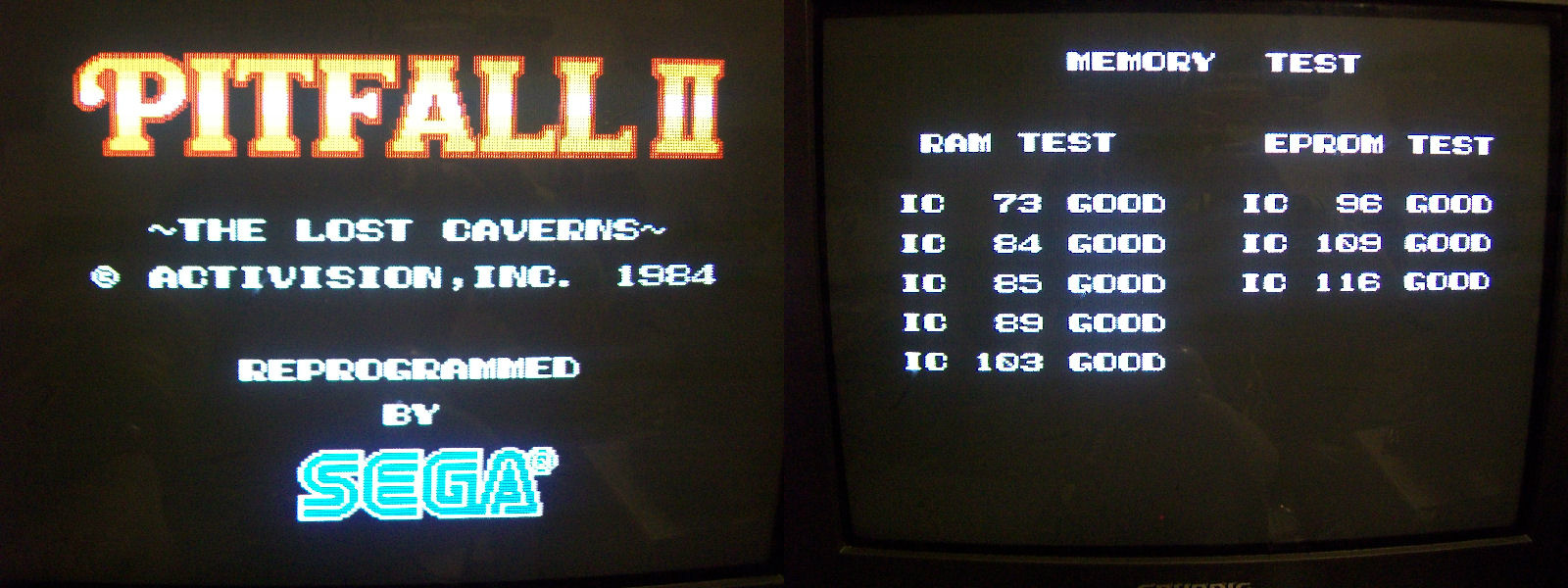
This improved graphics so that I could clearly also see the results of the ROM/RAM test:
IC73 and IC84 (tile/backgrounds RAMs) were riported still bad as well as the color RAM @IC85 so was time to investigate deeper.
Data bus of the color RAM (a 2016) was connected to a couple of 74LS175.Piggybacking the one @IC108 restored colors while piggybacking three 74LS245 @IC104, @IC105, @IC106 (involved in tile RAM data bus) restored most all the graphics and also the RAM/ROM test passed succesfully:
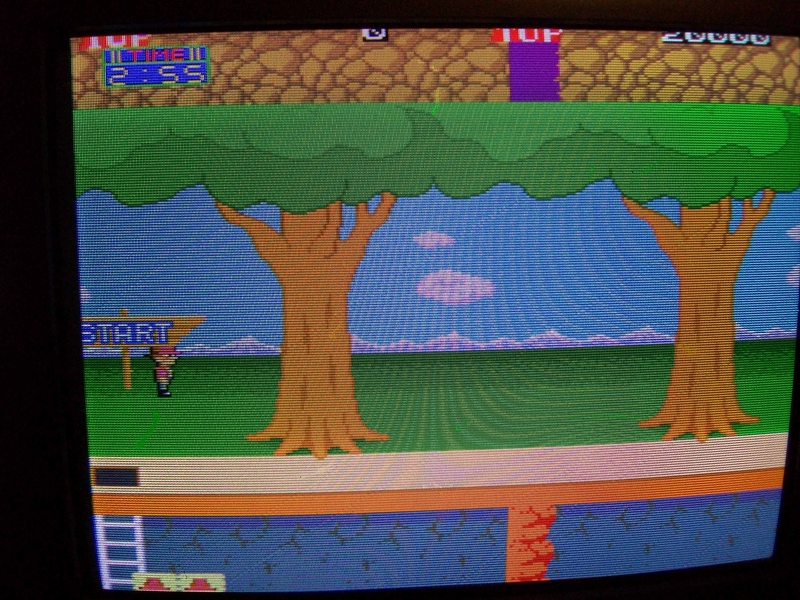
But there was another issue (see picture below):
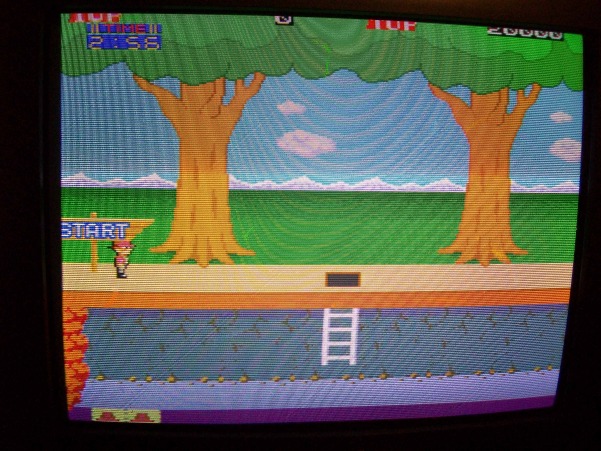
To cut the story short I found another faulty 74LS157, one of them that I previously tested as good has gone bad while I was troubleshooting the board!Replaced it fixed completely the PCB.
Ah, I forgot…all faulty TTL ( nine in total : four 7LS157, one 74LS283 -not reported in this log-, one 74LS175 and three 74LS245) were manifactured by Fujitsu! Of course, the curse stroke again but I pushed it back! 🙂
PAL UpdatesComments Off on Adventure Quiz Capcom World 2 (Japan 920611) PAL dump added
Jan302015
Today Bonky sent in a GAL16V8 replacement for the undumped ‘q522b’ @1A PAL from an Adventure Quiz Capcom World 2 (Japan 920611) CPS1 B-BOARD.Replacement was created by Neocps1 and tested by Bonky.Archive contains the .jed, .pld and .xml files.Thanks to both for their work.