24/09/2015
A09 Konami-1 v1.4 update ( enhanced )
This is the final version unless some major bugs are found. I really can’t think of any other features you would want in an assembler.
- RESET & IRQ vector support via -r & -i command line switches
- Specifying -r or -i switch automatically pads binary to nearest multiple of 8kb
- Creates multiple binary files from target for easy deployment to EPROMs ( max 8*8kb files )
The source code within the following archive contains original code which is copyright under the GPL2 & BSD3 licenses.
Please see comments in a09.c & konami1.c for license details.
Version: A09 v1.4

25/08/2015
A09 Konami-1 v1.1 update ( enhanced )
In this version the following improvements have been made
- Source lines increased to 256 characters
- Symbols increased to 32 characters
- Use of underscored permitted in symbols
- Symbol table is generated dynamically, previously it was limited to 2048 labels
Source, Windows & OSx64 executable provided in the package which can be downloaded from Programs/Software.
Thanks and credit goes out to Cmonkey for the first 3 improvements.
Version: A09 v1.1

12/07/2015
If you’re reading this again at some point in the future then chances are you’ve discovered the following error message and want to fix it.
Sorry, no storage for symbols!!!
The A09 assembler has a maximum limit of 2048 labels hard coded by default which is definitely not enough if you want to re-assemble 6809 source from some of the konami1 games, dis-assembly can easily exceed 2048 labels.
#define NLABELS 2048
Modify the above value of 2048 in the source to your desired value and compile using the following command line. I increased mine to 100,000 as memory is not an issue these days.
gcc -o A09.exe A09.c konami1.c
9/7/2015
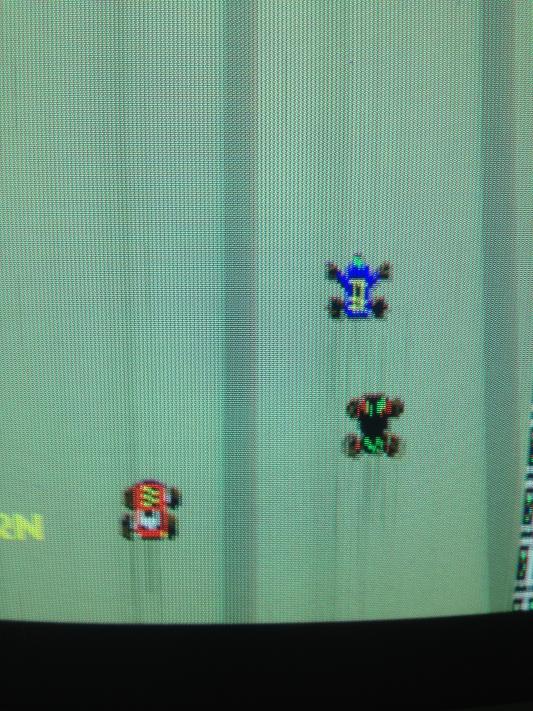
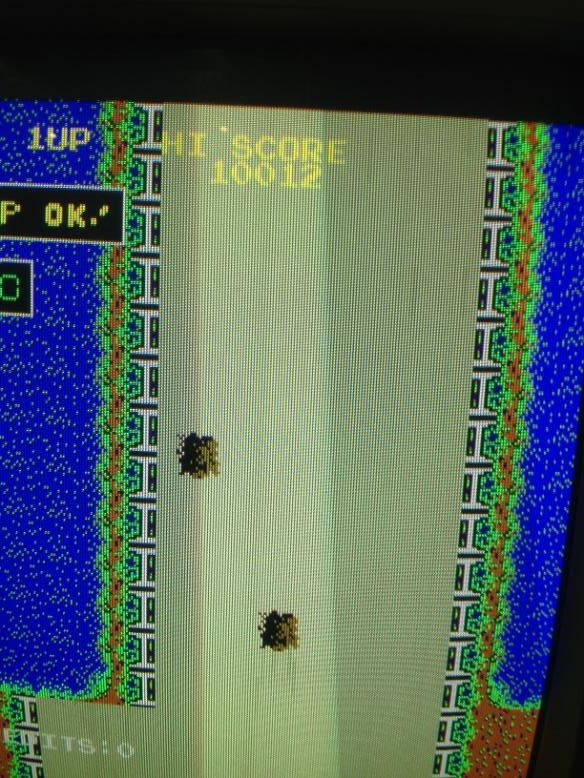
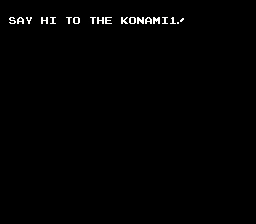
To get people who are interested started in home-brew apps on the Konami-1. I’ve included a very basic hello world asm source example which I’ve added to the download package. Produces the following output on a Track & Field PCB in SOCKET1A. The game EPROM A5 must be in SOCKET5A for this to work as the reset vector to the ROM A1 is obtained here.

Normally, your home brew code should be modified to start from 0xe000 and installed in SOCKET5A on the track & field pcb. The binary should be padded out to 8kb and the reset vector can be set to e000 from offset fffe in the produced binary using a hex editor.
7/7/2015
This assembler is based on the original A09 assembler sources written by L.C. Benschop which can be found here at https://koti.mbnet.fi/~atjs/mc6809/
This is a modified version of the above source that encrypts op-codes in order to run code on the Konami-1 CPU. This was the custom 6809 CPU used in games such as Gyruss, Track & Field, Circus Charlie, Roc ‘n Rope..etc.
This will allow for home-brew apps to run on the Konami-1 CPU without the need to encrypt op-codes by hand. The code uses the konami1_decodebyte() as found in the MAME sources, this function handles the op-code encryption for the Konami1.
Version: A09 v1.0