Oct 232015
 

I recently repaired a friend’s dead Ikari Warriors PCB.

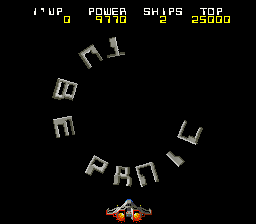
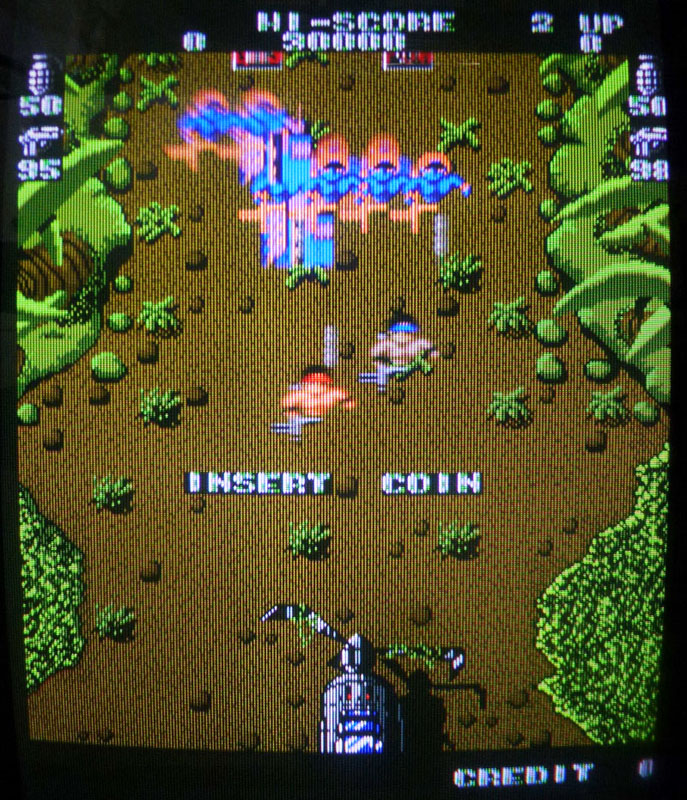
It had a black screen on boot with no sound.

This game is a bit tough to diagnose as it is composed of 3 PCBs mounted on each other. Fortunately I had another working Ikari Warriors PCB so I could swap boards in order to track which board(s) were faulty. Top board and middle board were tested ok on my working Ikari so, fortunately, only the bottom board was faulty.

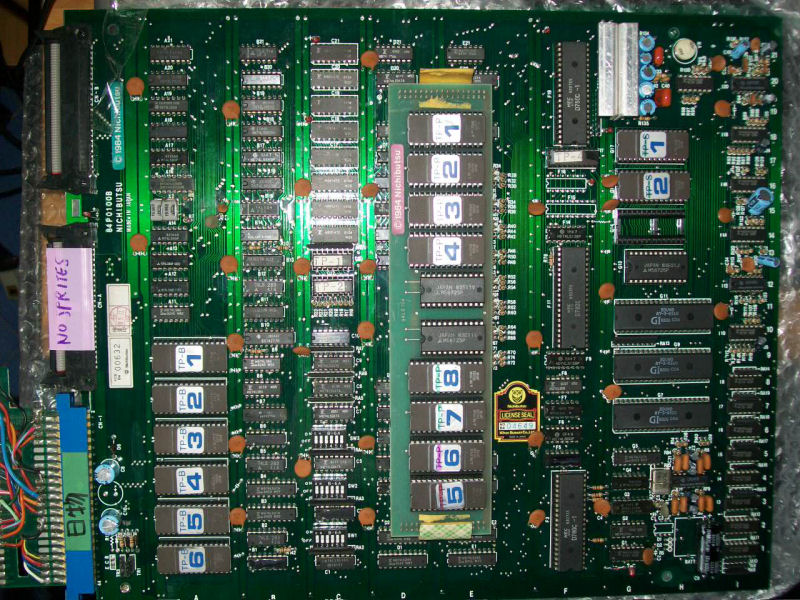
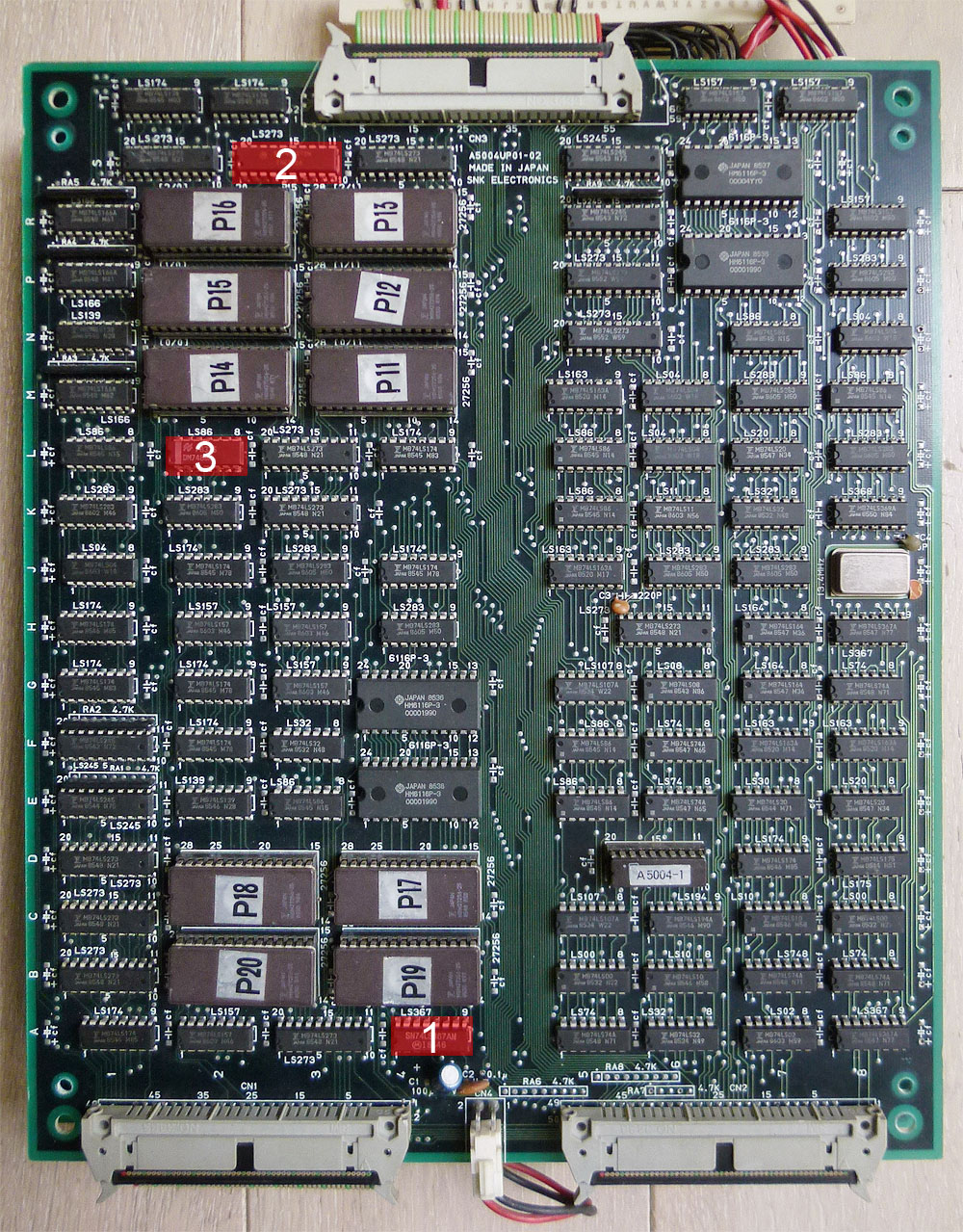
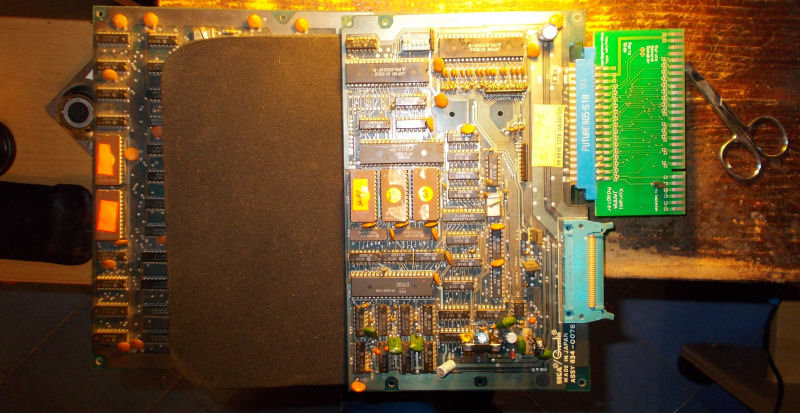
Here is a picture of the faulty bottom board with the faulty chips I replaced in red. I’ll explain every step below.

ikari1b

1. There was something that was avoiding the game to boot on that board. First, in order to reduce the field of investigation, I disconnected each of the 3 connectors on my working Ikari to see when the game was booting or not. It was booting only with the two bottom connectors on, the one above is only related to the sprites and doesn’t prevent the game to run. So I needed to focus on and around these two bottom connectors. I checked the signals on every pins to track a possible missing signal. After comparing the signals, I found one that was “floating” on my faulty board and was pulsing on my working board. This was connected to pin 9 of the 74LS367 (marked 1 on the PCB picture). Piggybacking a working chip on that one bring the game booting back again !

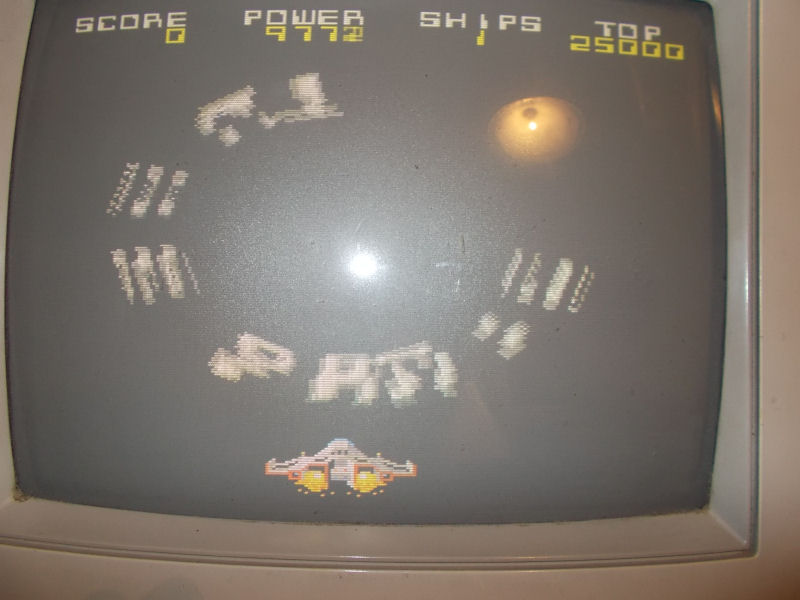
2. Well, the game worked but the characters had missing legs and were always looking down whatever movement you did, enemies had wrong visuals and background scrolling was jerky…

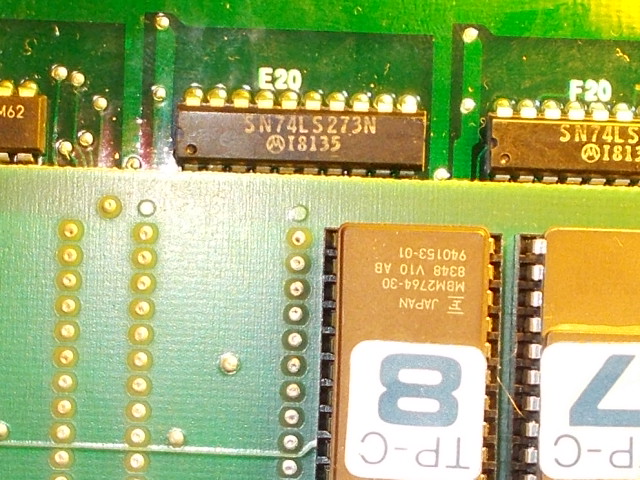
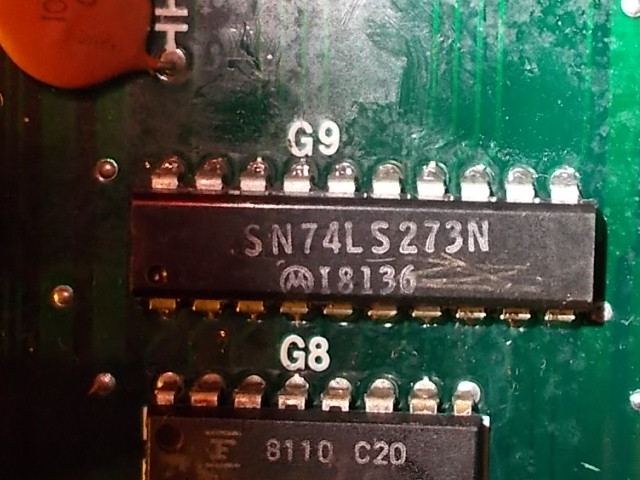
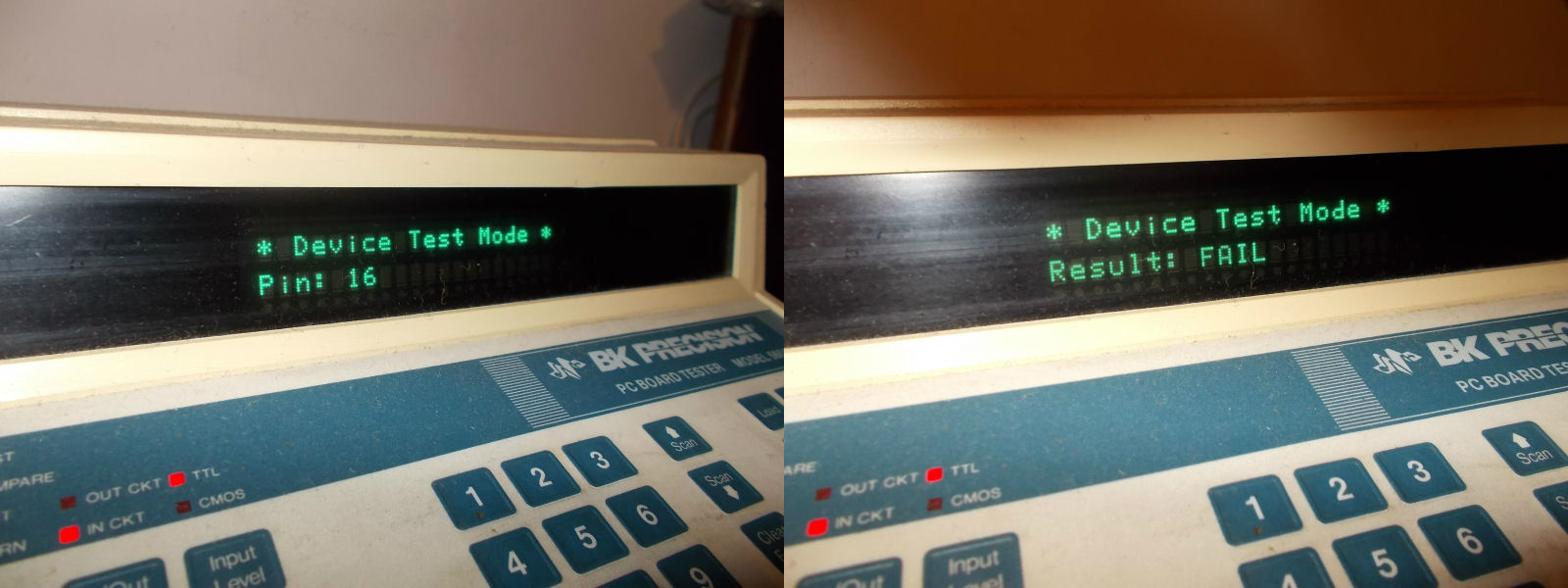
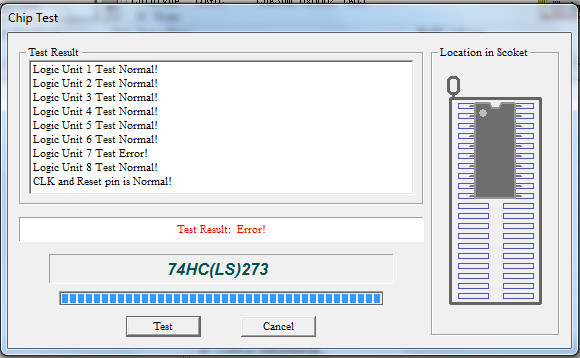
As previously seen, the sprites are related to the upper connector. I started to check the signals on the upper part of the board and quickly found a 74LS273 (marked 2 on the PCB picture) with a seemingly dead output (my working board confirmed this). Piggybacking the chip with a new one bring back the characters’ movements and visuals. I still had the jerky scrolling though…

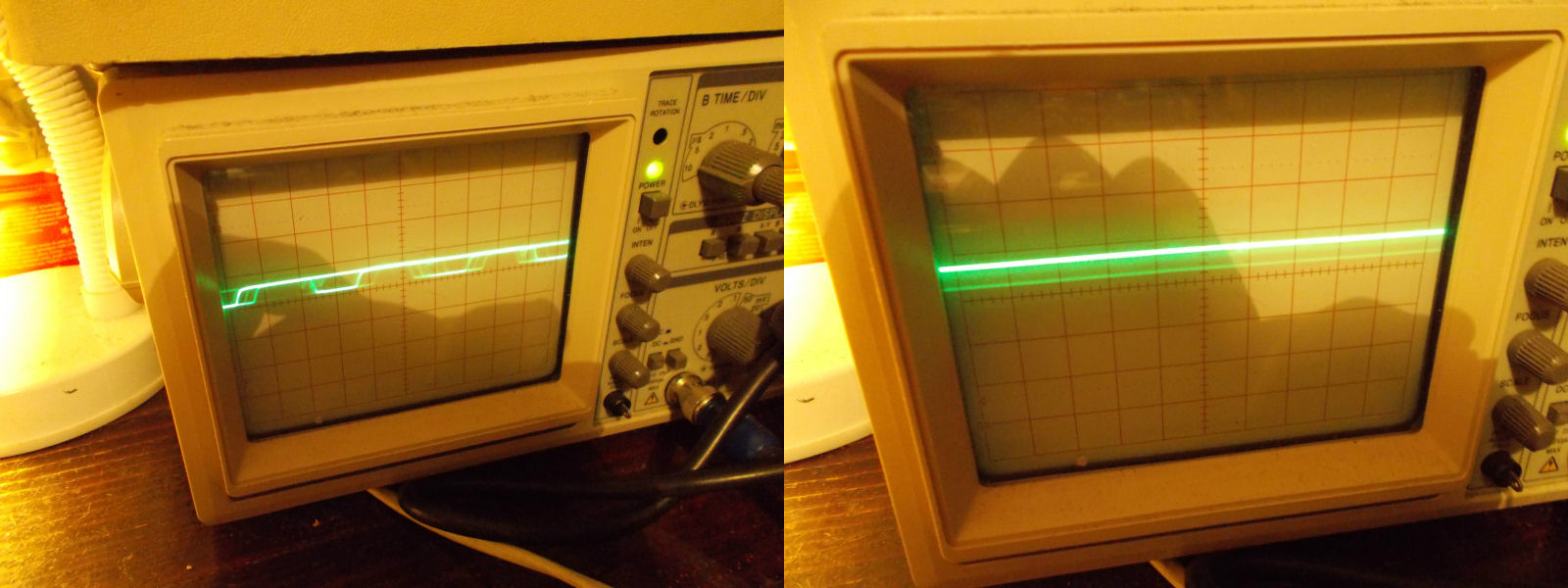
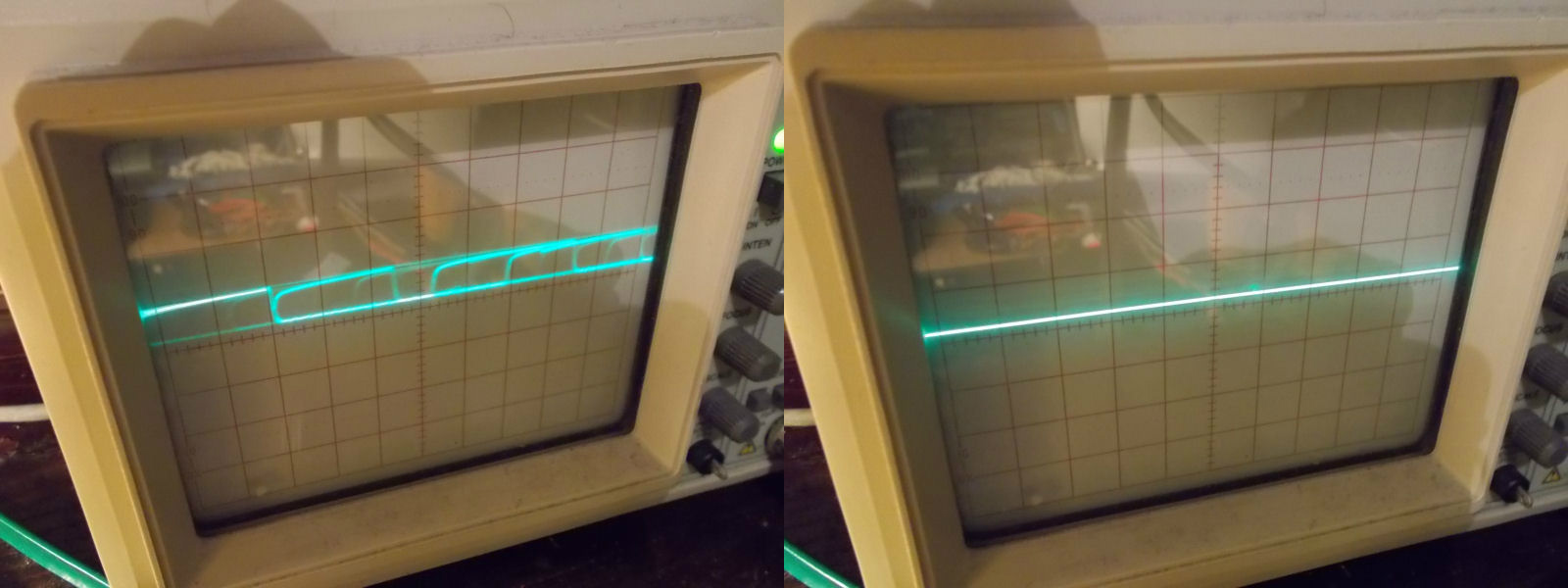
3. This one took a bit longer as I had no real idea where to look on the board for the chip that was responsible of this jerky scrolling. After more than an hour, comparing signals between the working and faulty boards, I found a suspicious signal on a 74LS86 (marked 3 on the PCB picture). This was indeed a dead output (pin 6). Piggybacking a good chip on it bring back the smooth scrolling.

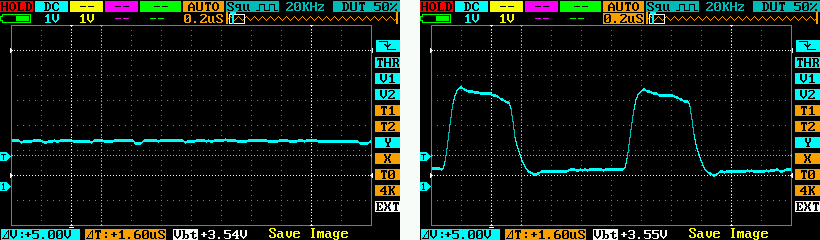
As an example, here is what the signal looked like on the pin 6 of that 74LS86 before and after replacement.

ikari4

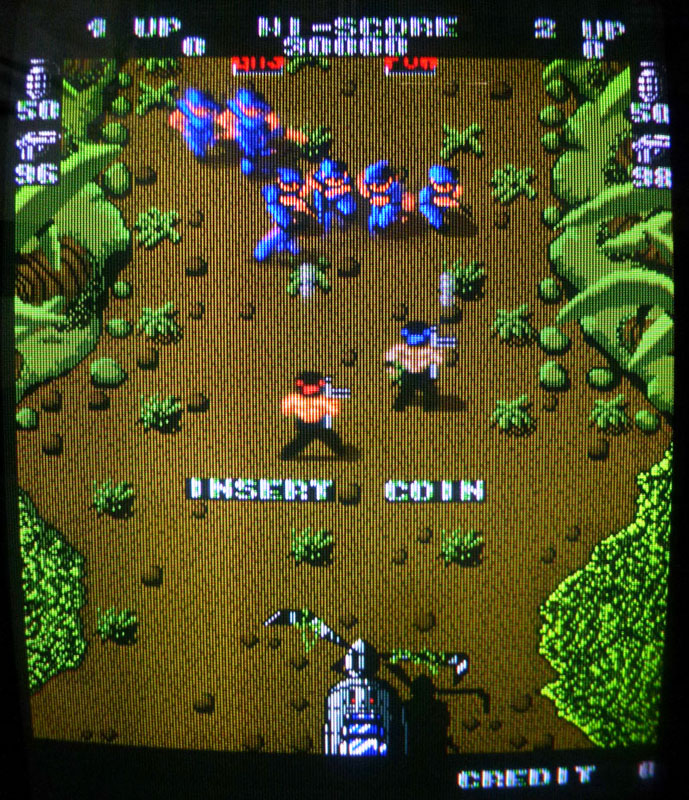
Board is now fully fixed.

Twin Eagle II PAL dump added

 PAL Updates  Comments Off on Twin Eagle II PAL dump added
Oct 222015
 

Some time ago ‘Layer’ asked me about a PAL dump from a Twin Eagle II PCB  since his board was missing the chip and could not boot.Today I’ve dumped this PAL from a dead board hoping he can test the dump (on a GAL16V8 targerting device) and fix his board.

********UPDATE********

‘Layer’ successfully tested the PAL dump and at same time revived his board.Thanks to him for the feedback.

 Posted by at 3:18 pm

Frogger (Sega/Gremlin) repair log

 PCB Repair Logs  Comments Off on Frogger (Sega/Gremlin) repair log
Oct 202015
 

Got this Frogger PCB from my friend Josef for a repair.Actually it was the Sega/Gremlin version which uses Konami Classic pinout (like Gyruss, Scramble and many others):

Frogger_PCB

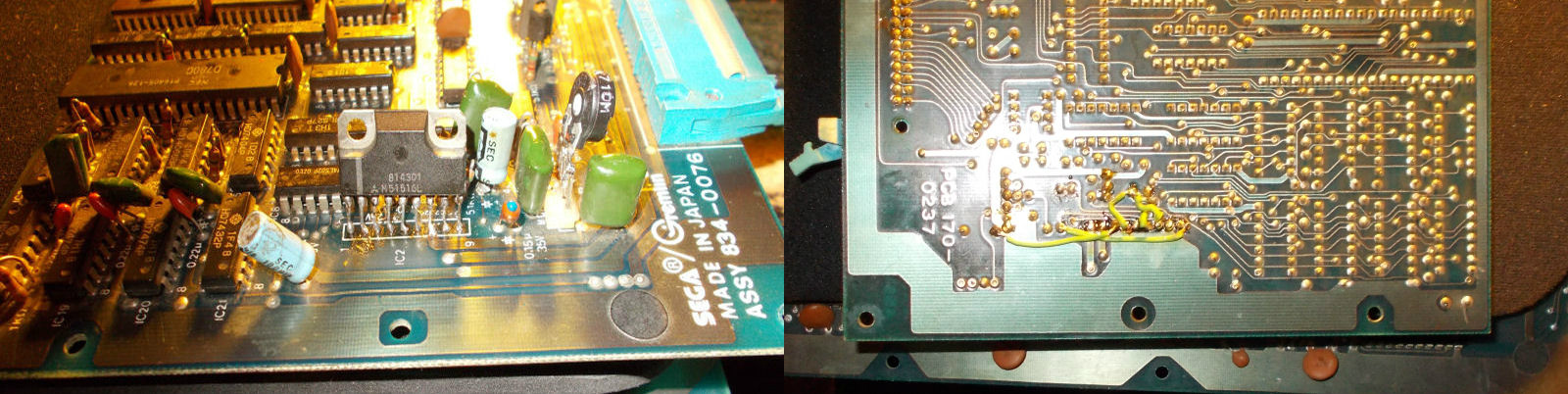
PCB played fine but had a strange issue where sound was very quiet on my supergun while was completely silent on a cabinet.All audio circuitry is located on upper board.Looking at i I could notice that someone had previously reworked (replacing it perhaps) the M51516L amplifier ending with break some traces and using some jumper wires to fix it:

M51516L_reworking_

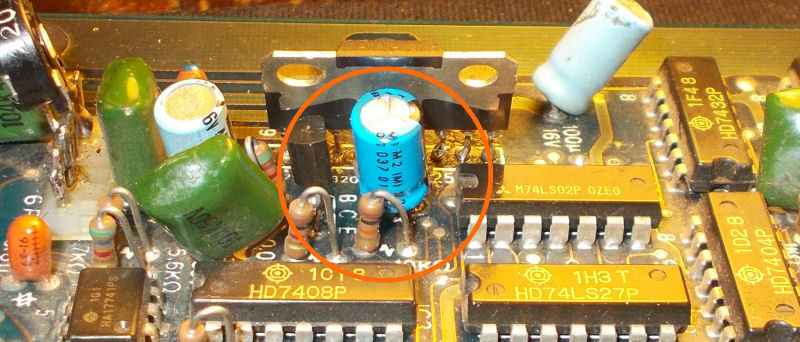
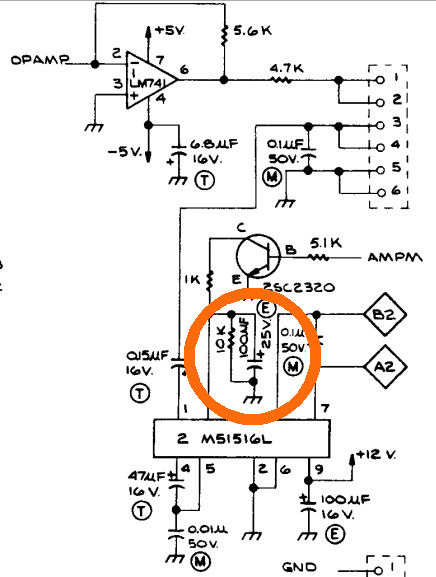
Luckily schematics were available so I went to check every connection in this part of circuit.Everything seemed fine until I came across to something odd : PIN 6 (ground) of M51516L amplifier was intentionally jumpered to positive terminal of a 100uF 25V electrolytic capacitor (so both terminals was shorted to ground) :

100uF25V_PCB

while schematics showed it connected to collector of a transistor through a 1KOhm resistor :

100uF25V

Removing this jumper wire restored full sound.

 Posted by at 10:45 pm

Ghox repair log

 PCB Repair Logs  Comments Off on Ghox repair log
Oct 192015
 

I got this Ghox PCB from my friend ‘robotype’ for a repair:

Ghox_PCB

On the power up I was greeted by this static screen:

boot

Address/data bus of 68000 main CPU was inactive.As usual I went to loot at MAME source (that is a bit like a bible for us repairers) and I found this interesting comment:

// Ghox 68K reads data from MCU shared RAM and writes it to main RAM.

I could identify the HD647180 MCU RAM in a 6116 @U14 :

RSCN0566

So I went to probe it with my analog oscilloscope and found weak signal on some address lines (good one on left picture, bad on right) :

address_lines_comparison

I piggbacked this RAM and board booted showing this error message:

palette_RAM_error

After replaced the MCU RAM (which actually failed the out-of-circuit test), I traced the palette RAMs in two 6116 chips @U41 and U42 :

palette_RAMs

One of them had already been replaced so I went to piggyback the other one @U41 and board successfully booted:

fixed

Obviously the chip failed miserably the test on my programmer:

6116@U41_failed

End of job.

 Posted by at 11:21 pm

Turbo Force PAL dumps tested and completed

 PAL Updates  Comments Off on Turbo Force PAL dumps tested and completed
Oct 192015
 

Today I successfully tested on a Turbo Force PCB  the PAL dumps previously done by Porchy and at same time I dumped the missing one @U100.Now we have a complete PAL dump set of this great vertical shoot ’em up released by Video System in 1991.

 Posted by at 9:57 pm