NANAO MS9-29S chassis repair log

 Monitor Repair Log, Repair Logs  Comments Off on NANAO MS9-29S chassis repair log
Sep 242015
 

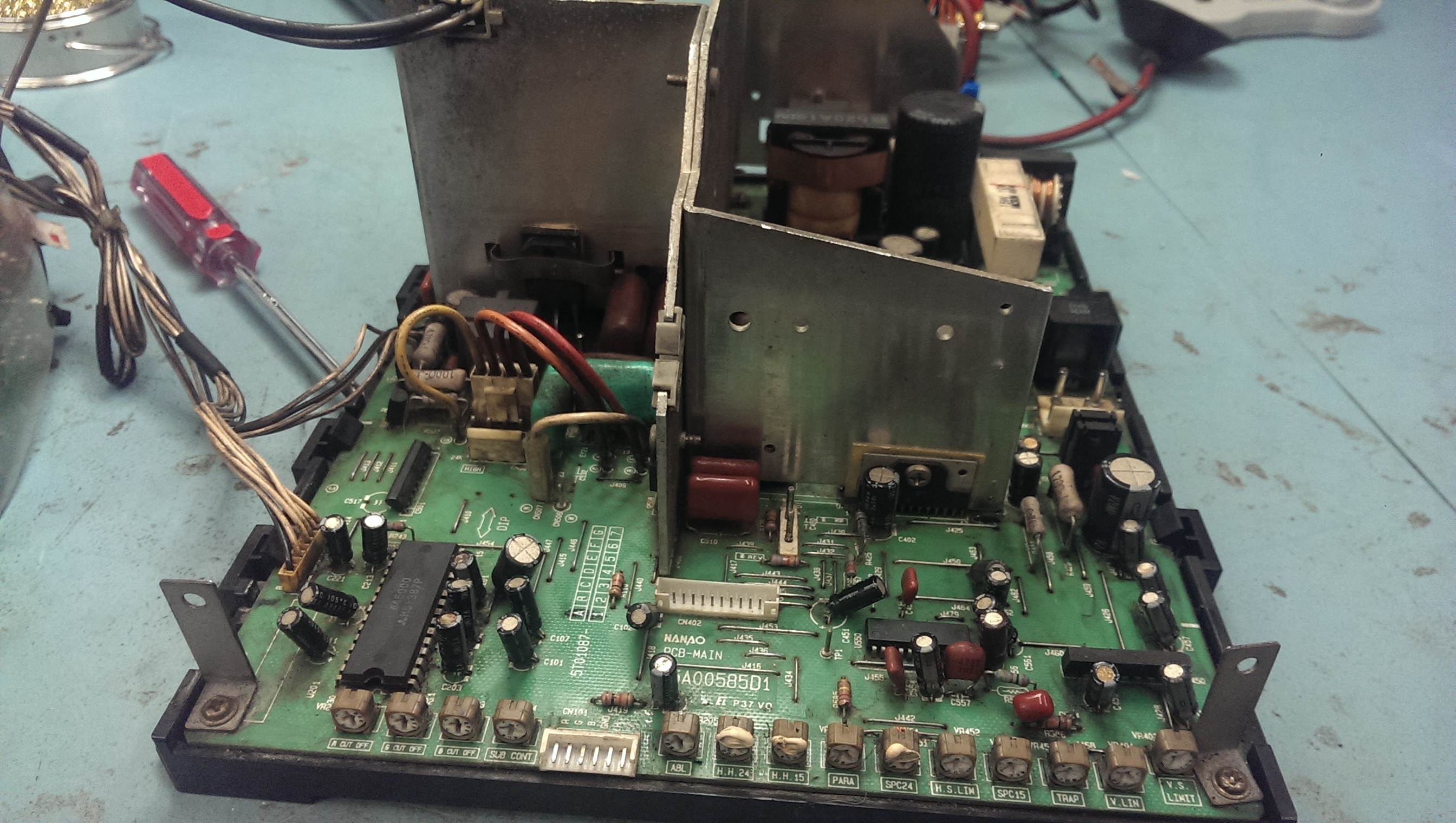
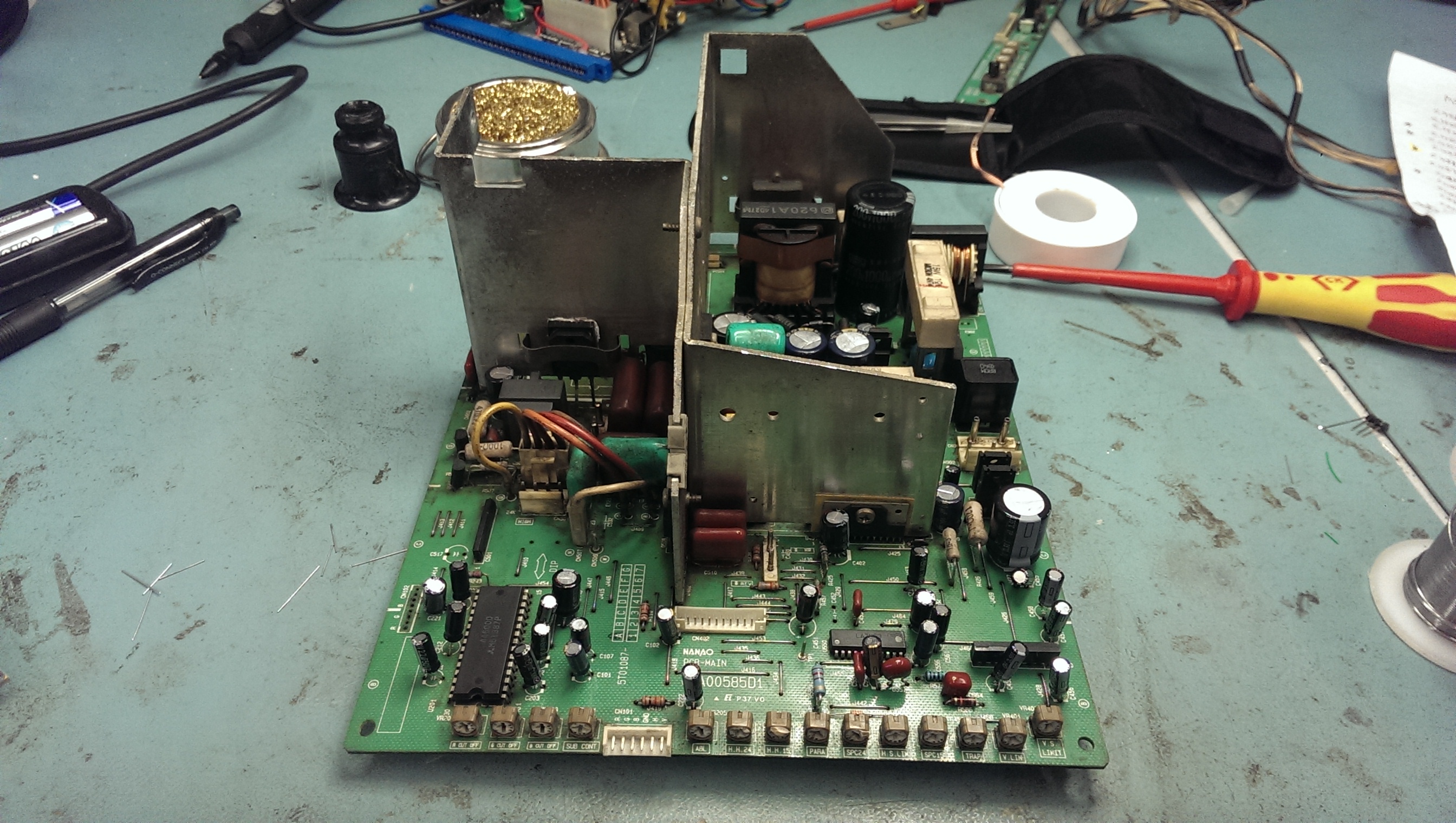
Had this chassis for a long time sat in my loft. Its never worked properly and testing it now it doesn’t do anything.
prework
underside

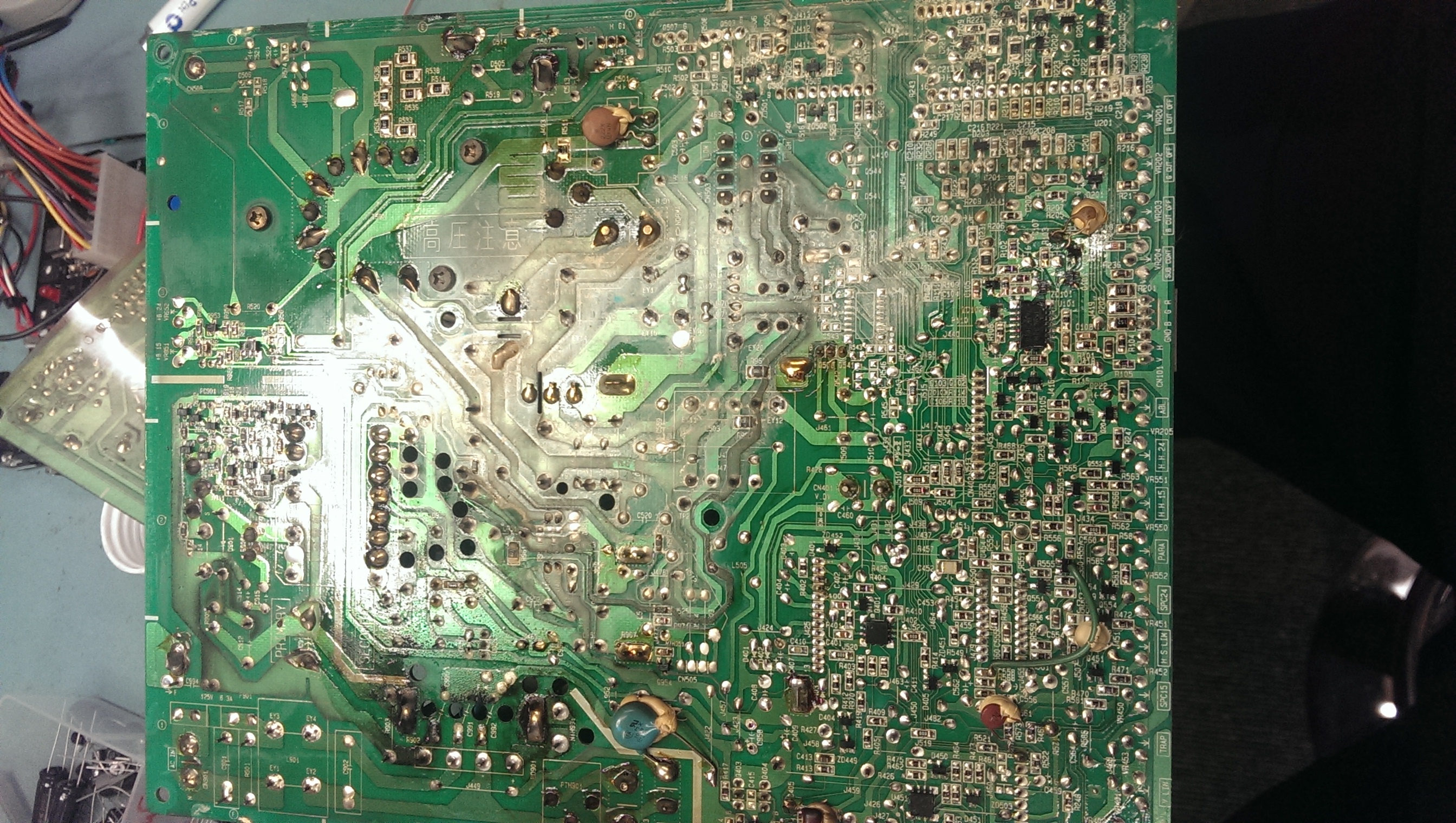
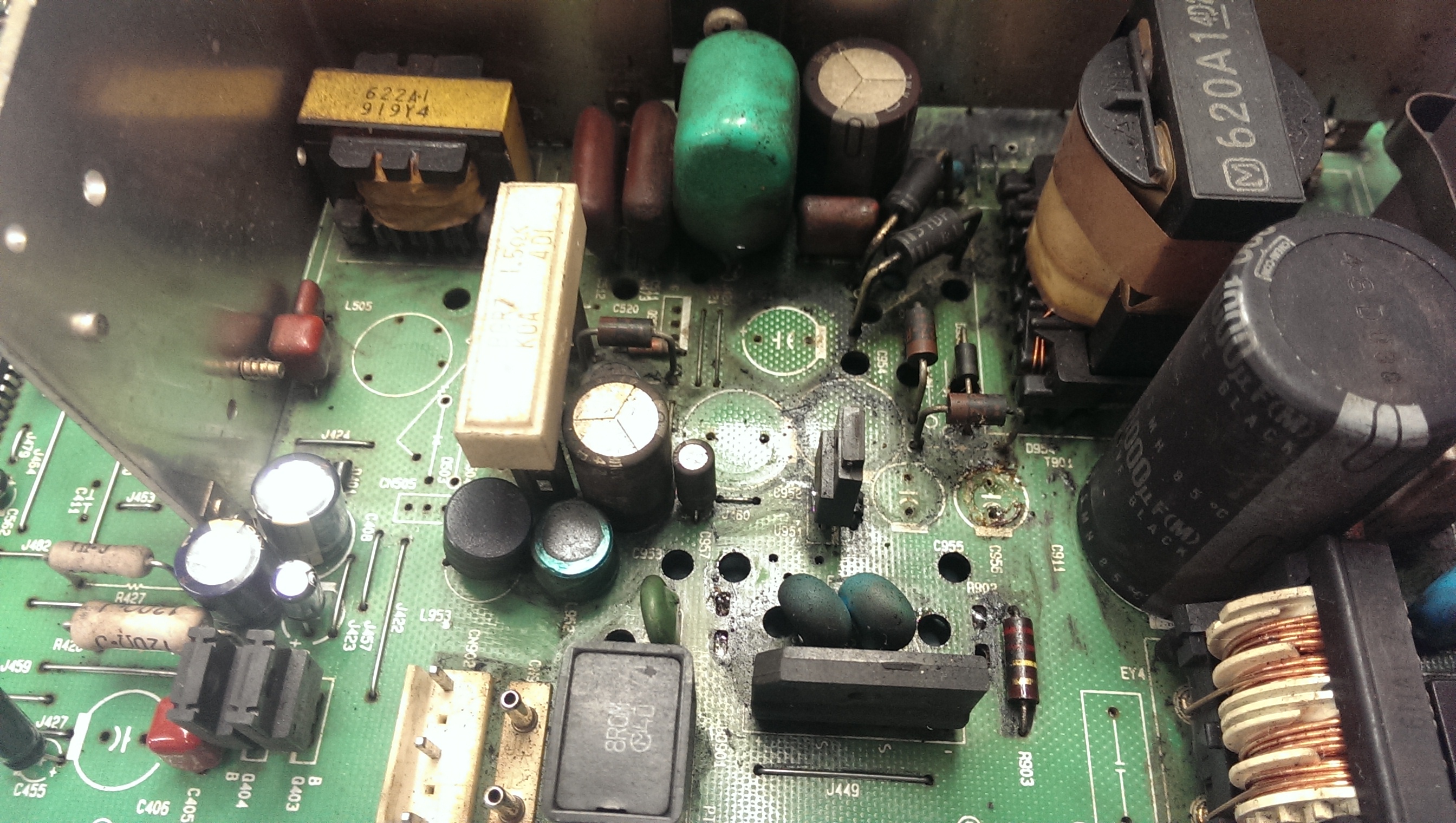
Taking a good look at the chassis showed that quite a few capacitors had been leaking and testing random ones with the ESR tester revealed plenty more bad ones.
As it was in a poor state and also seeing as it is my first attempt at a monitor repair I opted to replaced pretty much every cap I could and do a clean up along the way.

I removed all the caps and tested each one that came out. Here is a list of the ones I found to be bad:
C958 – 47uF 16v
C956 – 680uF 10v
C457 – 10uF 50v
C459 – 22uF 50v
C561 – 47uF 16v
C451 – 22uF 50v
C222 – 22uF 50v
C201 – 47uF 16v
C203 – 47uF 16v
C955 – 180uF 25v
C953 – 47uF 160v
C513 – 10uF 250v
The electrolytic capacitor on the neck board was also bad.
Also found resister R585 (120k ohm) was damaged.

leaked
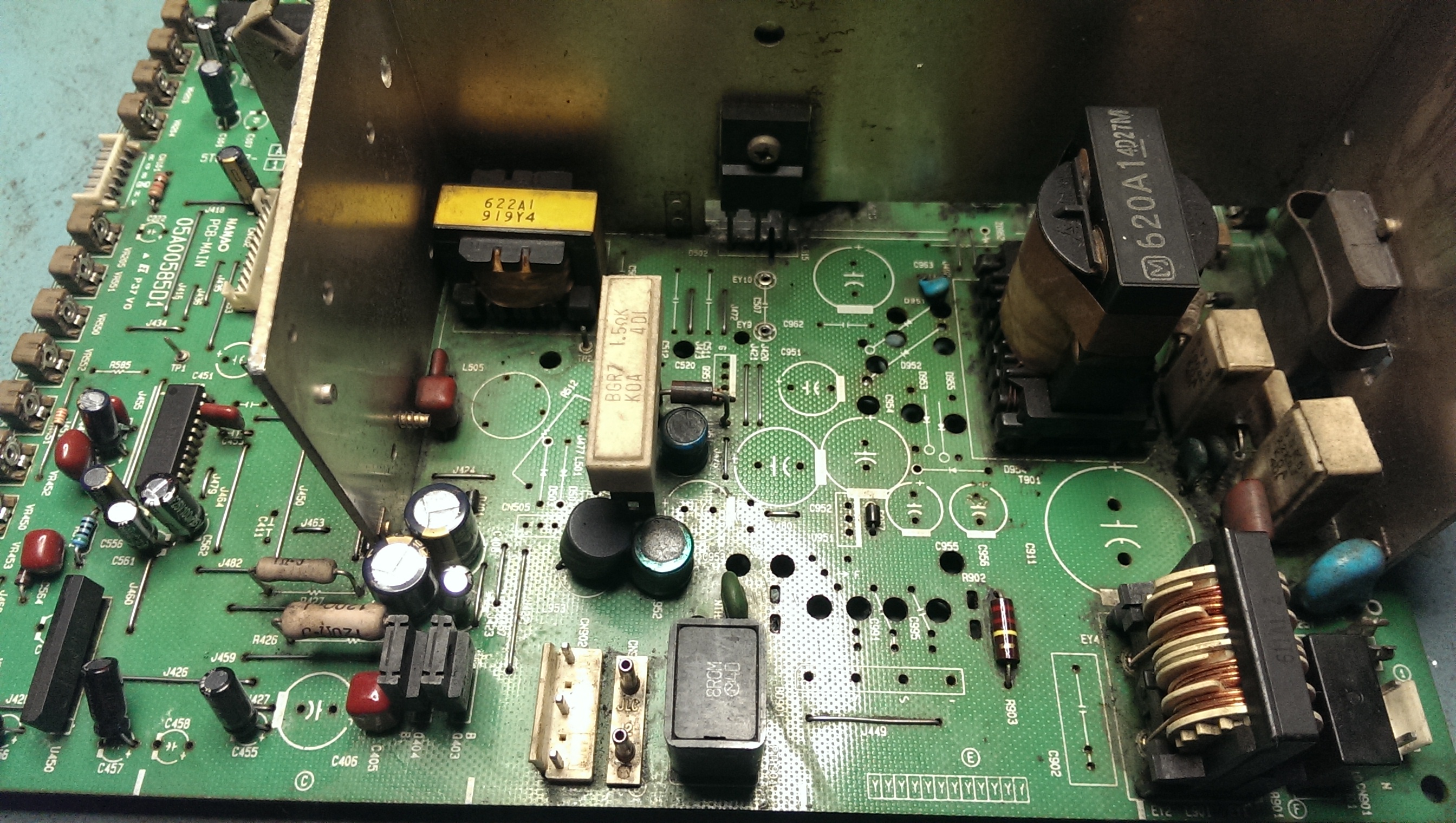
I ordered up the caps and cleaned up the PCB.
cleaned

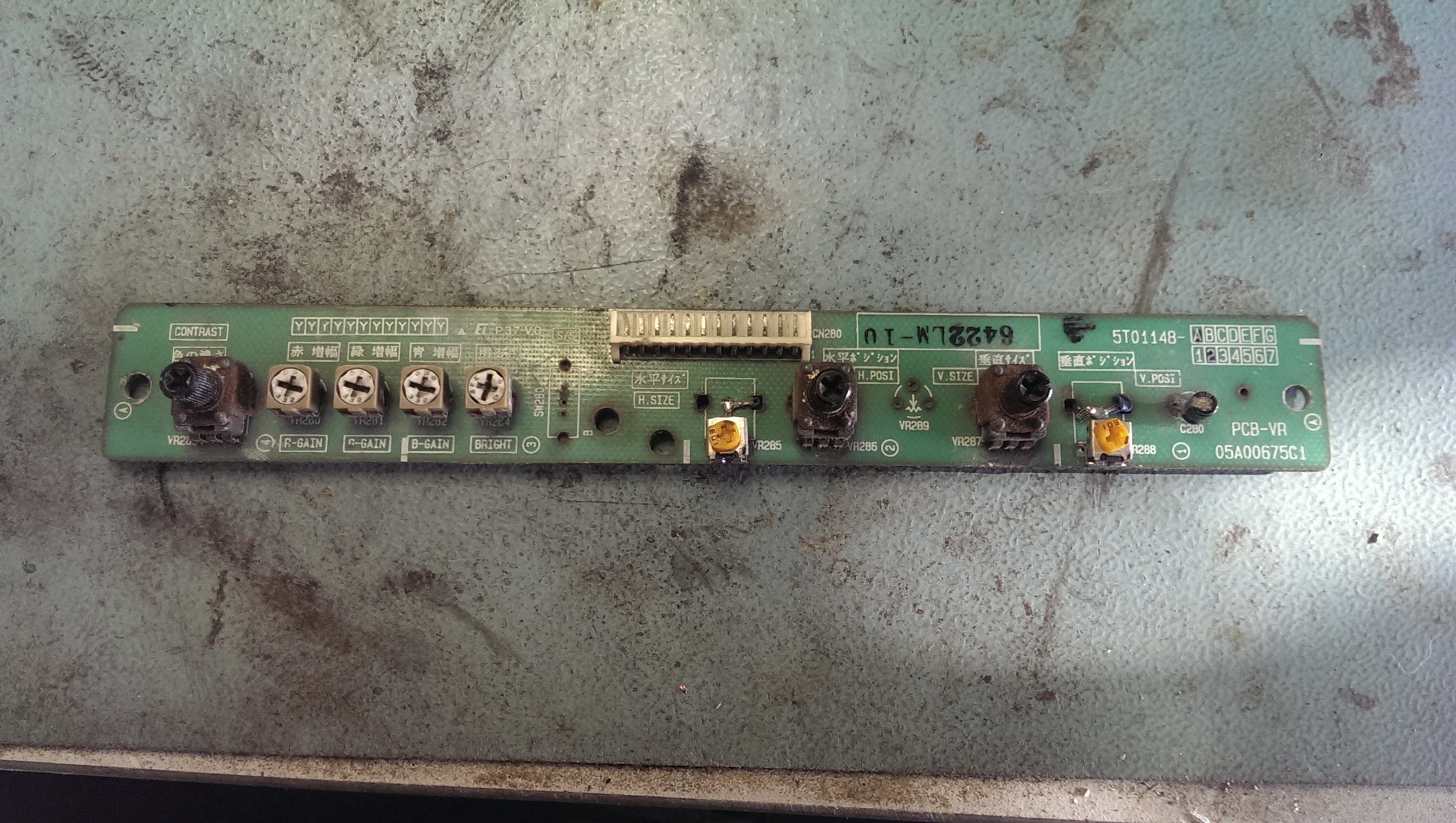
I then turned my attention to the remote board.
remote1

This had two pots missing but had a couple of different ones hacked in their place and the smoothing capacitor was also leaking. I found some 10k Alps potentiometers on eBay so ordered a couple of those too.
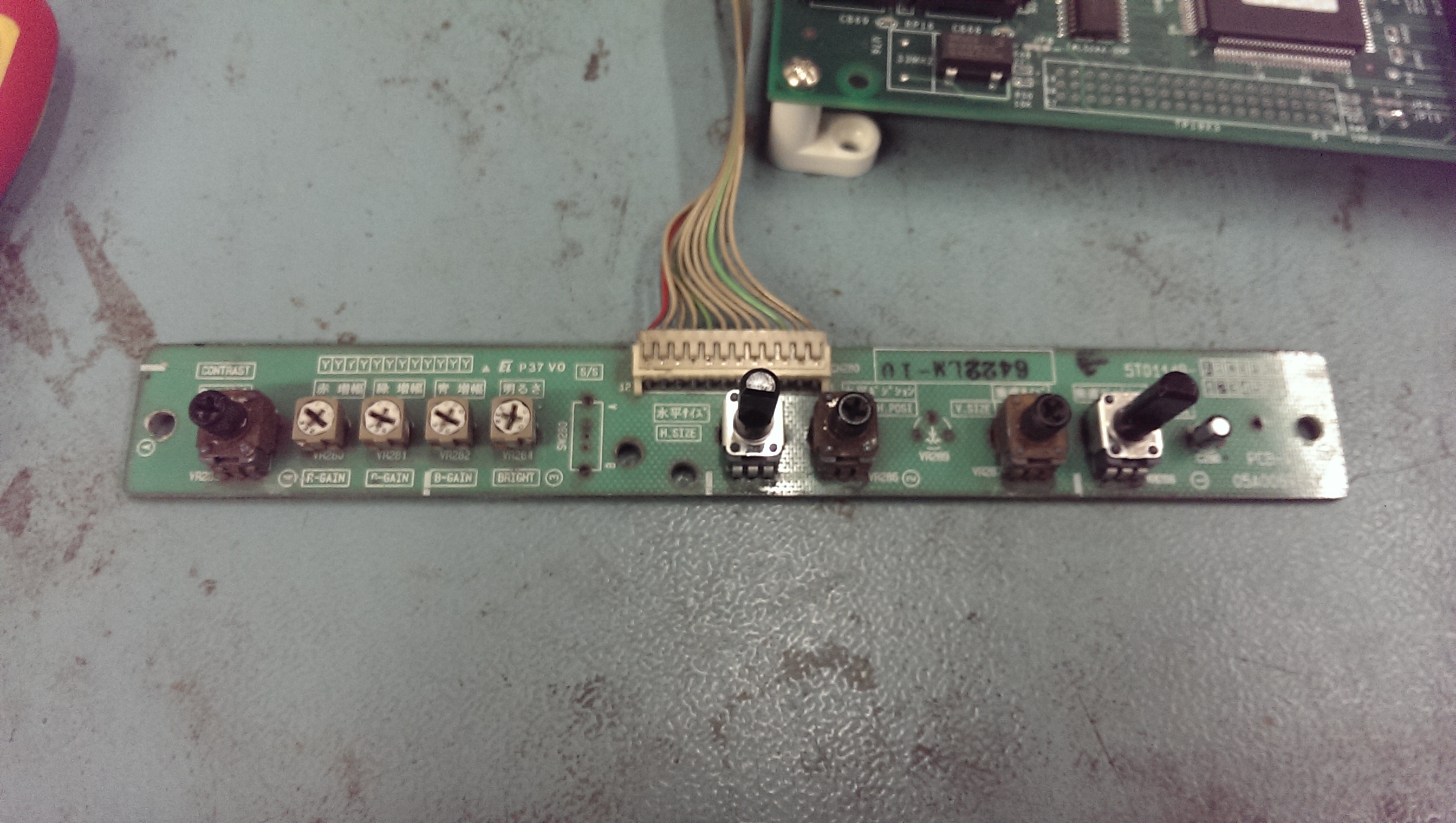
The existing pots look in bad shape but they check out OK and operate quite smoothly so ill leave them alone for now.
remote2

A few days later all my stuff had arrived from Mouser and I was ready to put this thing back together.
done

I fitted it back into my spare 29″ tube and fired it up for the first test.

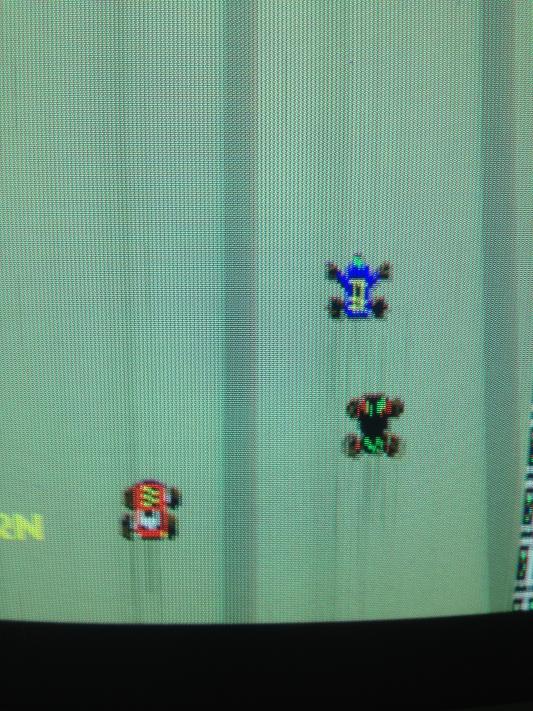
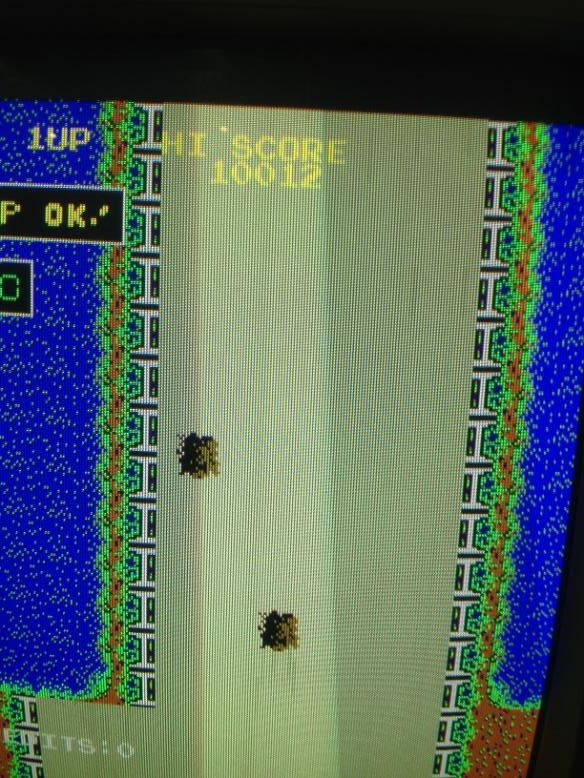
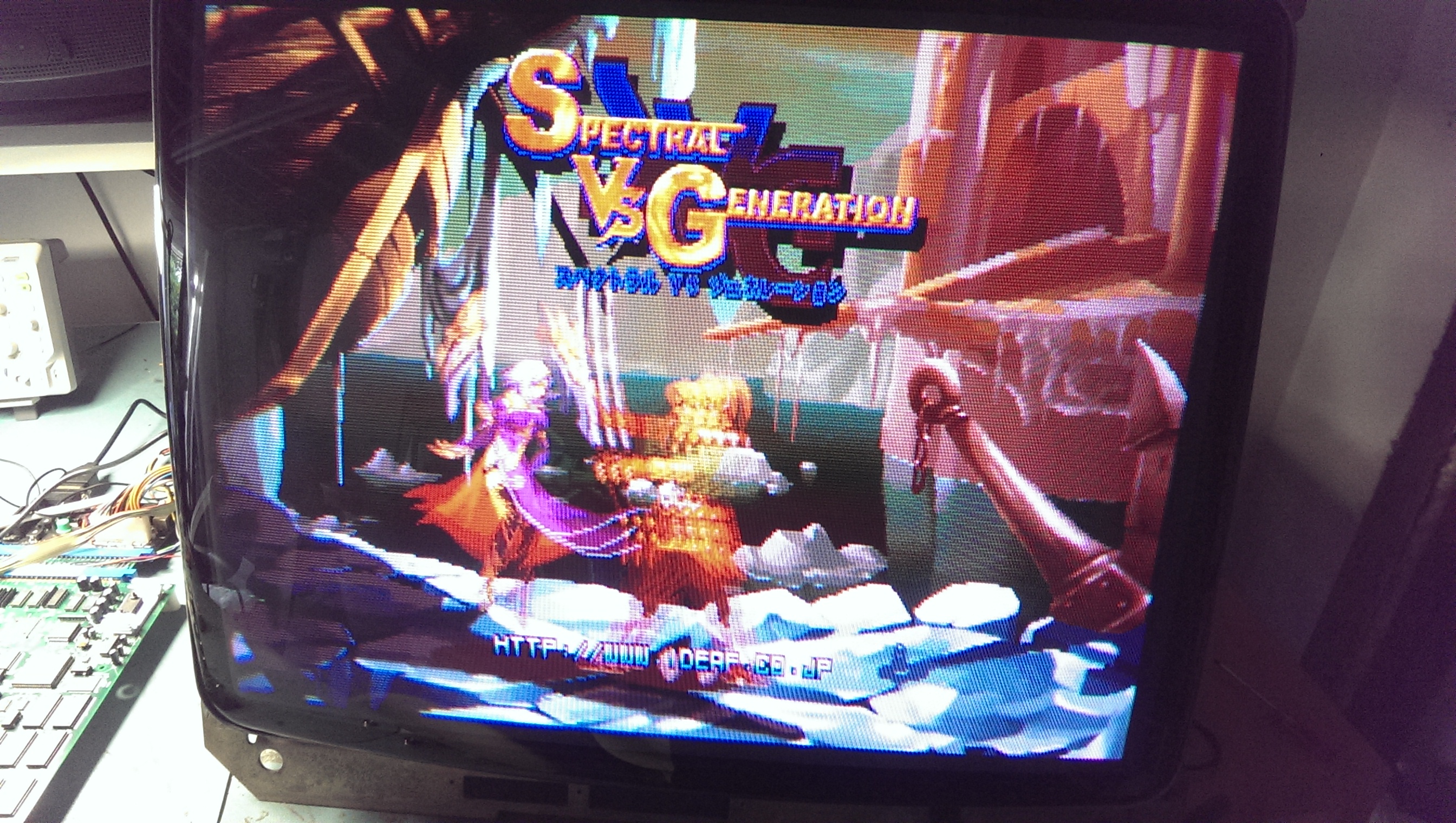
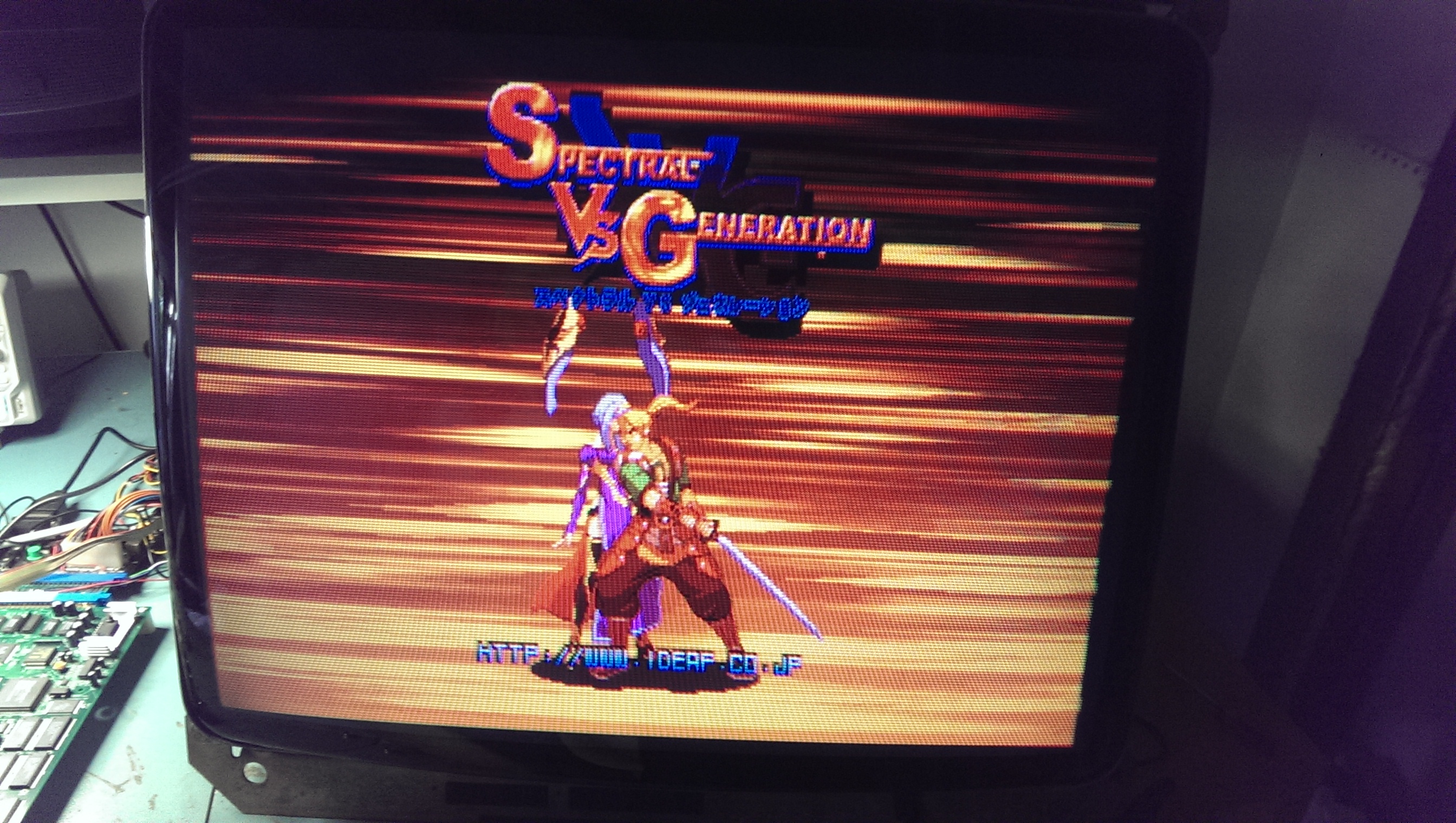
With a bit of tweaking I got the decent picture. The photo doesn’t really do it justice but I’m pleased with the results.
picture1

picture2

 Posted by at 11:59 am

Shadow Warriors repair log

 PCB Repair Logs, Repair Logs  Comments Off on Shadow Warriors repair log
Sep 202015
 

Just a quick fix for a Shadow Warriors PCB I had since many years but never looked at:

Shadow Warriors_PCB

Gameplay was fine but all the backgrounds GFX were scrambled and messy:

bad_backgrounds

This is the part of circuit which generates the backgrounds, located on video board:

backgrounds_circuitry

Luckily EPROMs and RAMs were socketed so I first tested the latter and found a bad one @3D (a Toshiba T5563 pin to pin compatible to a generic 6264) :

T5563@3D

Replacing the bad chip was enough to clear the issue.

backgrounds_fixed


 Posted by at 11:21 pm
Sep 202015
 

I got this Major Title 2 PCB for cheap from ‘Smitdogg’ of MAME team:

Major Title 2_PCBX i

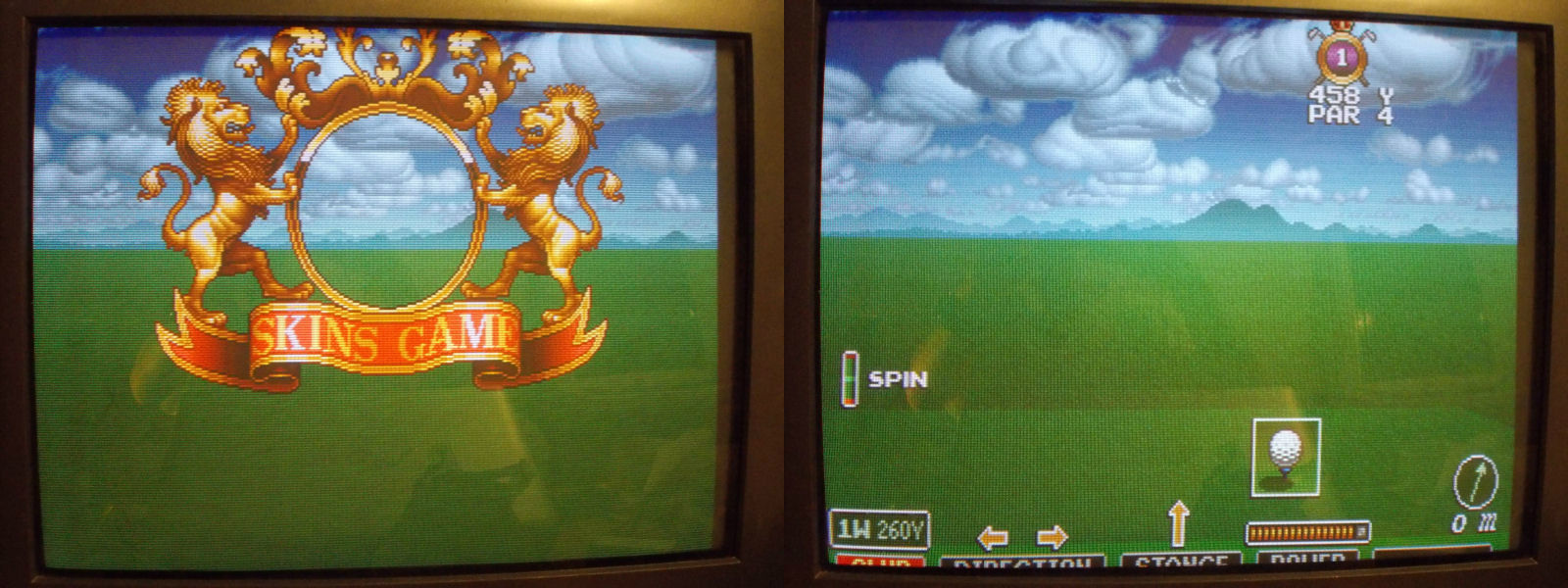
He said me board had some GFX issues.Actually when I powered it up I got no sprites at all:

no_sprites

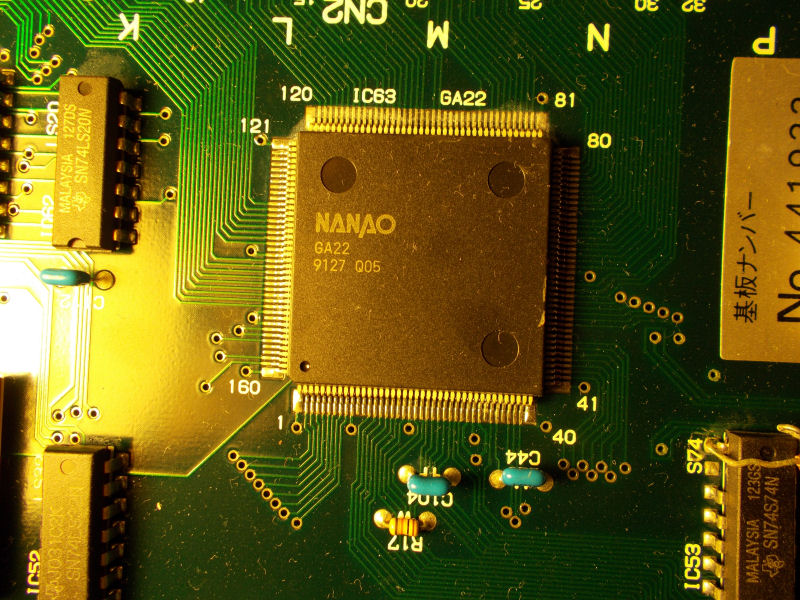
For first I checked the sprites EPROMs with my logic probe and found no activity on all pins.These four sprites MASK ROMs on video board are addressed by the ASIC “GA22” on CPU board :

NANAO_GA22

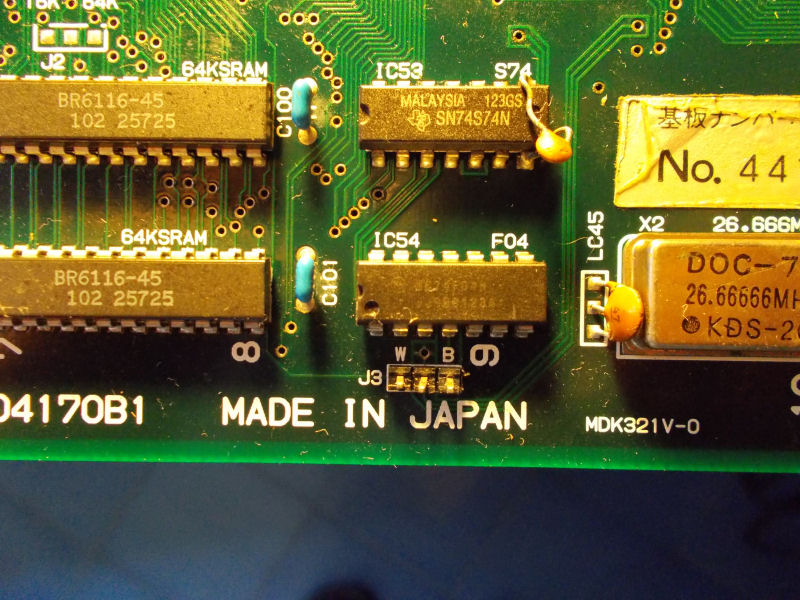
I probed it and all its pins were silent too.I tried to reflow it without luck, sprites were still absent.Then, looking at the board, I noticed an open jumper ‘J3’ right hear the GA22 ASIC:

J3_open_jumper

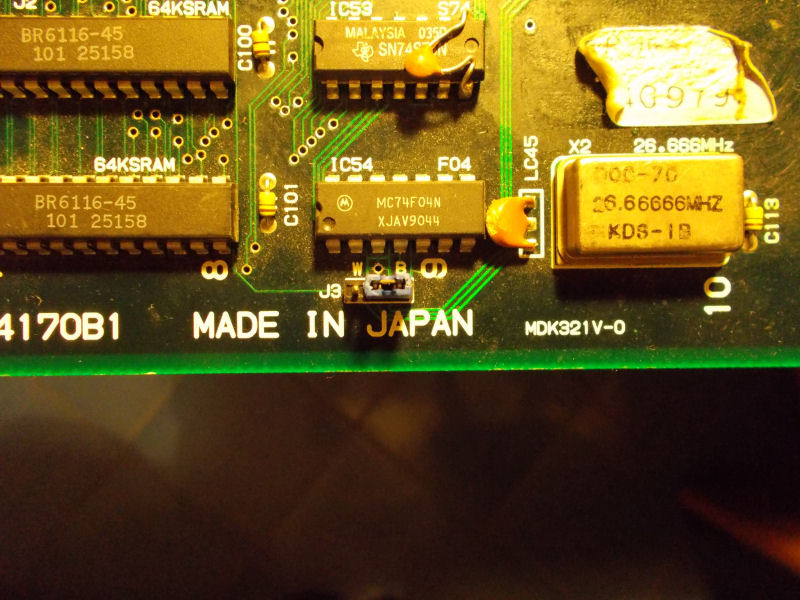
Looking at other M92 CPU boards I could see that this jumper was always closed to position ‘B’ (so with central and right pins shorted together).So I did it on my board too:

J3_closed_jumper

and sprites were magically restored!

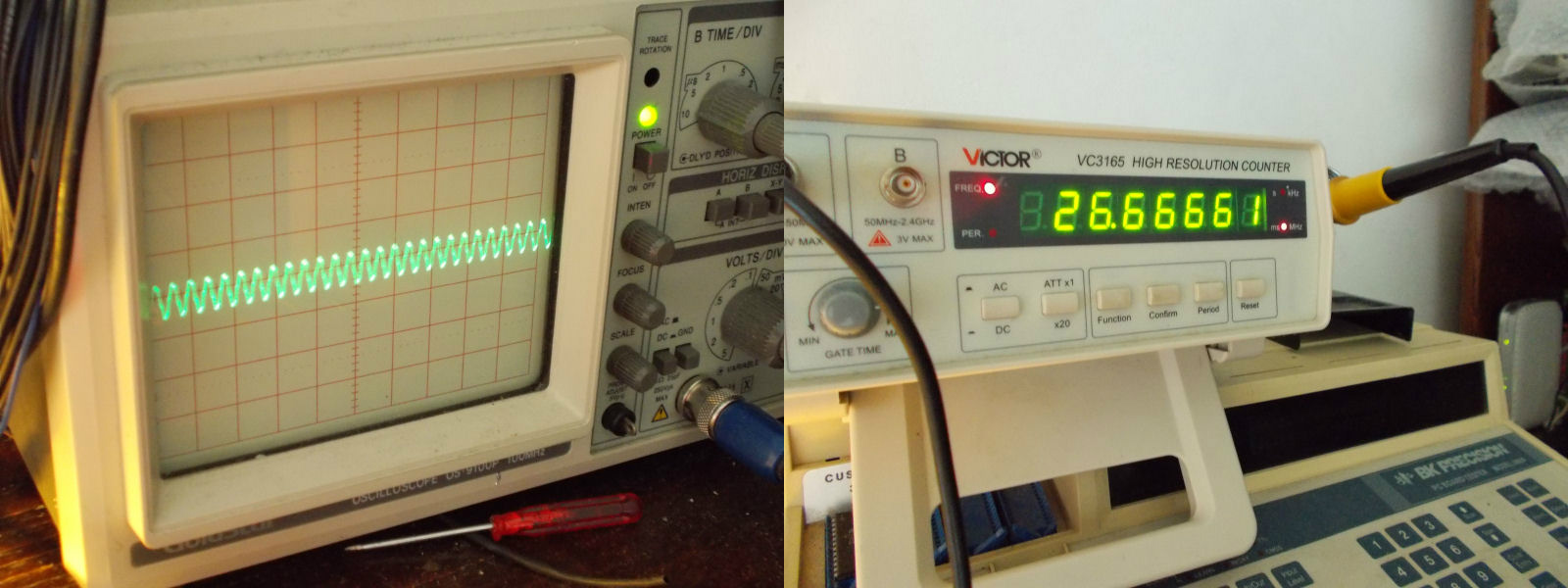
Now the technical explanation.The jumper is actually for selecting which clock signal must be delivered to the sprites generator ASIC “GA22”.If closed in ‘B’ position, ASIC will receive a clock signal of 26.6666 Mhz (which is the correct value for most of M92 games) :

26.66666_signal

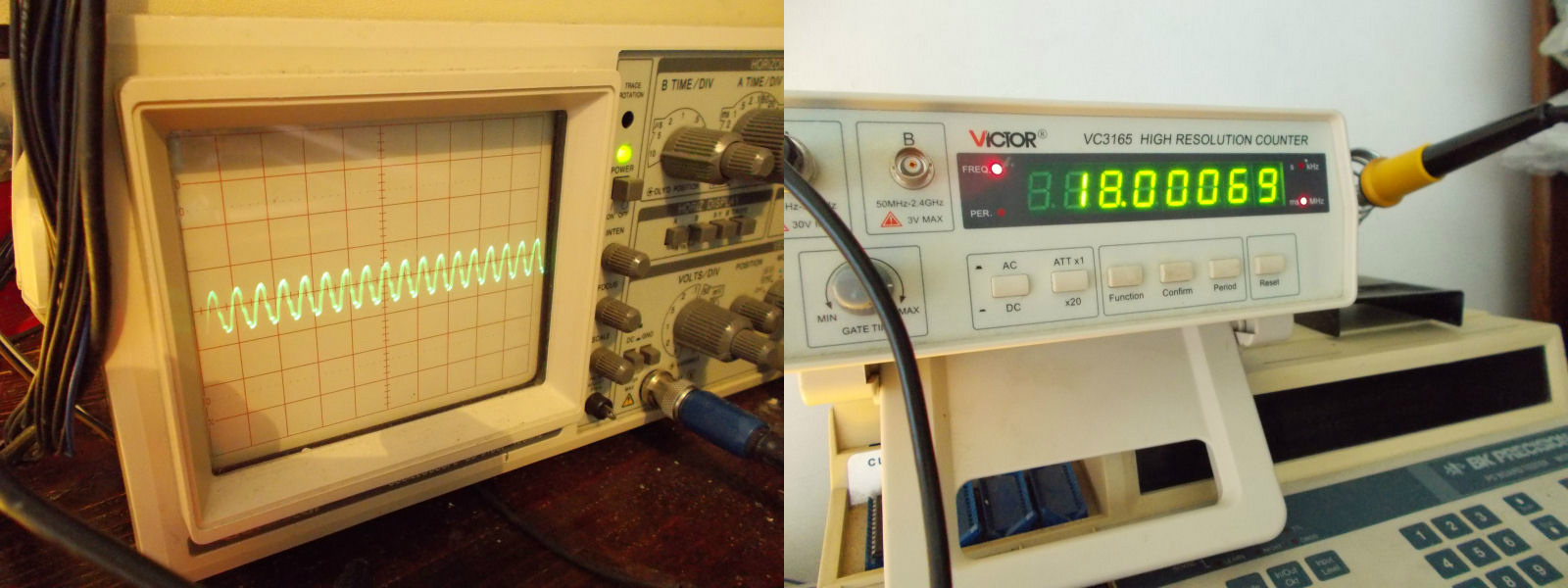
If closed in ‘W’ postition, the ASIC will get a 18.000MHz signal (no sprites with this configuration) :

18.000MHz_signal

Last issue to fix was some audio background noise:

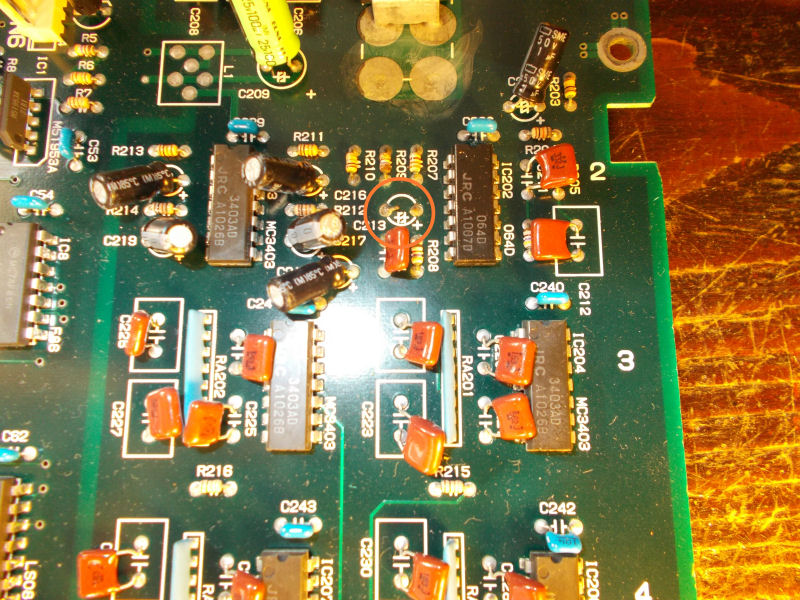
I quickly traced it to a missing 47uF 16V electrolytic capacitor @C213 in analog sound section:

missing_C213_capacitor

End of job.

 Posted by at 10:17 pm
Sep 102015
 

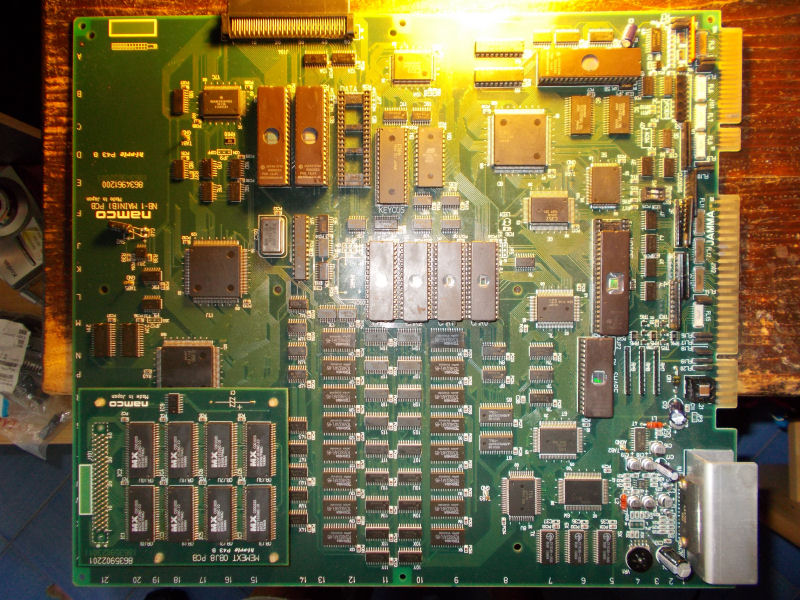
Got this NebulasRay PCB ( converted from another Namco NB-1 game) from my friend Josef for a repair:

NebulasRay_PCB

For the uninitiated the game is a vertical shoot ’em up released by Namco in the 1994.It runs on Namco NB-1 platform.Here are the specs:

  • Main CPU: Motorola 68EC020 32-bit processor @ 12.5 MHz (for the NB-1 games), 24.192 MHz (for the NB-2 games)
  • Secondary CPUs: Namco C329 with C137
  • Custom graphics chips: Namco C123, C145, C156 and C116 (for the graphic effects) with Namco C355, C187 and C347 (for the motion objects)
  • Sound CPU: Namco C351 (utilized for the NB-1 games), Namco C75 (Motorola M37702-based 16-bit) @ 16.128 MHz (utilized for the NB-2 games)
  • PCM sound chip: C352 @ 16.384 MHz that supports 8-bit linear and 8-bit muLaw PCM with four-channel output
  • Control chip: Namco C160
  • Board composition: two boards (NB-1) or single board (NB-2); an additional “gun” interface board was also utilized for Point Blank.

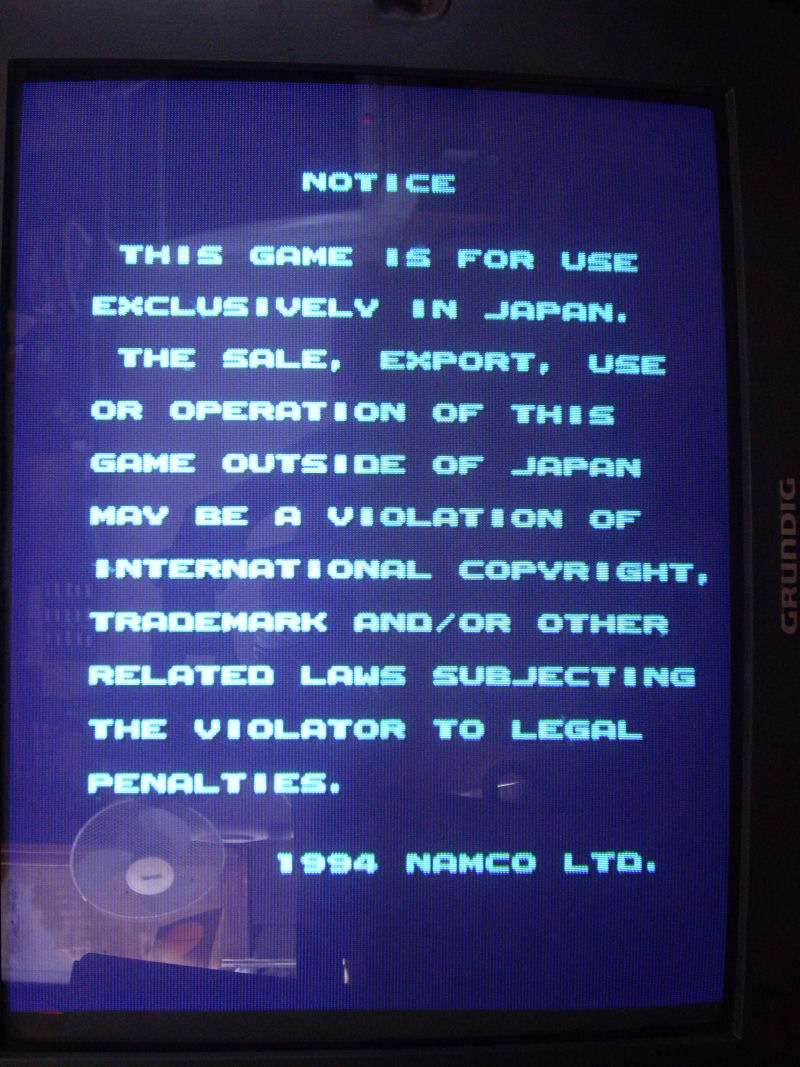
Board actually booted but didn’t pass the disclaimer screen:

disclaimer_stuck_

As said, main CPU is a 68EC020.Probing it, revelead a good activity until it got stuck on the above screen, at this point most of control lines were going to high impedance state terminating the BUS activity.So, there had to be some trouble in the main code execution but, given the hardware complexity and lack of documentation, I was pretty lost.

I started to do some tracing on PCB so I could locate the WORK RAMs ( two Toshiba TC551001 @5C and 6C):

WORK_RAM_C351_

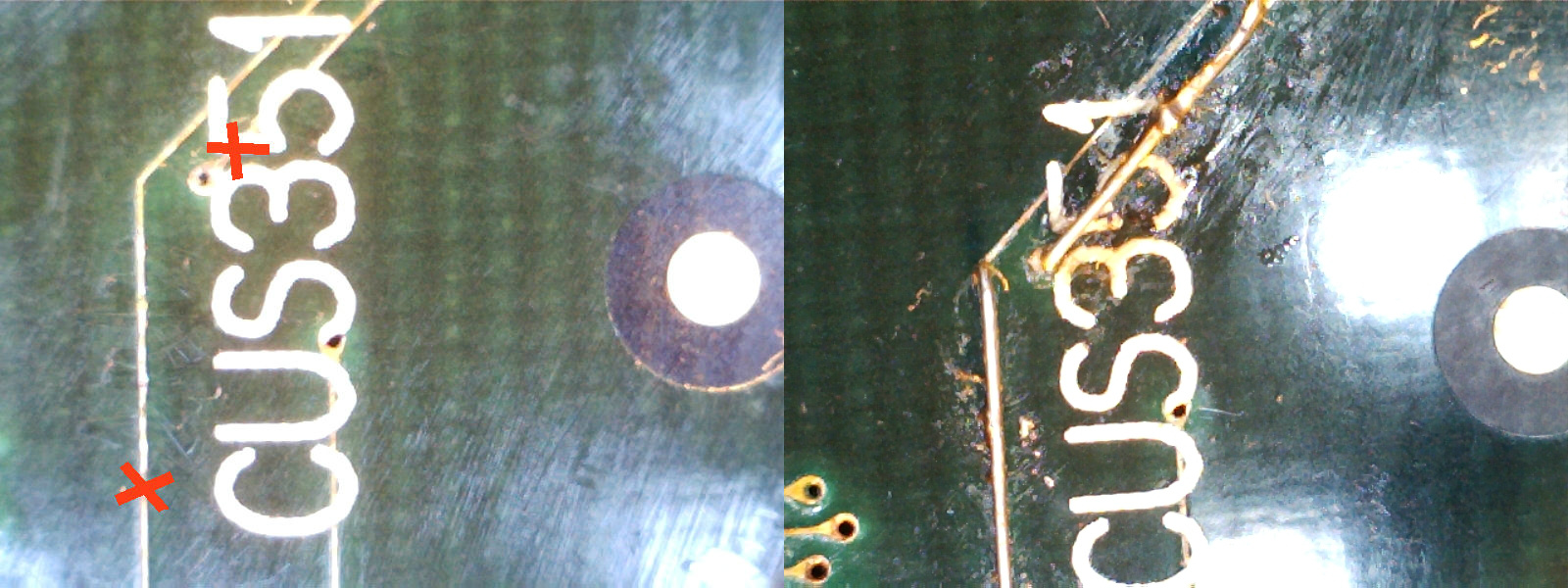
I figured out that they were not addressed directly by main CPU but through the near custom C351 (which is actually the custom sound CPU).I replaced both RAM but without luck.So, I removed the custom C351 and checking traces underneath it I found two breaks which I patched with some tiny wires:

C351_underneath

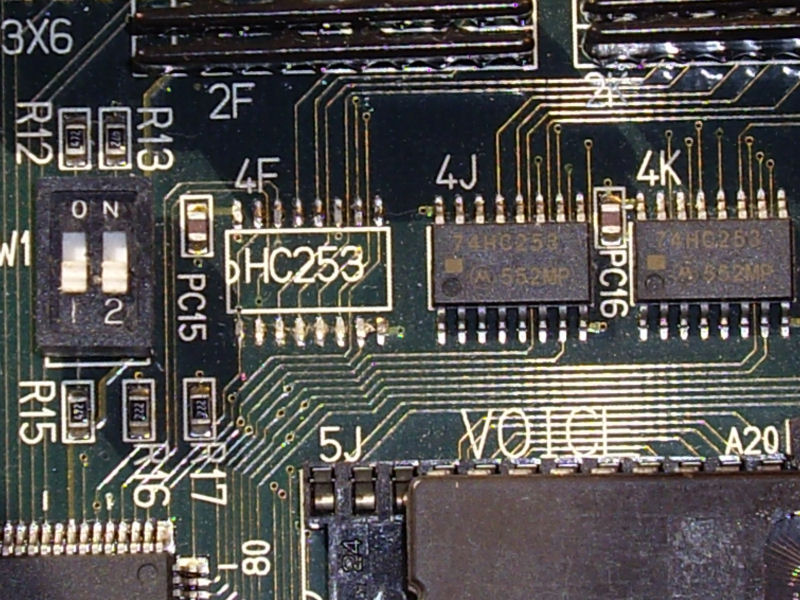
With this fix the board passed the initial disclaimer screen but went straight into test mode although dipswitches were set to off.I quickly traced this to a missing 74HC253 multiplexer @4F:

missing_74HC253@4F

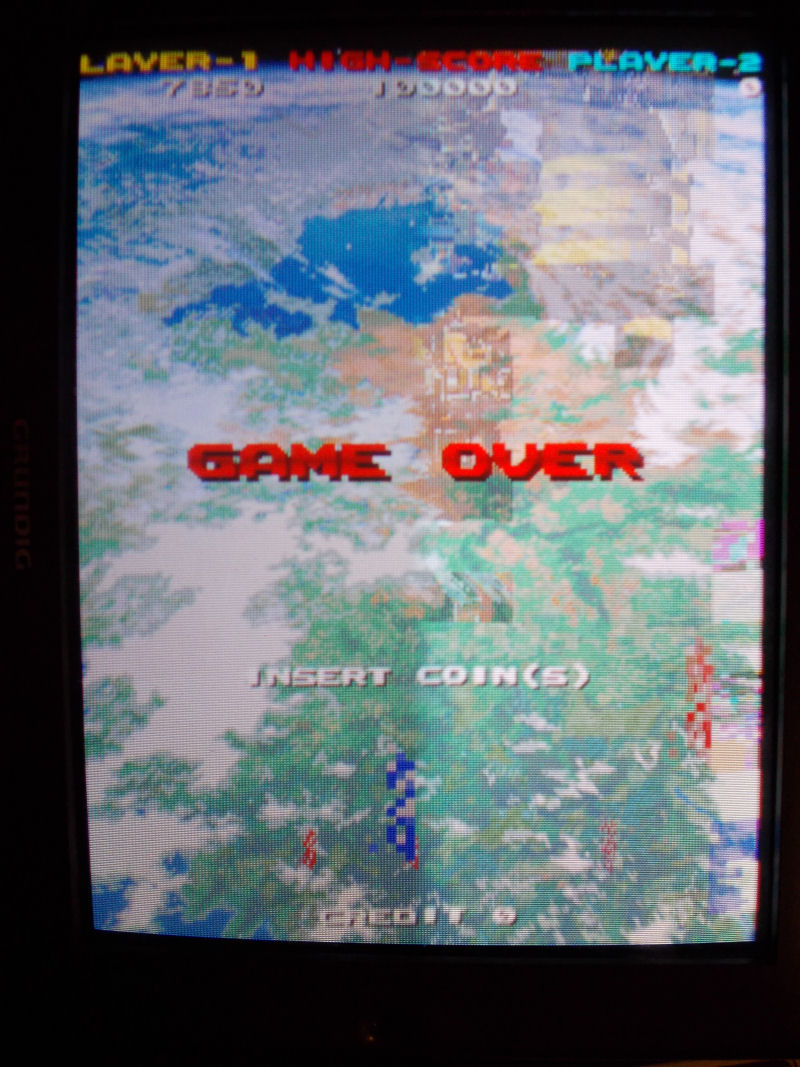
Finally the board entered in game but all sprites were wrong :

wrong_sprites

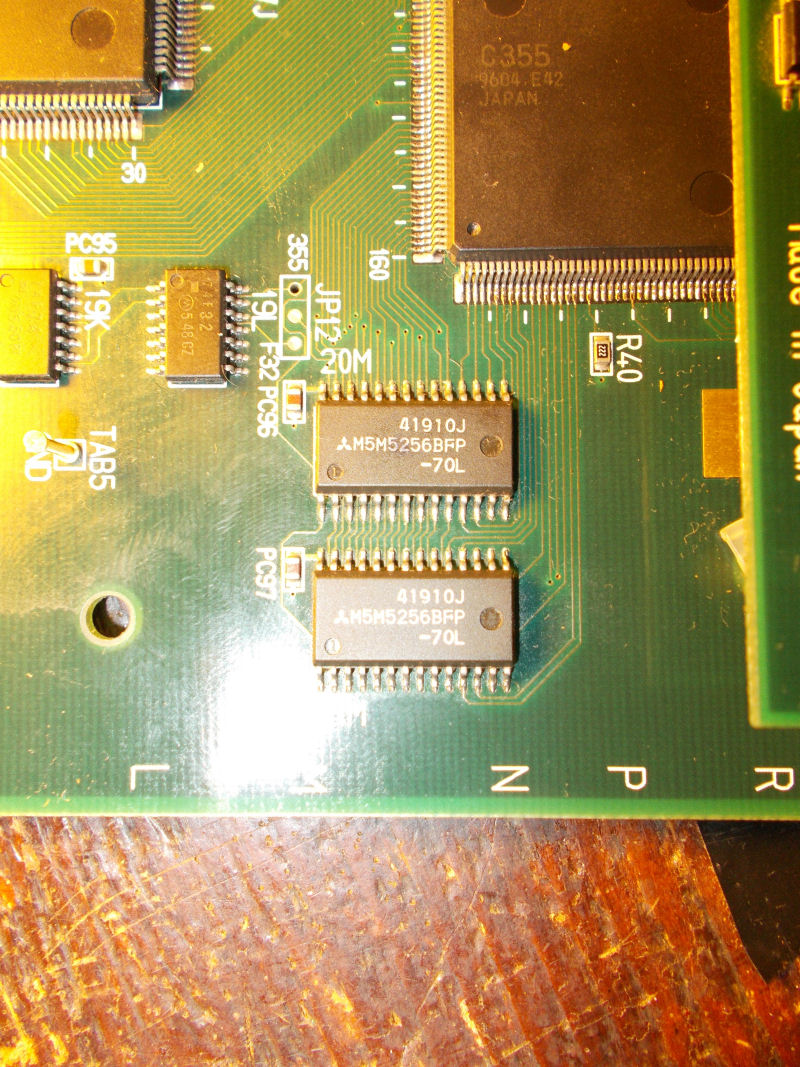
Object RAMs are two Mitsubishi M5M5256 @20M and 21M:

object_RAMs

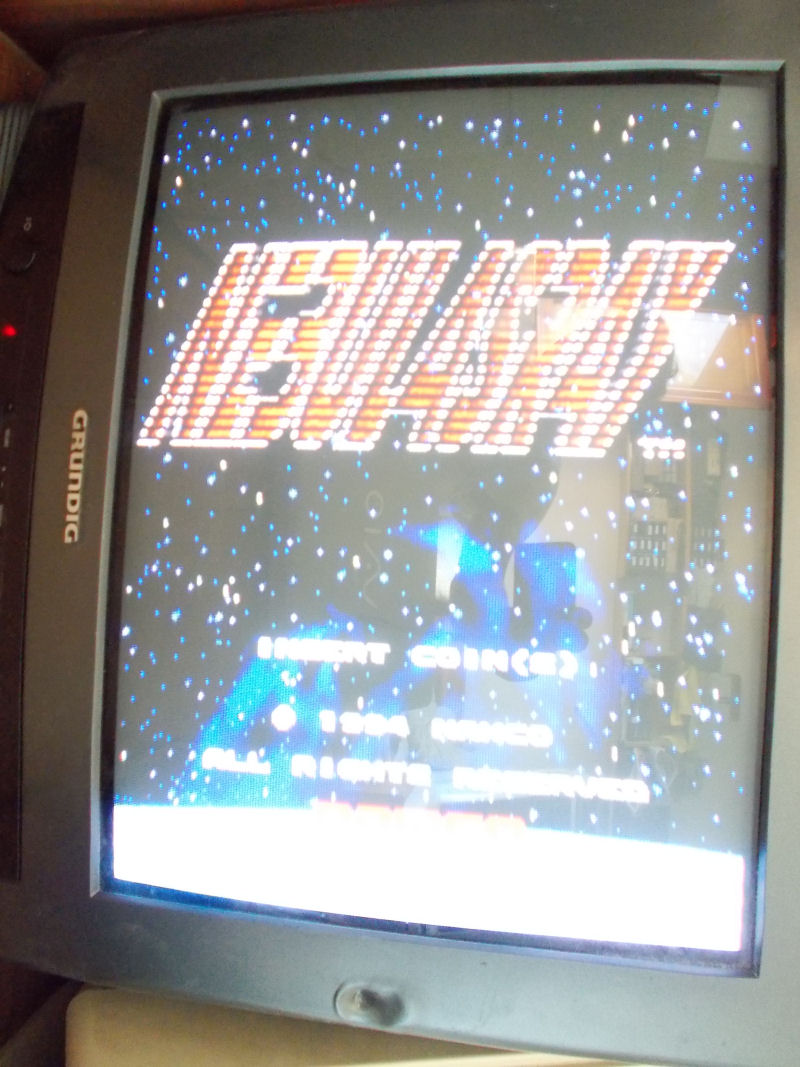
A closer inspection revealed some loose pins that I promptly resoldered.In this way all sprites were restored except for jailbairs on some of them (like game title ):

jailbairs

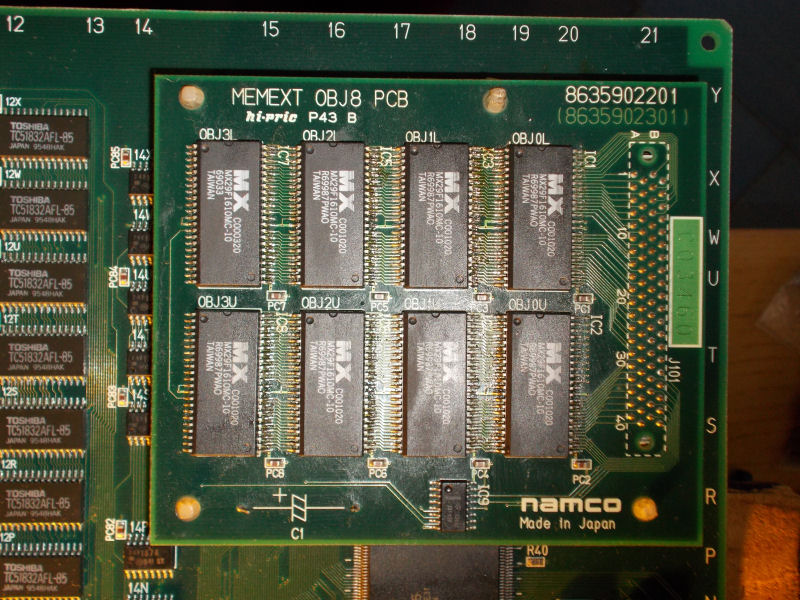
All sprites ROMs are on the small daughterboard in form of 8 MX29F1610 FLASH devices :

object_PCB

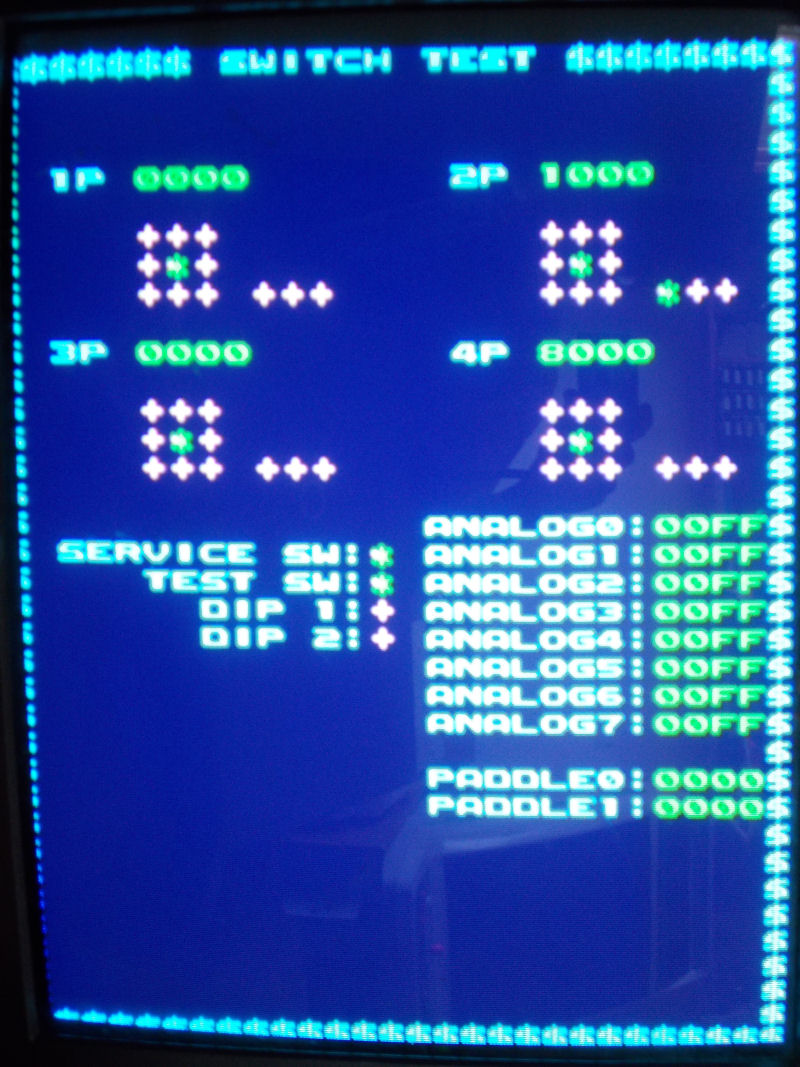
Since  the board was a converted one, they were hand soldered not in professional way (let’s say so..) so I reflowed them.Graphics and sound were perfect now but some inputs were missing or stuck like reported in switch test:

missing_stuck_inputs

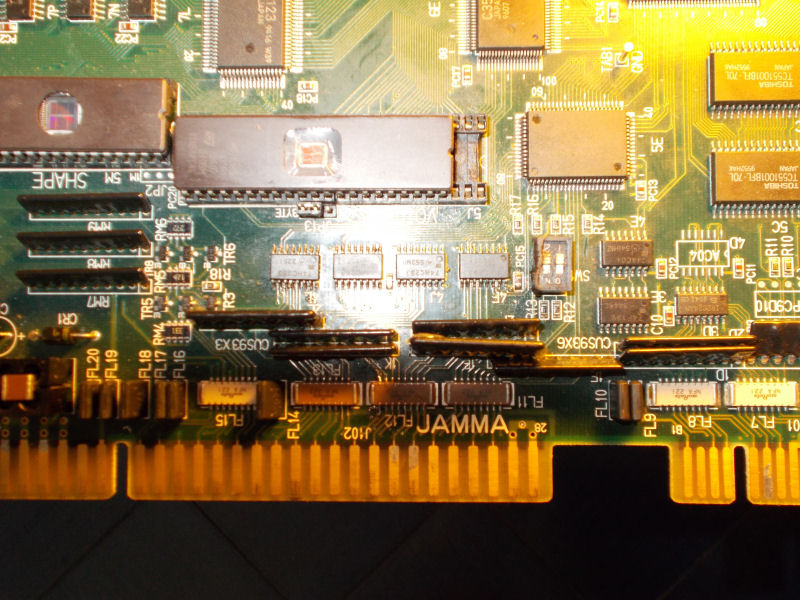
The inputs circuitry is so designed on this kind of hardware : JAMMA connector pin is connected to some EMI filter arrays , then to some custom CUS93 resistor arrays, then to some 74HC253 which combine inputs into outputs that go to the ASIC C160 (which is the I/O chip):

inputs_circuitry

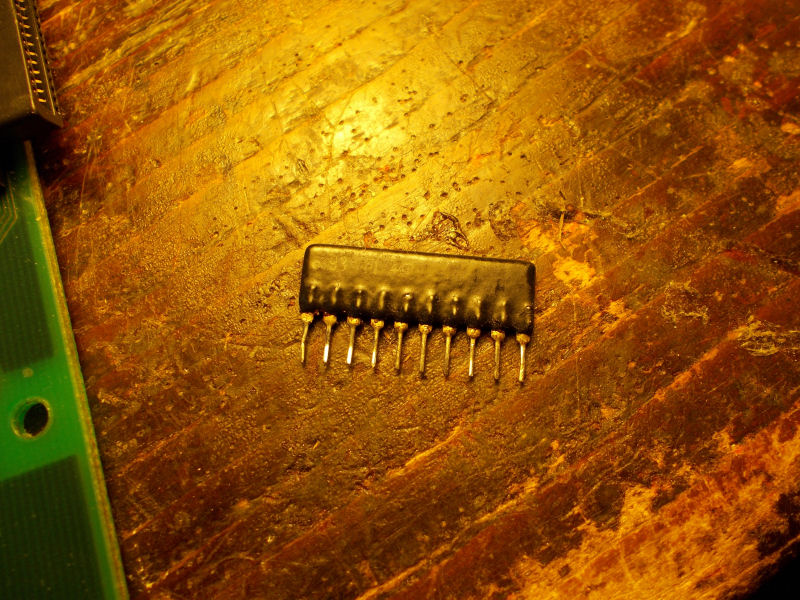
After some tracing I could pinpoint the faults in two bad CUS93 resistor arrays @2L and 1F:

CUS93

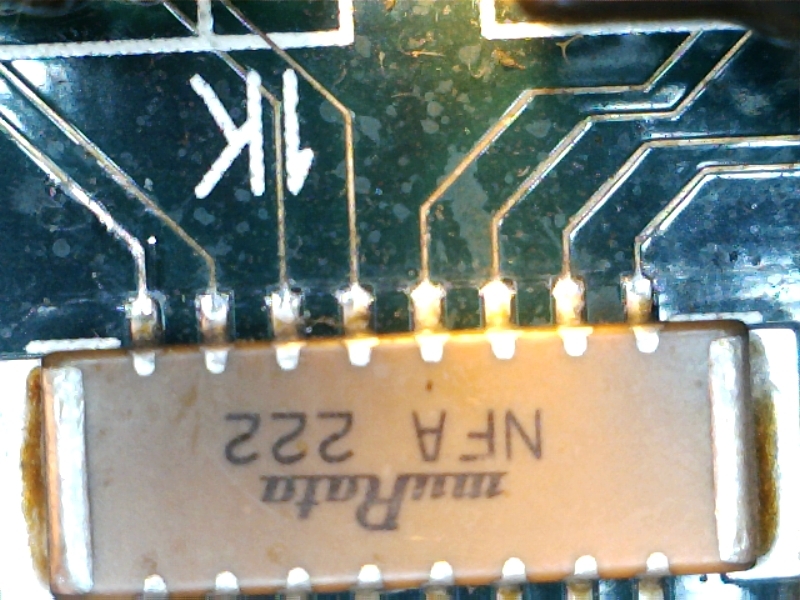
Besides, there was intermittent contact between some pins of JAMMA connector and EMI network filter array @1K:

EMI_filter_array_2

Board 100% fixed.End of (long..) job.

 Posted by at 11:30 pm
Sep 042015
 

I got an Edward Randy with a black screen (but partial sound).

After a few checks with my scope, I quickly found a PAL @ location N5 with no signals on all of its outputs (BUT signals on its inputs).

edrandy1

As PALs from this game are not available yet online, I looked for other games that possibly shared the same hardware/system in order to try using a similar PAL.

And yes, that system is listed as “Data East Caveman Ninja Hardware” in MAME and some of these games got their PALs dumped. It was the case of Caveman Ninja and Robocop 2 that shares an almost identical PCB layout than Edward Randy (there are only a few differences in the GFX ROMs part).

So I burned the PAL at location N5 from Robocop 2 and plugged it on my Ed Randy board and here is what I got:

edrandy4

Well, at that time I was thinking it was due to an incompatibility between Robocop 2 and Edward Randy PALs and I temporarily gave up, waiting to get a dump from a working Edward Randy to be sure…

Then Shoestring confirmed me Caveman Ninja and Robocop 2 PALs @ N5 were strictly identical. It leaded him to believe that perhaps they are all common to each other and maybe there is a different problem with my board, which pushed me to have a look back at my board for possible other faulty chips. And he did well…

I started looking for other issues on the PCB and noticed that bending the board made the garbled graphics changing, even making them better looking at some point.
So I suspected the two SMC Data East customs labeled “55” having bad solder joints and reflowed the solder on them.

It then went way better. I had clean backgrounds in game, full intro with clean texts and pictures, title and Data East logo appearing (didn’t have all of that before) but no sprites in game. I noticed a square on the bottom-right corner that seemed containing garbled parts of sprites.

I then managed to find where the sprites part was located on the board and found two 6116 RAMs @ locations N9 and M9 that had suspicious signals on their data lines (pulsing but weakly and at low voltage). Piggybacking a known good working compatible RAM made parts of garbled sprites randomly appearing on screen.

I then desoldered one of the two RAMs (at location N9). With no big surprise it was tested bad on my programmer. I soldered a socket and put a new RAM in place. There was still no sprites but the garbled square on the bottom-right corner was not there anymore. Data lines on the new RAM were looking pretty much better though with strong pulses at 5V. The RAM located at M9 still showed weak outputs so I replaced it with another good known RAM:

edrandy6

Then sprites magically appeared !

edrandy5

Only one thing was remaining: the voice generating chips (2x OKI M6295) were missing so I replaced them and got the sound fully working.

I played the game several times since that and it is working perfectly.