Apple //e repair log

 Computer Repair Logs, Repair Logs  Comments Off on Apple //e repair log
Nov 282011
 

After the recent RCM open weekend I returned home with a boot full of broken stuff, one of which was Panthers Apple IIe which displays garbage on screen at startup.
Originally thought it might be a power supply issue but all voltages checked out fine.
Next step, check the ROM’s.
This version of the Apple II can take a 27C64 EPROM as a direct replacement so I just burned a new set of ROM’s and tried one at a time. The first one I changed was 342-0135 which is the “unenhanced CD” ROM. Replacing this actually fixed the fault.

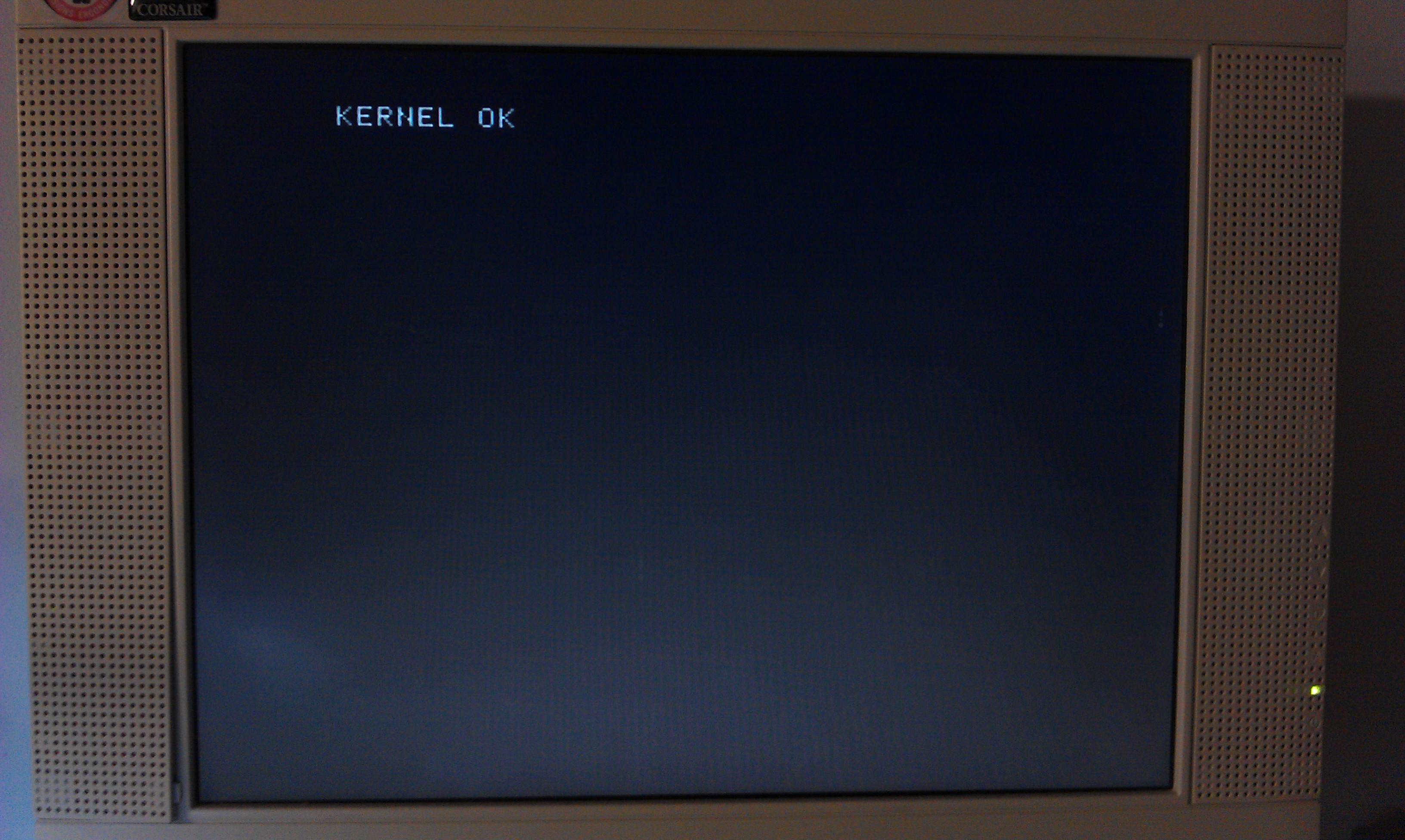
Pressing CONTROL+OPEN APPLE+CLOSED APPLE+RESET invokes the self test routines. This came up with KERNEL OK which is correct.
I don’t have any software to test this any further but I ran a small basic program which worked fine.
My only problem was the DELETE key prints a character rather than deleting anything but since I’m not familiar with this system this could be right, doubt it though.

EDIT: Confirmed that the delete key does NOT actually operate as delete in the BASIC environment, apparently the key is programmed to be a delete key with certain applications.
 Posted by at 7:14 pm

Pocket Gal bootleg repair log

 PCB Repair Logs, Repair Logs  Comments Off on Pocket Gal bootleg repair log
Nov 212011
 

Another decent fella from a forum was giving this board away for the price of postage.

Its been a bit quiet lately on the repair front so thought id give myself something to do. Ended up being a really quick and easy fix.
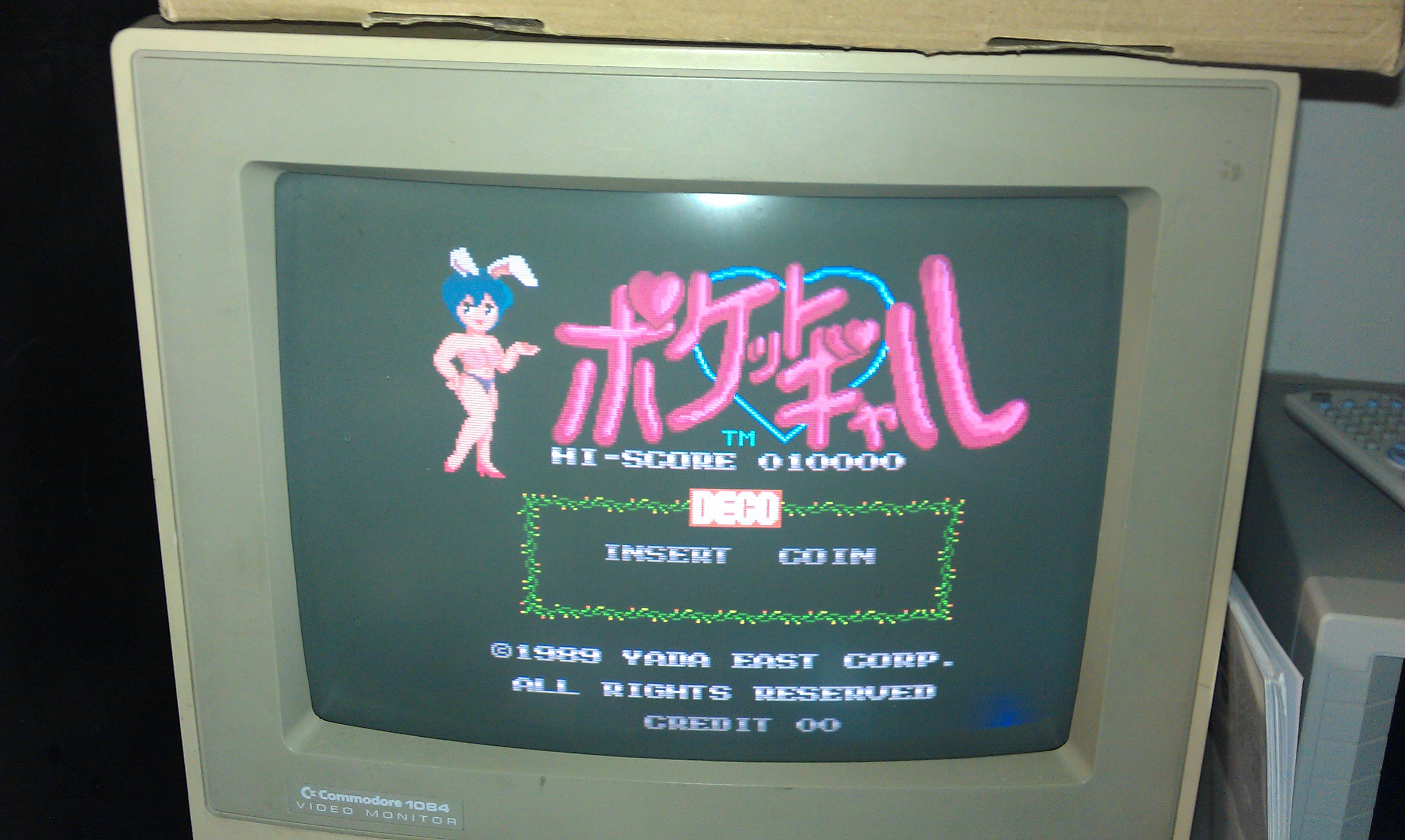
The game booted up and all the sound appeared to be there, it would even coin up but the game could not be started.

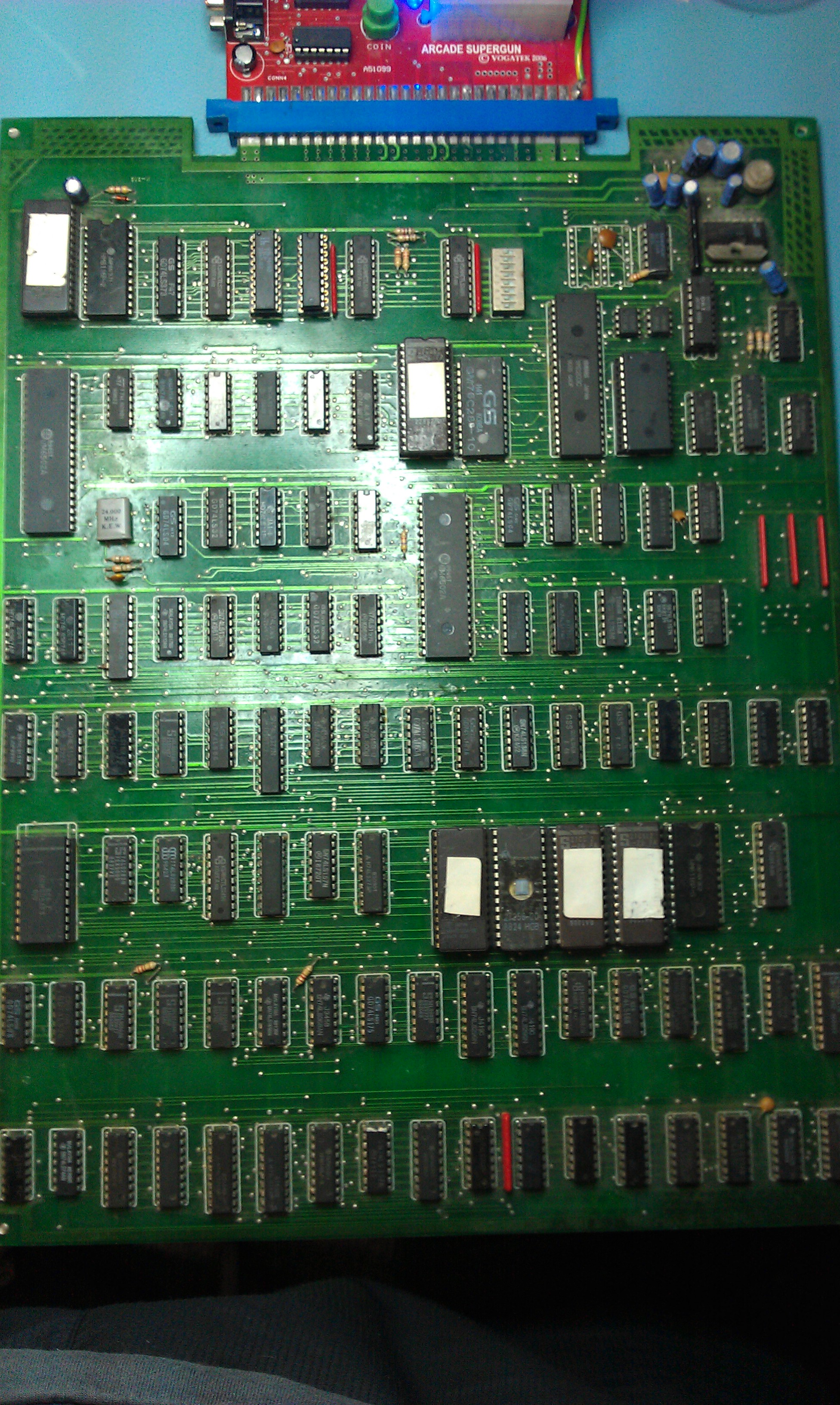
Checked pin 17 at the edge connector (Start button) and this was HIGH and it toggled LOW when the start button was pressed. Traced this through to a nearby 74LS245.
The direction pin (1) was held low connected to ground and because the ENABLE pin was pulsing it was pretty difficult to see if the inputs on the B side of the Bus were making any difference to the A side outputs. I piggybacked a new 245 onto it and the game could now be played. I desoldered it and replaced the chip, all is now working. Shame the game is utter crap!

I also took the opportunity to dump the unprotected PAL16L8. I’ve converted it to GAL and tested it. There is a PAL16R6 on there too which ill get around to doing sometime but the board is of typical bootleg quality and a bit of a pain.

 Posted by at 5:53 pm

Fluke 9010 repair log

 Equipment Repair Logs, Repair Logs  Comments Off on Fluke 9010 repair log
Nov 212011
 

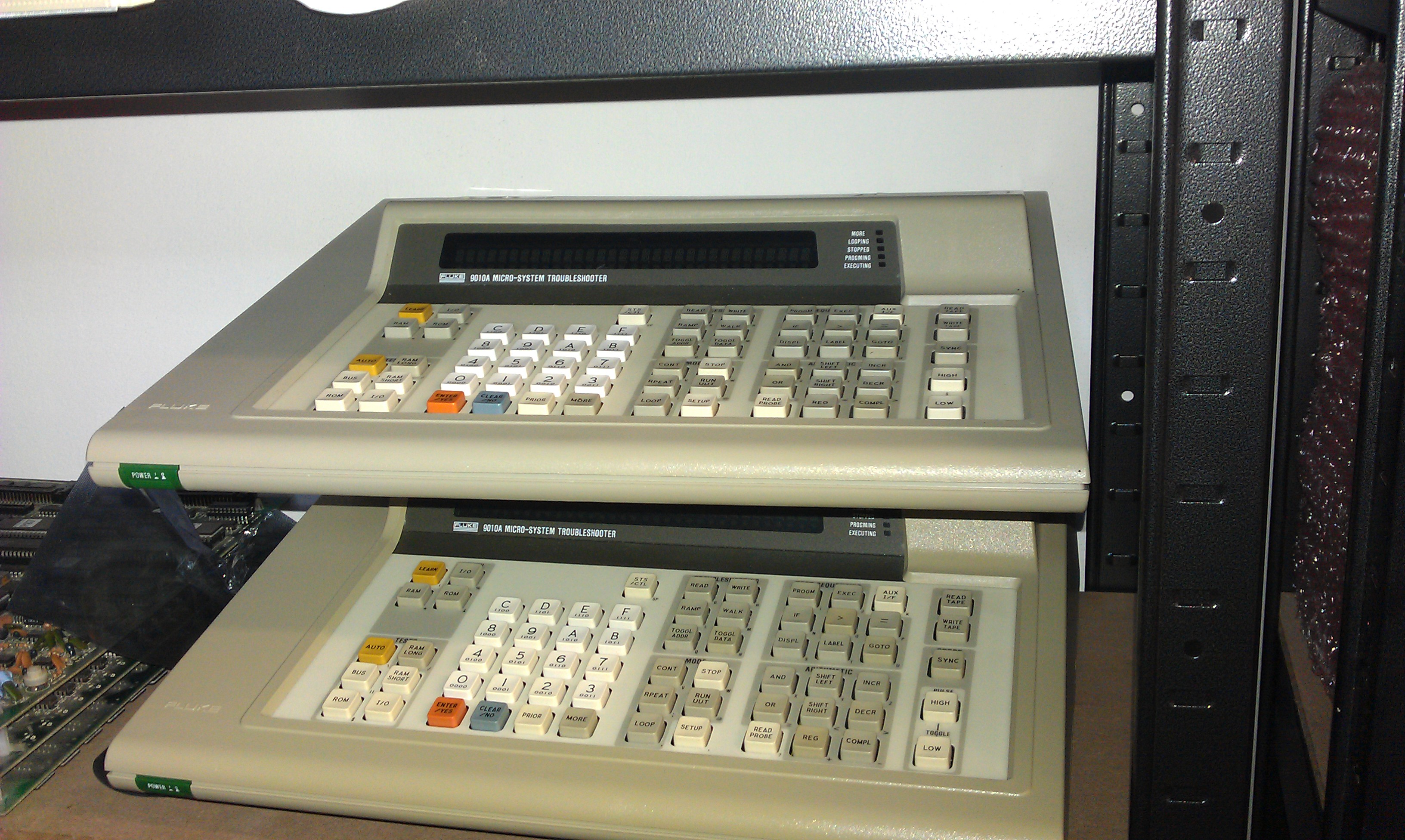
A kind bloke over on the UK-VAC forums was selling off a couple of Fluke 9010’s last week for a very decent price. He stated one had no beep and the other doesn’t communicate with pods.
Received these heavy buggers today and tested them. Both are cosmetically in very great condition.

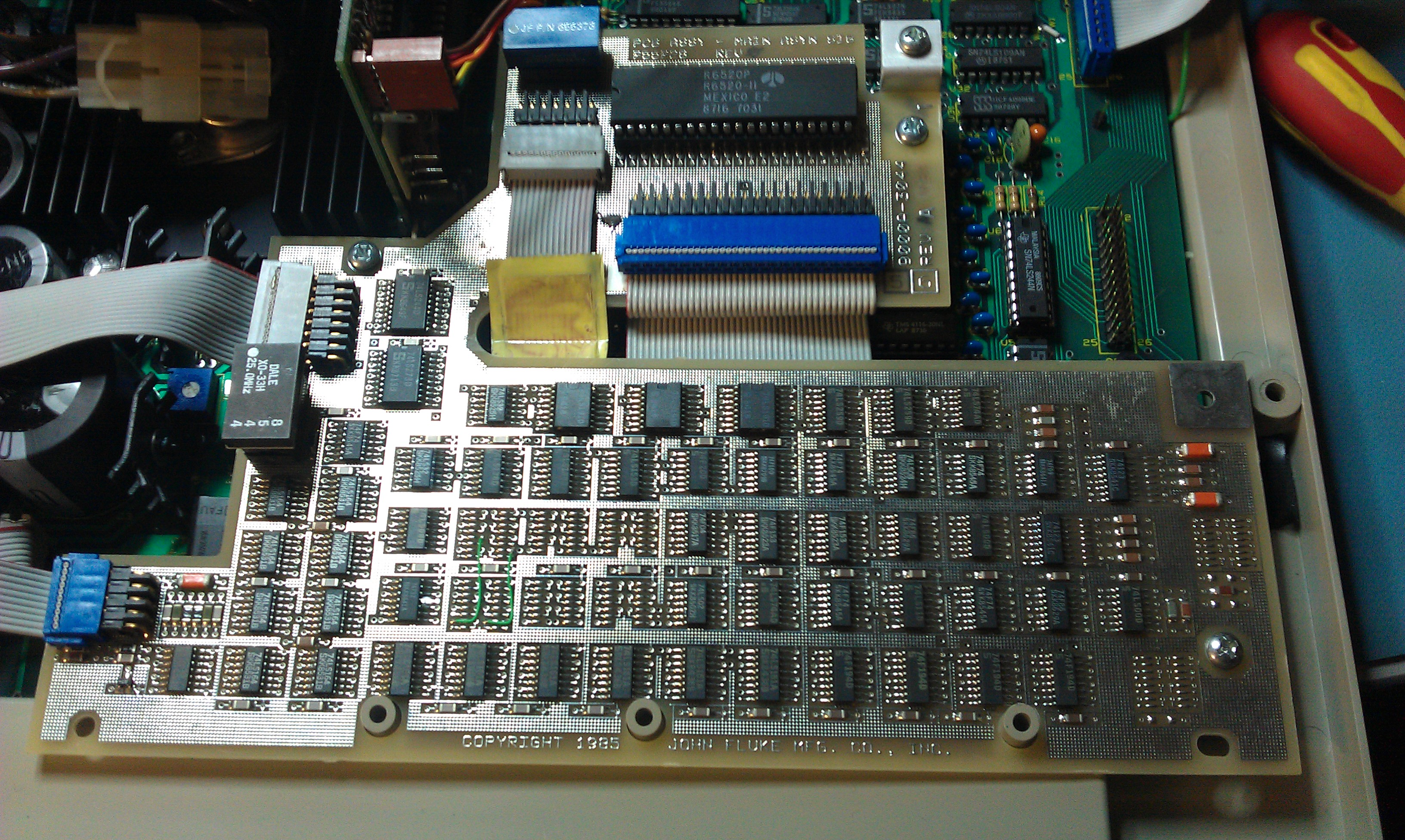
Turns out the one with no beep is also the one that doesn’t communicate with the pods and both problems are caused by the same thing, the 6520 PIA is shot. I confirmed this swapping the chip over.
Ordered some replacements and fixed the fault.

It also worth mentioning that both of these units have the clock module fitted, although I do not have the necessary components to make use of this feature its pretty interesting to me as my other one doesn’t have it.

 Posted by at 5:44 pm

ZX Spectrum repair log #2

 Computer Repair Logs, Repair Logs  Comments Off on ZX Spectrum repair log #2
Oct 222011
 

The second of the ZX Spectrums I got recently, which is motherboard only, gave absolutely nothing on the screen
Replaced the usual ZTX650 for a ZTX651 and the one next to it which is a ZTX213.
This one also had the capacitor above them missing. Replaced this for a 4.7uF 50v one and tested.

All working again

 Posted by at 11:03 am

ZX Spectrum repair log #1

 Computer Repair Logs, Repair Logs  Comments Off on ZX Spectrum repair log #1
Oct 152011
 

Got myself a broken ZX the other day and it arrived with a spare motherboard. The spare is a later revision so I started with that one.
This is my first Spectrum repair so was a little unsure where to start.
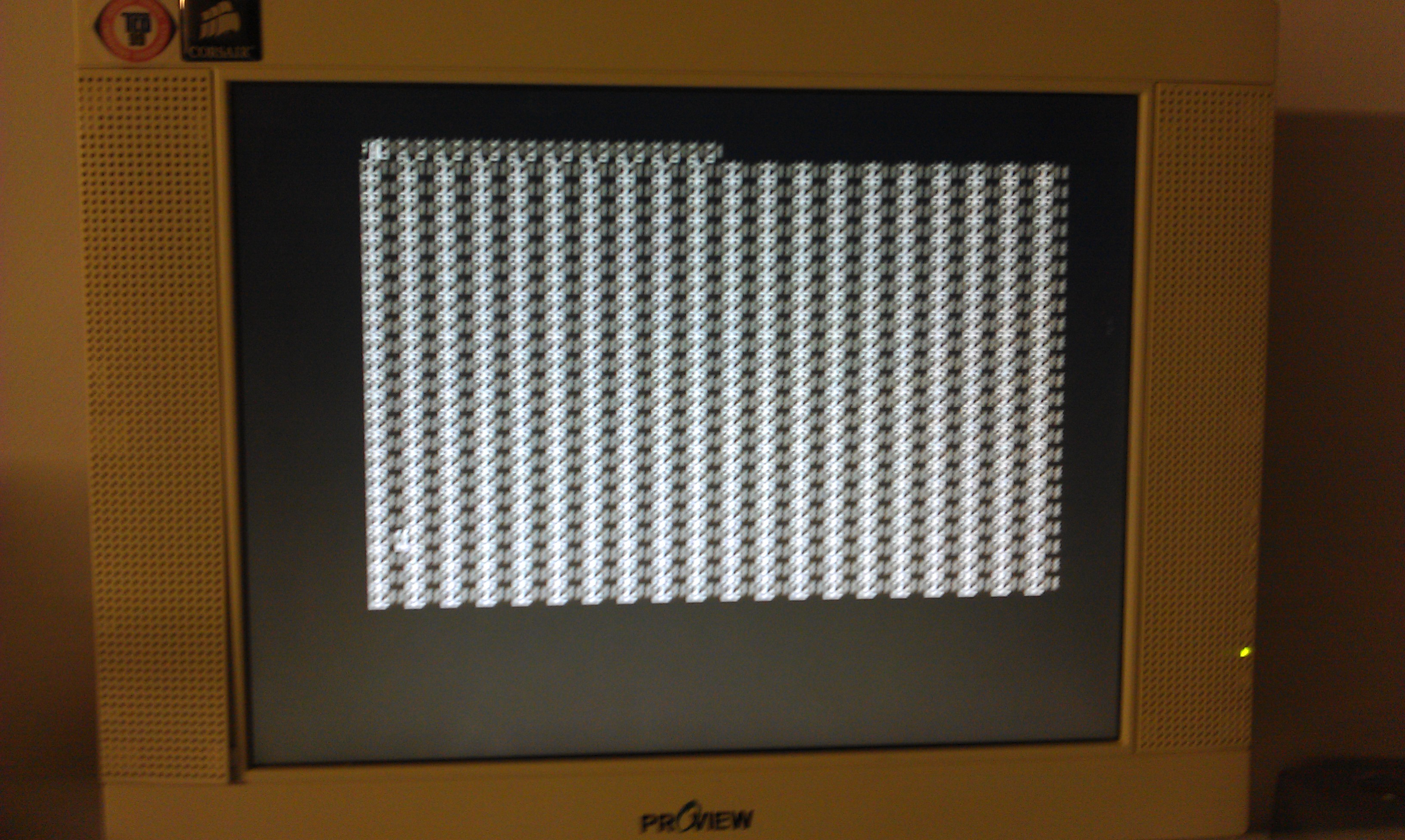
This started up with garbage on the screen in the form of many vertical lines.

As the Z80 was socketed I tested that. Failed and replaced.
Looking around the board I saw a transistor that was a little damaged. Removed TR4 and it was shorted internally. It is a ZTX650. I robbed one off the other board and fitted it.
The Spectrum now works but the picture is really really bad quality.
The keyboard also doesn’t function properly, half of the keys don’t work. Ive read the keyboard membranes are usually shot so ill have to order one up.

 Posted by at 12:49 pm