Karate Champ repair log

 PCB Repair Logs, Repair Logs  Comments Off on Karate Champ repair log
Dec 192016
 

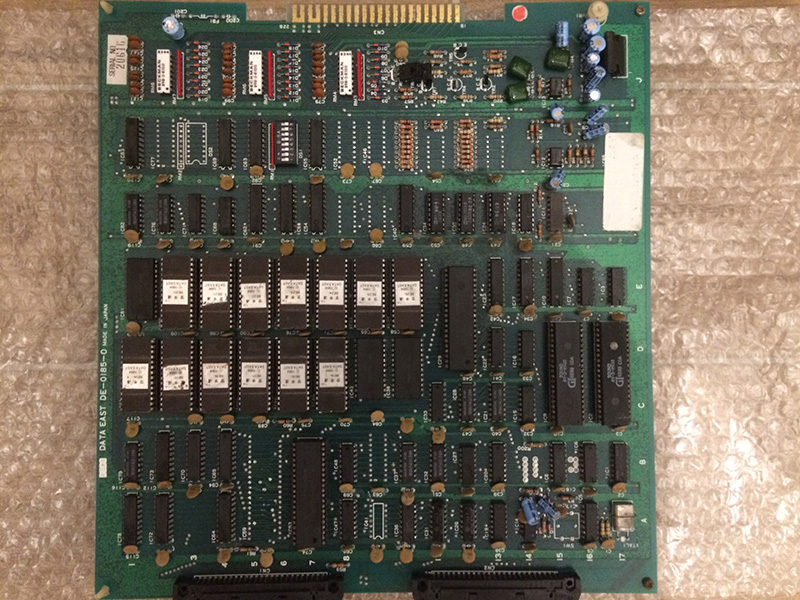
I bought this game for my collection.

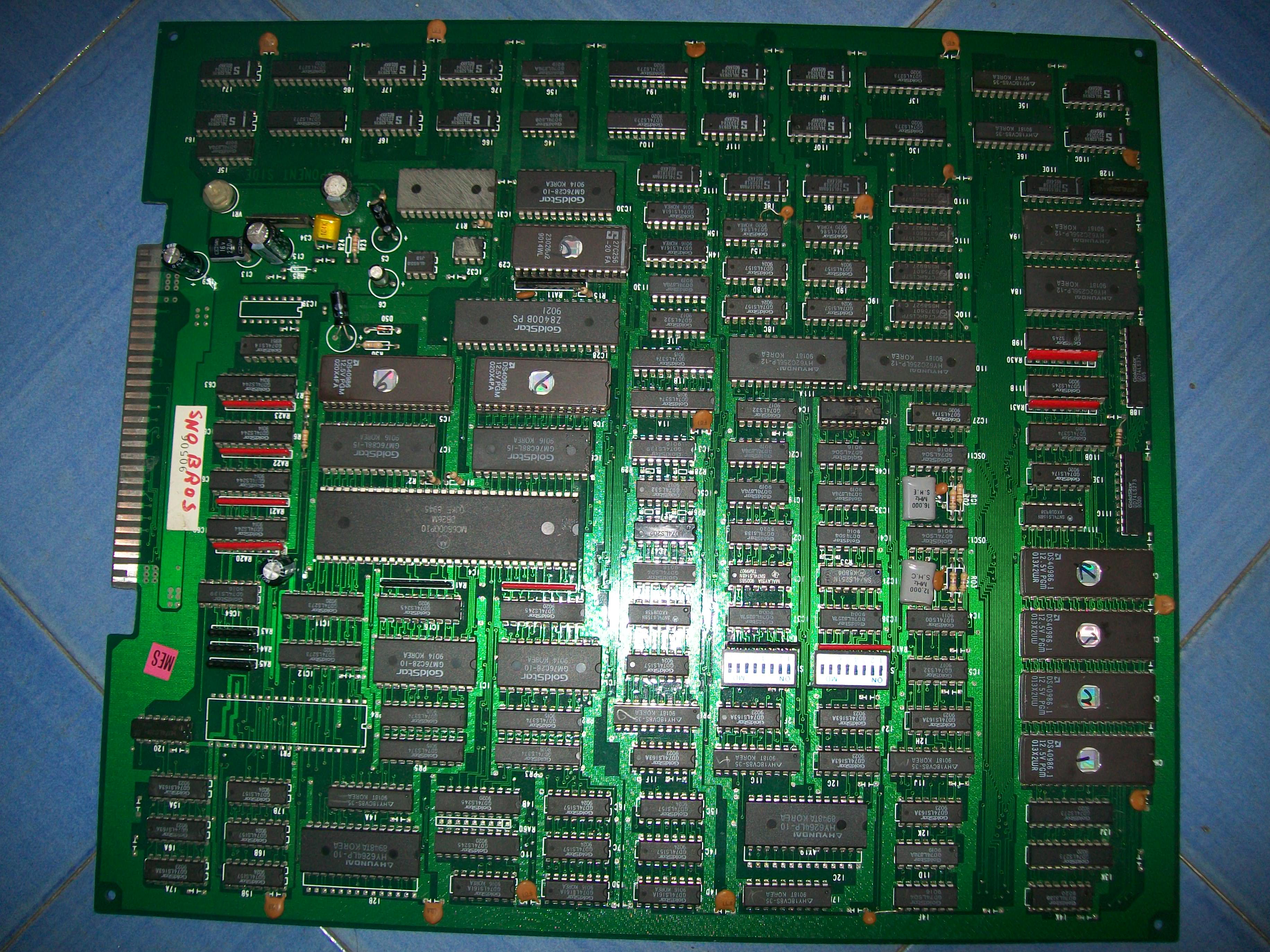
I had already Karate Champ player vs player but this one was the rarer first version , japanese revision titled Karate Dou.

The game was very dirty and rusty and despite being declared fully working, the sound was completely missing.

The seller proposed a refund by sending back the pcb.

Before taking this road I decided to give a try at repairing it since the schematics for this pcb are available on jammarcade.net (they are not the same as the more common player vs player!) and the hardware was pretty simple.

After cleaning it in the washer machine, I started the trouble shooting

I immediately noticed that all the 7 sound eproms (BE2o – BE26) and the ram beside them had no activity on the data lines.

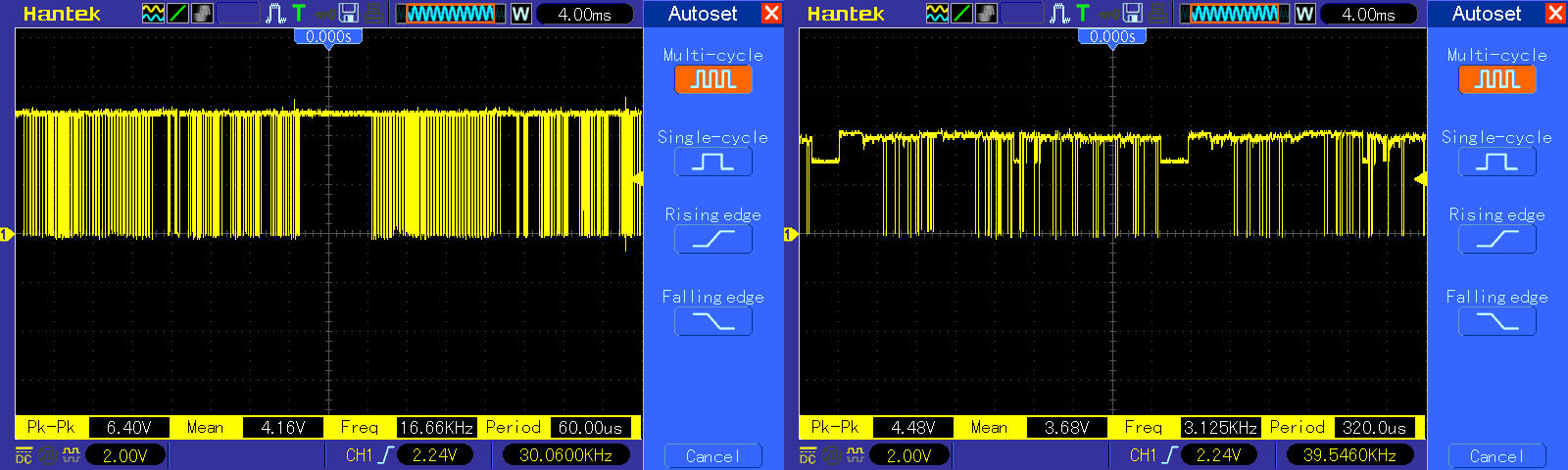
So I probed the /CE line and it was stuck high for everything.

That means the devices are in standby mode and they cannot output anything.

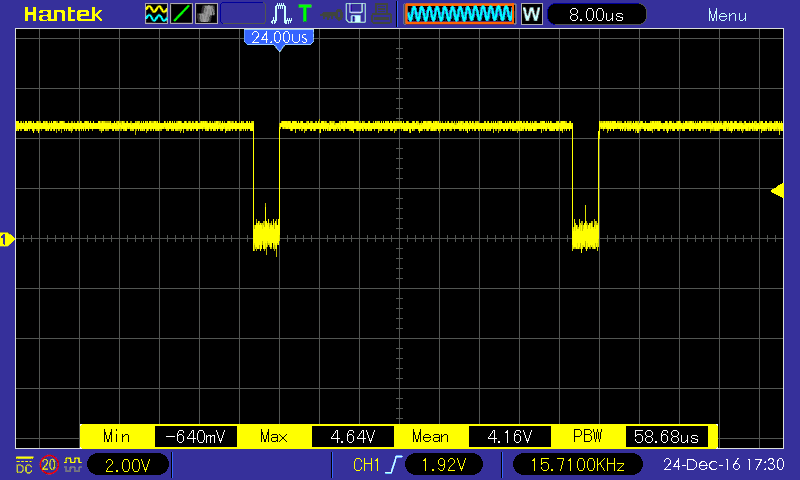
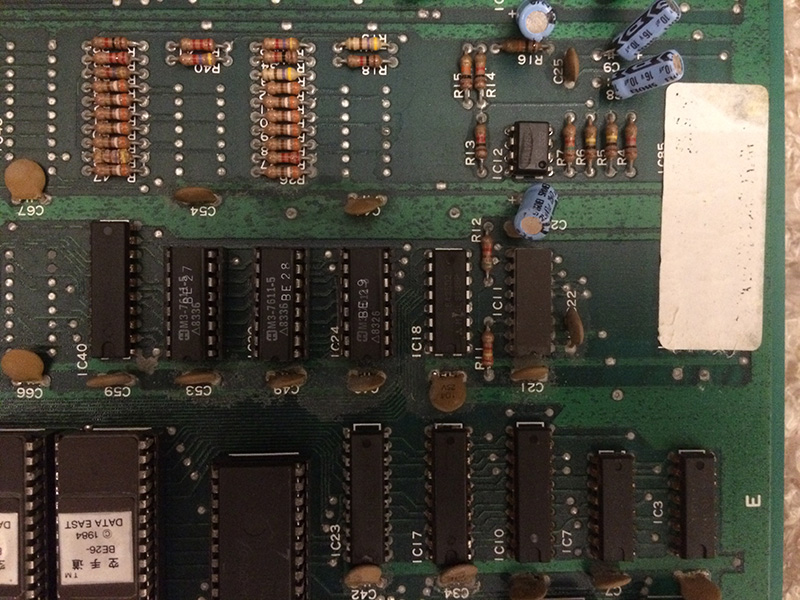
With the help of the schematics I traced back the source of the problem to IC18, a 74ls138 who outputs were all stuck high despite the activity on the inputs.


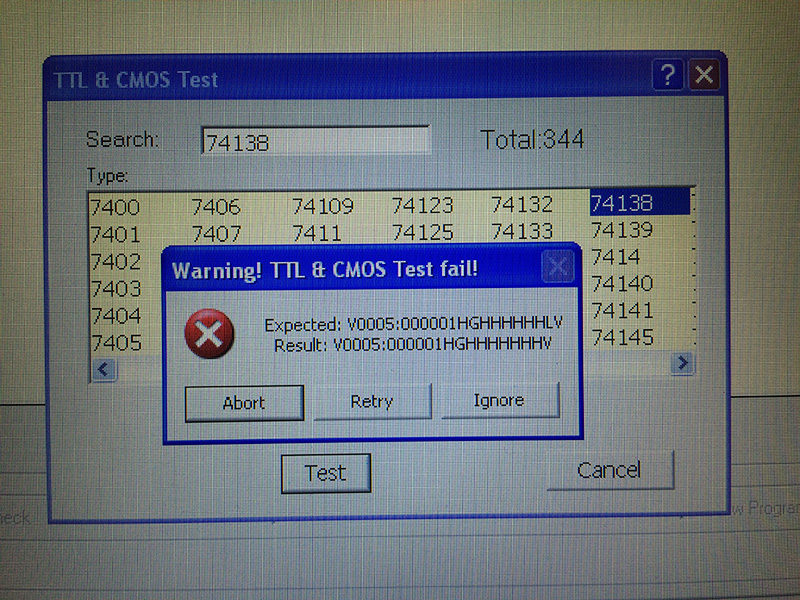
After replacing it, I tested out of circuit and the programmer confirmed it was faulty


By replacing IC18 with a good one, the sound was fully restored.

Note: If you have Karate Champ player vs player which use the same adapter, only remember that the older Karate Champ uses also -5V for the pre amps. If you forget to wire it , you get a very noisy and hissing sound.

Terra Cresta repair log #2

 PCB Repair Logs, Repair Logs  Comments Off on Terra Cresta repair log #2
Dec 192016
 

I got this faulty pcb in change of some repairs.

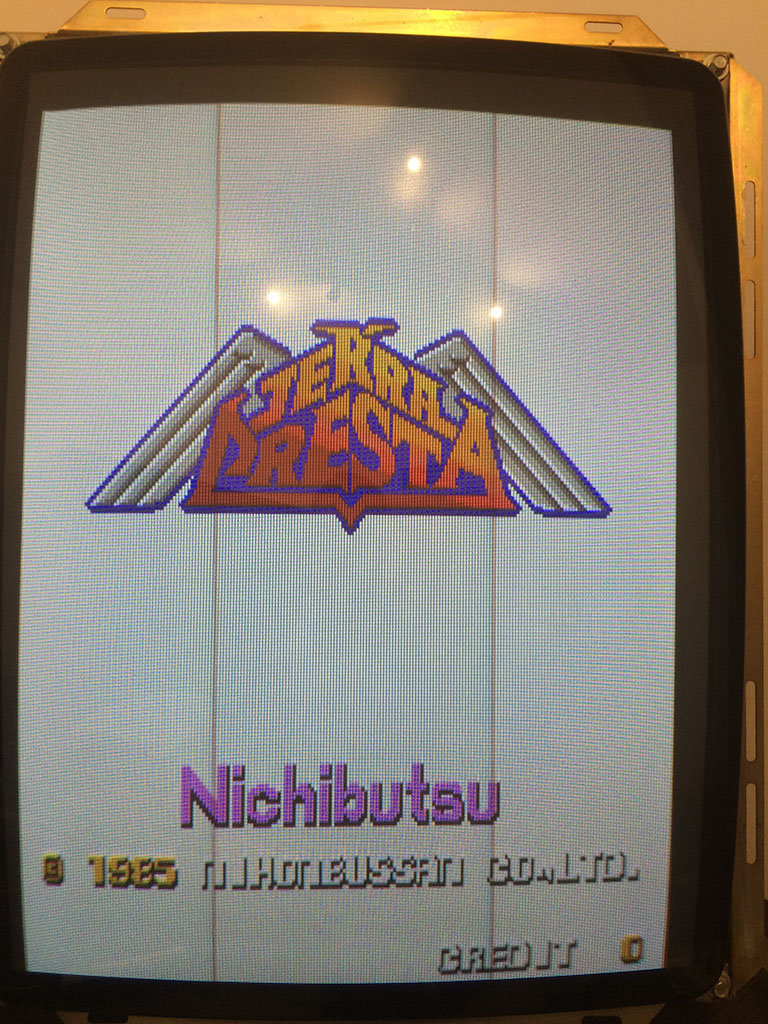
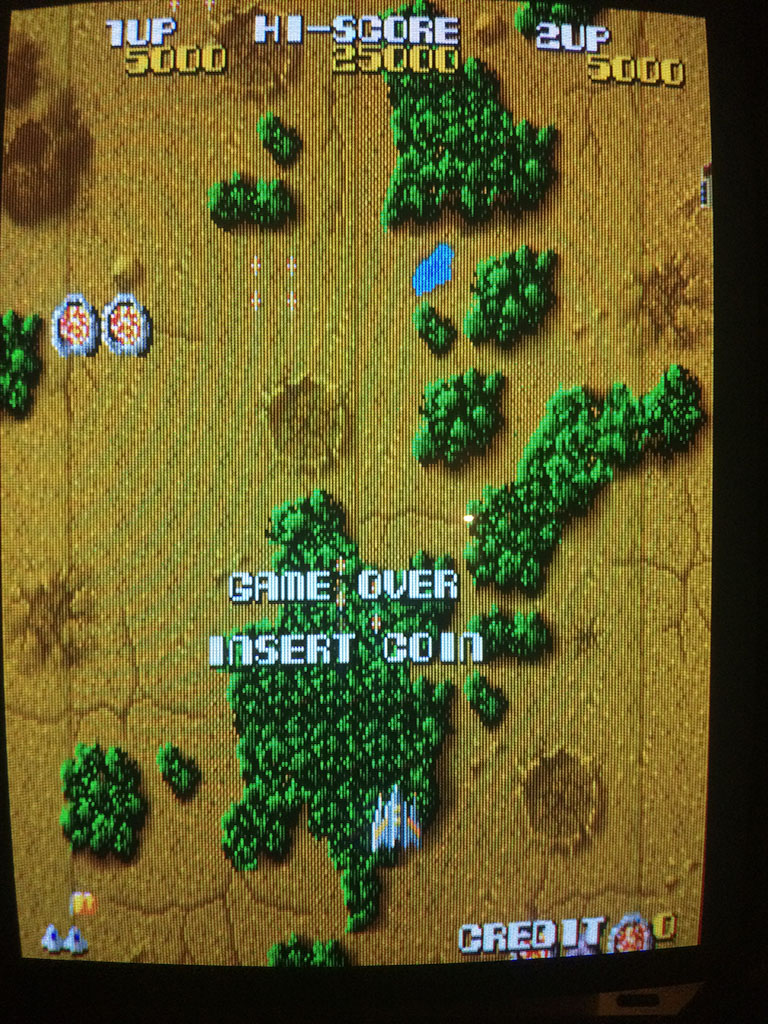
The seller told me that the game was bought as working but after some time it developed a problem on the background with some repeated tiles all over the place.

I could confirm the behaviour, but after a couple of troubleshooting sessions the problem became worse and the background was only white.

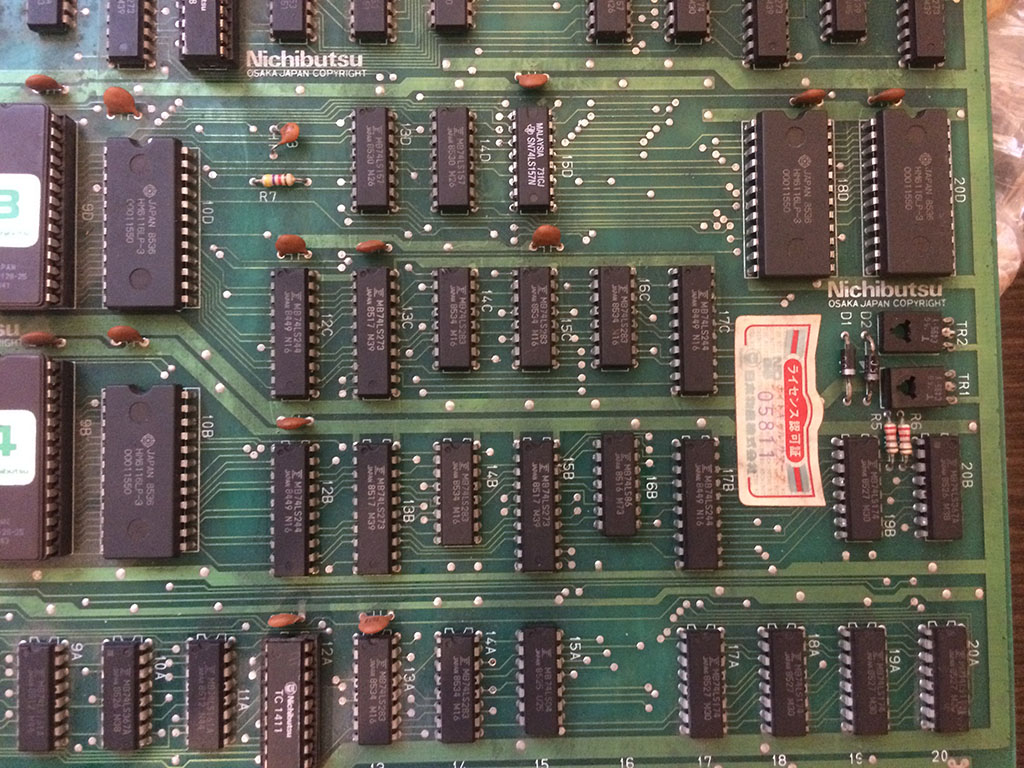
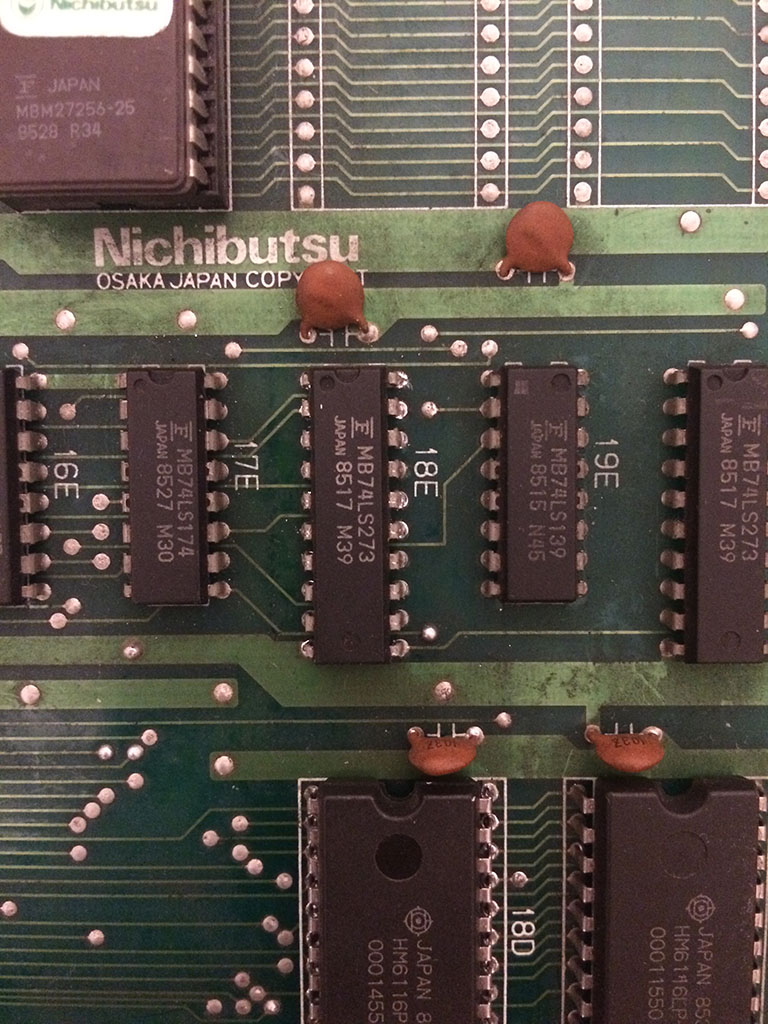
The game has not schematics, so after some time spent to understand where the background generator was sitting I could isolate the problem on the ram@18D which had some data lines stuck low.

After replacing it, the problem remained but at least the ram had all the datalines working.

With the logic probe I then found a 74ls273@18E which had all the outputs in the grey area.

After replacing it, the background was fully restored

Dec 182016
 

This c64 gave me the following screen on power-up. Flickering characters with artifacts and a vertical line through the middle of each character. After going through the symptoms on Ray Carlsen’s site, I thought this may be bad colour ram. Swapping out the 2114 didn’t make any difference and colours associated with the characters looked good anyway, so I don’t know what I was thinking there.

After thinking about this for awhile & looking at the pattern closely, I had an idea that this may be a bad character generator ROM at U5. To prove this theory, I could type in a short basic program to copy the entire character set from the ROM into RAM, then tell the VIC 2 chip to use the character set in ram and reprogram one of the characters to one of my choice. The Commodore 64 has great features such as programmable characters which is very useful for games.

Luckily I don’t have to think too much as there’s already an example at the link below.  So I begin typing some basic commands. The problem is my typing has to be super accurate because I can’t see what I’m doing and any typo will screw the troubleshooting up. It took me 3 or 4 goes before I finally got it right.

https://www.devili.iki.fi/Computers/Commodore/C64/Programmers_Reference/Chapter_3/page_109.html

After typing in “POKE 53272,(PEEK(53272)AND240)+1” as shown above, the flickering stopped although the artifacts obscuring the characters were still there, which was to be expected because we’ve just copied corrupt data. The computer was now getting the character set from RAM instead of from ROM. Now to change the letter T to a smilie face. I enter the following program and run it.

10 FOR I=12448 TO 12455: READ A:POKE I,A:NEXT
20 DATA 60, 66, 165, 129, 165, 153, 66, 60

Pressing a T shows a smilie face which looks complete without artifacts or a line through the middle of it. So I know that the VIC 2 chip is OK.

I remove the old mask rom and install a socket. My EPROM programmer is currently out of action so I don’t have the ability to verify the character rom or program another EPROM in its place.

But for now I can extract a known working EPROM from my own C64 into this one for troubleshooting purposes . After powering up, the character set shows up perfectly. Now all I have to do is program another EPROM when I get around to it and this c64 can go back to its owner.

NebulasRay repair log #2

 PCB Repair Logs  Comments Off on NebulasRay repair log #2
Dec 152016
 

Got this genuine NebulasRay for a repair:

Game played fine but suffered from a color issue, screen was all yellowish, self-test on boot reported a problem on palette RAMs:

A yellowish screen means that problem is in the BLUE color generation so I started to study the hardware and figured out the RGB circuit:

As you can see from the above picture, there are three 8K x 8 bit static RAMs, each one for a each color.These SRAMs are addressed by the custom ‘156’, their data go to the custom ‘116’ which processes them and generates the different color shades.These digital signals are converted to analog and formed into a single color by three 1K Ohm resistor arrays.Lastly each is color is amplified by a PNP transistor and routed on JAMMA edge pins.

With this knowledge for first I checked the 6264 SRAM @5X (which does the BLUE color), it showed normal activity on data/address bus until I probed its pin 27 (/WE) , it was not toggling like in other two RAMs but it was stuck HIGH so RAM was never written:

/WE signal of this RAM (like the other two ones) are generated by the custom ‘116’:

But with my multimeter I found no continuity, at a closer look the pad of pin 27 of this RAM lost contact with the trace.I promptly restored it and this gave me a fully working board again.End of job.

 Posted by at 9:38 pm

Taito F3 (PCB version) PAL update

 PAL Updates  Comments Off on Taito F3 (PCB version) PAL update
Dec 152016
 

In the past days I got two working Taito F3 boards (PCB version) : Grid Seeker and Super Cup Finals).So I could test the dumps we had from Arabian Magic (thanks to ‘luiskiko’).Some dumps were from PALCE devices so I could successfully test them on GAL without any conversion, the remaining where from PAL devices so I first converted them in GAL format.PAL location and marking are the same between Arabian Magic and Grid Seeker since boards have same layout while Super Cup Finals has a slighty different one but it shares all the PALs (at different location) except for one which is unique and one with different label but same contents.

 Posted by at 7:56 pm