Vimana repair log

 PCB Repair Logs, Repair Logs  Comments Off on Vimana repair log
May 062017
 

Got this pcb from a friend for a repair.

At first it showed a OBJECT RAM ERROR which was fixed by reflowing the custom BCU-2 which had some lifted pins.

At this point the game showed all the sprites with black pixels

After some trials,  I could locate the circuit which draws the sprites.

There are 4x srams 6116,  by piggybacking  sram @12C ( marked in white on the below pic) the sprites were shown perfectly.

After exchanging it, I got another issue

From the above picture it is difficult to see, but on the upper half of the screen, the alternate lines of the sprites were displaced on the bottom side.

I was really puzzled and I was sure that something else got broken in the meanwhile.

After some days of blindly checking other parts of the circuits, I decided to probe the address pins of the very same sram I exhanged.

A10 and A9 were tied to ground on all 4 srams of the sprite circuit, while only A8 was floating on the sram @12C

The address pins were connected to some 74LS157 and all were working correctly.

That meant the trace A8 was somewhat broken underneath.

Fortunately I had another Vimana from which I noted to which 74ls157 output A8 was connected.

After fixing the connection, the games was 100% fixed

SEGA System 16 repair log #2

 PCB Repair Logs, Repair Logs  Comments Off on SEGA System 16 repair log #2
May 052017
 

I received this system 16 motherboard from an arcadeitalia member called Consoleman.

The motherboard was missing completely the sound and didn’t sync with the monitor.

After checking with my sound probe that the sound was really missing by probing the pre amps, I started to check the Z80 which was confirmed good and RAM which was faulty.

Changing the ram restored the sound completely.

The Sync problem was not easy to check because the TTL which outputs the signal to the finger board is under the romboard.

In anycase I managed to test it from the solder side and I noticed the composite signal was about 14khz, that is why was not syncing.

I proceeded to desolder it

and tested out of circuit with my programmer as good….

Instead of soldering the same part, I decided to find another 74Ls125 among my junk boards.

It was not common but in the end I found it on another board and soldered it.

Motherboard was 100% fixed.


Probably my programmer hadn’t enough sensibility to declare the part as bad.  First time it happens.

Black Tiger repair log #1

 General, PCB Repair Logs, Repair Logs  Comments Off on Black Tiger repair log #1
May 052017
 

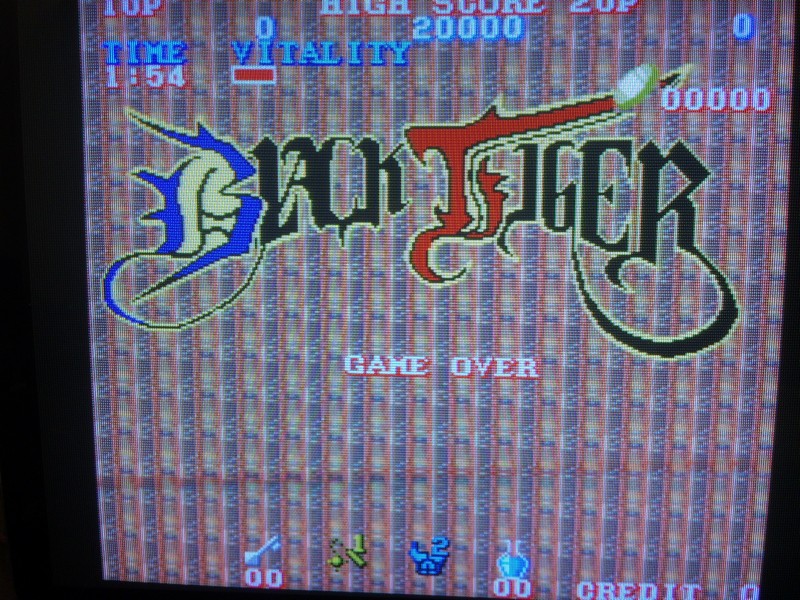
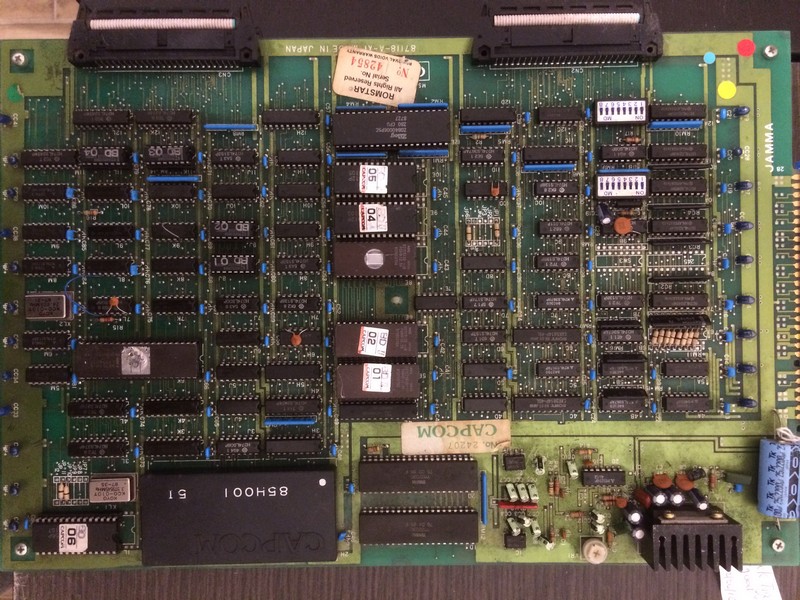
A friend of mine sent this pcb to check why the background was all messed up

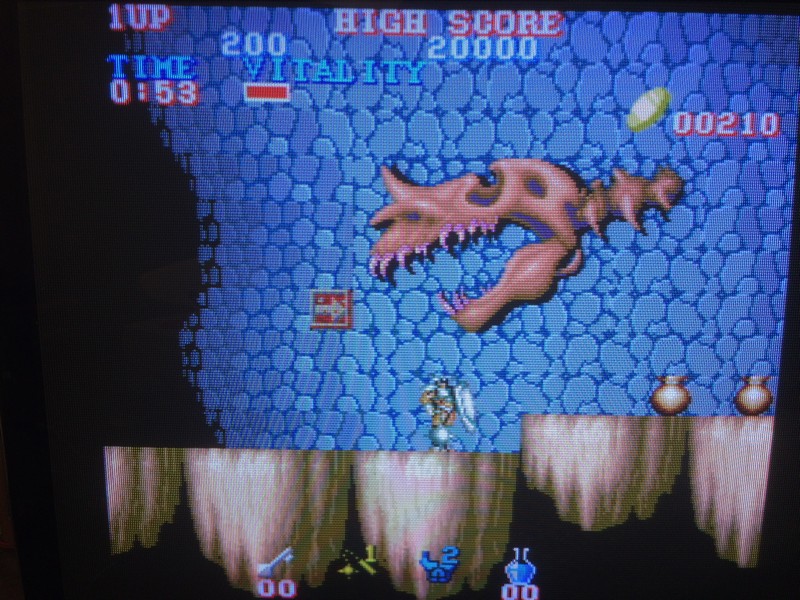
I immediately noticed  in demo mode that all the characters fell down in an endless loop because they couldn’t walk on the platforms

After searching for the fault in the video board for some days, I decided to test all roms starting from the program ones.

Program rom 04 didn’t match with anything in Mame and after checking the pattern I saw it was full of garbage.


After reprogramming with a good dump, the game was restored perfectly.

It seems rom 04 has only the layout of all levels because even without its presence the game is booting


Wild West C.O.W. Boys of Moo Mesa repair log #3

 PCB Repair Logs  Comments Off on Wild West C.O.W. Boys of Moo Mesa repair log #3
May 032017
 

Today I received this Wild West C.O.W. Boys of Moo Mesa PCB for repair:

PCB was faulty, initial RAM/ROM check  failed showing a ‘SOUND SYSTEM BAD’ error and then resetted  :

Sound circuitry was already reworked: two RAMs, the Z80, the YM2151 and the ‘054539’ ASIC were replaced, the ‘054986A’ module was socketed too.But this was not enough to locate the fault :

The sound system reported as bad is ruled by a Z80 CPU, probing it revealed its pin 16 (/INT) was asserted, this meant the CPU was undergone an interrupt request stopping execution of code.It was time to use my Fluke 9010A.When I performed a BUS test, it reported address bit 15 (pin 5 of Z80) tied LOW:

This doesn’t necessarily implies the address line is shorted to GROUND but also that something is forcing it low.But in my case it was really shorted (only few Ohms of resistance to GROUND measured)

Doing some continuity test on a good board I could figured out that pin 5 of the Z80 is connected only to pin 5 of the PAL ‘054744’ @E7 and pin 1 of the 74ALS157 @C7 so in my faulty board one of these IC was bad :

For first I intentionally cut the trace going to pin 1 of the 74ALS157 @C7:

This actually cleared the short to GROUND of pin 5 of the Z80, hence the TTL was internally shorted.Tested out-of-circuit it obviously failed:

Now board could pass the RAM/ROM check and enter in game:

But sound was very faint, barely audible.I was forced to set volume to maximum to hear something:

The ‘054986A’ module was already recapped with thru-hole electrolytic capacitors:

A faint sound meant the main amplifier was working but something was wrong in pre-amplification performed by the 4558 OP-AMP on the underneath of the module.So I went straight and replaced it with a compatible LM358:

Sound was back loud and clear!Job done.

 Posted by at 8:52 pm
May 022017
 

UPDATE: 3/5/2017

Latest version is 0.5 TEST. [ CRC $536E ]

This version has been tested on real hardware. Thanks to a KLOV member [ thanks PinballPatTN ] for loaning me his faulty board and allowing me to finally get the code fixed.

Sprite rams are banked at 0x1000-0x13ff and are enabled/disabled via IRQ.

Changes and improvements

  • Improved runner animation frames which were incorrect previously.
  • H8,H9 and J8,J9 object rams are now cleared and tested properly.
  • Enabling DIP 5 puts the game in diagnostic mode on power up.
  • Various fixes and improvements.

TODO:

Determine if the actual hardware supports flipy for the character display. Currently, flipping the character set in this direction results in a blue display [ blank set of tiles ]. This seems to work in MAME but not on real hardware.

23/08/2015

This is an initial test release.  A BETA version will replace it and this post will be updated pending sufficient feedback.

This EPROM installs on the CPU board @ G15. This does not replace the original software in G15 but is only used as a means of testing the main-board, sound and video.

Diagnostic mode is accessible by holding down player 2 start whilst powering the game on.

In the normal mode ( power up tests ), nvram tests may be skipped to preserve high score data if so desired. This is done via DIP 3 of SW2. A ~10 second countdown is also included even if you desire to test your nvram, in this mode nvram tests may also be skipped by pressing the “player 1 button 1”.

Power up tests also include a rom utility. This currently identifies Hypersports/Hyper Olympic84 software in any of the 5 available sockets ( G5 to G13 ). For example, a C06 ROM installed in any of the above available sockets will still be identified for its designated G15 socket.

000000020003

See TEST VERSION 0.5 for download