Jul 262014
 

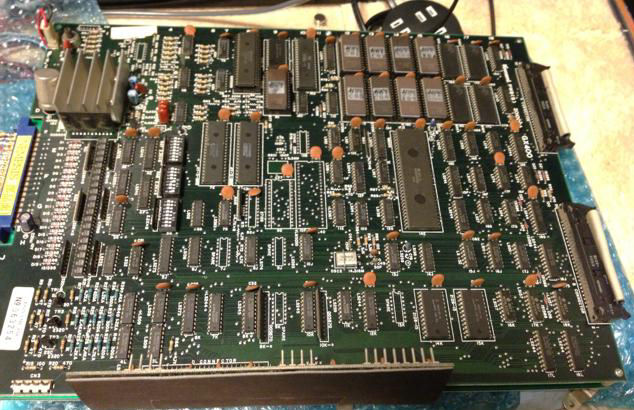
I recently sold this PCB but after a week I was told the board had developed a fault.
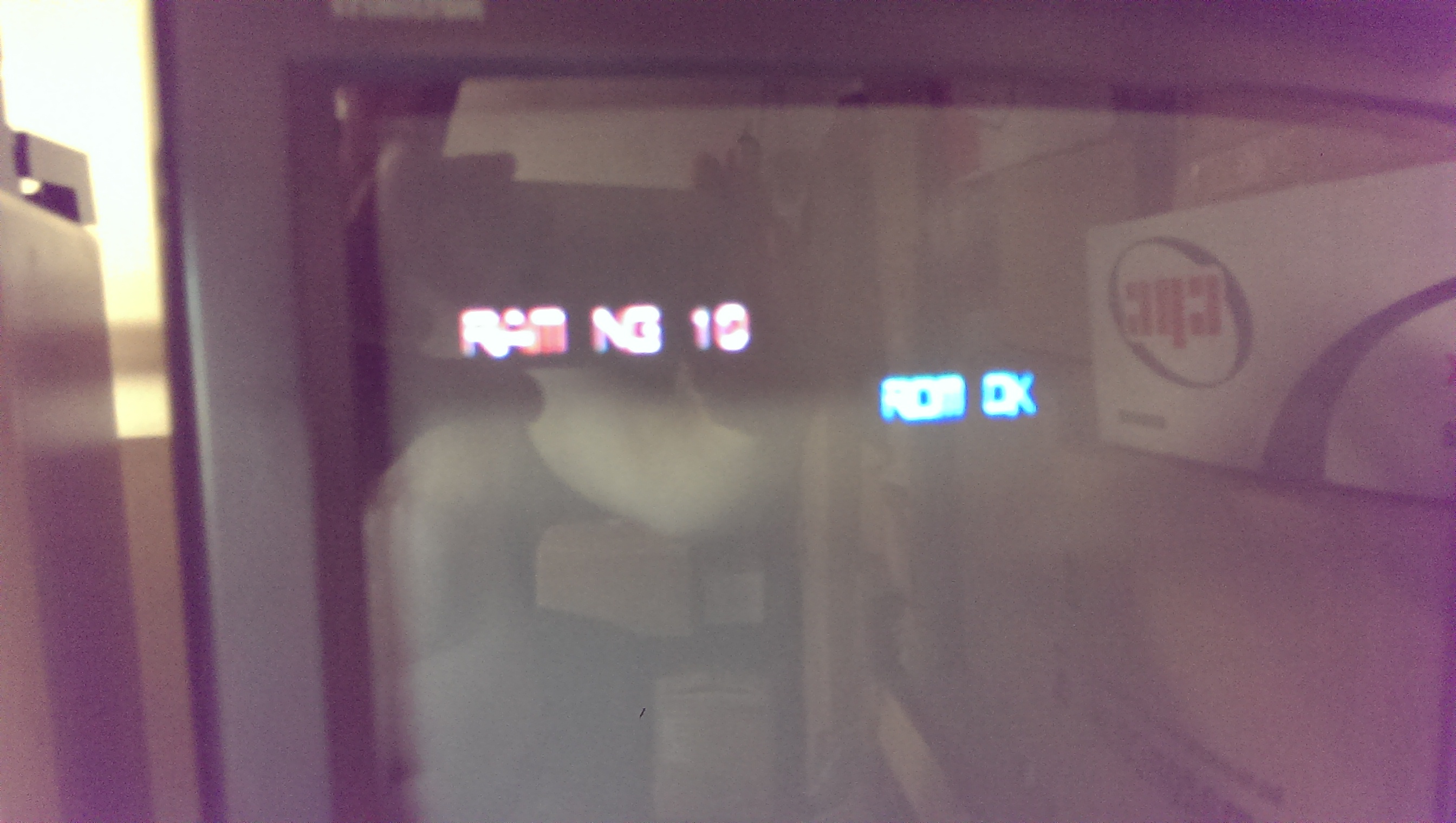
The fault showed up as “RAM NG 10” at boot-up and there was some issues with the sprites.
IMAG0738

There is absolutely no logical meaning to the error message so using MAME I started corrupting different RAM values during it POST to see what RAM errors were flagged up during which memory writes.
Originally I couldn’t understand how the awful V30 CPU worked. Without knowing how it worked I was unable to use the MAME debugger effectively. Charles MacDonald came to my rescue and told me how the V30 addresses were set. Thanks very much to Charles.
You can see the outcome of that exercise in THIS previous post.

So now I knew for sure that the fault was with the sprite RAM. Now the next challenge, which RAM chip is the sprite RAM?
I originally tried shorting some address/data lines on RAM chips to see if any other errors were flagged but strangely it didn’t show anything else at all.
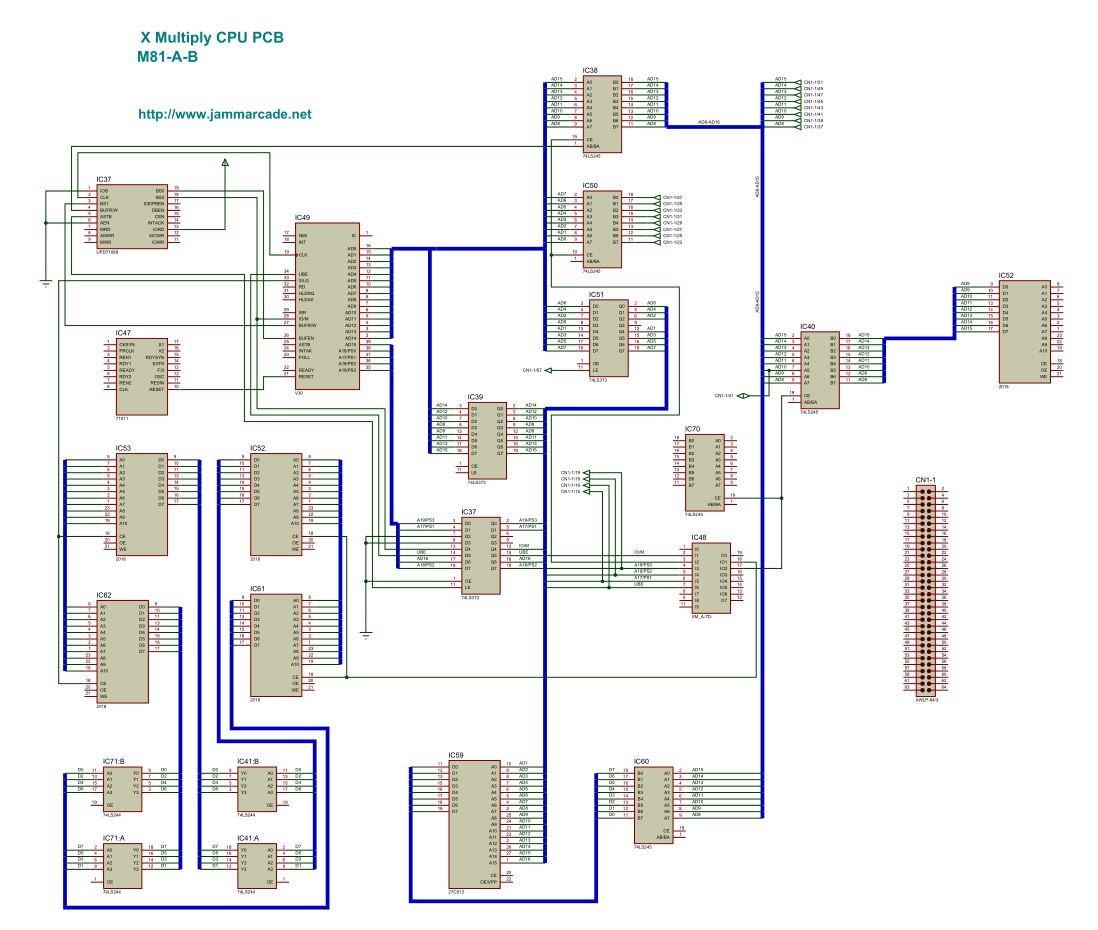
With nothing left to try I started making my own schematics up in the hope I could work out which RAM was responsible for the sprites.

Due to the complex nature of this board set, I was stuck for quite some time looking on the lower video PCB assuming (yes I know) that this is where the sprite RAM could be but was unable to find any problems at all.
Taking a step back I reversed the PAL chip XM_A-7D- into equations. Using these equations and the schematics I had drawn up I could take an educated guess as to what RAM chip was the sprite RAM.
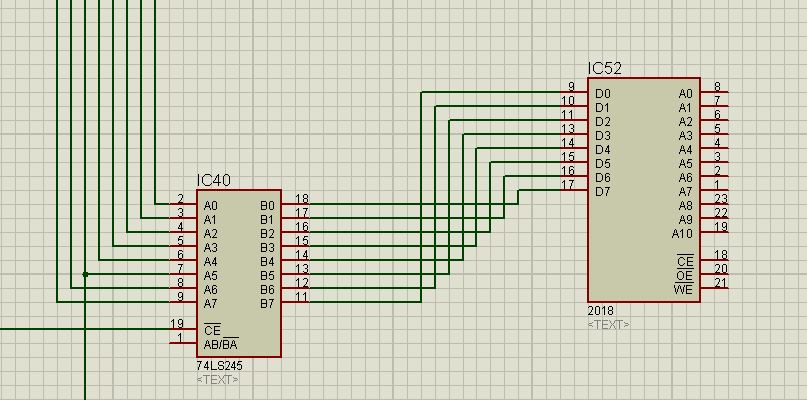
Knowing that the sprite RAM lies at address 0xc0000, this means that address pins A19 & A18 would need to be active. Looking at the equations I could see that output pin 17 of the PAL chip would fit this address so I followed the signal which led to the /CE line of a 74LS245 of IC40 on the top CPU PCB.
xm245

The only chip that this chip goes to is a 2018 RAM chip at location IC52.
This was pretty good news. I removed the chip and it failed the tests so I replaced it and now all the POST tests pass.
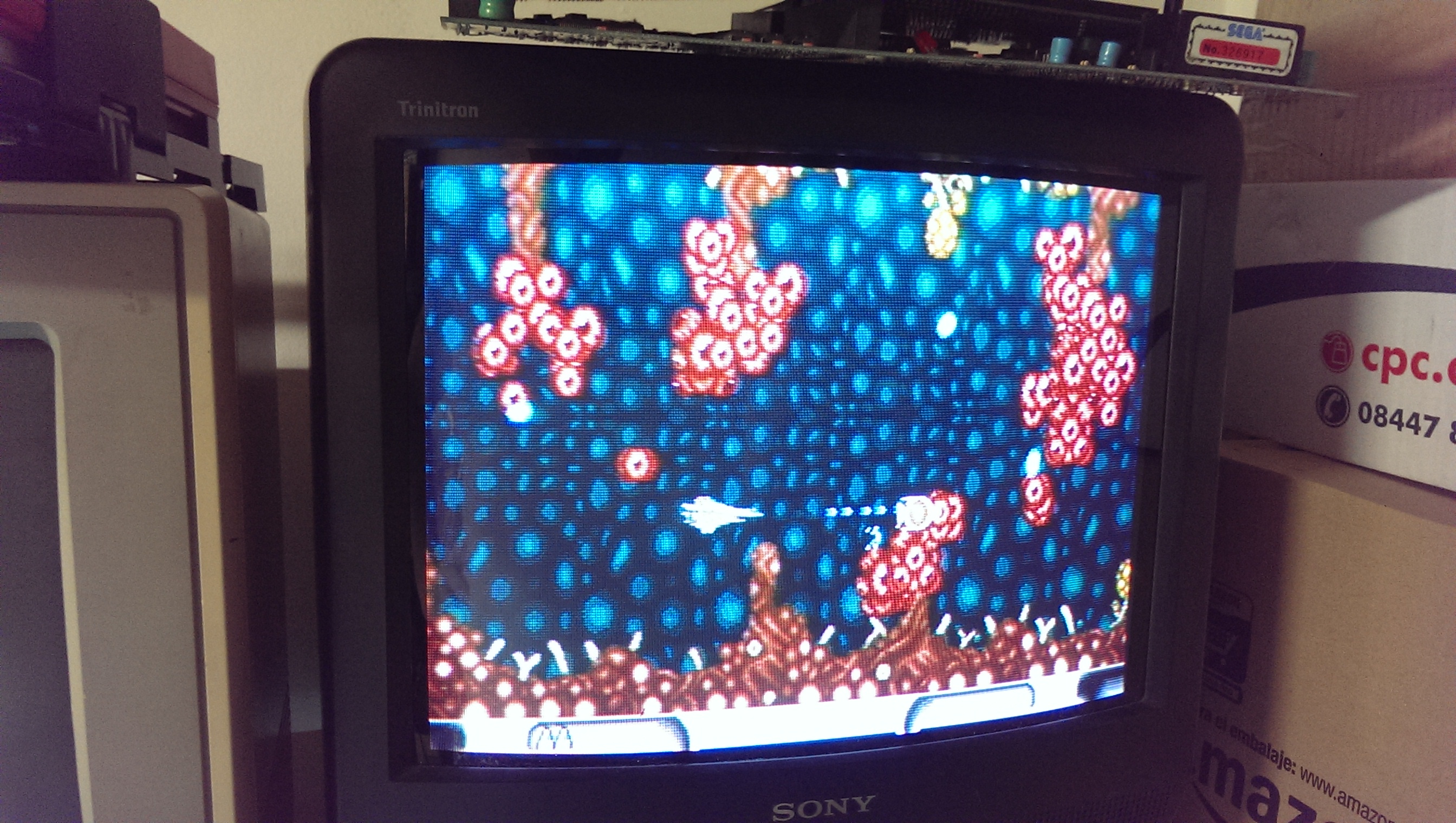
The sprites are all back to how they should be too.
IMAG0733

Ill be keeping hold of this board I think. It was one of the first games I ever bought since getting into this hobby so it will stay with me for good now.

Konami GT repair log

 PCB Repair Logs, Repair Logs  Comments Off on Konami GT repair log
Jul 232014
 

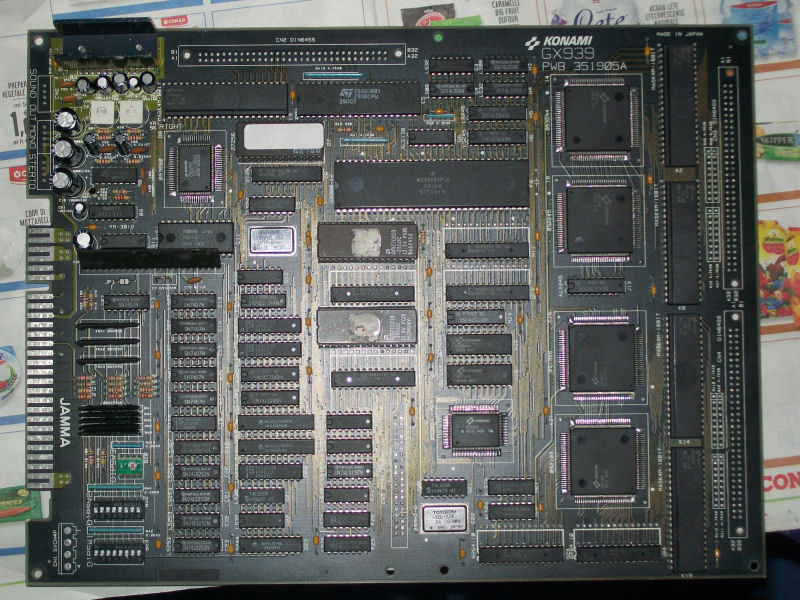
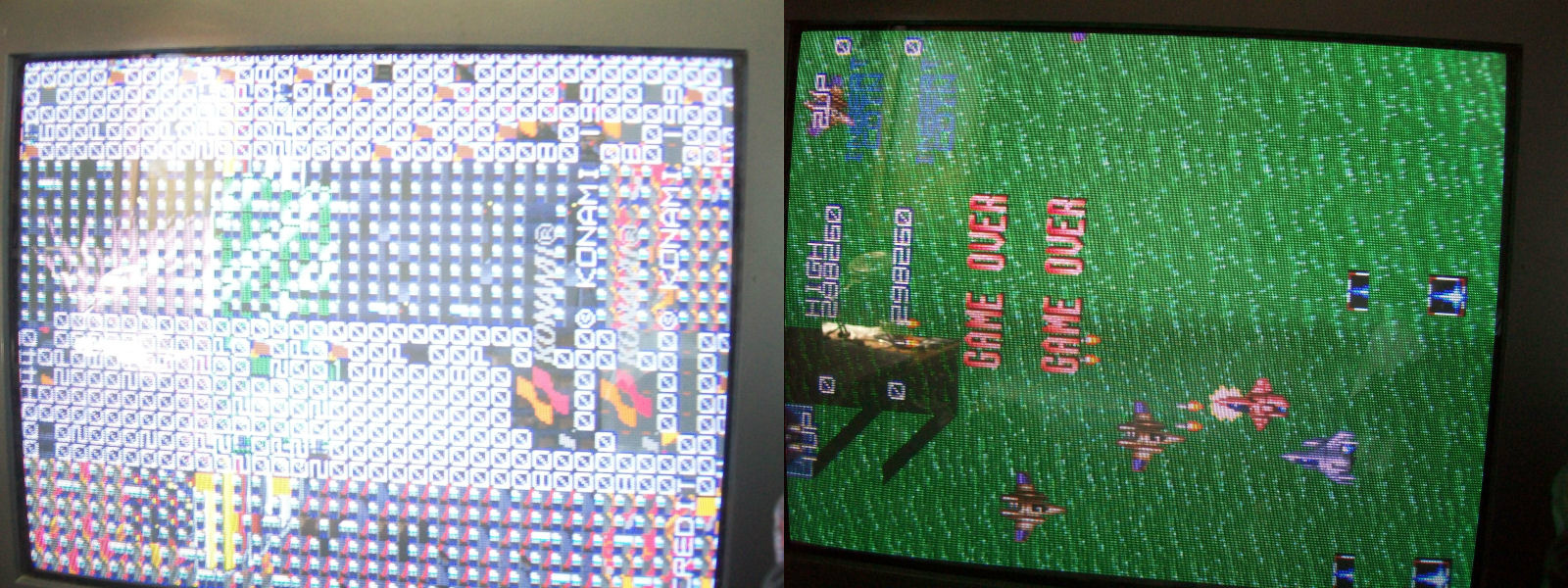
A friend of mine sent me this really mint original Konami GT PCB saying it suffered from vertical stripes across most part of screen.

Konami_GT


Fired up the board and …he was right 🙂

Konami_GT_isue


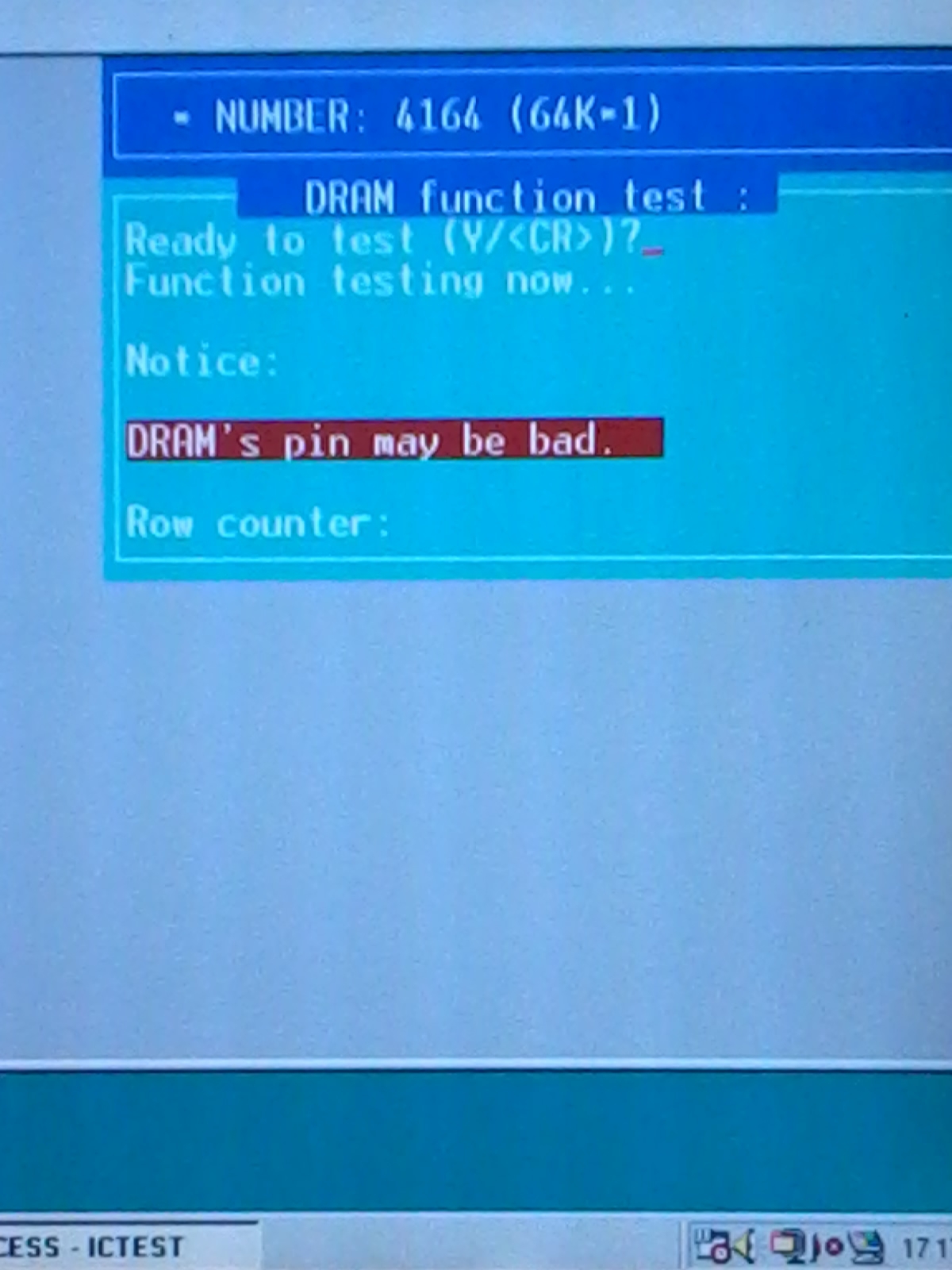
Initial test said all RAMs were good so the problem was elsewhere.Without any schematics I started my visual inspection as usual.I noticed that the only IC replaced on this mint PCB was a 74LS157 @H13.Since a socket was installed, I removed this IC and all the part of graphics affected by stripes disappeared so I started to think problem was generated after this part of circuit.In particular I traced an output (pin 7) of this 74LS157 to pin 4 (RAS) of some TMM4164 DRAMs (there are 16 of them).Probing these DRAMs with my logic probe revelaed that on four of them pin 2 (DATA IN) was pulsing but the pin 14 (DATA OUT) was stuck high.So I desoldered (they were @G2, G3, H4, H5 position)  and test them in my Hi-Lo Systems ALL-07A programmer and the result was this:

TMM4164_testing

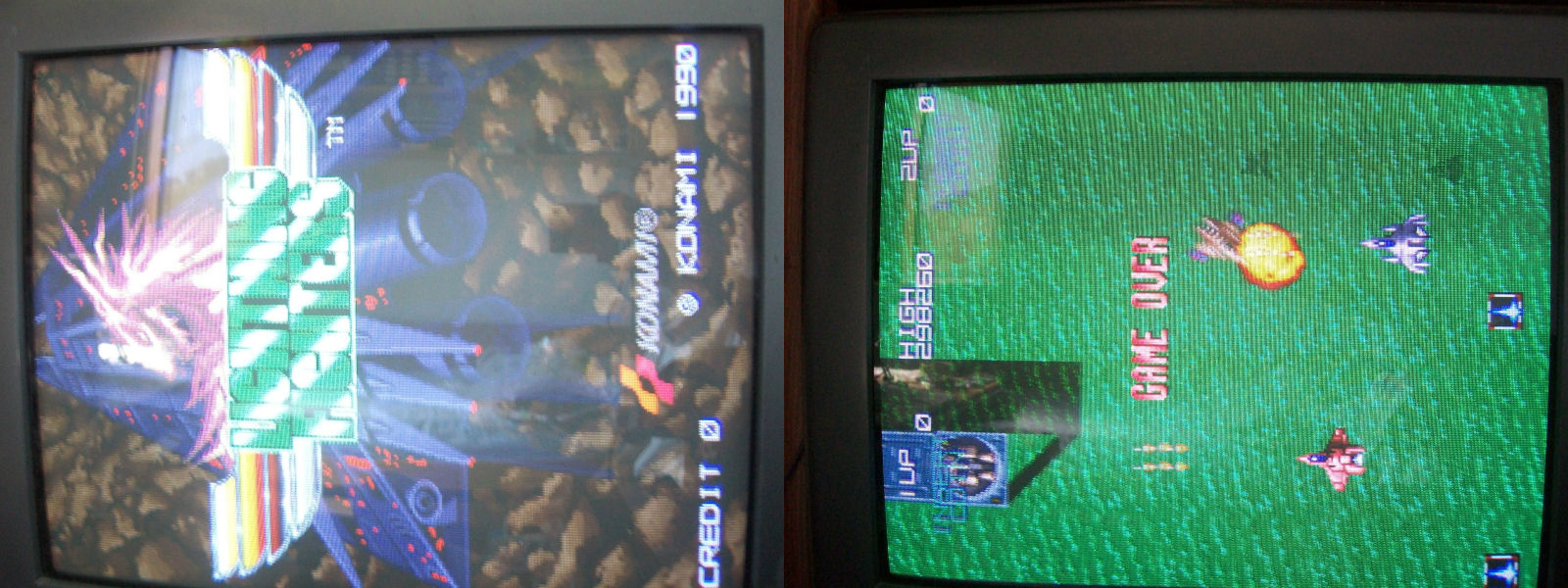
They all failed miserably.I was lucky since had  some good  4164 DRAMs taken from a scrap PCB in order to repair a Commodore 64 motherboard.Installed them and goodbye stripes for ever!Board 100% fixed.

Konami_GT_fixed

 Posted by at 10:18 pm

Varth bootleg PAL dumps added

 PAL Updates  Comments Off on Varth bootleg PAL dumps added
Jul 232014
 

This interesting CPS1 bootleg has seven PLDs, five of them are registered  so I could dump only the two combinatorial ones.The first is a PALCE20V8H device that was dumped by me and reversed by Porchy in a GAL20V8 targeting device, the other was dumped and reversed by me into a GAL16V8.Both are tested and working.

 Posted by at 9:06 pm
Jul 202014
 

At the moment I have an X Multiply PCB that shows a “RAM NG 10” error on startup.
Although I have yet to find the problem with this board I thought it best to find out exactly what RAMs these errors are referring to.
To make any sense of this you will need the memory map for the game found in M72.C file of the MAME source code.

Here is a short list of what I have found so far:
0x9c000-0x9ffff = RAM NG 1 (Work RAM)
0xc0000-0xc03ff = RAM NG 10 (Sprite RAM)
0xc8000-0xc8bff = RAM NG 9 (Palette RAM 1)
0xcc000-0xccbff = RAM NG 8 (Palette RAM 2)
0xd0000-0xd3fff = RAM NG (Video RAM 1)
0xd8000-0xdbfff = RAM NG (Video RAM 2)

 Posted by at 8:30 pm

Cheap and easy -5v

 General  Comments Off on Cheap and easy -5v
Jul 152014
 

Its becoming more and more common for power supplies to not supply -5v.
There are devices out there like the “Negatron” that offer a nice and easy way to obtain an adjustable -5v but there is a much cheaper way of getting it providing you can do a little bit of soldering.
Intersil offer a 7660 voltage converter IC. Its an 8 pin DIP device that can be bought for under £1 from Farnell and other places.
Farnell – ICL7660

I bought a couple of these on a recent order to test and the results, as expected, are great.
This is it setup on breadboard.
IMAG0673

IMAG0674

All that’s required is a +5v input, the ICL7660 IC and 2 x 10uF capacitors to get a -5v output. Add a variable resistor into the mix and you have a fully adjustable device for very cheap.
Here is the diagram lifted straight from the datasheet to show how simple this is.
icl7660

 Posted by at 9:16 pm