G.I. Joe repair log #2

 PCB Repair Logs, Repair Logs  Comments Off on G.I. Joe repair log #2
Jan 142015
 

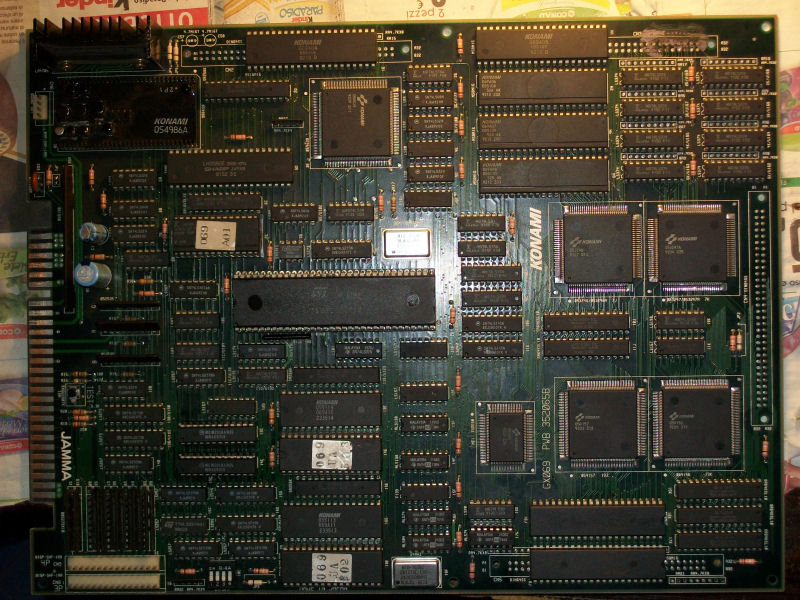
Yes, yet another G.I. Joe PCB on the bench (this is the third I repair).Let’s start with the log.

PCB was in a clean state:

G.I. Joe_PCB

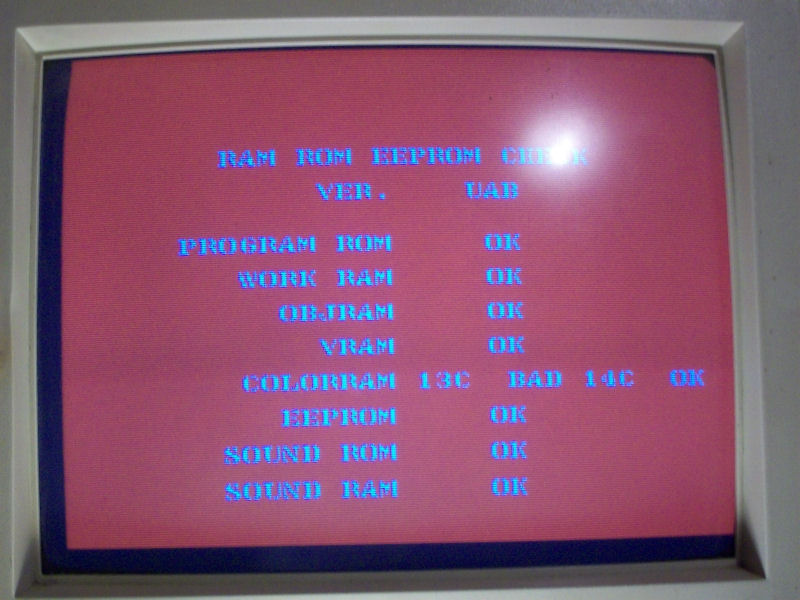
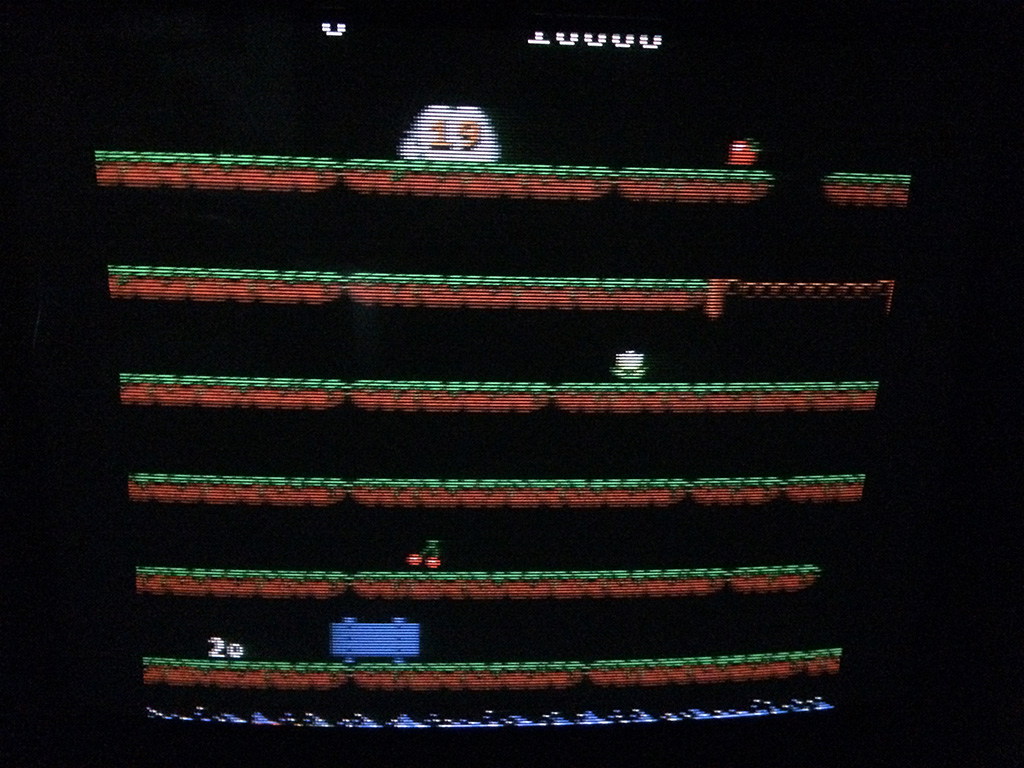
But, as often happens with this Konami hardware, board had the watchdog active sign that there was a problem in main code execution or in the CPU itself.As usually I started my troubleshooting analyzing the main 68000 CPU and I found that, though the RESET signal was correctly generated by the custom ‘051550’ and reached the CPU, PIN17 (/HALT) and PIN18 (/RESET) of 68000 were stuck LOW so it was not never inizialized (all control lines were obviously silent ,too).So, judging from this,I started to suspect that 68000 was really faulty.I decided to do an “extreme” piggybacking with a good know CPU and sometimes I got it booting showing a bad color RAM:

G.I.Joe_color_RAM_error

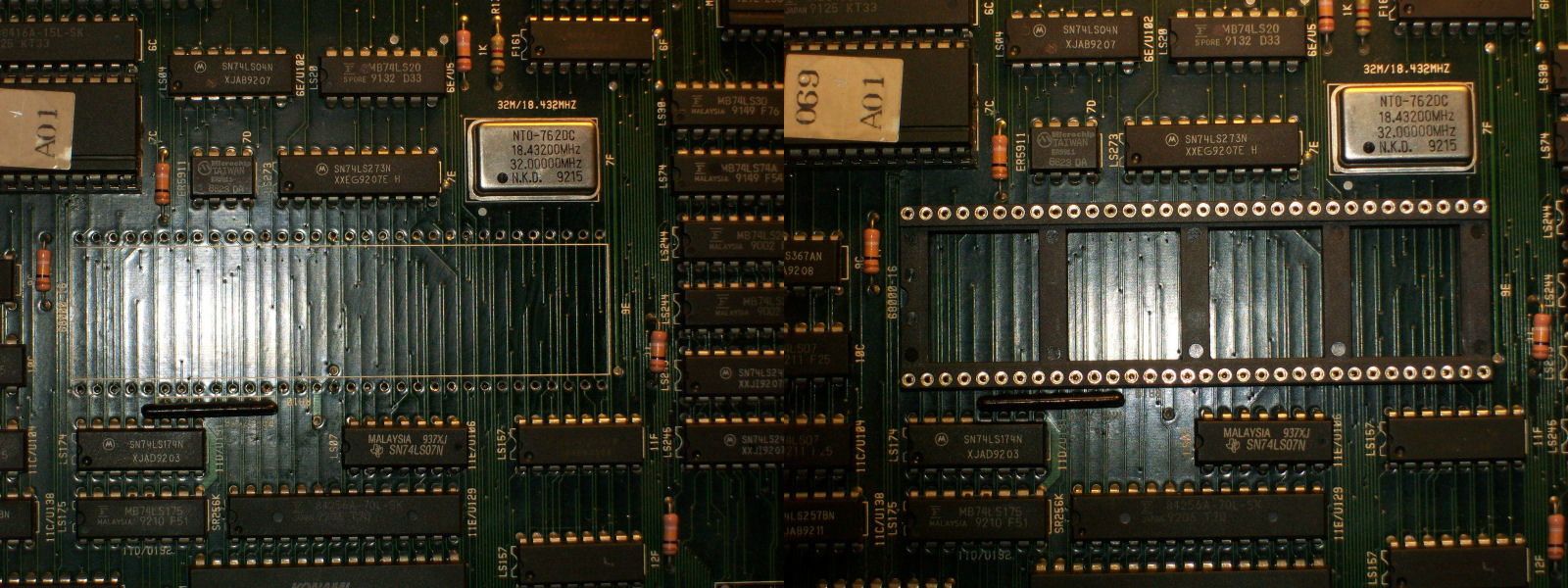
This was enough to desolder the main 68000 CPU (a 16MHz one manifactured by ST) fitting a proper 64PIN socket:

68000_rework

Trying it in another board I obtained a solid black screen sign that it was realy bad (it’s the first time I came across a faulty 68000 CPU, never happened before).With a new 16MHz 68000 fitted in the socket board succesfully booted always showing the color RAM error above but I quickly fixed this by replacing both 2018 SRAM (also the one @14C was bad)

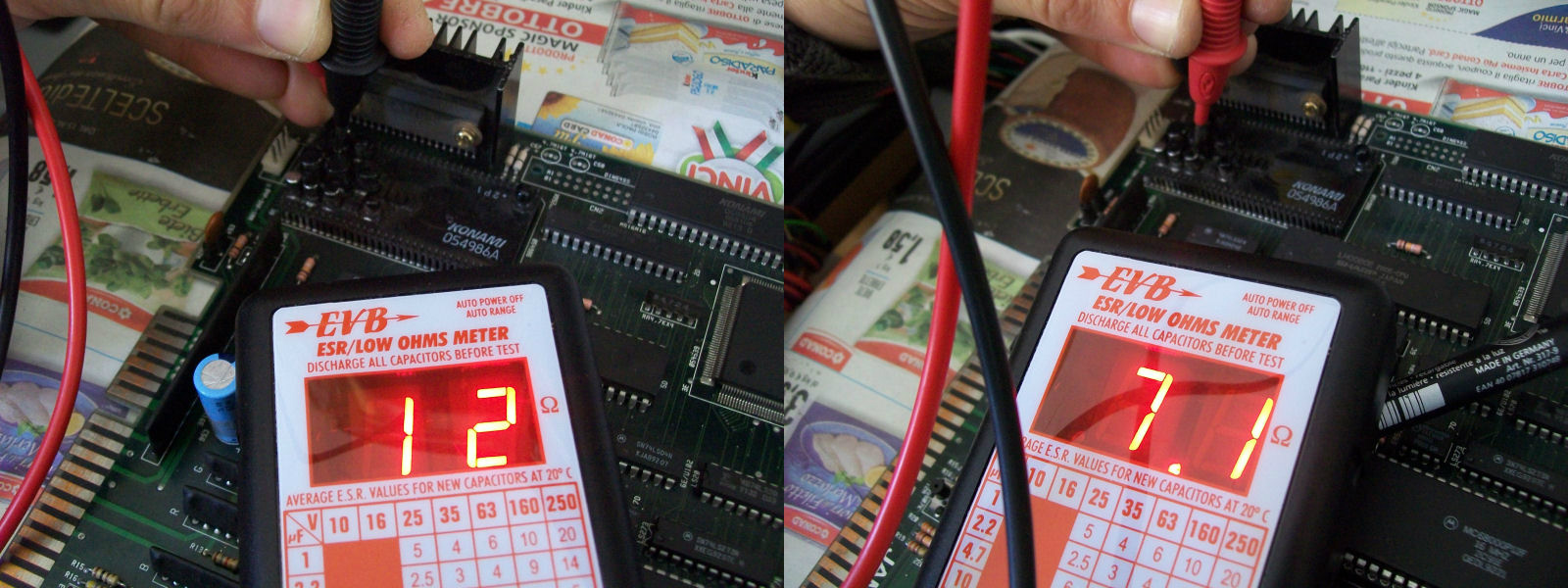
As I expected in this kind of Konami hardware which use ‘054986A’ hybrid custom sound module there was absolute lack of sound ,only some popping noises sign that the LA4707 amplifier was still alive at least.So was time to replace all the SMT electrolytic capacitors with new tantalum ones as they were leaking and having ESR value out of specs:

bad_ESR_054986A

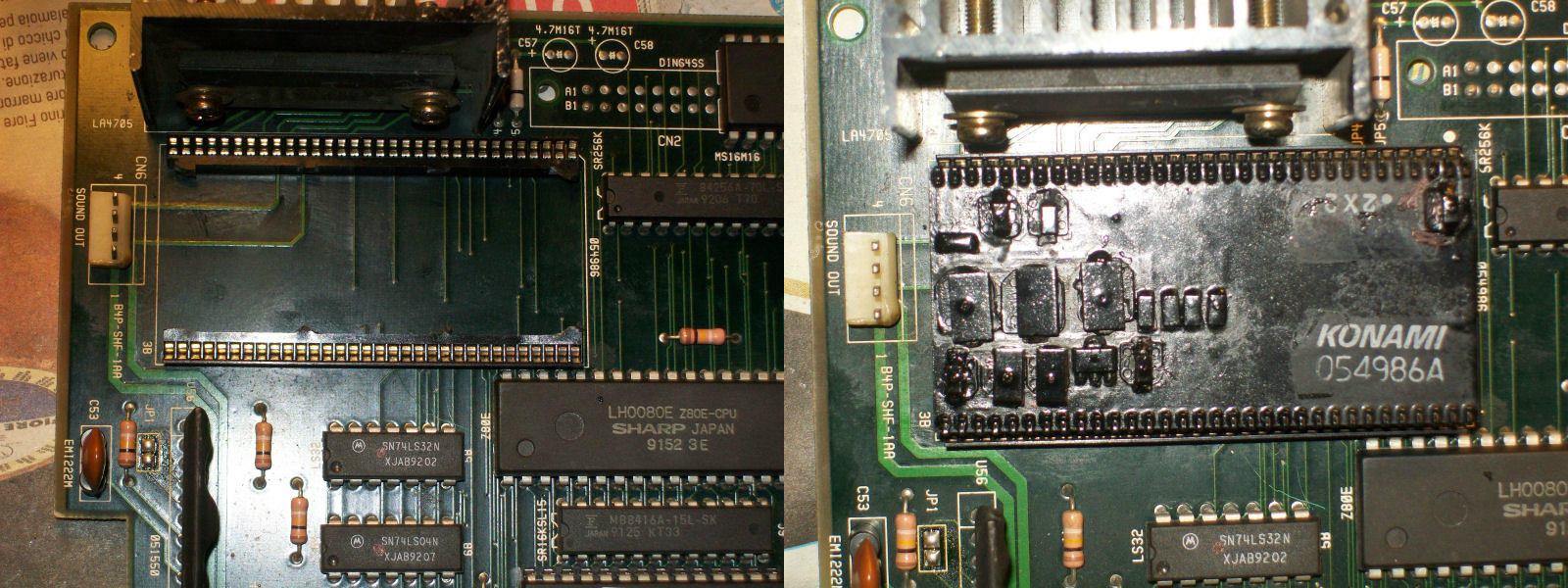
and install proper 1.778mm pitch sockets for the module to finish the job:

054986A_recapped_socketed


 Posted by at 4:12 pm
Jan 122015
 

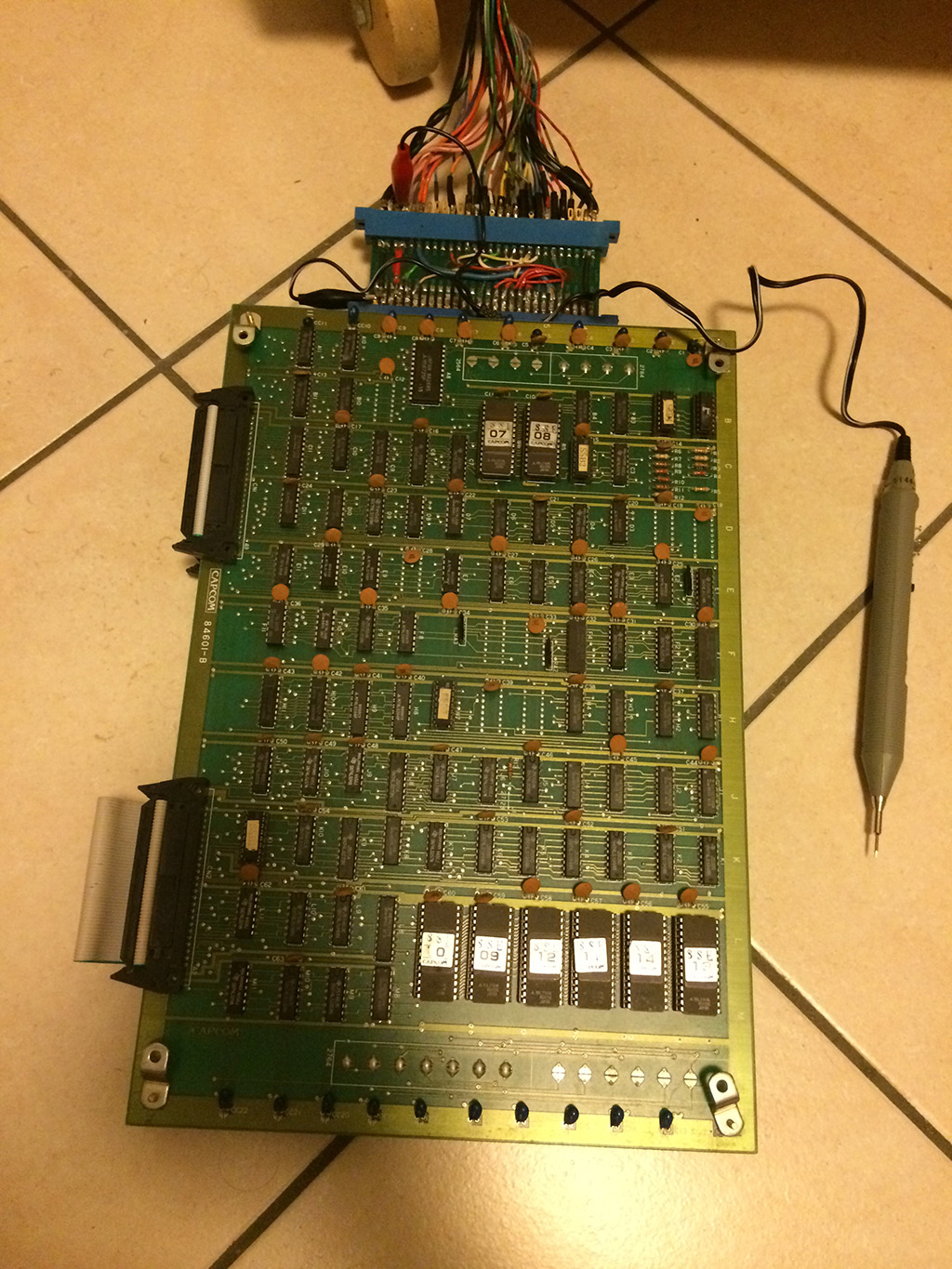
Welcome to my first repair log!

I bought this (very) expensive pcb from ebay in October 2014.

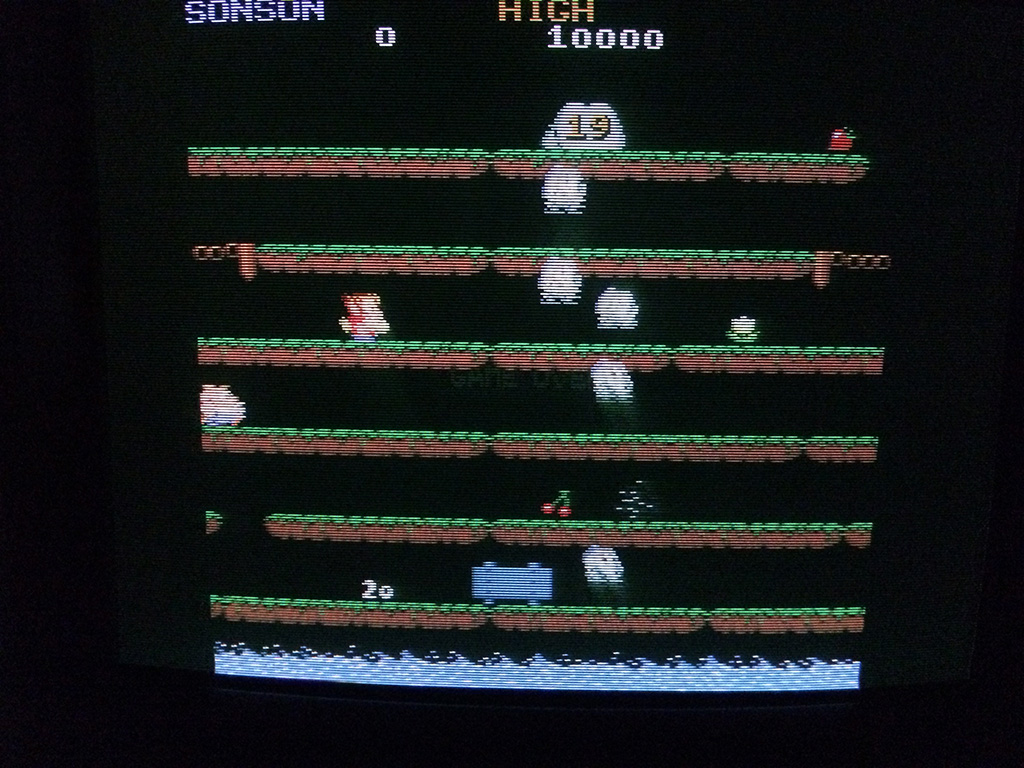
I played the game a couple of times and then after about one week, all the sprites disappeared while I was playing. Only background and text were present:

Foto 22-10-14 20 52 25

I couldn’t believe, at first I began to press everywhere hoping it was a loose or oxydized connector but soon I realized something got faulty.

This game hasn’t any schematics available so I knew from the beginning it would have been very tough to fix it.

I connected my trusty logic probe and began to short some pins on the pcb to see what changed on the screen so that I could focus on the right part of the circuit.


Foto 29-10-14 23 30 26

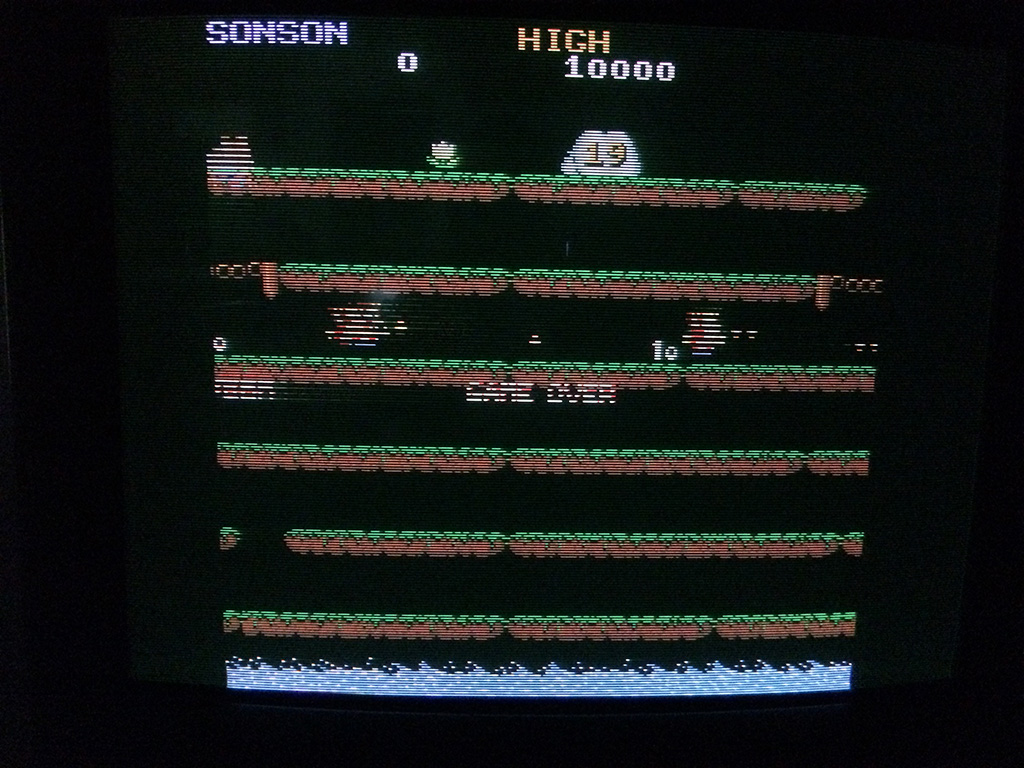
After about 30 mins turned on, the sprites started to reapper but missing some lines:

Foto 29-10-14 23 07 33

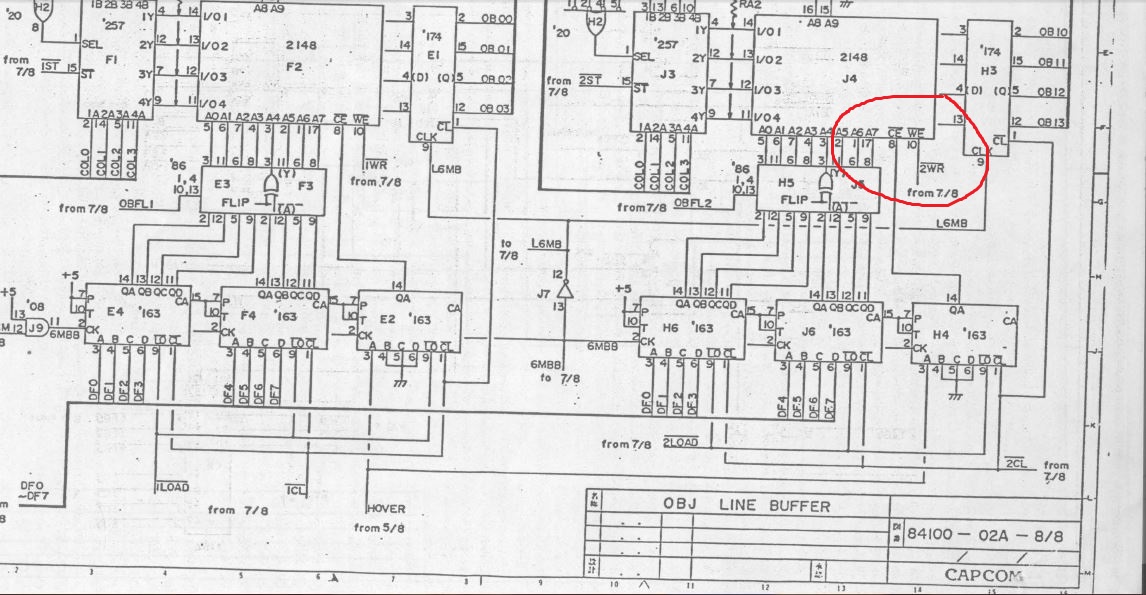
I then remembered that 1942 hardware is very similar to Son Son and the schematics are available.

I was right, the way that TTL chips are connected on 1942 is equal on Son Son. Only the positions of the ICs are different but the logic is really similar.

I probed the 2148 rams @F2 and @F4 on Son Son pcb which on 1942 schematics are described as OBJ rams and I found a stuck /WR signal @F4 on Son Son (J4 on 1942):


son2

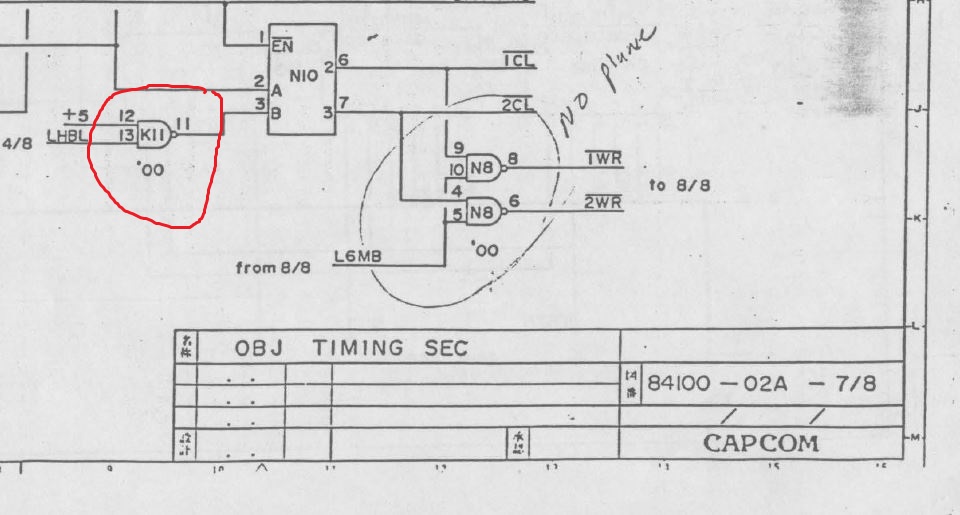
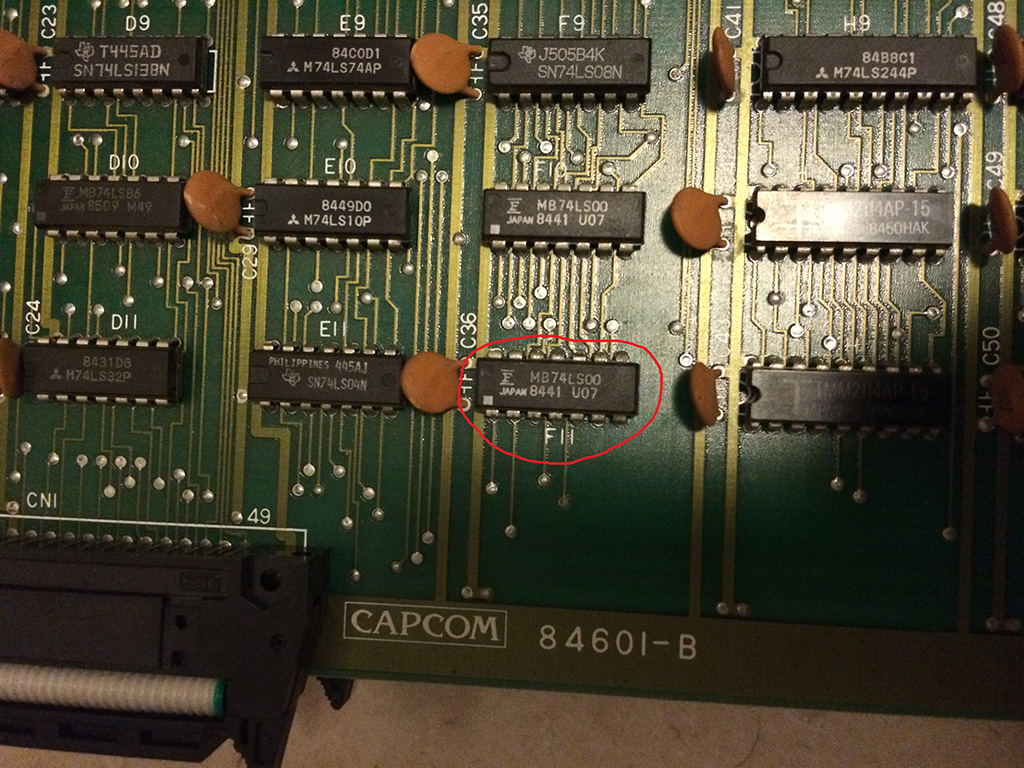
I followed back the signal always taking a look on 1942 schematics, and I found finally the source of the problems on the missing signal on pin 11 of an 74LS00 @F11 (on 1942 I circled the equivalent IC @K11).

On  1942 schematics available on internet, someone circled the 74LS00@N8 writing “no plane”, probably he had the same fault. 😉

son1


Foto 29-10-14 23 27 24

Replacing the 74LS00@F11 gave me back all the sprites


Foto 29-10-14 23 29 25

Taito F3 D77-03 added

 PAL Updates  Comments Off on Taito F3 D77-03 added
Jan 072015
 

muddymusic dumped a D77-03 PAL from one of his Taito F3 cartridges today.
At this moment it is untested so if you test it please let us know.

Thanks to muddymusic

 Posted by at 6:22 pm

Lightning Fighters repair log #2

 PCB Repair Logs, Repair Logs  Comments Off on Lightning Fighters repair log #2
Jan 062015
 

Found this Konami Lightning Fighters PCB buried somewhere in the pile so today I decided to take a look at.

Lightning_Fighters_PCB

I know quite well this kind of hardware since I repaired two of them in the past and I can say it’s not really complicated, the use of graphical ASICs simplify a lot the PCB layout and troubleshooting.

Once powered on I got a solid black screen.Probing the main 68000 CPU revealed that watchdog was active and board was resetting endless.Dumped the two program ROMs gave me bad dump of the one @E15.Once reprogrammed a 27C010 EPROM, board succesfully booted but all colors were clearly wrong:

LF_colors_issue

Schematics of this game were available so looking at them revealed that color RAMs were two 2018 @D18 and D19.Probing these two static RAMs I found some addressing lines not pulsing fine.All of these were tied to the four outputs of a 74LS157 @F19 (whose inputs were connected to address lines of 68000 CPU and ASIC marked ‘053251’ so this was how the two colors RAM were being addressed) .

Piggybacking a good 74LS157 restored all colors.Using my HP10529A logic comparator was a further proof of my suspects that were confirmed definitively testing this multiplexer out-of-circuit where it failed miserably:

74LS157_in_out_of_circuit

Fitted a good 74LS157 brought back the PCB to 100%.

Lightning_Fighters_fixed


 Posted by at 5:38 pm