Thunder Fox repair log

 PCB Repair Logs, Repair Logs  Comments Off on Thunder Fox repair log
Jun 032016
 

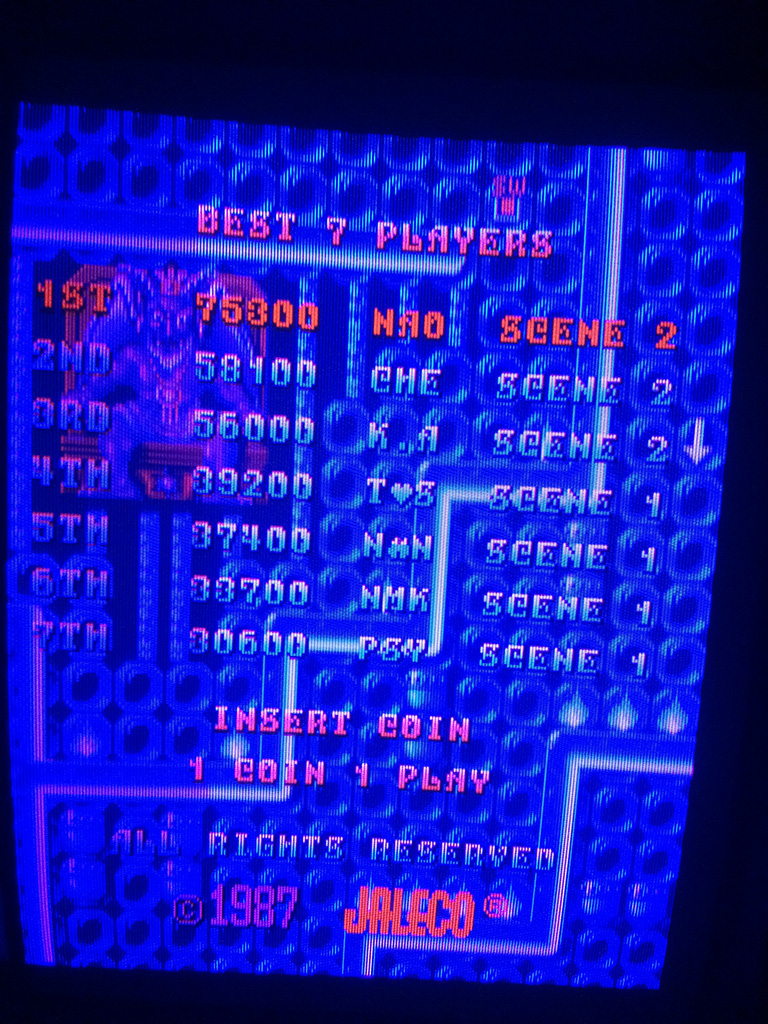
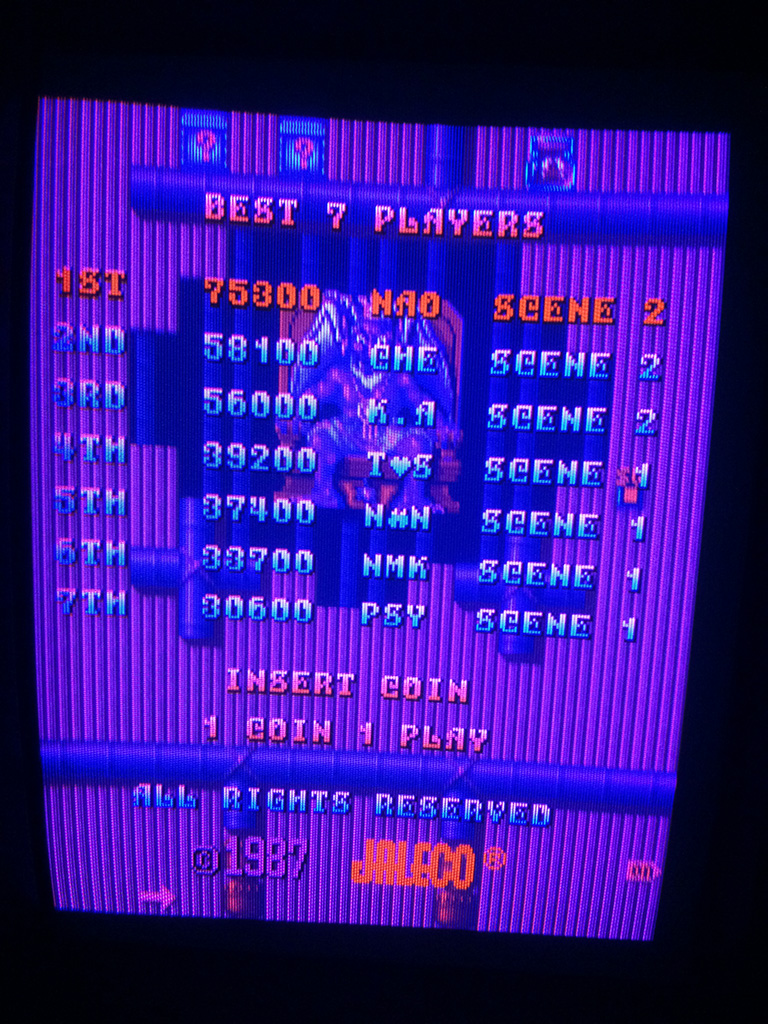
Got this Thunder Fox PCB from a friend to repair.

thunderfox1b

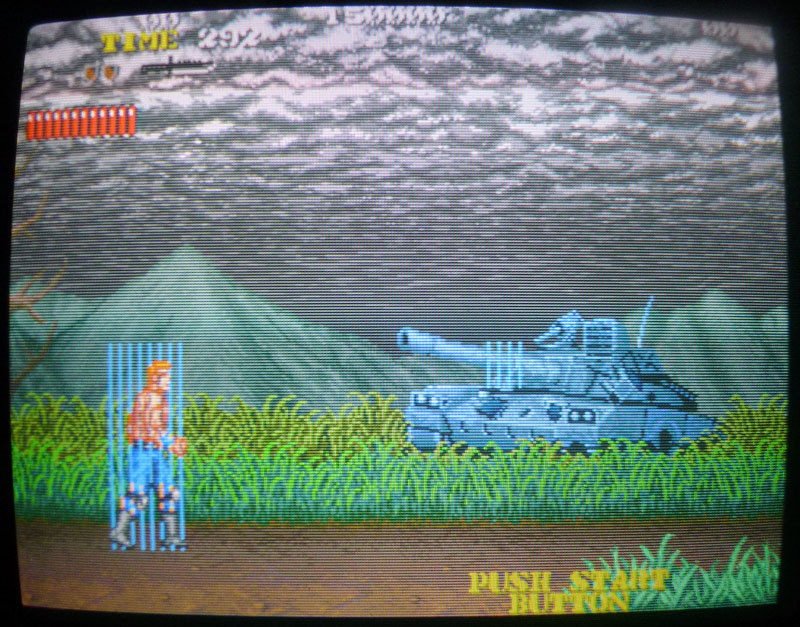
It had 2 issues:

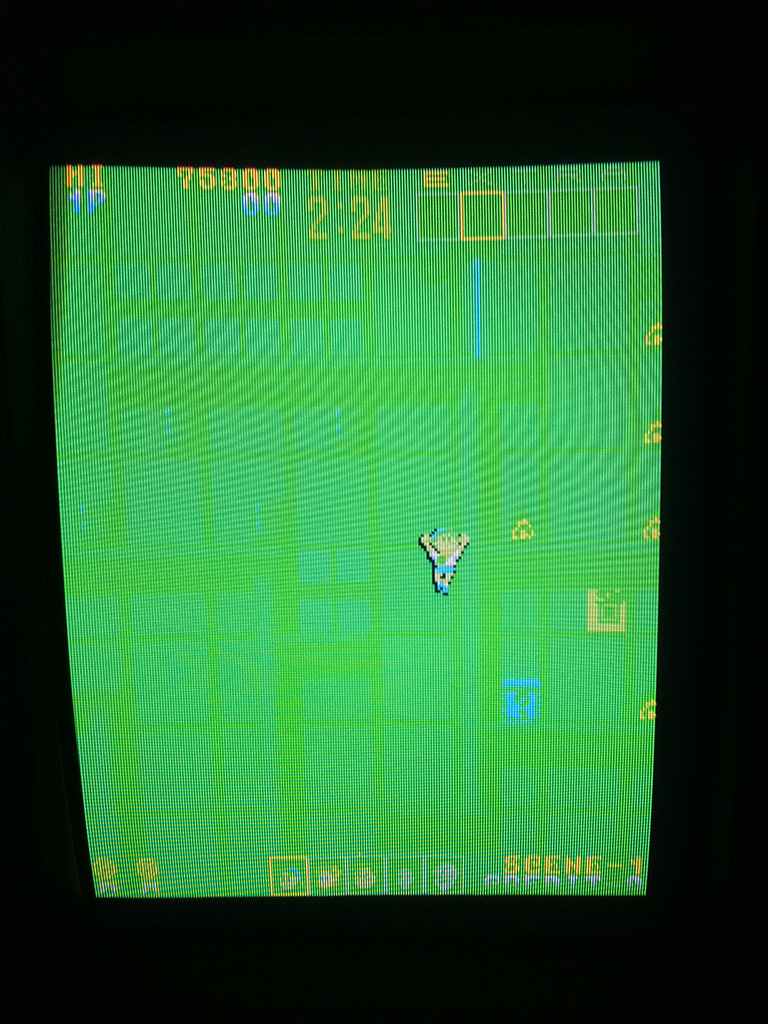
  • Vertical lines on some sprites.
  • No sound.

thunderfox2

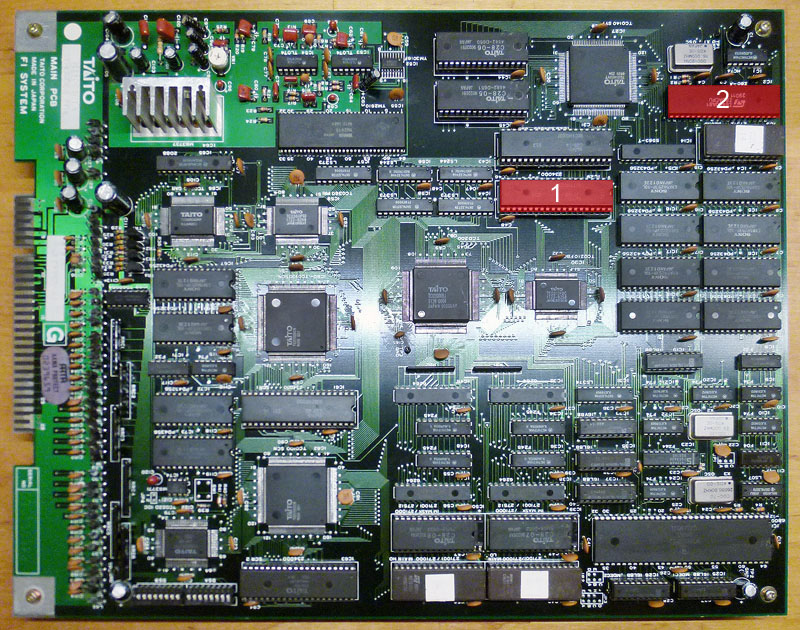
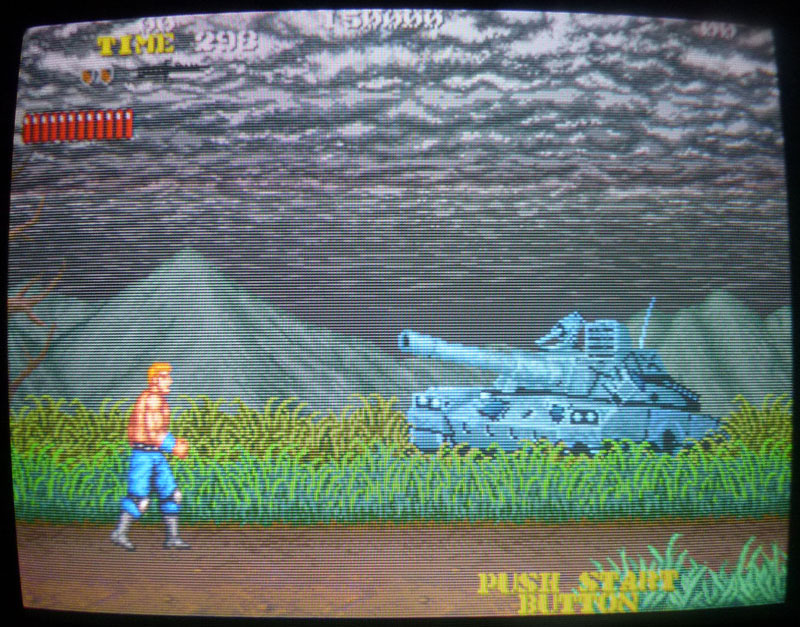
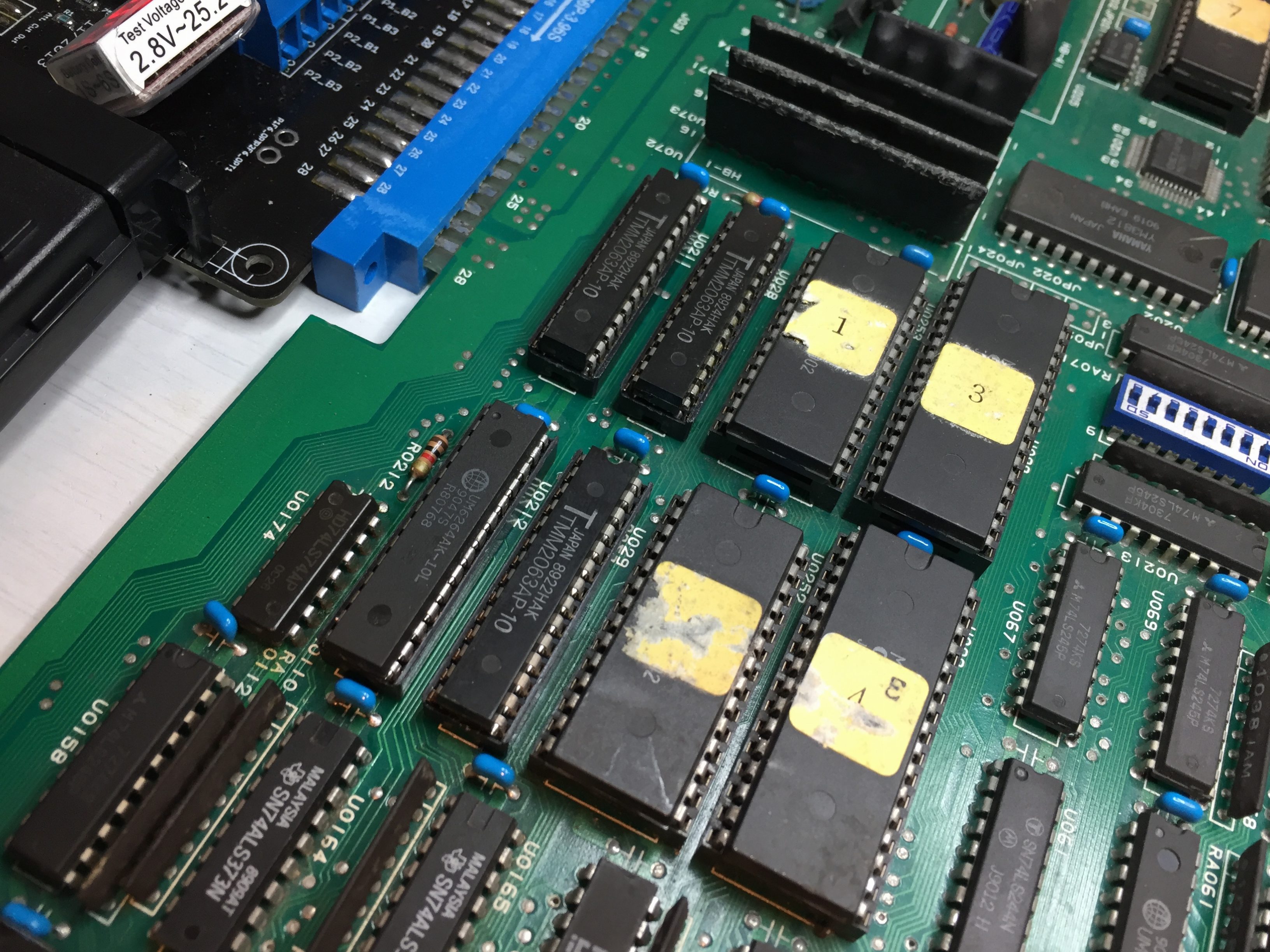
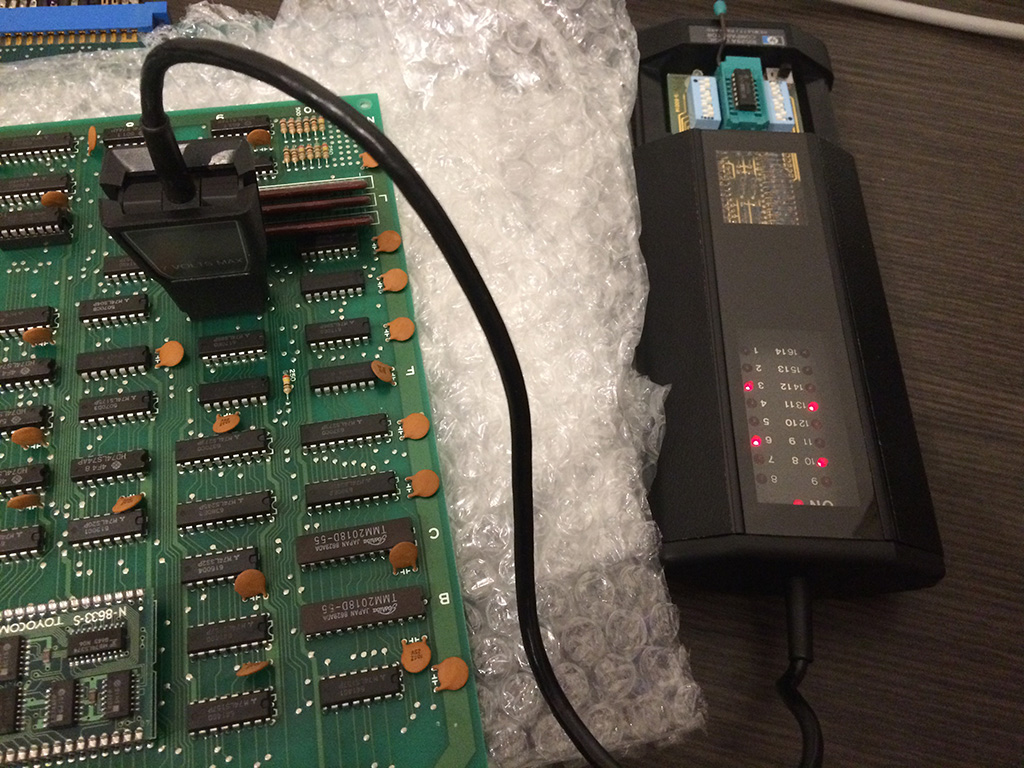
I had a working Thunder Fox PCB with me so I started the easy way to swap sprites ROMs between the boards and got the sprites working again with replacing the one labeled c28-03 at location IC29 (#1 on the PCB picture above). I reburned a 27C400 EPROM as a replacement.

thunderfox3

For the sound part, I could notice there was no analog output signal at pin 27 on the YM2610 sound chip but all its data inputs and data lines on the sounds ROMs were pulsing. I also noticed the signal on the IRQ (pin 56) was stuck low (it was pulsing on my working board). The IRQ signal is an output so it made me think the YM2610 was clearly the faulty one so I replaced it but with no change…

The IRQ pin was still stuck low so I traced it to pin 16 of the Z80. Strange because it is an input pin on it but sometimes if a pin is dead it takes over and pushes down the data that comes from an other chip. So I tried replacing the Z80 (#2 on the PCB picture above) and finally got the sound working. That was it !

 Posted by at 8:50 am
Jun 012016
 

Initial Symptoms

  • Static junk on screen, which changes between reboots.
  • No sound or evidence that game is running in background.

Sony PVM monitor wouldn’t sync in RGB mode, but would (for some reason) in Y/R-Y/B-Y mode.

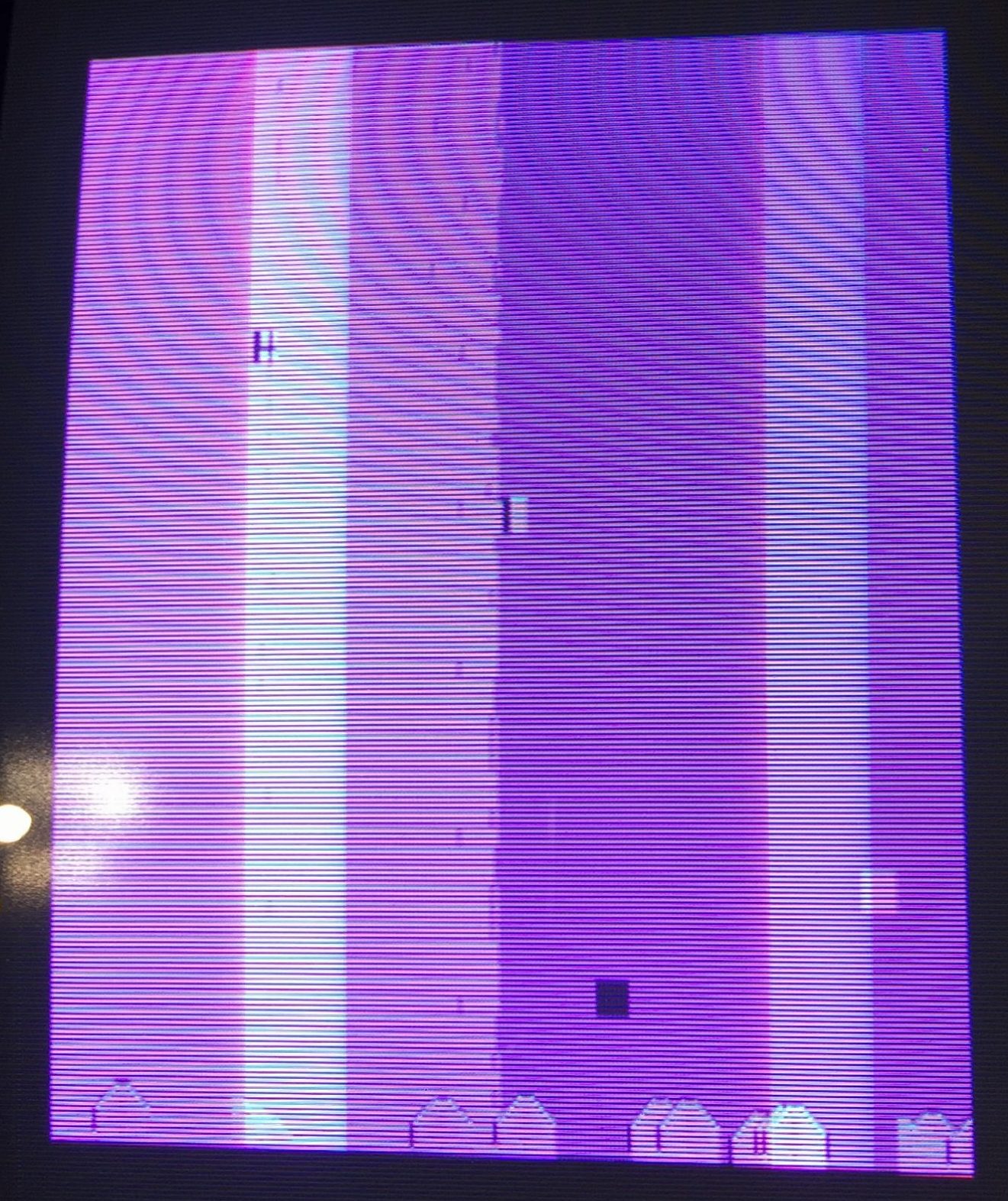
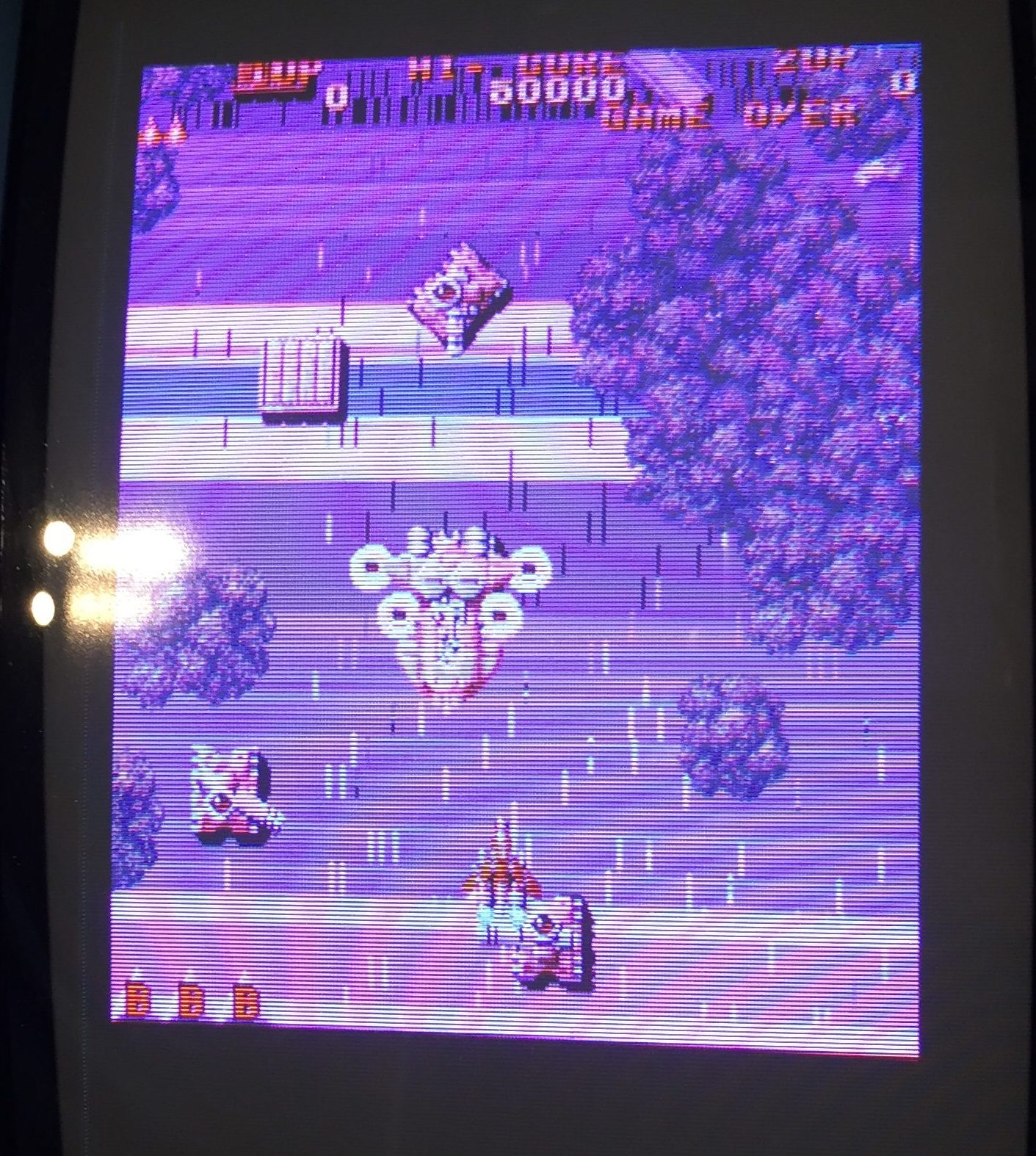
Random junk when powered on

Random junk when powered. (purple image is due to monitor problem)

CPU Boot Problem

Probing CPU interrupts showed that sometimes V-Blank interrupts were active, sometimes not. Initial check of EPROMs showed that one was dead, but replacing did not solve the problem. Probing with a logic analyser showed that the data/address bus of the main CPU was pulsing, and the game wasn’t watchdogging so deeper investigation was required.

Tracing with a Saleae logic-8 showed that the first v-sync interrupt was getting acknowledged by the CPU, but subsequent interrupts were ignored. Digging futher I generated a partially complete address/data trace by the (shared) data+address bus and the bus status lines (BS0-2). Since my analyser is only 8-bits, I could only trace 5 data+address lines at once. I wrote a script to combine multiple traces using the bus status lines to synchronise the data. Luckily the behaviour was deterministic, and I could extract enough trace data (12-bits of both data and address) to work out a full trace by correlating the data with a mapped ROM dump from Mame. Doing this I found that one of the RAMs was faulty; The stack was getting corrupted, causing a ret instruction to jump to an unexpected program address. Swapping the program RAM resulted in the game booting.

Bad SRAM of main CPU. Socketed and replaced.

Bad SRAM of main CPU. Socketed and replaced.

New Symptoms:

  • Some tiles have flickering horizontal bars
  • Some tiles seem to not change from top to bottom (in horizonal screen)
  • Sound crackly and missing music
Background tiles are corrupted

Background tiles are corrupted

Tile Corruption Problem

Probing the tile ROMs shows that ROM U105 address lines 1-4 were floating. These were driven by the SEI0020BU custom chip at U102. Pulling the SEI0020BU and swapping it with it’s neighbour switched the tile corruption. Clearly the SEI0020BU was the cause of the problem. Annoyingly these aren’t easy to come by.

Reverse Engineering the SEI0020BU

I guessed that the main function of the SEI0020BU was to drive the addresses of the ROM chip in the direction of the raster. I checked the connections of the SEI0020BU with a multimeter and worked out the function of each pin (see schematic below for more details).

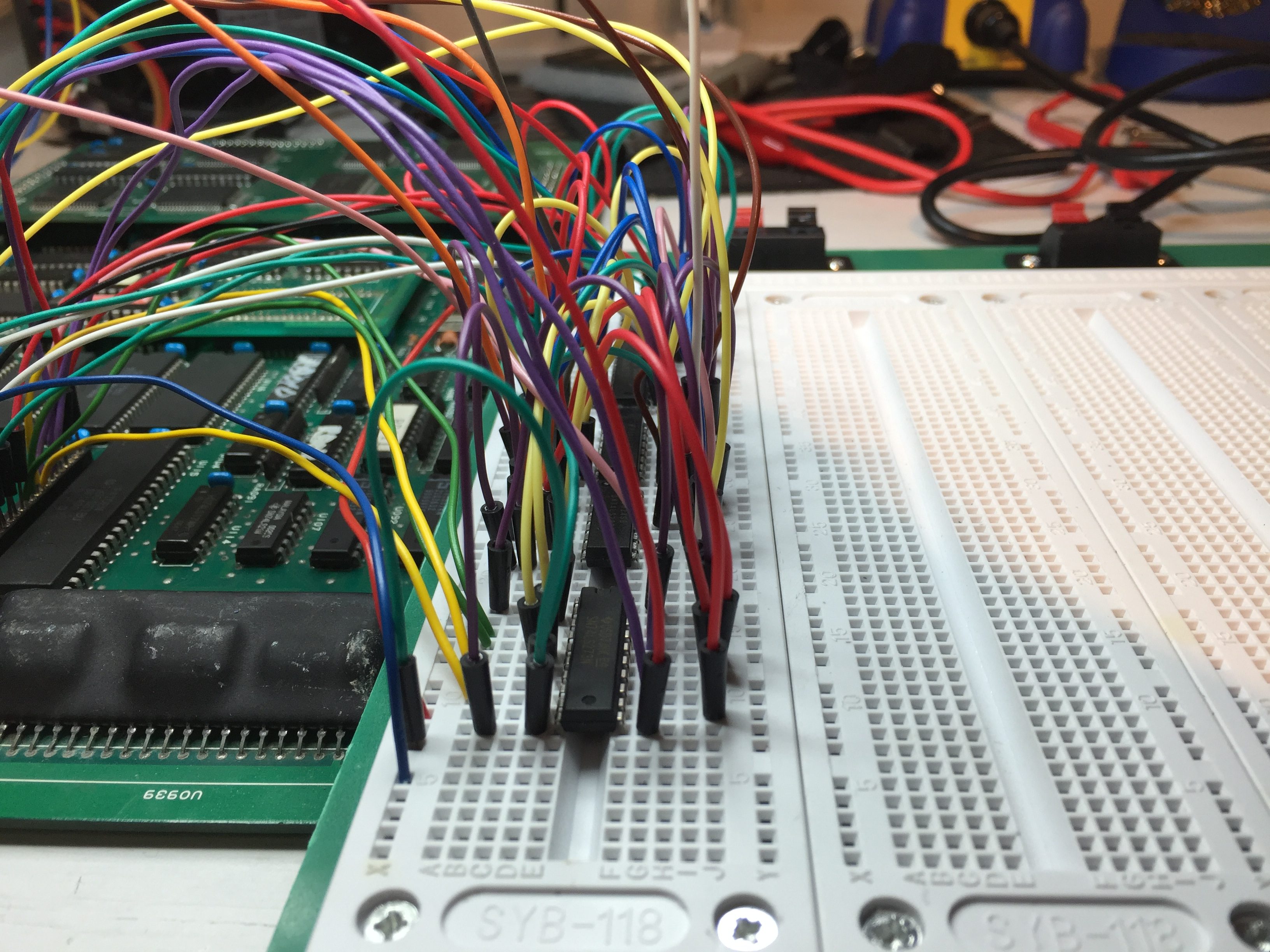
Checking the Mame source confirmed that the address mapping for this chip corresponded with the x-axis scroll register. I guessed the purpose of the chip was to store an x-axis scroll offset and add that result to the raster x-position. I guessed that only 8 bits of shift were actually needed, and I knocked up a prototype on a breadboard, which seemed to work well.

SEI0020BU breadboard prototype

SEI0020BU breadboard prototype

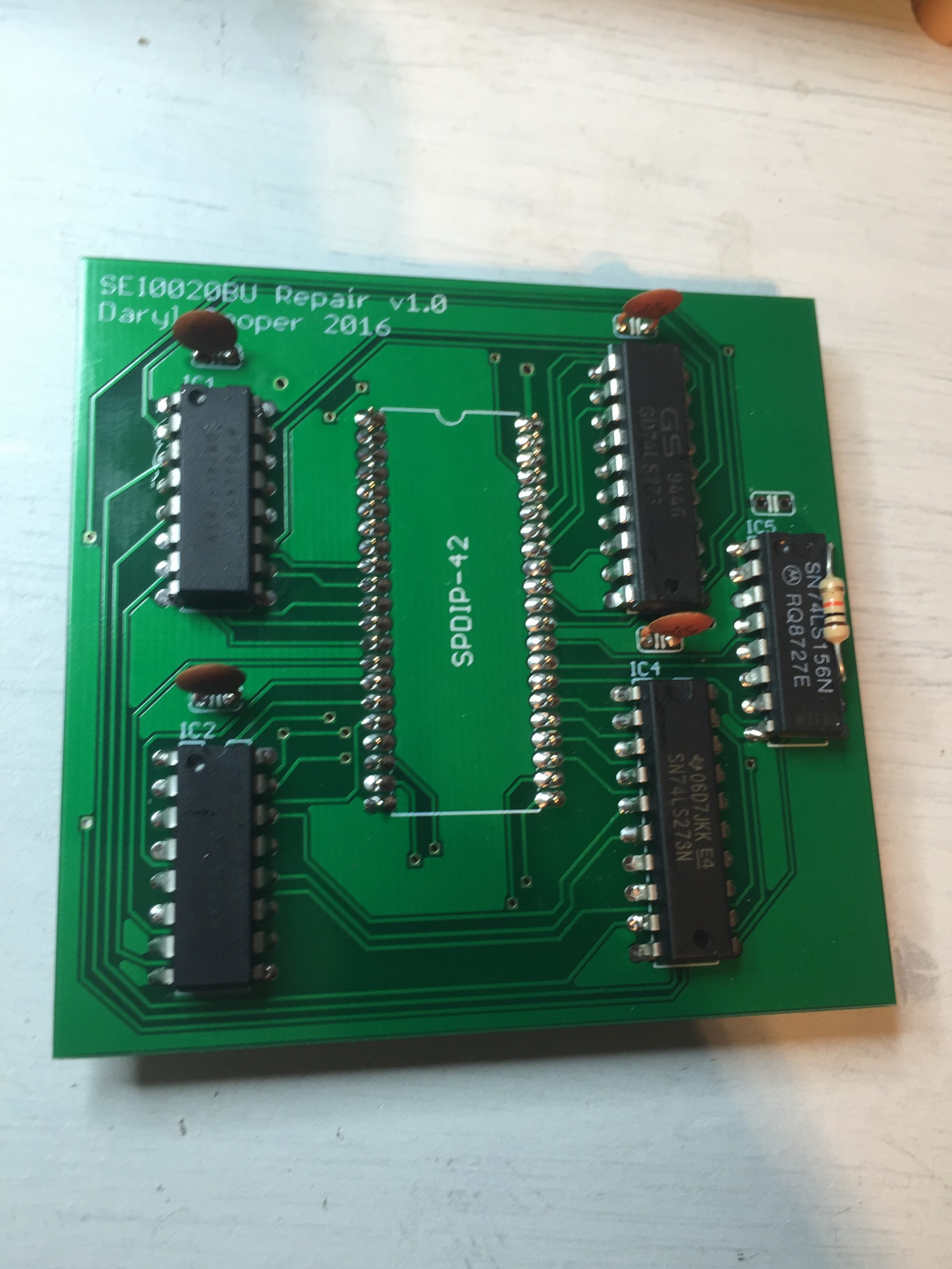
With a working prototype, I got to work using CadSoft EAGLE (PCB CAD tool) to design a PCB daughterboard for a more permanent solution. The PCB was printed by Seeed, and delivered in a few weeks.

First SEI0020BU daughter board

First SEI0020BU daughter board

Once the printed PCBs were delivered, they seemd to work well, but I’d made a few mistakes. Firstly, the output from the LS156 should have been pulled high. Secondly, only 8 bits for the shift offset was insufficient – I actually needed 9 bits. This was a stupid mistake – I’d been unable to test the full shift range properly on my test rig because of a faulty joystick adaptor! Once I tested the board in a cabinet, it was clear that scrolling too far to the left (offset register wraps) causes the tiles to distort (-1 wrapped to 255 instead of 511).

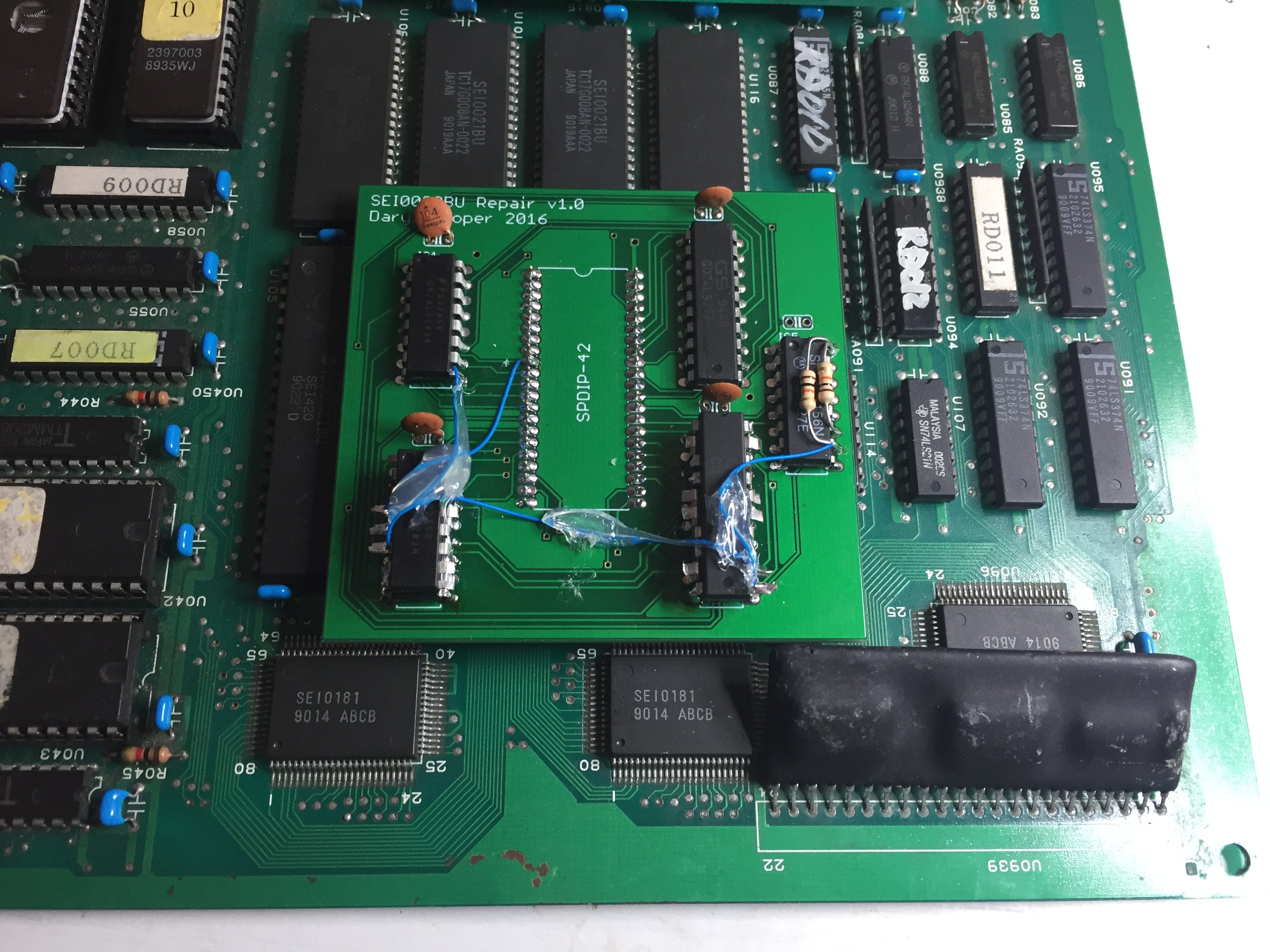
I managed to hack a fix onto the PCB by piggy backing an extra 8-bit buffer and a 4-bit adder onto the PCB, cutting a trace and wiring up with patch wires. The modified PCB finally worked properly, and the graphics were fixed. I wasn’t happy with it though – I’d printed a PCB, so I thought I may as well finish the job!

Patched SEI0020BU Replacement Daughterboard

Patched SEI0020BU replacement daughterboard

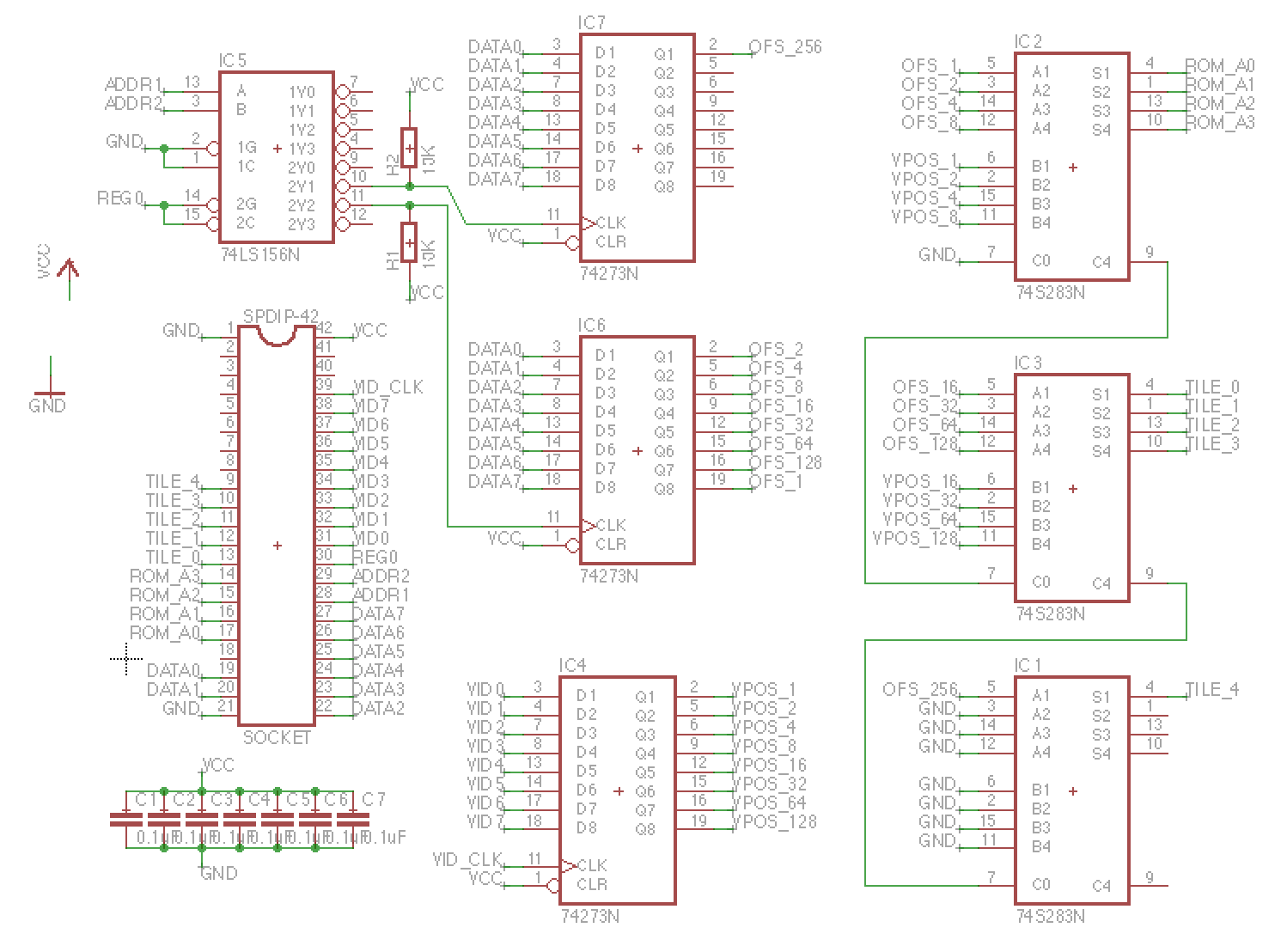
I modified my design in Eagle (see schematic below), and ordered a new set of PCBs to be printed.

SEI0020BU Schematic

Schematic for Raiden SEI0020BU replacement

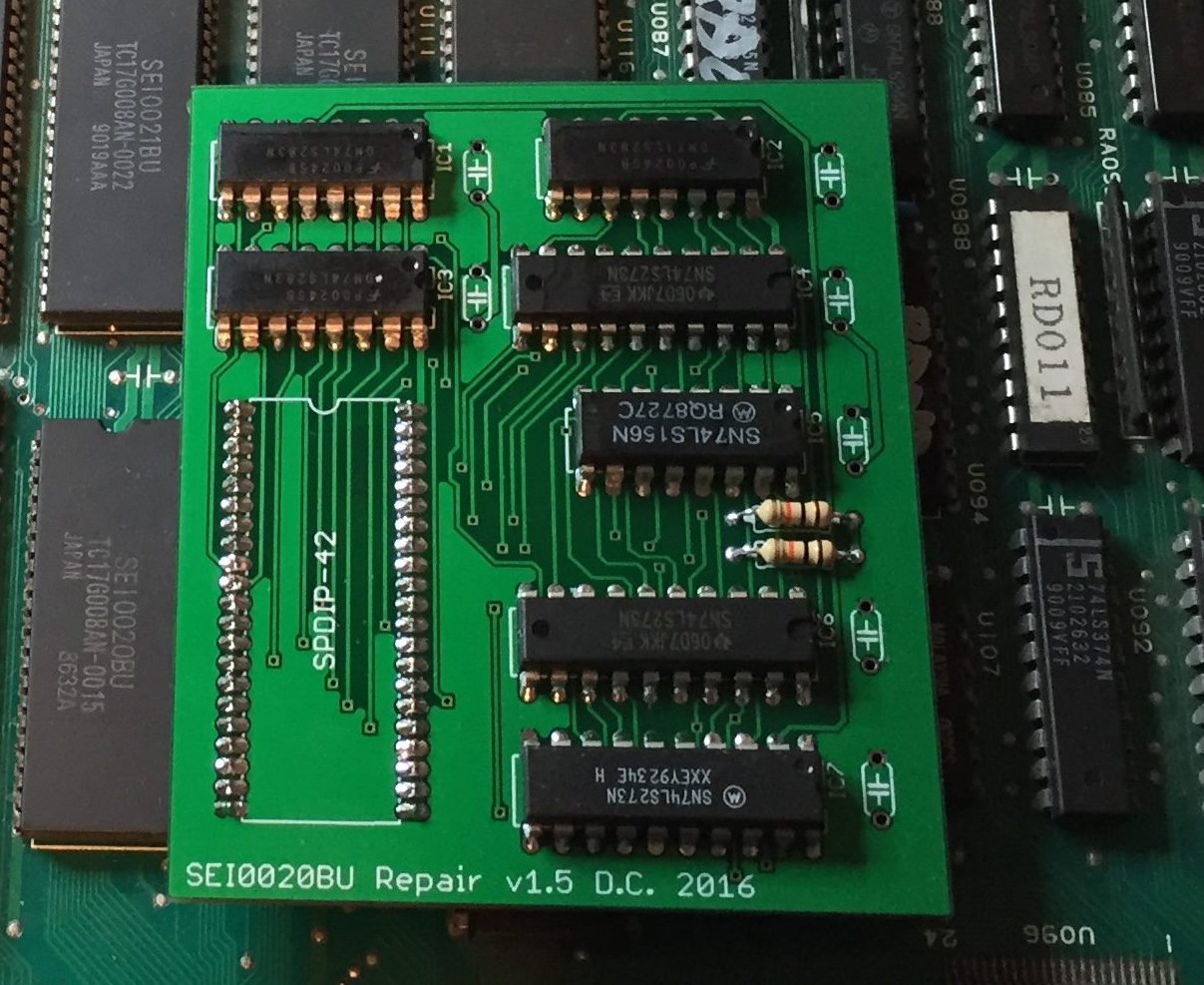
The new PCBs arrived, and worked perfectly – phew!

Final working SEI0020BU replacement daughterboard

Final working SEI0020BU replacement daughterboard

Sound Fix

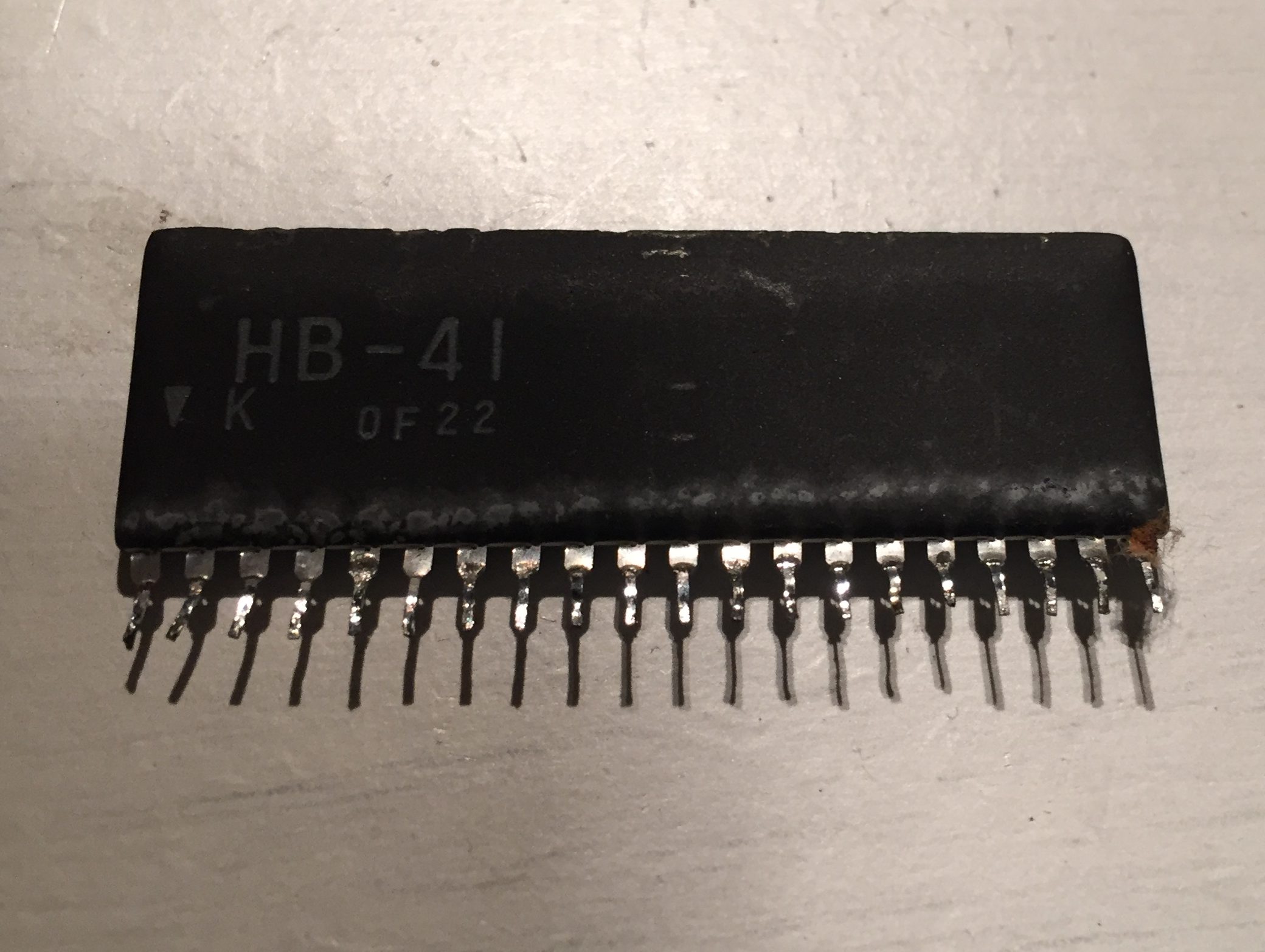
Sound was working, but distorted and noisy. Probing the sound input to the amplifier with an oscillioscope showed that the signal was weak. This was driven by the HB-41 SIL package. The inputs to the HB-41 looked clean, so it looked like it was bad.

Faulty HB-41 SIL package

Faulty HB-41 SIL package

Luckily I had a spare on a Seibu Soccer donor board. Hooking it up solved the sound problem. Job done!

Image is clean, and game now functions correctly.

Image is clean, and game now functions correctly. Colour correct in arcade cabinet.

Splatterhouse repair log #4

 PCB Repair Logs  Comments Off on Splatterhouse repair log #4
May 262016
 

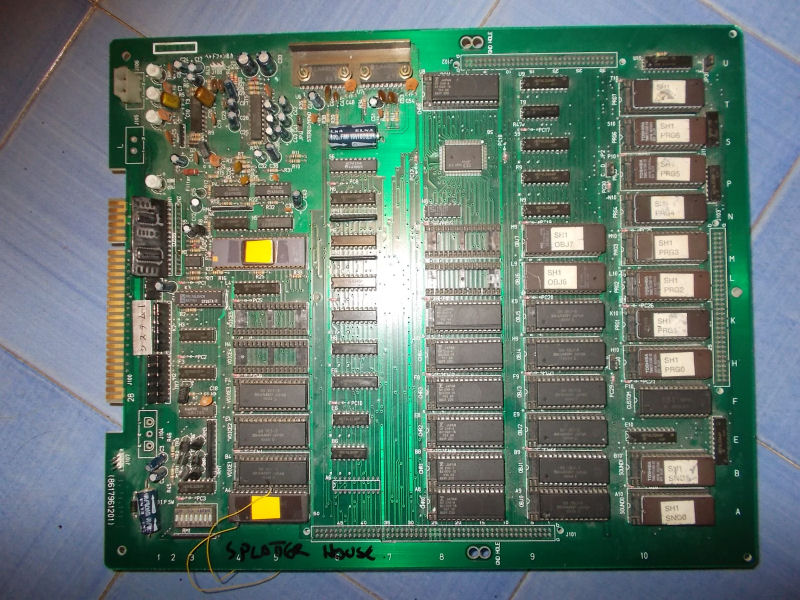
I got from New Zealand this genuine Splatterhouse PCB for a repair:

Splatterhouse_PCB

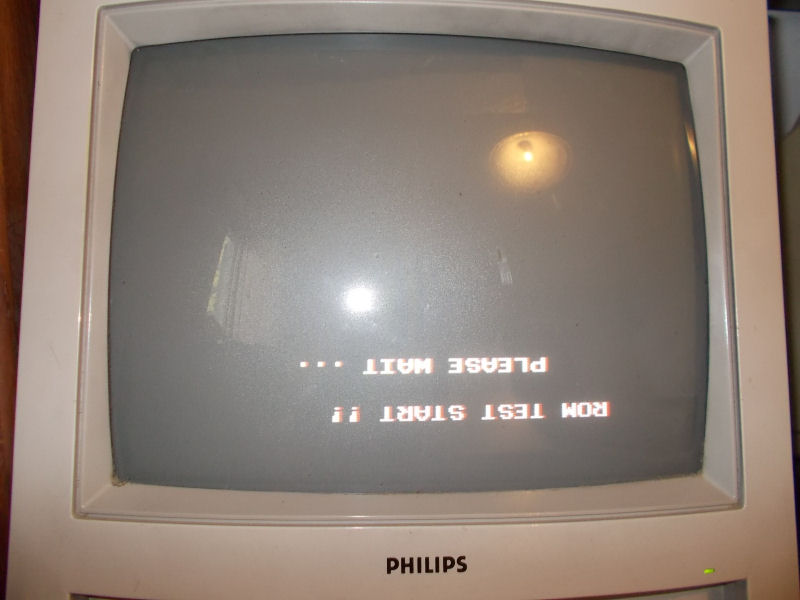
Upon boot the board was stuck on a “ROM TEST START !! PLEASE WAIT…” message displayed upside down :

issue

From my past experience I know for sure this issue is caused by a bad ’64A1′ custom replaceable with a programmed Hitachi HD63701 MCU (plus a patched ‘VOICE0′ ROM in order to handle two custom opcodes of the ’64A1’)  following this procedure:

Namco System 1 custom ’64A1′ replacement

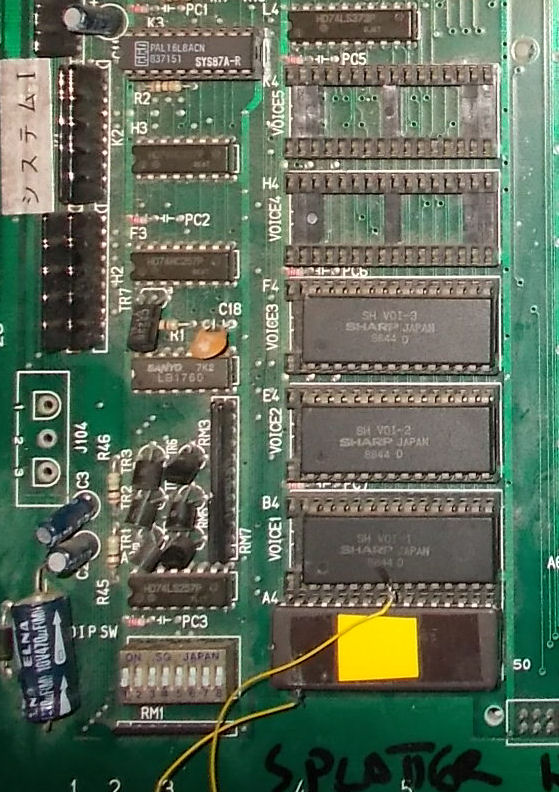
But in this case, as you can see from the above picture of the board,  the owner already replaced the ’64A1′ (and at same time  patched the ‘VOICE0′ ROMs using an hacked 1Mbit JEDEC EPROM in place of a non-JEDEC one ) and this didn’t fix the issue.For first I reverted the modification the and reinstalled the original custom ’64A1’.With this configuration the board successfully booted into game although some sound samples were bad.This lead me to think that there could be some problem is the data bus of the VOICE ROMs which prevented the HD63701 MCU to correctly read the patched data causing the missing boot. :

VOICE_ROMS

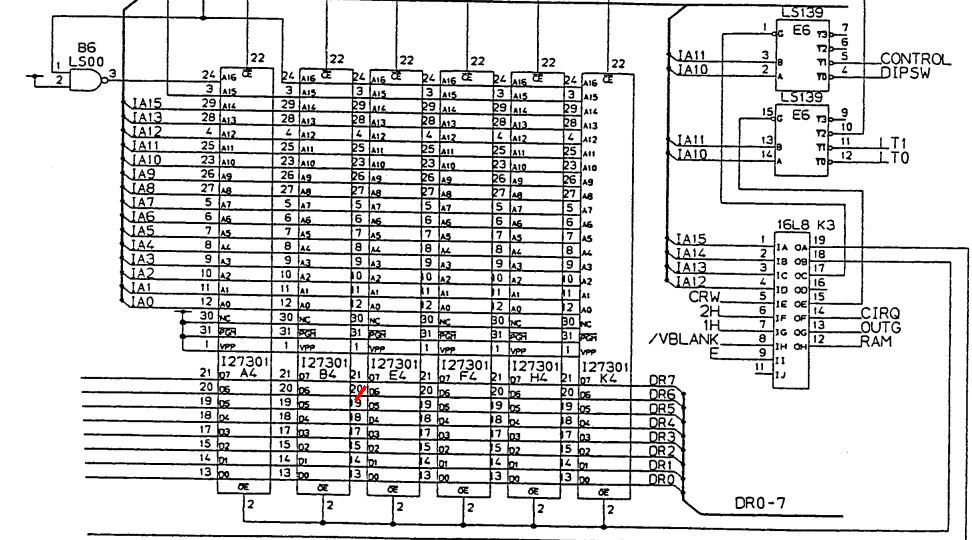
So, assisted by schematics, I went to check the involved circuit and found that pin 20 (data line D6) of the VOICE ROMs (Splatterhouse use only four of them to store samples) was not daisy-chained as it should have been:

VOICE_ROM_DATA_BUS

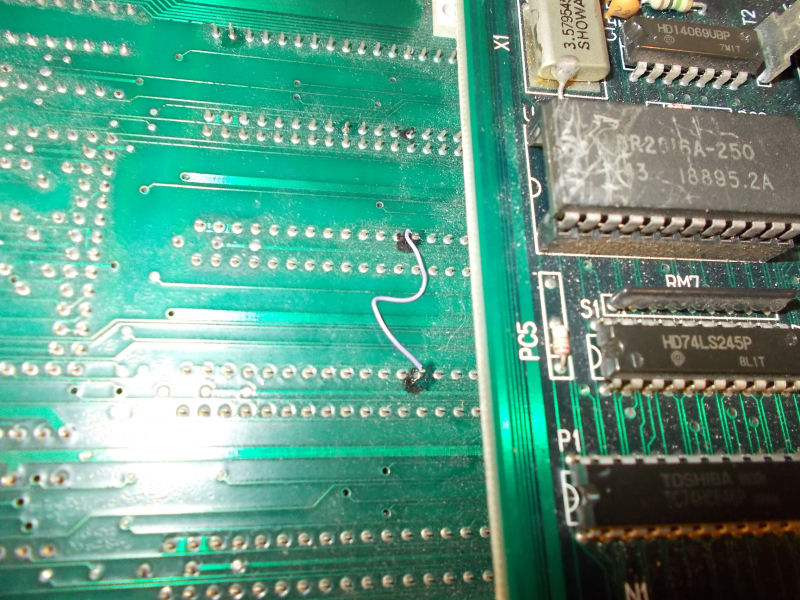
In the above snippet of schematics you can see (red mark) where extactly trace was interrupted.I simply used a bit of AWG30 wire to restore comnection:

patched_PIN20_VOICE_ROMS

This fixed completely the game using both the original ’64A1′ custom and the HD63701 MCU.End of job.

 Posted by at 8:19 pm
May 192016
 

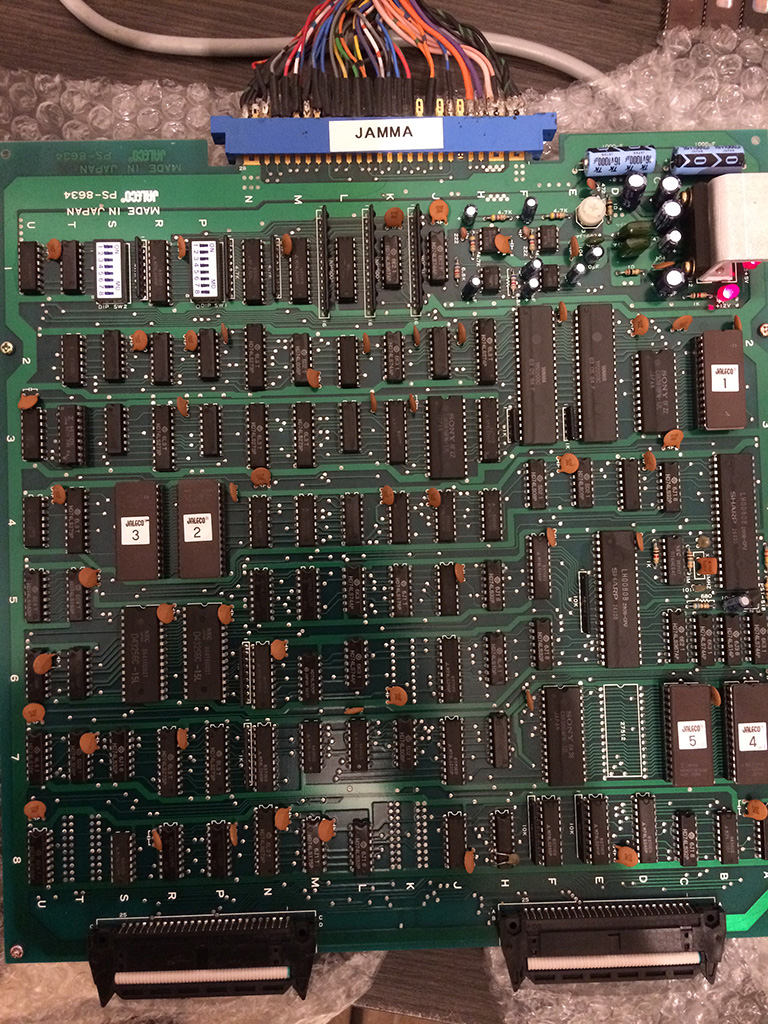
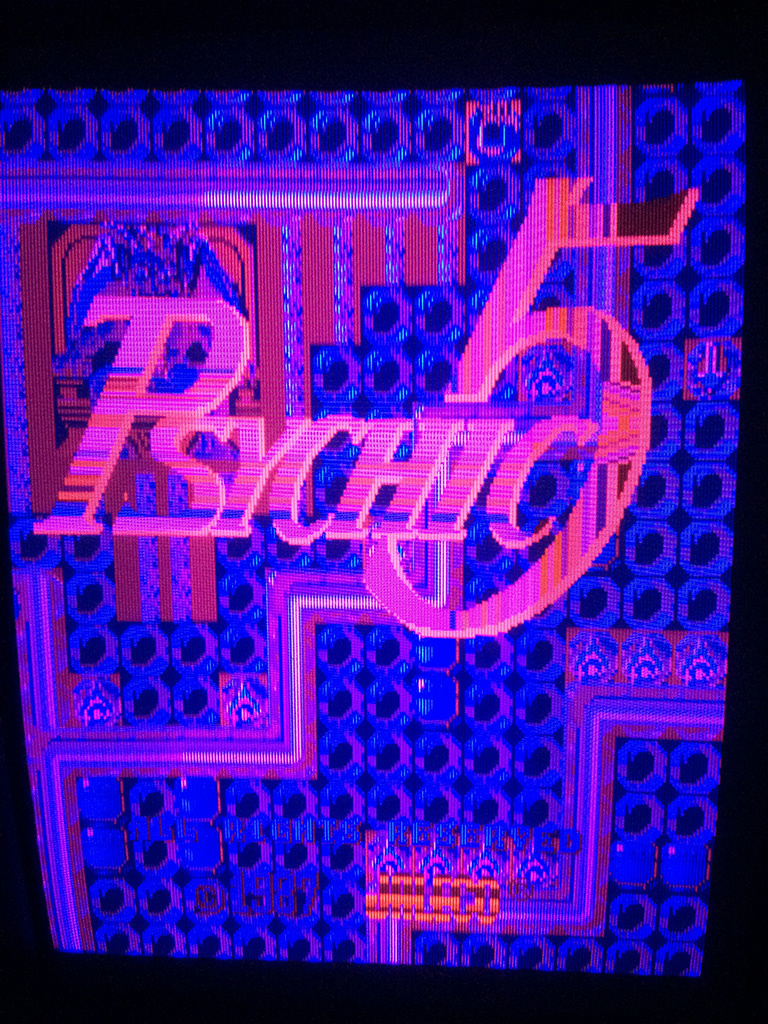
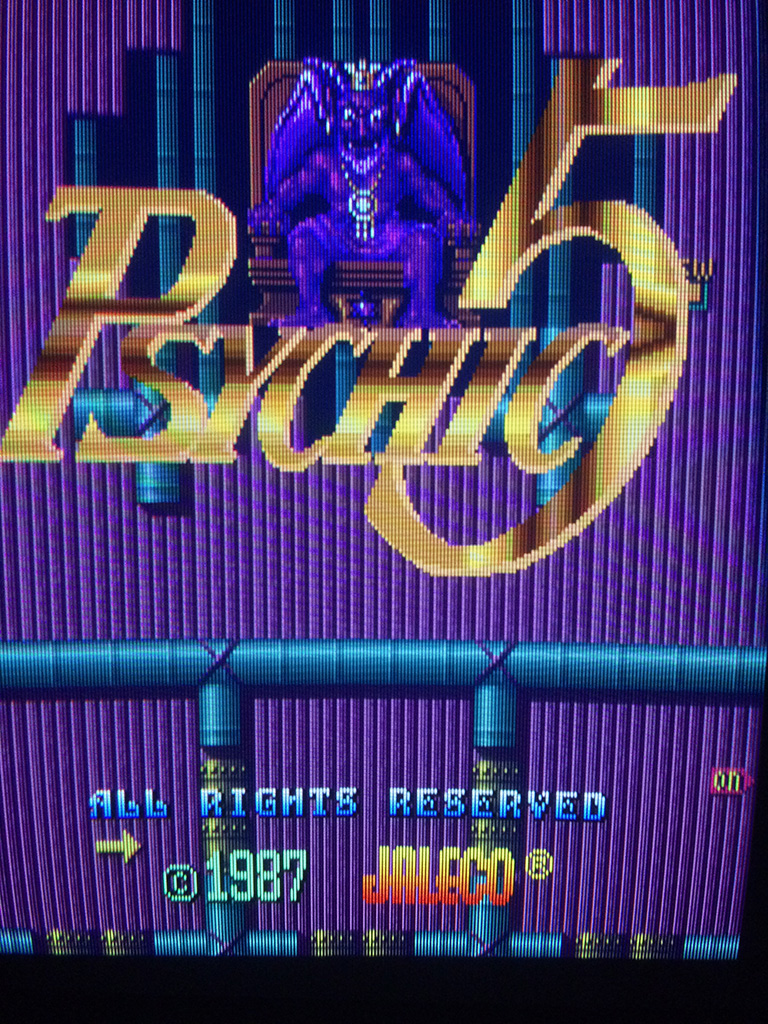
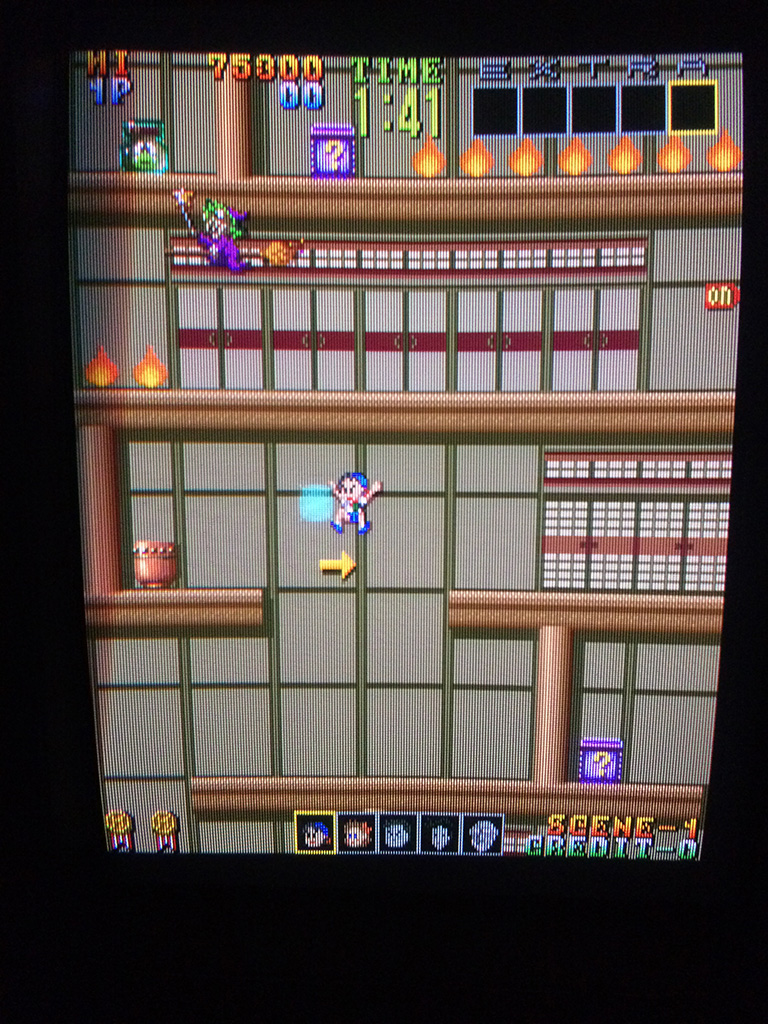
Last year after a lot of research I succeded to buy at a good price an original board of Psychic 5 , one of my favourite game of all time, which was really in mint conditions.


psychic5


Some days ago I picked it up for a play and after some minutes the game developed this problem during attract mode:

psy5

psy3

psy2


After some more time the game was total yellowish:

psy4


Game hasn’t any schematics available and there are not any games known to me which have similar hardware and schematics available.

I could only go blind and try to find the reason of the fault.

So I started to short some signals of srams looking for palette changings and I found a couple of them at pos.6N and 6M, 16kbits.

The one at pos.6N had the first 4 data pins low and I was pretty sure either it was faulty or the 74ls245 connected to the data bits.

After desoldering, the sram 2018 was tested good in the programmer. That meant that the programmers didn’t use all data pins of the palette rams. The 74ls245 was good because it could drive correctly the signals without the ram installed.

I tested some TTLs nearby looking for strange signals but found nothing.

Decided to go brute force using my logic comparator and testing everything on the video board but starting with FUJITSU parts which are known to be very unreliable.

The logic comparator found a 74ls08 with all the outputs faulty

psy6


I double checked the outputs with a logic probe and they were all in the grey area (no good logic signal).

After changing it I fix the problem 100%


psy8

psy1

So FUJITSU brand proves once again to be really unreliable!

Dangun Feveron repair log

 PCB Repair Logs  Comments Off on Dangun Feveron repair log
May 132016
 

More than a repair a quick fix.

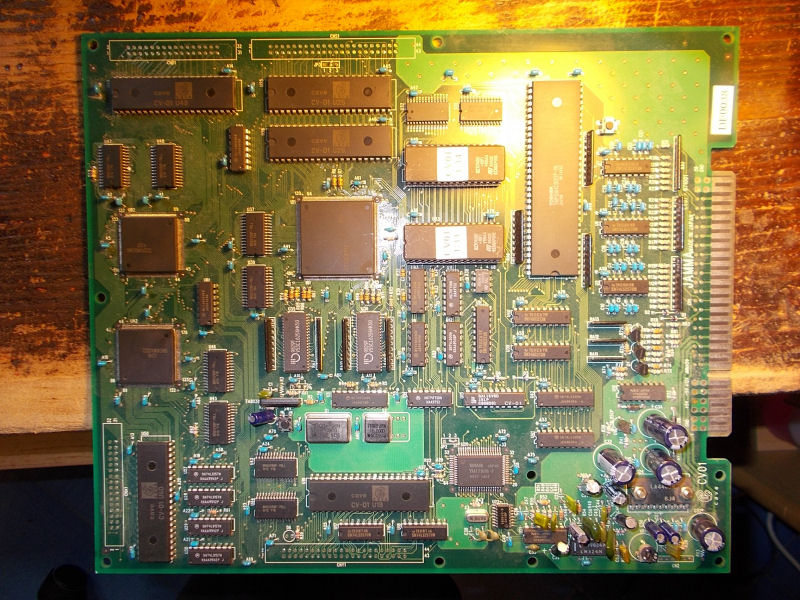
I got this Dangun Feveron PCB :

Dangun_Feveron_PCB

The owner said that most of sprites were scrambled and I could confirm the issue upon powered up the board:

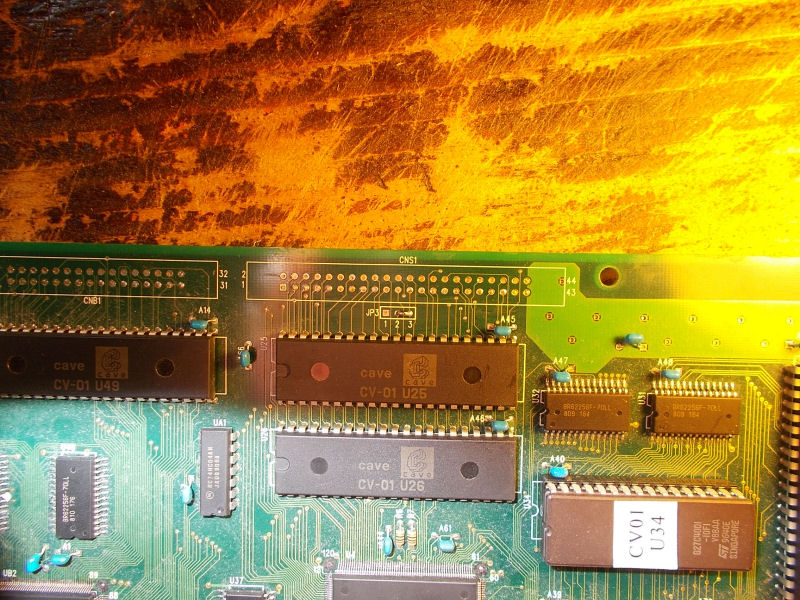
Sprites data are stored into two 42 pin 32Mbit MASK ROMs @U25-U26:

sprites_ROMs

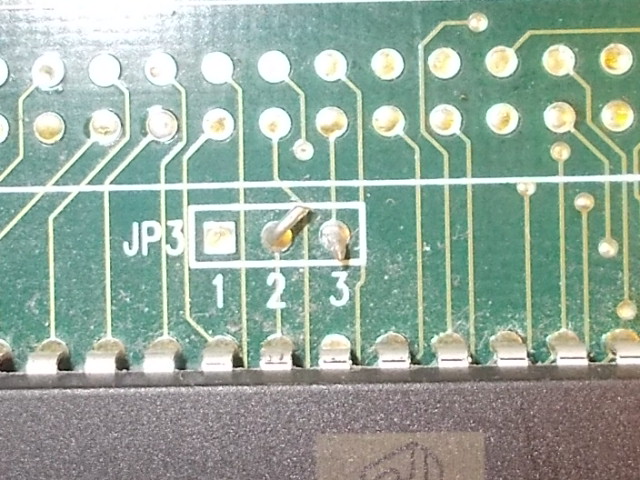
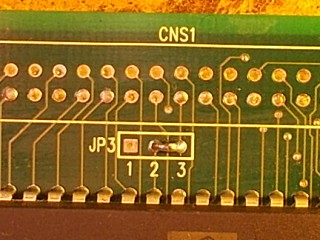
When I went to probe them I noticed a broken jumper @JP3:

broken_jumper@J3

Checking with a multimeter the connections of this jumper relevealed that point ‘2’ was connected to pin 32 of the two MASKs ROMs, therefore the higher address line A20.So, signal coming from point ‘3’ was not reaching this pin due this broken jumper and this caused the sprites issue.Once restored it:

RSCN2919

all came back to normality.End of job.

 Posted by at 10:07 pm