Psycho Soldier repair log

 PCB Repair Logs  Comments Off on Psycho Soldier repair log
May 242018
 

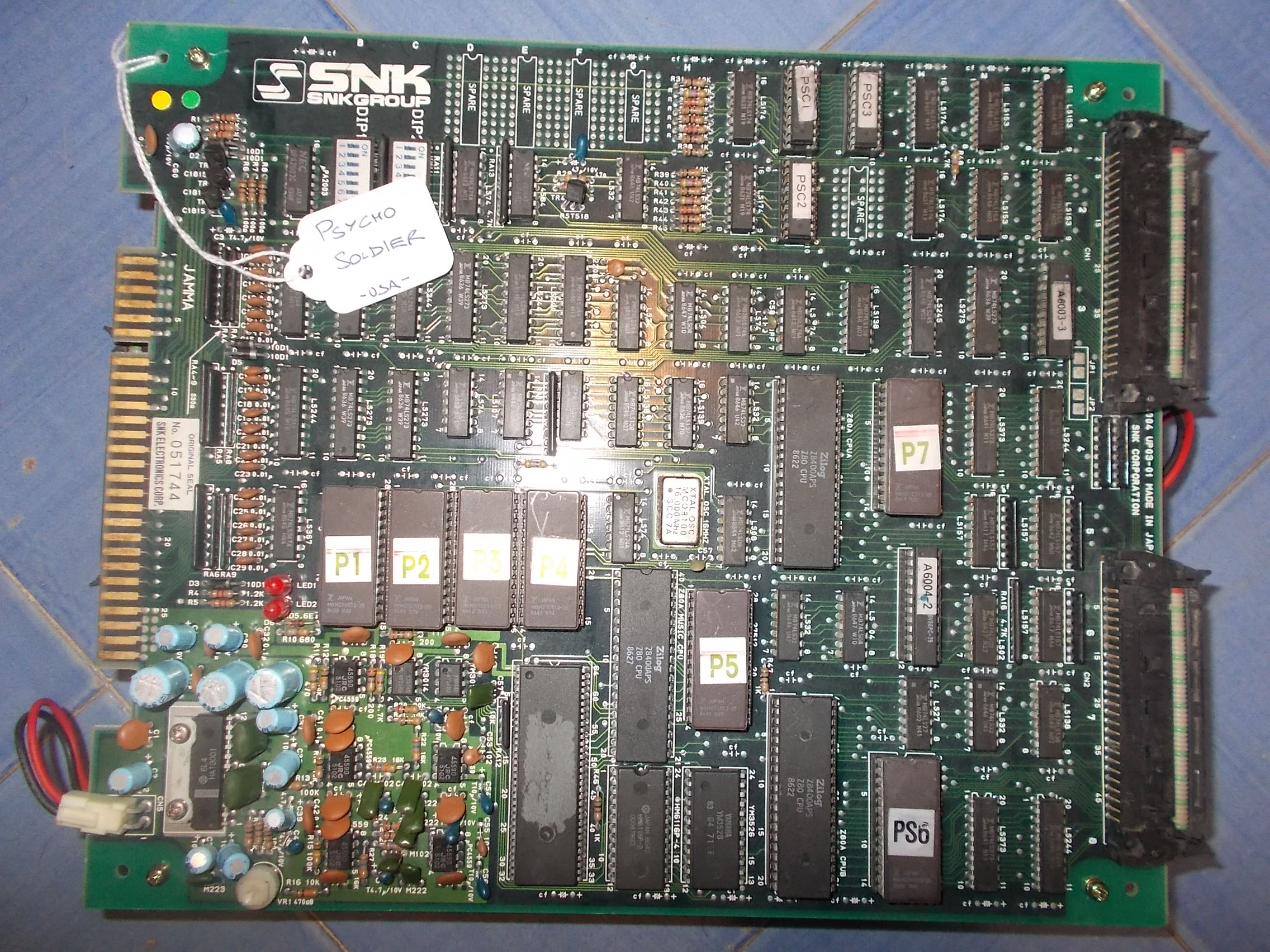
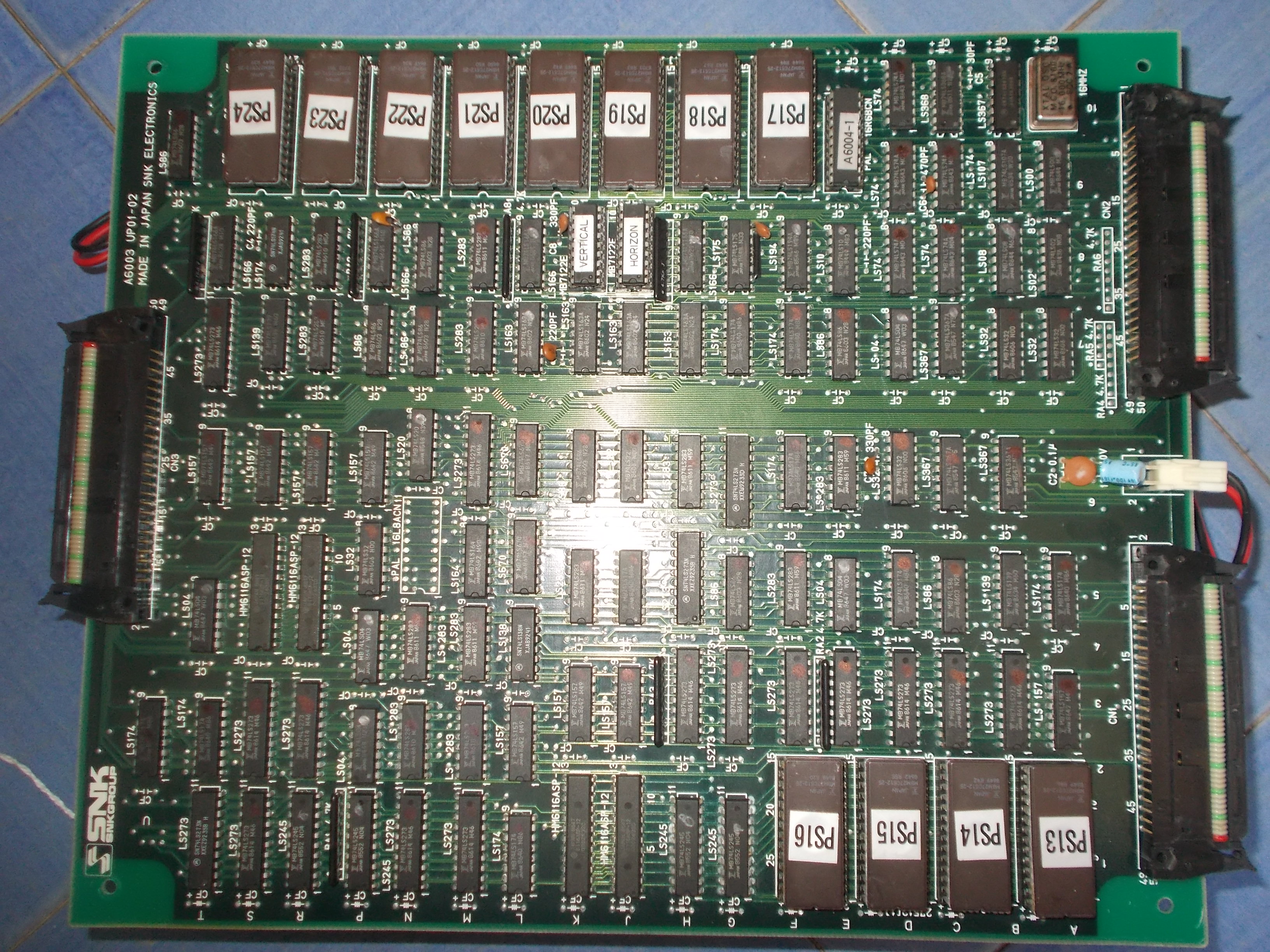
Received from USA this Psycho Soldier PCB:

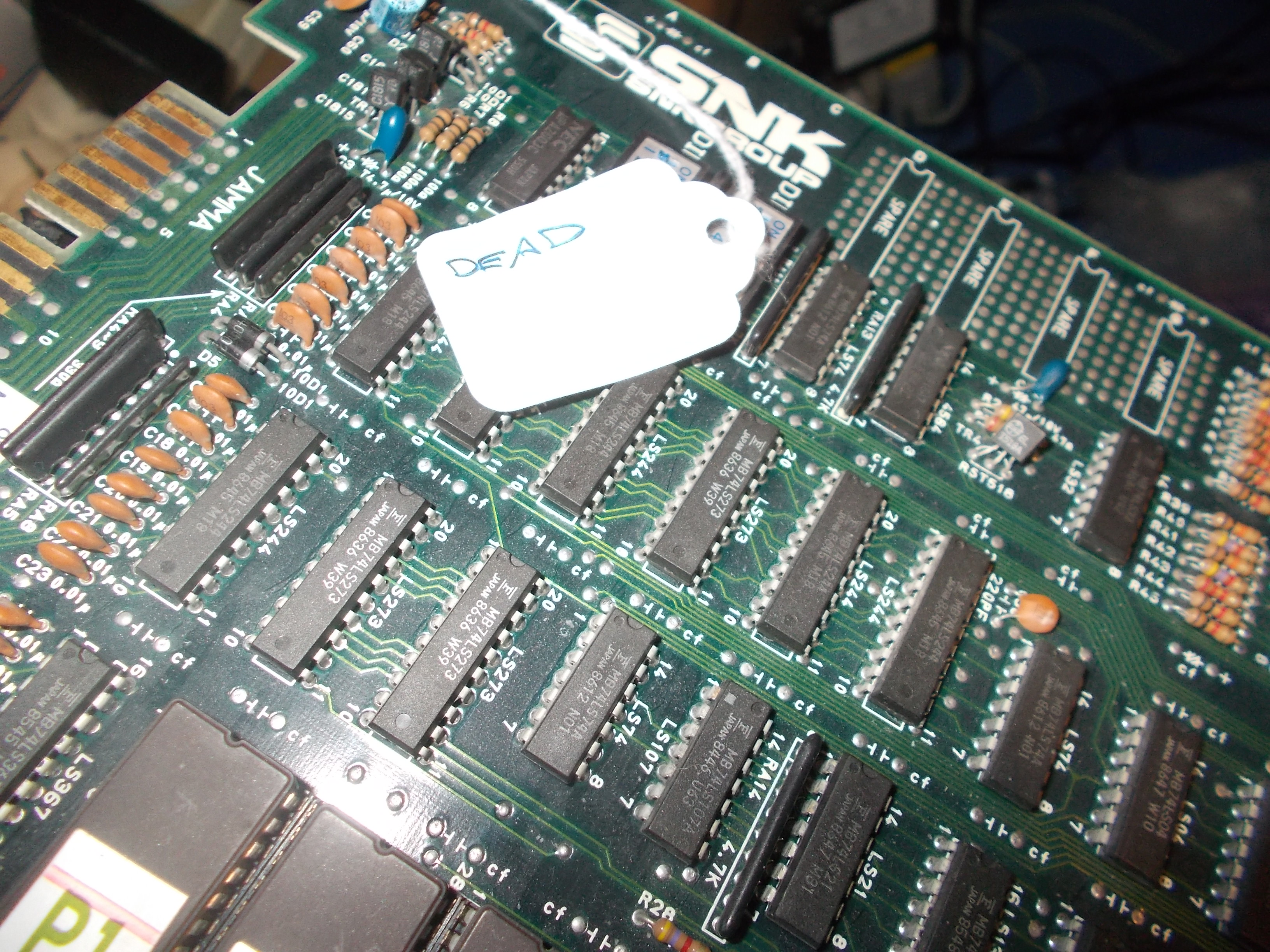
It was labeled as ‘DEAD’:

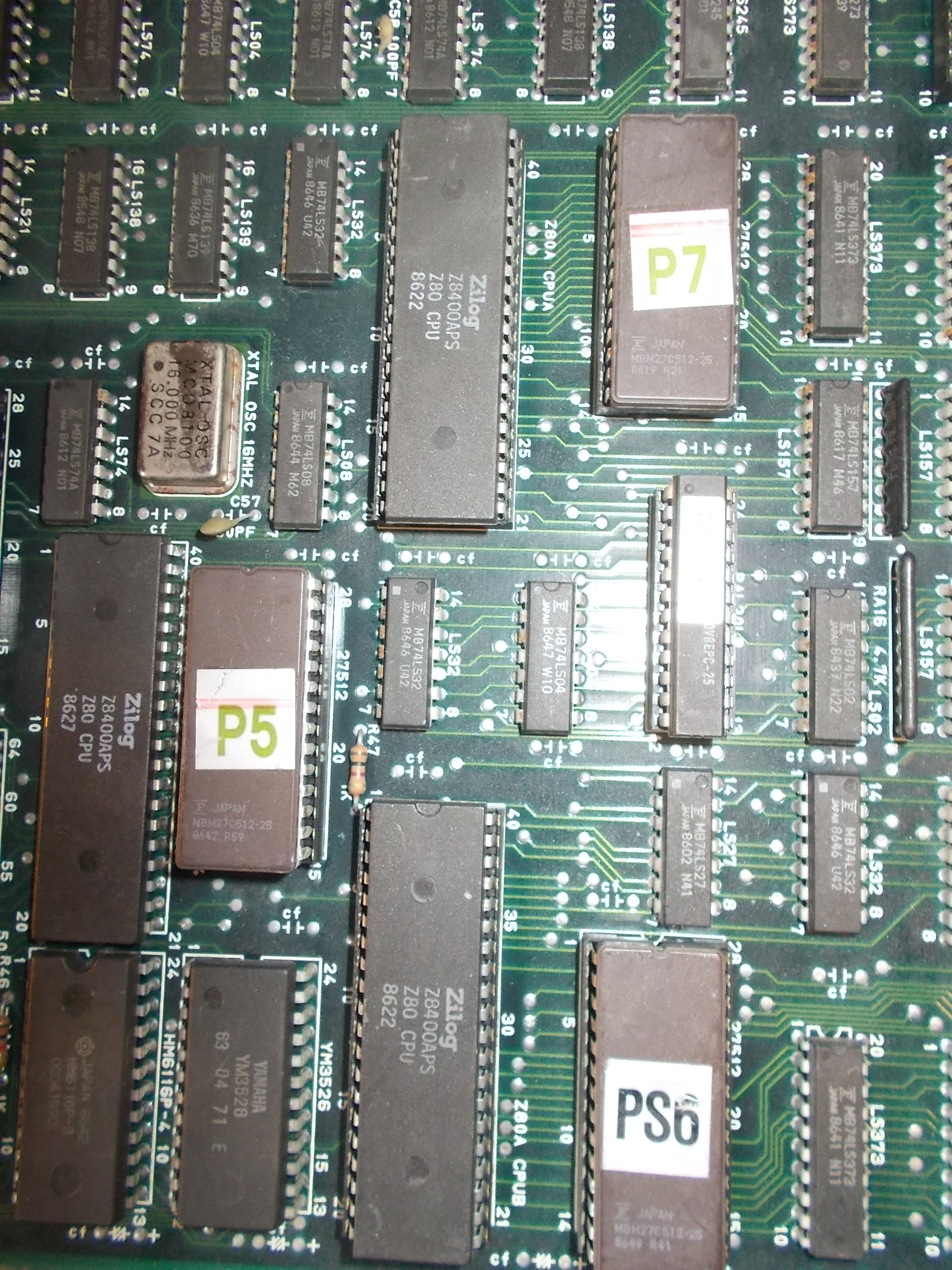
And it was so, all I got was a steady black screen but this was not a suprise to me since the boardset (a three stack one) was fully populated by Fujitsu TTLs.First thing I checked was the presence of clock on CPUs, it was missing on both main and sub Z80 (but present on sound one)

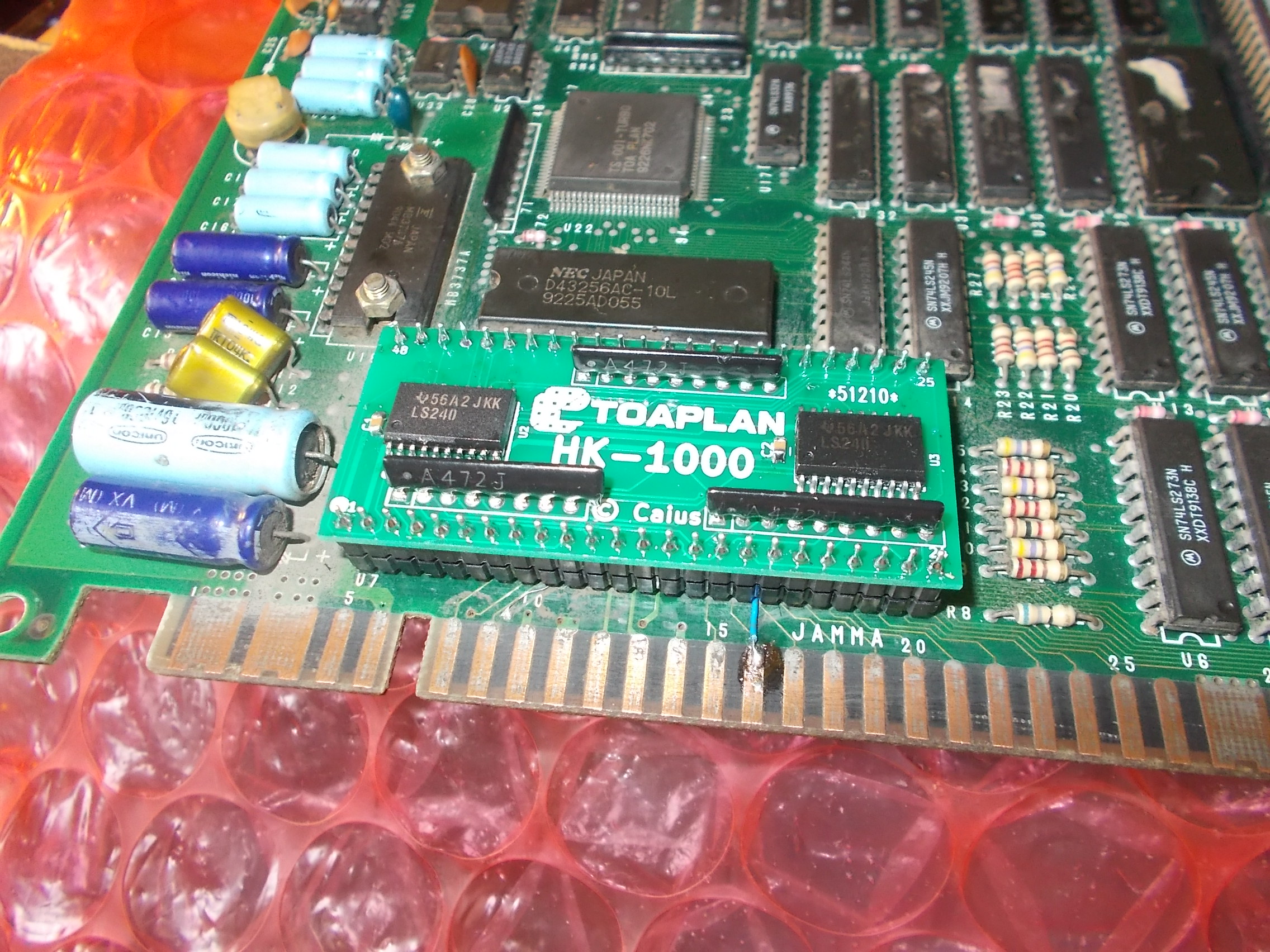
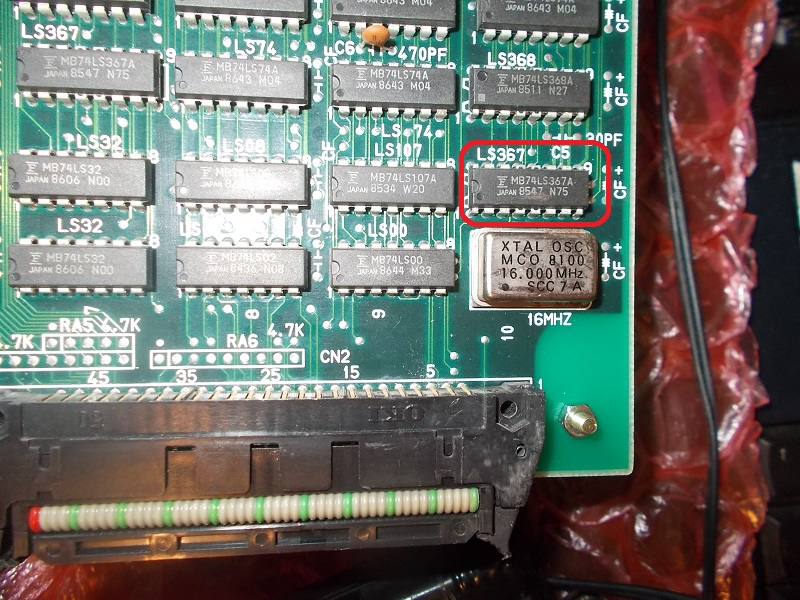
I traced the signal from CPU board back to a 74LS367 @10A on bottom board:

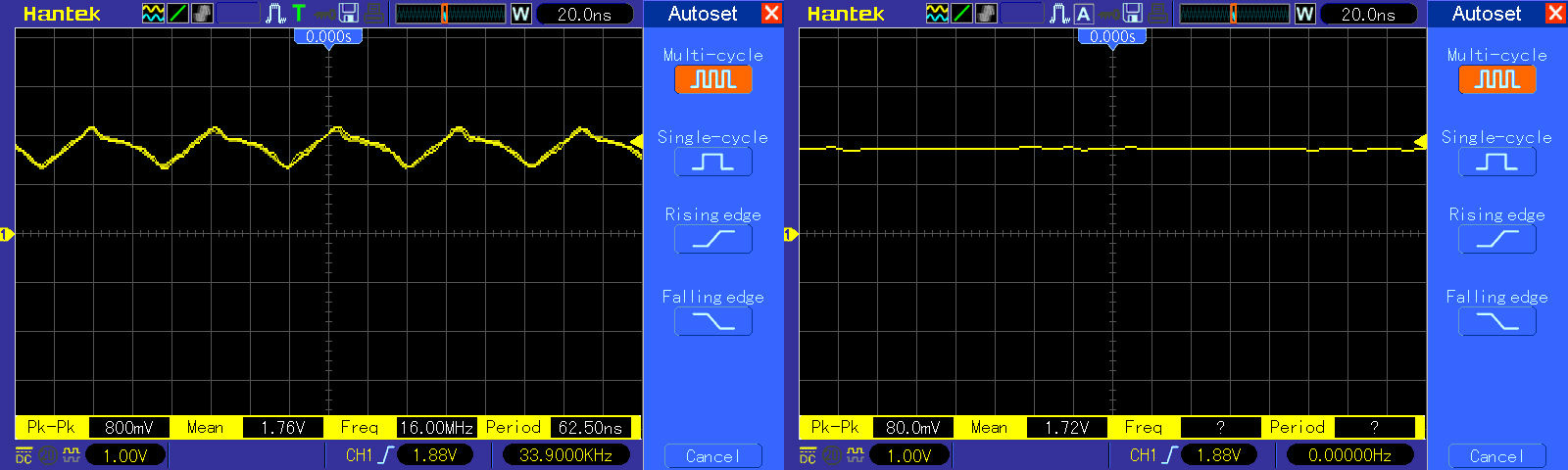
Input pin 6 was properly receiving the 16MHz clock from the nearby oscillator but output pin 7 was floating:

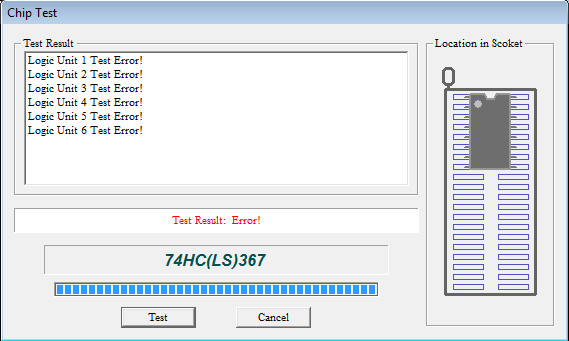
As expected the TTL obviously failed the out-of-circuit testing:

Board sprang to life but colors were mostly incorrect and also sprites wrong and garbled during moviments :

I focused my troubleshooting on the bottom board as it contains sprites and background data and circuitry :

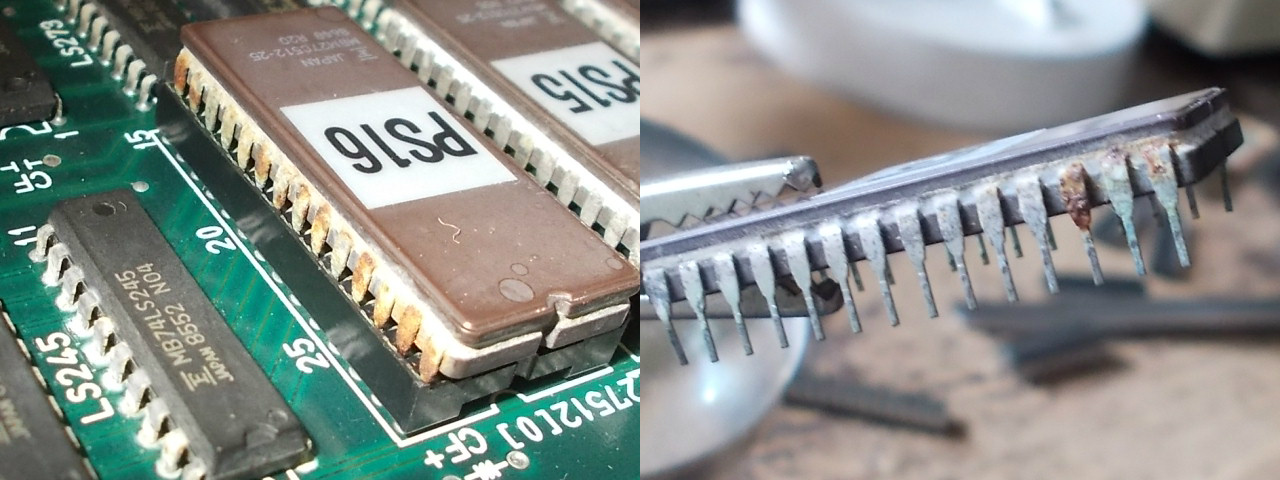
For first I checked the EPROMs, some of them were oxidized and corroded:

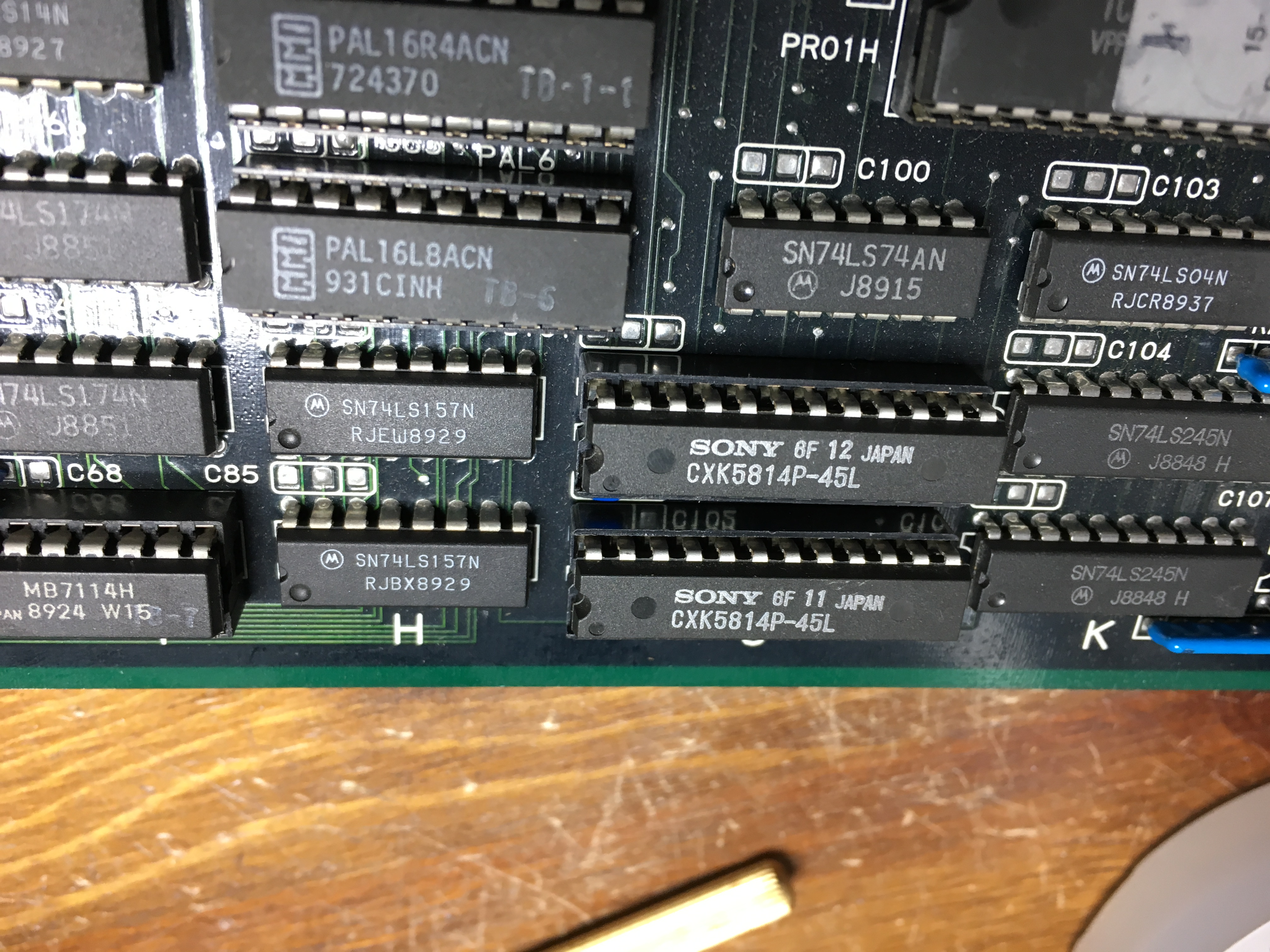
Afer some cleaning I dumped them, they were all good.So I fired up my logic comparator to test TTLs in circuit and found a couple of them with floating outputs (that’s the way Fujitsu TTLs are used to fail)

This restored the correct sprites :

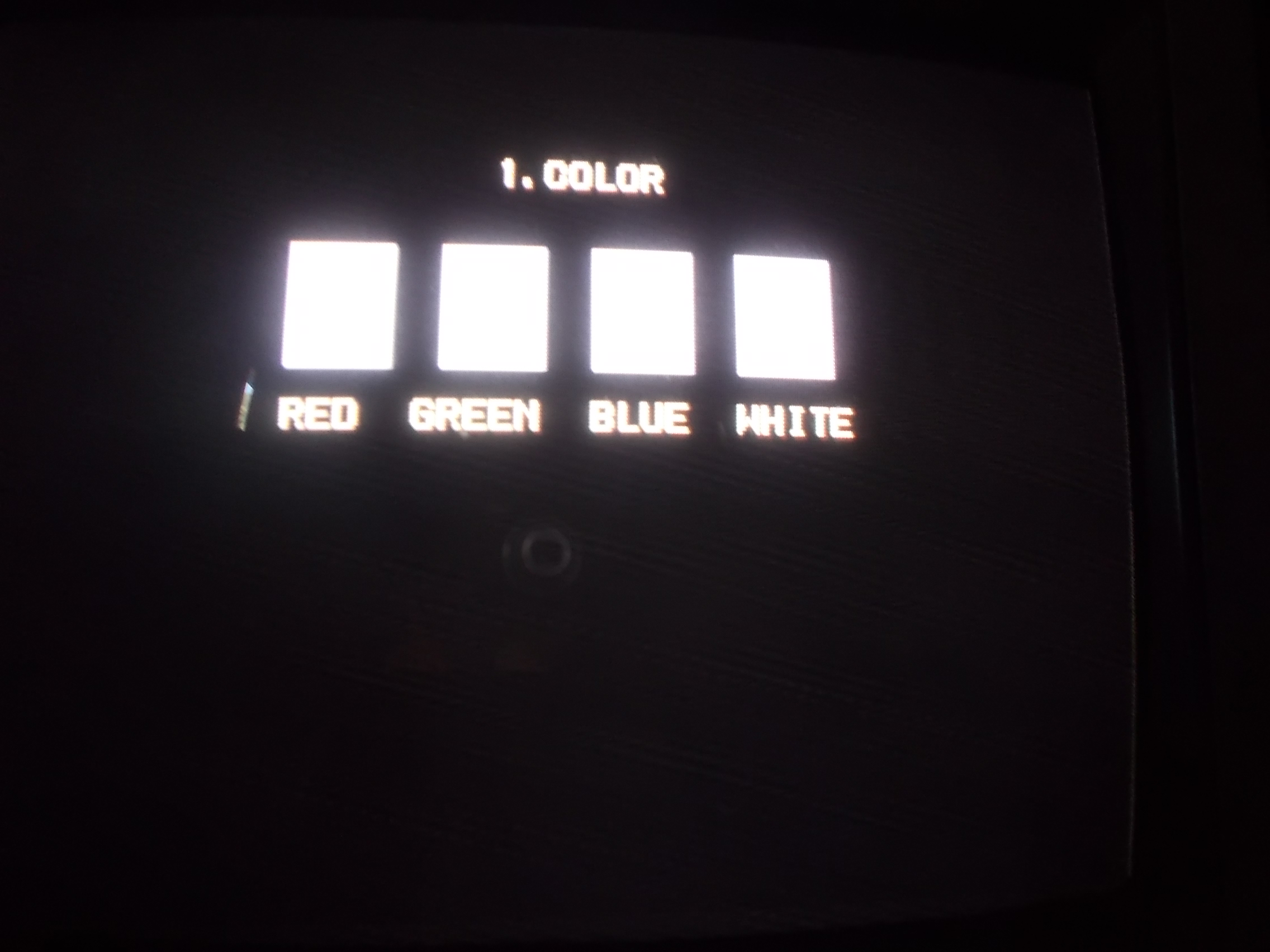
But colors were still wrong.This was confirmed also in SERVICE mode, none of the them were correctly displayed:

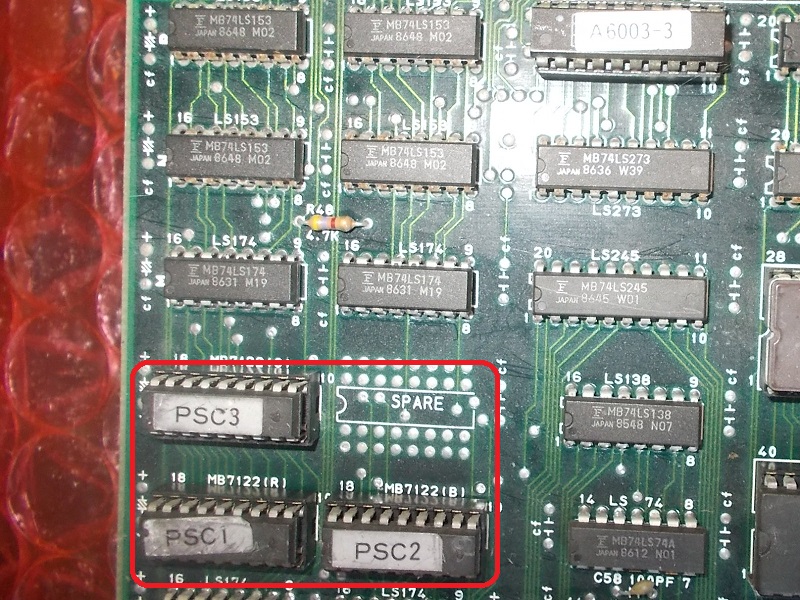
The RGB lookup tables are stored in three 1k x 4-bit bipolar PROMs (Fujitsu MB7122 used here)

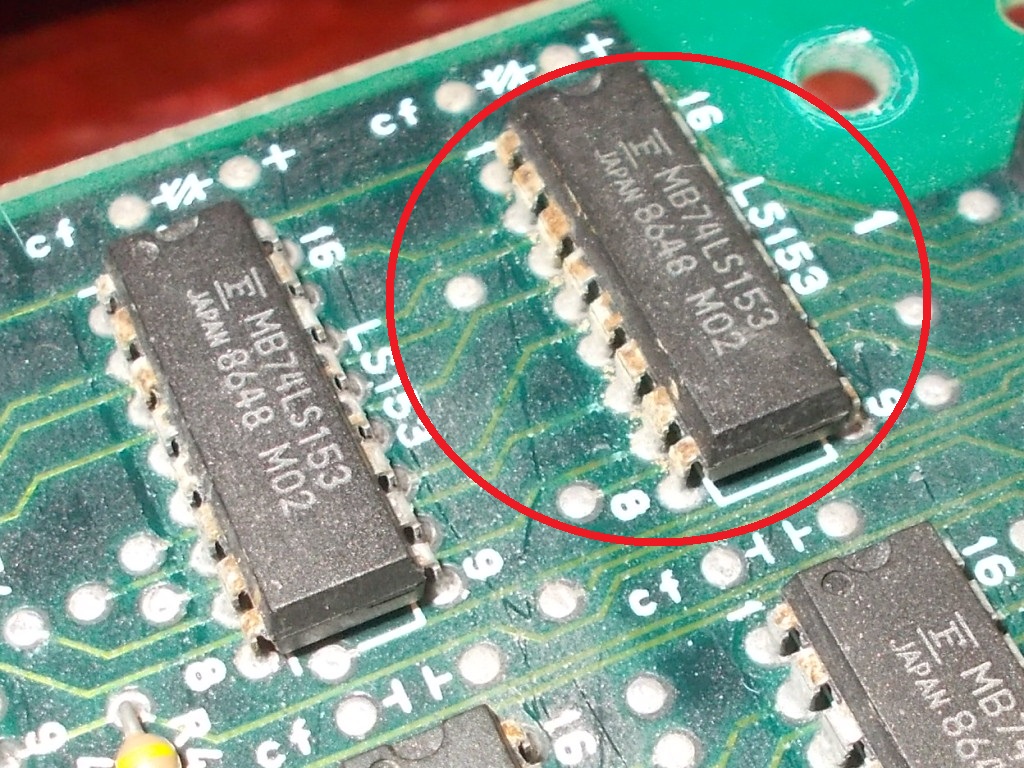
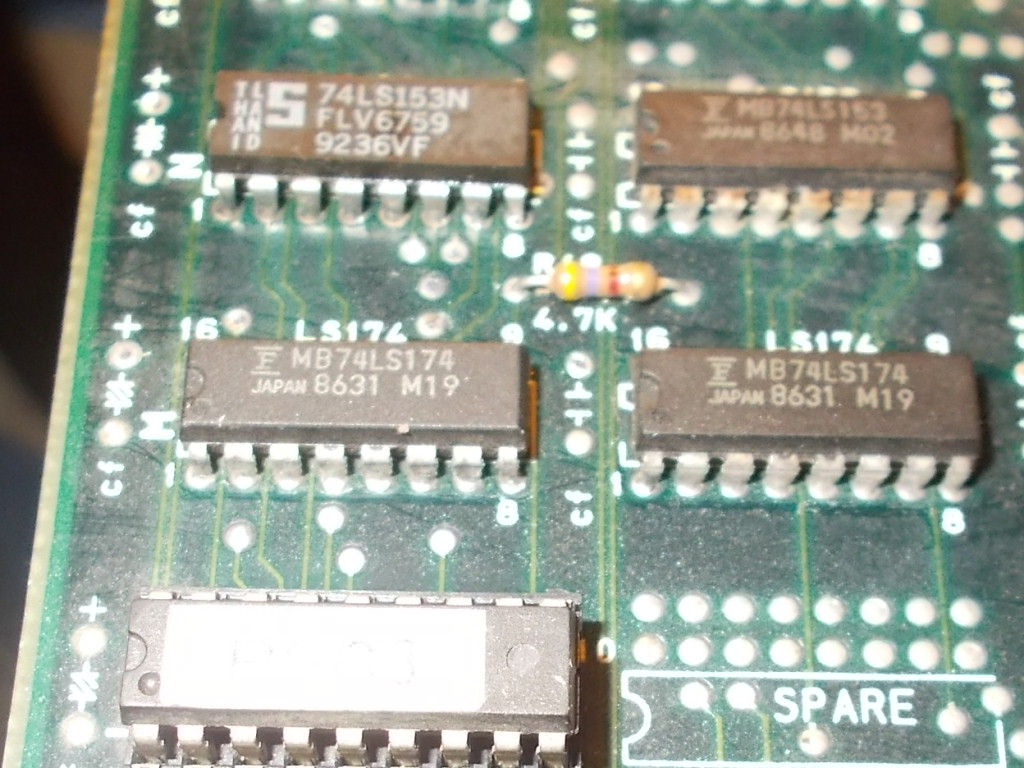
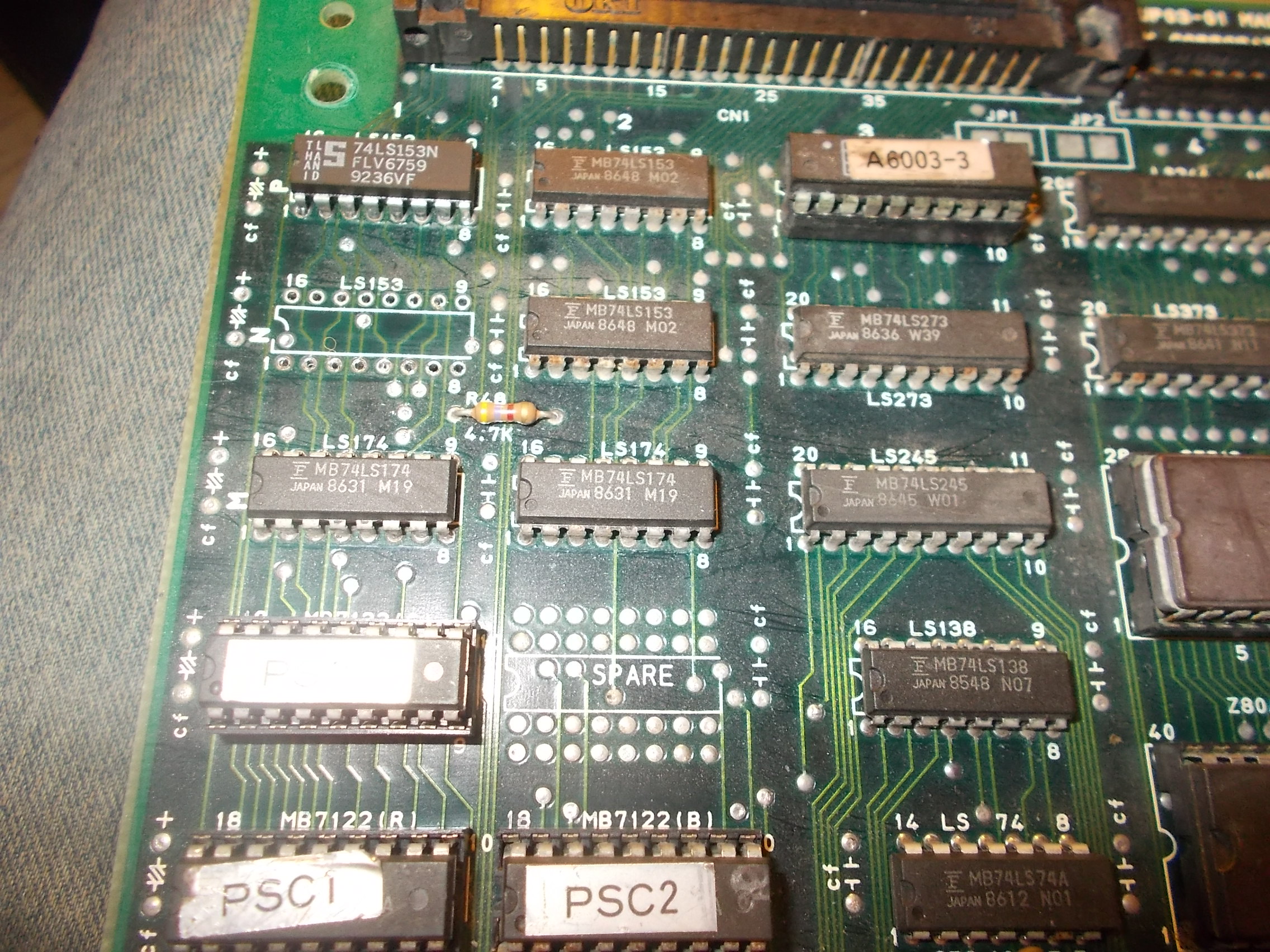
Probing the devices revealed that two address line were stuck high, I traced them back to a nearby 74LS174 @1M whose inputs were missing.These came from the outputs of a 75LS153 @1P-The TTL didn’t look very good with rust and corrosion on its pins:

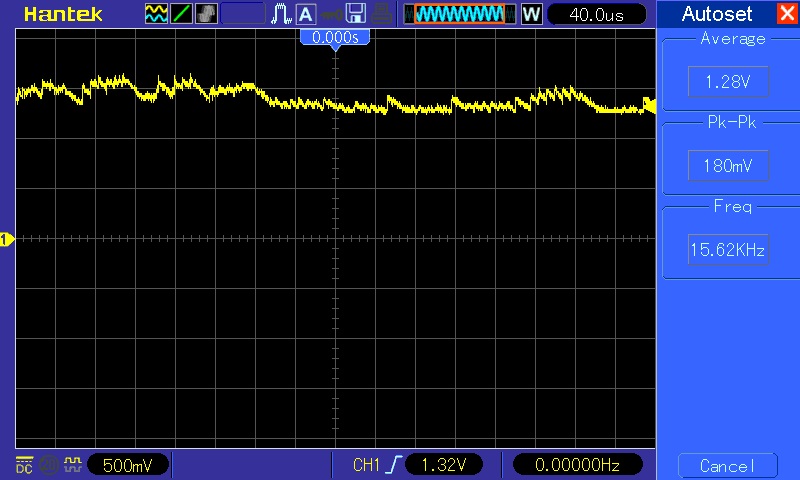
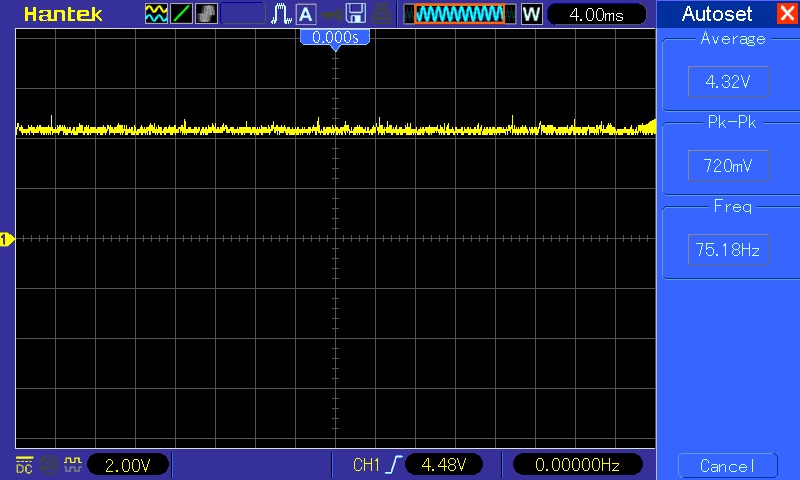
The scope confirmed that both outputs had no valid voltage logic levels:

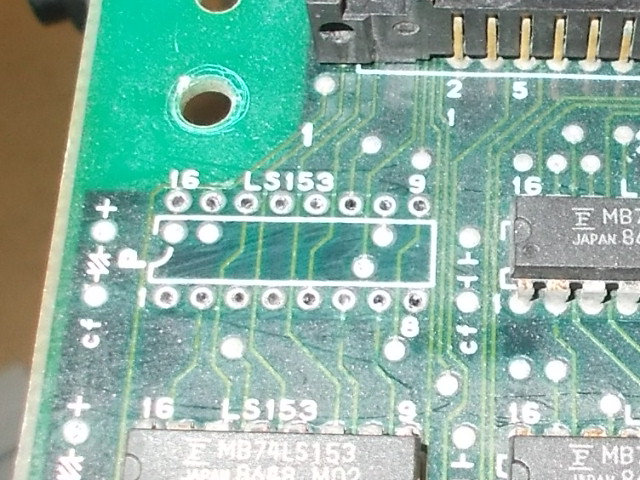
I pulled it:

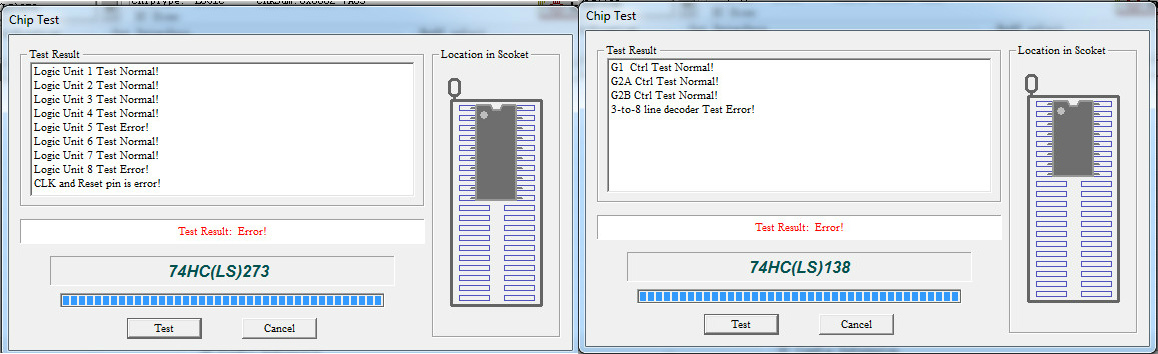
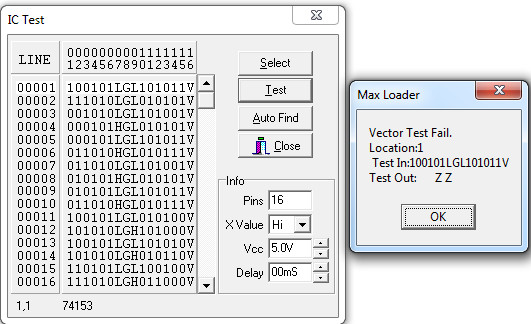
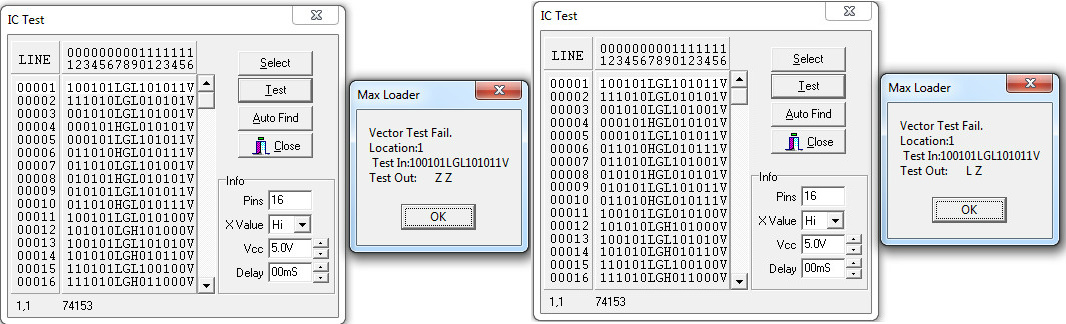
Obviously it failed the out-of-circuit testing:

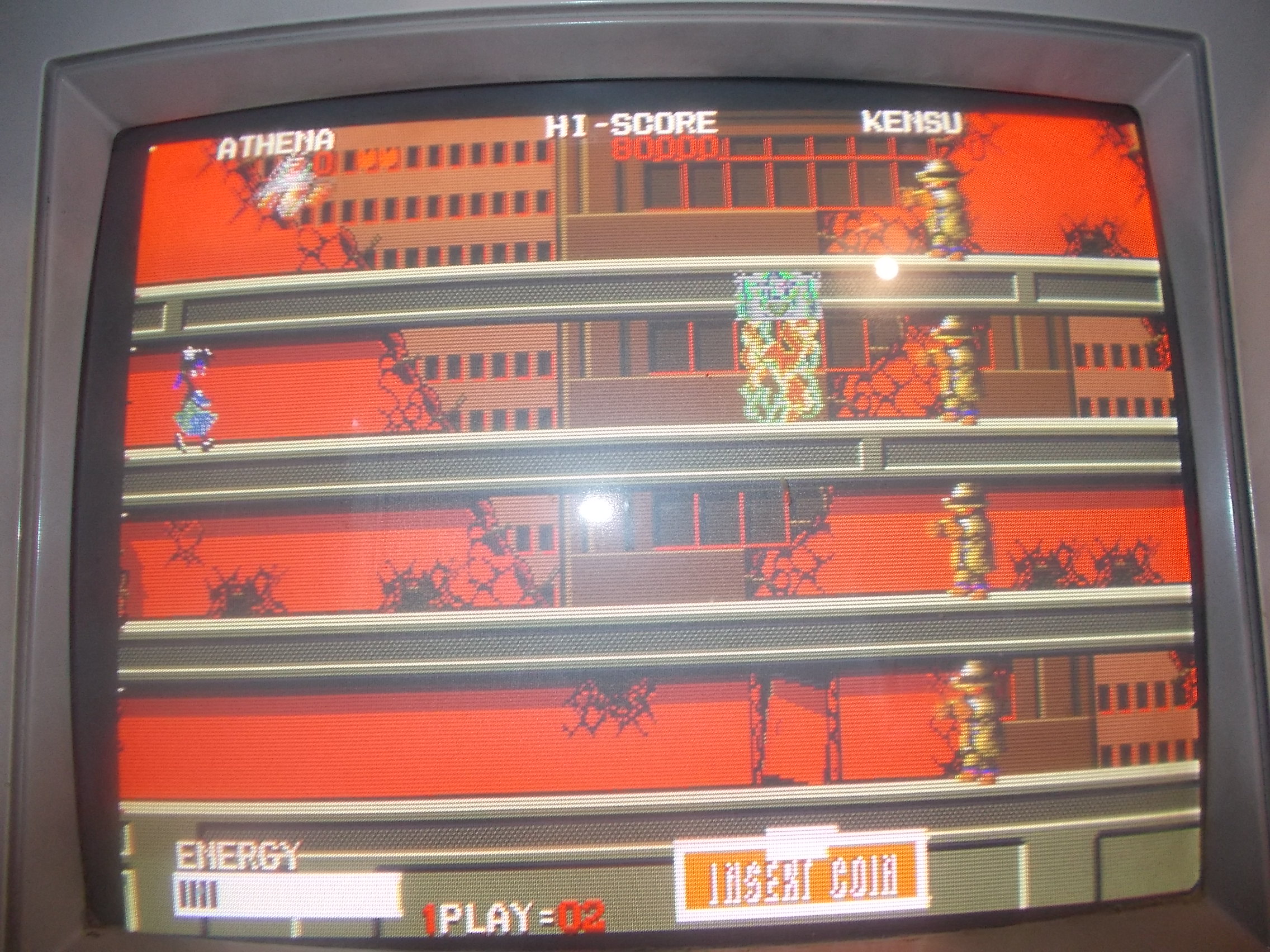
Colors were finally good and game played fine but I noticed there were some horizontal lines on left of the screen during scolling (see from seconds 25 of the below video)

At first glance I thought it was a fault but then I’ve been told by the owner and my friend Corrado that it’s actually a bug of the PCB.MAME Testers site confirmed it too:

https://mametesters.org/view.php?id=2910

I was about to close this repair when during testing suddenly the board failed again.Colors went bad again and lastly most of graphics disappeared:

The affected area was again the colors circuitry.The 74LS174 @1M which was previously tested as good showed floating outputs :

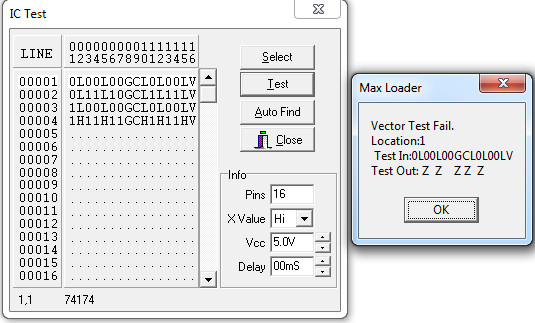
It failed when tested out-of-circuit:

At this point I took the chance to replace all other Fujitsu TTLs in this area :

Some passed the out-of-circuit test but two 74LS153 failed miserably:

Hard work always pays off and finally I could restore this board in all its glory (game was the first to use a fully digitized, full-length vocal sountrack)

 Posted by at 8:58 pm

Robocop repair log #3

 PCB Repair Logs  Comments Off on Robocop repair log #3
May 162018
 

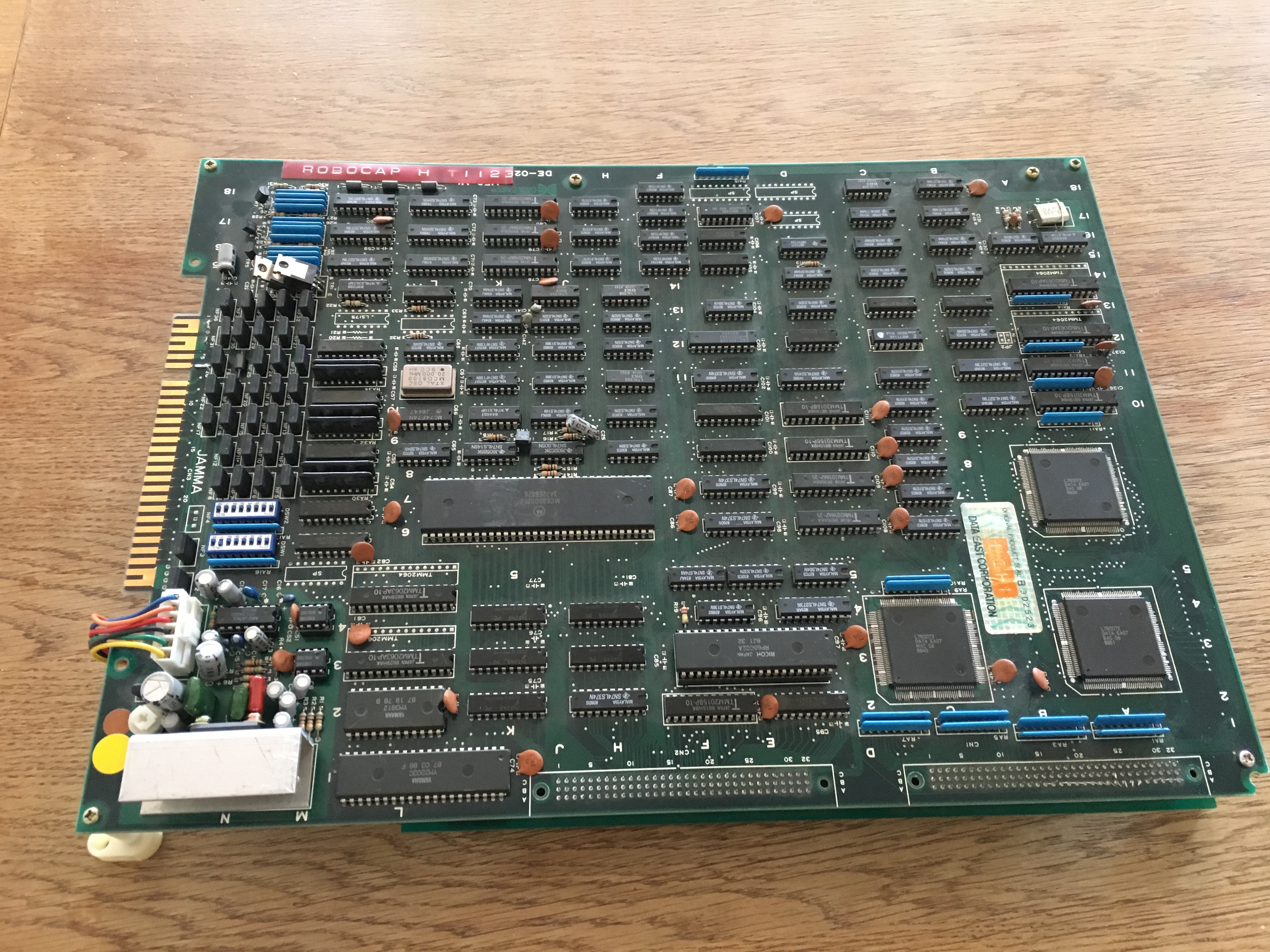
I got this Data East Robocop pcb from a friend that was totally dead.

I had more Data East pcb’s around so I could test the bottom ROM board with one of those CPU boards and it was also not working. So I started pushing the EPROMs in their sockets and after that the game booted up.

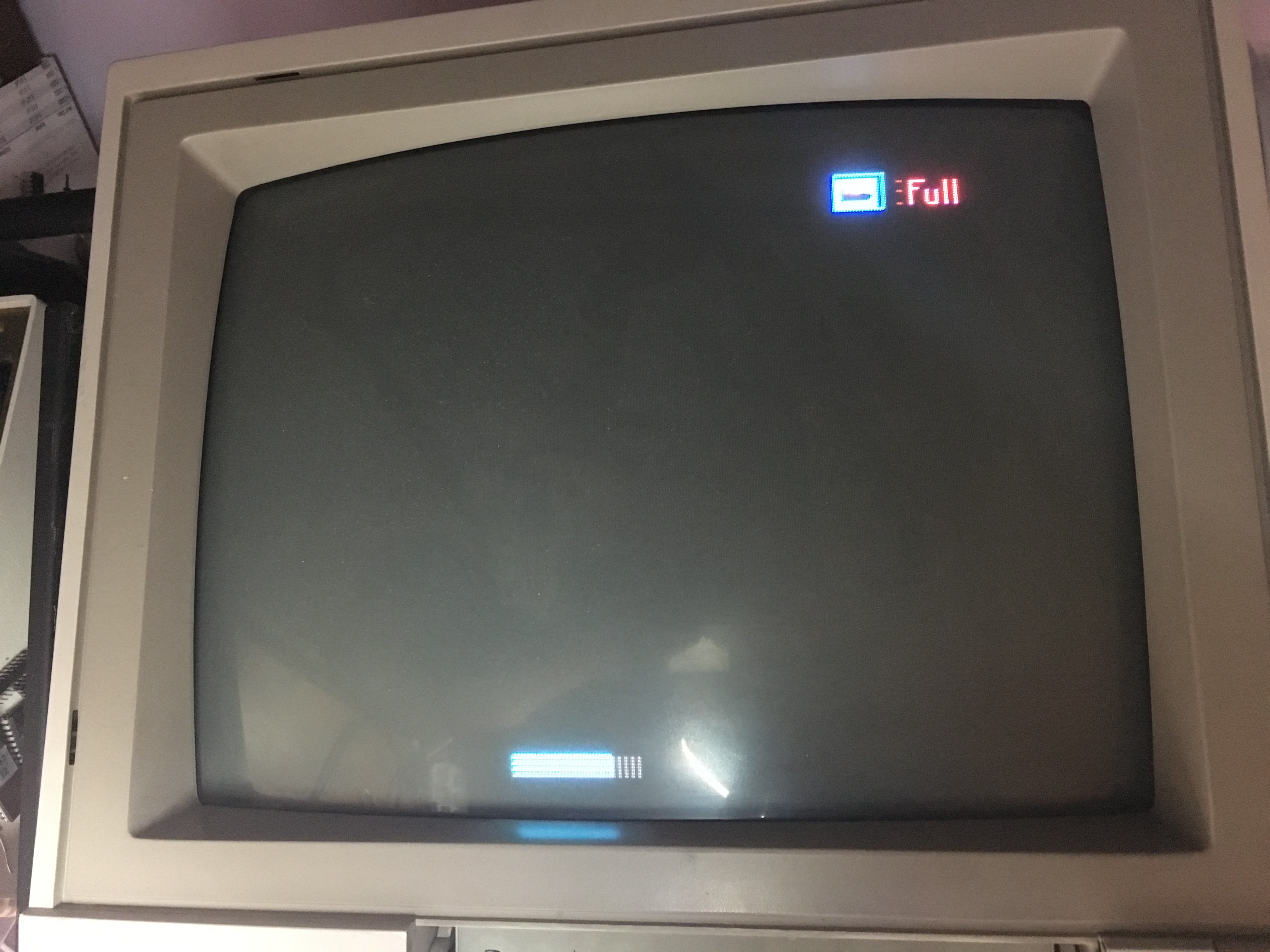
So now I tested the ROM board with it’s original CPU board and game booted but the screen was almost completely black apart from some graphical elements like the energy bar.

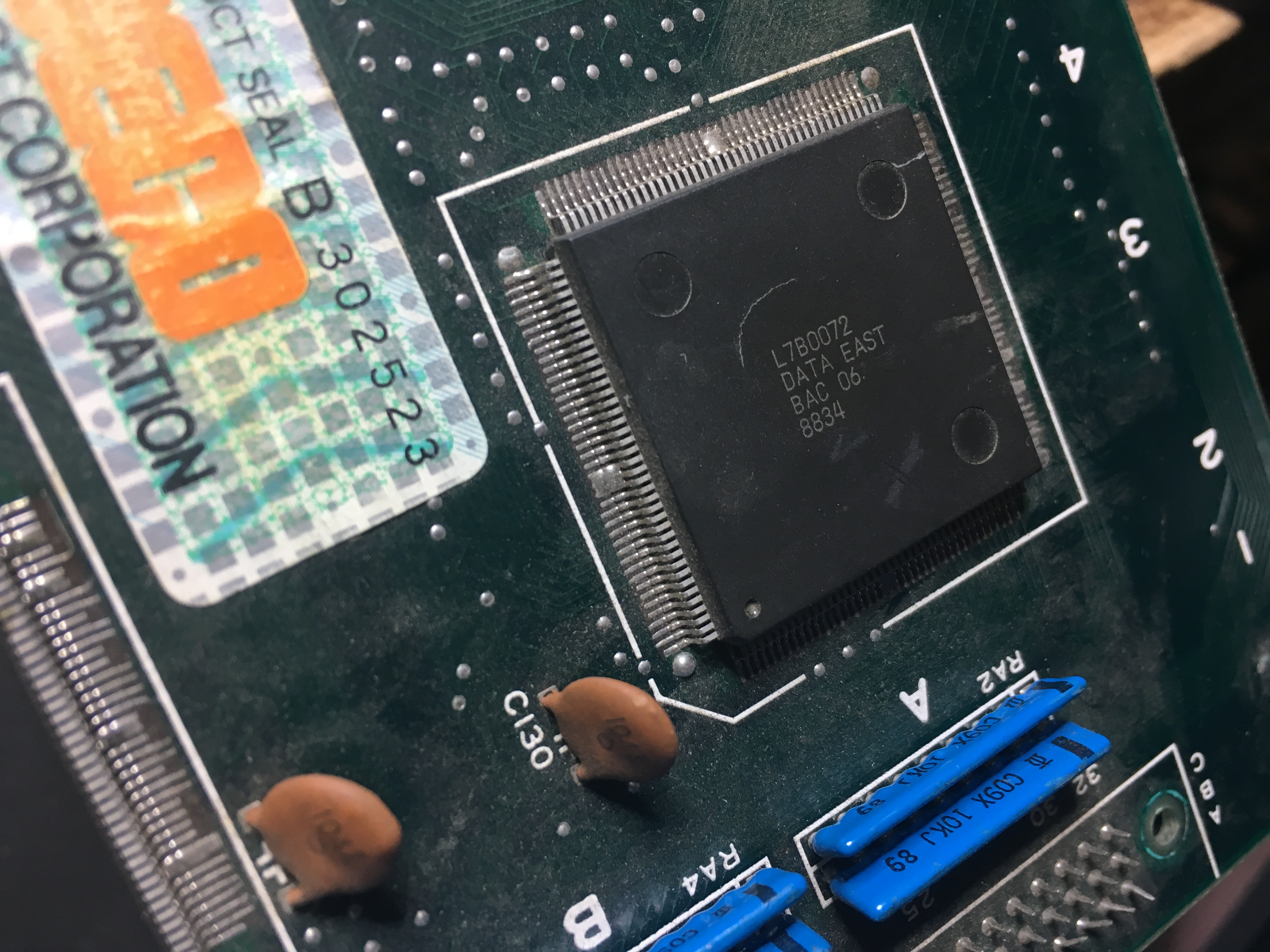
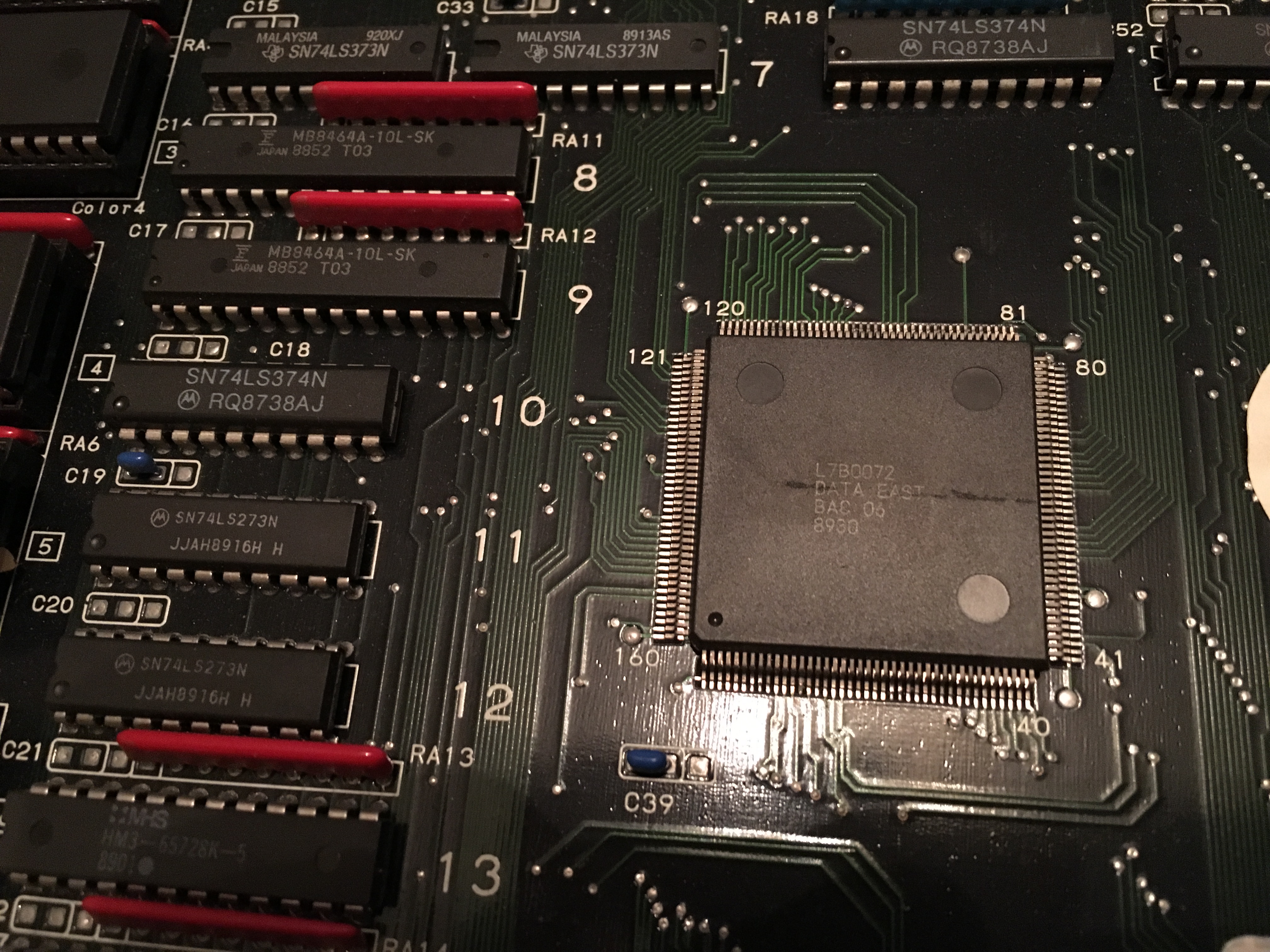
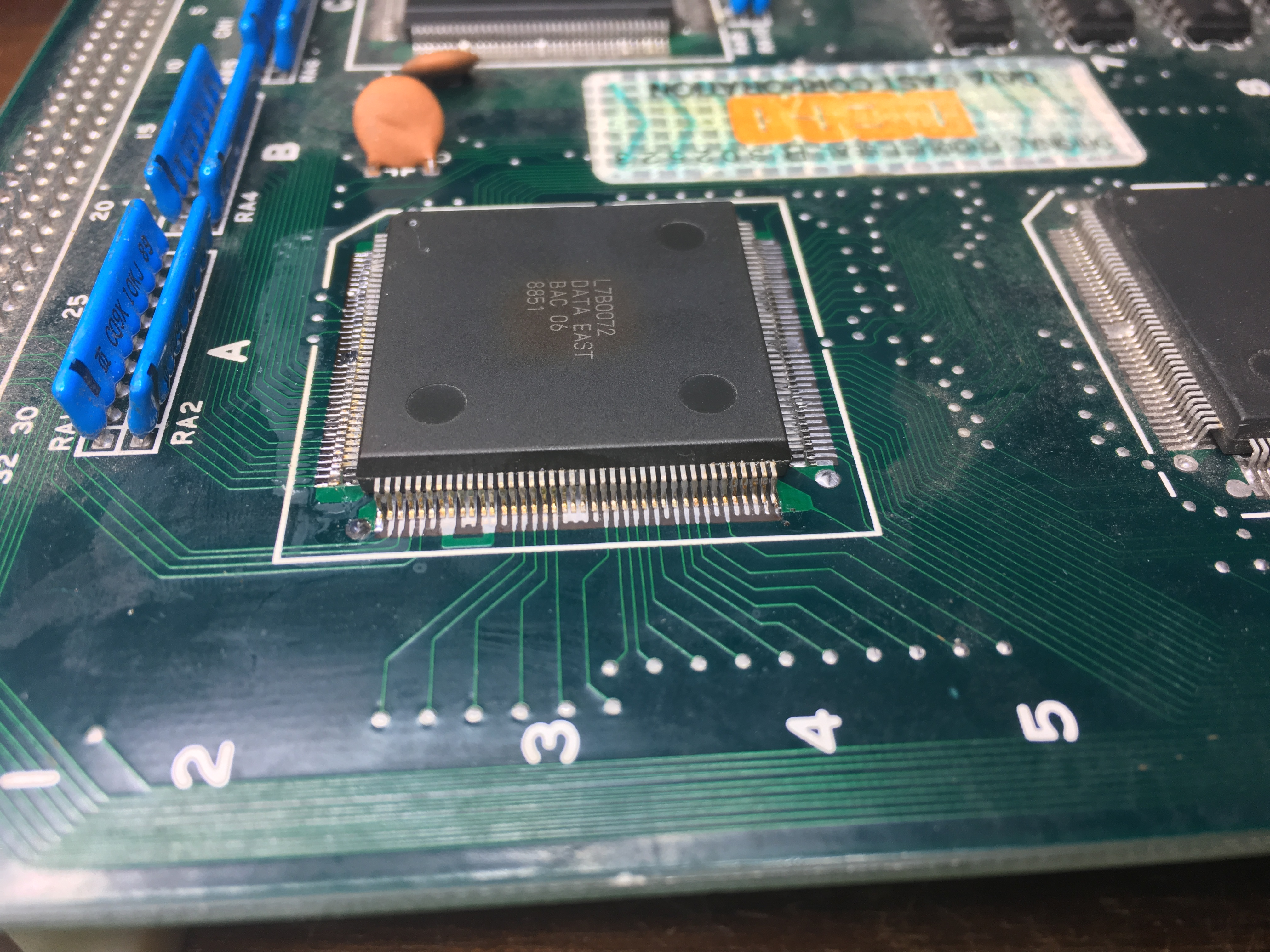
After visually going over the CPU board I found that one of the custom ASIC L7B0072 had a crack in the center of it.

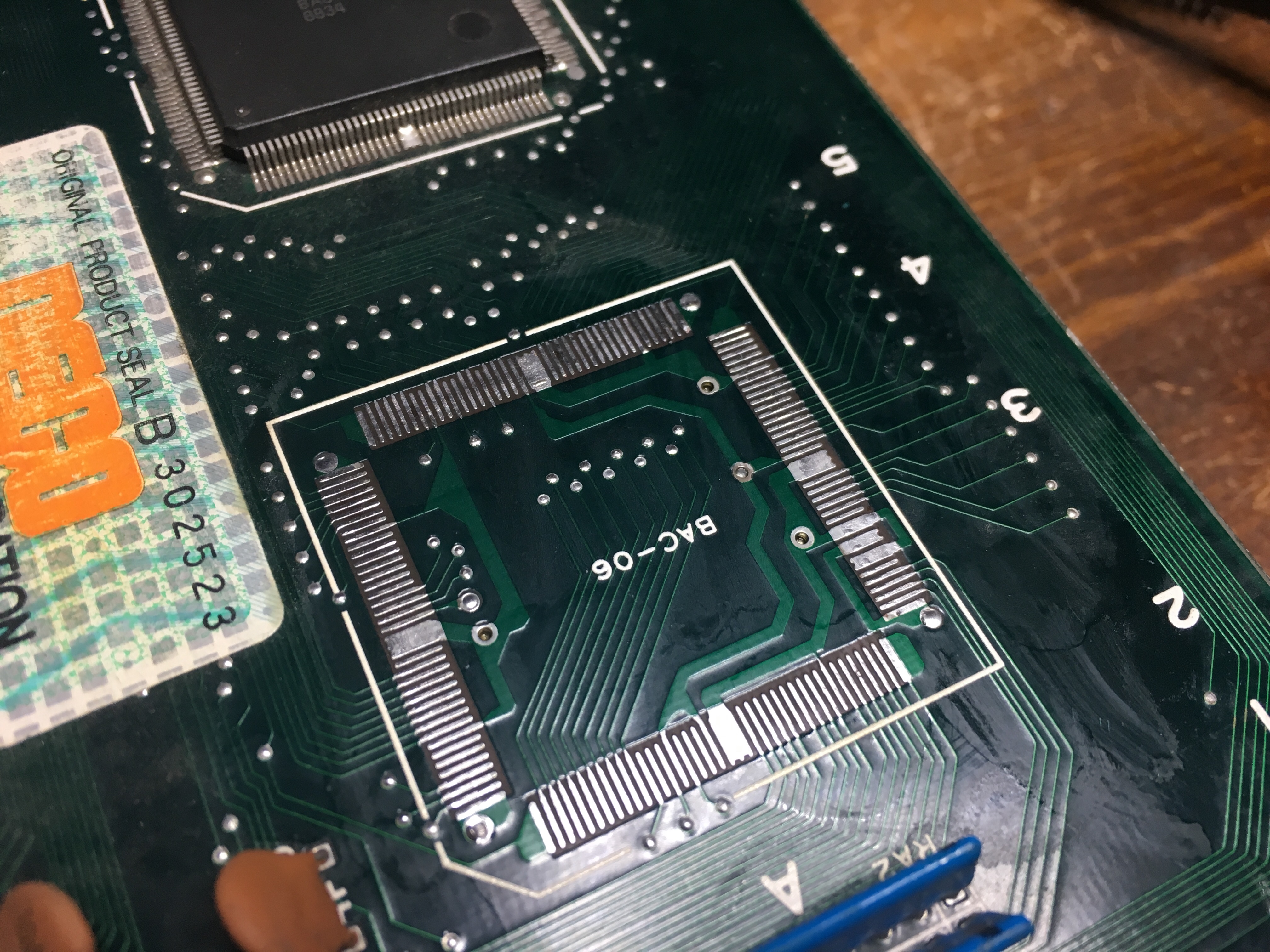
I had a broken Midnight Resistance board (not the previous repair) that had this ASIC, so I opted to transplant it over to the Robocop board.

I noticed that the top of the ASIC had a brownish discoloration, but I didn’t know if it was toast or not, so I desoldered it with my hot air station and soldered it onto the Robocop board.

Confirmed that there were no shorted pins on the ASIC and booted the game, but unfortunately the transplant did not help. Some graphics appeared, but mostly scrambled characters and when coining up and pushing start, the game reset. (forgot to take a picture)

After having a conversation with caius (thanks again for all your advice) we opted to do another transplant but with a better looking ASIC.

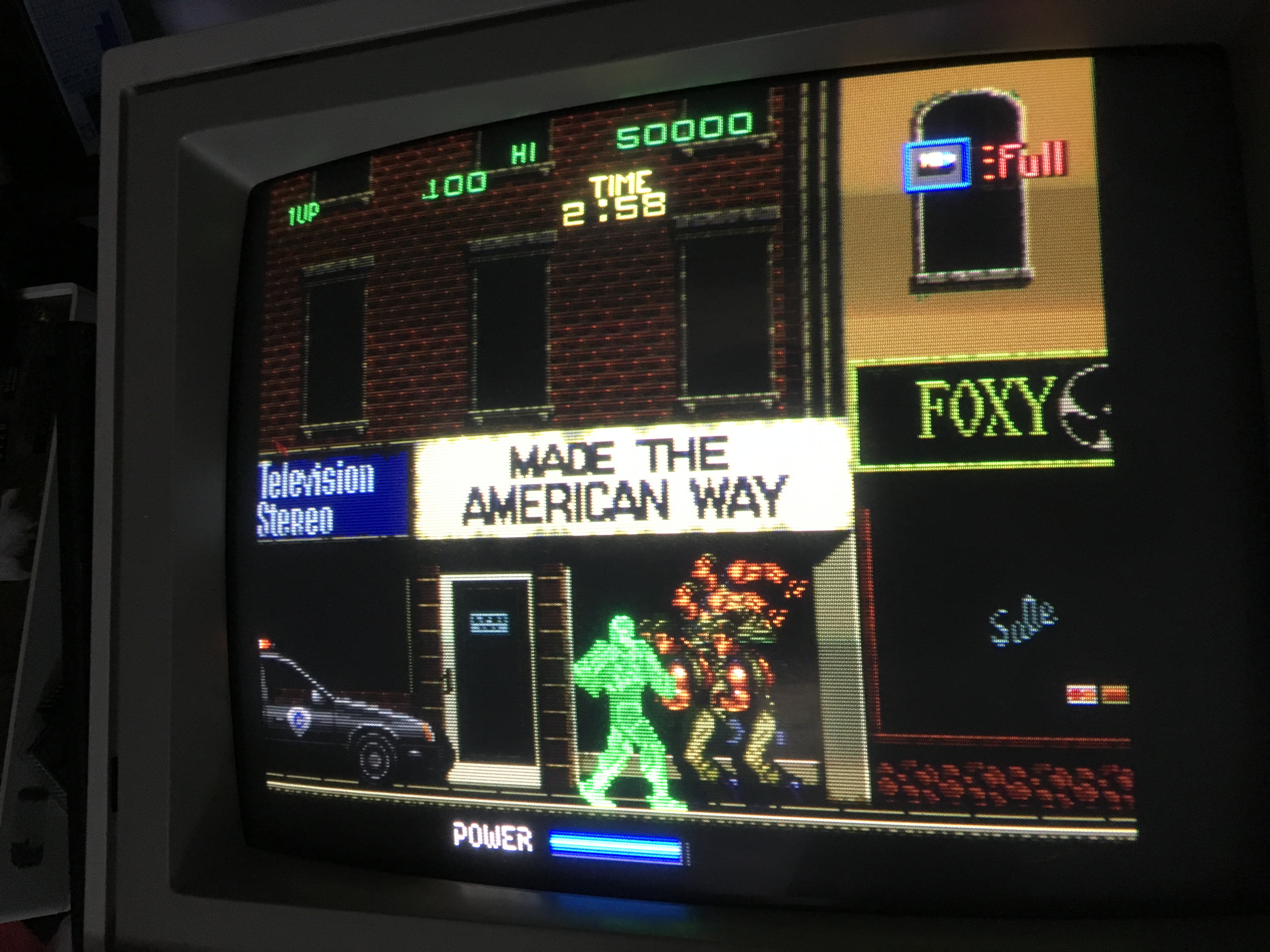
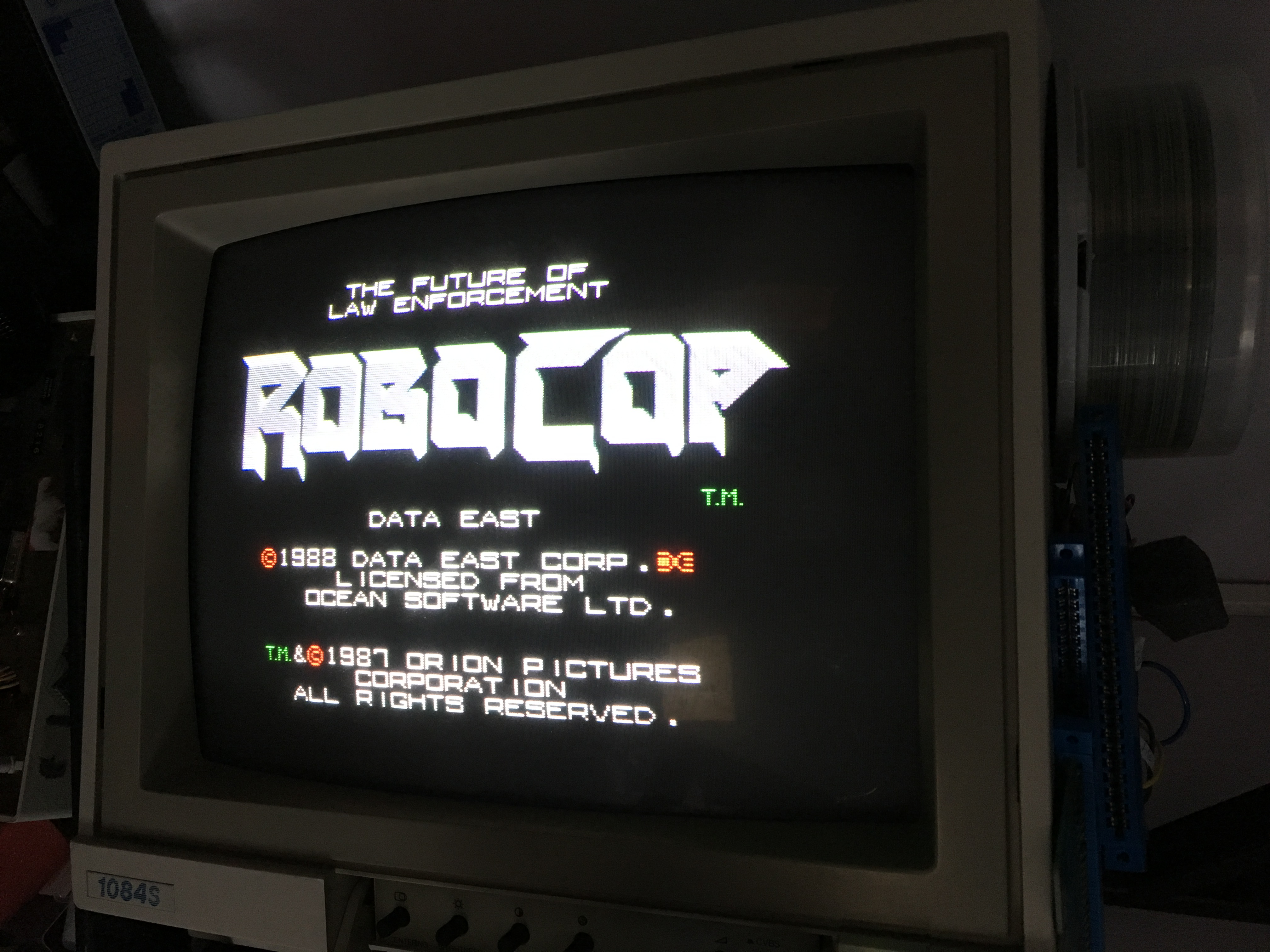
Redid the procedure, hot air station to remove the ASICs and then soldering again and lo and behold, the game has good looking graphics once again 🙂

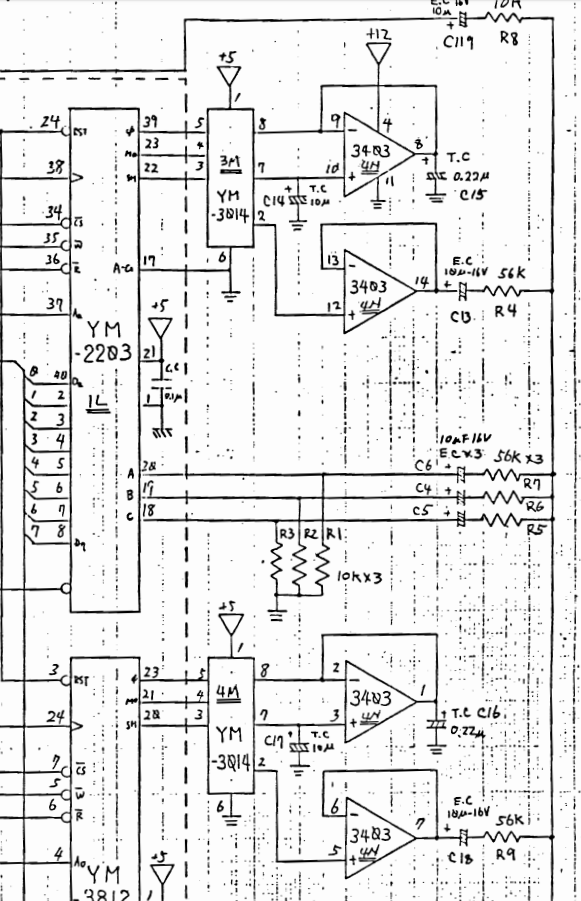
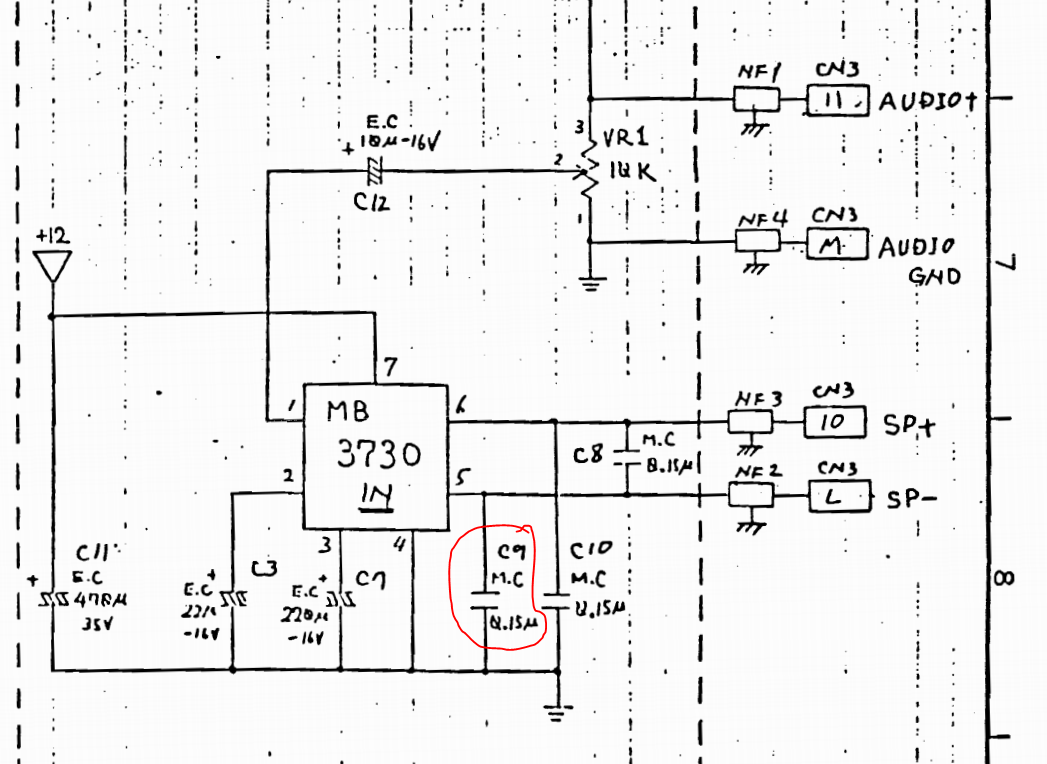
But I quickly noticed that there were no audio at all. Using my audioprobe I found that there were music been generated by the YM3014 at 4M and FX from the YM3014 at 3M and then going to the OP-AMP 3403 at 4N

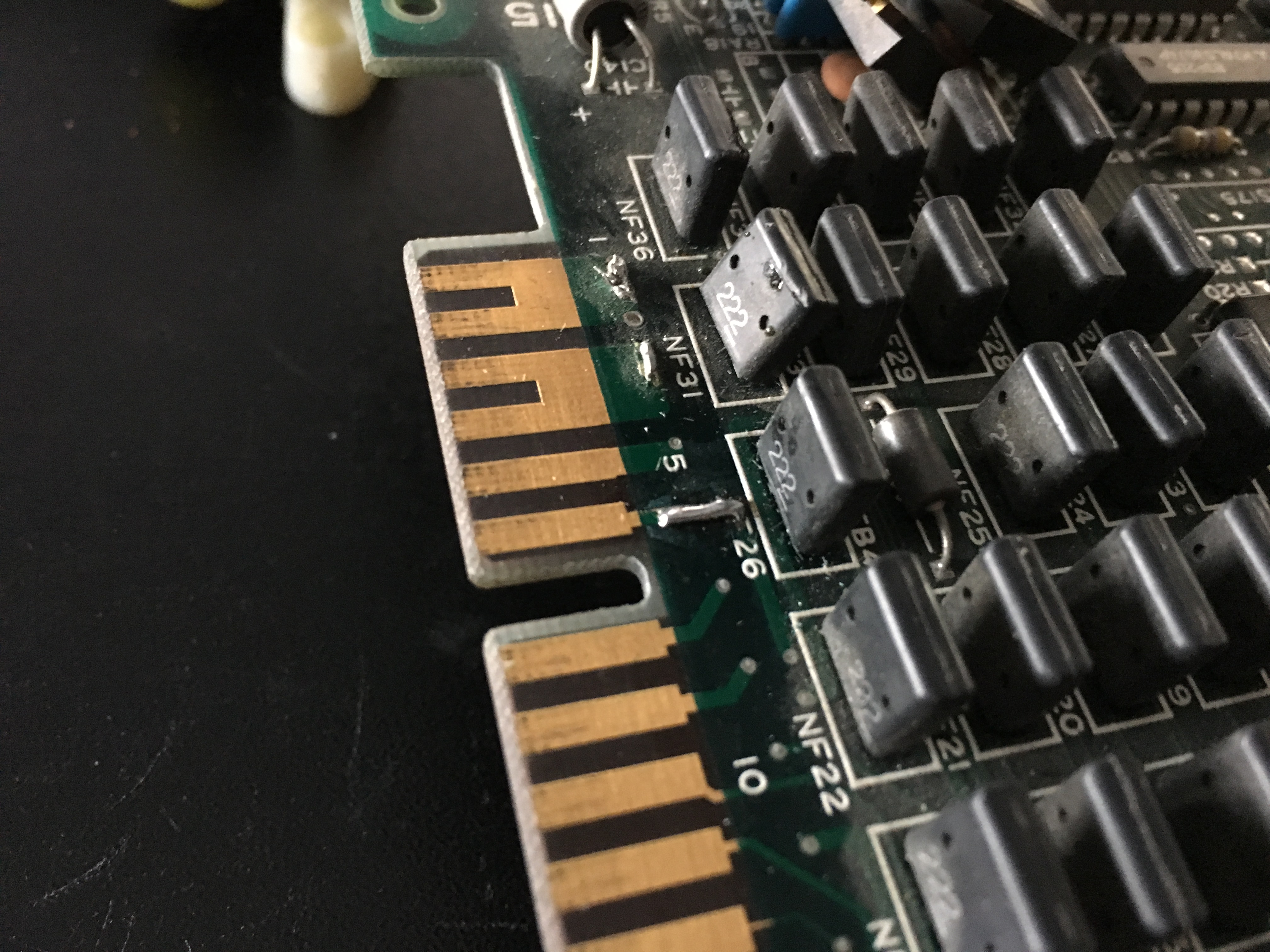
Nothing came out of the 3403, so I eventually found that there were no +12V input on pin 4 of the 3403. Checked the JAMMA edge and found a broken track. I guess that the operator had some form of voltage measuring device and somehow broke the track at some point. I soldered a little metal wire to bridge the gap and booted the game again.

Now audio could be heard for a short second and then silence again.

I eventually found a shorted capacitor at 

After replacing the capacitor the audio was loud and clear again. Job done 🙂


May 092018
 

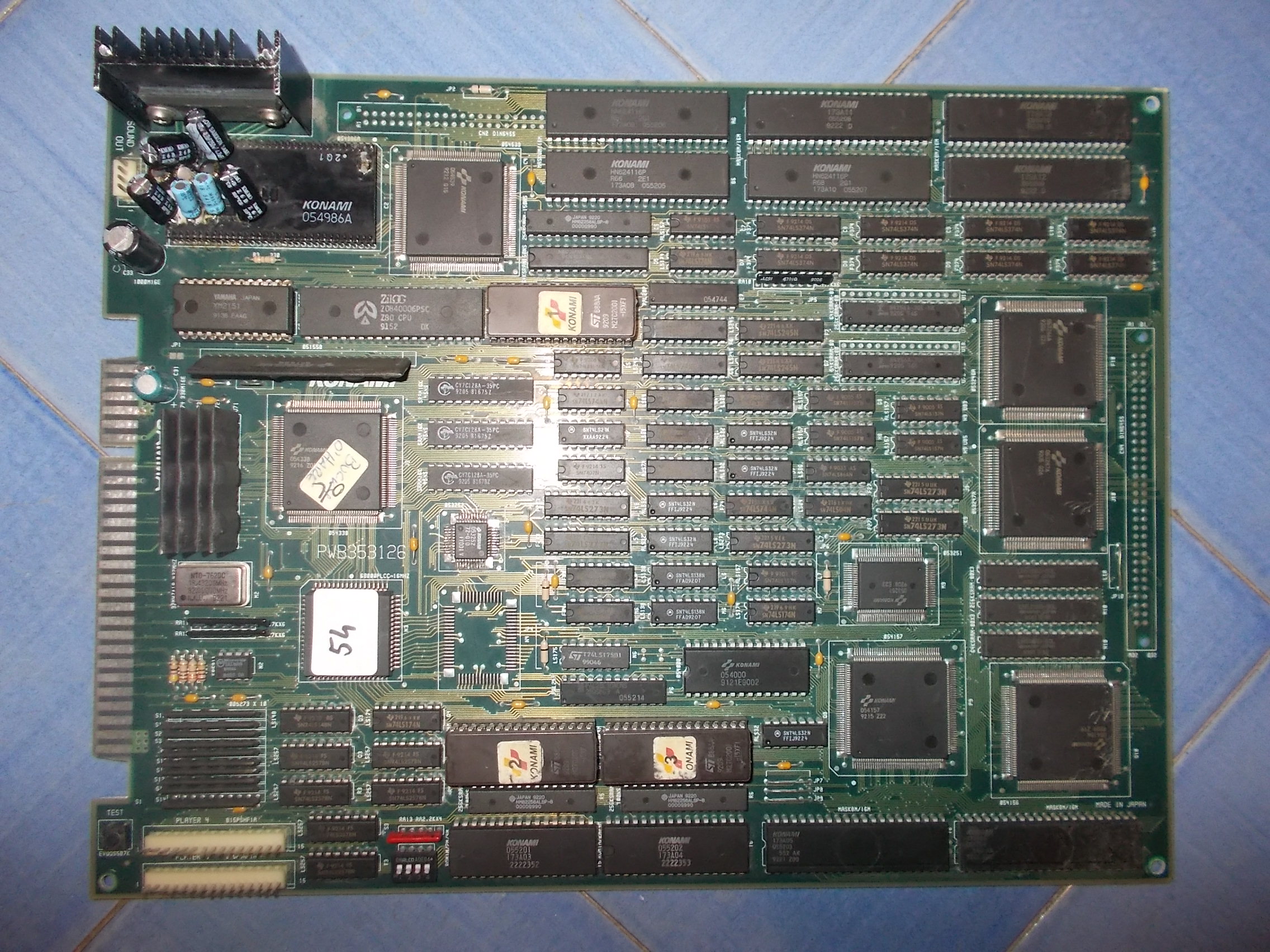
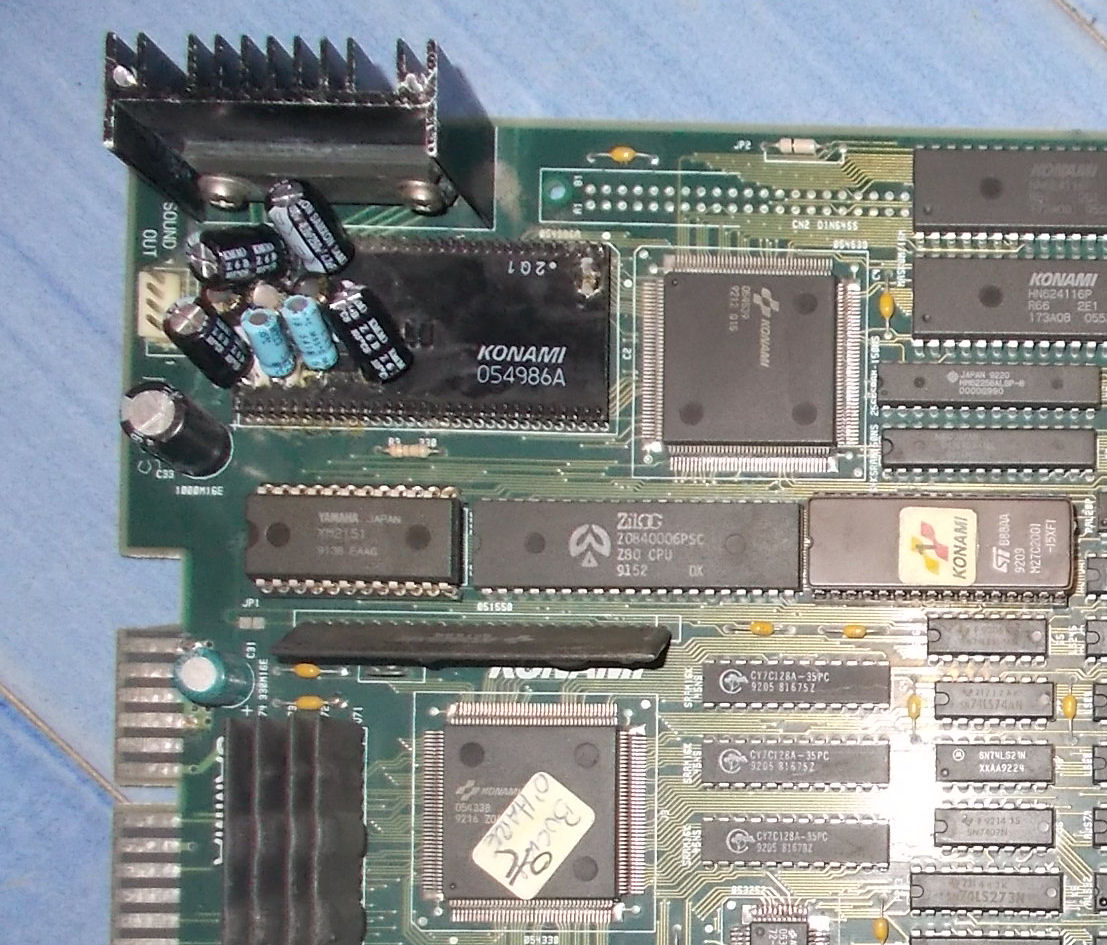
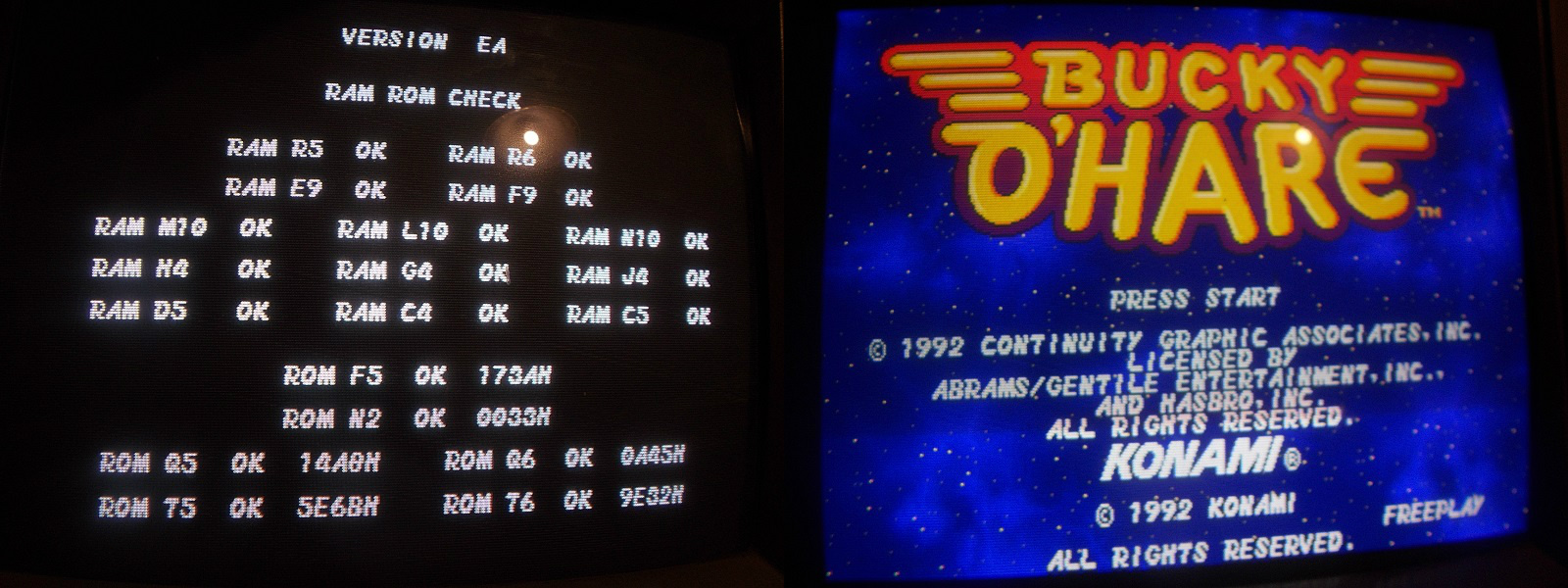
Received from Portugal this Bucky O’ Hare PCB for repair:

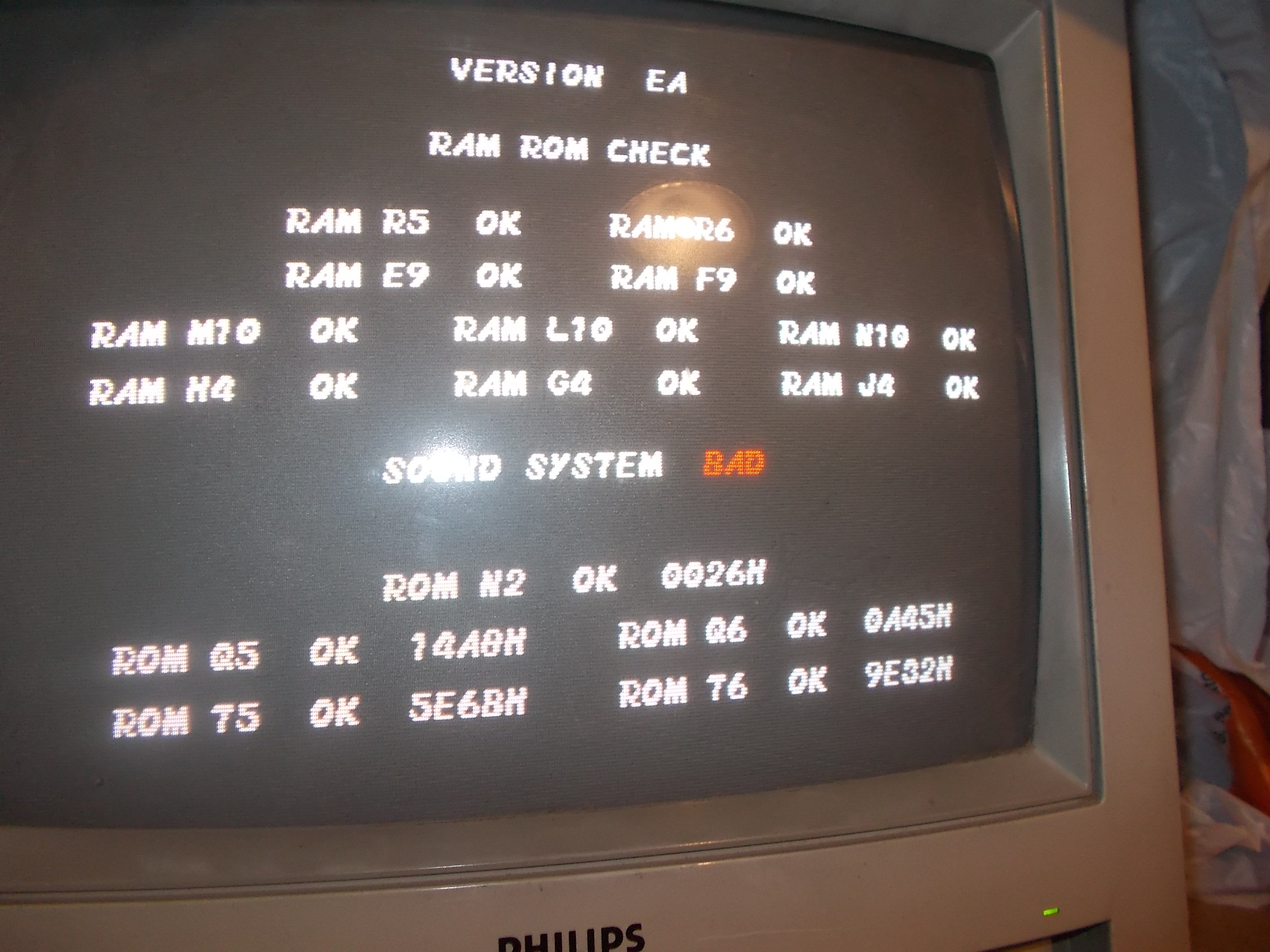
Board was failing the POST all the time showing a ‘SOUND SYSTEM BAD’ message

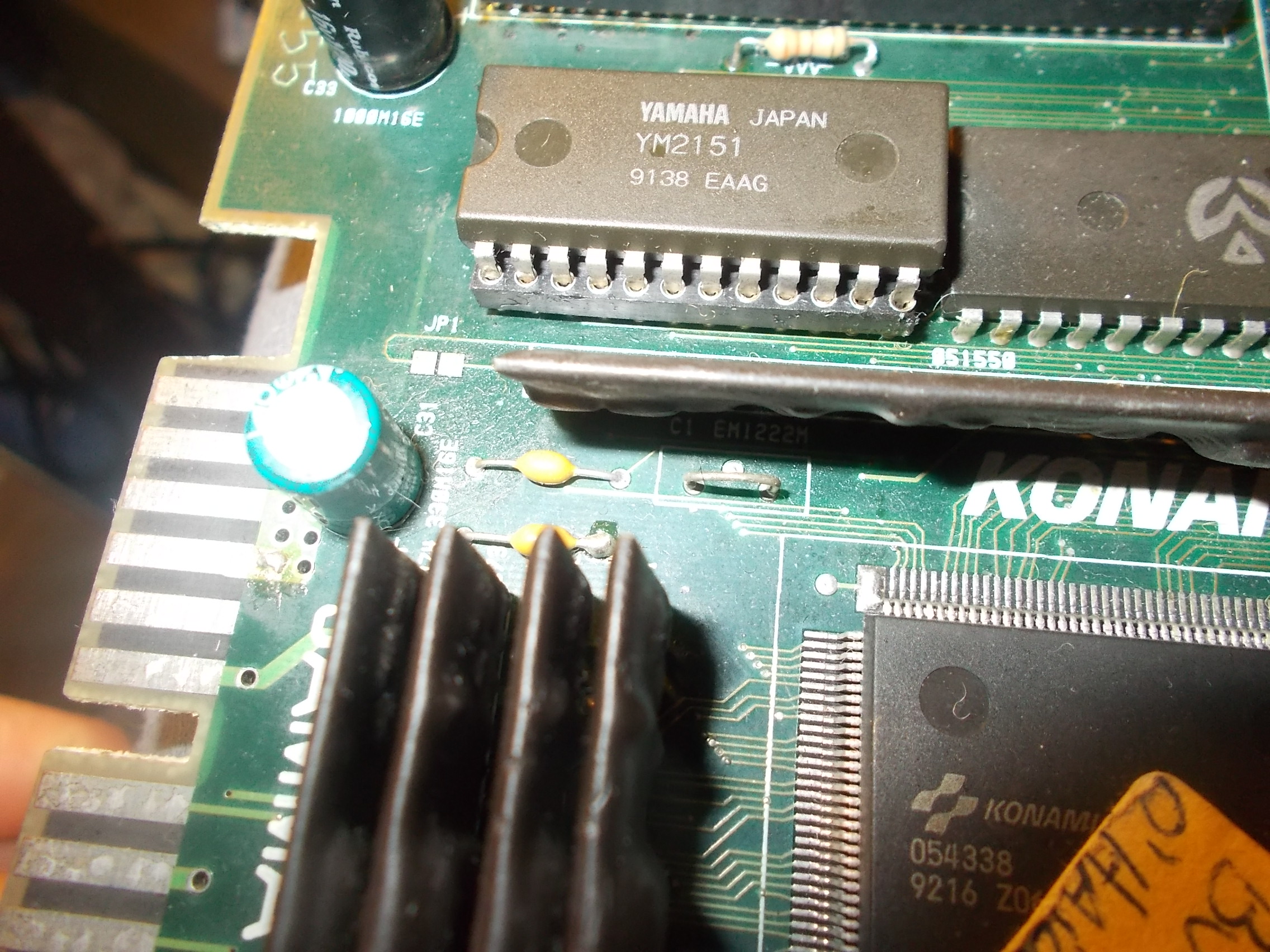
The sound system was previoulsy reworked : the YM2151 was socketed

and the ‘054986A’ audio module had electrolytic capacitors replaced with thru-hole ones:

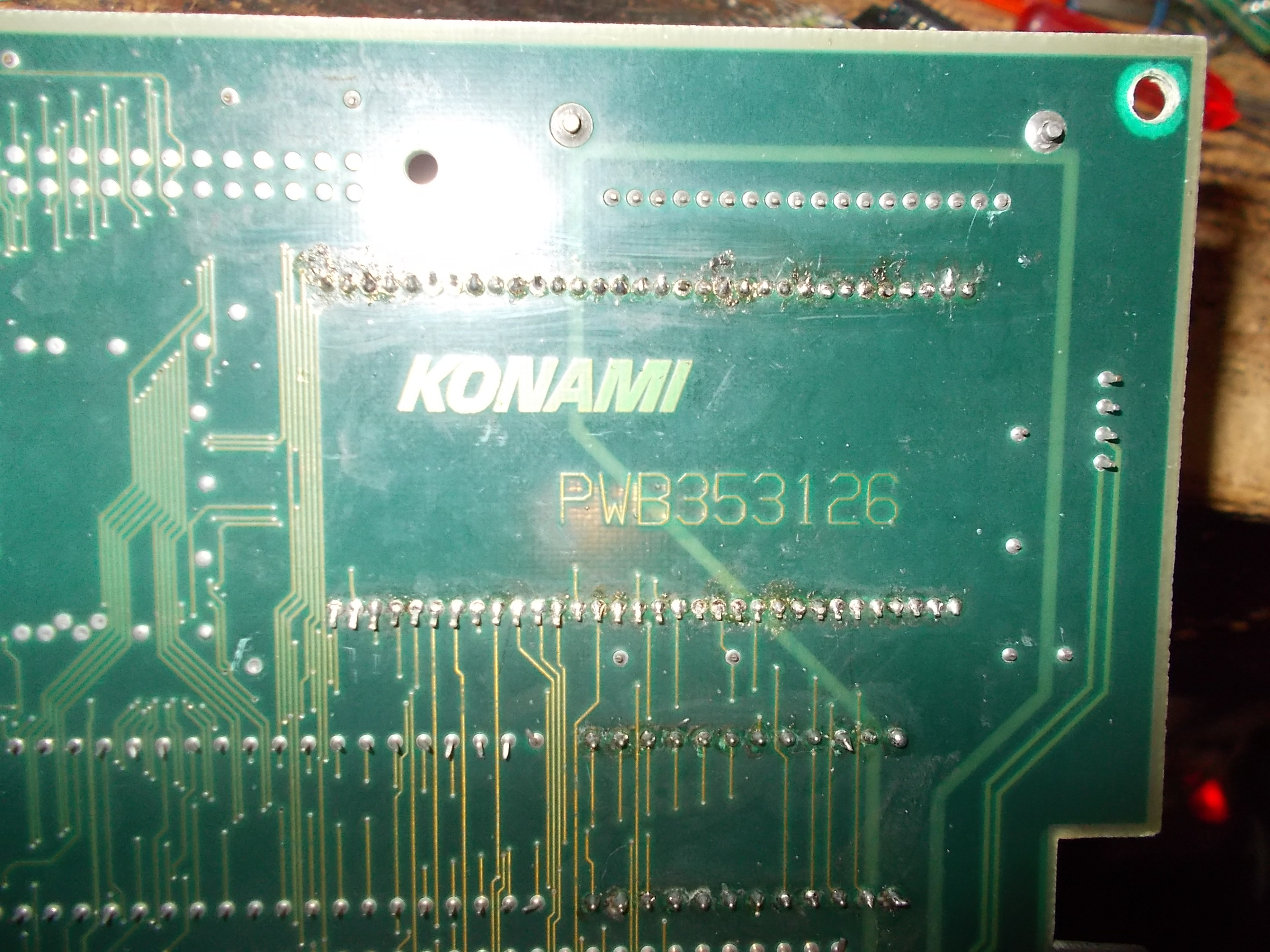
The solder side of the module showed signs of repairs too :

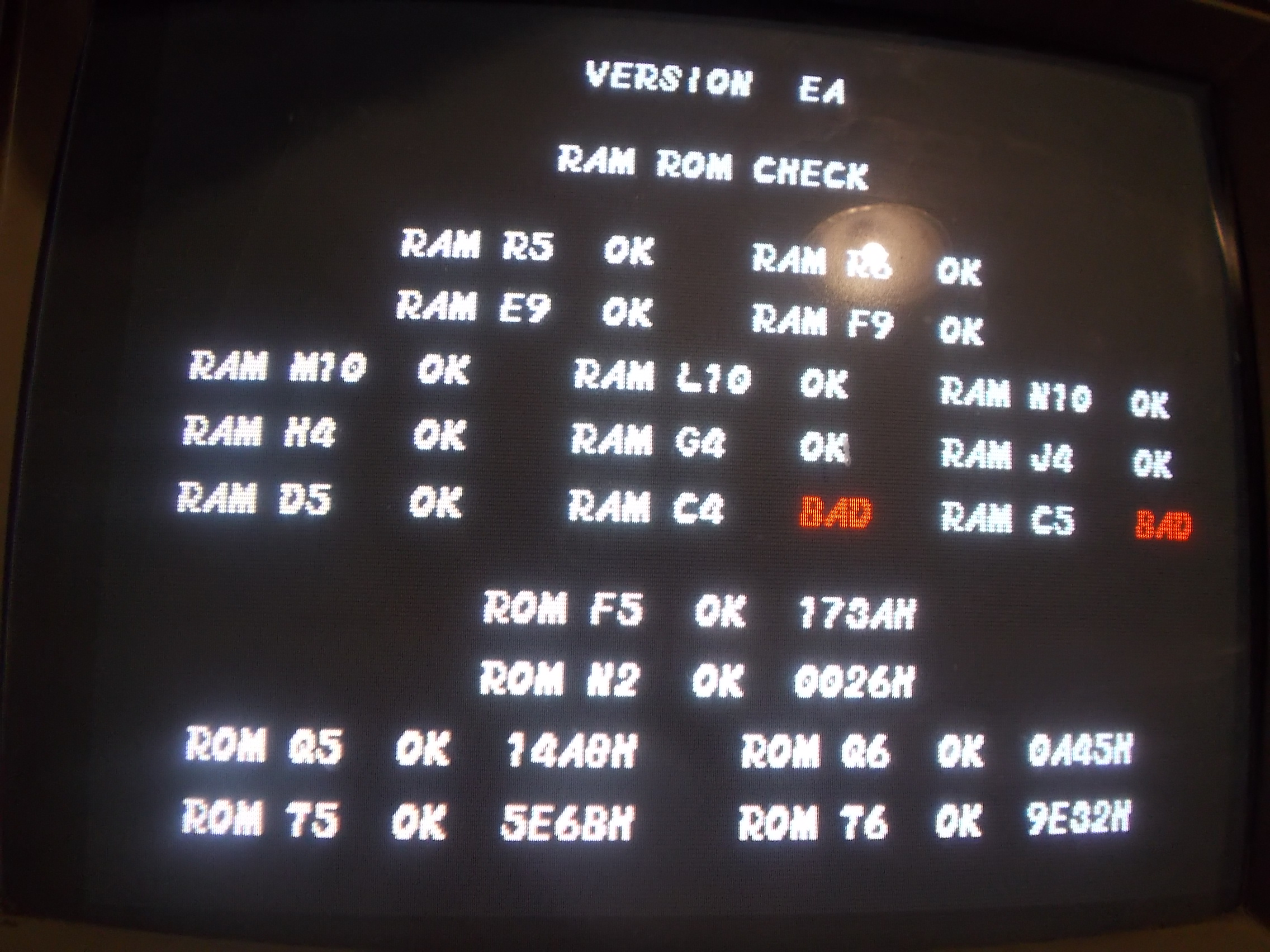
I suspected a broken trace underneath the module so I replaced it with a good one taken from a parts board.The error on POST changed to this :

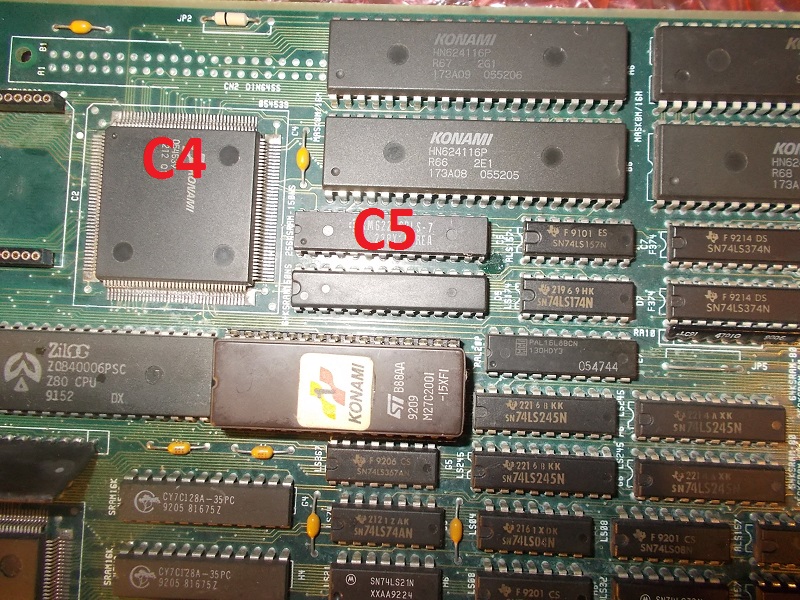
I looked at the board and found that actually the device @C4 is the custom ‘054539’ while the one @C5 is 32k x 8-bit SRAM (whose data/address bus is connected to the custom)

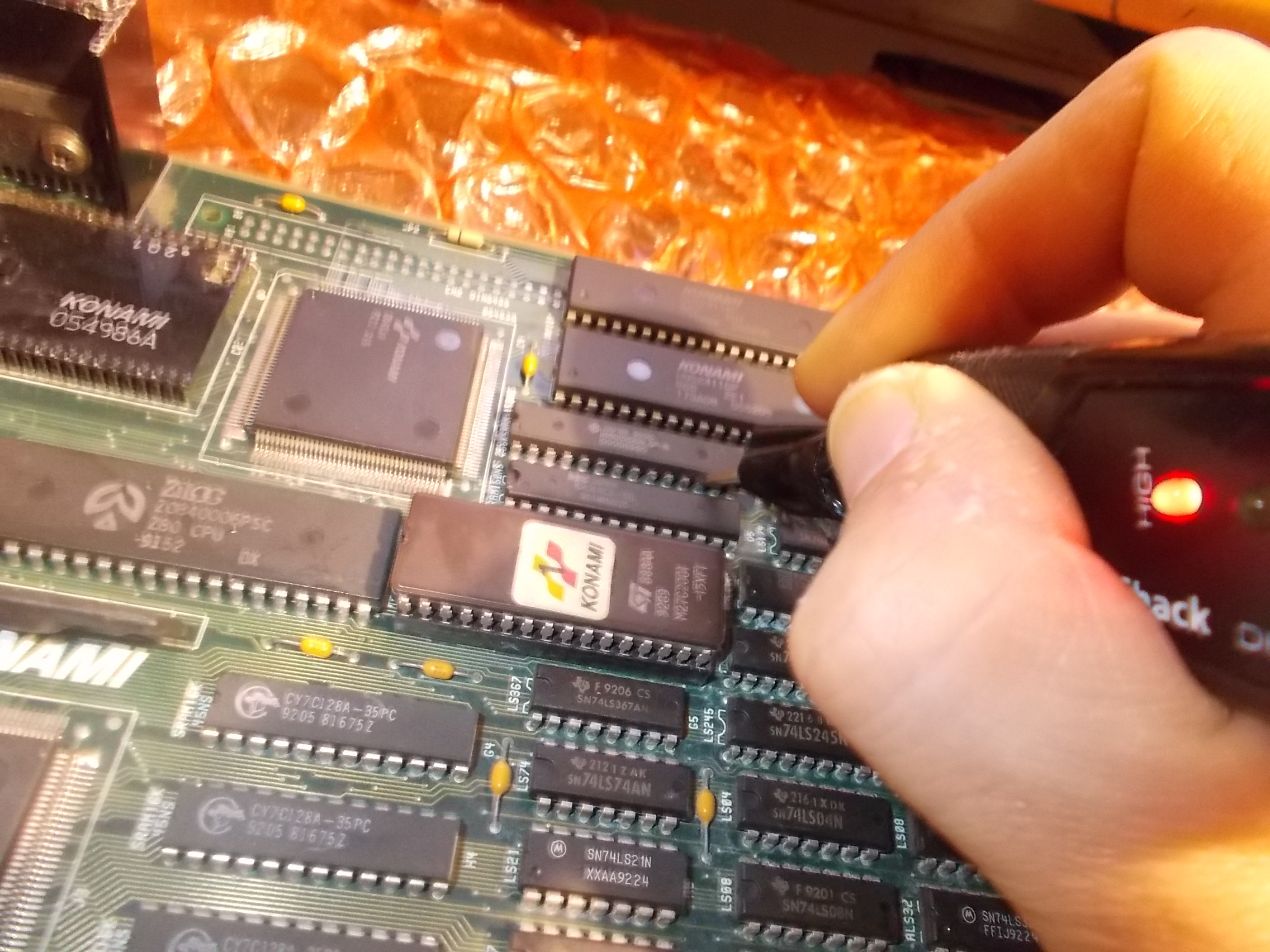
Probing the RAM revealed that data lines were all stuck high:

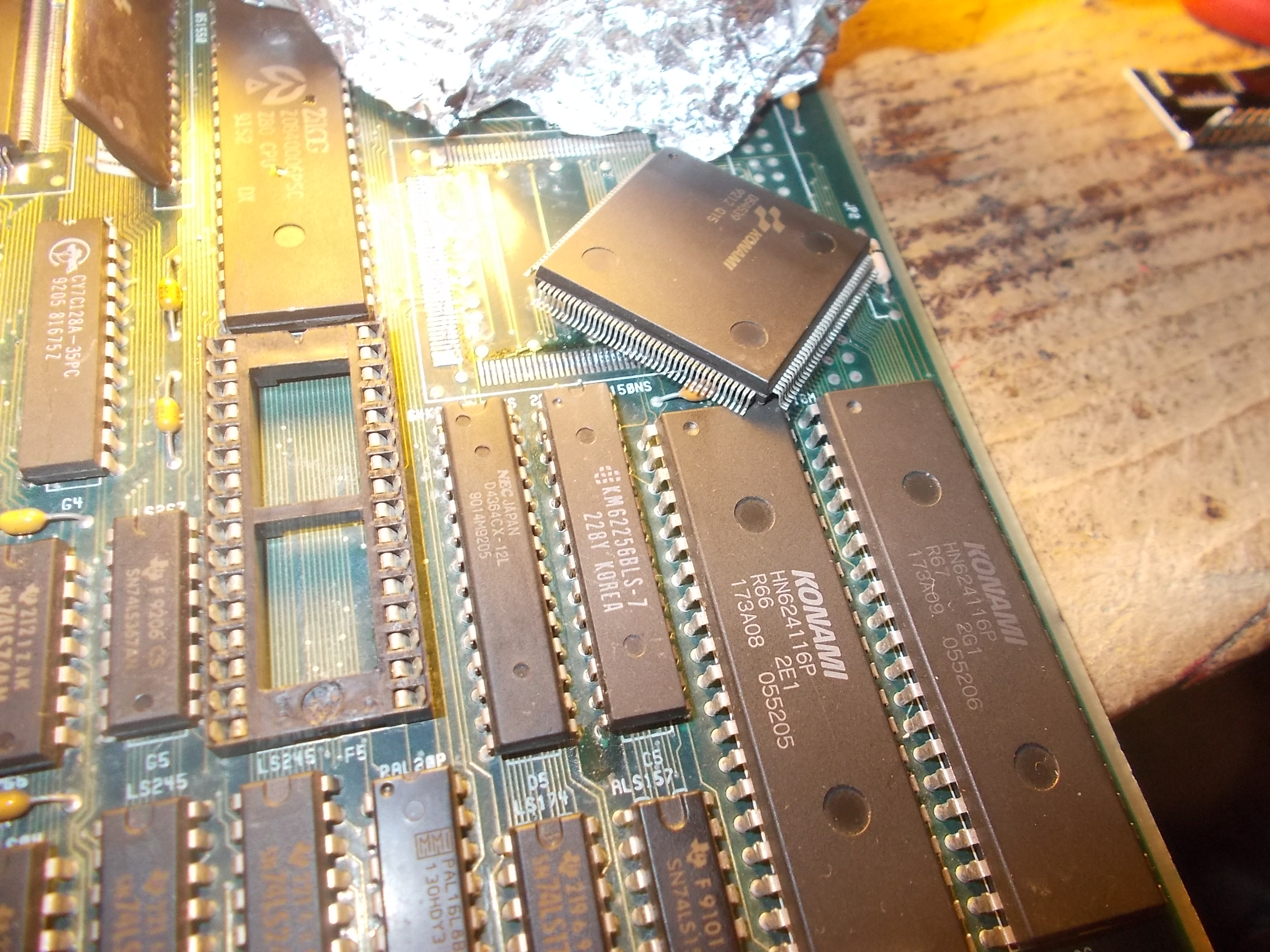
Piggybacking it had no effect so most likely the ‘054539’ ASIC was bad.I removed it:

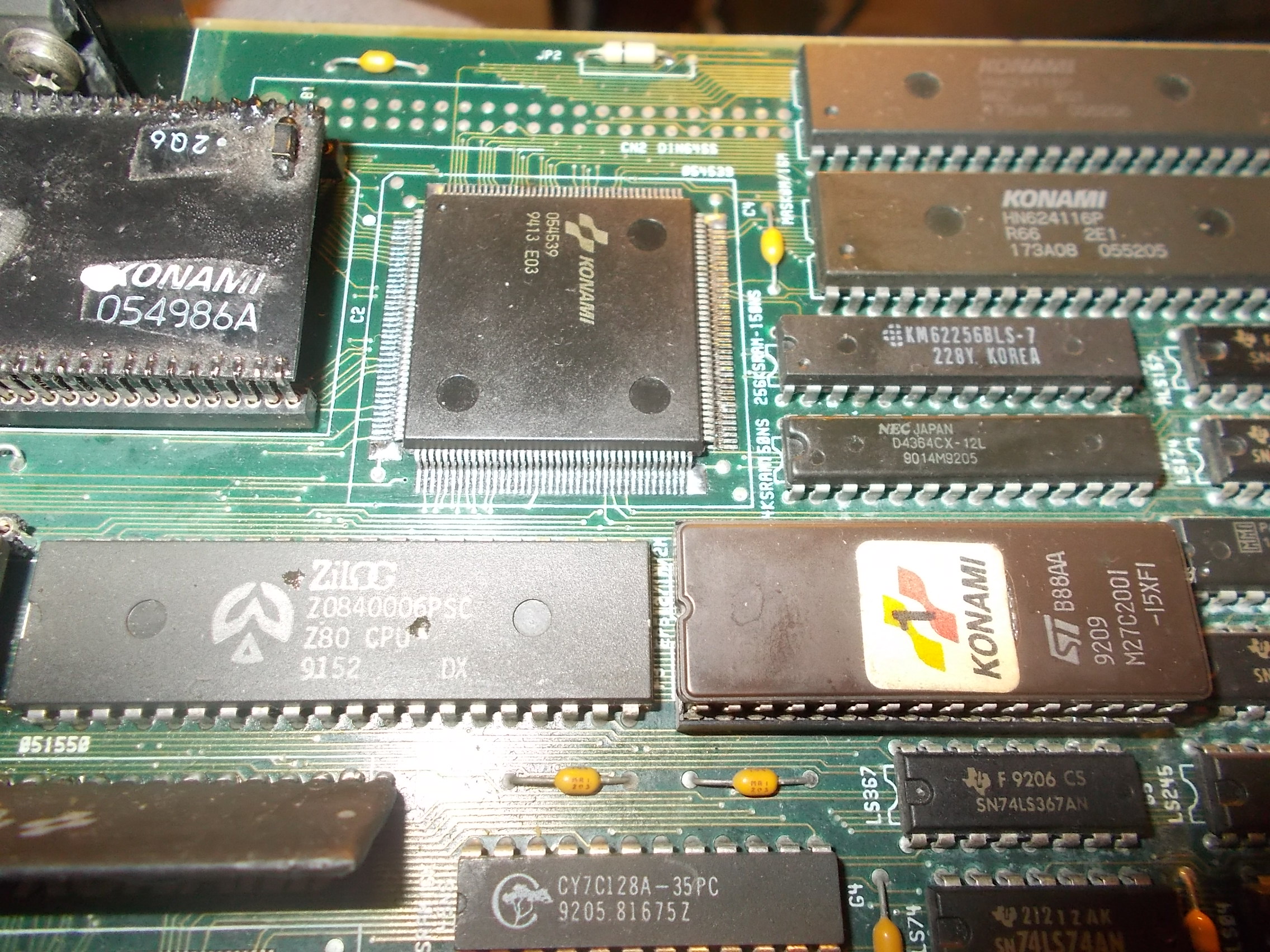
Soldered back a spare :

Board booted up fine and entered in game with no further issues.Another repair accomplished.
 

 Posted by at 11:09 pm

Midnight Resistance repair log

 PCB Repair Logs  Comments Off on Midnight Resistance repair log
May 082018
 

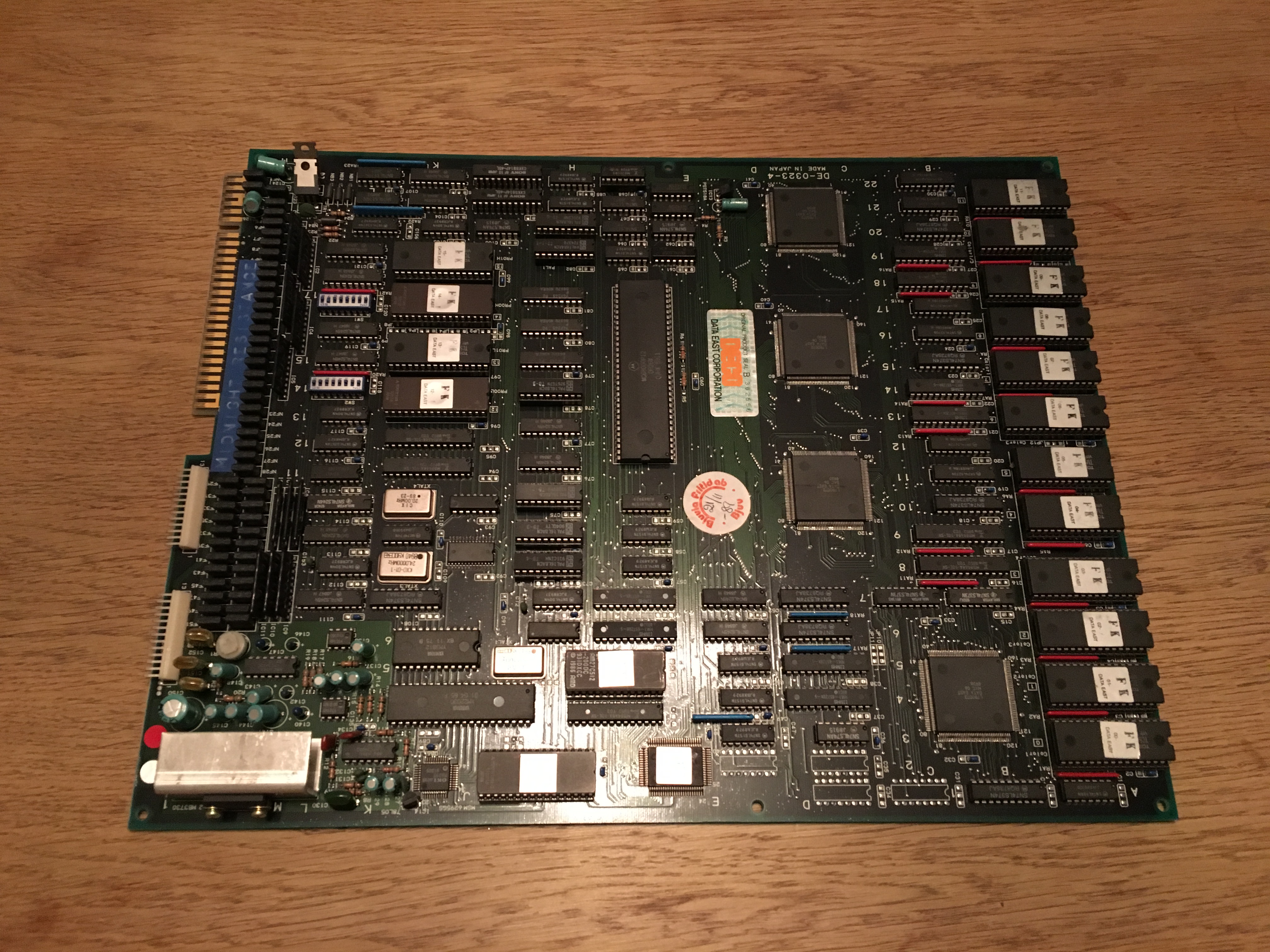
I got this Data East – Midnight Resistance pcb from a friend.

He said that he dropped a ground wire onto the pcb by mistake and he thought it touched the pins on one of the L7B0072 custom ICs.

I booted the pcb and the game was running blind. Sounds and inputs was working fine, but a complete black image on the screen.

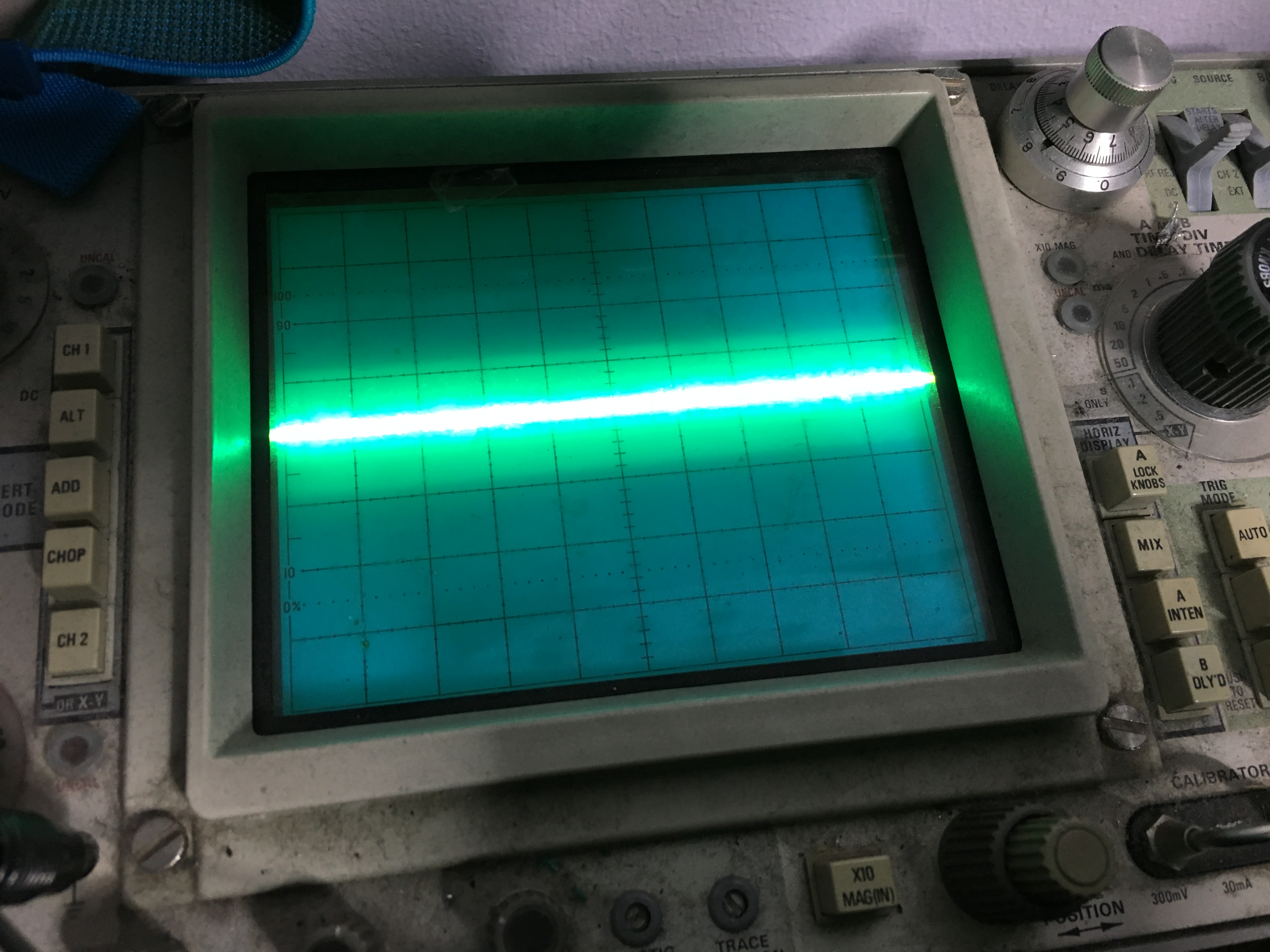
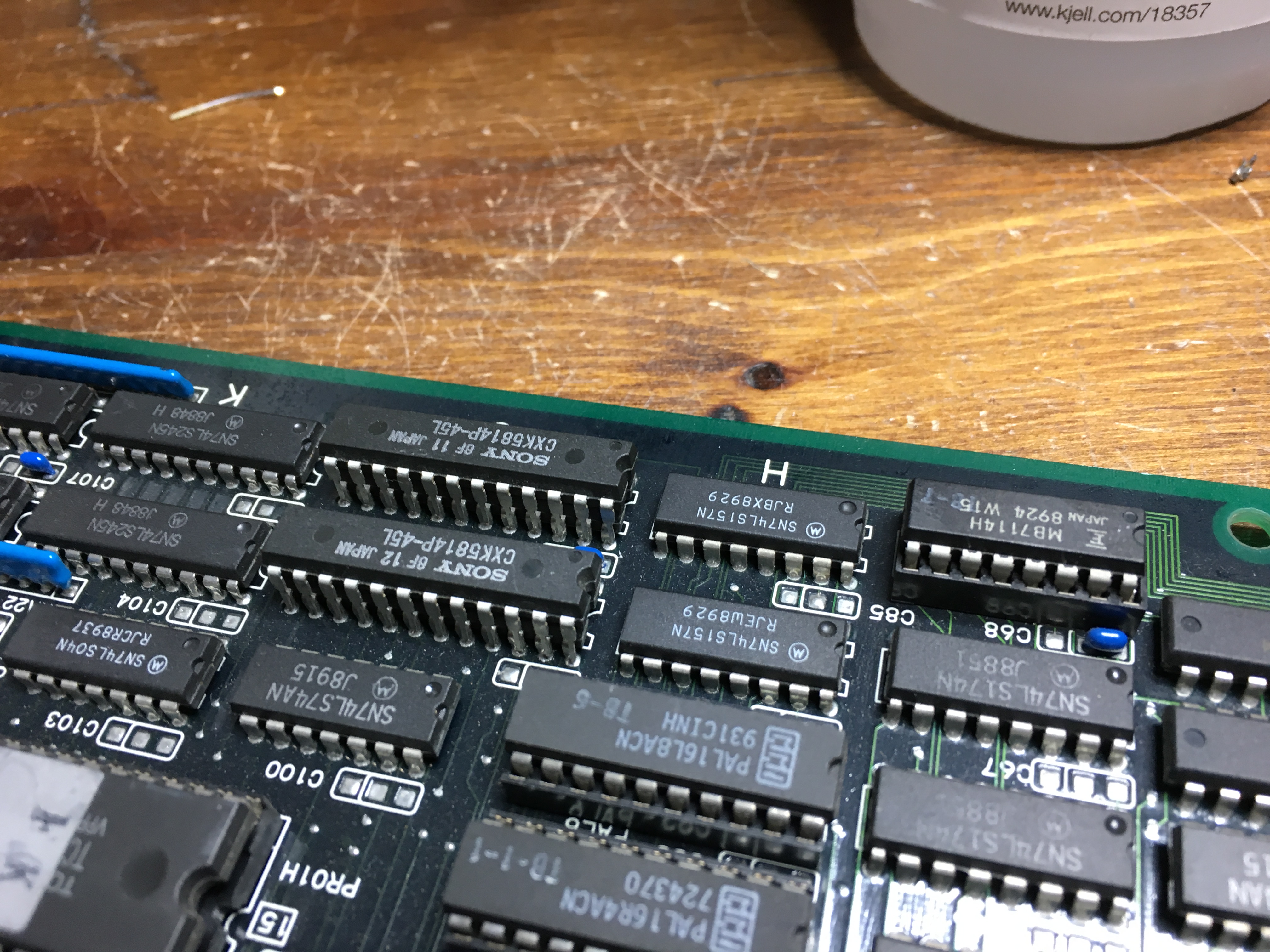
Been working on this hardware before, I knew that the palette RAM was located at J21 and J22, so I started checking their datalines with the scope

Hmm, zero activity

I then piggybacked a pair of new RAMs (6116 type) on top of the original RAMs

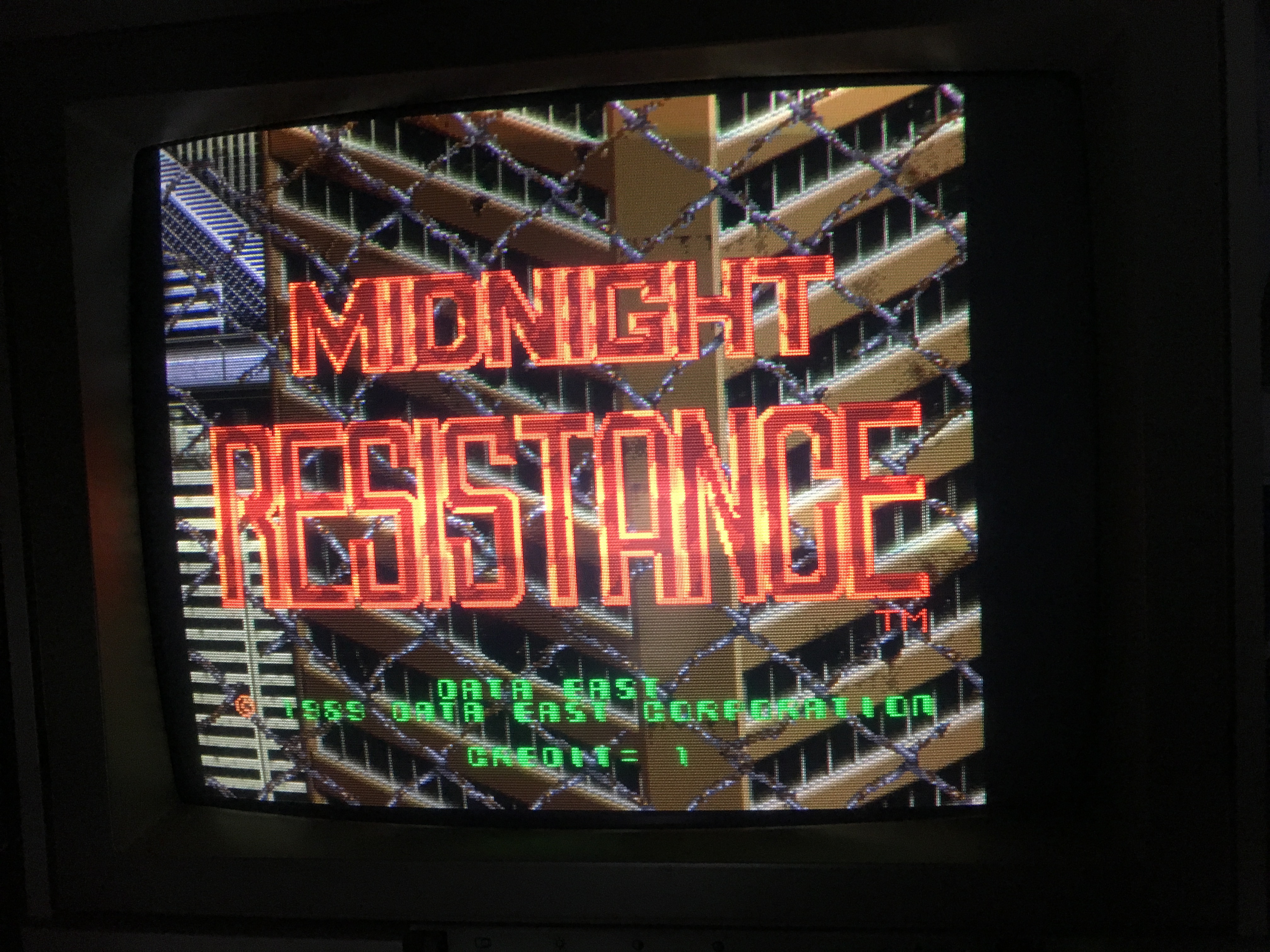
Voila, graphics are back 🙂

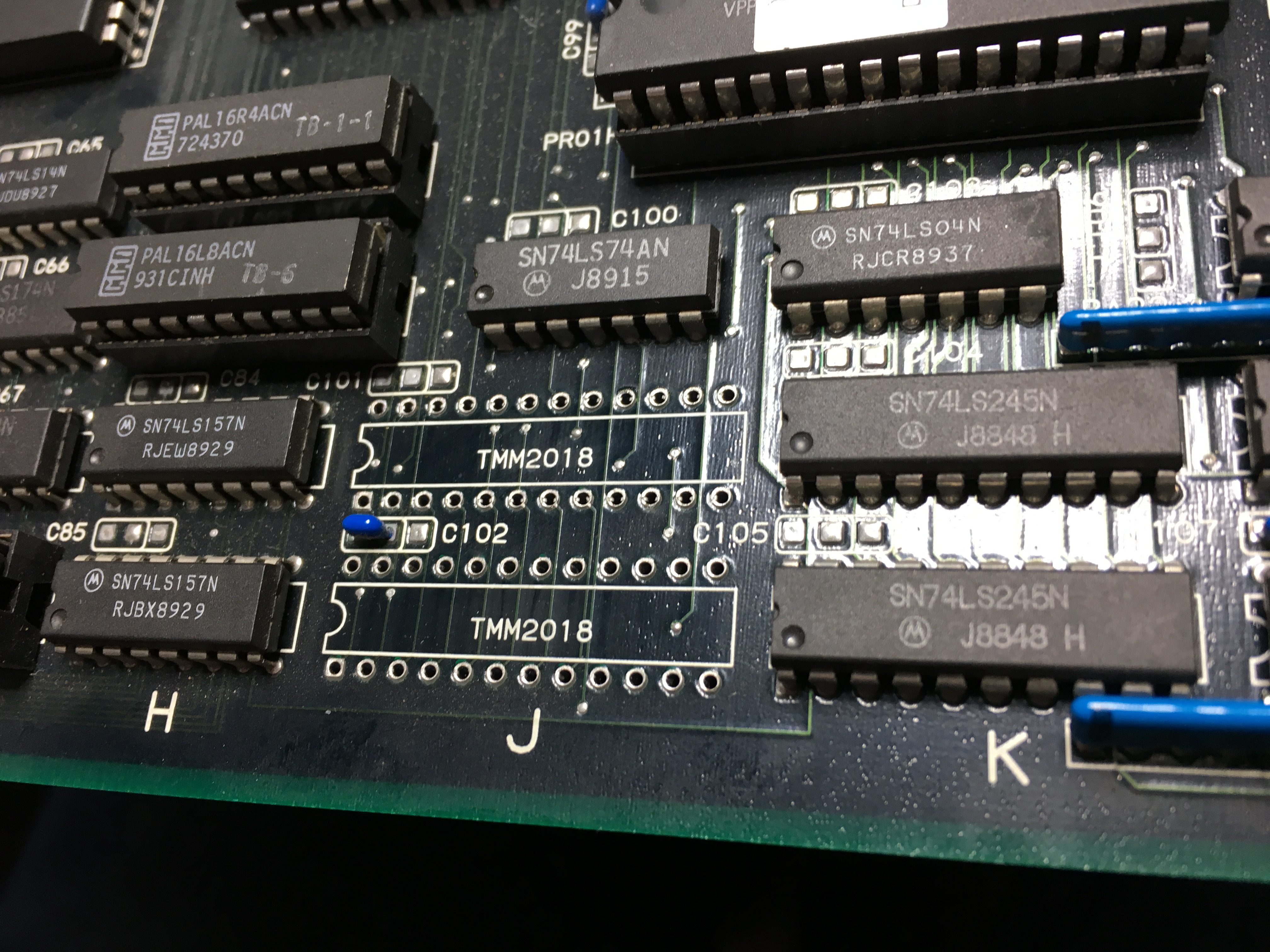
I then promptly desoldered the RAMs

and soldered a pair of sockets in their place. And the new RAMs

Job done 🙂


Wonder Boy repair log #2

 PCB Repair Logs  Comments Off on Wonder Boy repair log #2
May 072018
 

Received from USA this Wonder Boy PCB for repair, actually the board was a factory conversion on Sega System 1A hardware:

When powered it up I got most of times a steady black screen, rarely an ‘ERROR ROM 4’ message:

I fired up my Fluke 9010A to perform a ROM test.On some devices sometimes a valid signature was returned but more often I got error and a different signature :

There are six program ROMs:

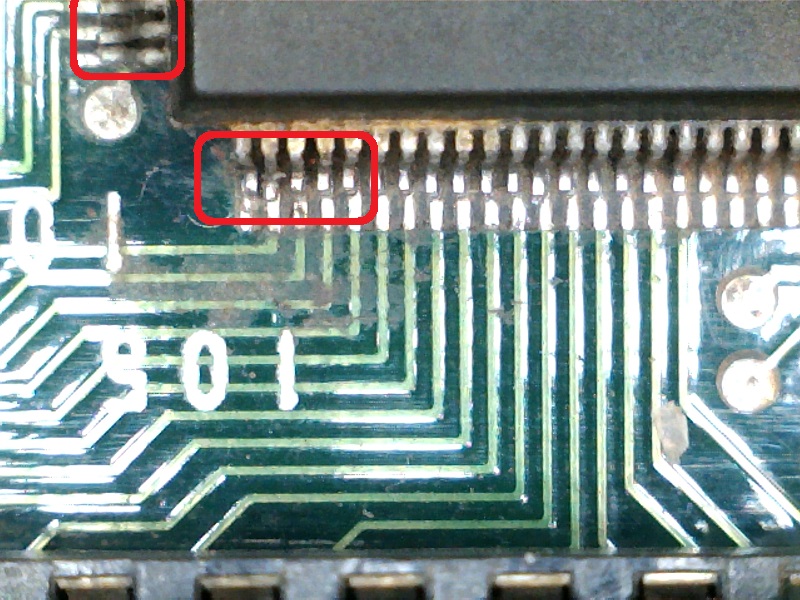
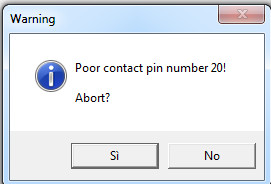
When I dumped them my programmer complained about some bad contact:

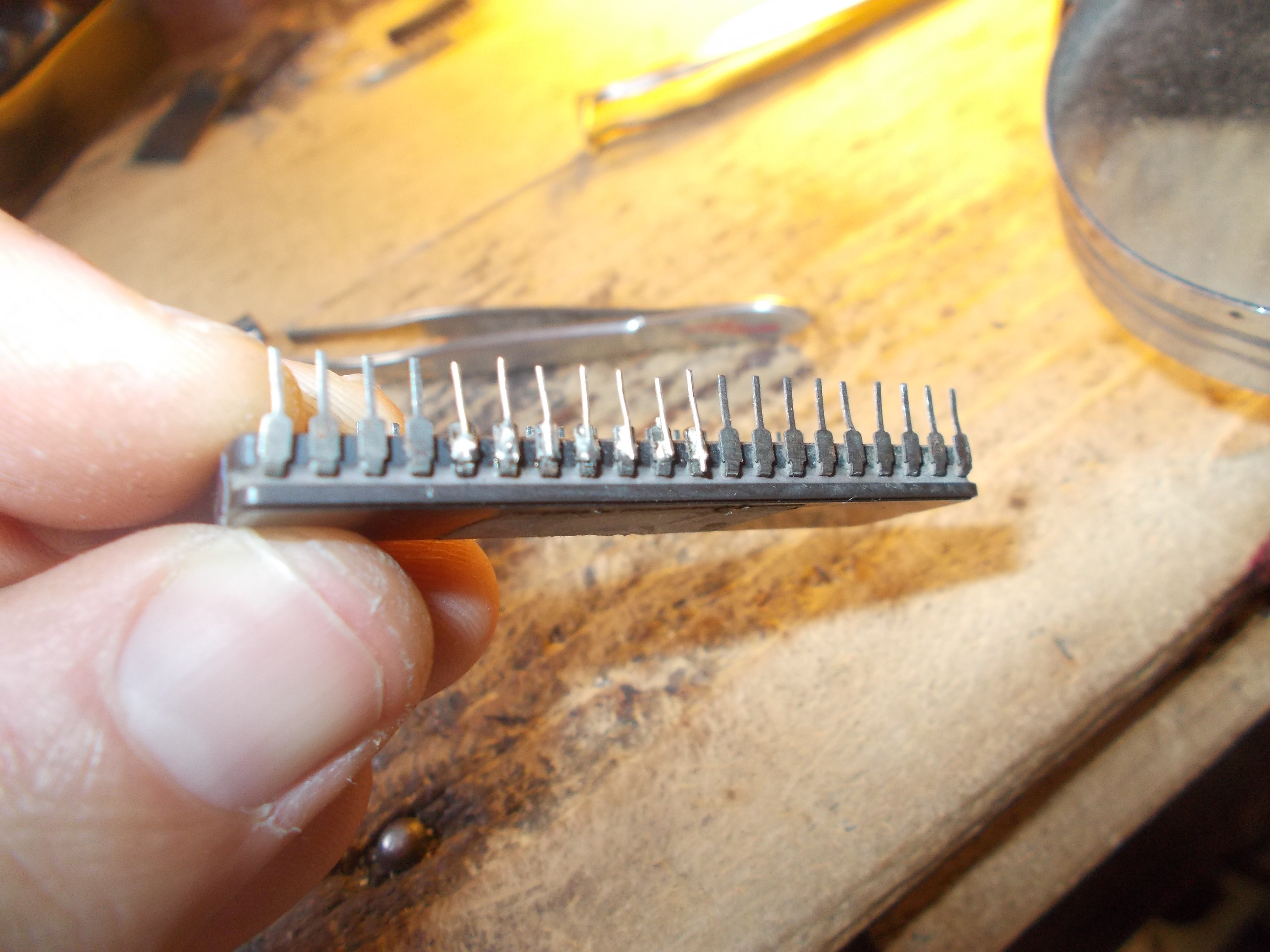
It turned out legs of some EPROMs were dirty and oxidized.After polished them the board booted up but  clearly a color was missing (the RED one) and GFX faults were present :

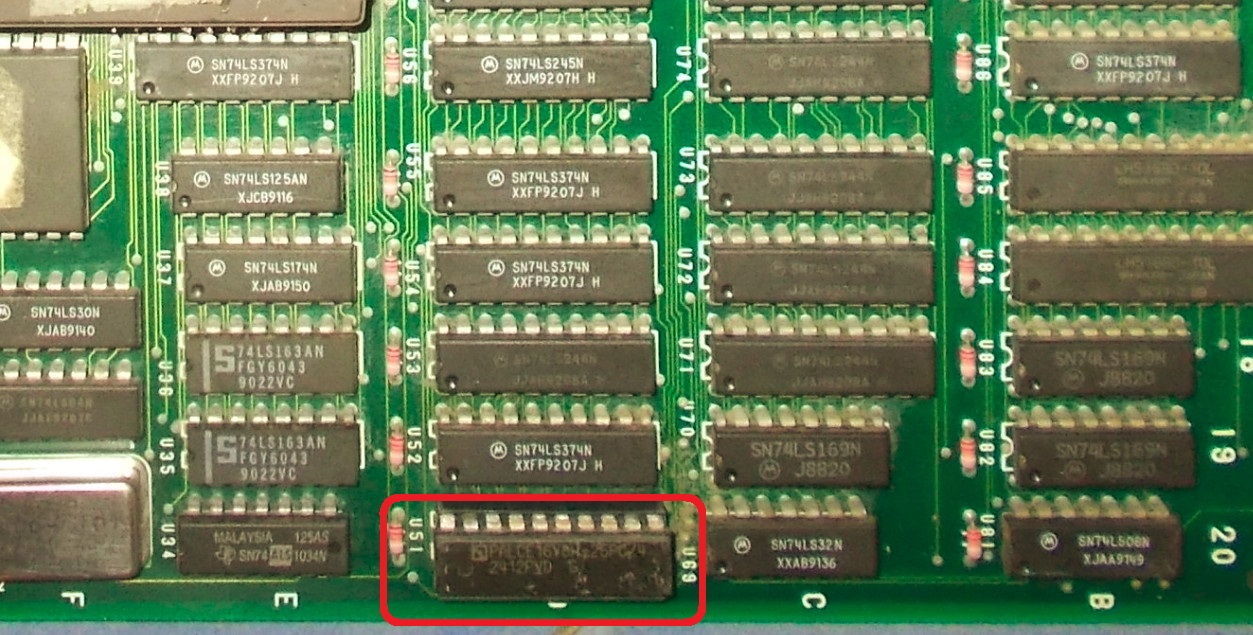
Doing a visual inspection I found a couple of broken 1K bussed resistor networks :

After checked connections I figured out they were used as resistor ladder in the palette circuit.I replaced them, this restored the three RGB colors and showed better the grahics faults:

Backgrounds had wrong colors and some sprites (like main character) had missing parts and vertical lines through.As for first issue I went back to the color circuit where @IC151 lies a TMM2016 (8K x 8-bit) static RAM (whose data bits are routed to some 74LS175 flip-flop and finally converted to analog by the above mentioned resistor ladders)

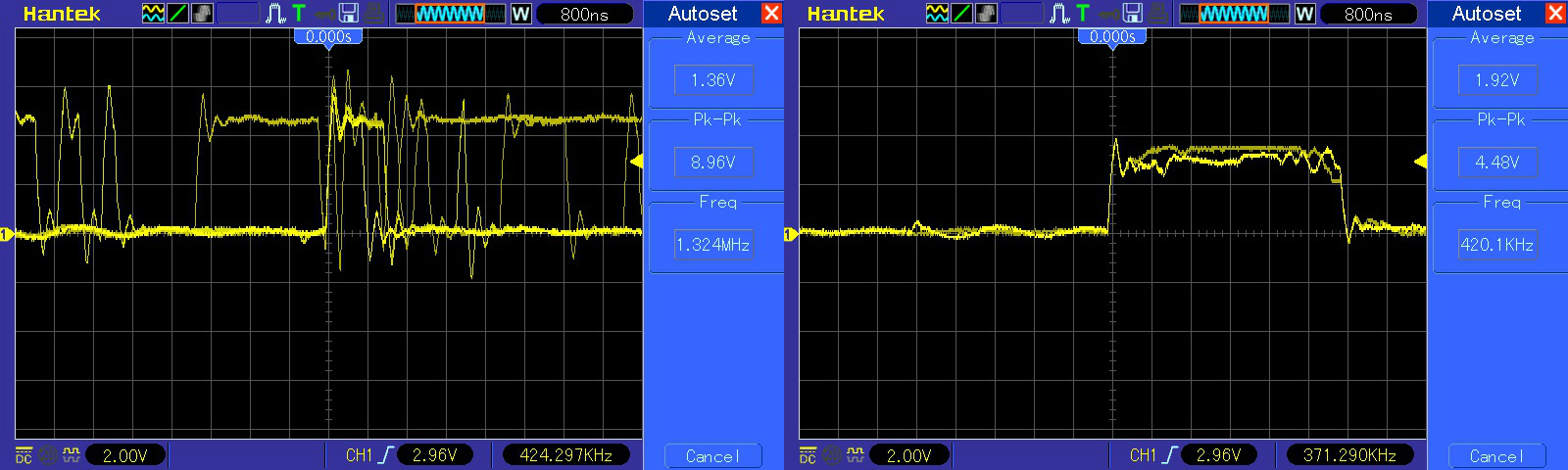
Probing it revealed a unhealthy signal on an address line (A10 ,  pin 19), here’s a comparison with a good signal on the left:

Sure enough I removed the RAM :

Device failed the out-of-circuit testing:

Now the sprites issue.Relevant data is stored in four 27128 EPROMs installed on a small piggyback board:

Devices were dumped as good.After a quick check with my multimeter I found a missing connection between a data line of a ROM and the header which goes into the sockets :

I restored the connection and this fixed board completely.Another repair accomplished.
 Posted by at 9:26 pm