Karate Champ repair log

 PCB Repair Logs, Repair Logs  Comments Off on Karate Champ repair log
Dec 192016
 

I bought this game for my collection.

I had already Karate Champ player vs player but this one was the rarer first version , japanese revision titled Karate Dou.

The game was very dirty and rusty and despite being declared fully working, the sound was completely missing.

The seller proposed a refund by sending back the pcb.

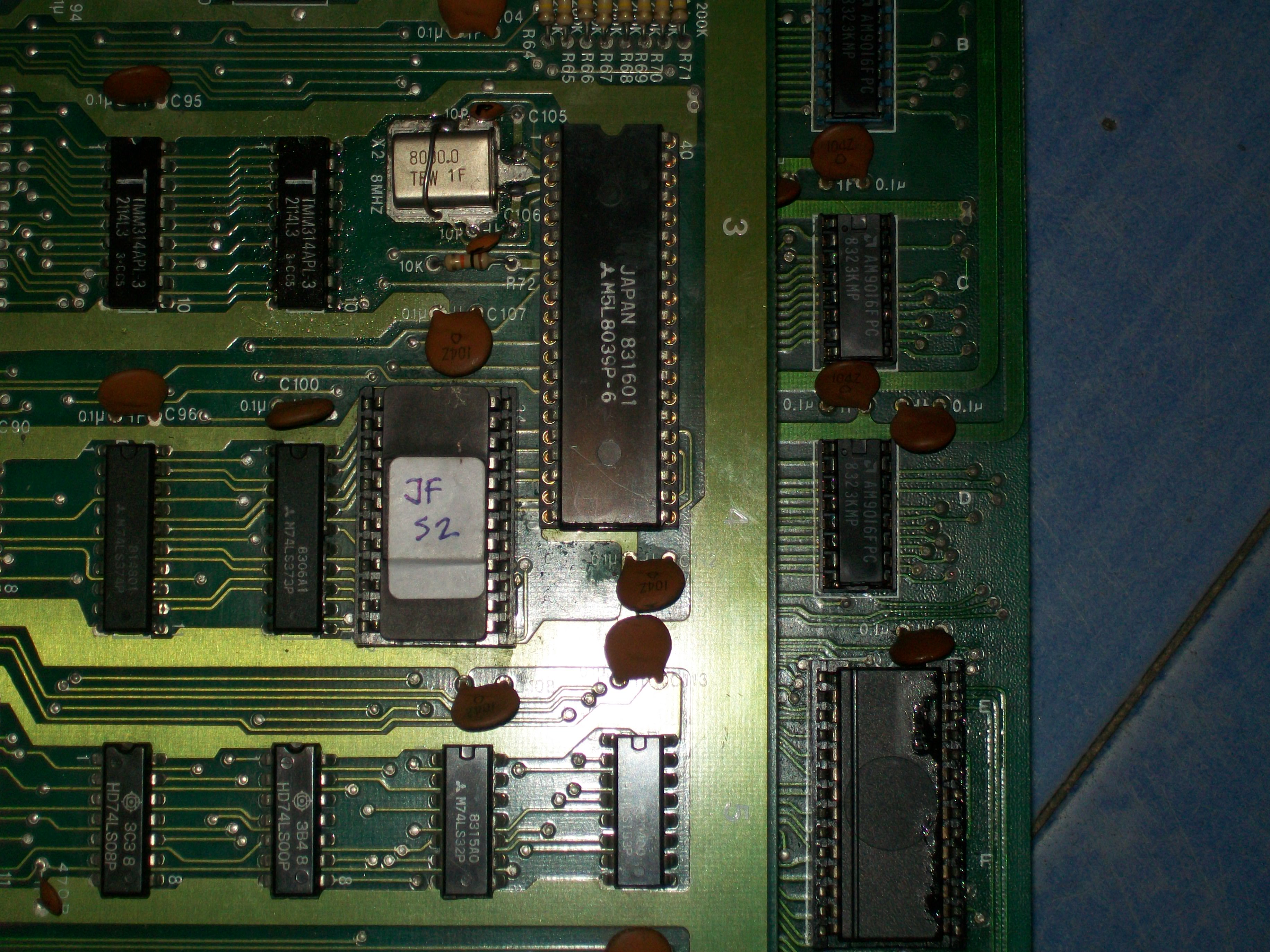
Before taking this road I decided to give a try at repairing it since the schematics for this pcb are available on jammarcade.net (they are not the same as the more common player vs player!) and the hardware was pretty simple.

After cleaning it in the washer machine, I started the trouble shooting
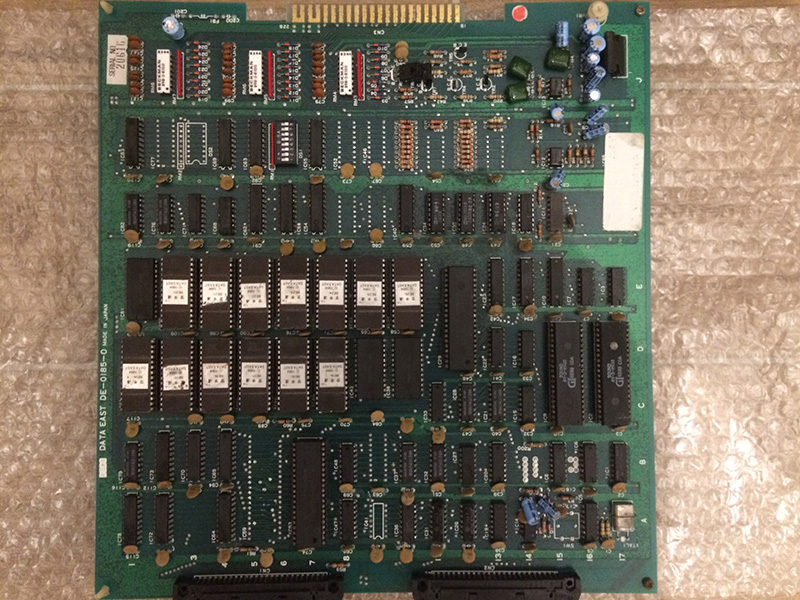
I immediately noticed that all the 7 sound eproms (BE2o – BE26) and the ram beside them had no activity on the data lines.

So I probed the /CE line and it was stuck high for everything.

That means the devices are in standby mode and they cannot output anything.

With the help of the schematics I traced back the source of the problem to IC18, a 74ls138 who outputs were all stuck high despite the activity on the inputs.
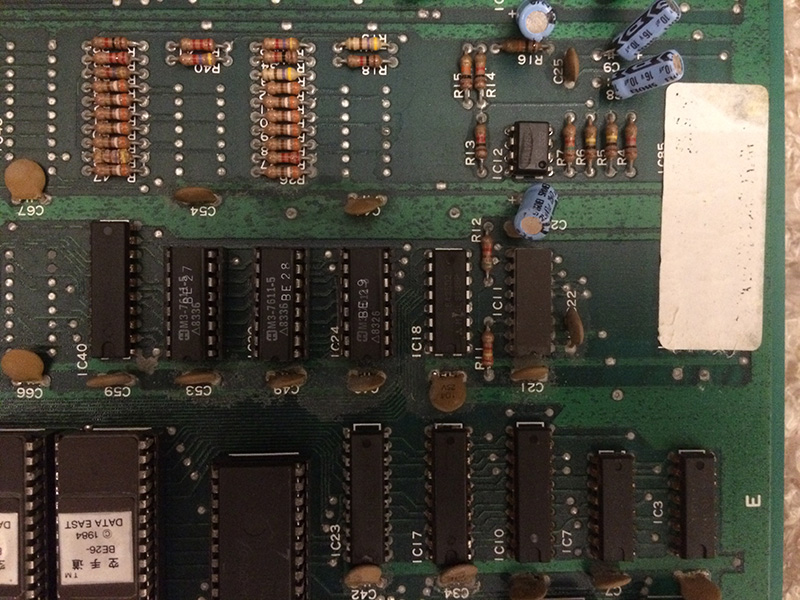
 

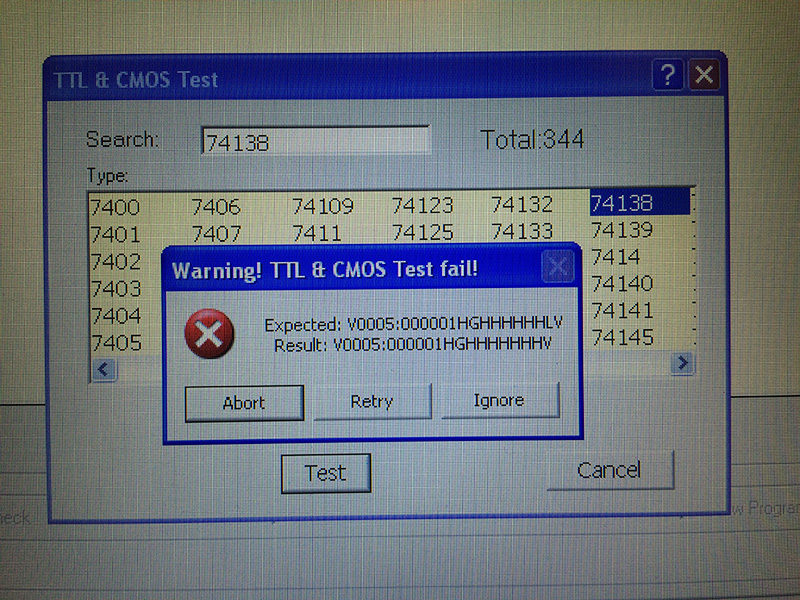
After replacing it, I tested out of circuit and the programmer confirmed it was faulty
 

By replacing IC18 with a good one, the sound was fully restored.

Note: If you have Karate Champ player vs player which use the same adapter, only remember that the older Karate Champ uses also -5V for the pre amps. If you forget to wire it , you get a very noisy and hissing sound.
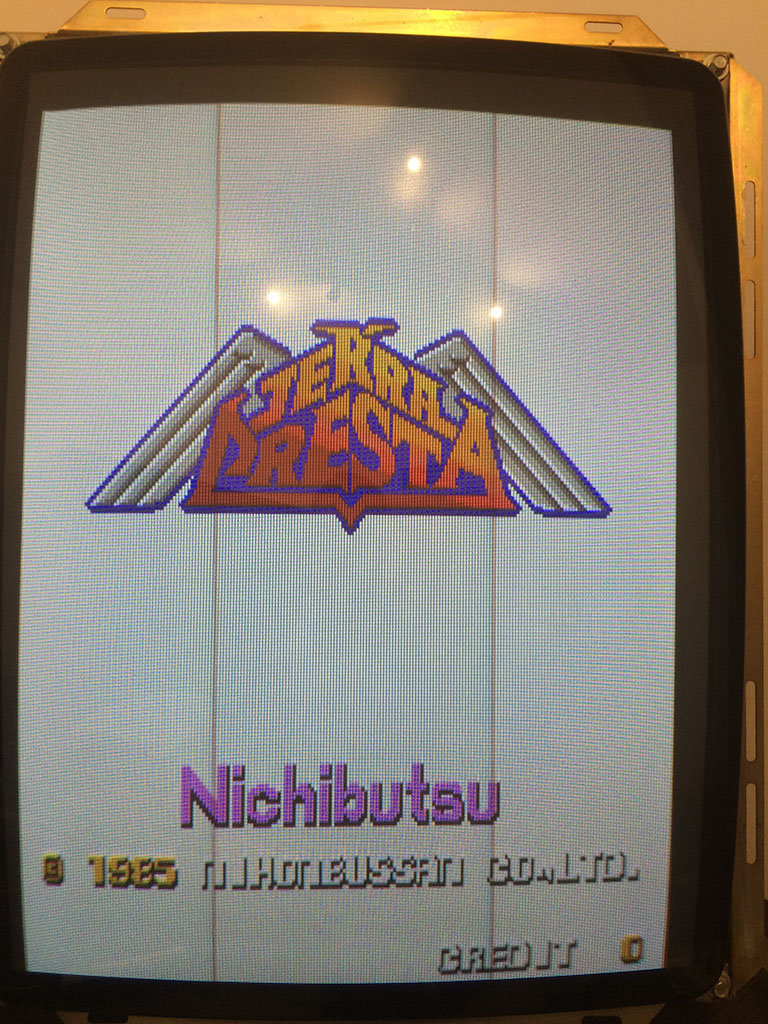
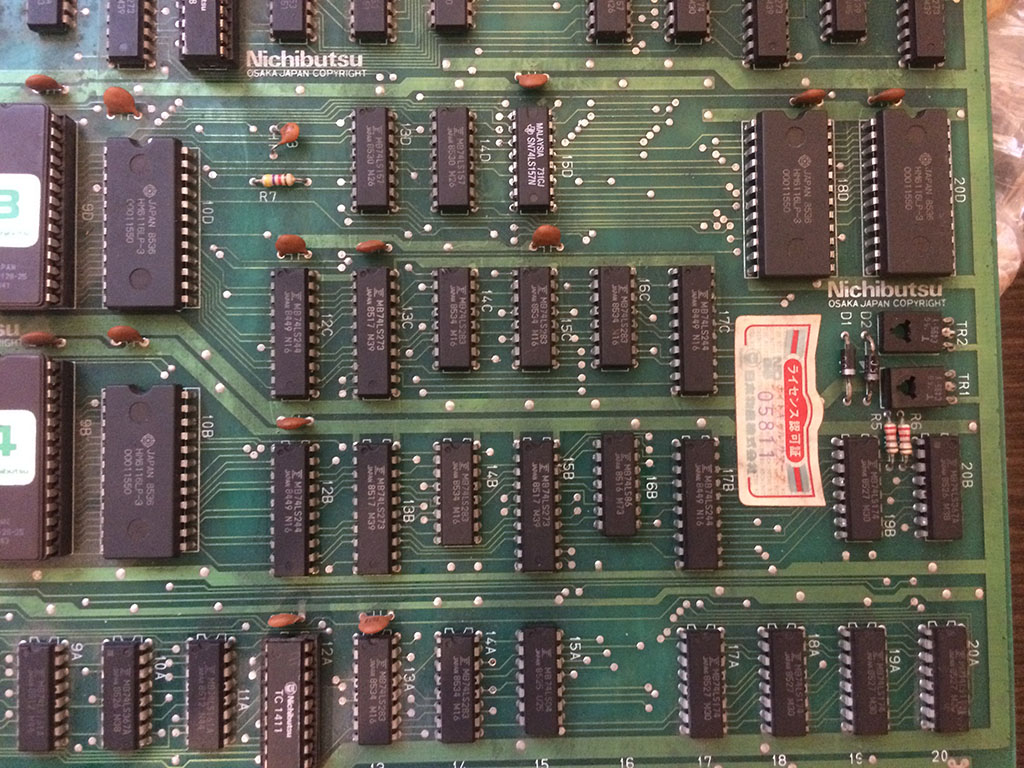
Terra Cresta repair log #2

 PCB Repair Logs, Repair Logs  Comments Off on Terra Cresta repair log #2
Dec 192016
 

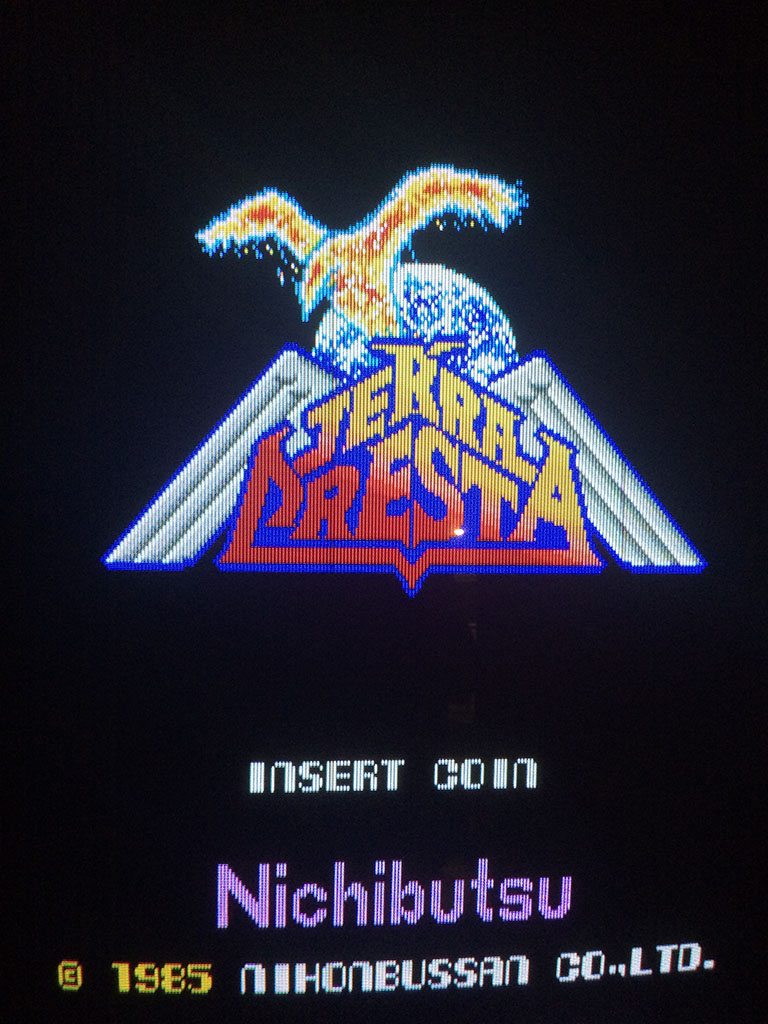
I got this faulty pcb in change of some repairs.

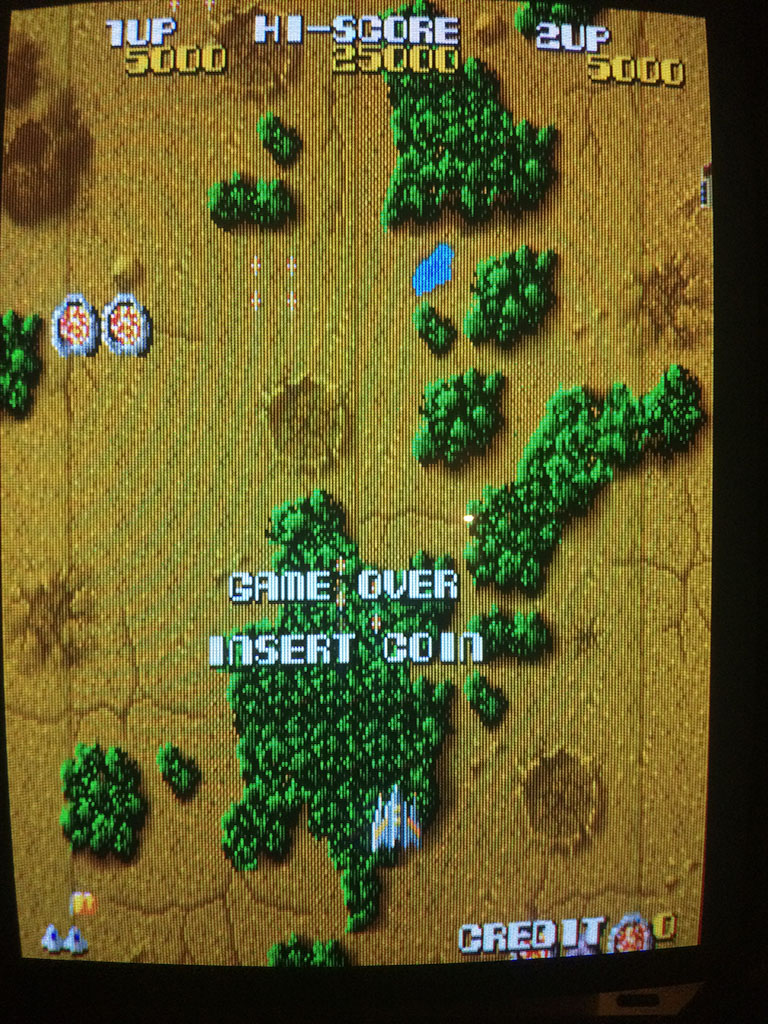
The seller told me that the game was bought as working but after some time it developed a problem on the background with some repeated tiles all over the place.

I could confirm the behaviour, but after a couple of troubleshooting sessions the problem became worse and the background was only white.

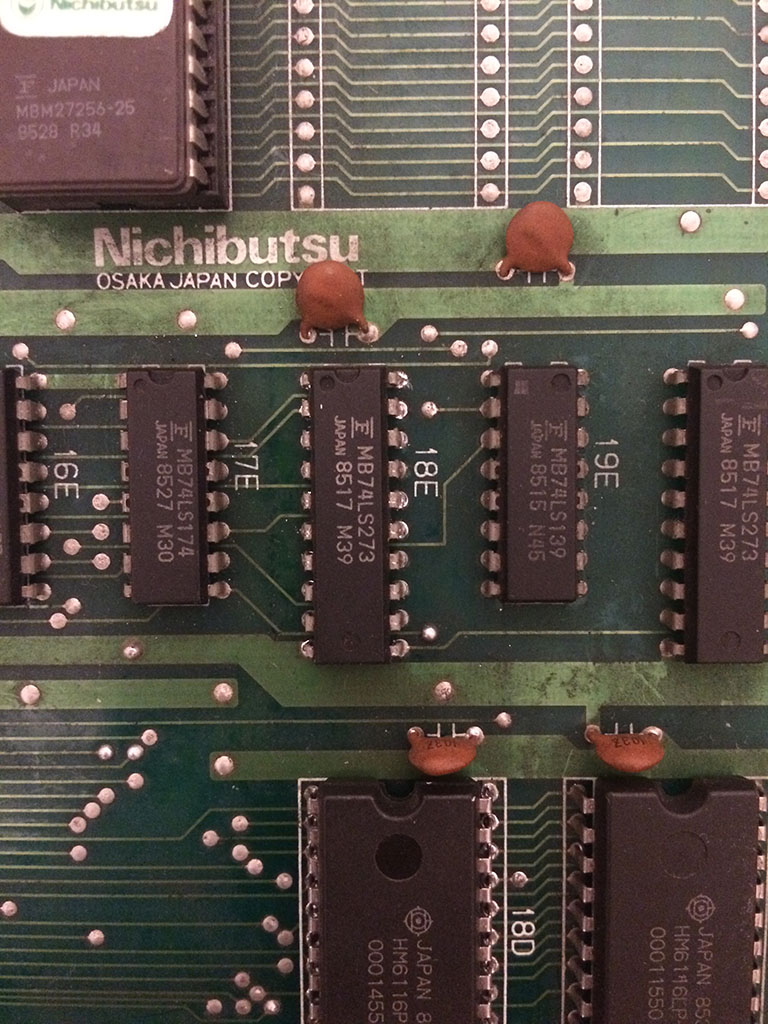
The game has not schematics, so after some time spent to understand where the background generator was sitting I could isolate the problem on the ram@18D which had some data lines stuck low.

After replacing it, the problem remained but at least the ram had all the datalines working.

With the logic probe I then found a 74ls273@18E which had all the outputs in the grey area.

After replacing it, the background was fully restored

NebulasRay repair log #2

 PCB Repair Logs  Comments Off on NebulasRay repair log #2
Dec 152016
 

Got this genuine NebulasRay for a repair:

Game played fine but suffered from a color issue, screen was all yellowish, self-test on boot reported a problem on palette RAMs:

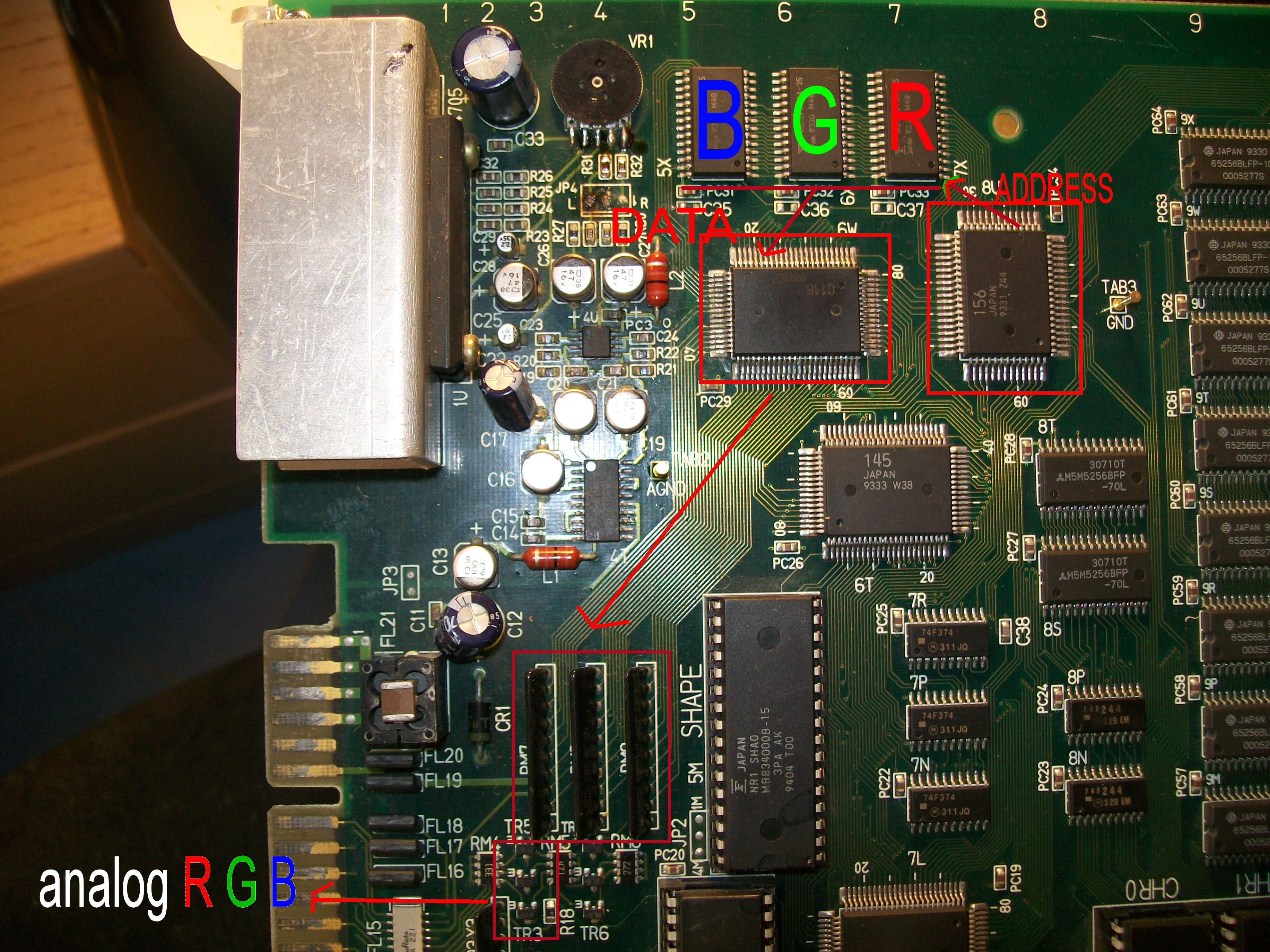
A yellowish screen means that problem is in the BLUE color generation so I started to study the hardware and figured out the RGB circuit:

As you can see from the above picture, there are three 8K x 8 bit static RAMs, each one for a each color.These SRAMs are addressed by the custom ‘156’, their data go to the custom ‘116’ which processes them and generates the different color shades.These digital signals are converted to analog and formed into a single color by three 1K Ohm resistor arrays.Lastly each is color is amplified by a PNP transistor and routed on JAMMA edge pins.

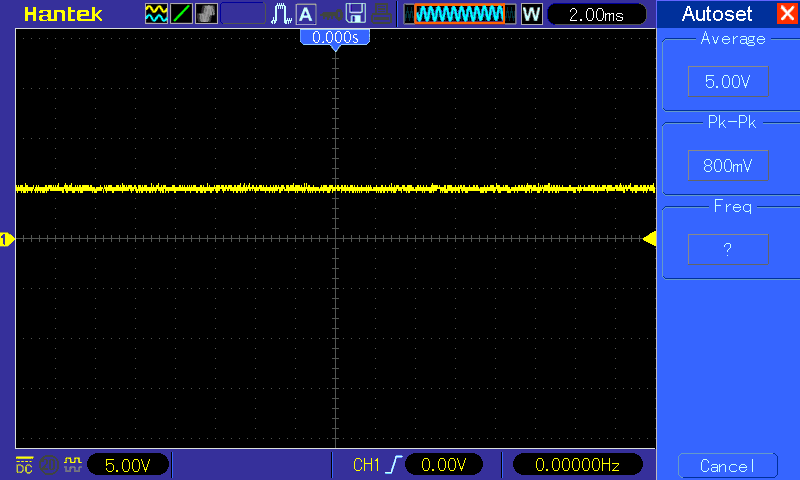
With this knowledge for first I checked the 6264 SRAM @5X (which does the BLUE color), it showed normal activity on data/address bus until I probed its pin 27 (/WE) , it was not toggling like in other two RAMs but it was stuck HIGH so RAM was never written:

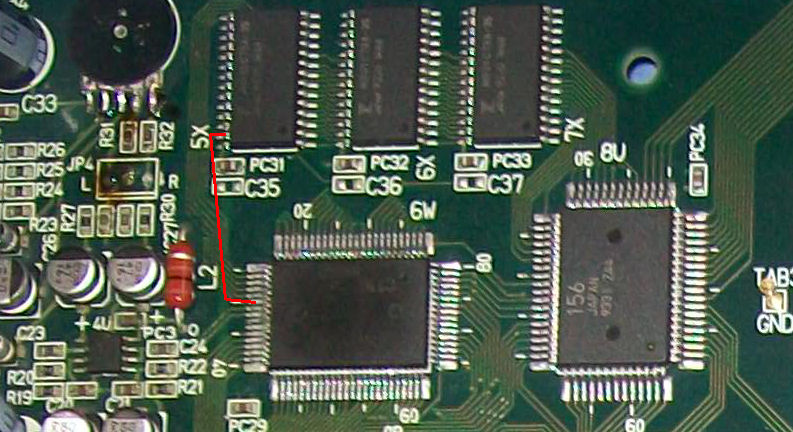
/WE signal of this RAM (like the other two ones) are generated by the custom ‘116’:

But with my multimeter I found no continuity, at a closer look the pad of pin 27 of this RAM lost contact with the trace.I promptly restored it and this gave me a fully working board again.End of job.

 Posted by at 9:38 pm

Super Spacefortress Macross and DoDonPachi repair log

 PCB Repair Logs  Comments Off on Super Spacefortress Macross and DoDonPachi repair log
Dec 142016
 

Although issues were different in these two repairs (well, quick fix more than repair), the cause was the same.

Here’s the first board, a Super Spacefortress Macross :

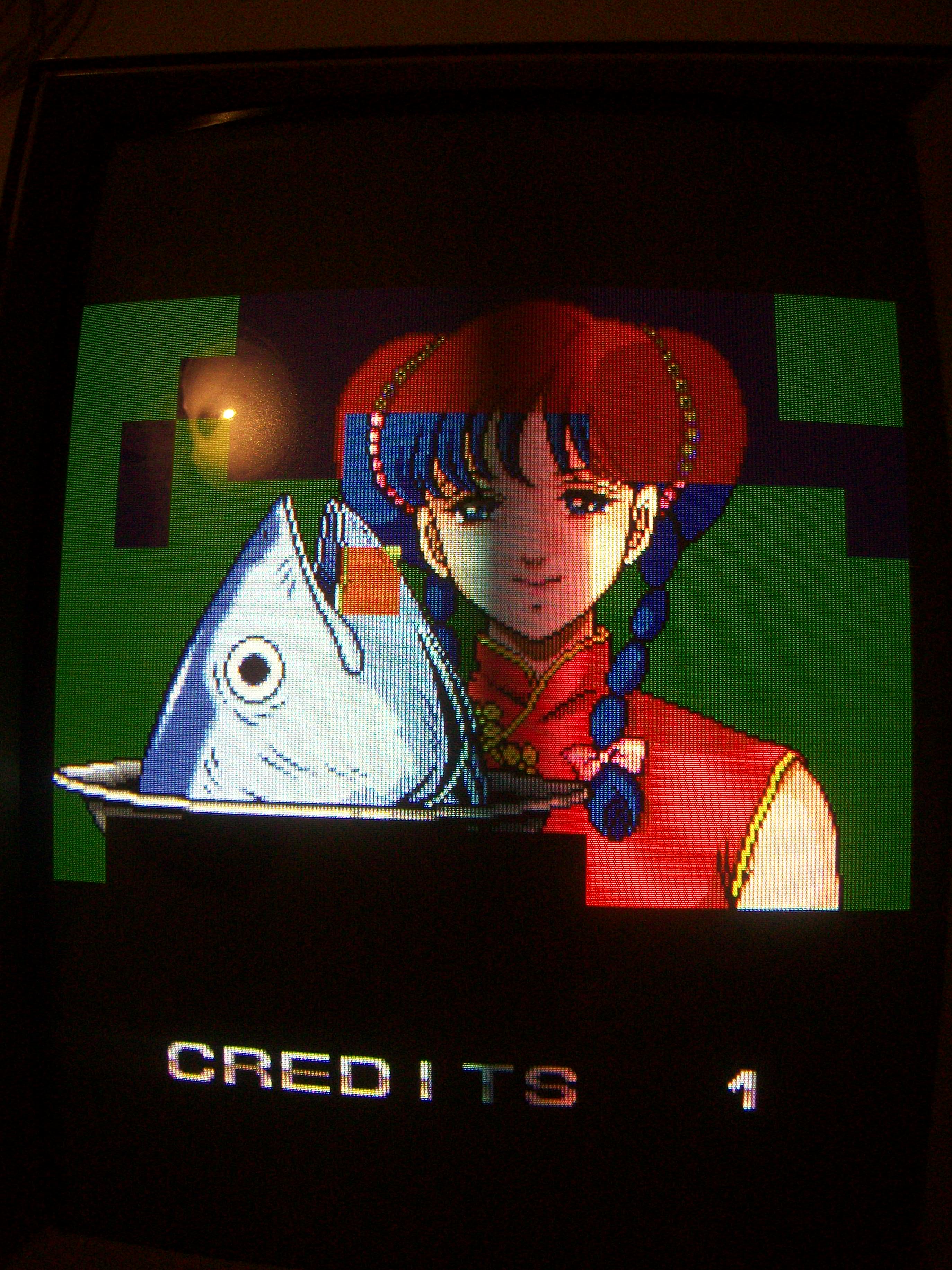
Board had issue on some backgrounds which showed colored blocks :

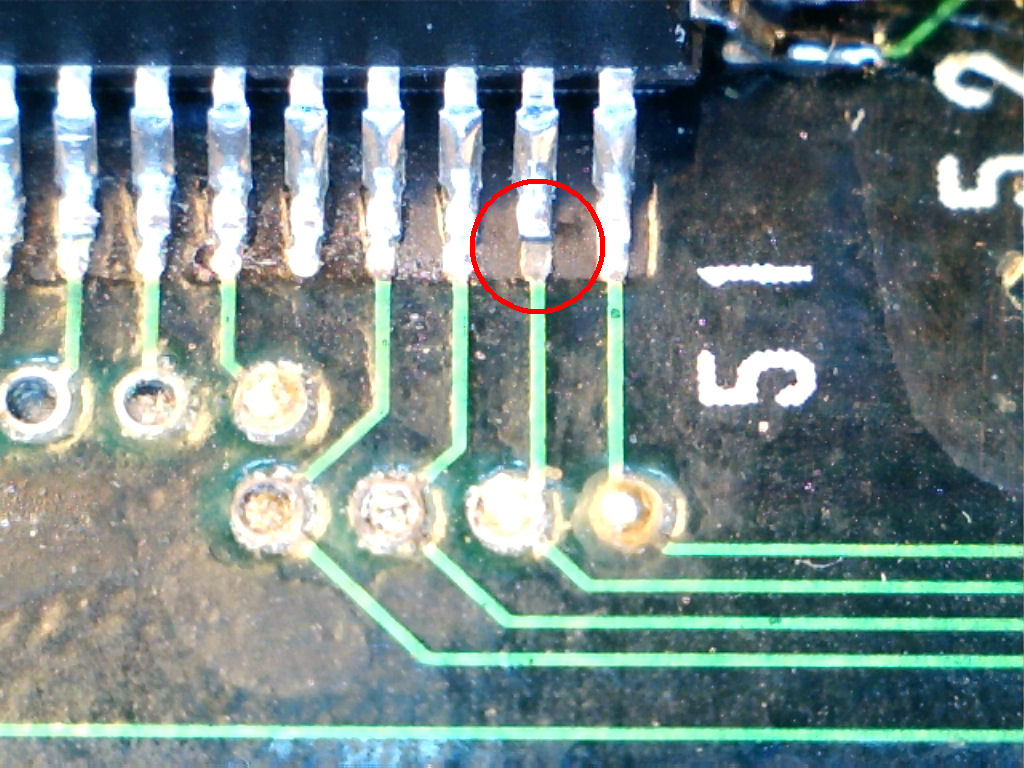
A visual inspection revealed a lift pin on a QFP custom ASIC:

Reflowing the pin fixed the game:

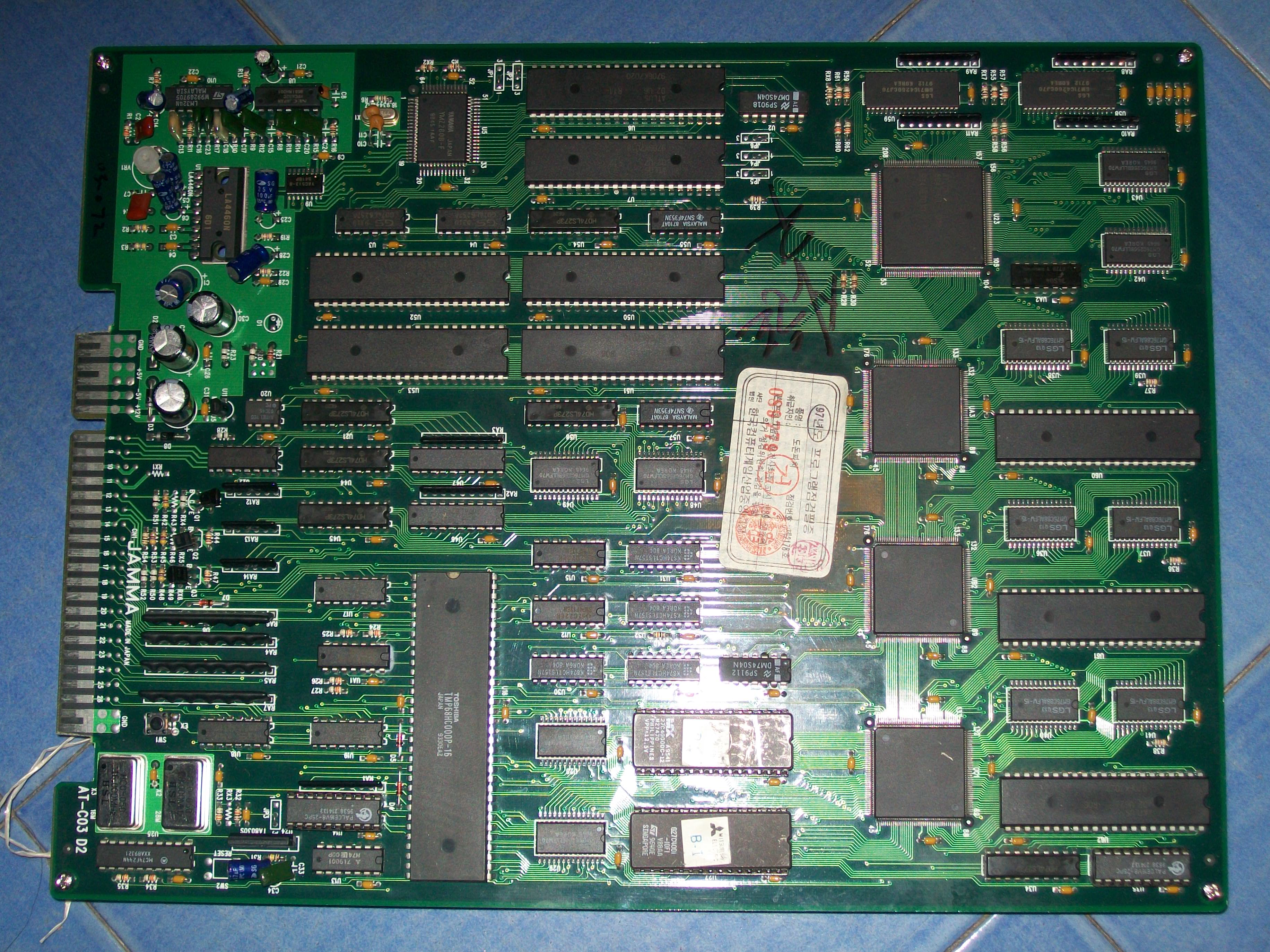
Second  PCB was a DoDonPachi :

with wrong music and sound FXs:

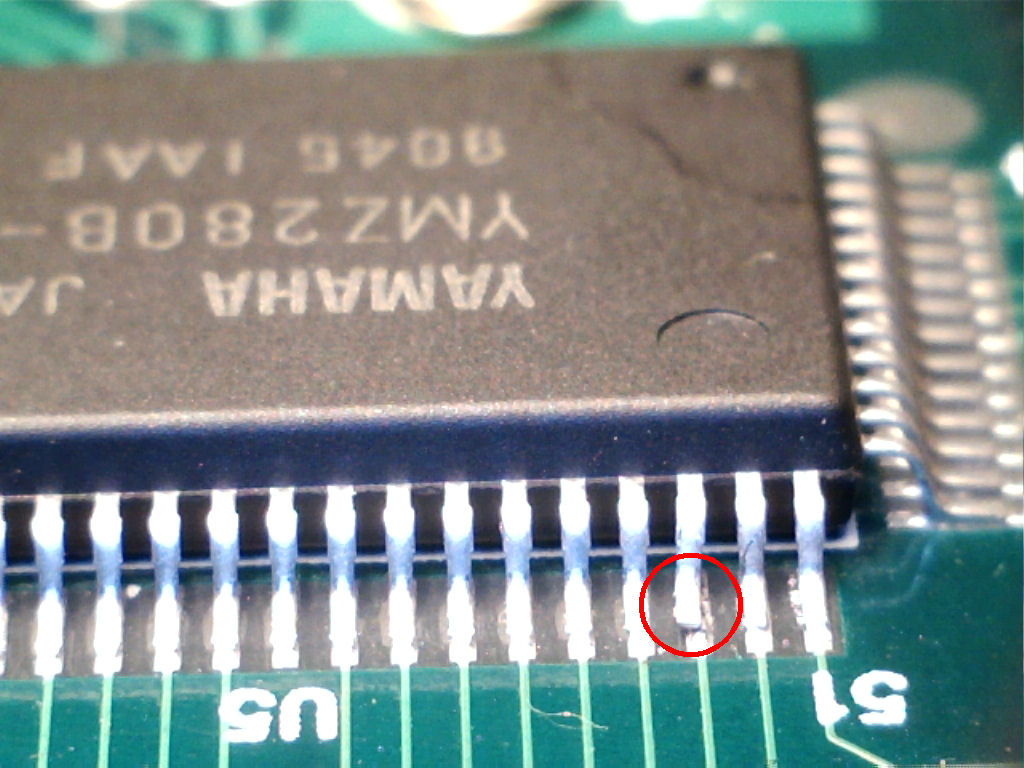
Also here the culprit was a lilfed pin (an address line, specifically) of the Yamaha YMZ280B-F (PCM/ADMPCM decoder)

Promptly fixed and sound 100% restored :

So, the bottom line is that you must always keep attention when you troubleshoot PCBs that use SMT devices, always check these for first…

 Posted by at 4:39 pm
Nov 272016
 

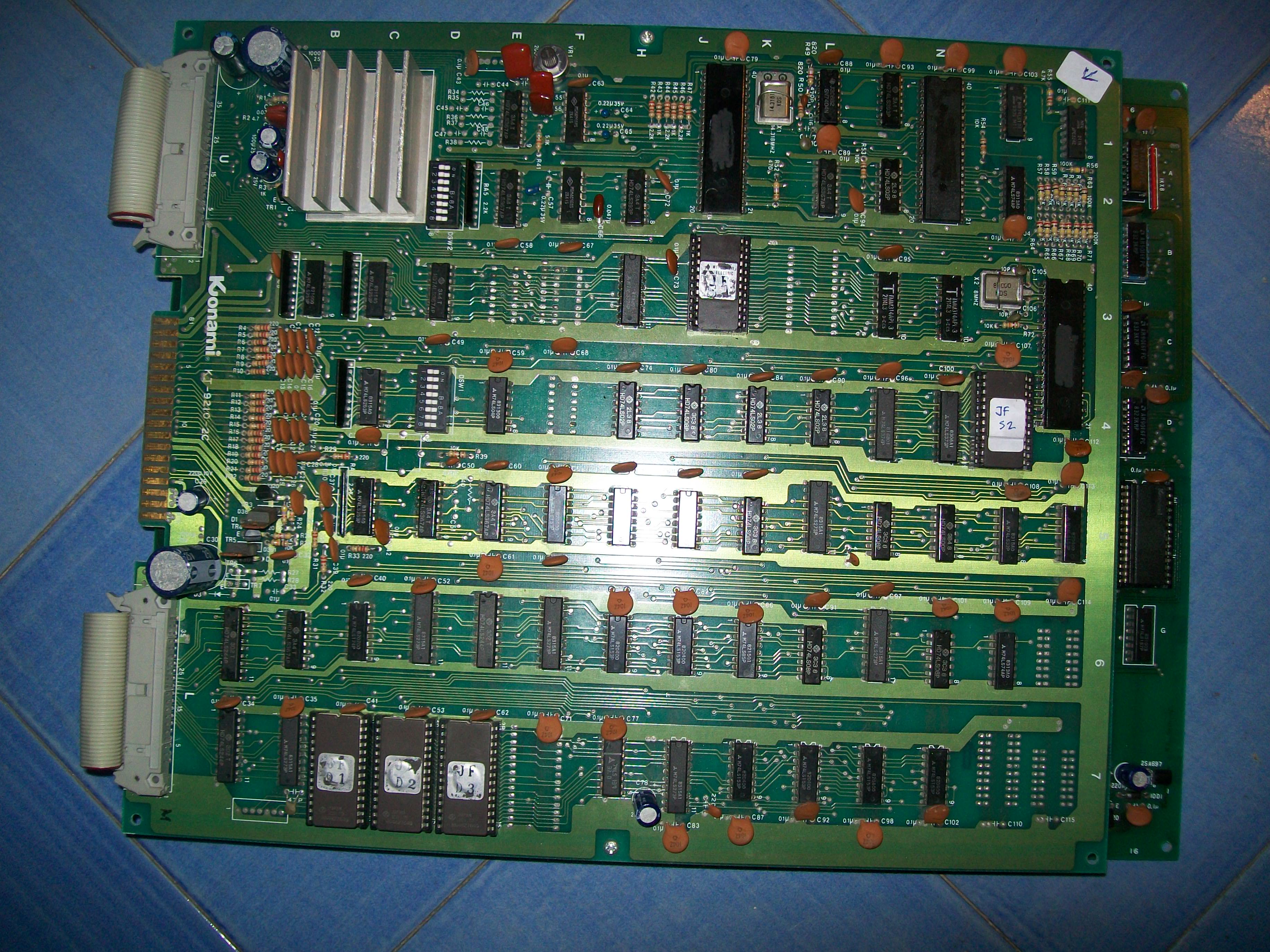
Got this original Juno First (by Konami) for a repair :

100_9351

Board played fine but some sounds were missing, the most noticeable was the laser shot:

Here is a MAME record for a comparison:

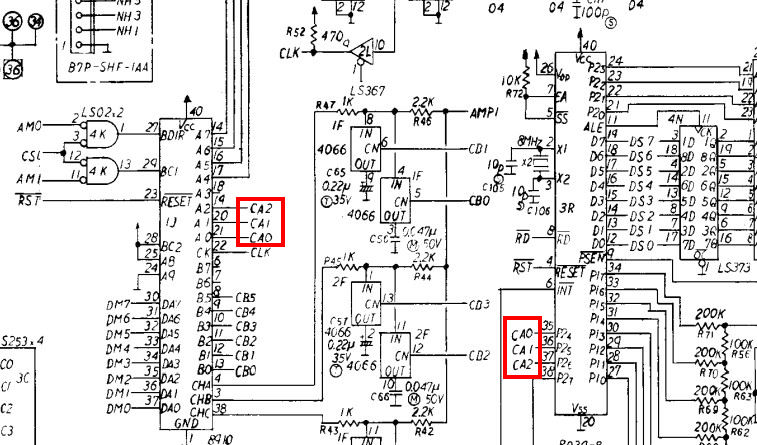
All the sounds are generated by the AY-3-8910 chip.Probing it revealed that three I/O (pin 19-20-21) were stuck high, these should exchange data with same number of I/0 lines of the Intel 8039 MCU like shown in schematics:

80393r

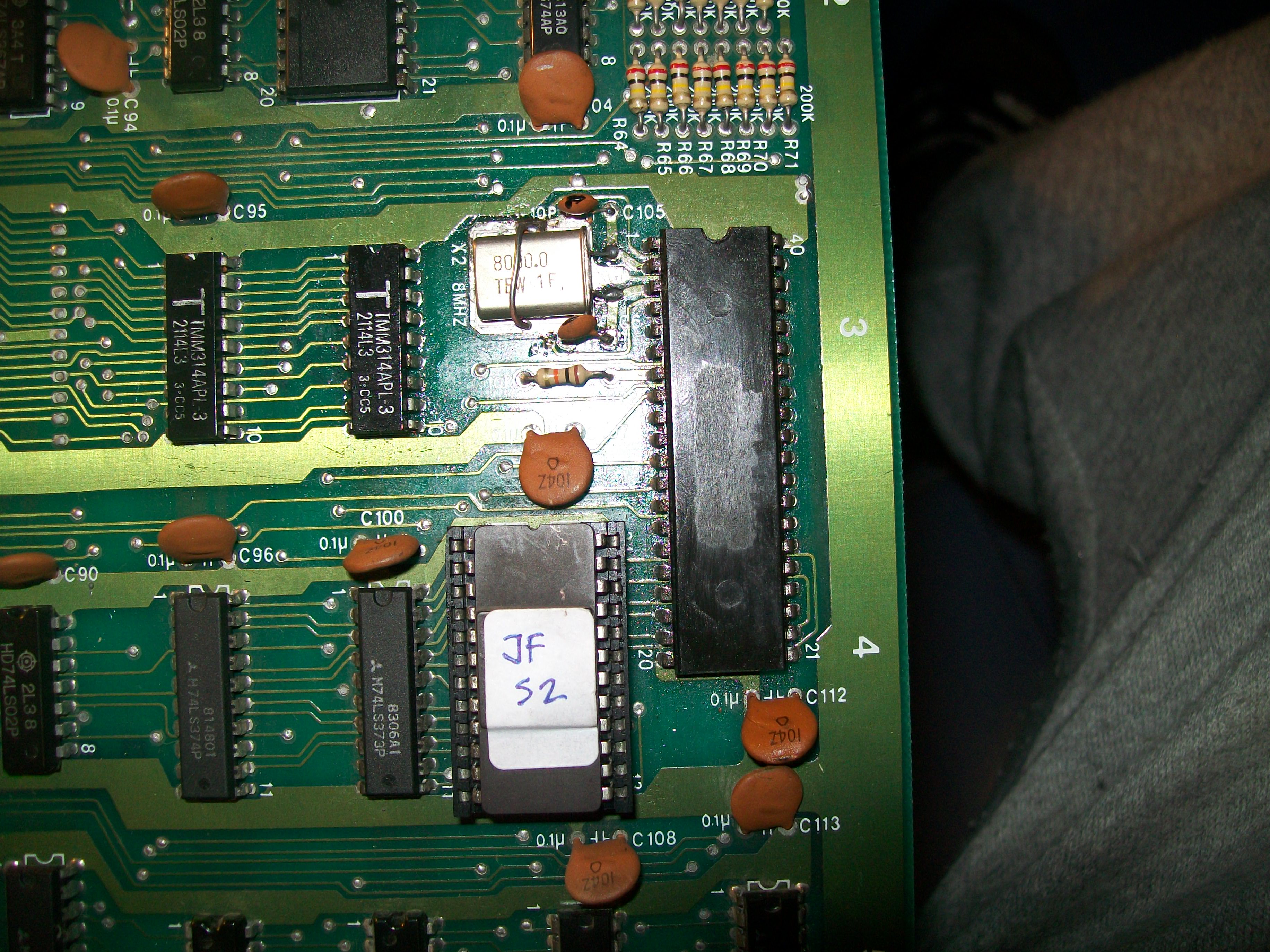
The 8039  was dead,  clock was missing on pin 2 and 3.I replaced the 8MHz quartz and the two 10pF capacitors with no change.This MCU has no internal ROM so it needs an external one :

100_9353

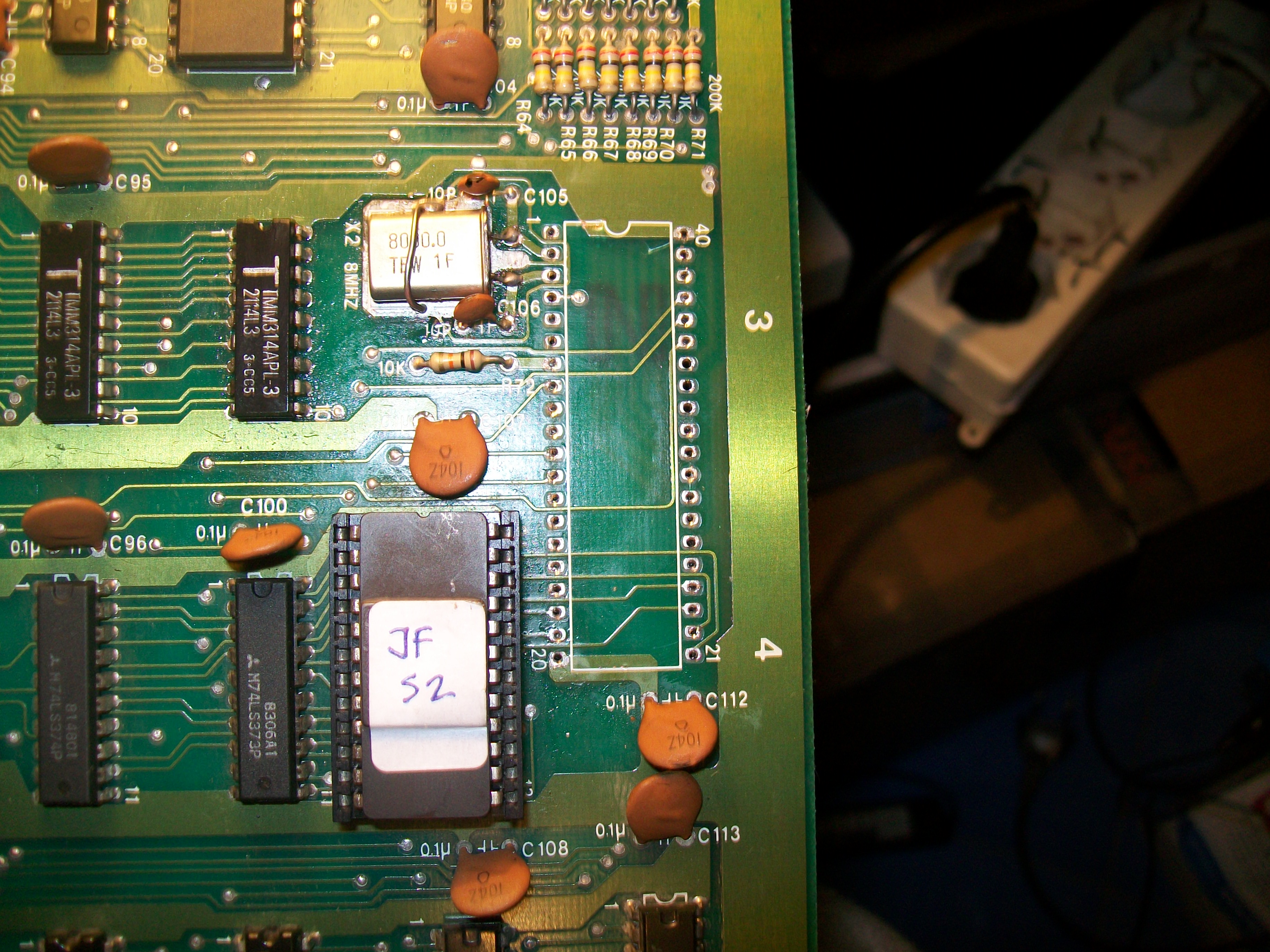
Using a dummy ROM file in MAME reproduced exactly the issue, some sounds were missing like in my board.This lead me to think the MCU was bad so I removed it:

100_9355

The 8039 is not widely used on arcade system but I was luck and found one on a Gyruss bootleg.Installed a socket and chip:

100_9479

and all mssing sounds were back.End of job.

 Posted by at 10:47 pm