Super Qix repair log

 General, PCB Repair Logs  Comments Off on Super Qix repair log
Apr 052016
 

Got this game for a repair.

The pcb was missing one program rom and a graphic rom.

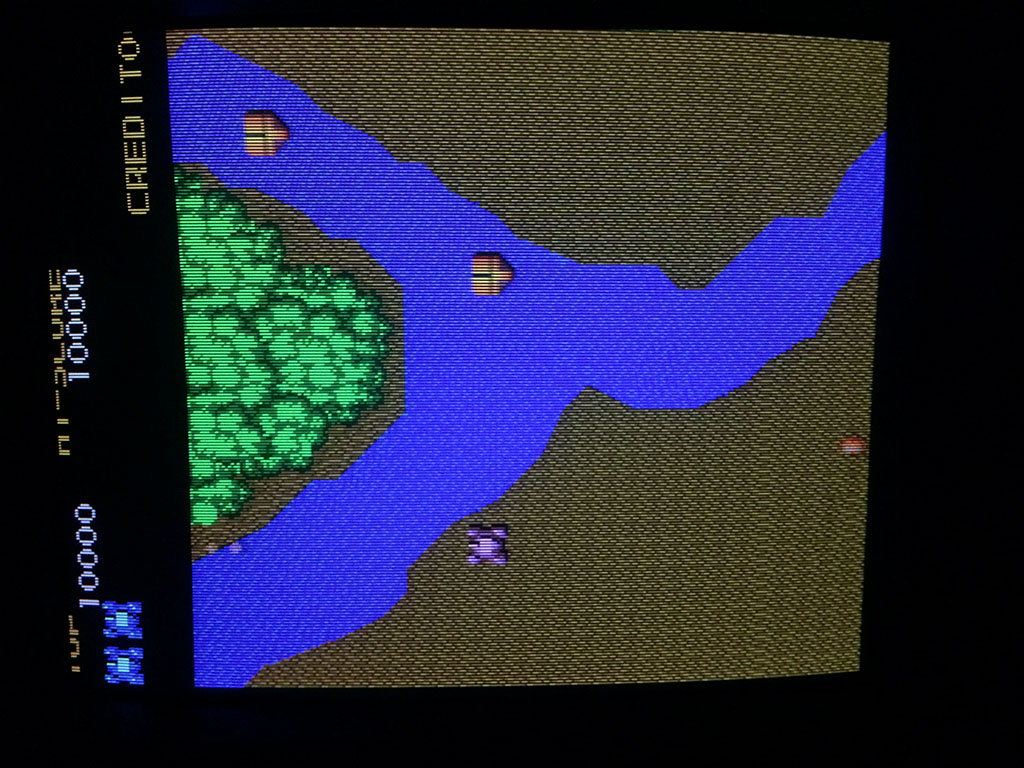
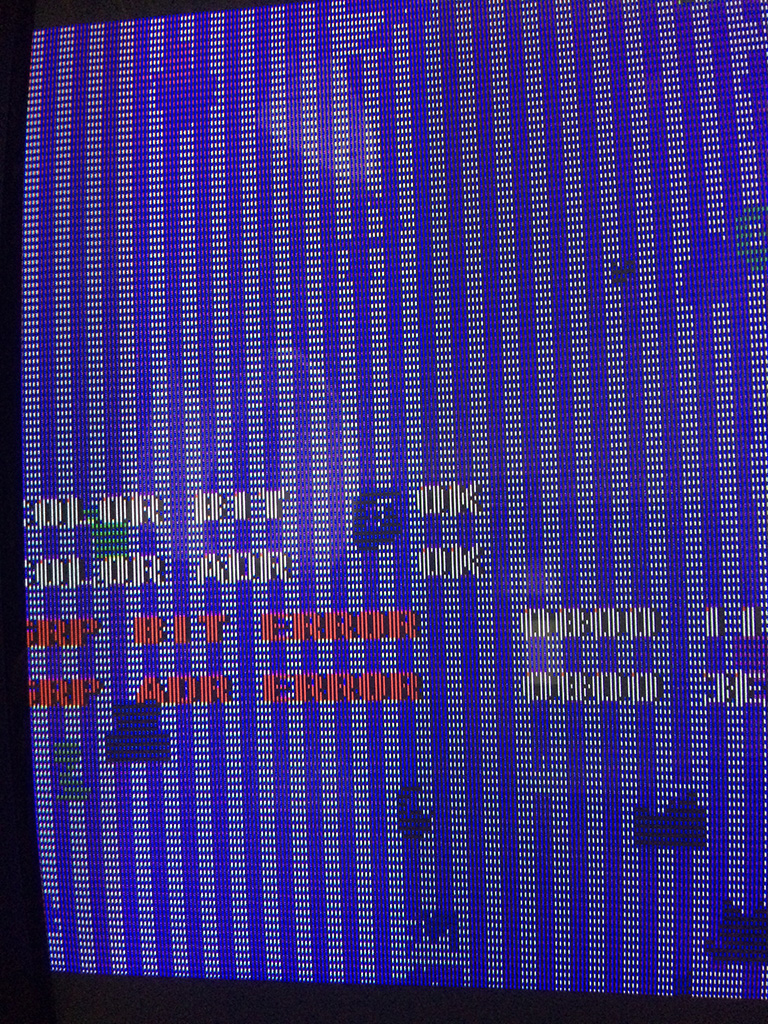
After checking which version was the game, I burned the correct eproms and I got this screen:
sqix1


A ram was reported bad but I didn’t know which one.

There were 2x 6116 SRAMS and 6x DRAMS type 4464.

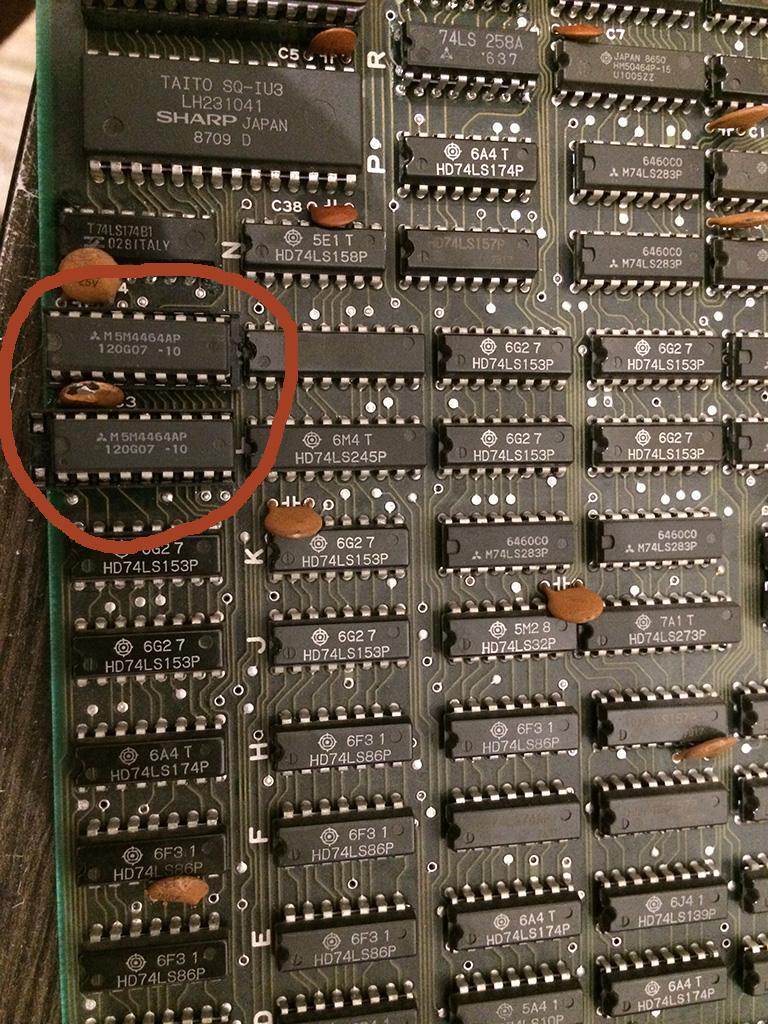
When the error message is shown, the game get stuck in a loop and continuously checks the status, therefore I discovered that shorting pins of the DRAM @9L and 9M changed the hexadecimal value of the error.

With a logic probe the signals were oscillating but I decided to desolder them and put some sockets and test other drams I had to see if the problem changed or better could be solved.

Please note that all the DRAMS I had were taken from dead boards and I had no way to test them out of circuit.

So I proceeded to place the sockets and installed some drams chip and I got always different bits until finally it passed the POST test!
sqix2


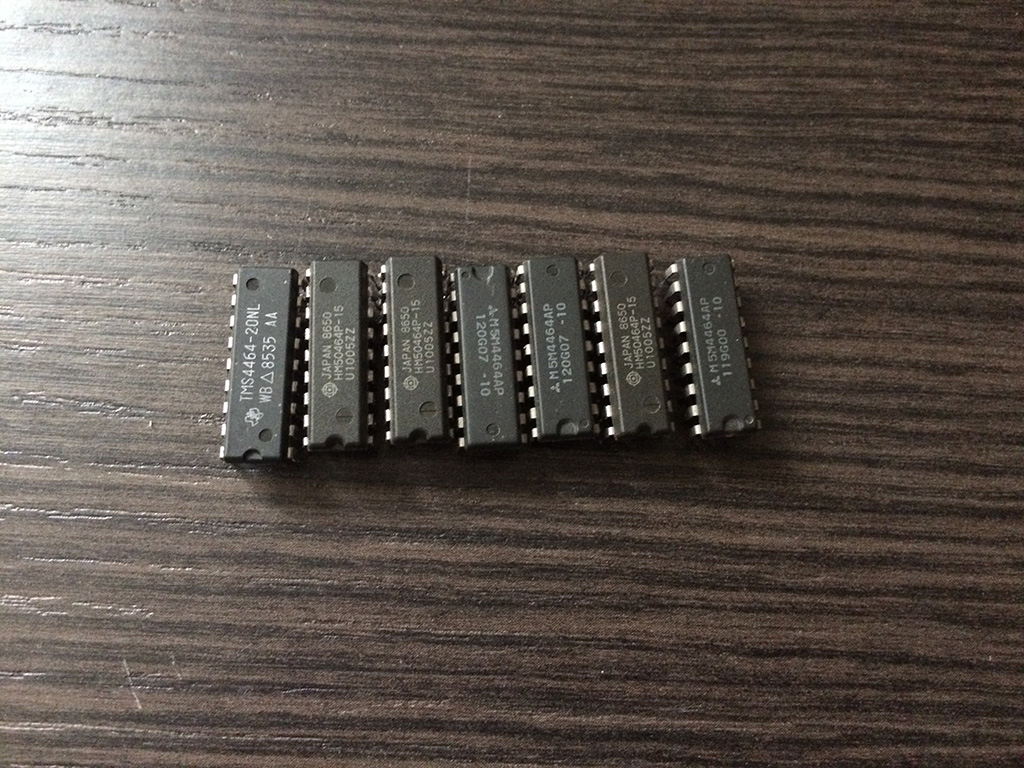
Turned out that I had several defective DRAMS chips and I took the chance to use Super Qix as a DRAM tester 🙂

Below are a collection of defective DRAMS, as you can see they are all from different brands…
sqix4


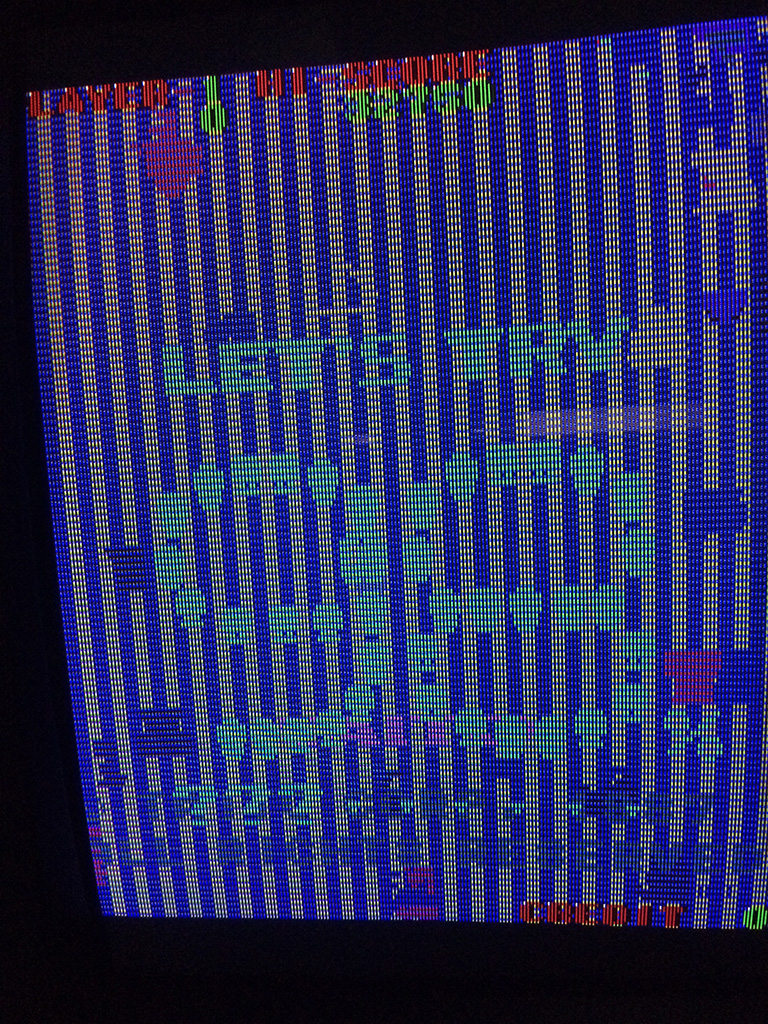
Back to Super Qix, , after changing the DRAMS, the game passed all the tests without further errors but I got this:
sqix3


The game had still the gfx messed heavily even if the ram test was reported good.

I shorted two pins of DRAMS @6S and 6R and I could see some better picture beneath the mess, so I decided to change also those two drams

I started the game board without them in place and I got this:
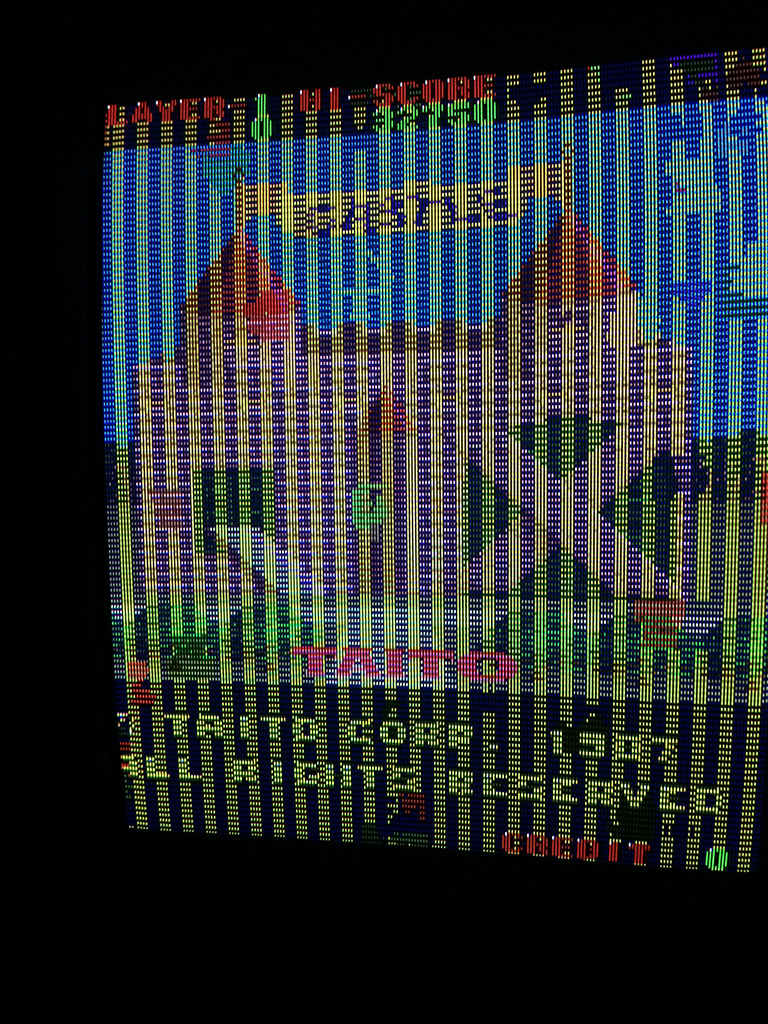
sqix5


It was a good sign but to be 100% sure there were faulty I placed them back on the sockets @9L and 9M and I got again the error on the post screen!

After placing two good drams I got this:
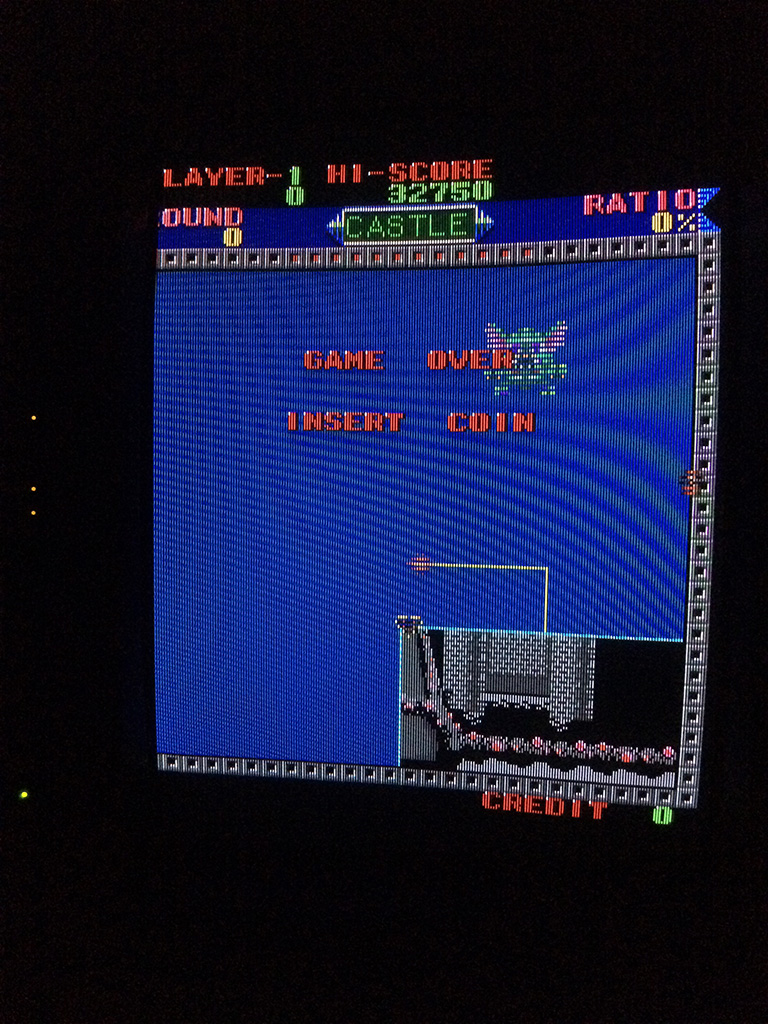
sqix7


Decided to go straight to the next two drams @5P and 5M and replaced without any further thoughts and…..
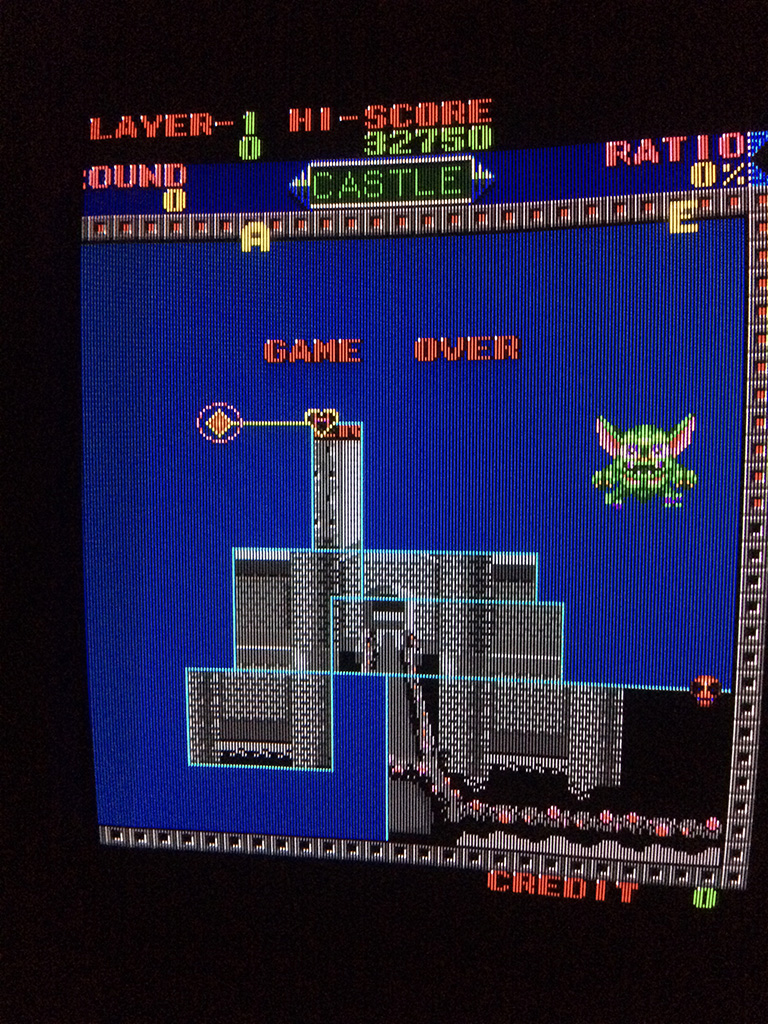
sqix8


Problem 100% fixed! Game had no further problems

So turned out that the game had all the 6 drams faulty but the game checks only 2 Drams out of 6x.

The other checks are done on the color sram and program sram.
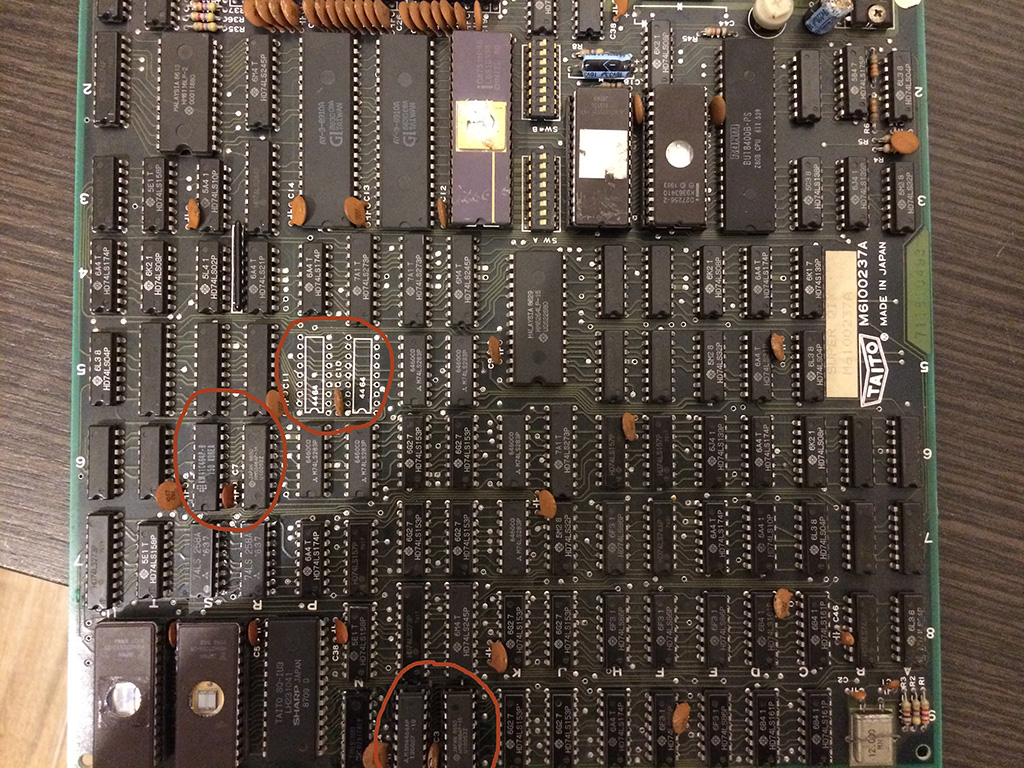
sqix6

Pang repair log #4

 PCB Repair Logs, Repair Logs  Comments Off on Pang repair log #4
Apr 042016
 

9 years ago I got a Pang for my personal collection. It was still with original battery and I carefully changed it with a new one because I didn’t like the wire wrap mod to desuicide it.

Unfortunately 1 year ago while testing the kabuki desuicider the game didn’t boot anymore, steady blue screen.

After testing succesfully the kabuki desuicider on another board it was clear my Pang developed a problem.

For more than a year I never managed to repair it until I got a Fluke 9010A which showed a problem on the z80 bus, the READ signal was not driveable.

I immeditely noticed that it had a very low resistance to gnd.

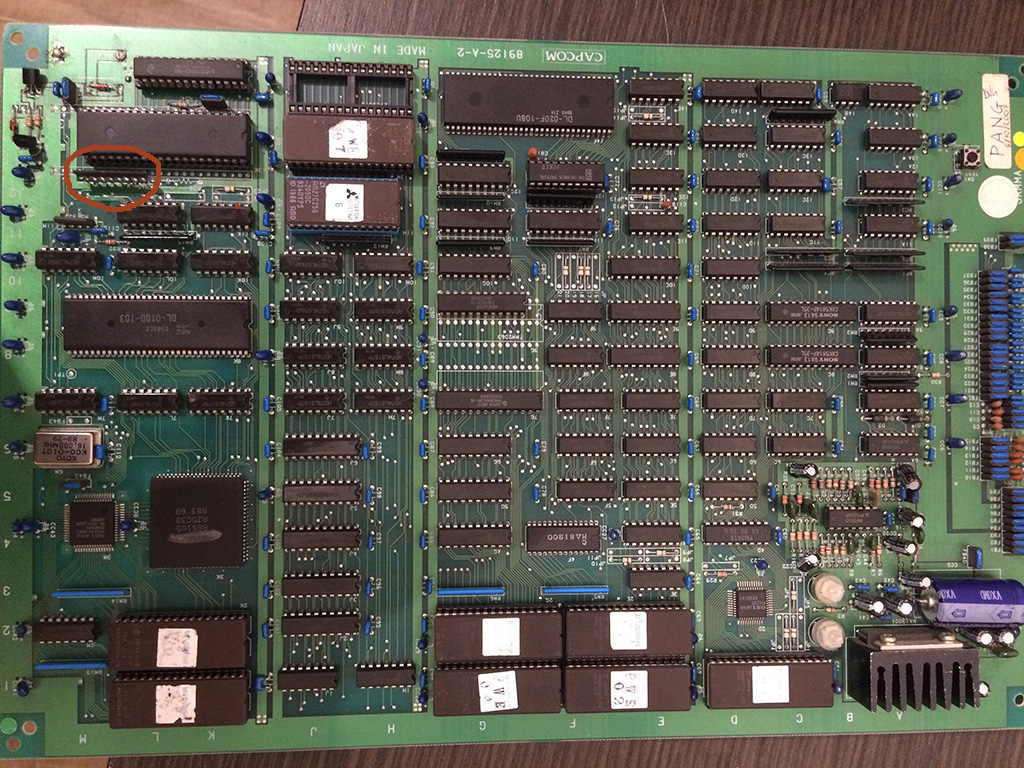
Near the Z80 there is a resistor network 4,7kohm.  the read signal was connected to a pin of this network which had only a resistance of 427ohm.

pang

I decided to desolder it and install a new one but the game didn’t boot.

I decided to let the game rest for some more time until one day I discovered that the game sometime booted , sometimes not but when it booted it crashed soon after.

Upon closer inspection I discovered that I soldered very loosy a pin of the network resistance!

After resoldering it better , the game booted without problems!


Ghosts ‘n Goblins (bootleg) repair log

 PCB Repair Logs, Repair Logs  Comments Off on Ghosts ‘n Goblins (bootleg) repair log
Apr 042016
 

Got this bootleg board for a repair.

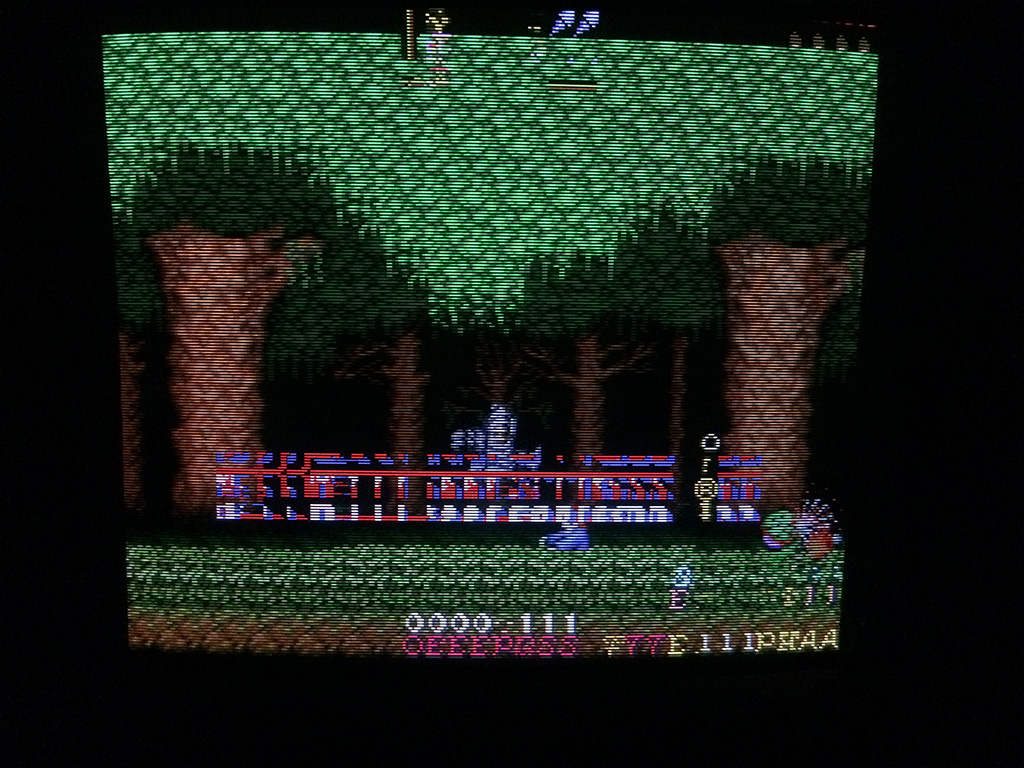
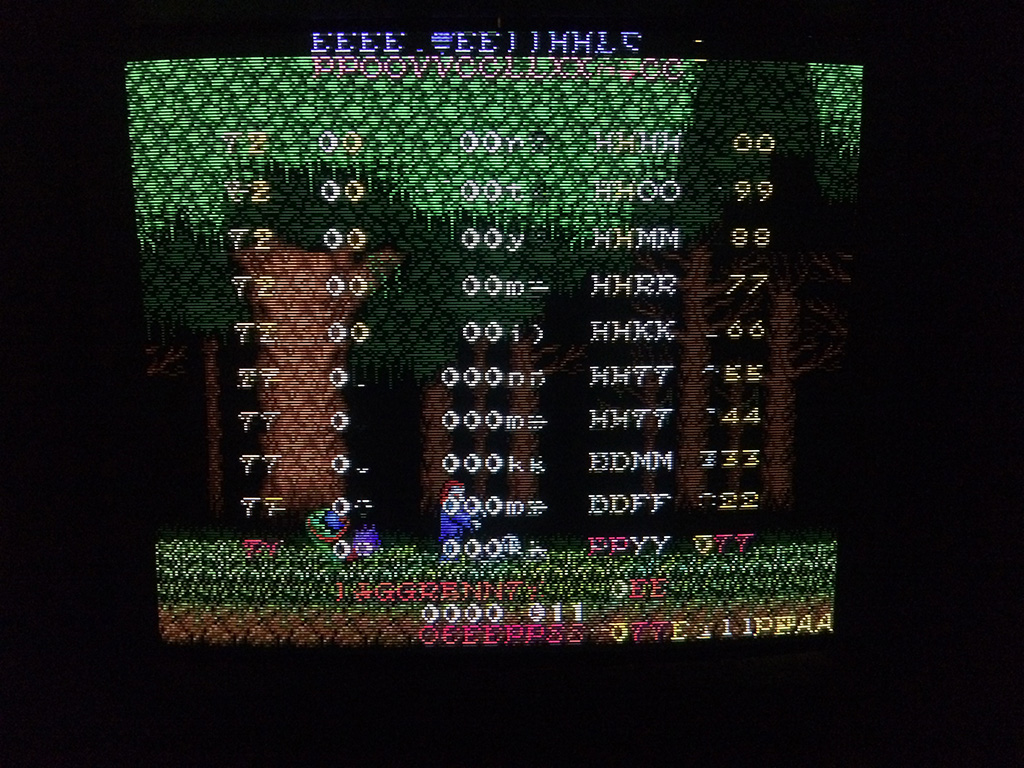
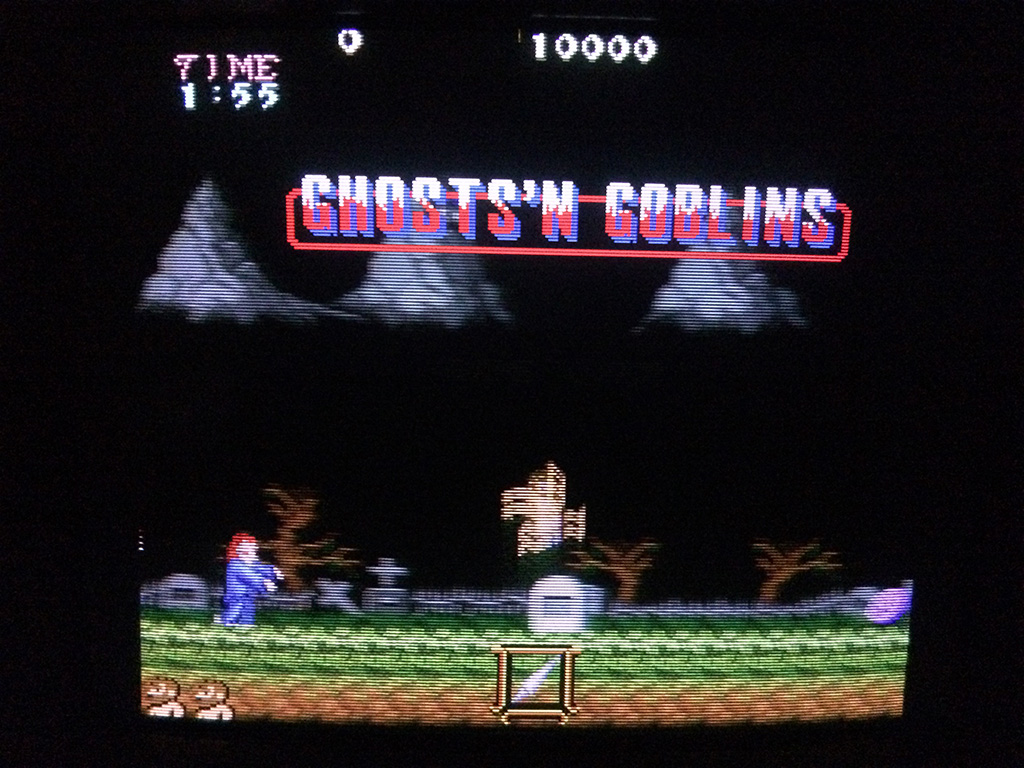
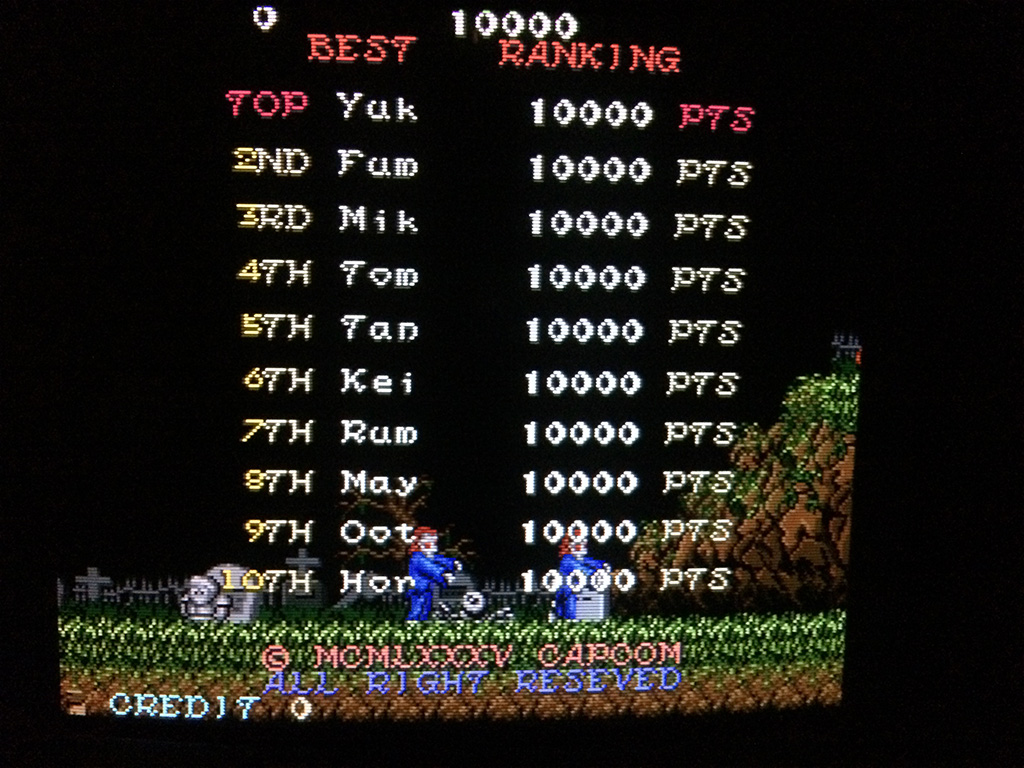
The game could be played with music and sound but had a problem on the text layer:

gng2

gng3


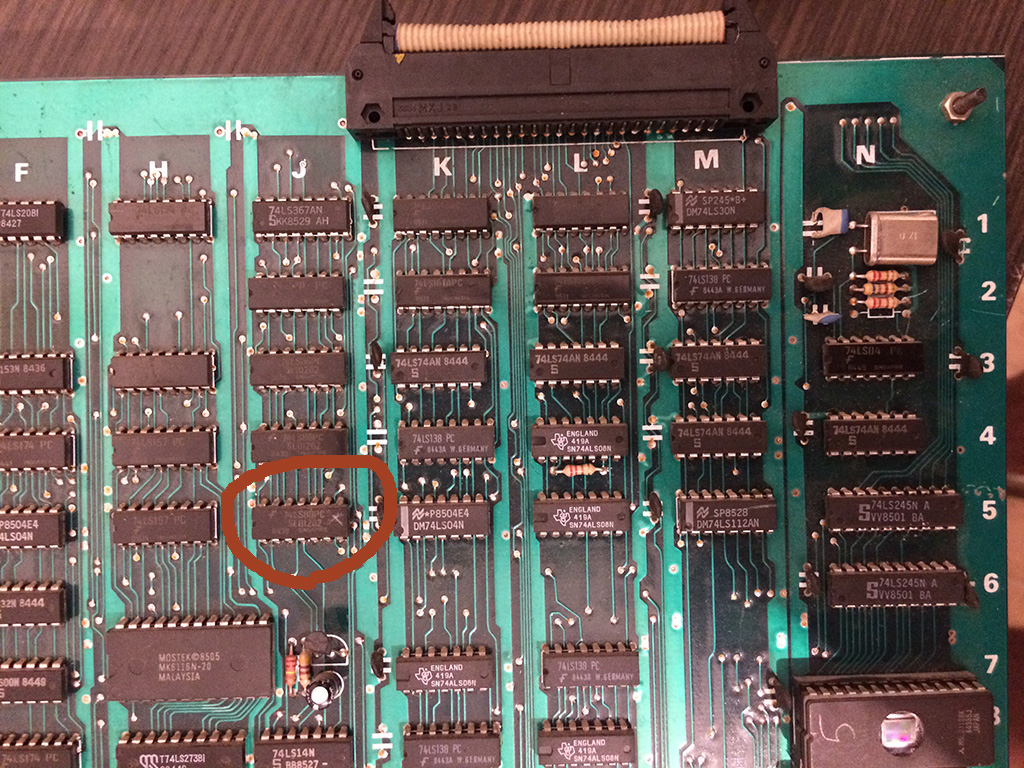
I started probing around until by shorting carefully  pins of some TTLs I found the circuit of the text layer on the upper board.

A 74LS86@5J had all its output in the grey area (2.2V):


gng1


Changing it with a new one solved completely the issue:


gng4

gng5


Mar 292016
 

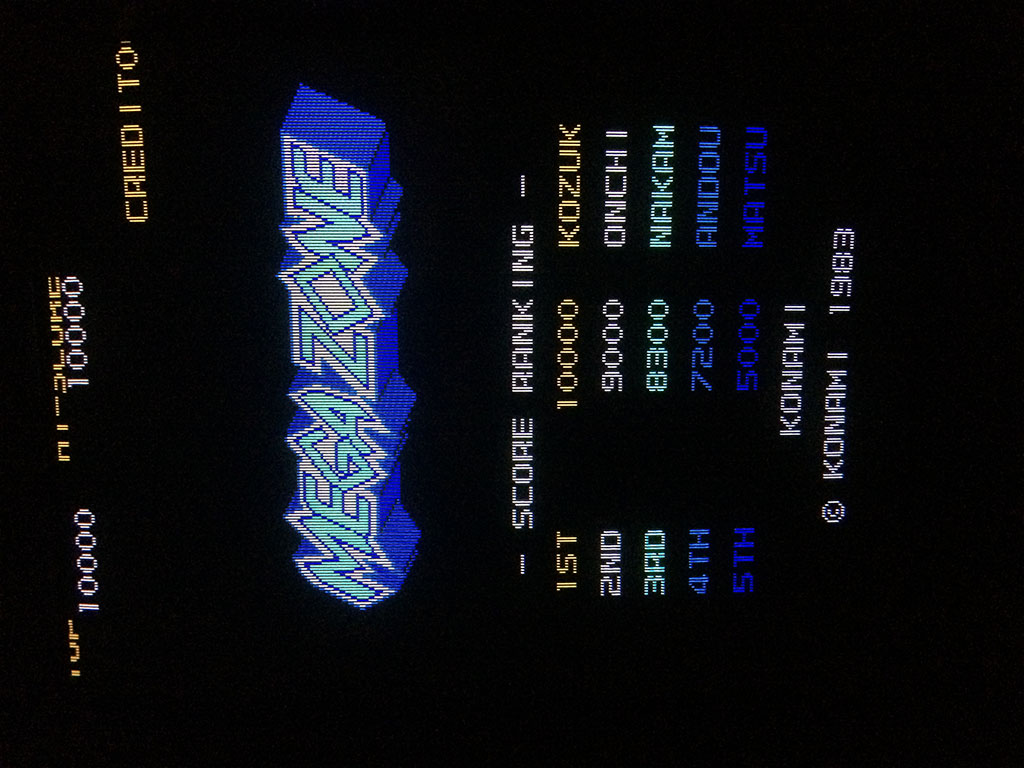
Got a very clean Megazone pcb for a repair.  The board was in near mint conditions but it didn’t boot and also the Sync was missing.

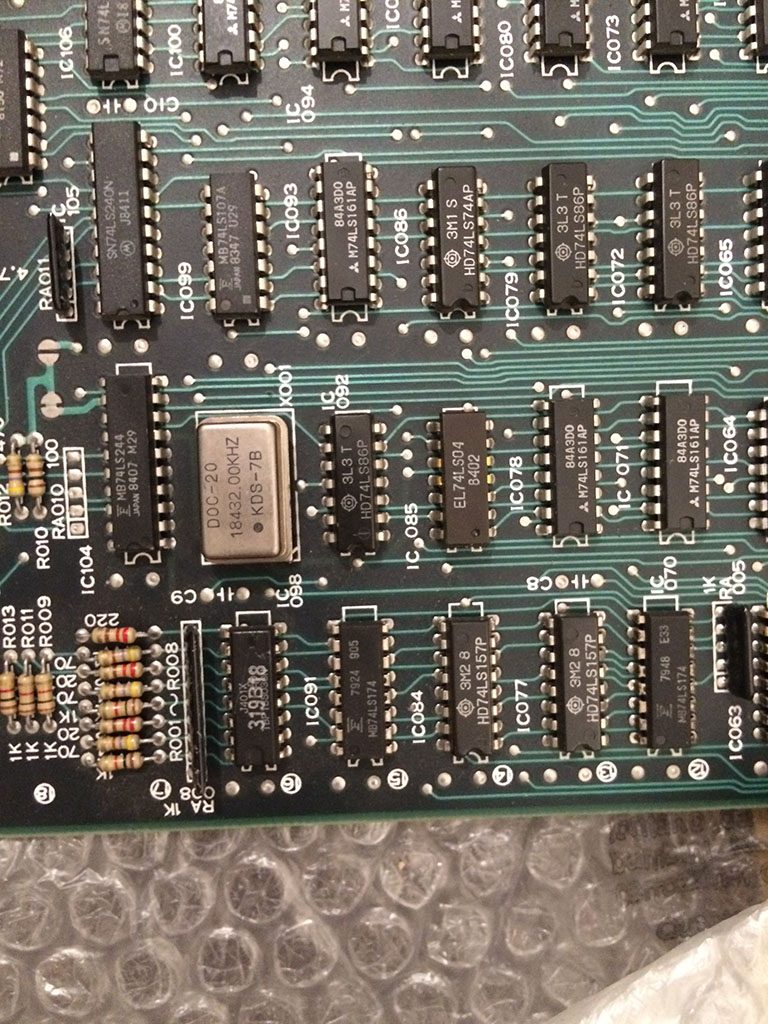
Looking at the schematics available online, I noticed that the quartz responsibile for the CPU clock and sync was the one placed on the bottom board.

Tested with my frequency meter and it was dead.

It is a very rare 18.432mhz OSC which to my knowledge is used only by early 80s Konami boards.

megazone


Luckily I had a Double Dribble which I used for spare parts which had the very same OSC.

After changing it, the game booted perfectly.

megazone3

megazone4

For you information, if you try to install the more common 20Mhz OSC, the colours are off and the scrolling is jumping often, so unfortunately it’s not a good replacement.

The board had no sound but I immediately noticed that there was no noise coming out of the speaker which is the evidence of a faulty amplifier.

The amplifier is infact the very unrielable LA4460N, so after confirming the the music could be hear on input pin 2 , I exchanging it and fixed completely the game.

megazone2


Double Dragon repair log #8

 PCB Repair Logs  Comments Off on Double Dragon repair log #8
Mar 262016
 

Bought on Ebay this cheap untested Double Dragon original PCB:

Double_Dragon_PCB

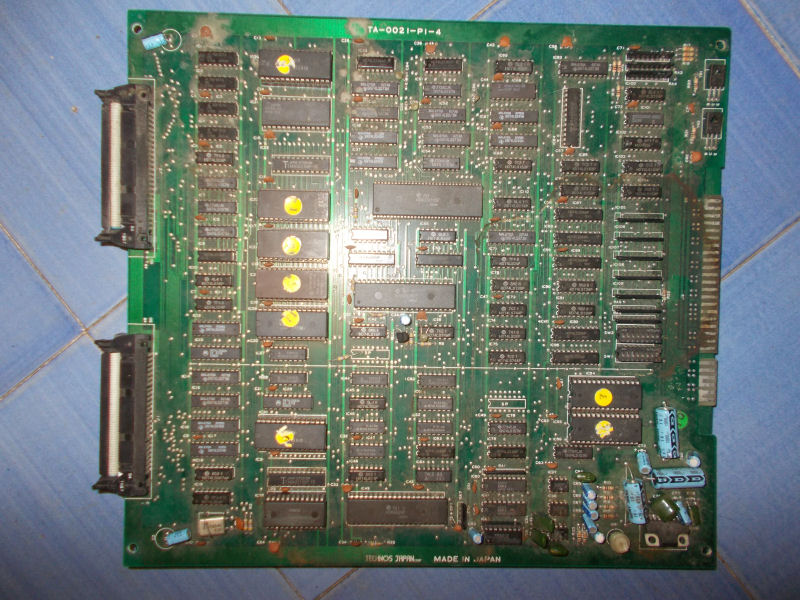
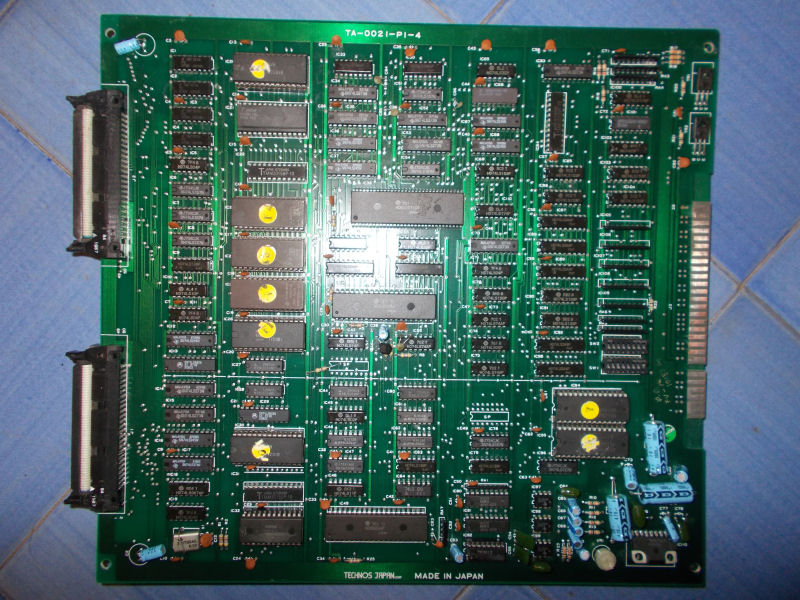
Board came in not very good shape, CPU board was really dirty as you can see from picture above.I powered it up and got a solid black screen so I decided to washed it.After dried and removed the oxide from JAMMA connector :

Double_Dragon_PCB_washedì

I powered the board again and this time it successfully booted  but after started a game I noticed some sound FXs were wrong, replaced only by some noise :

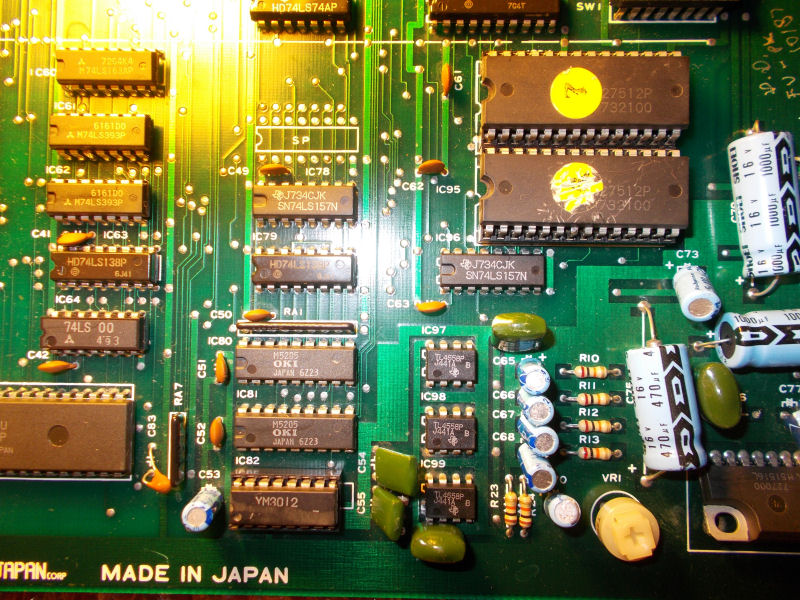
Sound FXs are generated by two MSM5205 ADPCM chips which read data samples from two 27C512:

ADPCM_circuitry

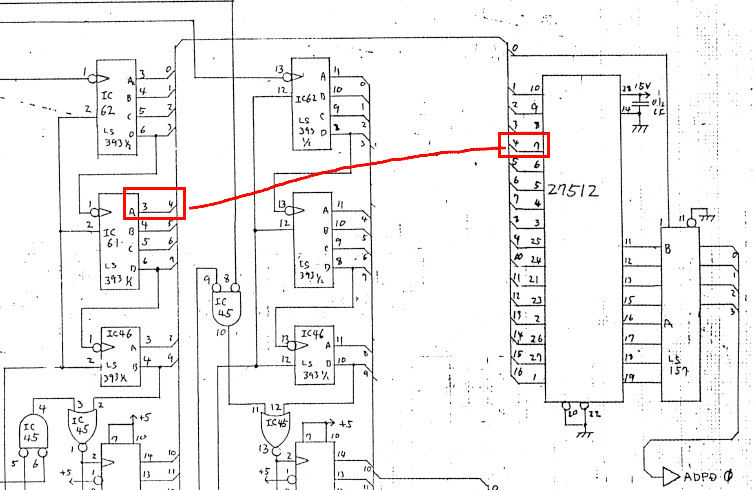
The two MSM5205 were tested good on all pins and piggybacking them didn’t change nothing but when I went to test the two 27C512 I found that pin 7 (address line 4) of the one @IC95 was silent so it wasn’t being addressed.Schematics showed it connected to pin 3 of a 74LS393@IC61 :

27512@IC95_74LS393@IC61:

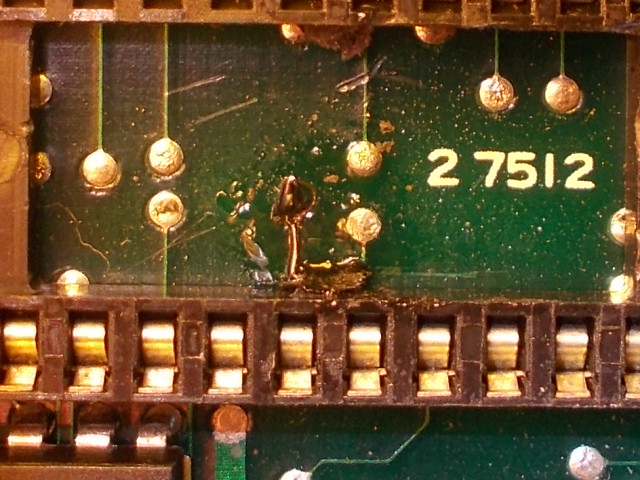
Jumpering the two pins fixed the issue and all sound FXs were restored but it was an ugly solution so I followed the trace until the point of its break.This lead me under the socket of the 27C512 @IC95 where a pad was corroded and lost contact to pin 7 of this EPROM.I restored the connection with a piece of AWG30 wire after breaking the plastic of the socket in order to reveal the pad:

RSCN2560

Another arcade PCB preserved!

 Posted by at 7:05 pm